
Image Processing and Programming Learning Outcomes After the

- Slides: 36
Image Processing and Programming Learning Outcomes After the session you will know how to: Open files in JES, a Python interpreter Iterate over a list of Pixel objects Decompose processing tasks into smaller procedures Implement some useful procedures we can later use with satellite images Save new images as files
Image Processing and Programming Key Idea 1 Coding Visuals Using Python to program effects
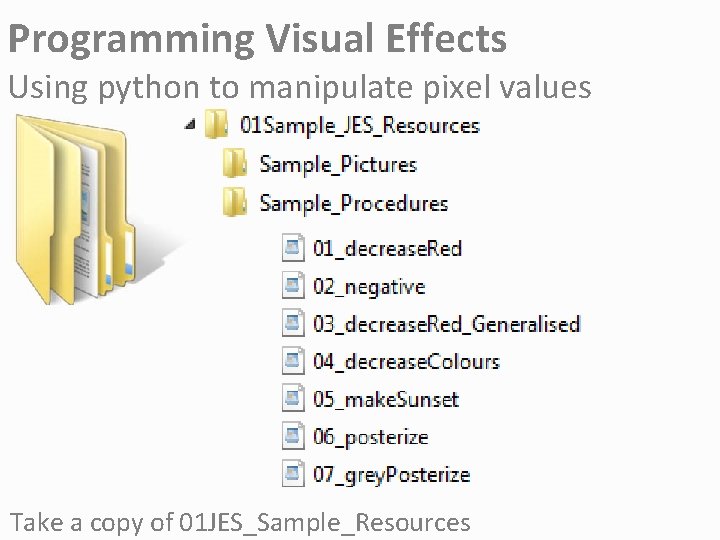
Programming Visual Effects Using python to manipulate pixel values Take a copy of 01 JES_Sample_Resources
Programming Visual Effects Using python to manipulate pixel values Take a copy of 01 JES_Sample_Resources
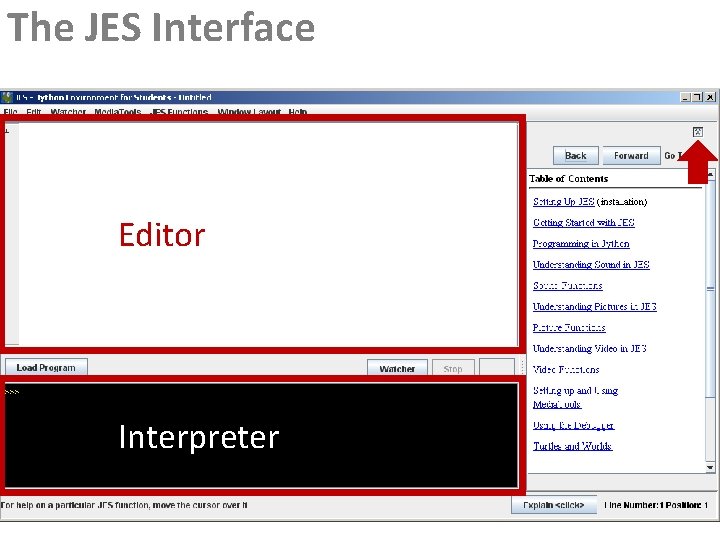
The JES Interface Editor Interpreter
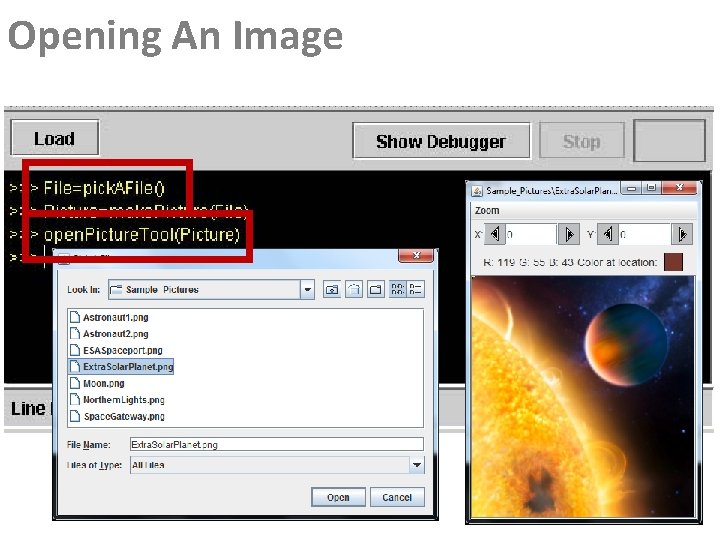
Opening An Image
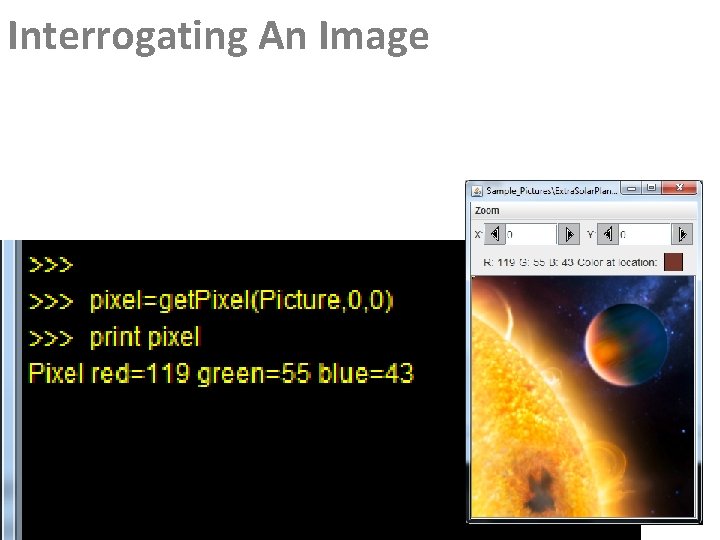
Interrogating An Image
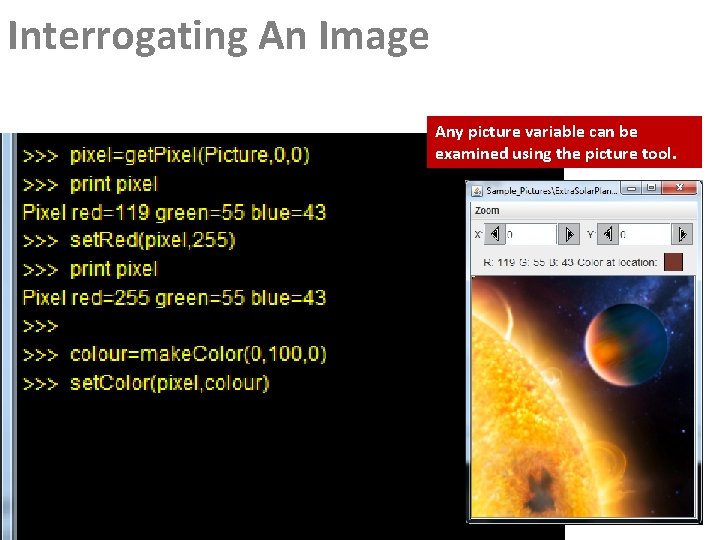
Interrogating An Image Any picture variable can be examined using the picture tool.
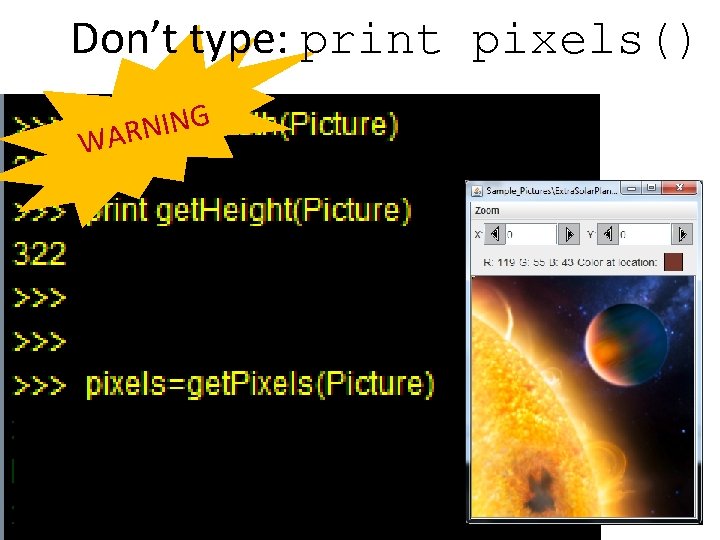
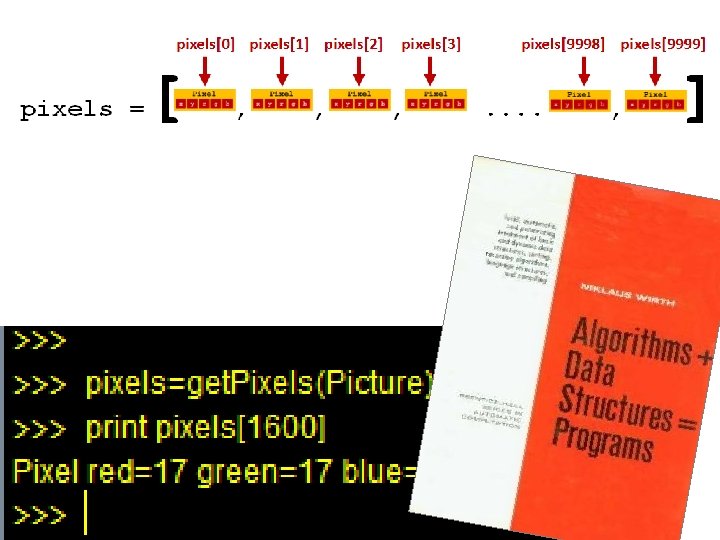
Don’t type: print pixels() G N I N WAR
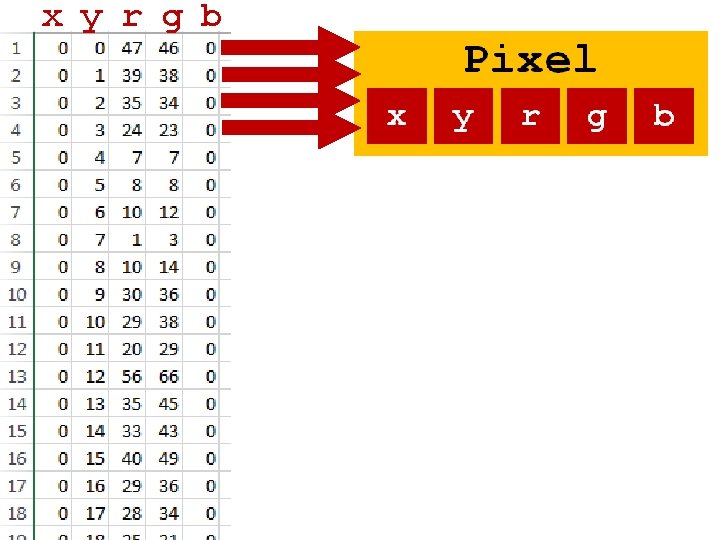
x y r g b
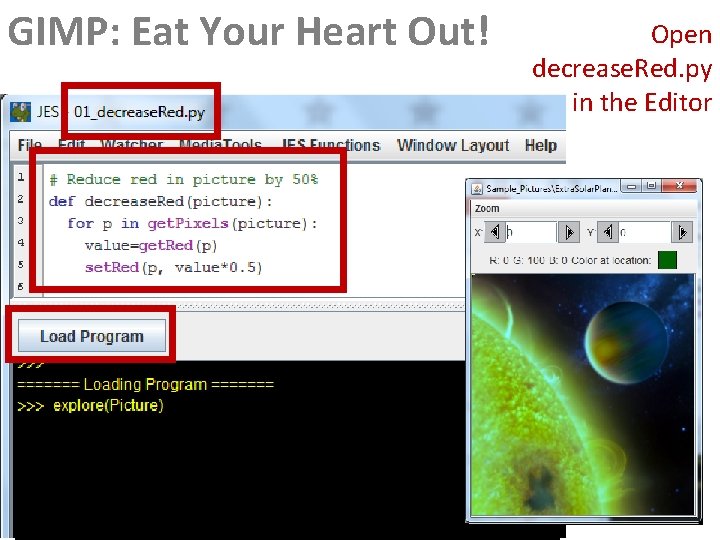
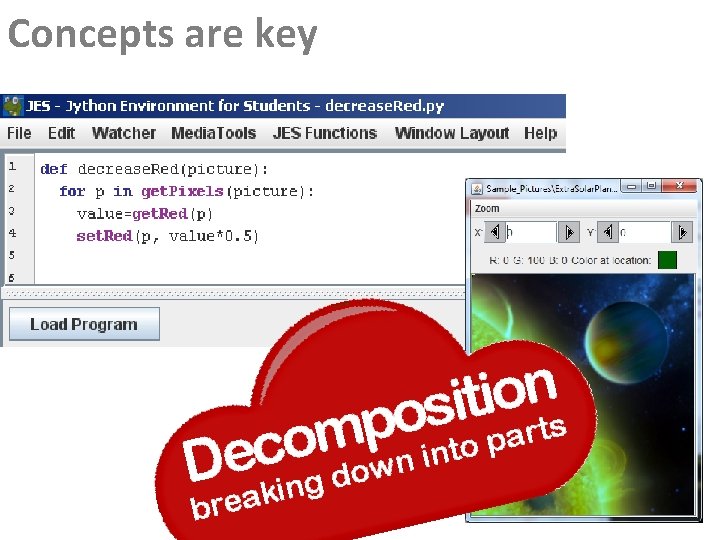
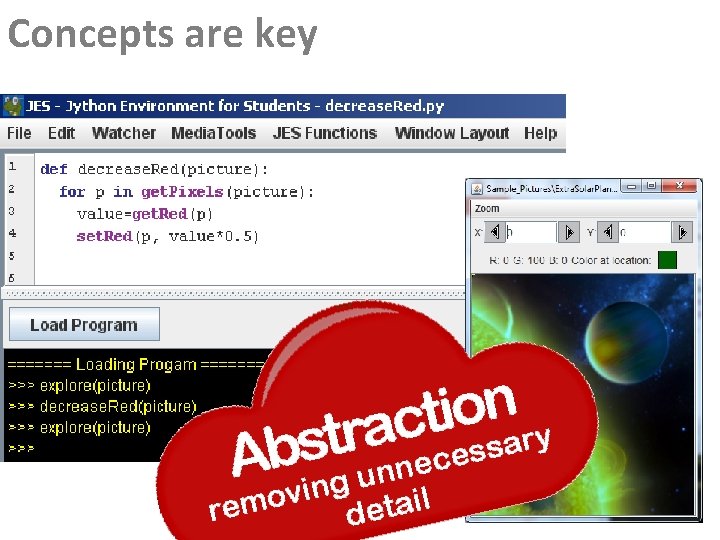
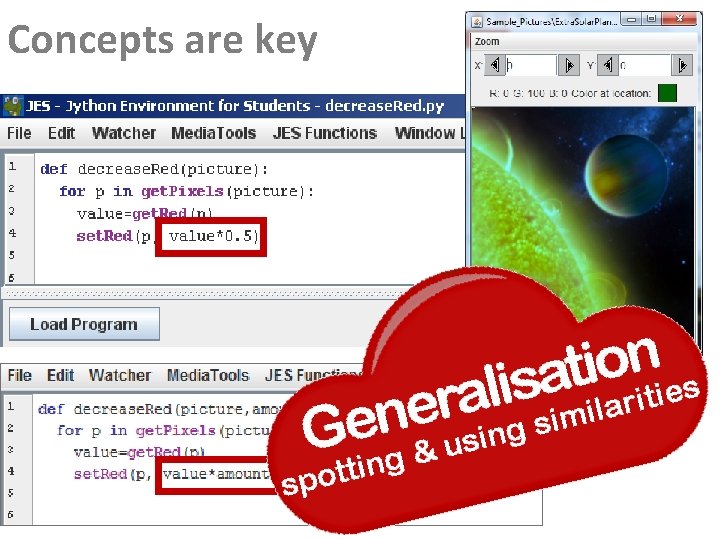
GIMP: Eat Your Heart Out! Open decrease. Red. py in the Editor
Concepts are key
Concepts are key
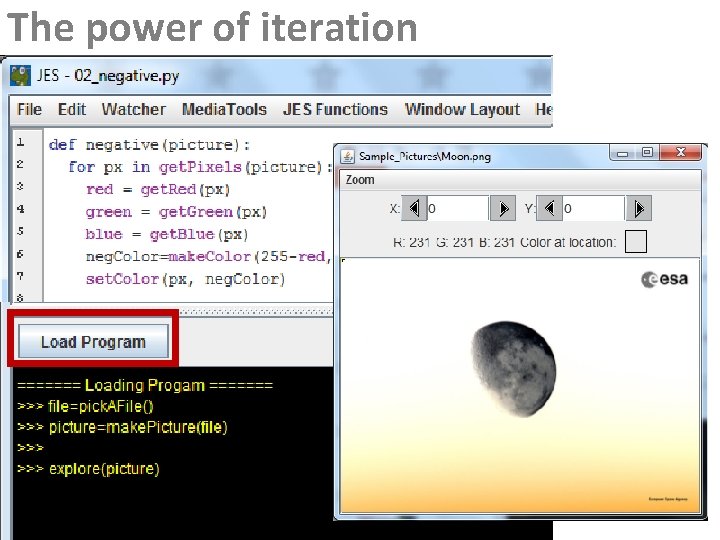
The power of iteration
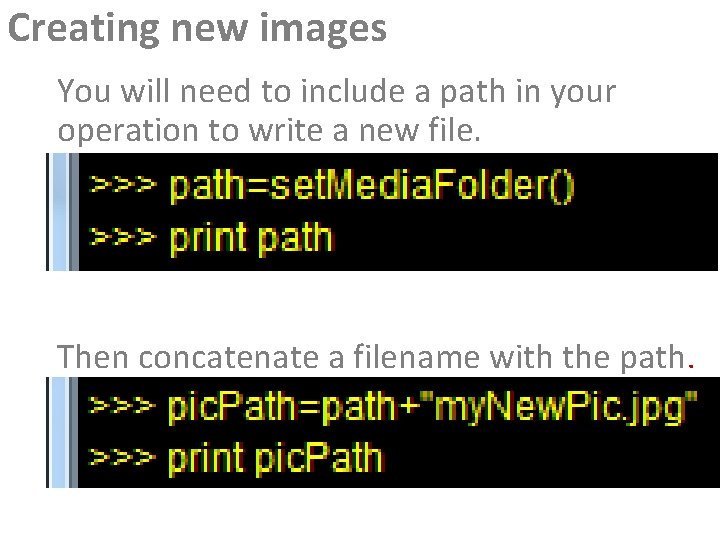
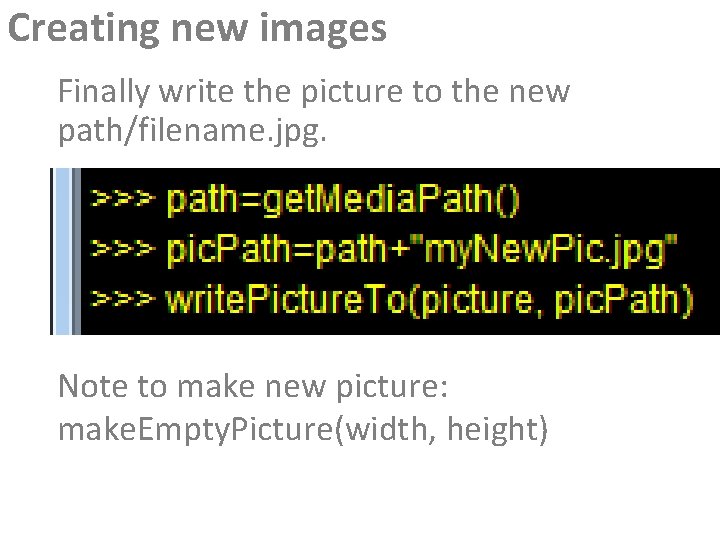
Creating new images You will need to include a path in your operation to write a new file. Then concatenate a filename with the path.
Creating new images Finally write the picture to the new path/filename. jpg. Note to make new picture: make. Empty. Picture(width, height)
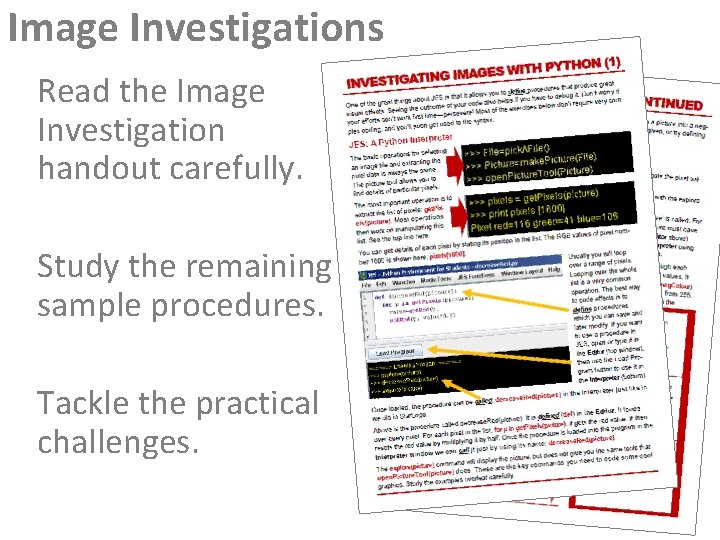
Image Investigations Read the Image Investigation handout carefully. Study the remaining sample procedures. Tackle the practical challenges.
Concepts are key
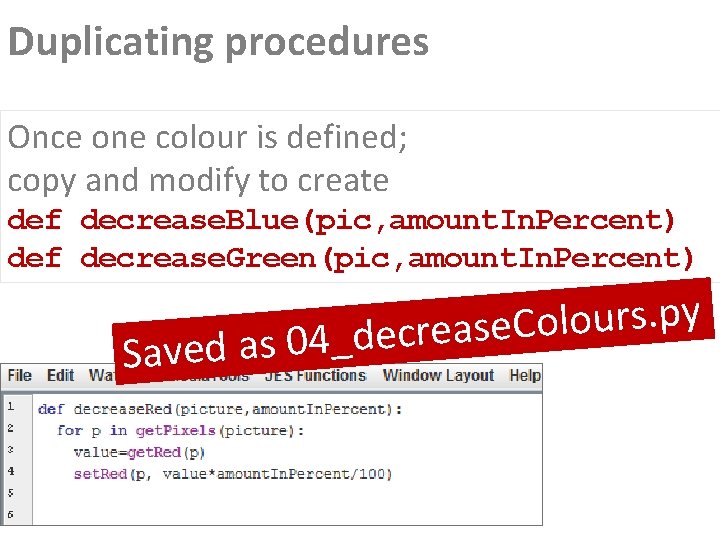
Duplicating procedures Once one colour is defined; copy and modify to create def decrease. Blue(pic, amount. In. Percent) def decrease. Green(pic, amount. In. Percent) S y p. s r u o l o C e s a e r c e d _ 4 0 aved as
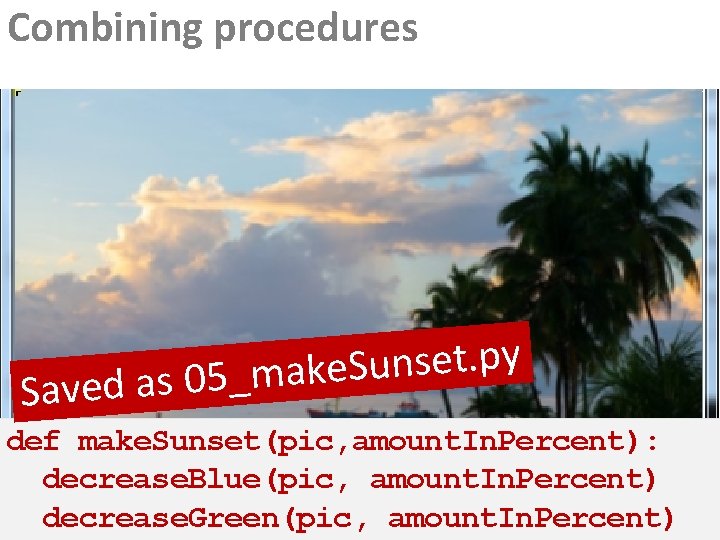
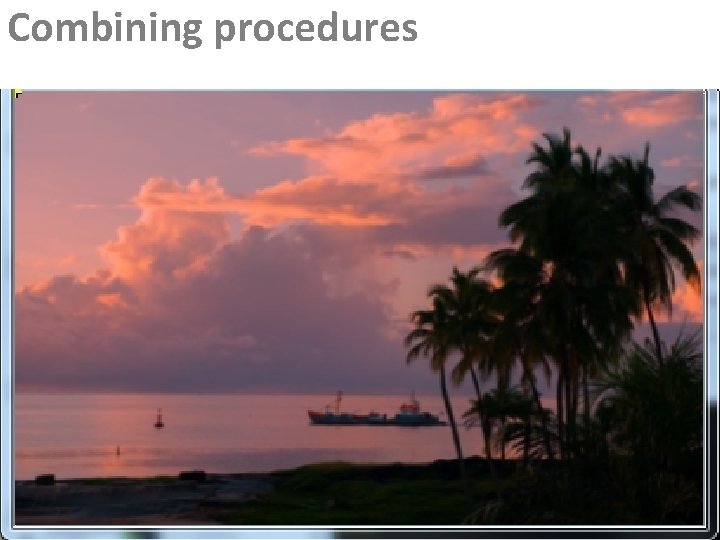
Combining procedures y p. t e s n u S e k a m _ 5 0 s a d Save def make. Sunset(pic, amount. In. Percent): decrease. Blue(pic, amount. In. Percent) decrease. Green(pic, amount. In. Percent)
Combining procedures
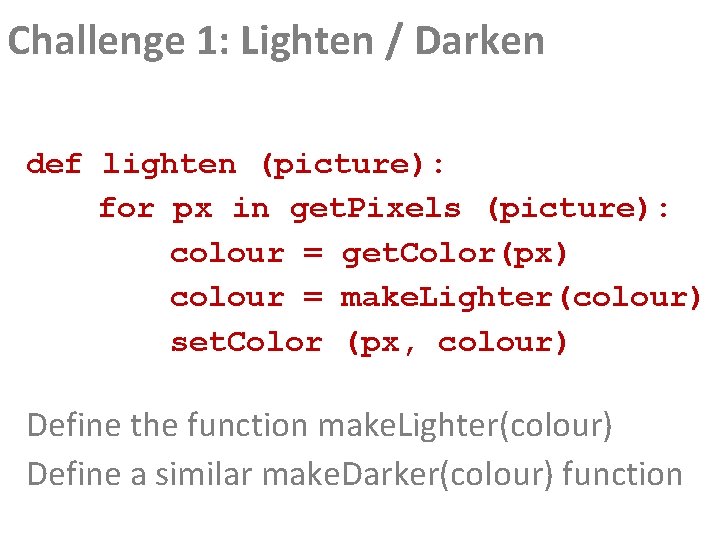
Challenge 1: Lighten / Darken def lighten (picture): for px in get. Pixels (picture): colour = get. Color(px) colour = make. Lighter(colour) set. Color (px, colour) Define the function make. Lighter(colour) Define a similar make. Darker(colour) function
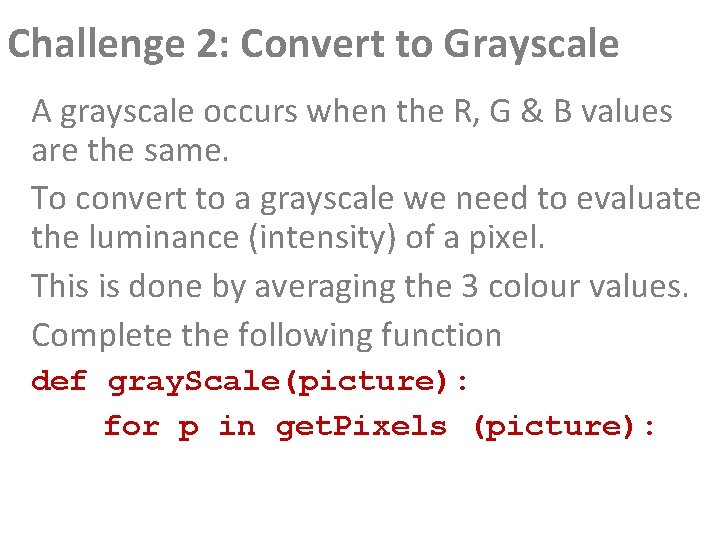
Challenge 2: Convert to Grayscale A grayscale occurs when the R, G & B values are the same. To convert to a grayscale we need to evaluate the luminance (intensity) of a pixel. This is done by averaging the 3 colour values. Complete the following function def gray. Scale(picture): for p in get. Pixels (picture):
Challenge 3: Playing With Colour Write three functions, one to clear the red channel, one the blue, and one the green. Then experiment with combinations of each. Similarly, rewrite each function to maximize the colour. Is this useful?
Image Processing and Programming Key Idea 2 Posterization Mapping values to a smaller set
Image Processing and Programming Key Idea
Image Processing and Programming Key Idea
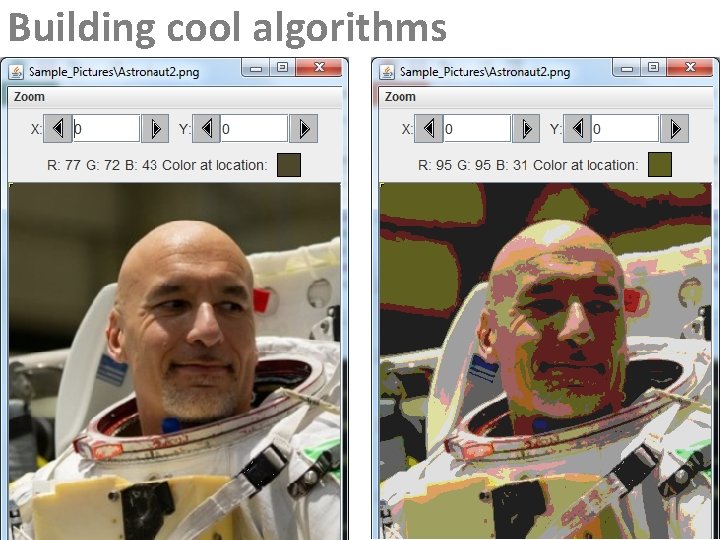
Building cool algorithms
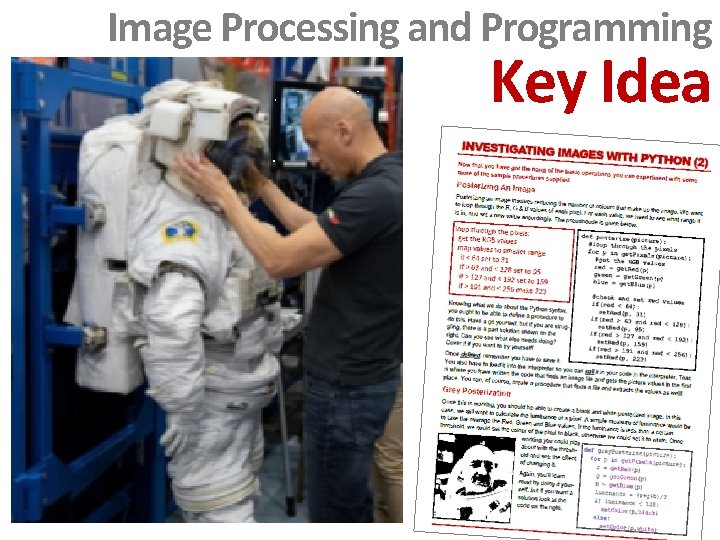
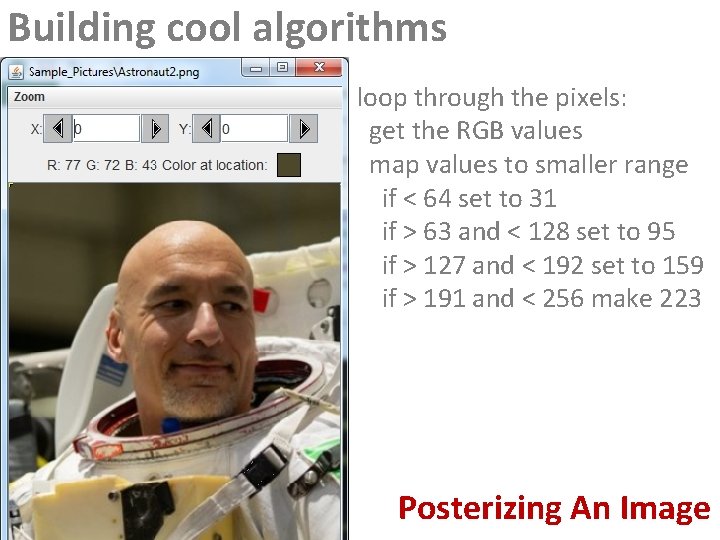
Building cool algorithms loop through the pixels: get the RGB values map values to smaller range if < 64 set to 31 if > 63 and < 128 set to 95 if > 127 and < 192 set to 159 if > 191 and < 256 make 223 Posterizing An Image
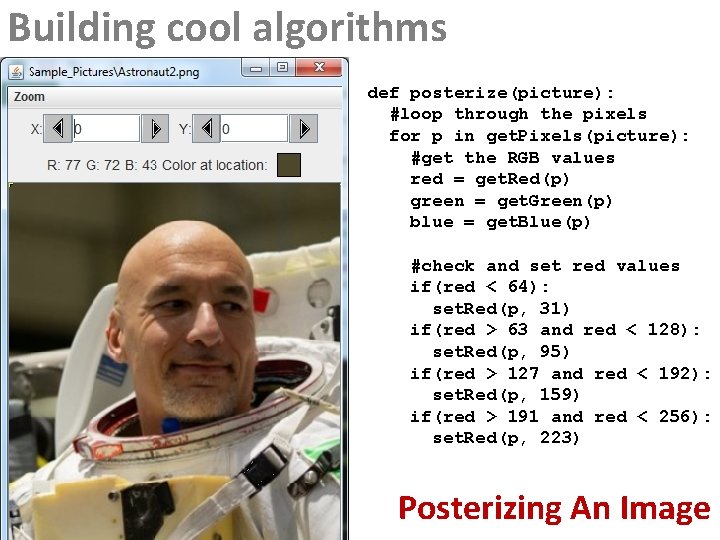
Building cool algorithms def posterize(picture): #loop through the pixels for p in get. Pixels(picture): #get the RGB values red = get. Red(p) green = get. Green(p) blue = get. Blue(p) #check and set red values if(red < 64): set. Red(p, 31) if(red > 63 and red < 128): set. Red(p, 95) if(red > 127 and red < 192): set. Red(p, 159) if(red > 191 and red < 256): set. Red(p, 223) Posterizing An Image
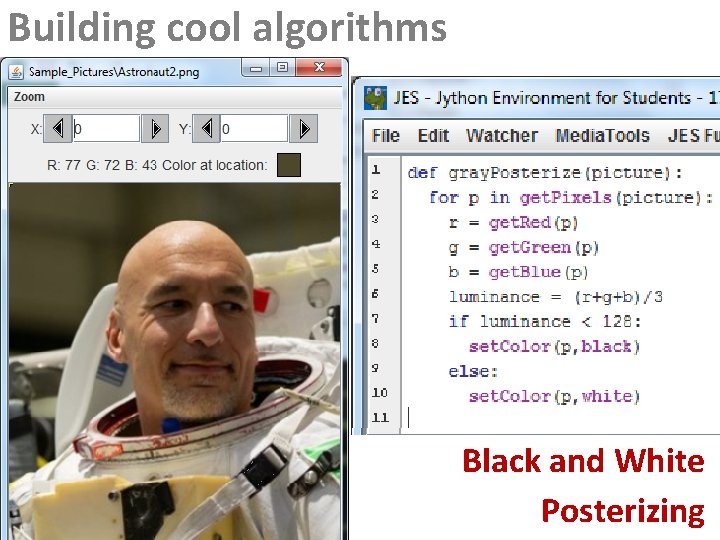
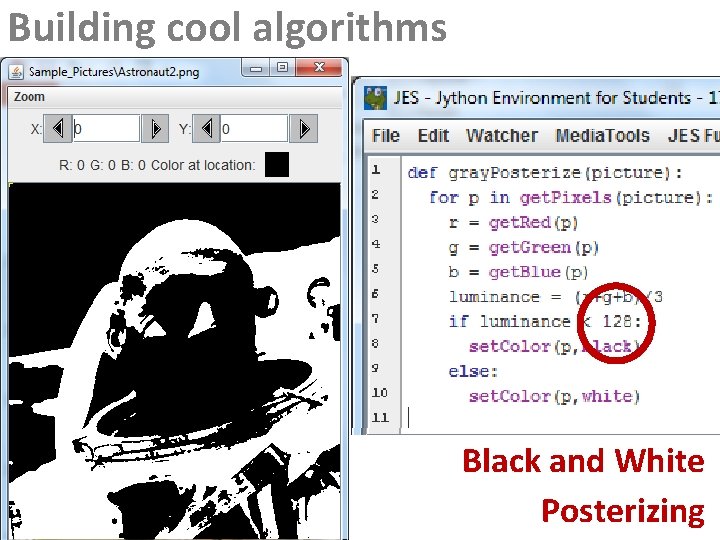
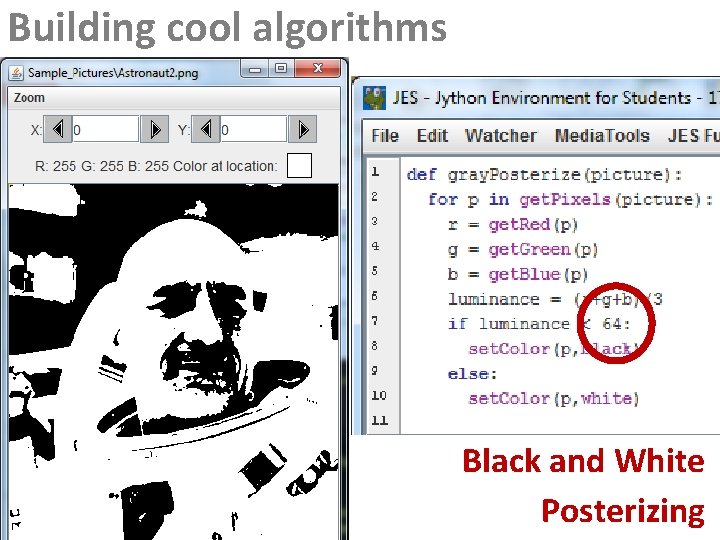
Building cool algorithms Black and White Posterizing
Building cool algorithms Black and White Posterizing
Building cool algorithms Black and White Posterizing
Image Processing and Programming Key Ideas 1 Posterization 2 Coding Visuals Using Python to program effects Mapping values to a smaller set