
Illinois SR 1050 Training Module 2019 2 Introduction


- Slides: 59
Illinois SR 1050 Training Module 2019
2 Introduction Illinois Department of Transportation, Office of Planning & Programming Bureau of Data Collection 2300 S. Dirksen Parkway Springfield, IL 62764 Greg Gifford Fatal Data Investigations Specialist 217 -785 -3073; Gregory. Gifford@illinois. gov Anne Hillen Traffic Statistics Manager 217 -785 -2736; Anne. Hillen@illinois. gov Mark Blankenship Crash Information Section Manager 217 -785 -3056; Mark. Blankenship@illinois. gov
3 Objective Overview of what to expect How long is the class
4 Reporting Requirements IVC 625 ILCS 5/11 -408 A. Every law enforcement officer who investigates a motor vehicle crash for which a report is required by this article or who prepares a written report as a result of an investigation, shall forward the report within 10 days to the Administrator or such time described by the Administrator. B. You must report anytime you investigate a crash involving: Injury Death Or damage to Property C. What is Damage? Damage to any one person’s property, including oneself, in excess of $1, 500
5 General Information on the Crash Booklet A. The booklet has one police traffic crash report and two Illinois Motorist Reports B. The set is designed so the officer fills out the first 58 steps and then he/she may pass out the motorist reports to the appropriate person. Then the officer can finish the remainder of the report. C. If there are more than two units involved, the SR 1050 A form should be used. Remember to use the 1050 A so the documents can be put together under the same control number. Do NOT use the next form in the set.
6 Who Uses the Crash Information? 1. Your Department (Police Agency) 2. Engineering Automotive Manufacturer Traffic – IDOT Highway – IDOT, Federal City and County Engineers 3. Secretary of State Driver Services Vehicle Registration
7 Who Uses the Crash Information (continued) 4. IDOT Statisticians 10. Commerce Commission 5. Location Coders 11. State Fatal Desk 6. Financial Responsibility 12. Federal Fatal Crash Data (FARS) 7. Safety Responsibility 13. Legislators 8. Education Groups 14. Courts (Prosecutors, Defense Attorneys) Driver Training National and State Safety Programs Universities 9. Commercial Vehicle Enforcement 15. Participants (Other Drivers involved in Crash) 16. News Media/Print Media 17. Insurance Companies
8 General Instructions 1. Use Black Ink Only 2. Print Legibly 3. Press Hard (making 3 copies) 4. When using Templates, 9 or 99 should be used in blocks when information is not available or not applicable 5. IDOT control # (under the bar code) is used to match and combine all reports for a given crash. This is the number you put on the 1050 A or any supplemental report for that crash. 6. If a mistake is found after the motorist reports have already been distributed, use the SR 1050 A form. The officer must write in the control number from the original report.
9 General Instructions (continued) 7. The officer who investigates the crash should enter the apparent at fault unit as Unit #1. When the at fault unit is not apparent, the officer must put the striking vehicle as Unit #1. When at fault or striking cannot be determined, the diagram and narrative section must be filled out for a Type A crash. 8. Only the shaded areas are required to be completed on a Type A Crash where there is no injury and if there are no units towed from the scene. 9. All shaded and non-shaded fields must be filled out on a Type B Crash. Type B crashes involve either death, injury, or a unit towed from the scene due to the crash. All Type B crashes require a narrative and a diagram be completed. Do NOT simply write “See Reconstruction Report” in the narrative or diagram. 10. When a Large Truck, Bus or HM Vehicle is involved in a crash then the large truck, bus and HM vehicle section on the back of the form must be completed for Type A and Type B crashes.
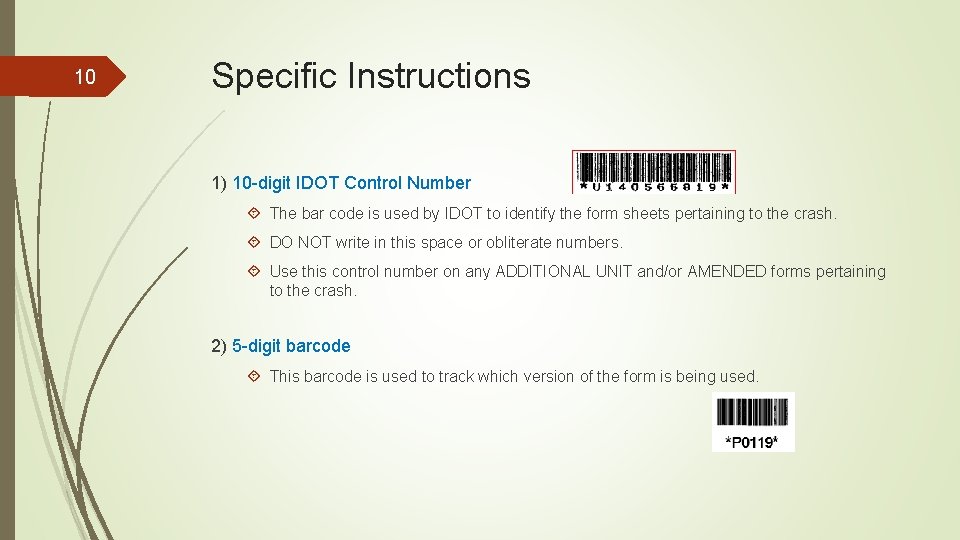
10 Specific Instructions 1) 10 -digit IDOT Control Number The bar code is used by IDOT to identify the form sheets pertaining to the crash. DO NOT write in this space or obliterate numbers. Use this control number on any ADDITIONAL UNIT and/or AMENDED forms pertaining to the crash. 2) 5 -digit barcode This barcode is used to track which version of the form is being used.
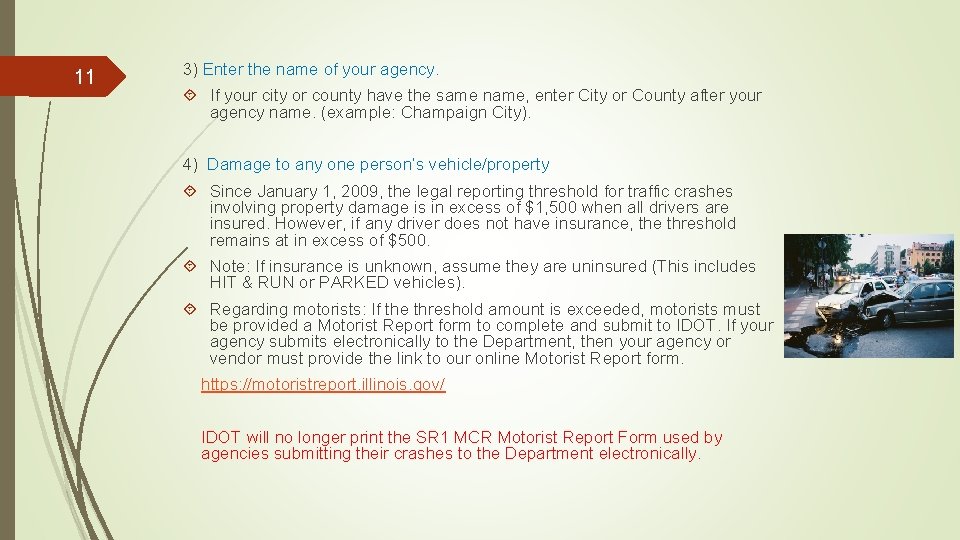
11 3) Enter the name of your agency. If your city or county have the same name, enter City or County after your agency name. (example: Champaign City). 4) Damage to any one person’s vehicle/property Since January 1, 2009, the legal reporting threshold for traffic crashes involving property damage is in excess of $1, 500 when all drivers are insured. However, if any driver does not have insurance, the threshold remains at in excess of $500. Note: If insurance is unknown, assume they are uninsured (This includes HIT & RUN or PARKED vehicles). Regarding motorists: If the threshold amount is exceeded, motorists must be provided a Motorist Report form to complete and submit to IDOT. If your agency submits electronically to the Department, then your agency or vendor must provide the link to our online Motorist Report form. https: //motoristreport. illinois. gov/ IDOT will no longer print the SR 1 MCR Motorist Report Form used by agencies submitting their crashes to the Department electronically.
12 5) Type of Report Mark the appropriate box ON SCENE - investigated at the crash scene NOT ON SCENE (DESK REPORT) – report taken not on scene AMENDED – additional information not contained in the original report. Enter the original crash report bar code number in the space provided if using a SR 1050 A form. 6) Crash Type A Crash - If no one was injured and no vehicle was towed due to the crash, mark the box labeled A – No Injury/Drive Away. Only the blue shaded areas on the form must be completed for a Type A crash. Type B Crash – If the crash involves death, injury, and/or a vehicle was towed from the scene due to the damage caused by the crash, mark the box labeled B – Injury and/or Tow Due to Crash. The entire form must be completed for Type B crashes.
13 7) Agency Crash Report Number Enter the case number assigned by your agency. Enter the year in the left portion of the block followed by the sequential number. 8) Address Number Enter the address number closest to the crash, when available. 9) Highway or Street Name Enter the highway or street name (or number) on which the crash occurred. The highway or street name should be the road the at-fault vehicle is traveling, whenever possible. (For example where Interstate 90 and 94 run concurrent, always choose the higher number or higher class of roadway, this would be Interstate 94. When you have a State Route and US Route, the US Route would be the hierarchy. When you have a common street that runs concurrent with a State Route, the Highway or Street name would go to the State Route).
14 10) At Intersection With Enter the number(s) and/or name(s) of the intersection highway(s) and /or street(s). An alley is not considered an intersection unless a TRAFFIC CONTROL DEVICE (TRFD) is present. When the crash is not at an intersection, mark the other box and enter the information below: § Number or name of highway/street upon which the crash occurred § Distance to the nearest intersection (FT or MI) § Direction from nearest intersection (N, E, S, or W) § Number or name of nearest intersecting highway/street 11) City/Township Enter the name of the city/town/village in which the crash occurred and check the box for City. OR, if the crash occurred outside incorporated limits, enter the name of the township or road district and check the box for Township.
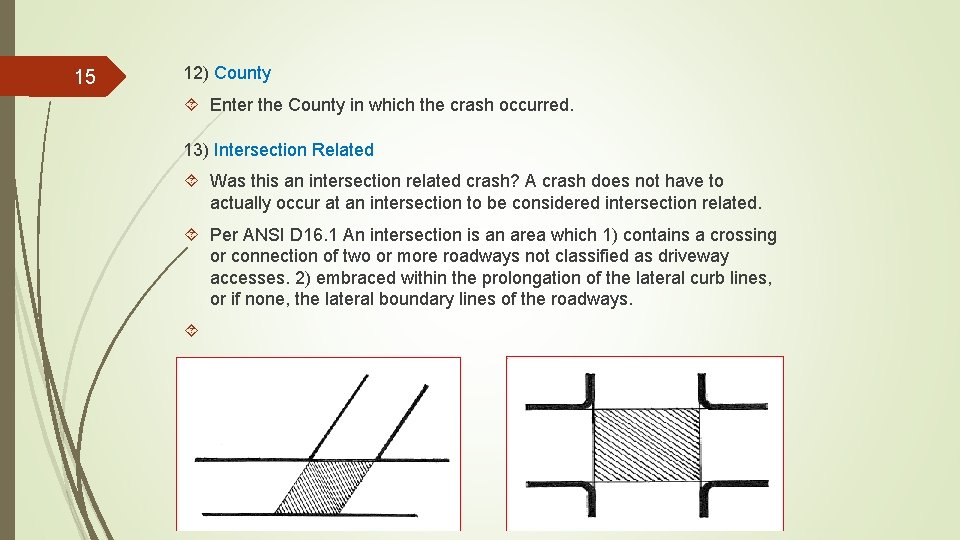
15 12) County Enter the County in which the crash occurred. 13) Intersection Related Was this an intersection related crash? A crash does not have to actually occur at an intersection to be considered intersection related. Per ANSI D 16. 1 An intersection is an area which 1) contains a crossing or connection of two or more roadways not classified as driveway accesses. 2) embraced within the prolongation of the lateral curb lines, or if none, the lateral boundary lines of the roadways.
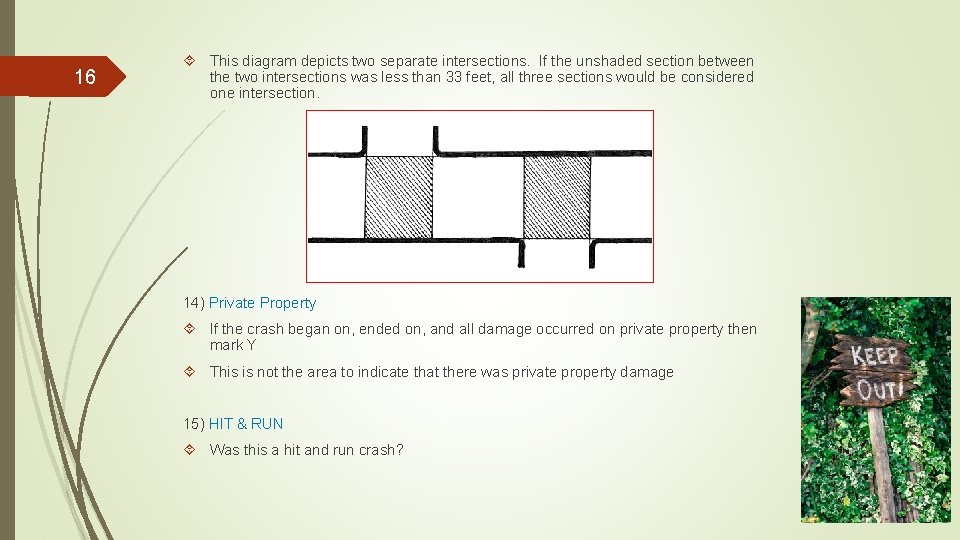
16 This diagram depicts two separate intersections. If the unshaded section between the two intersections was less than 33 feet, all three sections would be considered one intersection. 14) Private Property If the crash began on, ended on, and all damage occurred on private property then mark Y This is not the area to indicate that there was private property damage 15) HIT & RUN Was this a hit and run crash?
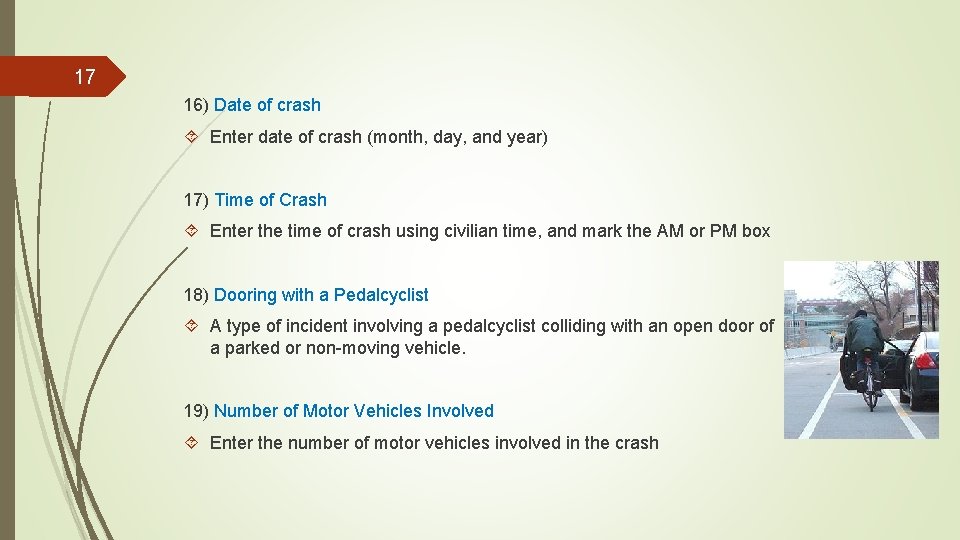
17 16) Date of crash Enter date of crash (month, day, and year) 17) Time of Crash Enter the time of crash using civilian time, and mark the AM or PM box 18) Dooring with a Pedalcyclist A type of incident involving a pedalcyclist colliding with an open door of a parked or non-moving vehicle. 19) Number of Motor Vehicles Involved Enter the number of motor vehicles involved in the crash
18 20) Secondary Crash Was this crash a result of a previous traffic incident? 21) Flow Condition Was there efficient traffic movement or congestion at the time of the crash? 22) Unit Mark the appropriate box q Driver – person operating vehicle q Parked – when an unoccupied parked vehicle is struck q Driverless – when a vehicle is moving without a driver q Ped – Pedestrian q Pedal – Pedalcyclist is a person operating a bicycle, tricycle, unicycle, pedal car, etc. q Eques – Equestrian is a person riding an animal -does not include a horse-drawn carriage q NMV – occupant of a non-motor vehicle q NCV- Non-contact vehicle affects the crash without direct involvement q DV – Disabled vehicle NOTE: Enter the apparent at-fault driver as Unit 1 whenever possible.
19 23) Last Name, First Name, Middle Initial Enter the last name, first name and middle initial for that person 24) Date of Birth Enter the date of birth (month, day, and year) for that person 25) Street Address Enter the street address for that person 26) Sex Indicate the sex of that person by putting M for male and F for female
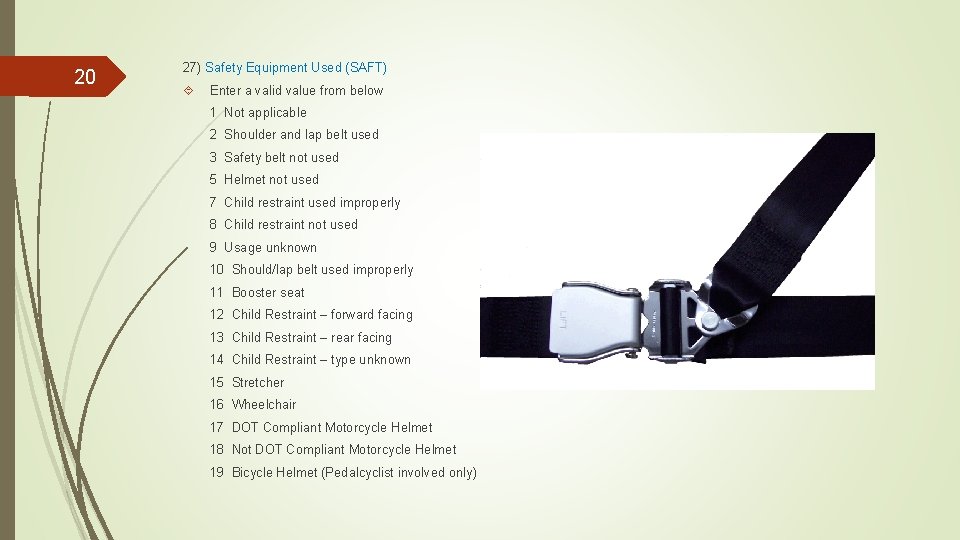
20 27) Safety Equipment Used (SAFT) Enter a valid value from below 1 Not applicable 2 Shoulder and lap belt used 3 Safety belt not used 5 Helmet not used 7 Child restraint used improperly 8 Child restraint not used 9 Usage unknown 10 Should/lap belt used improperly 11 Booster seat 12 Child Restraint – forward facing 13 Child Restraint – rear facing 14 Child Restraint – type unknown 15 Stretcher 16 Wheelchair 17 DOT Compliant Motorcycle Helmet 18 Not DOT Compliant Motorcycle Helmet 19 Bicycle Helmet (Pedalcyclist involved only)
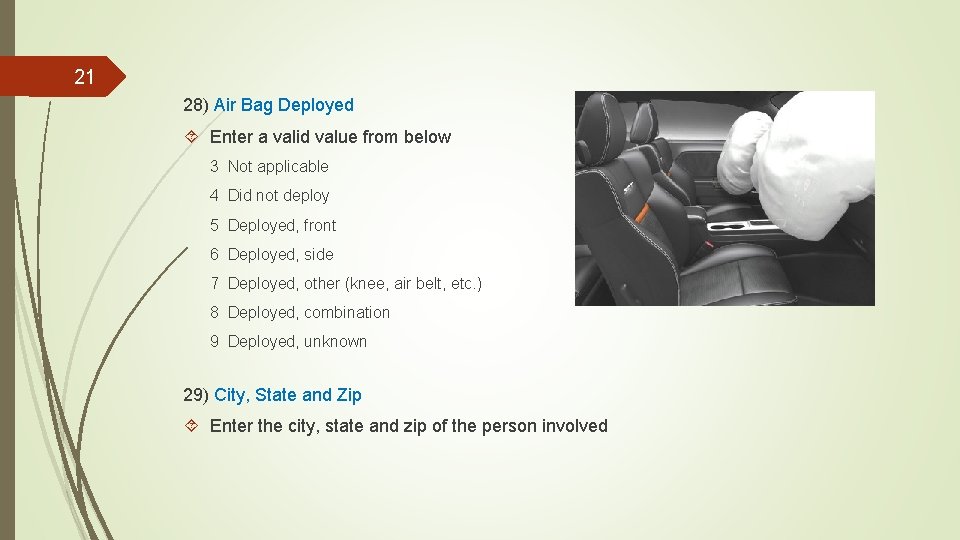
21 28) Air Bag Deployed Enter a valid value from below 3 Not applicable 4 Did not deploy 5 Deployed, front 6 Deployed, side 7 Deployed, other (knee, air belt, etc. ) 8 Deployed, combination 9 Deployed, unknown 29) City, State and Zip Enter the city, state and zip of the person involved
22 30) Injury Classification (INJ) K Fatal Injury – A fatal injury is any injury that results in death within 30 days after the motor vehicle crash in which the injury occurred. If the person did not die at the scene but died within 30 days of the motor vehicle crash in which the injury occurred, the injury classification should be changed from the attribute previously assigned and a supplemental form should be submitted to IDOT. A Suspected Serious Injury – A suspected serious injury is any injury other than fatal which results in one or more of the following: § Severe laceration resulting in exposure or underlying tissues/muscle/organs or resulting in significant loss of blood § Broken or distorted extremity (arm or leg) § Crush injuries § Suspected skull, chest or abdominal injury other than bruises or minor lacerations § Significant burns (second and third degree over 10% or more of the body) § Unconsciousness when taken from the crash scene § Paralysis
23 30) Injury Classification (INJ) continued B Suspected Minor Injury– A minor injury is any injury that is evident at the scene of the crash, other than fatal or serious injuries. Examples include lump on the head, abrasions, minor lacerations (cuts on the skin surface with minimal bleeding and no exposure of deeper tissue/muscle. C Possible Injury– A possible injury is any injury report or claimed with is not a fatal, suspected serious, or suspected minor injury. Examples include momentary loss of consciousness, claim of injury, limping or complaint of pain or nausea. 0 No Apparent Injury – No apparent injury is a situation where there is no reason to believe that the person received any bodily harm from the motor vehicle crash. There is no physical evidence of injury and the person does not report any change in normal function.
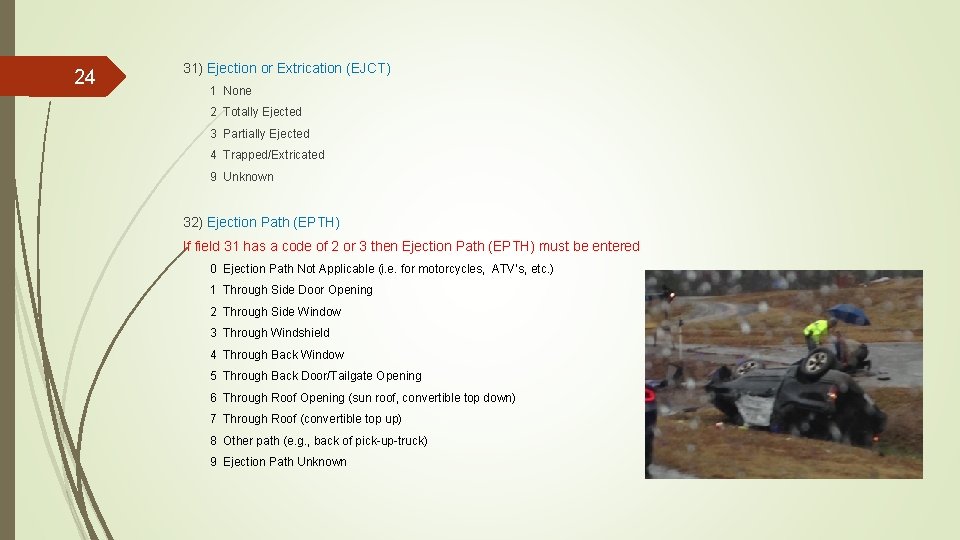
24 31) Ejection or Extrication (EJCT) 1 None 2 Totally Ejected 3 Partially Ejected 4 Trapped/Extricated 9 Unknown 32) Ejection Path (EPTH) If field 31 has a code of 2 or 3 then Ejection Path (EPTH) must be entered 0 Ejection Path Not Applicable (i. e. for motorcycles, ATV’s, etc. ) 1 Through Side Door Opening 2 Through Side Window 3 Through Windshield 4 Through Back Window 5 Through Back Door/Tailgate Opening 6 Through Roof Opening (sun roof, convertible top down) 7 Through Roof (convertible top up) 8 Other path (e. g. , back of pick-up-truck) 9 Ejection Path Unknown
25 33) Telephone Number Enter the area code and telephone number 34) Driver License Number Enter the driver license number or none N/A if appropriate. 35) State Enter the state of the driver license issuance. 36) Class Enter the class of the driver’s license.
26 37) Truck or Bus Driver’s Identification (CDLID) Enter a code for the truck or bus driver’s identification 0 No CDL 1 Cancelled or Denied 2 Disqualified 3 Expired 4 Revoked 5 Suspended 6 Commercial Learner’s Permit 7 Valid 8 Other – Not Valid 9 Unknown License Status 38) EMS Agency Enter the EMS agency that transported the injured persons from the scene and the emergency medical service report or RUN NUMBER when known.
27 39) Taken To Enter the name of the hospital, doctor’s office, mortuary or other place the person was taken to. If the person refused medical treatment, indicate such. 40) Ped/Pedal Visibility (PEDV) 0 No Contrasting Clothing 2 Contrasting Clothing 3 Reflective Material 4 Other Light Source Used
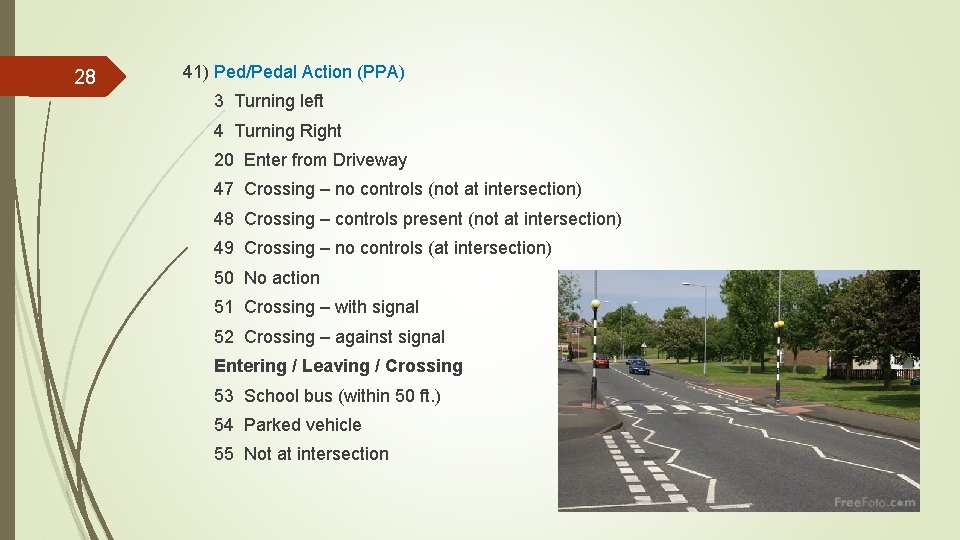
28 41) Ped/Pedal Action (PPA) 3 Turning left 4 Turning Right 20 Enter from Driveway 47 Crossing – no controls (not at intersection) 48 Crossing – controls present (not at intersection) 49 Crossing – no controls (at intersection) 50 No action 51 Crossing – with signal 52 Crossing – against signal Entering / Leaving / Crossing 53 School bus (within 50 ft. ) 54 Parked vehicle 55 Not at intersection
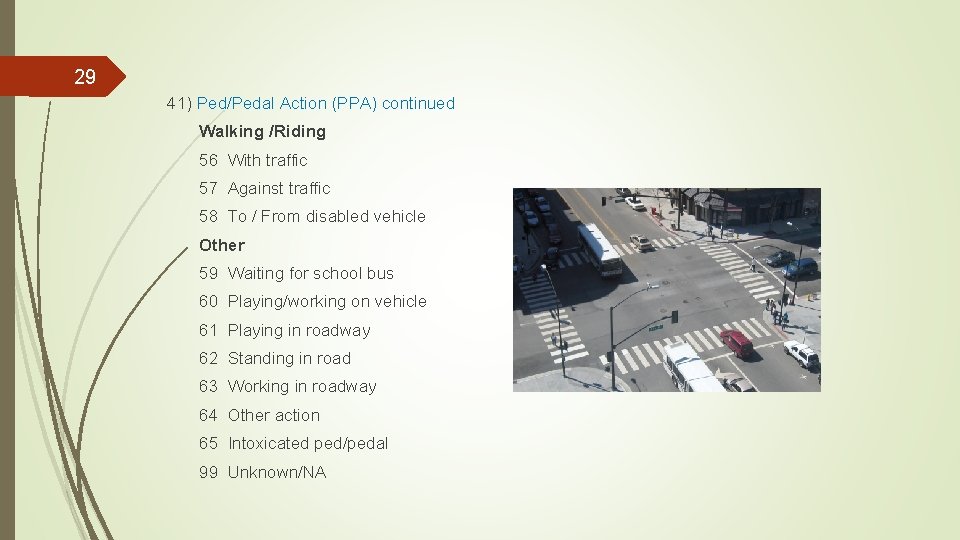
29 41) Ped/Pedal Action (PPA) continued Walking /Riding 56 With traffic 57 Against traffic 58 To / From disabled vehicle Other 59 Waiting for school bus 60 Playing/working on vehicle 61 Playing in roadway 62 Standing in road 63 Working in roadway 64 Other action 65 Intoxicated ped/pedal 99 Unknown/NA
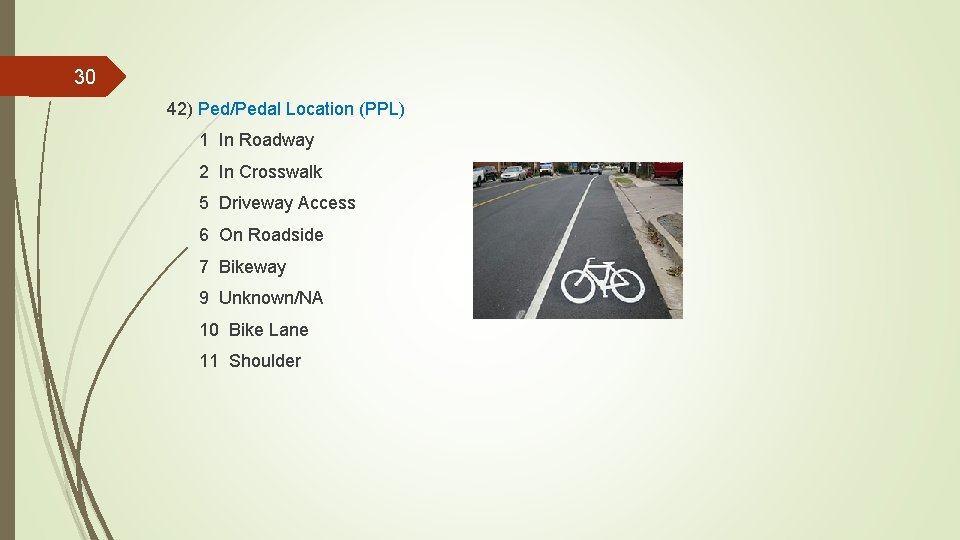
30 42) Ped/Pedal Location (PPL) 1 In Roadway 2 In Crosswalk 5 Driveway Access 6 On Roadside 7 Bikeway 9 Unknown/NA 10 Bike Lane 11 Shoulder
31 43) Incident Responder Was the vehicle responding to a separate incident prior to the traffic crash? If Y (Yes) to # 43 44) Incident Responder Type 1 EMS 2 Fire 3 Police 4 Tow Operator 5 Transportation (i. e. maintenance workers, safety service patrol operators, etc. ) 6 Other 9 Unknown 45) Make, Model, Year Enter the make of the vehicle, the model of the vehicle and the manufacturer’s designated model year
32 46) Automation System Is the vehicle equipped with an automation system? 47) Automation System Level in Vehicle Enter the automation level the vehicle is equipped with: 0 No automation 1 Driver Assistance 2 Partial Automation 3 Conditional Automation 4 High Automation 5 Full Automation 6 Automation Level Unknown 9 Unknown
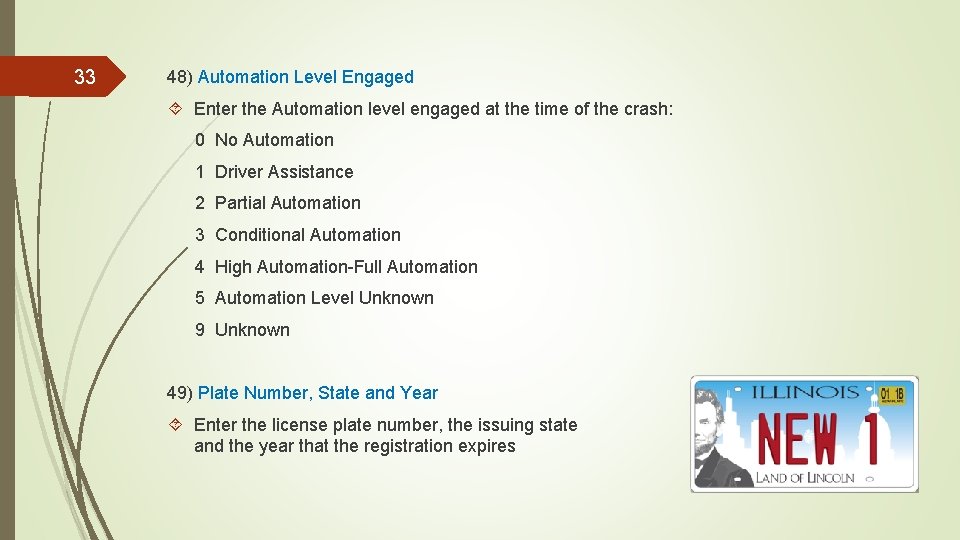
33 48) Automation Level Engaged Enter the Automation level engaged at the time of the crash: 0 No Automation 1 Driver Assistance 2 Partial Automation 3 Conditional Automation 4 High Automation-Full Automation 5 Automation Level Unknown 9 Unknown 49) Plate Number, State and Year Enter the license plate number, the issuing state and the year that the registration expires
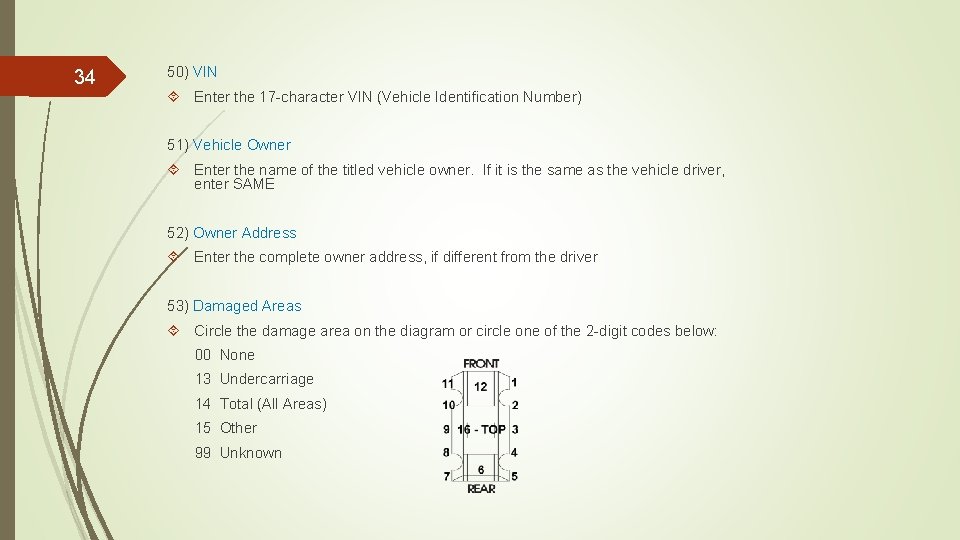
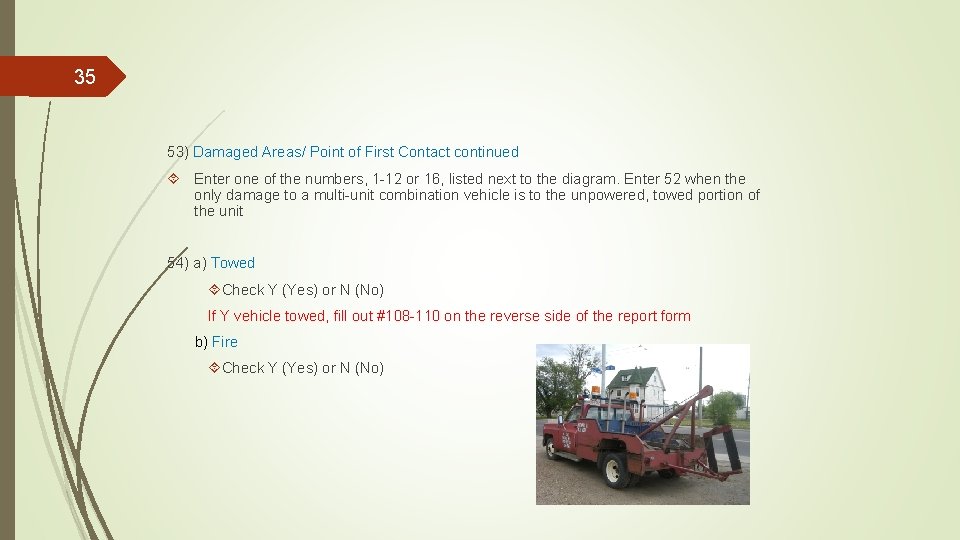
34 50) VIN Enter the 17 -character VIN (Vehicle Identification Number) 51) Vehicle Owner Enter the name of the titled vehicle owner. If it is the same as the vehicle driver, enter SAME 52) Owner Address Enter the complete owner address, if different from the driver 53) Damaged Areas Circle the damage area on the diagram or circle one of the 2 -digit codes below: 00 None 13 Undercarriage 14 Total (All Areas) 15 Other 99 Unknown
35 53) Damaged Areas/ Point of First Contact continued Enter one of the numbers, 1 -12 or 16, listed next to the diagram. Enter 52 when the only damage to a multi-unit combination vehicle is to the unpowered, towed portion of the unit 54) a) Towed Check Y (Yes) or N (No) If Y vehicle towed, fill out #108 -110 on the reverse side of the report form b) Fire Check Y (Yes) or N (No)
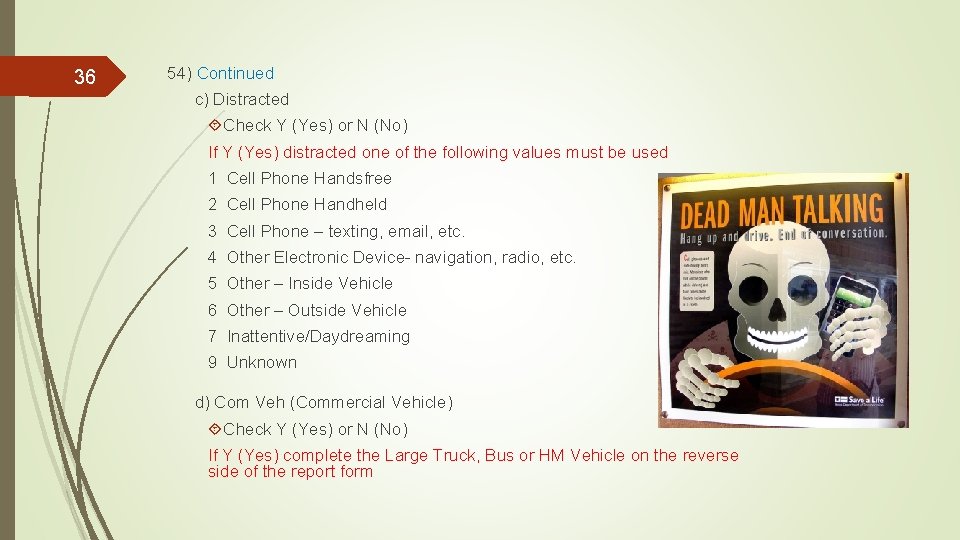
36 54) Continued c) Distracted Check Y (Yes) or N (No) If Y (Yes) distracted one of the following values must be used 1 Cell Phone Handsfree 2 Cell Phone Handheld 3 Cell Phone – texting, email, etc. 4 Other Electronic Device- navigation, radio, etc. 5 Other – Inside Vehicle 6 Other – Outside Vehicle 7 Inattentive/Daydreaming 9 Unknown d) Com Veh (Commercial Vehicle) Check Y (Yes) or N (No) If Y (Yes) complete the Large Truck, Bus or HM Vehicle on the reverse side of the report form
37 55) Insurance Company Enter the name of the insurance company which issued the policy for the vehicle. Enter none or self-insured if appropriate 56) Expired Check Y (Yes) or N (No) 57 Policy Number Enter the policy number from the insurance card 58) Unit 2 Enter the same information for the other traffic units following the instructions for #22 -27
38 59) Passengers & Witnesses Enter the corresponding unit number for each individual listed. Enter W for witnesses. Enter the corresponding seat number from the seating position diagram on Template 2, enter 7 for unknown enclosed seating position and 8 for a passenger outside of the vehicle (i. e. , truck bed, fender, etc. ) 60) Damage Property Owner Name Enter the damaged property owner’s name 61) Damage Property Enter a description of the damaged property, other than vehicles 62 Property Owner Address Enter the property owner’s address, street, city, state and zip code
39 63) Contributory Cause Enter a contributory cause code(s) for the crash, located on the back of Template 1 64) Arrest Name Enter the last, first, middle initial for the person who was arrested 65) Citations Issued, Not Issued, Pending or Unknown Check one of the above boxes that is applicable 66) Section Enter the violation section number from the Illinois Vehicle Code (IVC)
40 67) Citation Number(s) Enter complete citations number(s) 68) Officer ID Enter the investigation Officer ID number 69) Signature Enter the investigating officer’s signature, rank may be included 70) Beat/District Enter the investigating officer’s beat/district, zone, and/or precinct if applicable
41 71) Supervisor ID Enter the supervisor ID number and/or name of the sworn officer reviewing the completed report 72) Date/Time Police Notified Enter the month/day/year and time AM/PM the police were notified 73) Date/Time EMS Notified Enter the month/day/year and time AM/PM EMS were notified 74) Date/Time EMS Arrived Enter the month/day/year and time AM/PM EMS arrived on the scene
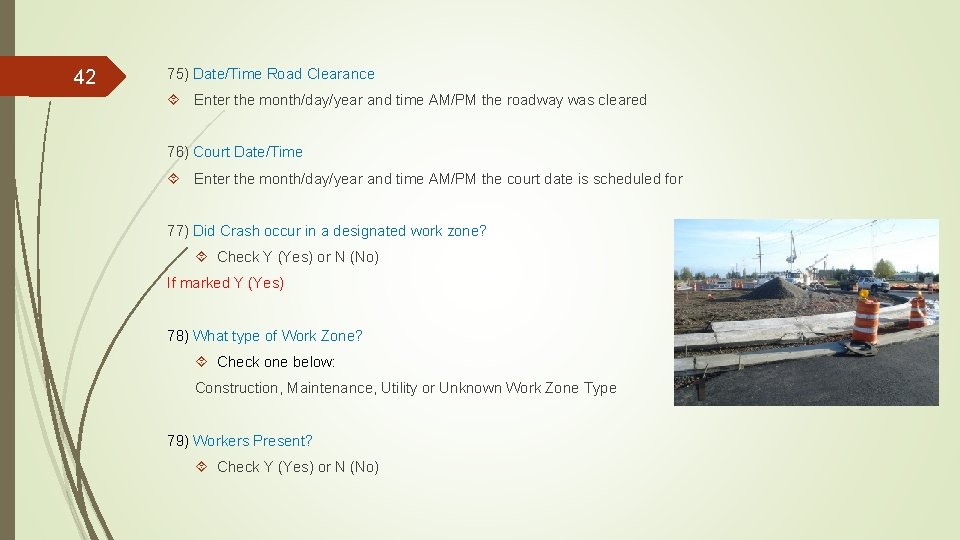
42 75) Date/Time Road Clearance Enter the month/day/year and time AM/PM the roadway was cleared 76) Court Date/Time Enter the month/day/year and time AM/PM the court date is scheduled for 77) Did Crash occur in a designated work zone? Check Y (Yes) or N (No) If marked Y (Yes) 78) What type of Work Zone? Check one below: Construction, Maintenance, Utility or Unknown Work Zone Type 79) Workers Present? Check Y (Yes) or N (No)
43 77 -79) Continued A work zone is an area of a highway with construction, maintenance, or utility work activities. A work zone is typically marked by signs, channelizing devices, barriers, pavement markings, and/or work vehicles. It extends from the first warning sign or high-intensity rotating, flashing, oscillating, or strobe lights on a vehicle to the END ROAD WORK sign or the last Temporary Traffic Control (TTC) device (Federal Highway Administration Manual on Uniform Traffic Control Devices [MUTCD]). WHERE DOES A WORK ZONE BEGIN AND END? As noted in the definition above, a work zone begins at the first warning sign or high- intensity rotating, flashing, oscillating, or strobe lights on a vehicle. In Illinois, the first warning sign for a work zone consists of an orange diamond sign displaying the message “ROAD CONSTRUCTION AHEAD” or “ROAD WORK AHEAD”. Please note that Portable Changeable Message Signs (PCMS), by MUTCD definition, are separate from warning signs and therefore should not be used in determining the limits of a work zone. The display of warning messages or warning information on a PCMS does not make it a warning sign. The work zone ends with an “END ROAD WORK” sign or the last TTC device pertinent for that work activity.
44 77 -79) Continued OTHER WORK ZONE INFORMATION (ANSI D-16. 1 – 2007, 2. 5. 24 and 2. 7. 8): Work zones also include roadway sections where there is ongoing, moving (mobile) work activity such as lane line painting or roadside mowing only if the beginning of the ongoing, moving (mobile) work activity is designated by warning signs or signals. A work zone crash is a motor vehicle traffic crash in which the first harmful event occurs within the boundaries of a work zone, or on an approach to or exit from a work zone, resulting from an activity, behavior, or control related to the movement of the traffic units through the work zone. Examples: o An automobile on the roadway loses control within a work zone due to a shift or reduction in the travel lanes and crashes into another vehicle in the work zone. o A rear-end crash occurs before the warning sign or high-intensity rotating, flashing, oscillating, or strobe lights on a vehicle indicating a work zone, caused by vehicles slowing or stopped on the roadway due to work zone activity. Workers do not have to be present at the time of the crash for it to be considered a work zone crash.
45 80) Event (EVNT) Select the appropriate event from the event box on Template 1. Enter the corresponding number code next to the unit, entering a second and third event, if applicable. 81) Event Location (LOC) Select a location for each event coded 82) Most Severe (MOST) Check the box next to the left of the event that appears to be the most severe
46 83) Apparent Physical Condition (DRAC) Enter a code for the apparent physical condition of each driver prior to the crash from Template 2 84) Traffic Control Device (TRFD) Enter a code for the type of traffic control device, if any, at the crash location from Template 1 85) Device Condition (TRFC) Enter a code for the device condition at the time of the crash, from Template 1 86) Weather Condition (WEAT) Enter a code for the weather condition at the time of the crash, from Template 1
47 87) Driver Action (DRVA) Enter a code for the driver action, for each driver, that contributed to the crash 88) Driver Vision (VIS) Enter a code for the object or condition that obscured driver vision 89) Vehicle Defects (VEHD) Enter a code for the contributing vehicle defect or apparent malfunction for each unit 90) Lighting Condition (LGHT) Enter the appropriate code for the lighting condition at the time of the crash
48 91) Type of First Crash (COLL) Enter a code to indicate the type of first crash using the criteria below, the purpose of this field is to identify what caused the first damage or injury, not the most harmful event A SINGLE VEHICLE CRASH (Codes 1 -8) occurs when a motor vehicle's first damage/injury is with someone or something other than another motor vehicle. This type of crash may eventually involve other motor vehicles, but if the first damage/injury is between any two motor vehicles, it would not be a SINGLE VEHICLE CRASH. A MULTI-VEHICLE CRASH (Codes 9 -18) occurs when a motor vehicle's first damage/injury is with another motor vehicle. If two or more vehicles are involved in a crash, but the first damage/injury is between a motor vehicle and someone or something other than another motor vehicle, it is not a MULTIVEHICLE CRASH. To determine which of the MULTI-VEHICLE CRASH types best describes the crash, the first consideration should be the intended direction of travel of each motor vehicle prior to the onset of the crash. The direction of travel or position/angle of the vehicles at the point of contact is not the primary consideration.
49 92) Vehicle Maneuver Prior (MANV) Enter a code for the vehicle maneuver prior to the crash for each unit 93) Trafficway Description (TRFW) Enter a code from below: Two-Way 1 Not divided 2 Divided-with median (not raised) 3 Divided – with median barrier 4 Two way-continuous left turn lane Other 7 Parking lot 8 Other 9 Unknown 10 One-way 11 Ramp 12 Alley 13 Driveway
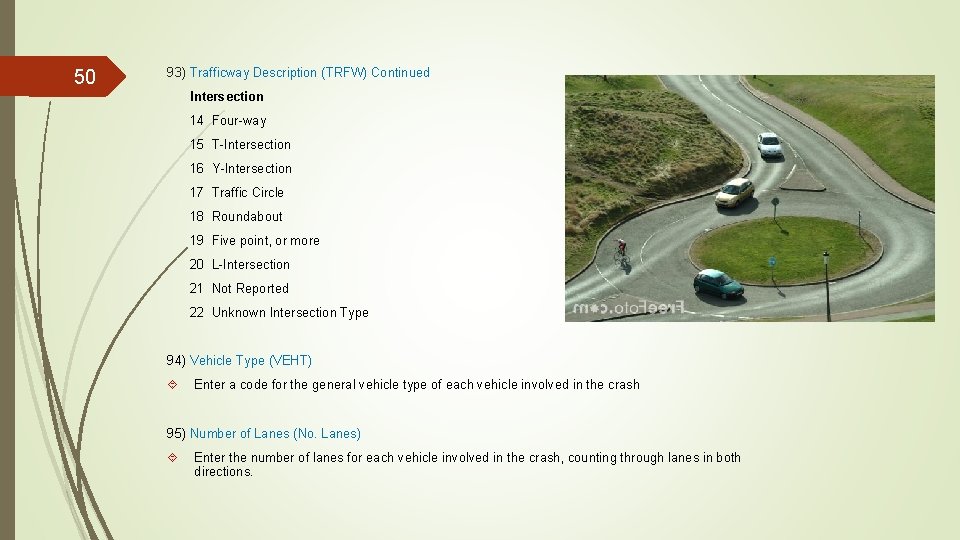
50 93) Trafficway Description (TRFW) Continued Intersection 14 Four-way 15 T-Intersection 16 Y-Intersection 17 Traffic Circle 18 Roundabout 19 Five point, or more 20 L-Intersection 21 Not Reported 22 Unknown Intersection Type 94) Vehicle Type (VEHT) Enter a code for the general vehicle type of each vehicle involved in the crash 95) Number of Lanes (No. Lanes) Enter the number of lanes for each vehicle involved in the crash, counting through lanes in both directions.
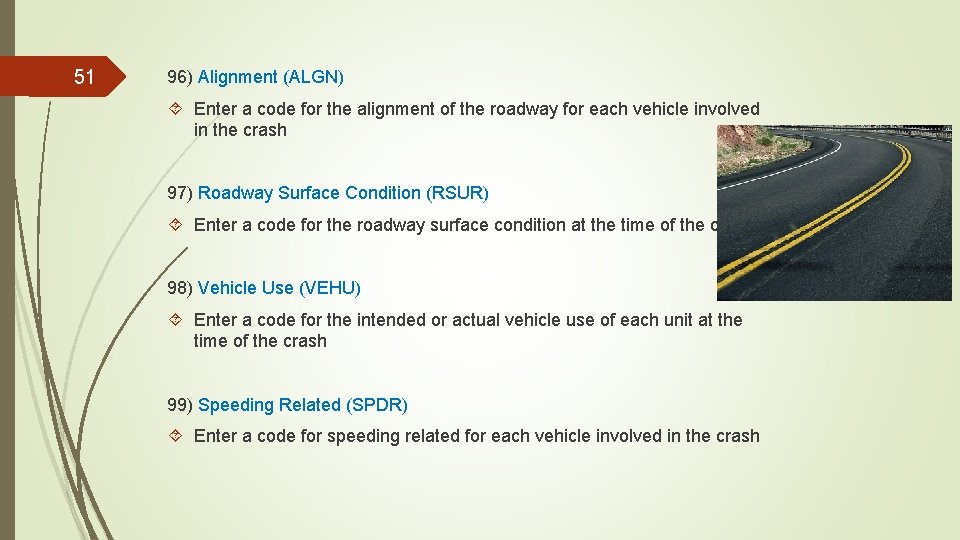
51 96) Alignment (ALGN) Enter a code for the alignment of the roadway for each vehicle involved in the crash 97) Roadway Surface Condition (RSUR) Enter a code for the roadway surface condition at the time of the crash 98) Vehicle Use (VEHU) Enter a code for the intended or actual vehicle use of each unit at the time of the crash 99) Speeding Related (SPDR) Enter a code for speeding related for each vehicle involved in the crash
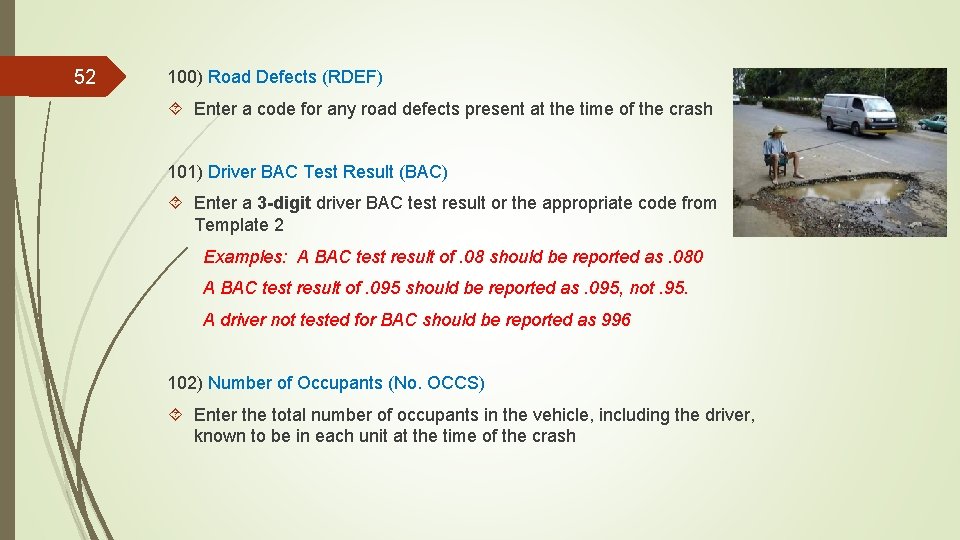
52 100) Road Defects (RDEF) Enter a code for any road defects present at the time of the crash 101) Driver BAC Test Result (BAC) Enter a 3 -digit driver BAC test result or the appropriate code from Template 2 Examples: A BAC test result of. 08 should be reported as. 080 A BAC test result of. 095 should be reported as. 095, not. 95. A driver not tested for BAC should be reported as 996 102) Number of Occupants (No. OCCS) Enter the total number of occupants in the vehicle, including the driver, known to be in each unit at the time of the crash
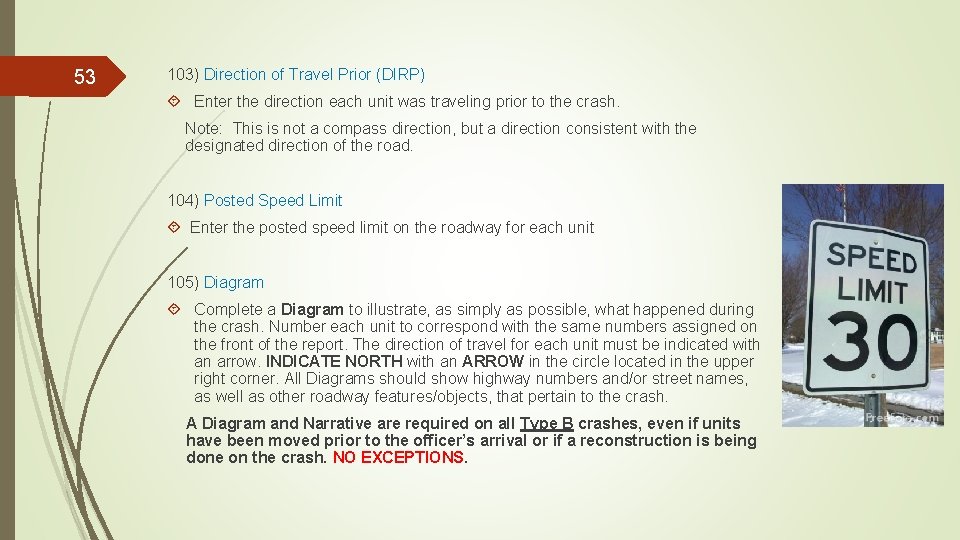
53 103) Direction of Travel Prior (DIRP) Enter the direction each unit was traveling prior to the crash. Note: This is not a compass direction, but a direction consistent with the designated direction of the road. 104) Posted Speed Limit Enter the posted speed limit on the roadway for each unit 105) Diagram Complete a Diagram to illustrate, as simply as possible, what happened during the crash. Number each unit to correspond with the same numbers assigned on the front of the report. The direction of travel for each unit must be indicated with an arrow. INDICATE NORTH with an ARROW in the circle located in the upper right corner. All Diagrams should show highway numbers and/or street names, as well as other roadway features/objects, that pertain to the crash. A Diagram and Narrative are required on all Type B crashes, even if units have been moved prior to the officer’s arrival or if a reconstruction is being done on the crash. NO EXCEPTIONS.
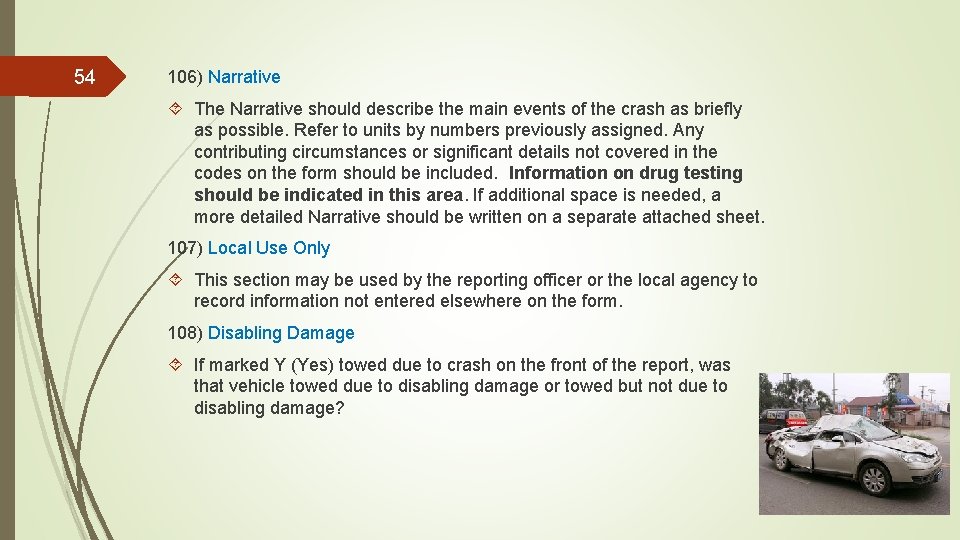
54 106) Narrative The Narrative should describe the main events of the crash as briefly as possible. Refer to units by numbers previously assigned. Any contributing circumstances or significant details not covered in the codes on the form should be included. Information on drug testing should be indicated in this area. If additional space is needed, a more detailed Narrative should be written on a separate attached sheet. 107) Local Use Only This section may be used by the reporting officer or the local agency to record information not entered elsewhere on the form. 108) Disabling Damage If marked Y (Yes) towed due to crash on the front of the report, was that vehicle towed due to disabling damage or towed but not due to disabling damage?
55 109) Damage Extent What was the extent of that damage? 110) Towed by Enter the name of the company that towed each vehicle and where that vehicle was towed to Large Truck, Bus or HM Vehicle Section Located on the right side of the back of the crash form 111) Carrier Name and Address Enter the carrier name and corporate address of the motor carrier
56 112) Motor Carrier Identification Check the appropriate box indicating the Motor Carrier Identification 113) ID Numbers, US Dot and ILCC Enter the number applicable in a free form text field 114) Source Mark the appropriate box indicating the source of the carrier name and address 115) Gross Vehicle Weight Rating (GVWR) Check the appropriate box indicating the value specified by the manufacturer as the loaded weight of a single vehicle (vehicle weight combined with load weight. Include the power unit and trailer(s)
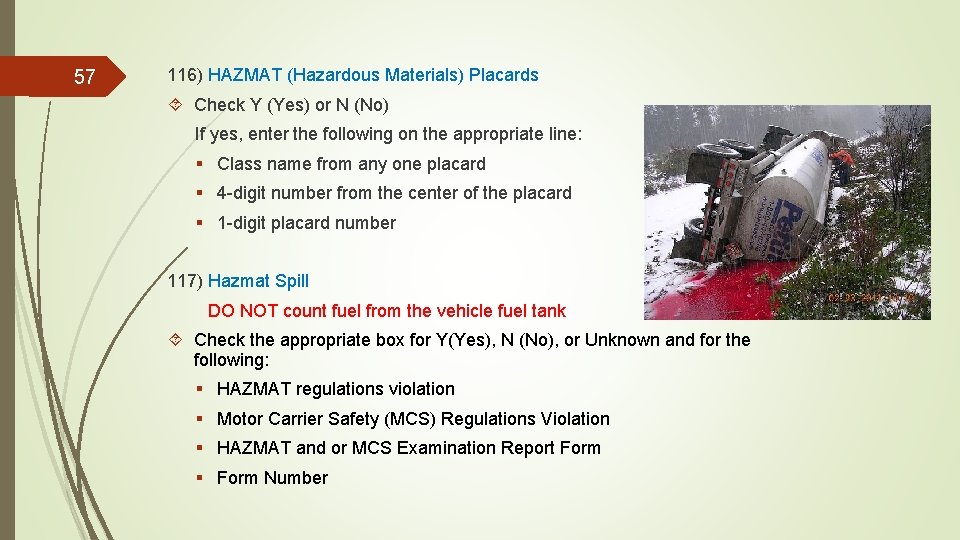
57 116) HAZMAT (Hazardous Materials) Placards Check Y (Yes) or N (No) If yes, enter the following on the appropriate line: § Class name from any one placard § 4 -digit number from the center of the placard § 1 -digit placard number 117) Hazmat Spill DO NOT count fuel from the vehicle fuel tank Check the appropriate box for Y(Yes), N (No), or Unknown and for the following: § HAZMAT regulations violation § Motor Carrier Safety (MCS) Regulations Violation § HAZMAT and or MCS Examination Report Form § Form Number
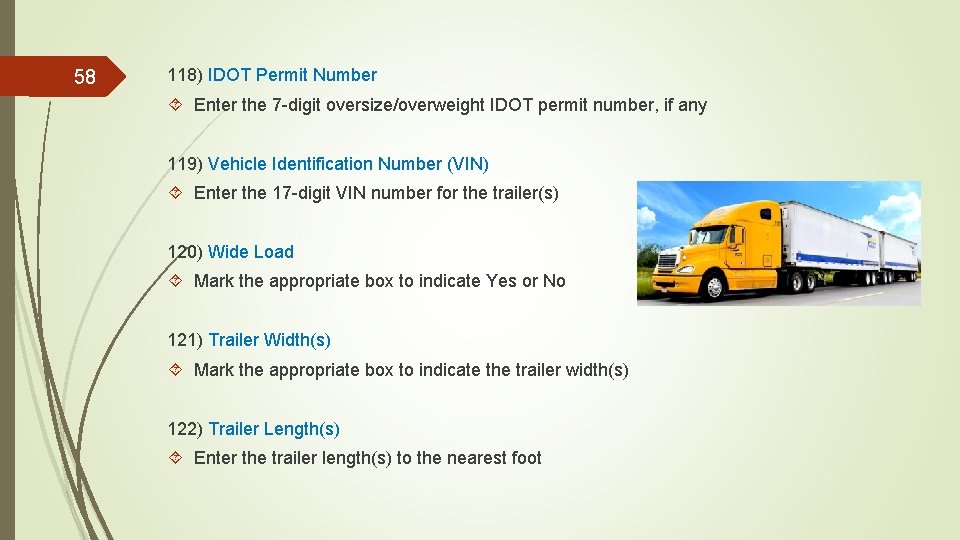
58 118) IDOT Permit Number Enter the 7 -digit oversize/overweight IDOT permit number, if any 119) Vehicle Identification Number (VIN) Enter the 17 -digit VIN number for the trailer(s) 120) Wide Load Mark the appropriate box to indicate Yes or No 121) Trailer Width(s) Mark the appropriate box to indicate the trailer width(s) 122) Trailer Length(s) Enter the trailer length(s) to the nearest foot
59 123) Total Vehicle Length Enter the total vehicle length including the power unit and trailer(s), to the nearest foot 124) Number of Axles Enter the total number of axles on the vehicle. Include the power unit and trailer(s) 125) Vehicle Configuration Enter the corresponding number to the vehicle configuration from the back cover of the crash booklet 126) Cargo Body Type Enter the number corresponding to the cargo body type from the back cover of the crash booklet 127) Load Type Enter the number corresponding to the load type, when applicable, from the back cover of the crash booklet