
IIT Accessibility within OPS SOAR Annual Conference November
I&IT Accessibility within OPS SOAR Annual Conference November 6, 2014 Michael Y Chan Sekaly Osman
What is ACOE (Accessibility Centre of Excellence)? • March 2007, ITELC approved the Project Charter for the I&IT Accessibility Centre of Excellence (ACOE) • Advice and guidance on implementing accessible I&IT solutions – – Websites Web-based applications Documents, Forms Enterprise Architecture, Project Management, I&IT Project Governance • Support IT project teams across all Clusters and Ministries in meeting regulatory requirements under Accessibility for Ontarians with Disabilities Act (AODA) Integrated Accessibility Standards Regulation (IASR) • Provides a centralized OPS resource for staff seeking advice and guidance related to I&IT accessibility 2
What do we do? Services & Initiatives 1. Web and Document Accessibility Assessment Service 2. Automated Testing Tool – Hi. Software Compliance Sheriff – license and support 3. Integrating Accessibility into I&IT Projects Initiative - Incorporate accessibility into Project Management and Enterprise Architecture 3
Web and Document Accessibility Assessment Service 4
ACOE Assessment Service • ACOE Accessibility Assessment Service available to OPS staff • High level assessments of websites, web applications, documents etc. – Structured and repeatable evaluation methodology modelled after W 3 C best practices – Accessibility Assessment Outcome (AAO) Reports and remediation tips provided to client • To identify key accessibility issues based on WCAG 2. 0 Level AA • No direct cost to OPS staff • ACOE do not validate on behalf of the government and do not certify for compliance to AODA. – For comprehensive assessments, 3 rd party vendors should be acquired 5
ACOE Assessment - Service Request • Service Request Process – Fill out our service request form ontario. ca/itaccessibility • Provide URL link or document attachments • Provide test scripts / functionalities to test – Acknowledgement reply within 1 business day – Assessment turn-around time depends on size and scope • Up to 10 business days 6
Automated Testing Tool Hi. Software Compliance Sheriff 7
Background • June 2010 – ACOE procured Hi. Software Compliance Sheriff subscription licence through a competitive procurement process • Hi. Software Compliance Sheriff – Web-based tool accessed via the browser by the end users – No client installation is required – Free to use for OPS staff to assess OPS internet and intranet websites – Unlimited user seats • Established an OPSPedia User Group to support Compliance Sheriff users 8
Hi. Software Compliance Sheriff Features • • • Supports WCAG 2. 0 Level A, AA Provides automated testing for programmatic checkpoints Wizard to verify manual checkpoints Customize reports Ability to scan entire website (crawl site by levels) Facilitates code-repair suggestions and changes 9
Tool Registration • To register and access the tool, please complete the Hi. Software Compliance Sheriff Access Request Form available on the ACOE intranet site: http: //ontario. ca/itaccessibility • After you complete the form and receive a user name, password and user guide (within 1 business day), the tool can be accessed at: http: //10. 77. 8. 43/compliancesheriff 10
Integrating Accessibility into I&IT Projects Initiative 11
Integrating Accessibility into I&IT Projects Initiative • Incorporating accessibility into OPS I&IT methodologies and frameworks - Project Management, Enterprise Architecture, Systems Development Life Cycle (SDLC) • Developed I&IT Accessibility Guidebook (2011) – Provides guidance to IT professionals on how to consider accessibility at each step of the project life cycle and governance • Created supporting documents – Accessibility Requirement Pattern (ARP) for WCAG 2. 0 – IASR enterprise architecture questionnaire 12
Integrating Accessibility into I&IT Projects Initiative • Conducted 18 workshops to promote the I&IT Accessibility Guidebook to Architecture and PM teams across 9 clusters • Review IT projects for accessibility at Corporate Architecture Core Team (ACT) governance • Cluster Accessibility Governance Model Pilot with LTC – Knowledge transfer to a LTC lead architect – Establish IT accessibility lead at cluster ACT governance to help IT projects meet compliance requirements within architecture 13
ACOE – IT Project Evaluation Service • Consultation Service – Support project early engagement sessions to inform IT project teams of their accessibility obligations related to PM and EA. • IT Project Evaluation Service – Help project teams address accessibility within their project documents. – ACOE reviews: • Business Case • Project Charter • Project Plan • Checkpoint materials and presentations • Business Architecture Report • Logical and Physical artifacts • Any other materials that may be relevant – To request service, fill out ACOE intranet service request form 14
ACOE Collaboration Active participation and meetings for the following working groups: • Web Coordinators Committee • Diversity Office Accessibility Forum • ITS TTY / Accessibility Support advisory group • Mobile Application Development committee • Diversity Office Alternate Formats Working Group • Diversity Office Documents Training Working Group • Diversity and Inclusion I&IT roadmap Working Group • Service Ontario VISION project Working Group • Digital Strategies Working Group 15
Integrated Accessibility Standards Regulation (IASR) - excerpt Section 14 Accessible websites and web content The Government of Ontario and the Legislative Assembly, for both their internet and intranet sites, shall meet the requirements in this section in accordance with the following schedule: By January 1, 2012: New internet and intranet websites and web content on those sites must conform to WCAG 2. 0 Level AA, other than: – Success criteria 1. 2. 4 Captions (Live), and – Success criteria 1. 2. 5 Audio Descriptions (Pre-recorded). By January 1, 2016: All internet websites and web content must conform to WCAG 2. 0 Level AA other than: – Success criteria 1. 2. 4 Captions (Live), and – Success criteria 1. 2. 5 Audio Descriptions (Pre-recorded). By January 1, 2020: All internet and intranet websites and web content must conform to WCAG 2. 0 Level AA. 16
WHAT IS WCAG? First introduced as version 1. 0 in 1999, and the current WCAG 2. 0 standard was released in 2008. The Web Content Accessibility Guidelines are typically referred to by their acronym WCAG (pronounced "wick-ag"). It’s a series of guidelines created by the World Wide Web Consortium (W 3 C) in order to improve website accessibility. Following these guidelines will make content accessible to a wider range of people with disabilities, including blindness and low vision, deafness and hearing loss, learning disabilities, cognitive limitations, limited movement, speech disabilities, photosensitivity and combinations of these. 17
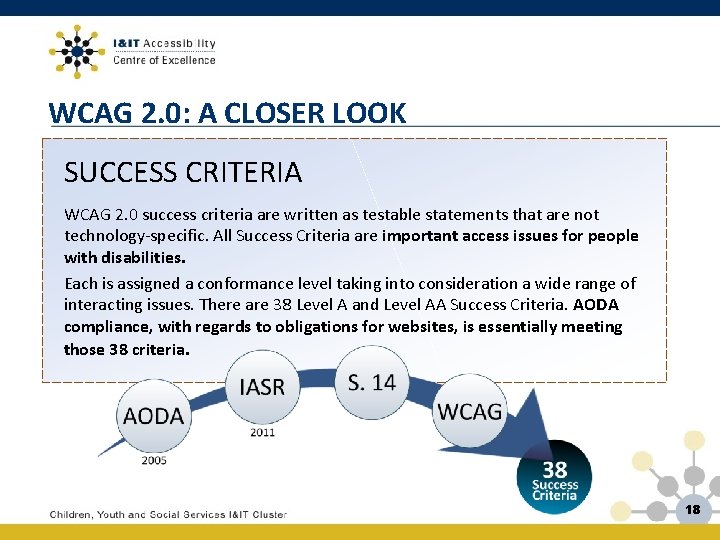
WCAG 2. 0: A CLOSER LOOK SUCCESS CRITERIA WCAG 2. 0 success criteria are written as testable statements that are not technology-specific. All Success Criteria are important access issues for people with disabilities. Each is assigned a conformance level taking into consideration a wide range of interacting issues. There are 38 Level A and Level AA Success Criteria. AODA compliance, with regards to obligations for websites, is essentially meeting those 38 criteria. 18
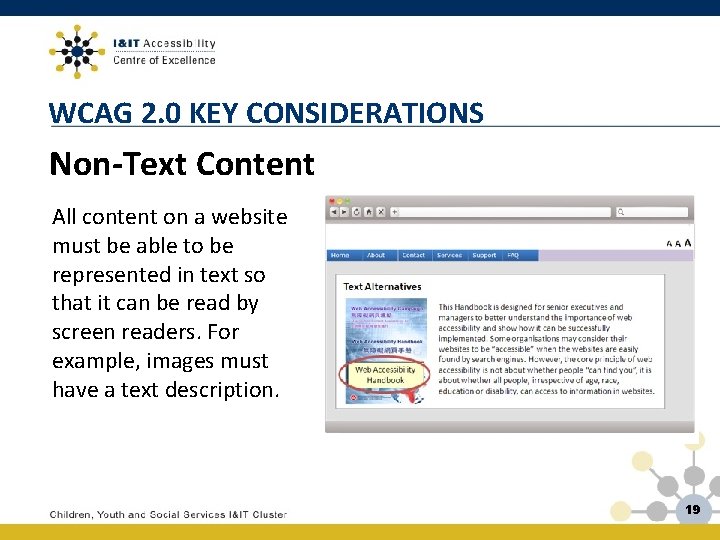
WCAG 2. 0 KEY CONSIDERATIONS Non-Text Content All content on a website must be able to be represented in text so that it can be read by screen readers. For example, images must have a text description. 19
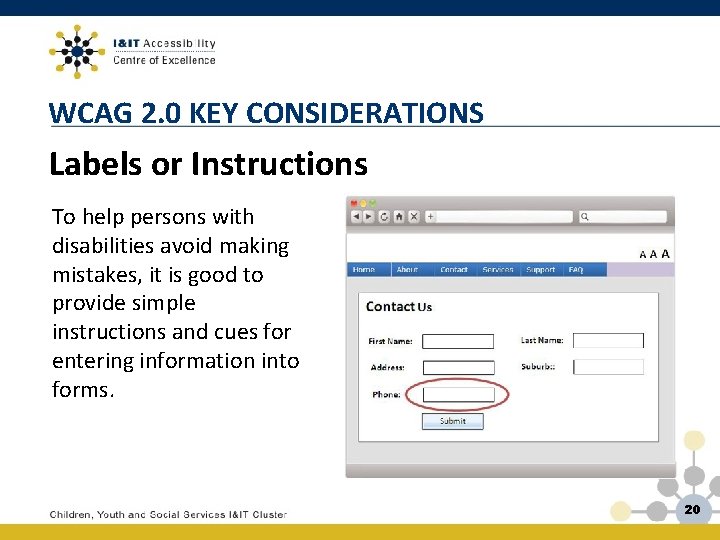
WCAG 2. 0 KEY CONSIDERATIONS Labels or Instructions To help persons with disabilities avoid making mistakes, it is good to provide simple instructions and cues for entering information into forms. 20
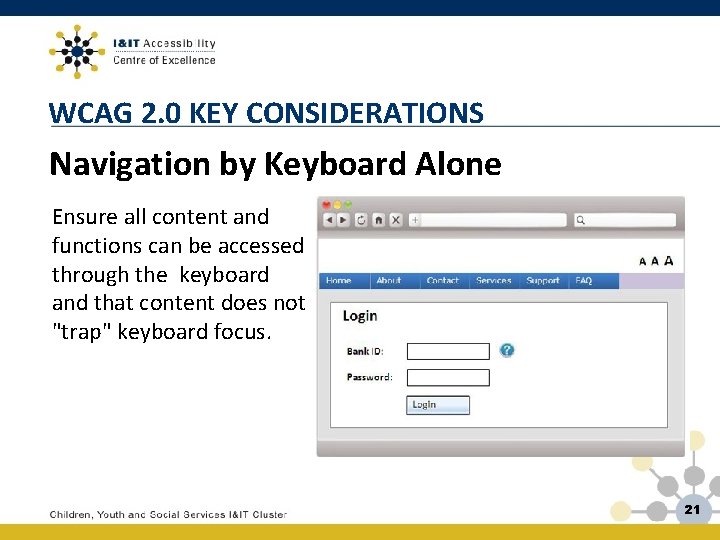
WCAG 2. 0 KEY CONSIDERATIONS Navigation by Keyboard Alone Ensure all content and functions can be accessed through the keyboard and that content does not "trap" keyboard focus. 21
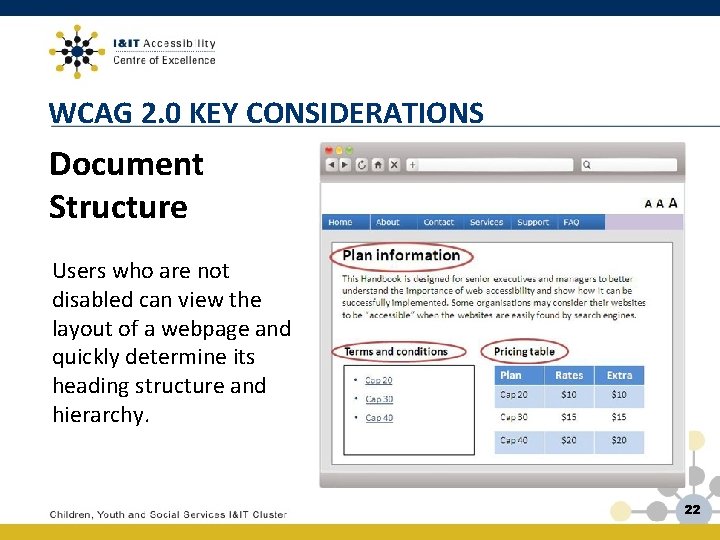
WCAG 2. 0 KEY CONSIDERATIONS Document Structure Users who are not disabled can view the layout of a webpage and quickly determine its heading structure and hierarchy. 22
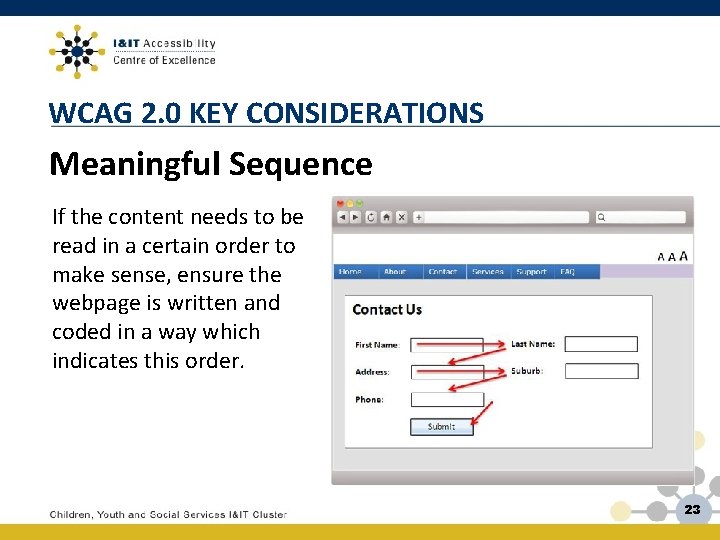
WCAG 2. 0 KEY CONSIDERATIONS Meaningful Sequence If the content needs to be read in a certain order to make sense, ensure the webpage is written and coded in a way which indicates this order. 23
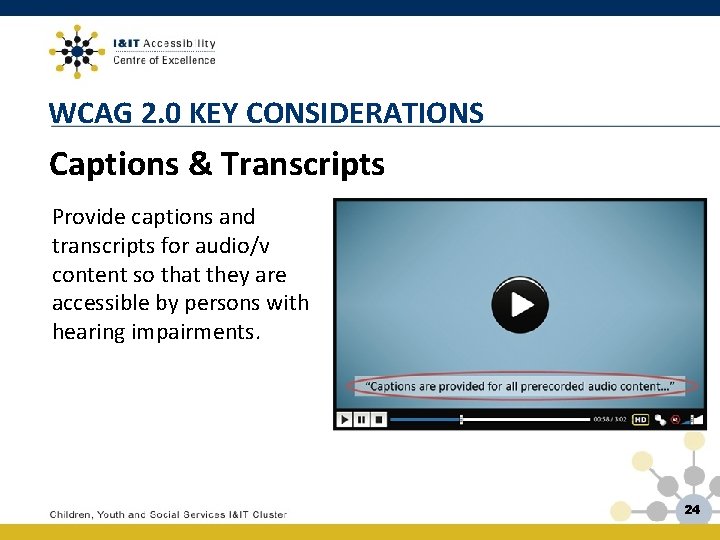
WCAG 2. 0 KEY CONSIDERATIONS Captions & Transcripts Provide captions and transcripts for audio/v content so that they are accessible by persons with hearing impairments. 24
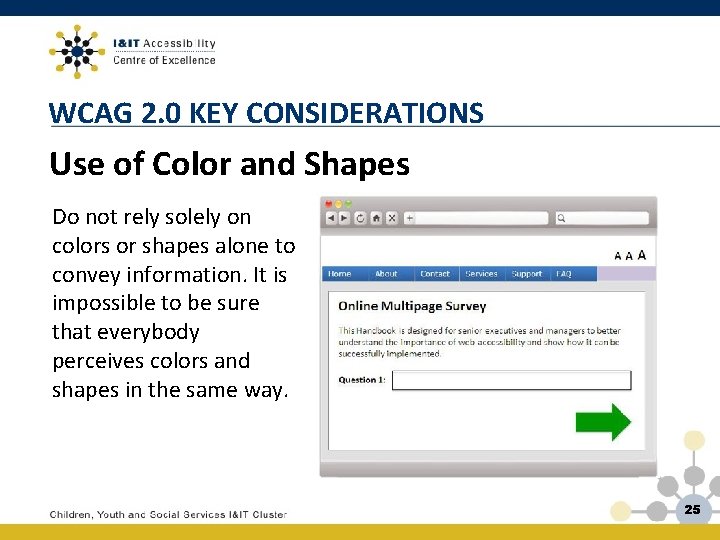
WCAG 2. 0 KEY CONSIDERATIONS Use of Color and Shapes Do not rely solely on colors or shapes alone to convey information. It is impossible to be sure that everybody perceives colors and shapes in the same way. 25
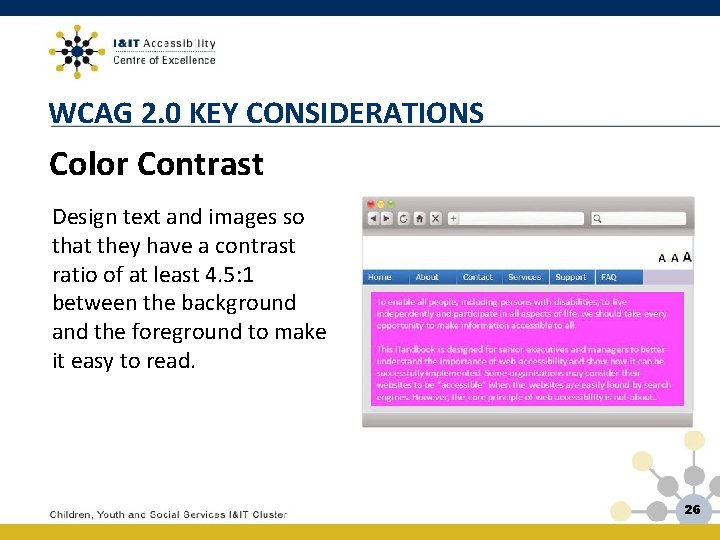
WCAG 2. 0 KEY CONSIDERATIONS Color Contrast Design text and images so that they have a contrast ratio of at least 4. 5: 1 between the background and the foreground to make it easy to read. 26
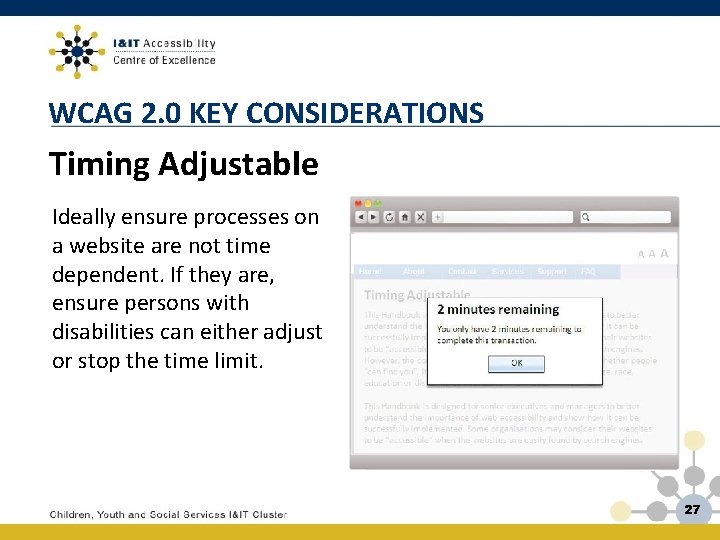
WCAG 2. 0 KEY CONSIDERATIONS Timing Adjustable Ideally ensure processes on a website are not time dependent. If they are, ensure persons with disabilities can either adjust or stop the time limit. 27
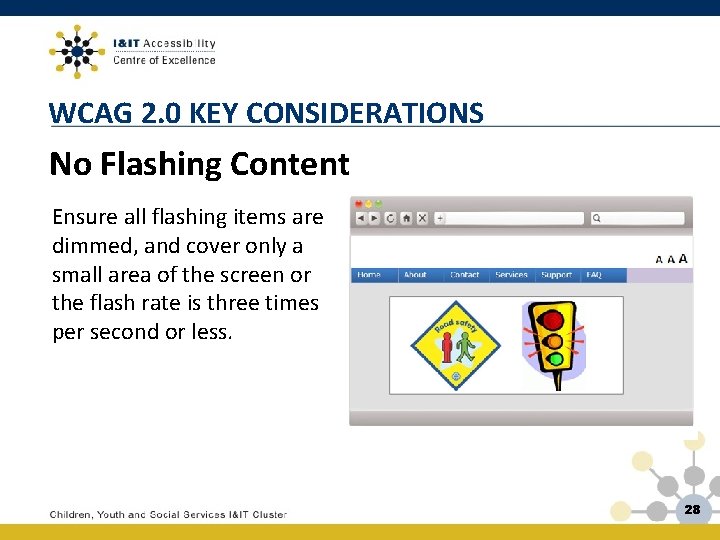
WCAG 2. 0 KEY CONSIDERATIONS No Flashing Content Ensure all flashing items are dimmed, and cover only a small area of the screen or the flash rate is three times per second or less. 28
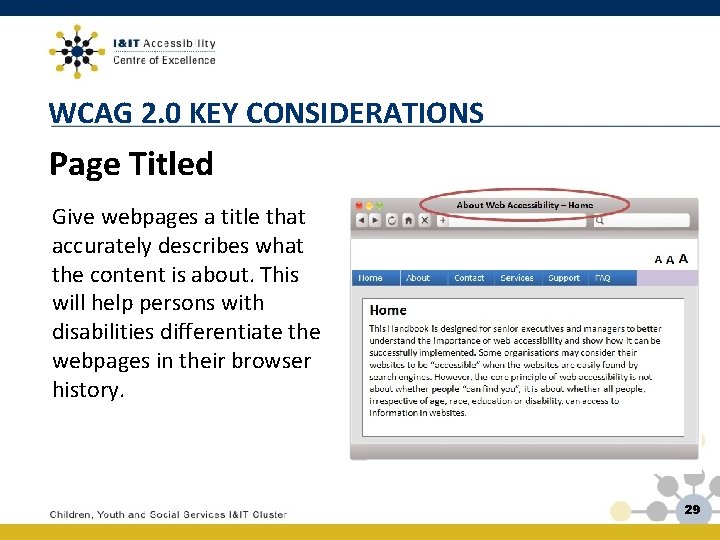
WCAG 2. 0 KEY CONSIDERATIONS Page Titled Give webpages a title that accurately describes what the content is about. This will help persons with disabilities differentiate the webpages in their browser history. 29
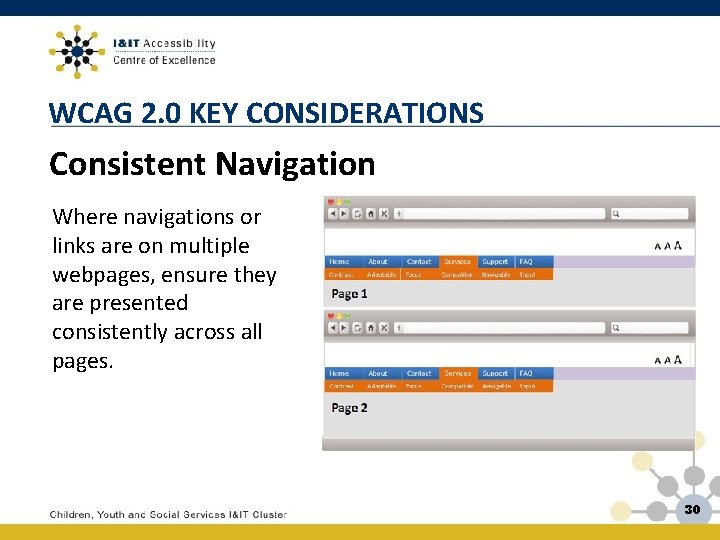
WCAG 2. 0 KEY CONSIDERATIONS Consistent Navigation Where navigations or links are on multiple webpages, ensure they are presented consistently across all pages. 30
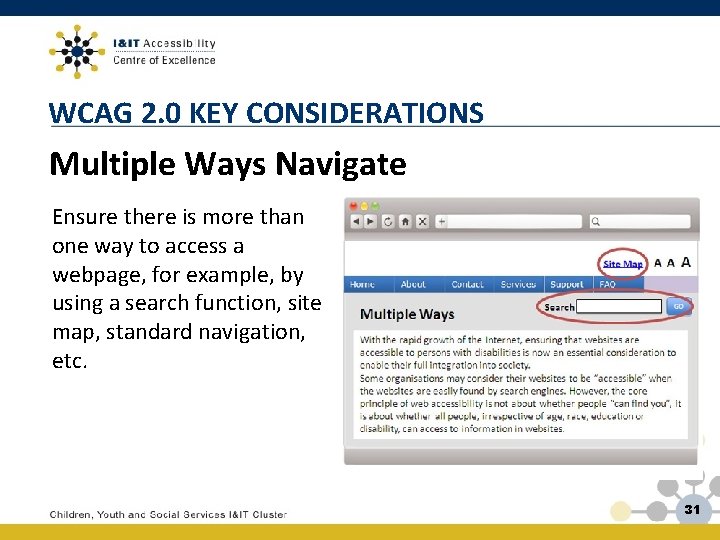
WCAG 2. 0 KEY CONSIDERATIONS Multiple Ways Navigate Ensure there is more than one way to access a webpage, for example, by using a search function, site map, standard navigation, etc. 31
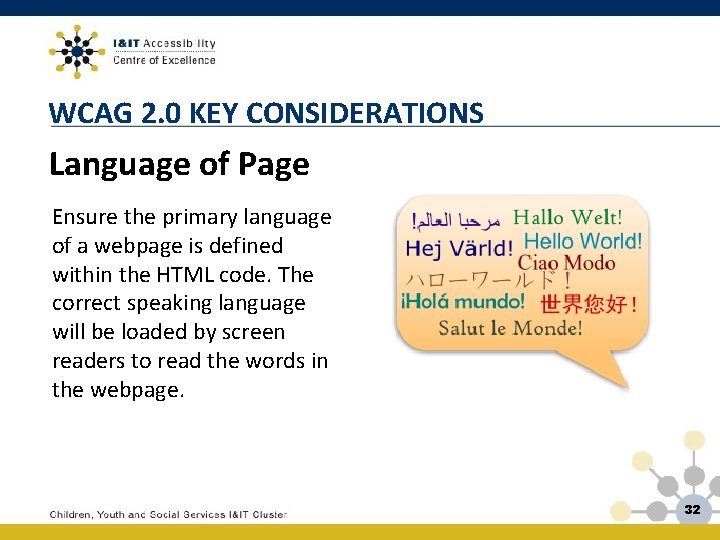
WCAG 2. 0 KEY CONSIDERATIONS Language of Page Ensure the primary language of a webpage is defined within the HTML code. The correct speaking language will be loaded by screen readers to read the words in the webpage. 32
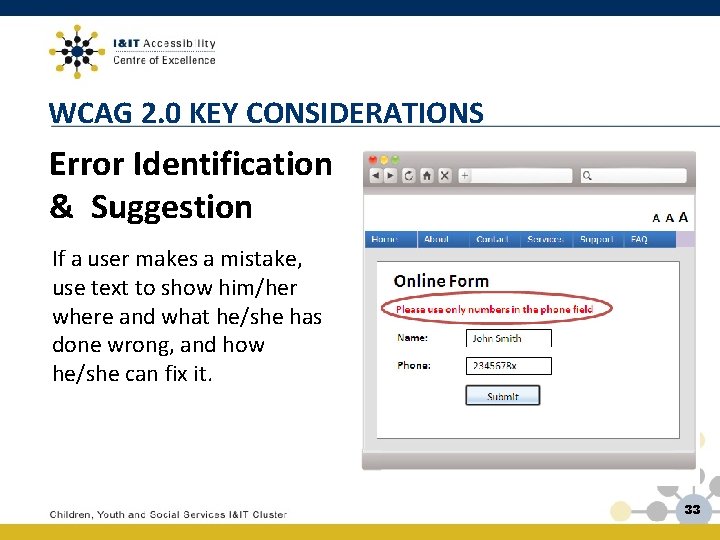
WCAG 2. 0 KEY CONSIDERATIONS Error Identification & Suggestion If a user makes a mistake, use text to show him/her where and what he/she has done wrong, and how he/she can fix it. 33
ACOE Resources • ACOE Intranet website – www. ontario. ca/itaccessibility • Resources related to this presentation are below: – – I&IT Accessibility Guidebook I&IT Accessibility Checklist ACOE Accessibility Requirement Pattern Web Content Accessibility Guidelines 2. 0 34
Contact Information Neill Kernohan Manager, Employee Engagement Telephone: (416) 327 -8967 Email: neill. kernohan@ontario. ca Dan Mc. Guire Accessibility Technology Analyst Telephone: (416) 212 -2560 Email: dan. mcguire@ontario. ca Michael Chan A/ Manager, I&IT Accessibility Planning Telephone: (416) 212 -2213 Email: michael. y. chan@ontario. ca Amit Aggarwal Sr. Accessibility Technology Analyst Telephone: 647 -224 -3995 Email: Amit. M. Aggarwal@ontario. ca Sekaly Osman QA Specialist Telephone: 416 -212 -4163 Email: sekaly. osman@ontario. ca 35
- Slides: 35