
IHS EHR Indian Health Service Electronic Health Record

- Slides: 33
IHS EHR Indian Health Service Electronic Health Record Carolyn Johnson Warm Springs Health & Wellness Center
Facility Planning Ø Confirmed Leadership support Ø Tribal Endorsement Ø Area Office Support Ø Patient Awareness Ø Clinician driven
E. H. R. Team Members Ø Clinical Champions from each discipline (lab, rn, rph, md, , etc) Ø Administration/Executive Leadership Ø Health Information Services Ø Information Technology Ø Include Area IRM representation Ø Clinical Application Coordinator
EHR Team Roles l l l Identify and define Policies and Procedures Address staffing and scheduling during transition Peer Training & Marketing Monitor and Execute Implementation Plan Design and Approve templates, menus, and ordering lists for E. H. R.
Hire a Clinical Applications Coordinator Ø Works cooperatively with Site Manager Ø Coordinates Implementation Ø EHR User Support Ø Training Ø Customize Software Ø Workflow
l l l Portland Indianapolis VA 1 CAC for each 250 users The CAC is a new, specialized position separate from Network Specialist, CIO, User Support Sample Positions descriptions on EHR Website
Clinical Applications Coordinator Ø Clinical Background Ø RPMS experience Ø Project Management /Leadership Skills Ø Facility Working Process Knowledge Ø Computer Skills
Super-Users and AD-Pacs Ø Clinical Super Users (rn, rph, lab, dm, md) l l l Training Peer Support Templates optional Ø Pharmacy Ad-Pacs l l Quick Orders ART setup Training on medication orders Pharmacy 7 duties
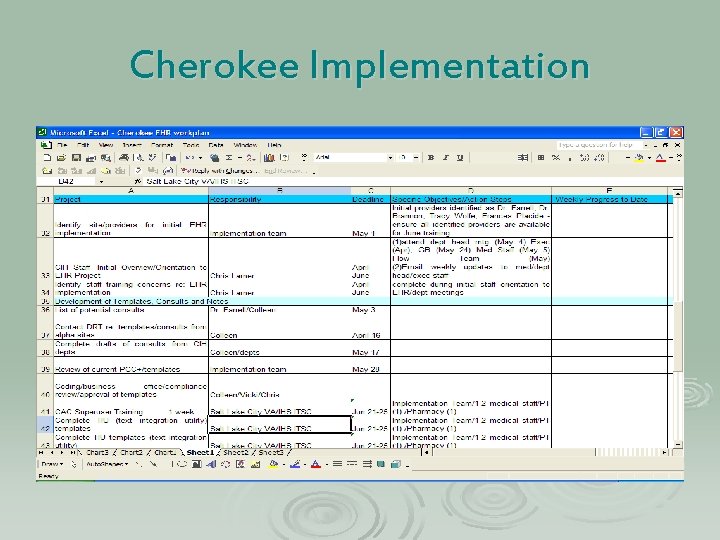
Cherokee Implementation
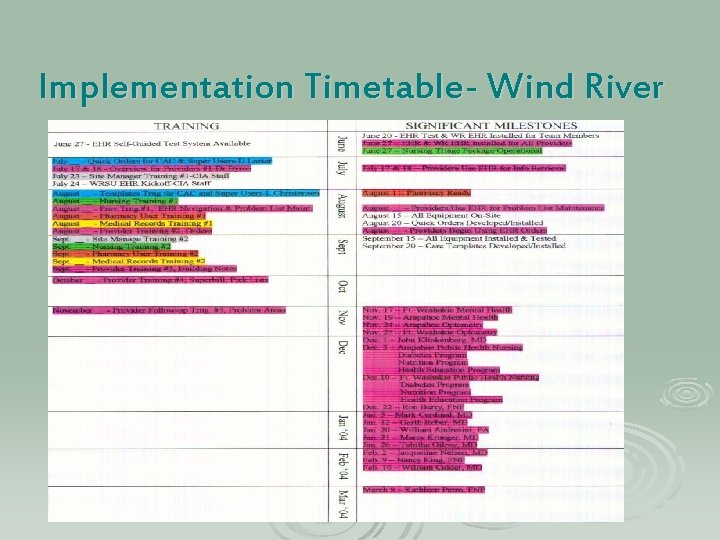
Implementation Timetable- Wind River
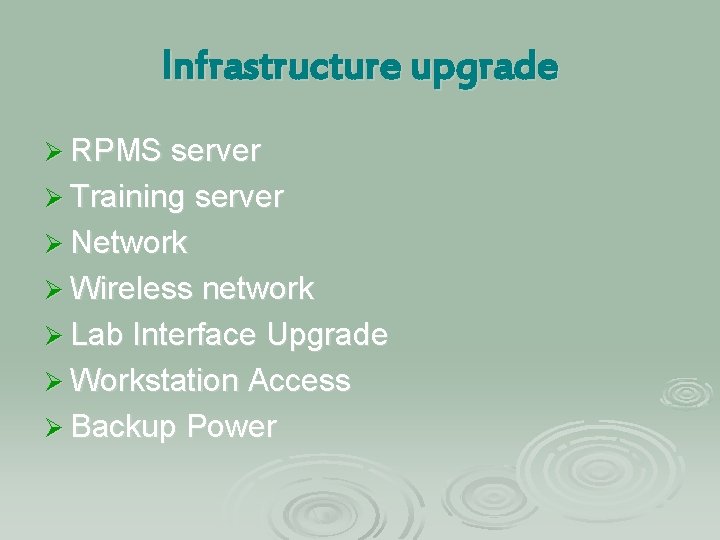
Infrastructure upgrade Ø RPMS server Ø Training server Ø Network Ø Wireless network Ø Lab Interface Upgrade Ø Workstation Access Ø Backup Power
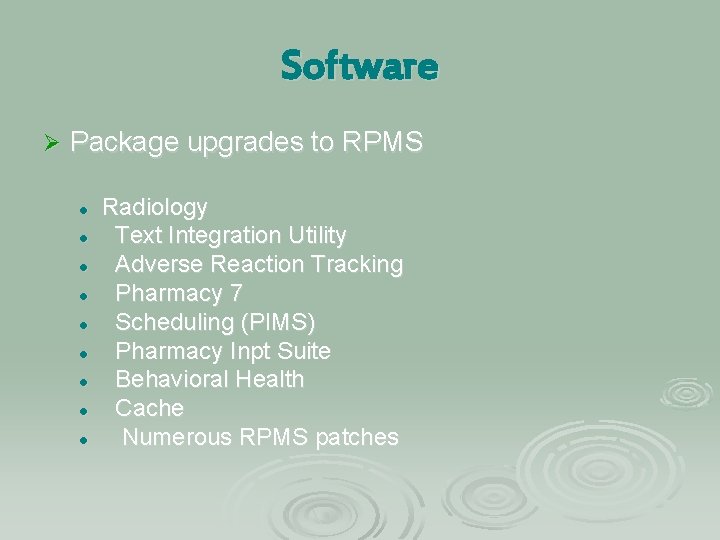
Software Ø Package upgrades to RPMS l l l l l Radiology Text Integration Utility Adverse Reaction Tracking Pharmacy 7 Scheduling (PIMS) Pharmacy Inpt Suite Behavioral Health Cache Numerous RPMS patches
Major Software Updates Ø Pharmacy Upgrade to version 7 (March 7) l l Ø Required several days to prepare drug files Utilized Portland VHA pharmacist to assist Worked overtime and weekends to get ready Major process changes for pharmacists Implemented the Pharmacy Allergy and Adverse Reaction Tracking System: • All of the allergies that have been entered into PCC had to be manually entered into the new tracking system and verified by a pharmacist
Major Software Updates Ø Implement the new scheduling package (PIMS) l l This software was substantially different than the old version of scheduling and required facility wide training Checking in pt using the scheduling package
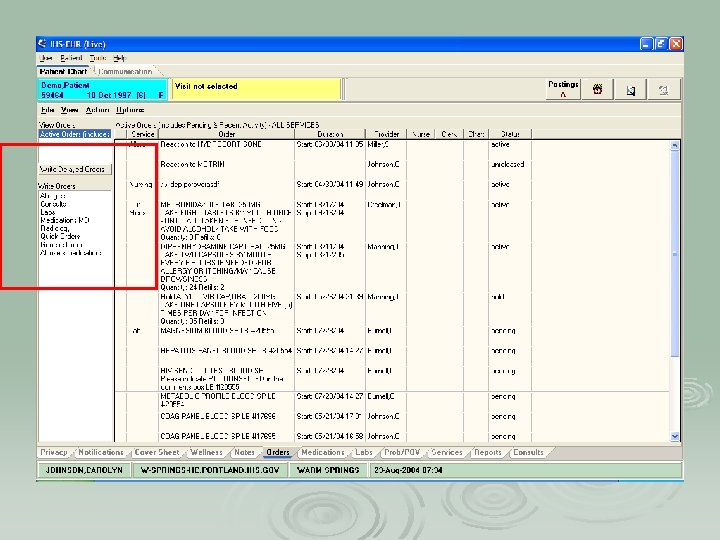
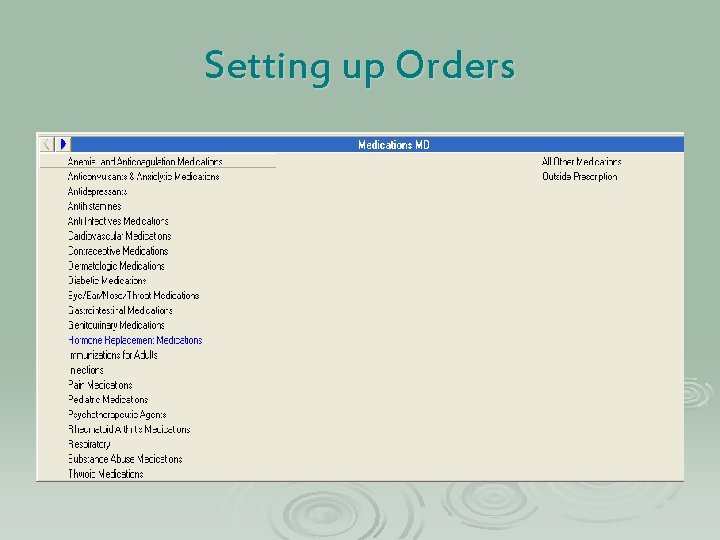
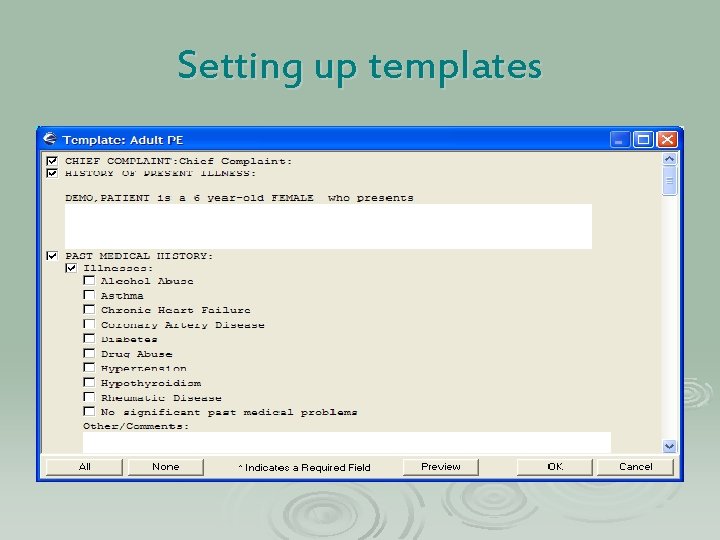
E. H. R. Configuration Ø Ø Design templates Design Menus and Quick Orders l Ø Ø Ø Ø Meds, Labs, Rad, Nursing Define consults Pick lists and Superbills Note Titles User Setup (keys) Parameters Printing Chart Copy and Orders Print Formats
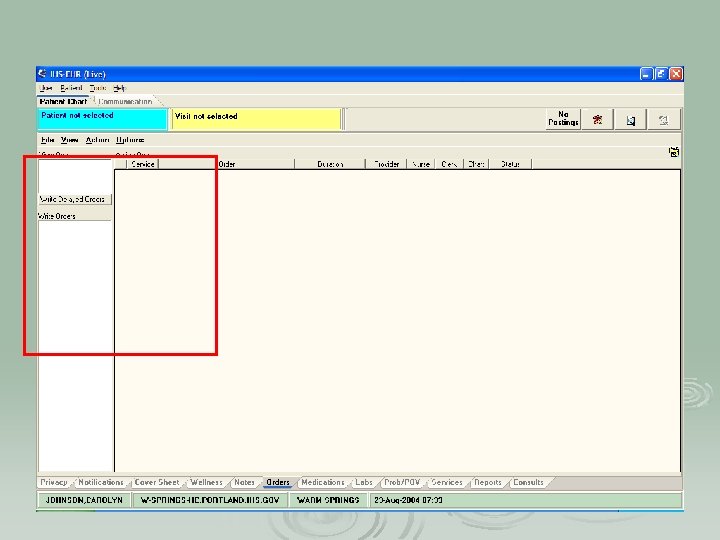
Setting up Orders
Setting up templates
Staff Orientation Ø Staff Training: l l CPRS Training Module Presented at Staff Meetings Pharmacy Training Module: • Available on Warm Springs Web Site • Mandatory for all pharmacy staff l CPRS Training Module: • Interactive training posted on Warm Springs Web Site • Mandatory for providers l l Mary Hager Demo Portland VHA visit and hands on training
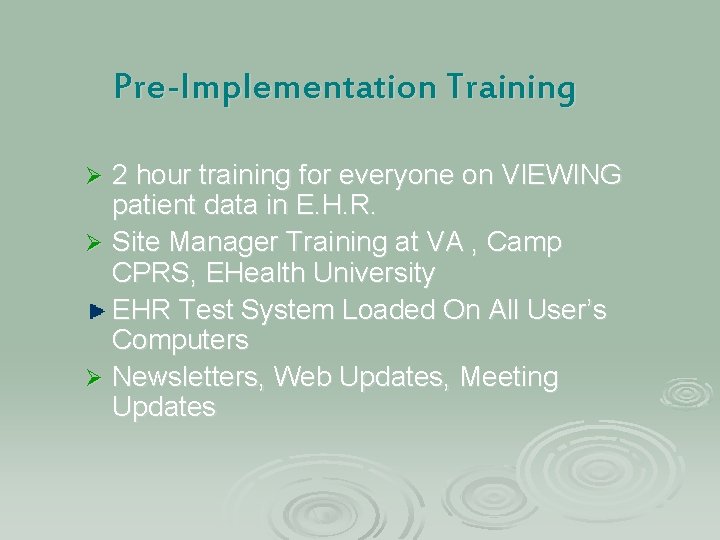
Pre-Implementation Training 2 hour training for everyone on VIEWING patient data in E. H. R. Ø Site Manager Training at VA , Camp CPRS, EHealth University EHR Test System Loaded On All User’s Computers Ø Newsletters, Web Updates, Meeting Updates Ø
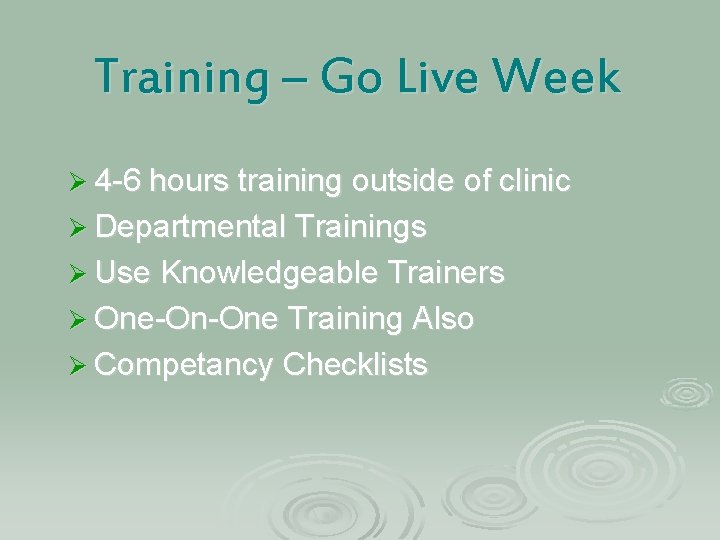
Training – Go Live Week Ø 4 -6 hours training outside of clinic Ø Departmental Trainings Ø Use Knowledgeable Trainers Ø One-On-One Training Also Ø Competancy Checklists
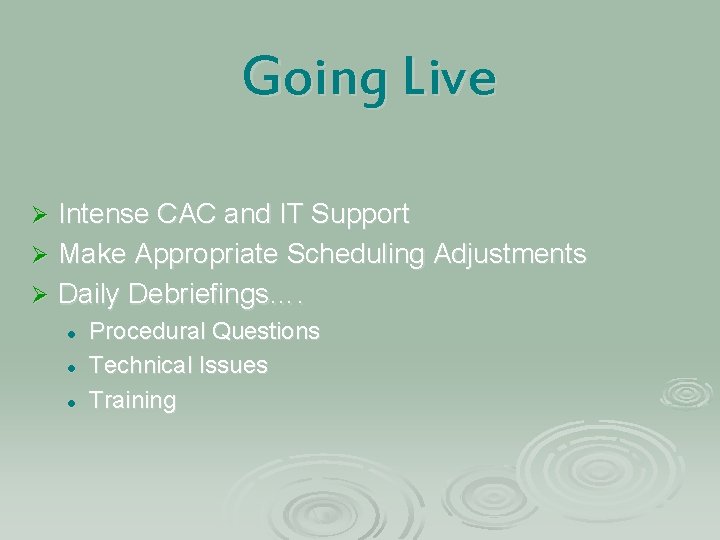
Going Live Intense CAC and IT Support Ø Make Appropriate Scheduling Adjustments Ø Daily Debriefings…. Ø l l l Procedural Questions Technical Issues Training
Questions?
Medical Records Process When to stop pulling the chart Ø Filing notes AND orders in chart? Ø Print And File Chart Copies? Batch Print? Ø Release Of Information? Ø Outside Consults? Scanning? Ø Incorrect Entries? Ø
PCC Coding Process Coding done from daily lists of visits Ø No hard copy to code from Ø Daily Error Reports Ø No POV, E&M Code, Activity Time Ø ICD Coding By Providers Ø Duplicate Visit Creation Ø
Business Office Process Services Pick List Development, Installation, And Training Ø Missing E&M Codes Ø No Hard Copy To Work With Ø EHR Notes Are Legible Ø Great Opportunity For Improved Provider Documentation & Increase Billing/Collections Ø
Pharmacy Ø Ø Ø Outside Prescription Orders Printing pharmacy service copies for orders Refill and New prescriptions aren’t always grouped Printing controlled substances How to incorporate pharmacy patient signature log Pharmacy Requirement for Completed/Signed Notes
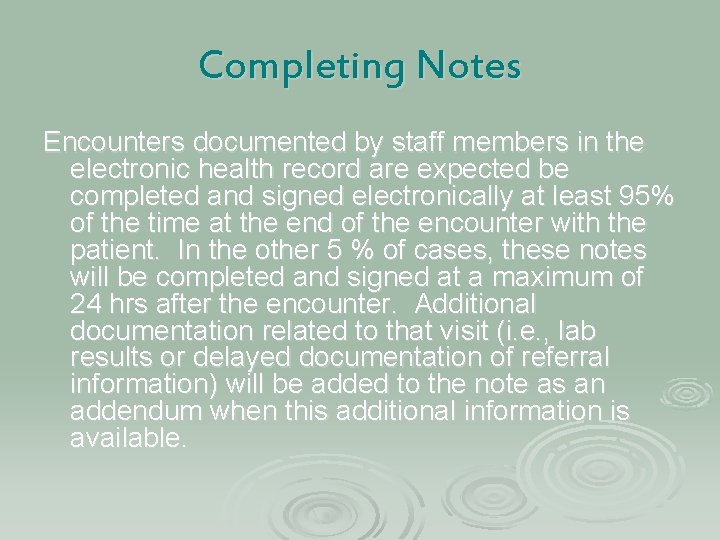
Completing Notes Encounters documented by staff members in the electronic health record are expected be completed and signed electronically at least 95% of the time at the end of the encounter with the patient. In the other 5 % of cases, these notes will be completed and signed at a maximum of 24 hrs after the encounter. Additional documentation related to that visit (i. e. , lab results or delayed documentation of referral information) will be added to the note as an addendum when this additional information is available.
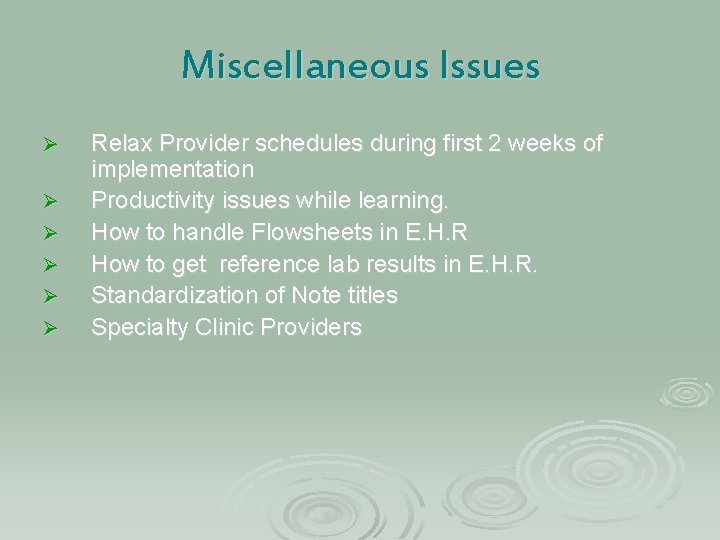
Miscellaneous Issues Ø Ø Ø Relax Provider schedules during first 2 weeks of implementation Productivity issues while learning. How to handle Flowsheets in E. H. R How to get reference lab results in E. H. R. Standardization of Note titles Specialty Clinic Providers
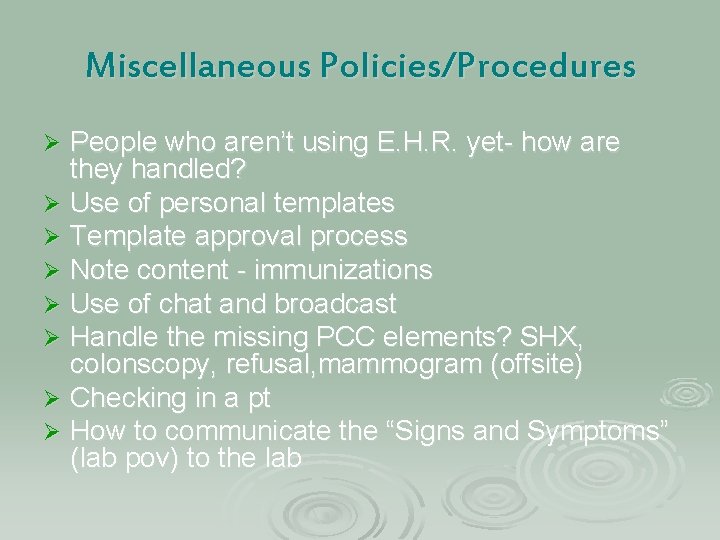
Miscellaneous Policies/Procedures People who aren’t using E. H. R. yet- how are they handled? Ø Use of personal templates Ø Template approval process Ø Note content - immunizations Ø Use of chat and broadcast Ø Handle the missing PCC elements? SHX, colonscopy, refusal, mammogram (offsite) Ø Checking in a pt Ø How to communicate the “Signs and Symptoms” (lab pov) to the lab Ø
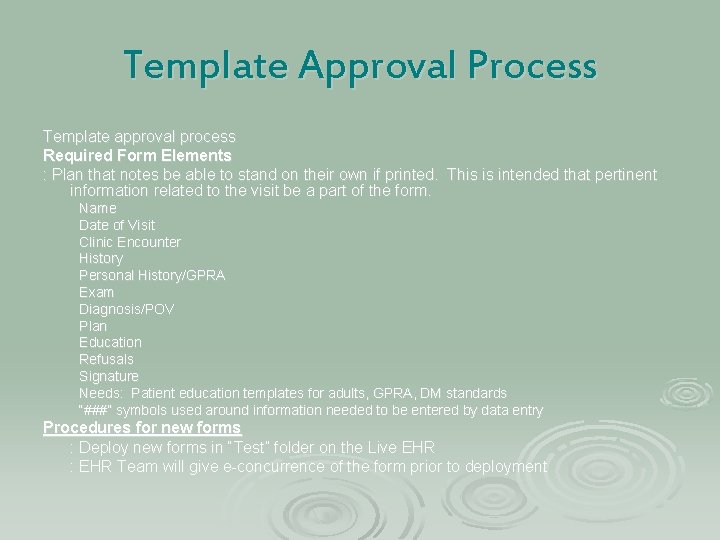
Template Approval Process Template approval process Required Form Elements : Plan that notes be able to stand on their own if printed. This is intended that pertinent information related to the visit be a part of the form. Name Date of Visit Clinic Encounter History Personal History/GPRA Exam Diagnosis/POV Plan Education Refusals Signature Needs: Patient education templates for adults, GPRA, DM standards “###” symbols used around information needed to be entered by data entry Procedures for new forms : Deploy new forms in “Test” folder on the Live EHR : EHR Team will give e-concurrence of the form prior to deployment