
IHS EHR Indian Health Service Electronic Health Record
- Slides: 45
IHS EHR Indian Health Service Electronic Health Record Carolyn Johnson & Michele Miller Warm Springs Health & Wellness Center
Preparation & Implementation Today’s Presentation Ø Medical Records Ø Medical Clinic Ø Lab Ø PHN Ø PCC & Billing Ø PHN/Community Health/ Diabetes Ø CAC/Computer Support
Medical Records Process When to stop pulling the chart Ø Filing notes in chart during the transition? Ø Print And File Chart Copies? Batch Print? Ø Release Of Information? Ø Outside Consults? Scanning? Ø Transcription Ø
Medical Records Supervisory Process Changes Daily Report: Unsigned Orders Ø Daily Report: Unsigned Notes Ø Retracting /Correcting Incorrect Entries Ø Paper P&P changed to Electronic P&P Ø Sensitive Pt Tracking Ø Medical Records Supervisor: Business rules/HIPAA Ø l l Who can view which parts of EHR Works cooperatively with RPMS Site Manager
Medical Records Staff Changes at Warm Springs Ø Staff shift from Medical Records to other departments : l l l 2 Medical Records are in PCC part time 1 Med rec tech is a nurses aid 1 Med rec tech is a Benefits Coordinator More nurses aids after EHR Staff will be utilized to scan documents once Vist. A Imaging is implemented
Medical Clinic Preparations Ø Formed Teams Ø Practiced EHR (on paper) Ø Defined Roles Ø Computers everywhere
Medical Clinic Process Using templates/graphs instead of flow sheets Ø Using the scheduling gui for visual routing of pt flow Ø Selecting ICD/CPT codes Ø Using GUIs: Ø l l Ward Order Lab Entry RCIS Behavioral Health Scheduling
Lab Preparations All Labs need to be entered in RPMS l l l On-site Labs Reference Labs State Labs Ø Computer Access Points Ø Changing from Esig to EHR
IHS EHR Indian Health Service Electronic Health Record PCC/Coding Krisanne Billy
Objectives for this Session Ø Role Changes Ø PCC Data Entry Coding Process Ø Error Report Ø Communication Ø New Coding Queue
Role Changes Ø Coding & Data Entry are a combined position. Ø Instead of 2 data entry clerks, we have 70 data entry providers who encode data. Ø Auditor Ø Educator
PCC Coding Process Ø Coders are assigned days. (ODD/EVEN) Ø Coding/Auditing from a coding queue Ø We code from EHR/RPMS not the chart Ø Corrections communicated to provider via notification (demonstration)
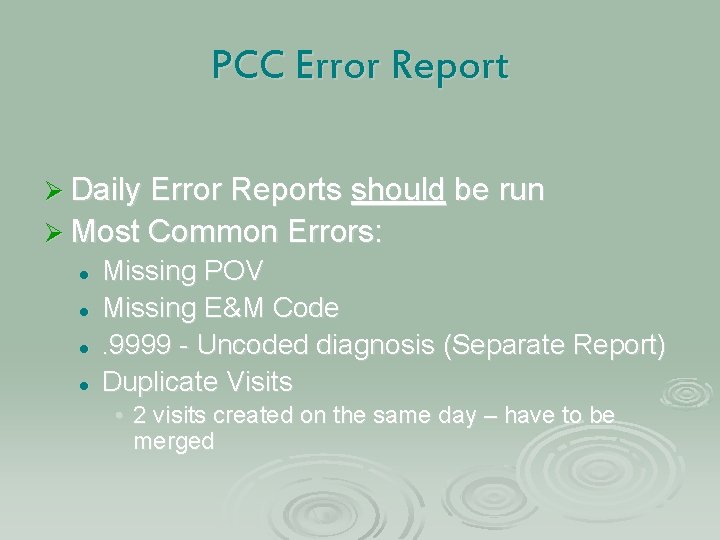
PCC Error Report Ø Daily Error Reports should be run Ø Most Common Errors: l l Missing POV Missing E&M Code. 9999 - Uncoded diagnosis (Separate Report) Duplicate Visits • 2 visits created on the same day – have to be merged
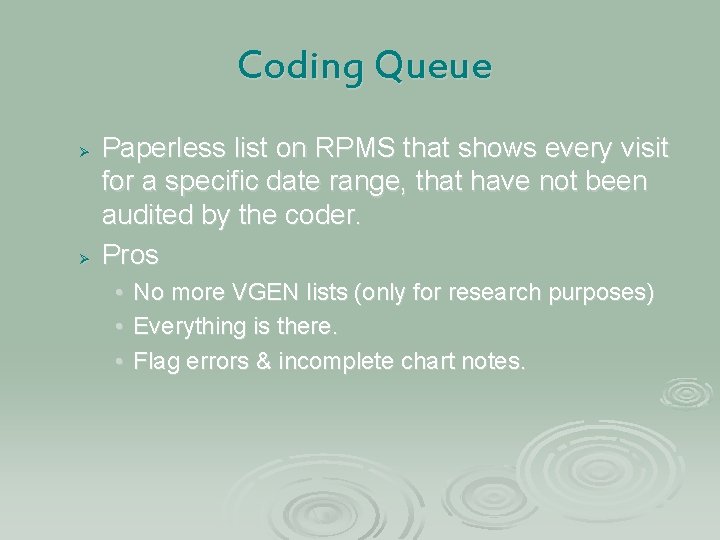
Coding Queue Ø Ø Paperless list on RPMS that shows every visit for a specific date range, that have not been audited by the coder. Pros • • • No more VGEN lists (only for research purposes) Everything is there. Flag errors & incomplete chart notes.
PCC-Business Office Communications Ø Bills are generated before PCC has reviewed the visit. Communicate with Business Office. • What can they bill?
Questions?
Business Office Process Services Pick List Development, Installation, And Training Ø No Hard Copy To Work With Ø No more missing E&M Codes Ø EHR Notes Are Legible Ø Great Opportunity For Improved Provider Documentation & Increase Billing/Collections Ø
Preparation/Implementation CAC
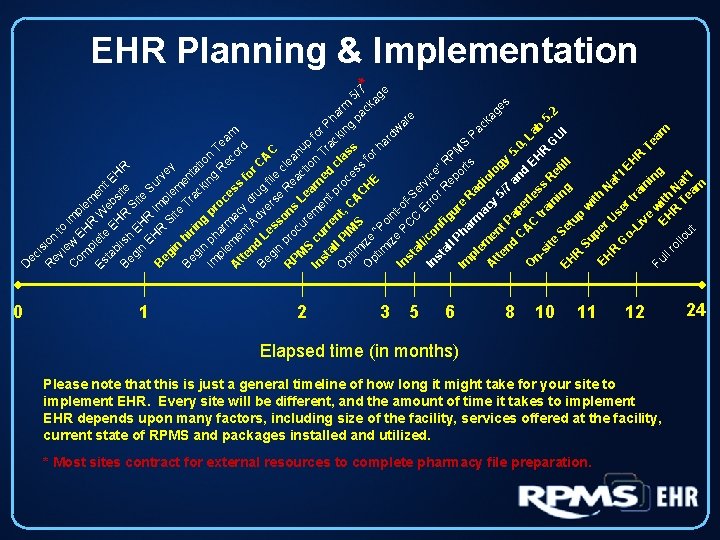
ec is R ion ev ie to C w imp om EH le p R m Es lete W en e t ta bl EH bsi EH Be ish R te R S gi n EHR ite EH S Im ur B R v eg Si ple ey in te m Tr en Be hi ac ta gi rin ki tio n g n n Im ph pr oc g R Te pl ar e ec am m A me ac ess or tte n d y f t o d nd A r. C ru d Be g v L A gi es ers file C n so e cl p R ns R e ea PM roc ur Le act nup S i e cu me arn on T for In st e al rren nt p d c rac Pha l k r l O r pt PIM t, C oce ass ing m 5 im A pa /7 S C ss f ck * O ize H o pt r E ag “ ha im Po e rd iz in e w t In ar PC -of st -S e C al e r Er l v In /co ro ice st nf r. R ” al i ep RP l P gu r or MS e Im ha ts R Pa pl r em ma adi ck ol cy ag A e tte nt 5/ ogy es 7 nd Pa 5 a p nd. 0, C A erl O EH La C es nb t s R ra si R te in G 5. 2 e U in fil Se I EH g l tu R p Su w ith EH per N U at R s ’l G er EH ot ra Li R in ve Te i n w Fu am g i E th ll H ro R N llo Te at’ ut am l D EHR Planning & Implementation 0 1 2 3 5 6 8 10 11 * Most sites contract for external resources to complete pharmacy file preparation. 12 Elapsed time (in months) Please note that this is just a general timeline of how long it might take for your site to implement EHR. Every site will be different, and the amount of time it takes to implement EHR depends upon many factors, including size of the facility, services offered at the facility, current state of RPMS and packages installed and utilized. 24
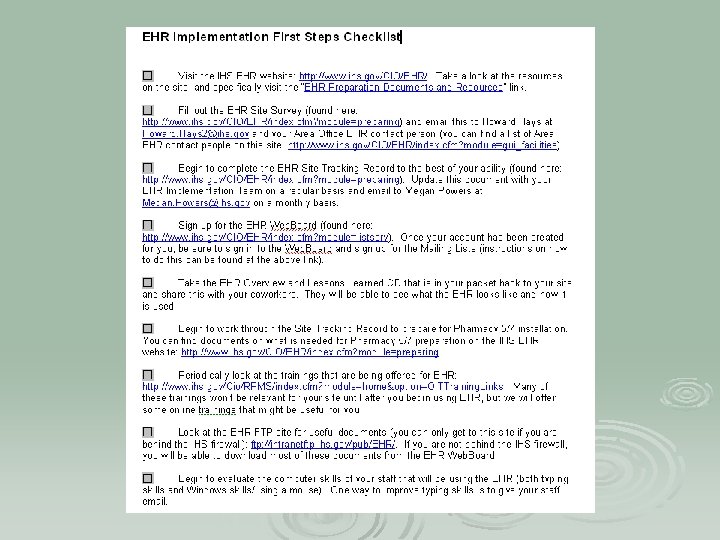
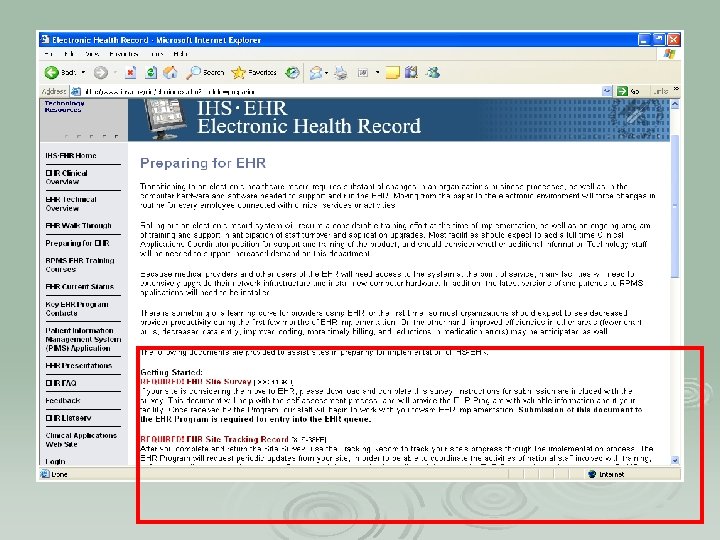
Step 1: Submit Site Survey
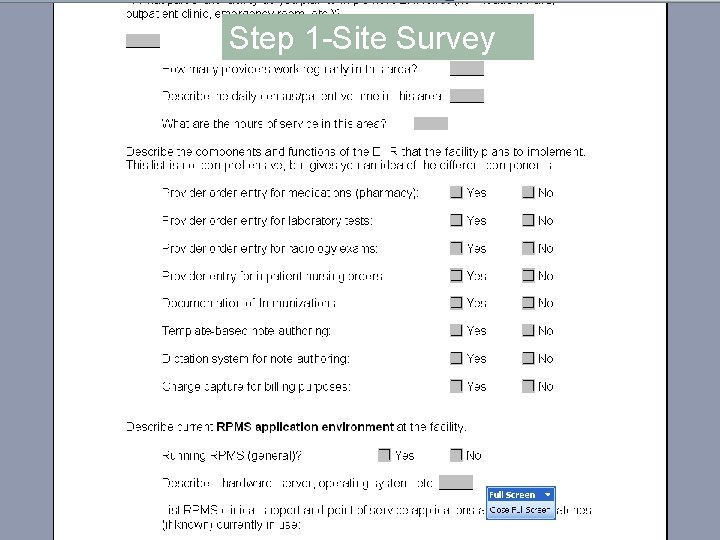
Step 1 -Site Survey
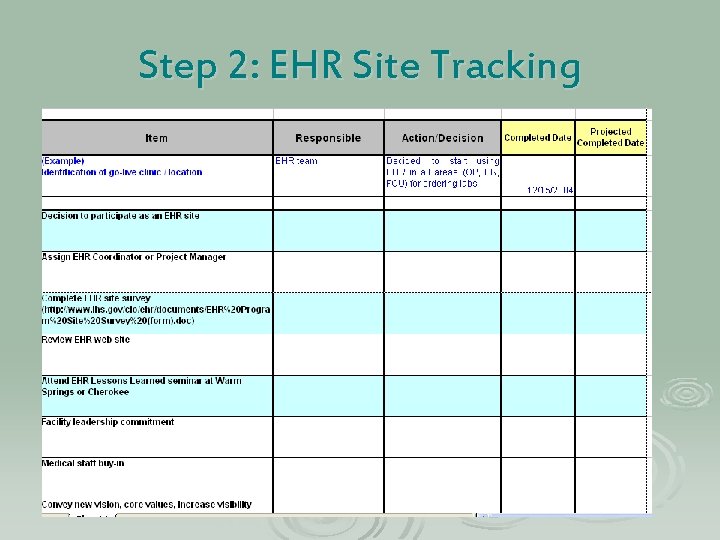
Step 2: EHR Site Tracking
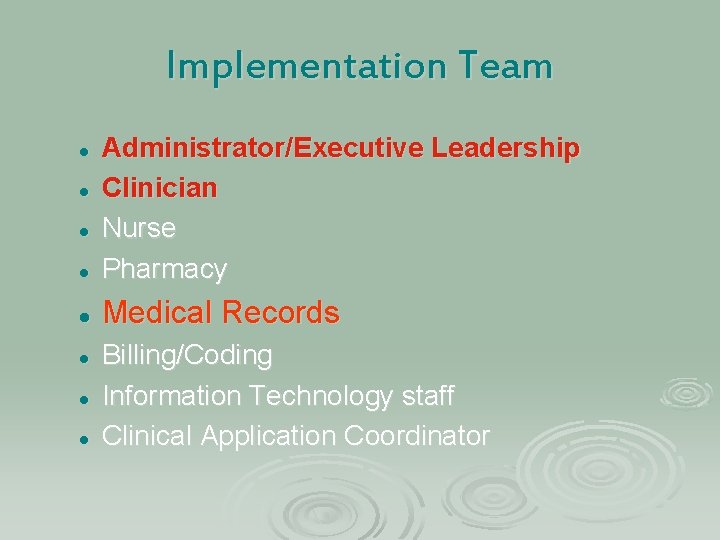
Implementation Team l Administrator/Executive Leadership Clinician Nurse Pharmacy l Medical Records l l l Billing/Coding Information Technology staff Clinical Application Coordinator
Implementation Team Roles Monitor and Execute Implementation Plan Ø Identify and define Policies and Procedures Ø Address staffing and scheduling during transition Ø Peer Training & Marketing Ø Design and Approve EHR Menus, templates, etc Ø
Identify Clinical Applications Coordinator (CAC) Ø Works cooperatively with Site Manager Ø Coordinates Implementation Ø EHR User Support Ø Training Ø Customize Software Ø Workflow Ø Portland Area CAC: Bob Adams R. Ph.
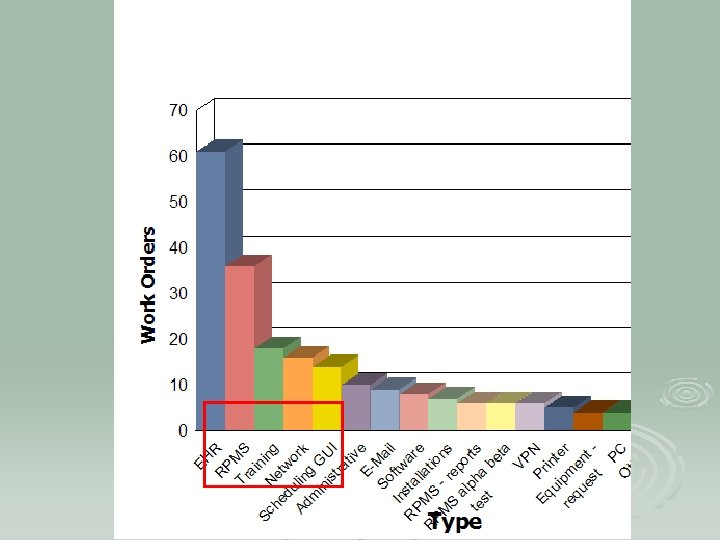
Help Desk Requests Warm Springs Computer/Cac Department
Implementation Strategy Implementation-Who and When Ø Everyone at once Ø Lab ordering , then radiology ordering, then pharmacy ordering, then notes Ø Bring up one team/dept at a time
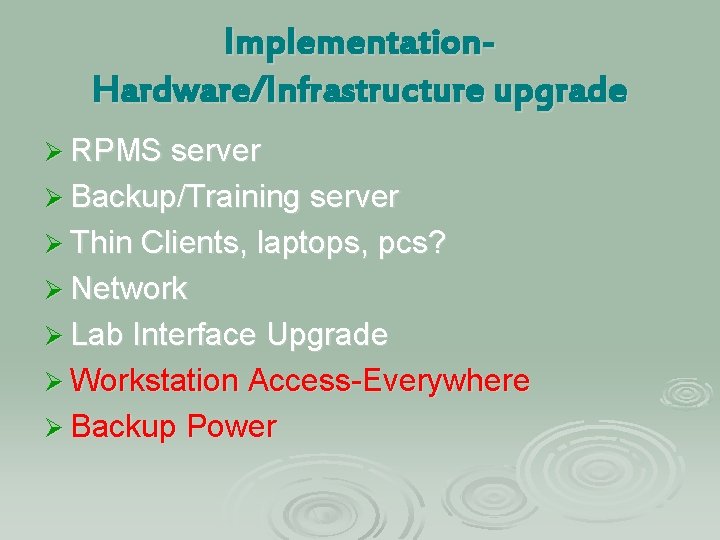
Implementation. Hardware/Infrastructure upgrade Ø RPMS server Ø Backup/Training server Ø Thin Clients, laptops, pcs? Ø Network Ø Lab Interface Upgrade Ø Workstation Access-Everywhere Ø Backup Power
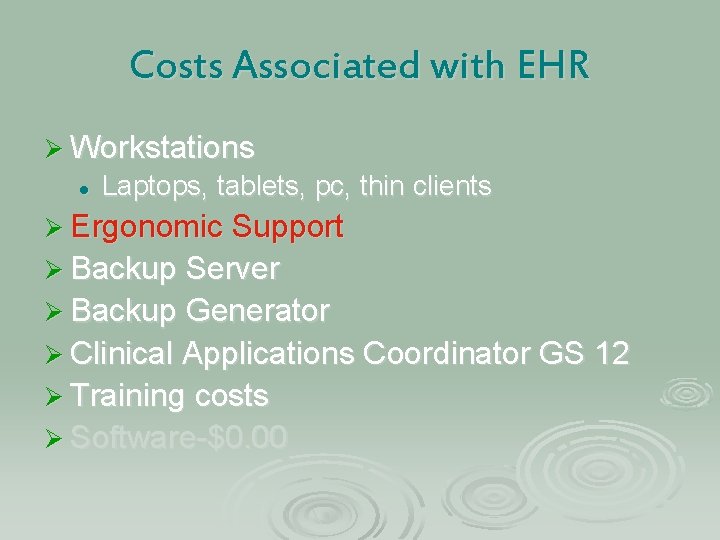
Costs Associated with EHR Ø Workstations l Laptops, tablets, pc, thin clients Ø Ergonomic Support Ø Backup Server Ø Backup Generator Ø Clinical Applications Coordinator GS 12 Ø Training costs Ø Software-$0. 00
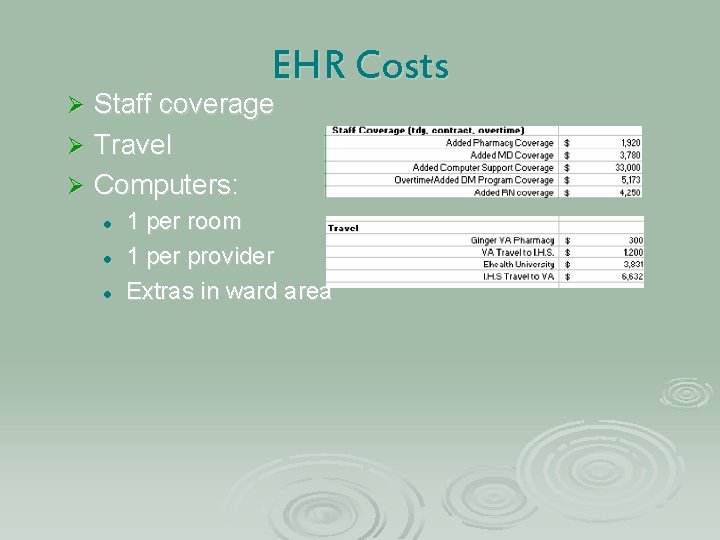
EHR Costs Staff coverage Ø Travel Ø Computers: Ø l l l 1 per room 1 per provider Extras in ward area
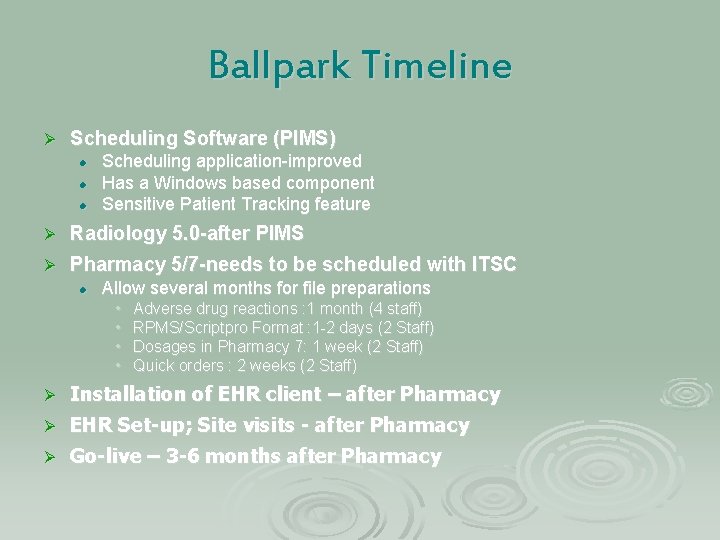
Ballpark Timeline Ø Scheduling Software (PIMS) l l l Scheduling application-improved Has a Windows based component Sensitive Patient Tracking feature Ø Radiology 5. 0 -after PIMS Ø Pharmacy 5/7 -needs to be scheduled with ITSC l Allow several months for file preparations • • Adverse drug reactions : 1 month (4 staff) RPMS/Scriptpro Format : 1 -2 days (2 Staff) Dosages in Pharmacy 7: 1 week (2 Staff) Quick orders : 2 weeks (2 Staff) Ø Installation of EHR client – after Pharmacy Ø EHR Set-up; Site visits - after Pharmacy Ø Go-live – 3 -6 months after Pharmacy
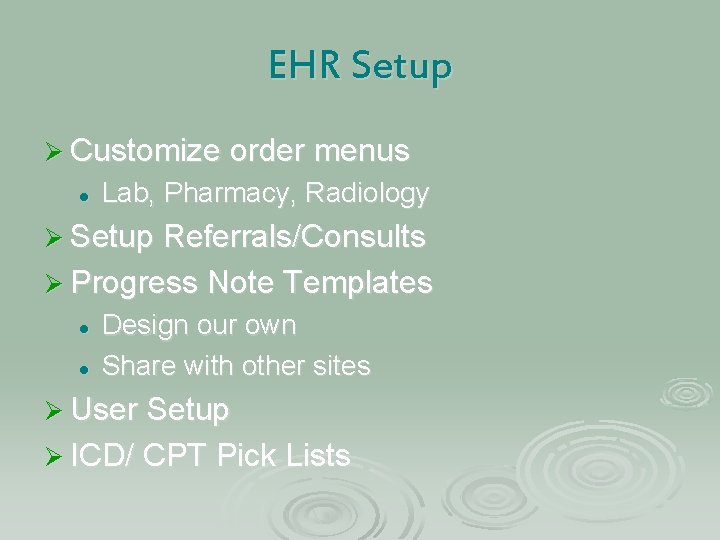
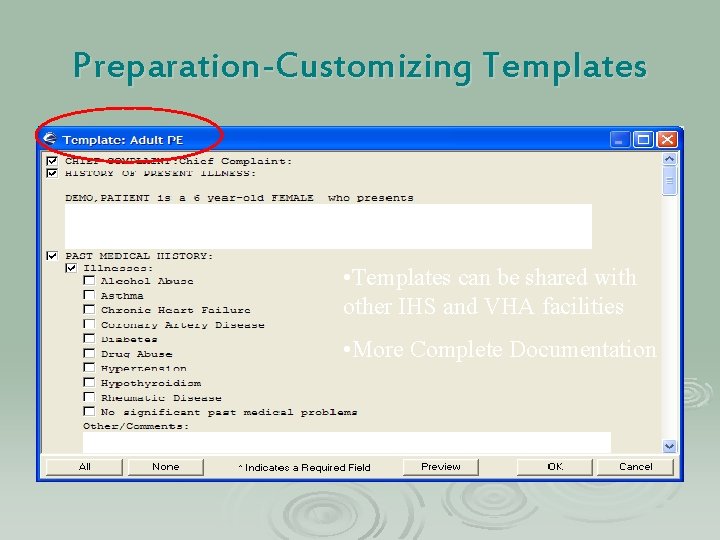
EHR Setup Ø Customize order menus l Lab, Pharmacy, Radiology Ø Setup Referrals/Consults Ø Progress Note Templates l l Design our own Share with other sites Ø User Setup Ø ICD/ CPT Pick Lists
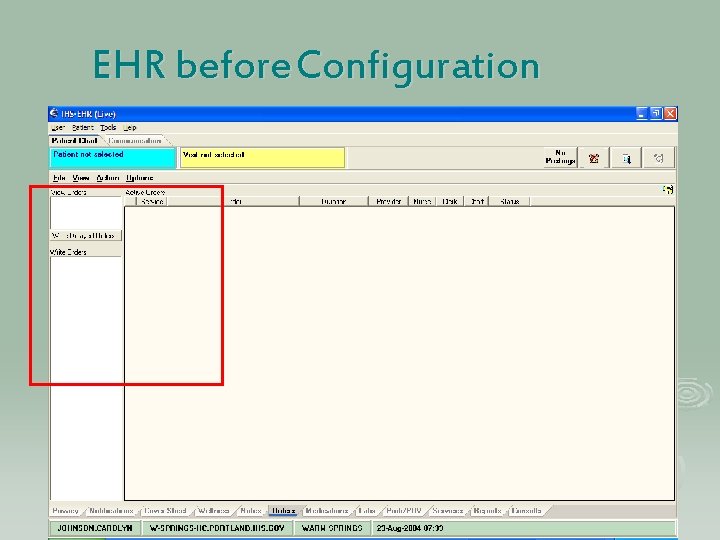
EHR before Configuration
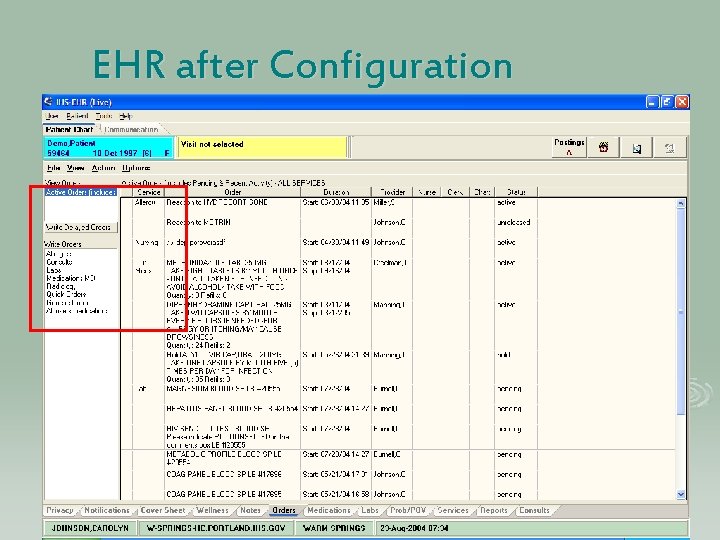
EHR after Configuration
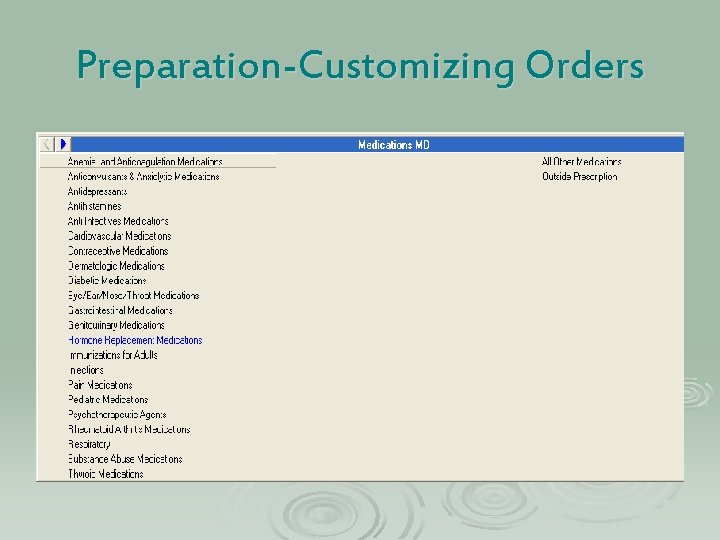
Preparation-Customizing Orders
Preparation-Customizing Templates • Templates can be shared with other IHS and VHA facilities • More Complete Documentation
Training/Marketing Ø EHR Demo Movie Ø VA Training Modules l l Pharmacy CPRS Ø ITSC Web-Ex Demo for our clinic Ø Show and Tell l l Newsletters Web Updates Meeting Updates Email Quizzes
EHR Trainings Ø EHR CAC & Implementation Team training l l Must have 5/7 installed Must have RPMS packages Optimized EHR Setup (on site) Ø Super end user training (on site) Ø Go Live (on site assistance from OIT) Ø EHR for Techies, EHR for Inpatient, EHR for HIM and Business Office Ø http: //www. ihs. gov/CIO/EHR/index. cfm? module= rpms_ehr_training Ø
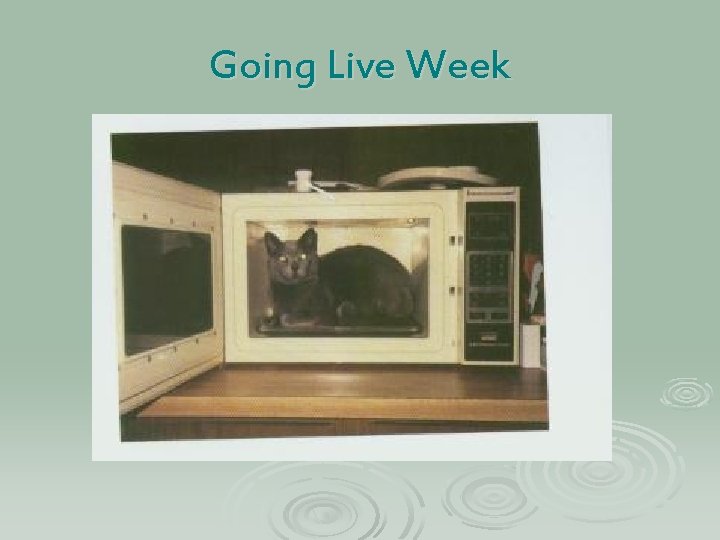
Going Live Week
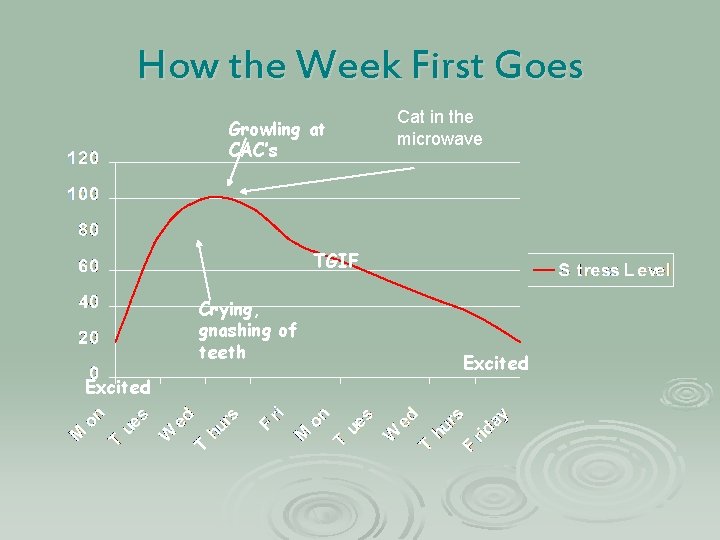
How the Week First Goes Growling at CAC’s Cat in the microwave TGIF Crying, gnashing of teeth Excited
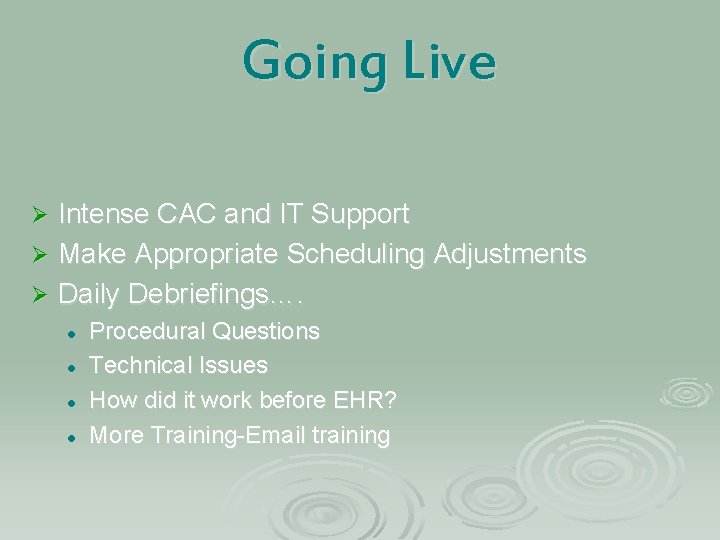
Going Live Intense CAC and IT Support Ø Make Appropriate Scheduling Adjustments Ø Daily Debriefings…. Ø l l Procedural Questions Technical Issues How did it work before EHR? More Training-Email training
Next Steps Ø Reminders Ø Vist. A Imaging Ø Voice Recognition Ø Electronic Dental Record
Questions?