
Ignite Innovation Student Challenge 4 week Roadmap Introduction
- Slides: 36
Ignite Innovation Student Challenge 4 -week Roadmap
Introduction Much of your life is likely spent using technology. Technology improves our lives by solving problems, making tasks easier, and by providing entertainment. Discovery Education and Tata Consultancy Services want you to find a problem to solve and come up with a digital solution to solve it. Great ideas are the first step! 2
Requirements • Describes a problem in an area of Health, Our Planet, or Education • explains how a digital solution solves a local, national, or global issue; • identifies the population being served; • explains at least three benefits of the digital solution; and • presents thinking and planning using computation thinking tools, highlighting at least two computational thinking strategies. 3
OVERVIEW This 4 -week plan is designed to help you guide your students to a successful entry. We will discuss how students can tackle seemingly insurmountable real-world challenges, by answering smaller, simpler research questions in a meaningful way. In the first 3 weeks, we’ll be sharing sub-questions that tie to our overall research question. This will enable your students to tackle this challenge in a manageable way. We’ll provide suggested strategies for answering these questions in just 15 -minutes, a warm-up activity, and a more interactive strategy that you can bring into your classroom. The last week will be focused on the students’ individual submissions. We will provide you all the information, tips and tricks you need to ensure your student submits their entry before April 9 th. 4
The BIG Question How can we improve the world with a digital solution? 5
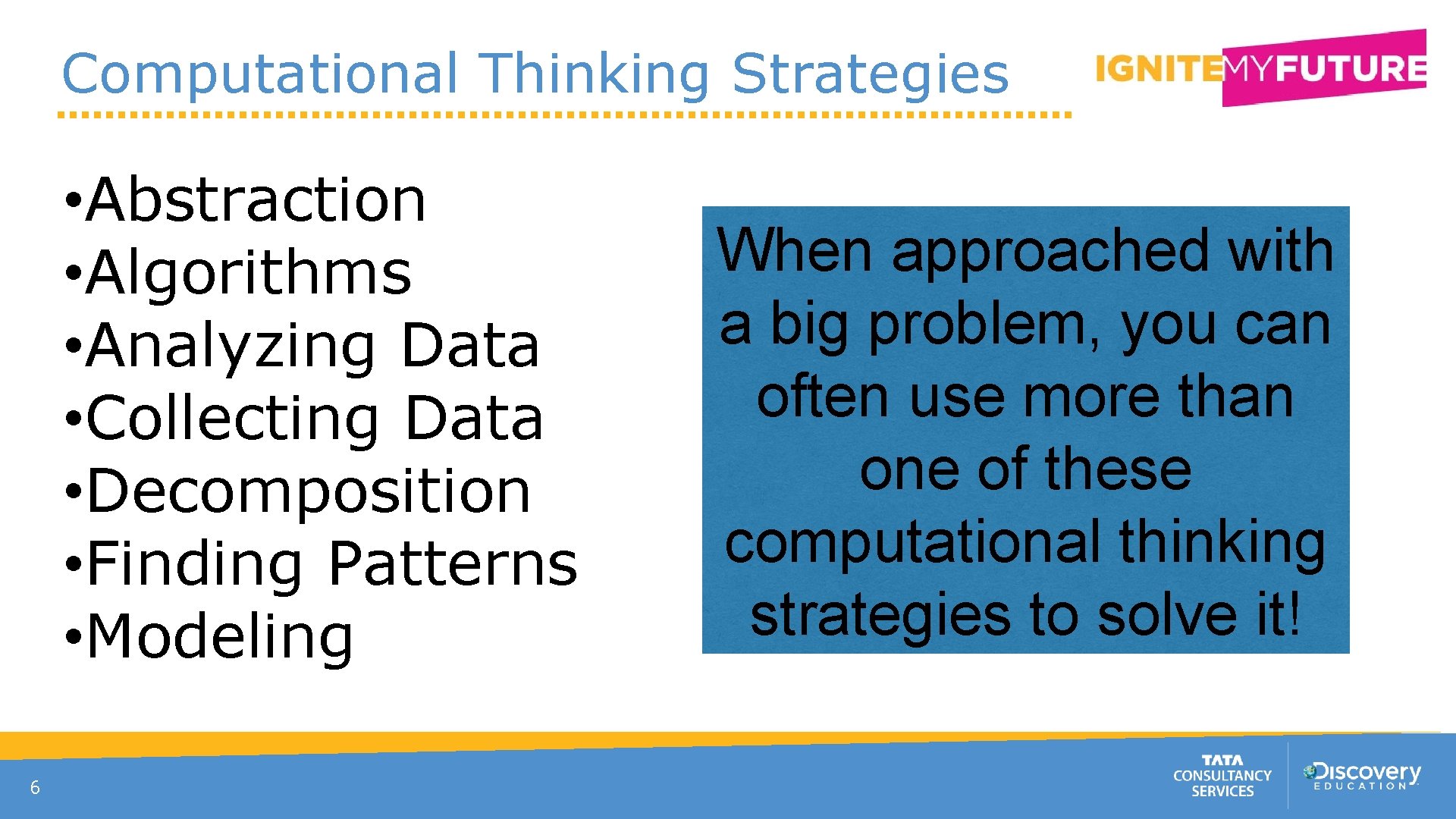
Computational Thinking Strategies • Abstraction • Algorithms • Analyzing Data • Collecting Data • Decomposition • Finding Patterns • Modeling 6 When approached with a big problem, you can often use more than one of these computational thinking strategies to solve it!
What is Computational Thinking? • The thought process that teaches us to formulate problems and express solutions in such a way that a computer (human or machine) can effectively carry it out. • The collection of human skills and practices related to problem solving that we’ve learned by studying computing. 7
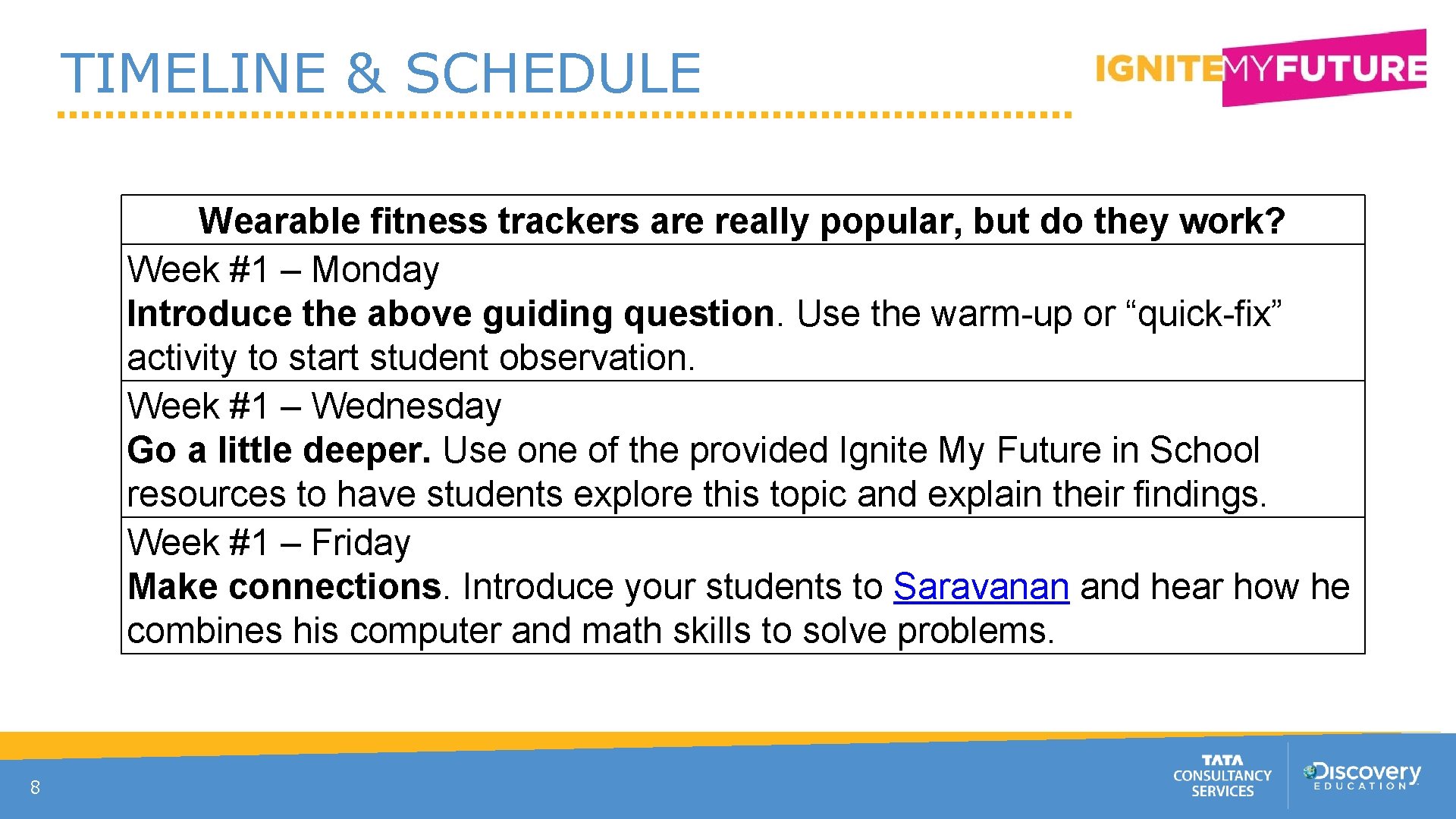
TIMELINE & SCHEDULE Wearable fitness trackers are really popular, but do they work? Week #1 – Monday Introduce the above guiding question. Use the warm-up or “quick-fix” activity to start student observation. Week #1 – Wednesday Go a little deeper. Use one of the provided Ignite My Future in School resources to have students explore this topic and explain their findings. Week #1 – Friday Make connections. Introduce your students to Saravanan and hear how he combines his computer and math skills to solve problems. 8
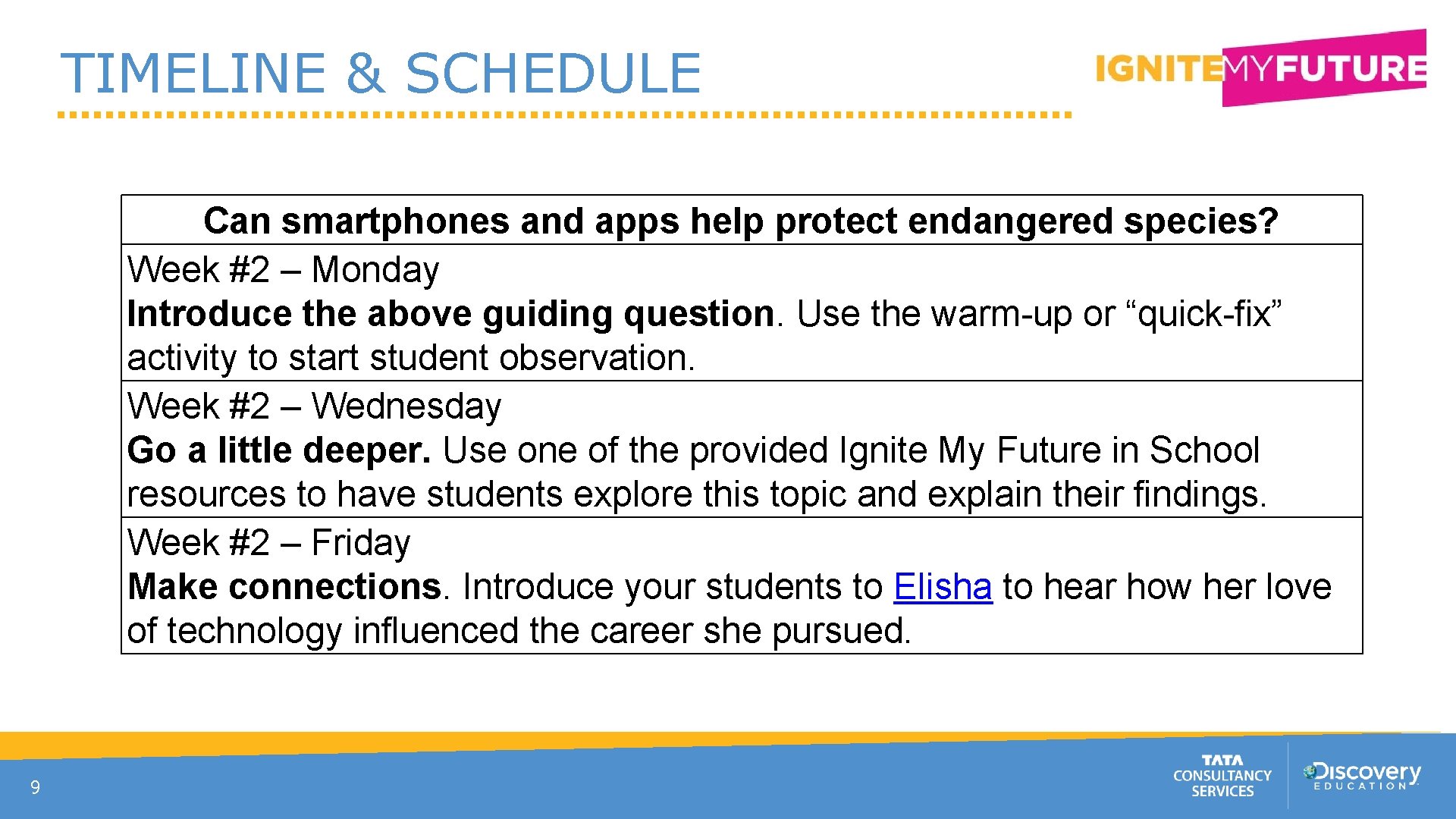
TIMELINE & SCHEDULE Can smartphones and apps help protect endangered species? Week #2 – Monday Introduce the above guiding question. Use the warm-up or “quick-fix” activity to start student observation. Week #2 – Wednesday Go a little deeper. Use one of the provided Ignite My Future in School resources to have students explore this topic and explain their findings. Week #2 – Friday Make connections. Introduce your students to Elisha to hear how her love of technology influenced the career she pursued. 9
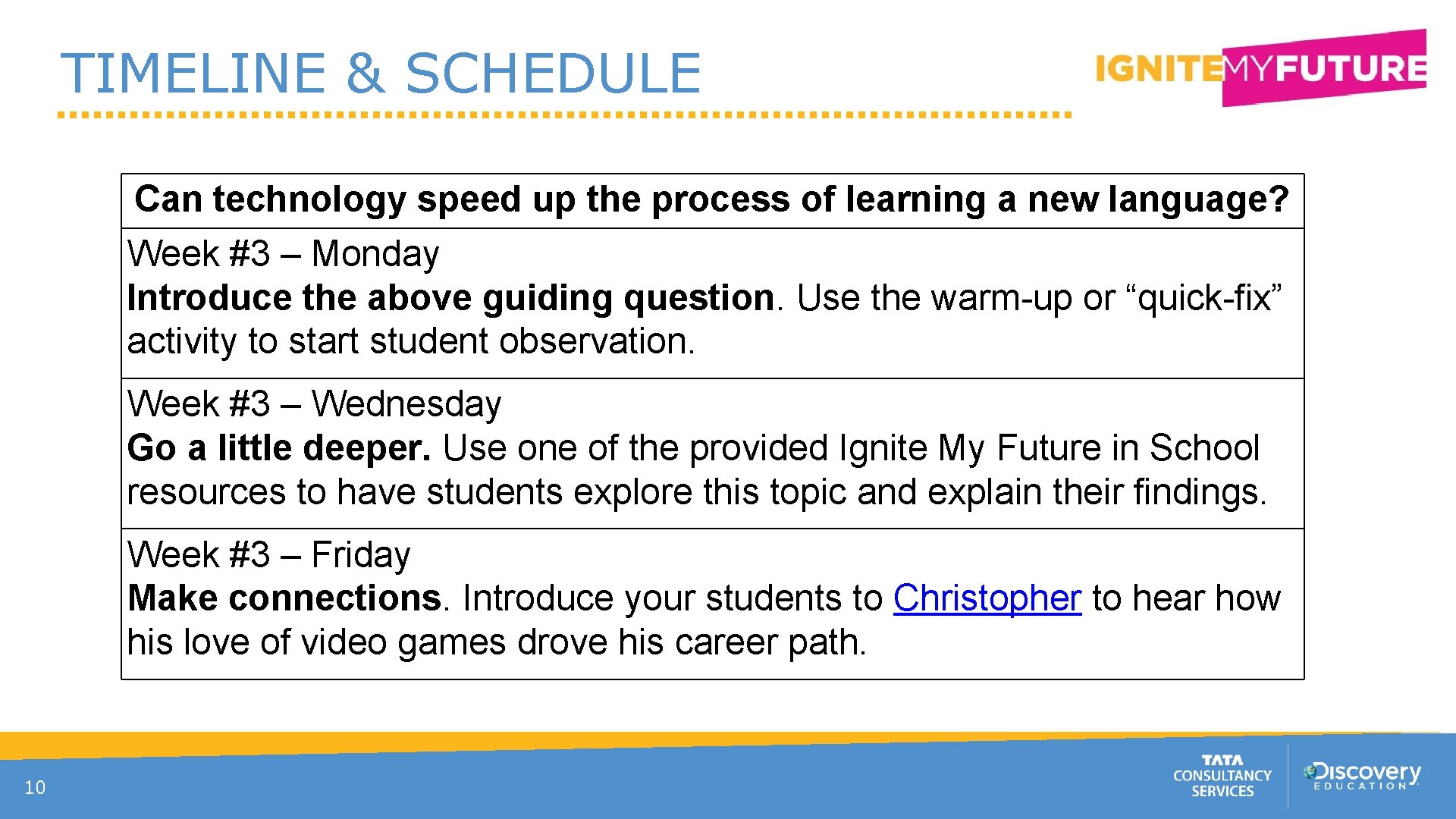
TIMELINE & SCHEDULE Can technology speed up the process of learning a new language? Week #3 – Monday Introduce the above guiding question. Use the warm-up or “quick-fix” activity to start student observation. Week #3 – Wednesday Go a little deeper. Use one of the provided Ignite My Future in School resources to have students explore this topic and explain their findings. Week #3 – Friday Make connections. Introduce your students to Christopher to hear how his love of video games drove his career path. 10
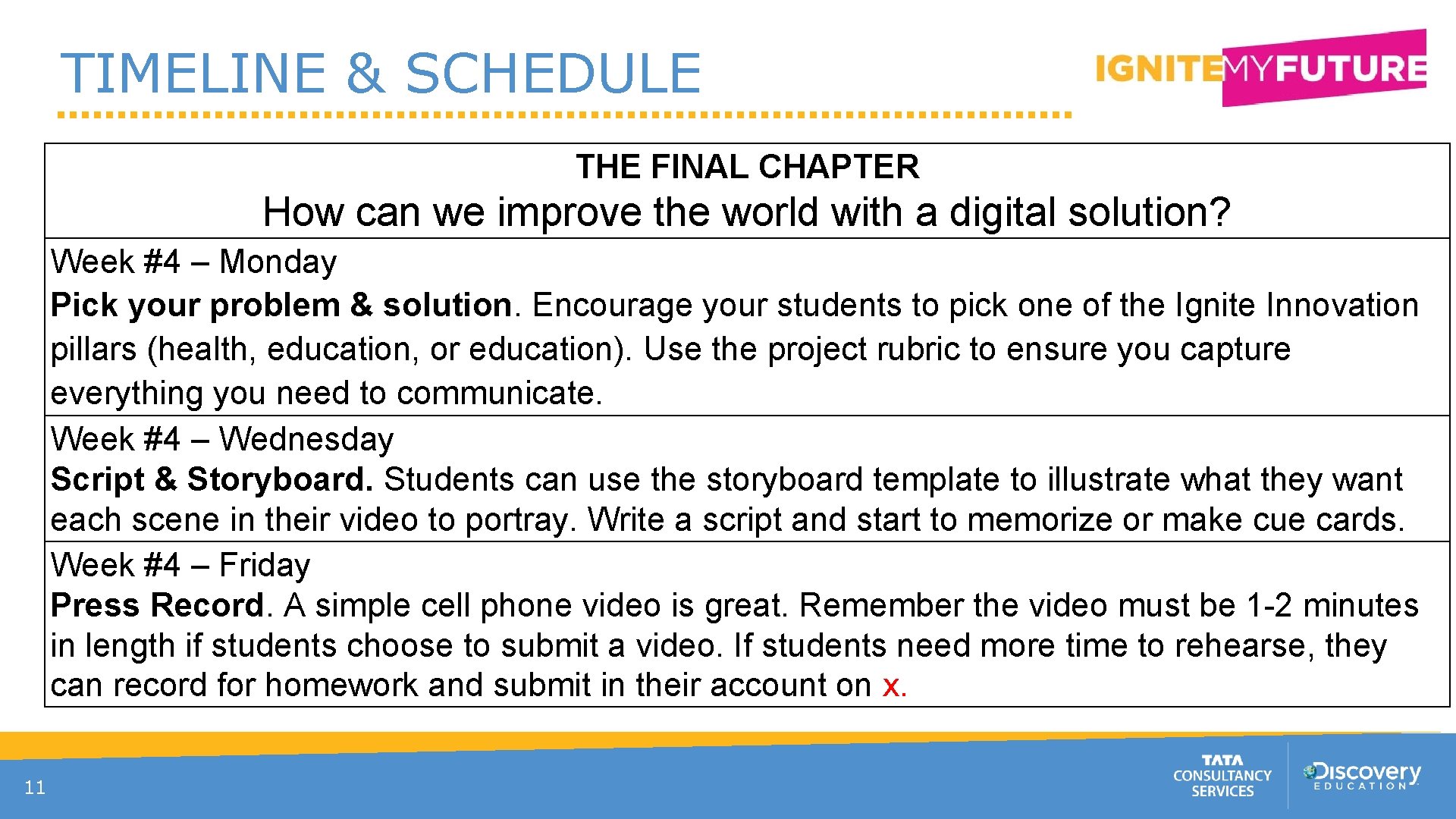
TIMELINE & SCHEDULE THE FINAL CHAPTER How can we improve the world with a digital solution? Week #4 – Monday Pick your problem & solution. Encourage your students to pick one of the Ignite Innovation pillars (health, education, or education). Use the project rubric to ensure you capture everything you need to communicate. Week #4 – Wednesday Script & Storyboard. Students can use the storyboard template to illustrate what they want each scene in their video to portray. Write a script and start to memorize or make cue cards. Week #4 – Friday Press Record. A simple cell phone video is great. Remember the video must be 1 -2 minutes in length if students choose to submit a video. If students need more time to rehearse, they can record for homework and submit in their account on x. 11
Week 1
WEEK #1: Monday Wearable fitness trackers are really popular, but do they work? Today, we challenge you to begin to answer the BIG question by presenting the above question to your students. This should take approx. 15 minutes. ▪ Exercise or Fitness Plan: What are some possible plans you would develop to help someone be active every day? ▪ Possible Methods: Collect Data. Identify any technology or analog method you can think of that would help the person implement and stick with the exercise or fitness plan. (For example, a regular exercise regimen could include using Kidnetic’s Fitness Challenge on a regular basis. ) ▪ How does it work? Give a brief description of how someone would use the technology or analog method to implement the exercise or fitness plan.
WEEK #1: Wednesday Wearable fitness trackers are really popular, but do they work? For a deeper dive, use the entire lesson, Get Moving! THINK: Students will study the most effective forms of exercise tracking, decomposing the elements of these tools that make them more appealing and habit-forming. SOLVE: Students will find patterns in data from many different types of fitness trackers (including wearables, apps, and analog methods), students will evaluate what characteristics of these tools appeal most to children and teens. CREATE: Students will use the computational thinking strategy of building models to design a prototype of a fitness tracker that appeals to teenagers. CONNECT: Students discuss how doctors and other health professionals design outreach programs that help the general population to get healthier.
WEEK #1: Friday Wearable fitness trackers are really popular, but do they work? Today, we invite you to make connections to real STEM professionals solving problems just like this! Like your students, they started with an idea and worked diligently to bring it to life. Meet Saravanan and hear how he combines his computer and math skills to solve problems.
STOP: CHALLENGE PREP TIME!
Parental/Guardian Permission Students need parental/guardian permission to enter the Ignite Innovation Student Challenge. At this point in time, send the letter found on the top of the Idea Starters page home with students to introduce their families to the challenge and begin the registration process. If parents/guardians have trouble registering, they can email us at ignitemyfuture@discoveryeducation. com. We’re happy to help!
Week 2
WEEK #2: Monday Can smartphones and apps help identify species? Today, the second Monday of the Ignite Innovation roadmap to a final entry, we’re introducing a new sub-question. We challenge you to begin to by presenting the above question to your students. This should take approx. 15 -minutes or less. Ask students if they know the difference between a sea lion and a seal? Show the images and ask students to identify which is which. What about a Burmese Python and a Ball Python? Share correct answers, and ask students to share out how well they did. Was it easier or harder than they expected? Ask students to consider how computers and smart device applications use image searches Invite students to brainstorm with a partner responses to the following guiding questions: How do you think computers recognize objects in images? How have humans helped computers enhance their searches?
WEEK #2: Wednesday Can smartphones and apps help identify species? For a deeper dive, use the entire lesson, Recognizing an Invader. THINK: Students act as conservation biologists challenged by the misidentification of look-alike species that negatively impact their data collection. SOLVE: Students explore solutions to help the public identify invasive species from native ones by creating an electronic field guide, or reverse image search, that can recognize distinctive patterns and features. . CREATE: Students sketch out how humans can teach a computer to see and recognize patterns using plant or animal species as models. CONNECT: Students identify how facial recognition and image recognition connect to careers and to problems of tomorrow.
WEEK #2: Friday Wearable fitness trackers are really popular, but do they work? Today, we invite you to make connections to real STEM professionals solving problems just like this! Like your students, they started with an idea and worked diligently to bring it to life. Meet Elisha to hear how her love of technology influenced the career she pursued.
STOP: CHALLENGE PREP TIME!
Challenge Registration Have all of your students registered for the challenge? Do they all know their usernames and passwords? If not, help them to resolve this and encourage them to talk with their parents/guardians about setting up the account. If technical difficulties arise, please, contact us ignitemyfuture@discoveryeducation. com To excite your students, share the various prizes they could win
Week 3
WEEK #3: Monday Can technology speed up the process of learning a new language? Today, the third Monday of the Ignite Innovation roadmap to a final challenge entry, we challenge you to begin to answer that question by presenting the following to your students in 15 minutes or less. Tell students: Imagine that you are a tour guide who will be leading a trip to another country. Most natives of that country do not speak English, so it is important that the travelers in your group know the basics of that country’s language. There’s just one problem—the trip is in a few weeks! It’s up to you to teach your to communicate in this language in a very short amount of time. Ask students to think of different tools they have used in the past to learn things quickly. Write their answers in a central location. Have students rank the learning tools in order of effectiveness. How could these be transformed into a solution
WEEK #3: Wednesday Can technology speed up the process of learning a new language? For a deeper dive, use the entire lesson, Speak My Language. THINK: students step into the role of a tour guide charged with preparing a group to travel to a foreign country. The trip is in just a few weeks, but the group doesn’t know the language spoken in that country. SOLVE: Students use the computational thinking strategy of finding patterns to design a tool that could help someone learn the basics of a language quickly. CREATE: Students will develop a flash card game that helps travelers to learn a language quickly. CONNECT: Students identify how learning languages connects to careers and to the problems of tomorrow.
WEEK #2: Friday Wearable fitness trackers are really popular, but do they work? Today, we invite you to make connections to real STEM professionals solving problems just like this! Like your students, they started with an idea and worked diligently to bring it to life. Meet Christopher to hear how his love of video games drove his career path.
STOP: CHALLENGE PREP TIME!
Finishing up! Next week, your students will complete their Ignite Innovation project. To prepare, print out the following documents for each student: - Project Template, - Remember, the important dates of the challenge and ensure your students have plenty of time to brainstorm, plan, record and submit before the deadline, th April 9 at 8 pm ET
Week 4
WEEK #4: Monday THE FINAL CHAPTER How can we improve the world with a digital solution? We are finally here - the last week of the Ignite Innovation roadmap. It is now time for each student to work individual or in small groups on their Ignite Innovation entry. The first step in this process is to pick a problem they want to solve in an area of Health, Our Planet, or Education. Students are welcome to use one of the prompts presented over the past few weeks or come up with a new idea! Ask students to use the project template to brainstorm and narrow down their problem and potential solution. By Wednesday, they should have completed steps x
WEEK #4: Wednesday THE FINAL CHAPTER Which problem do you want to solve with technology and how? Now, it’s time to plan! Having a plan is the key to an engaging video or written explanation. Ask students to use the storyboard to plan each shot of their video. Encourage students to write a script using cue cards. Students are not required to memorize their scripts, however, students should sound confident and natural. They should speak clearly to ensure their audience understands them. By Friday, they should have completed steps 6 -8
WEEK #4: Friday THE FINAL CHAPTER Which problem do you want to solve with technology and how? • • • Describes a problem in an area of Health, Our Planet, or Education explains how a digital solution solves a local, national, or global issue; identifies the population being served; explains at least three benefits of the digital solution; and presents thinking and planning using computation thinking tools, highlighting at least two computational thinking strategies.
STOP: CHALLENGE PREP TIME!
Last Steps As students are submitting their final projects, encourage them to reference our FAQs, remind them to review judging criteria and the official rules. If they are having technical difficulties, please tell students/parents to reach out to Remind students of the deadline: April 9 th at 8 PM ET Share with us on Twitter @Discovery. Ed – How many students in your class participated? Use #Ignite. My. Future
Thank You! For more information, please visit www. Ignite. My. Future. In. School. org