
IFT 1025 Programmation 2 Internet JianYun Nie Concepts
- Slides: 21
IFT 1025: Programmation 2 Internet Jian-Yun Nie
Concepts • Communication sur l’Internet • Connexion dans Java
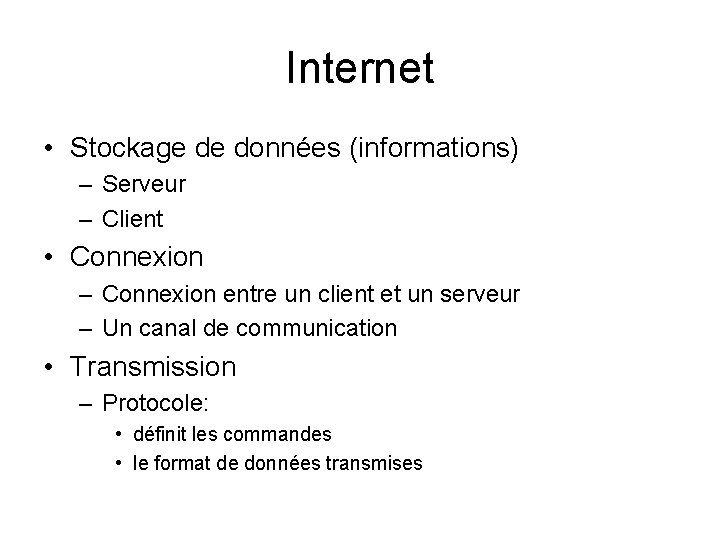
Internet • Stockage de données (informations) – Serveur – Client • Connexion – Connexion entre un client et un serveur – Un canal de communication • Transmission – Protocole: • définit les commandes • le format de données transmises
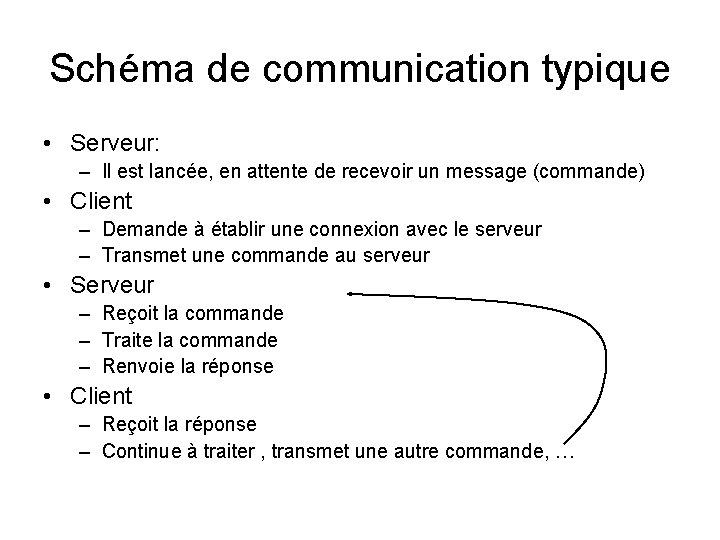
Schéma de communication typique • Serveur: – Il est lancée, en attente de recevoir un message (commande) • Client – Demande à établir une connexion avec le serveur – Transmet une commande au serveur • Serveur – Reçoit la commande – Traite la commande – Renvoie la réponse • Client – Reçoit la réponse – Continue à traiter , transmet une autre commande, …
Établir une connexion • Identifier l’adresse du serveur à laquelle envoyer une requête de connexion • Adresse: – Adresse IP (Internet Protocol): 4 octets (4 entier 0 -255) – 130. 65. 86. 66 • Domain Naming Service (DNS): le nom correspondant à une adresse IP – Ss_domaine. sous_domaine – java. sun. com, www. iro. umontreal. ca – Traduction de DNS en adresse IP: par un serveur DNS • Serveur – Prêt à recevoir des requêtes des types préétablis – E. g. GET
Transmission de données • Transmettre caractère par caractère – Lent, inefficace • Par paquet (package) – Un tampon pour accumuler les données – Quand il est rempli, envoyer (et vider) – Plus efficace
Contrôle de transmission • TCP/IP: – IP: • s’occupe de découper les données en paquets, les envoyer – TCP: Transmission Control Protocol • Contrôle le bon fonctionnement de la transmission • Un paquet est-il envoyé et reçu correctement ? Sinon, renvoyer le paquet
Communication entre client et serveur • Server: – Reçoit une requête: • Adresse IP du client • Commande – Déterminer la réponse – Envoyer la réponse à l’adresse IP – Prêt à recevoir une autre commande • Client – Envoie une requête au serveur – Attend à recevoir une réponse (ou un message d’erreur)
Protocole • Un serveur est établi pour communiquer selon un protocole • Canal de communication (no. de port) – 0 and 65, 535 – HTTP: par défaut: 80 • Serveur Web: prêt à recevoir les requêtes HTTP: – Adresse d’un document: • Uniform Resource Locator (URL) • java. sun. com/index. html – Commande – GET /index. html HTTP/1. 0 (suivie d’une ligne blanche) – http: //java. sun. com/index. html
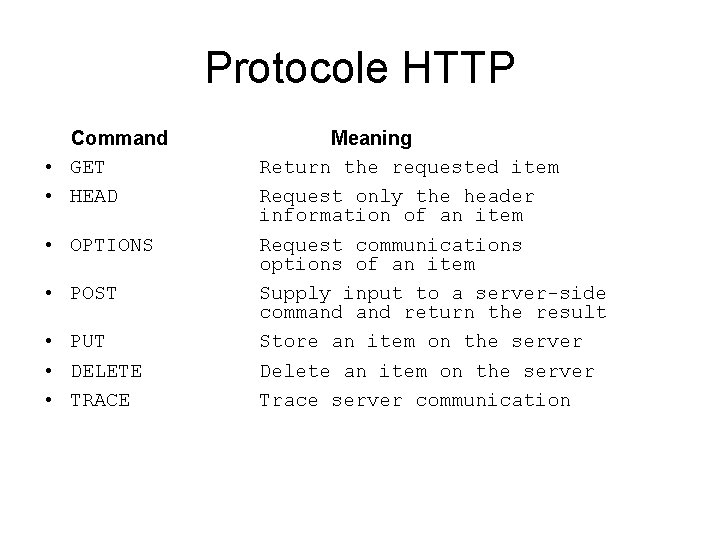
Protocole HTTP Command • GET • HEAD • OPTIONS • POST • PUT • DELETE • TRACE Meaning Return the requested item Request only the header information of an item Request communications options of an item Supply input to a server-side command return the result Store an item on the server Delete an item on the server Trace server communication
Interprétation de la donnée • HTTP – Interprète les commande – N’interprète pas les données • Navigateur – Interprète les données reçues – HTML: format de données
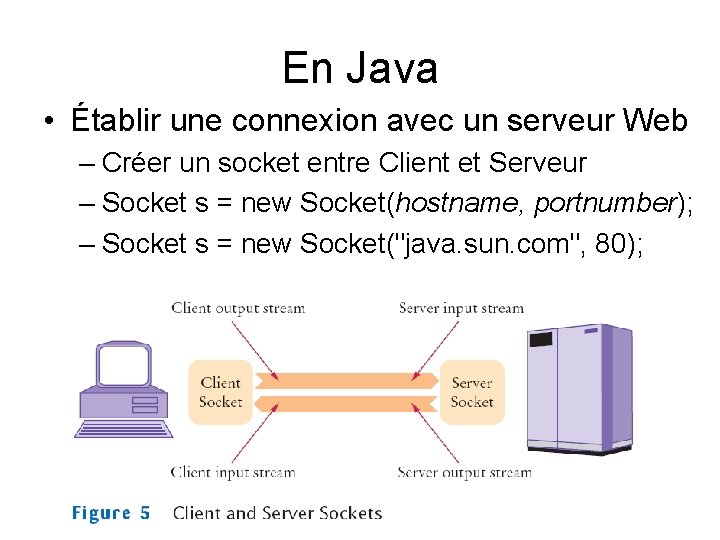
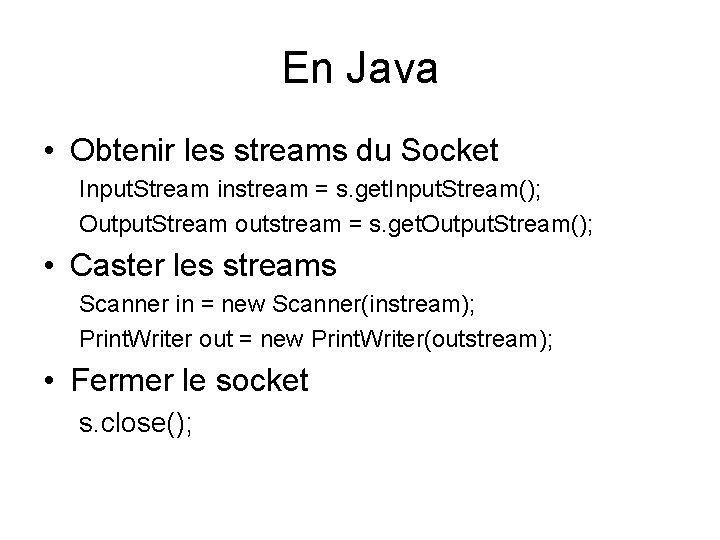
En Java • Établir une connexion avec un serveur Web – Créer un socket entre Client et Serveur – Socket s = new Socket(hostname, portnumber); – Socket s = new Socket("java. sun. com", 80);
En Java • Obtenir les streams du Socket Input. Stream instream = s. get. Input. Stream(); Output. Stream outstream = s. get. Output. Stream(); • Caster les streams Scanner in = new Scanner(instream); Print. Writer out = new Print. Writer(outstream); • Fermer le socket s. close();
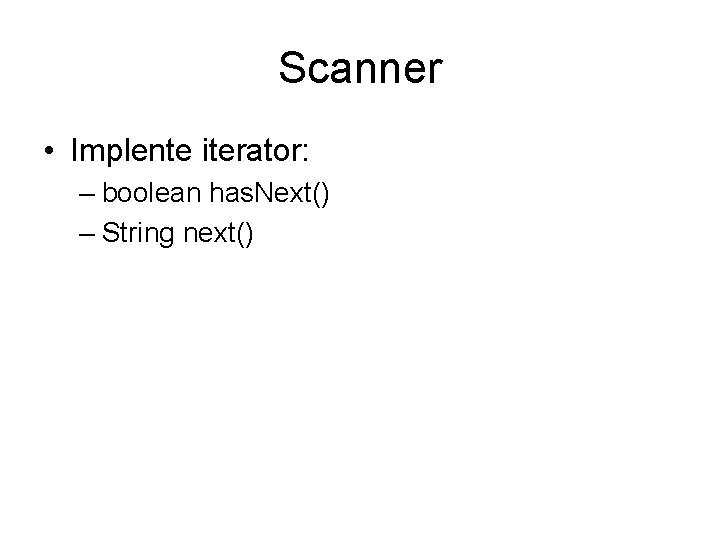
Scanner • Implente iterator: – boolean has. Next() – String next()
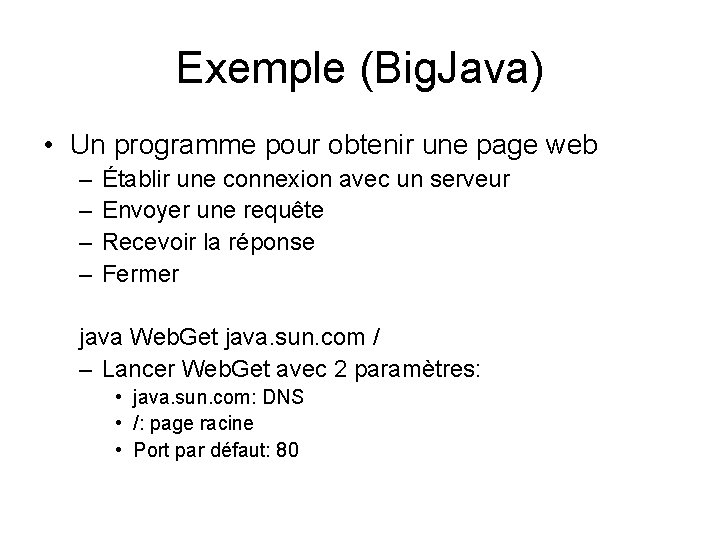
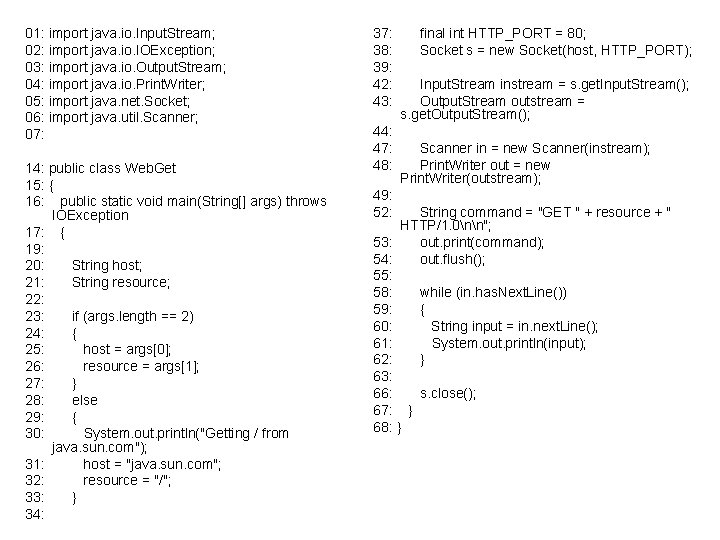
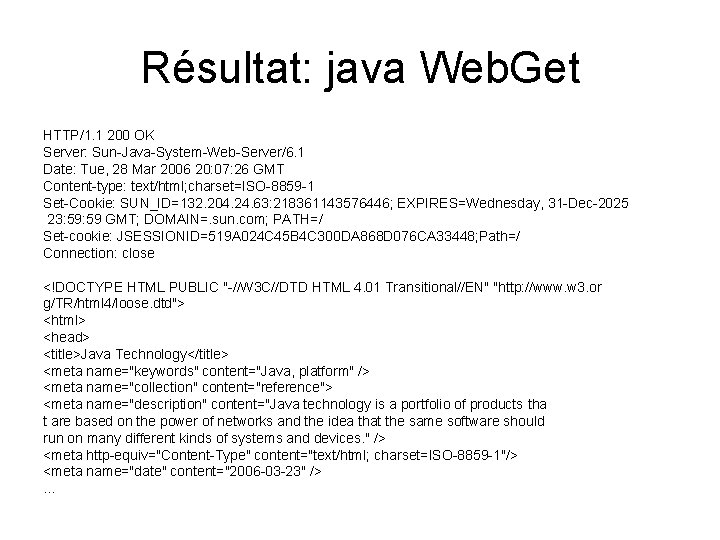
Exemple (Big. Java) • Un programme pour obtenir une page web – – Établir une connexion avec un serveur Envoyer une requête Recevoir la réponse Fermer java Web. Get java. sun. com / – Lancer Web. Get avec 2 paramètres: • java. sun. com: DNS • /: page racine • Port par défaut: 80
01: import java. io. Input. Stream; 02: import java. io. IOException; 03: import java. io. Output. Stream; 04: import java. io. Print. Writer; 05: import java. net. Socket; 06: import java. util. Scanner; 07: 14: public class Web. Get 15: { 16: public static void main(String[] args) throws IOException 17: { 19: 20: String host; 21: String resource; 22: 23: if (args. length == 2) 24: { 25: host = args[0]; 26: resource = args[1]; 27: } 28: else 29: { 30: System. out. println("Getting / from java. sun. com"); 31: host = "java. sun. com"; 32: resource = "/"; 33: } 34: 37: 38: 39: 42: 43: 44: 47: 48: 49: 52: final int HTTP_PORT = 80; Socket s = new Socket(host, HTTP_PORT); Input. Stream instream = s. get. Input. Stream(); Output. Stream outstream = s. get. Output. Stream(); Scanner in = new Scanner(instream); Print. Writer out = new Print. Writer(outstream); String command = "GET " + resource + " HTTP/1. 0nn"; 53: out. print(command); 54: out. flush(); 55: 58: while (in. has. Next. Line()) 59: { 60: String input = in. next. Line(); 61: System. out. println(input); 62: } 63: 66: s. close(); 67: } 68: }
Résultat: java Web. Get HTTP/1. 1 200 OK Server: Sun-Java-System-Web-Server/6. 1 Date: Tue, 28 Mar 2006 20: 07: 26 GMT Content-type: text/html; charset=ISO-8859 -1 Set-Cookie: SUN_ID=132. 204. 24. 63: 218361143576446; EXPIRES=Wednesday, 31 -Dec-2025 23: 59 GMT; DOMAIN=. sun. com; PATH=/ Set-cookie: JSESSIONID=519 A 024 C 45 B 4 C 300 DA 868 D 076 CA 33448; Path=/ Connection: close <!DOCTYPE HTML PUBLIC "-//W 3 C//DTD HTML 4. 01 Transitional//EN" "http: //www. w 3. or g/TR/html 4/loose. dtd"> <html> <head> <title>Java Technology</title> <meta name="keywords" content="Java, platform" /> <meta name="collection" content="reference"> <meta name="description" content="Java technology is a portfolio of products tha t are based on the power of networks and the idea that the same software should run on many different kinds of systems and devices. " /> <meta http-equiv="Content-Type" content="text/html; charset=ISO-8859 -1"/> <meta name="date" content="2006 -03 -23" /> …
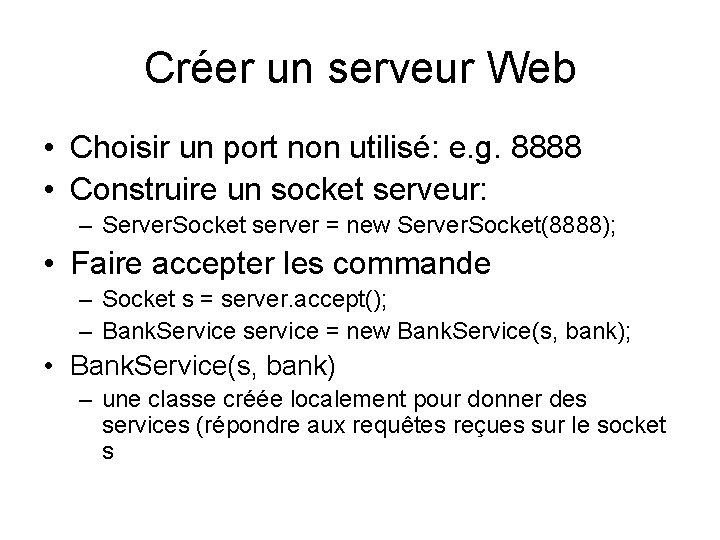
Créer un serveur Web • Choisir un port non utilisé: e. g. 8888 • Construire un socket serveur: – Server. Socket server = new Server. Socket(8888); • Faire accepter les commande – Socket s = server. accept(); – Bank. Service service = new Bank. Service(s, bank); • Bank. Service(s, bank) – une classe créée localement pour donner des services (répondre aux requêtes reçues sur le socket s
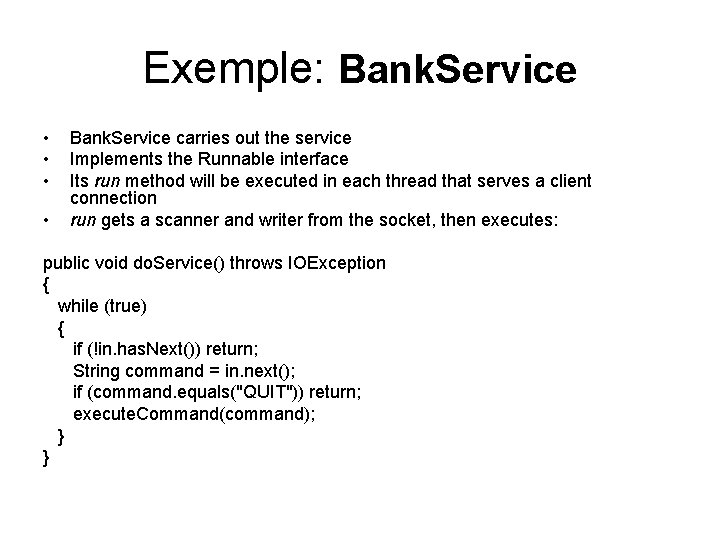
Exemple: Bank. Service • • Bank. Service carries out the service Implements the Runnable interface Its run method will be executed in each thread that serves a client connection run gets a scanner and writer from the socket, then executes: public void do. Service() throws IOException { while (true) { if (!in. has. Next()) return; String command = in. next(); if (command. equals("QUIT")) return; execute. Command(command); } }
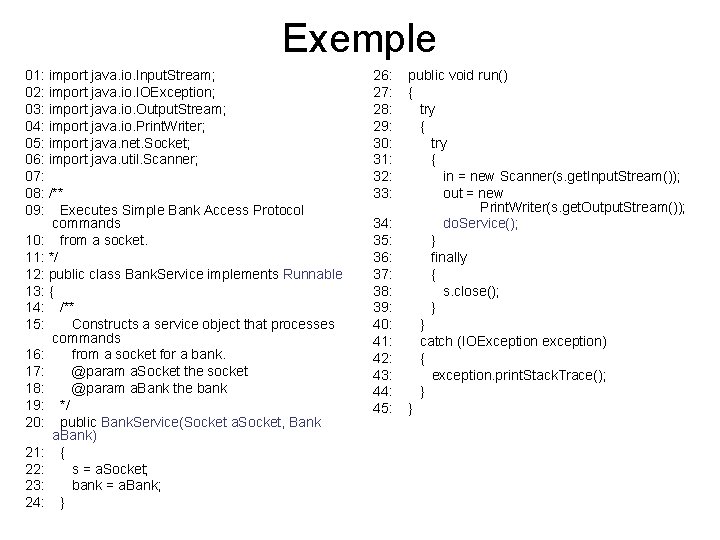
Exemple 01: import java. io. Input. Stream; 02: import java. io. IOException; 03: import java. io. Output. Stream; 04: import java. io. Print. Writer; 05: import java. net. Socket; 06: import java. util. Scanner; 07: 08: /** 09: Executes Simple Bank Access Protocol commands 10: from a socket. 11: */ 12: public class Bank. Service implements Runnable 13: { 14: /** 15: Constructs a service object that processes commands 16: from a socket for a bank. 17: @param a. Socket the socket 18: @param a. Bank the bank 19: */ 20: public Bank. Service(Socket a. Socket, Bank a. Bank) 21: { 22: s = a. Socket; 23: bank = a. Bank; 24: } 26: 27: 28: 29: 30: 31: 32: 33: 34: 35: 36: 37: 38: 39: 40: 41: 42: 43: 44: 45: public void run() { try { in = new Scanner(s. get. Input. Stream()); out = new Print. Writer(s. get. Output. Stream()); do. Service(); } finally { s. close(); } } catch (IOException exception) { exception. print. Stack. Trace(); } }
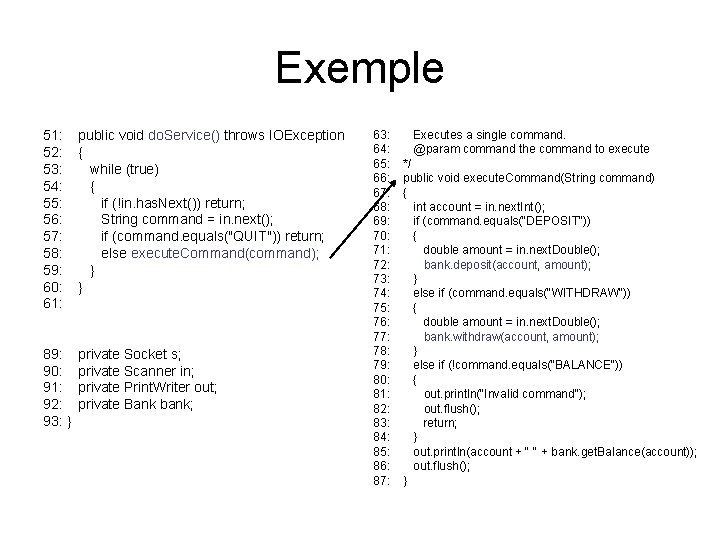
Exemple 51: 52: 53: 54: 55: 56: 57: 58: 59: 60: 61: public void do. Service() throws IOException { while (true) { if (!in. has. Next()) return; String command = in. next(); if (command. equals("QUIT")) return; else execute. Command(command); } } 89: 90: 91: 92: 93: } private Socket s; private Scanner in; private Print. Writer out; private Bank bank; 63: 64: 65: 66: 67: 68: 69: 70: 71: 72: 73: 74: 75: 76: 77: 78: 79: 80: 81: 82: 83: 84: 85: 86: 87: Executes a single command. @param command the command to execute */ public void execute. Command(String command) { int account = in. next. Int(); if (command. equals("DEPOSIT")) { double amount = in. next. Double(); bank. deposit(account, amount); } else if (command. equals("WITHDRAW")) { double amount = in. next. Double(); bank. withdraw(account, amount); } else if (!command. equals("BALANCE")) { out. println("Invalid command"); out. flush(); return; } out. println(account + " " + bank. get. Balance(account)); out. flush(); }