
IF statement i Single statement IF logical expression
- Slides: 7
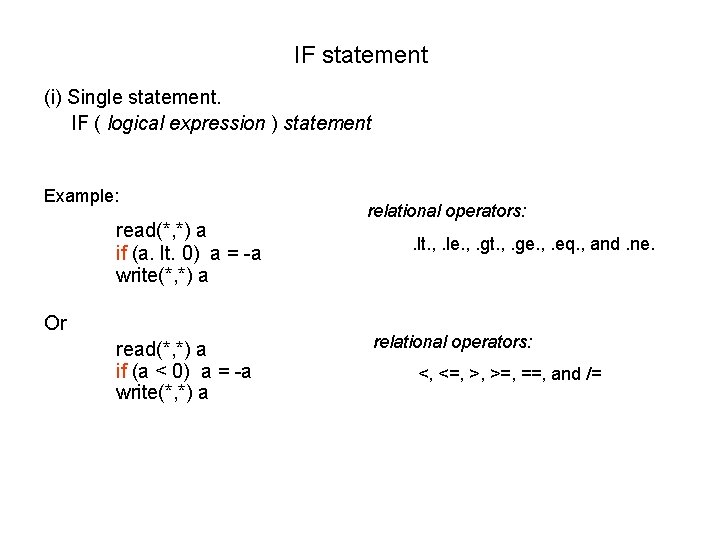
IF statement (i) Single statement. IF ( logical expression ) statement Example: read(*, *) a if (a. lt. 0) a = -a write(*, *) a Or read(*, *) a if (a < 0) a = -a write(*, *) a relational operators: . lt. , . le. , . gt. , . ge. , . eq. , and. ne. relational operators: <, <=, >, >=, ==, and /=
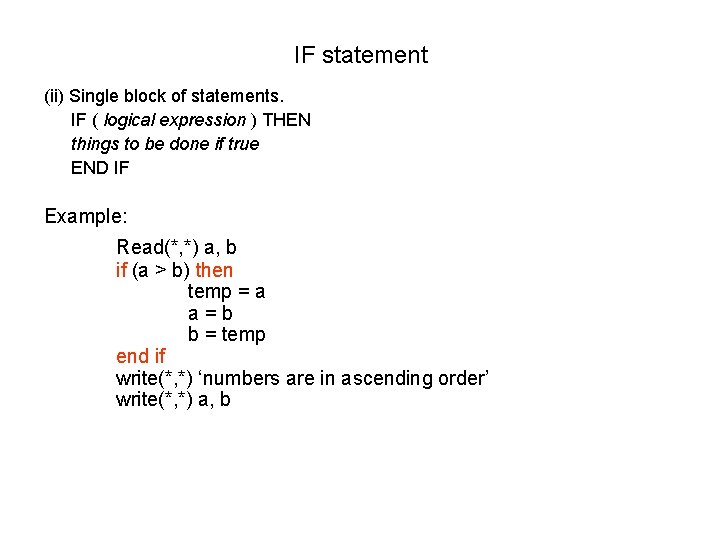
IF statement (ii) Single block of statements. IF ( logical expression ) THEN things to be done if true END IF Example: Read(*, *) a, b if (a > b) then temp = a a=b b = temp end if write(*, *) ‘numbers are in ascending order’ write(*, *) a, b
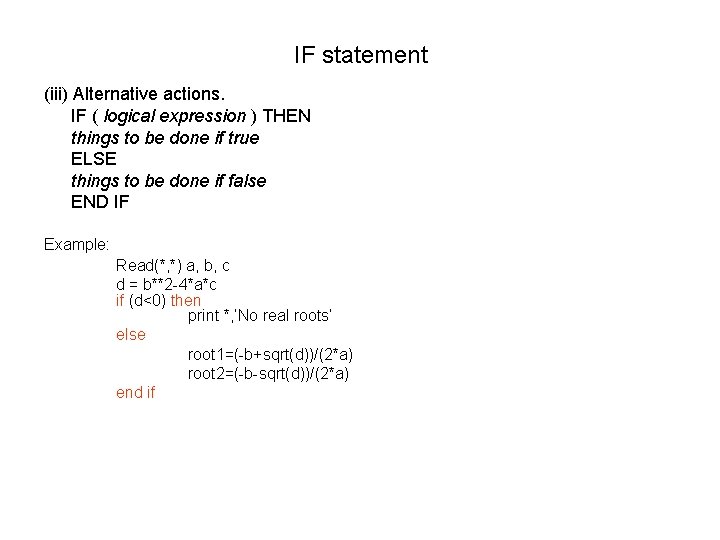
IF statement (iii) Alternative actions. IF ( logical expression ) THEN things to be done if true ELSE things to be done if false END IF Example: Read(*, *) a, b, c d = b**2 -4*a*c if (d<0) then print *, ’No real roots’ else root 1=(-b+sqrt(d))/(2*a) root 2=(-b-sqrt(d))/(2*a) end if
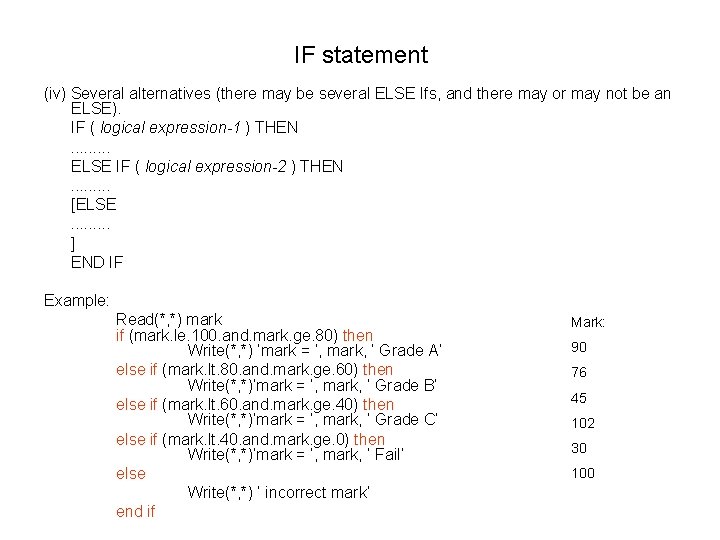
IF statement (iv) Several alternatives (there may be several ELSE Ifs, and there may or may not be an ELSE). IF ( logical expression-1 ) THEN. . ELSE IF ( logical expression-2 ) THEN. . [ELSE. . ] END IF Example: Read(*, *) mark if (mark. le. 100. and. mark. ge. 80) then Write(*, *) ‘mark = ’, mark, ‘ Grade A’ else if (mark. lt. 80. and. mark. ge. 60) then Write(*, *)‘mark = ’, mark, ‘ Grade B’ else if (mark. lt. 60. and. mark. ge. 40) then Write(*, *)‘mark = ’, mark, ‘ Grade C’ else if (mark. lt. 40. and. mark. ge. 0) then Write(*, *)‘mark = ’, mark, ‘ Fail’ else Write(*, *) ‘ incorrect mark’ end if Mark: 90 76 45 102 30 100
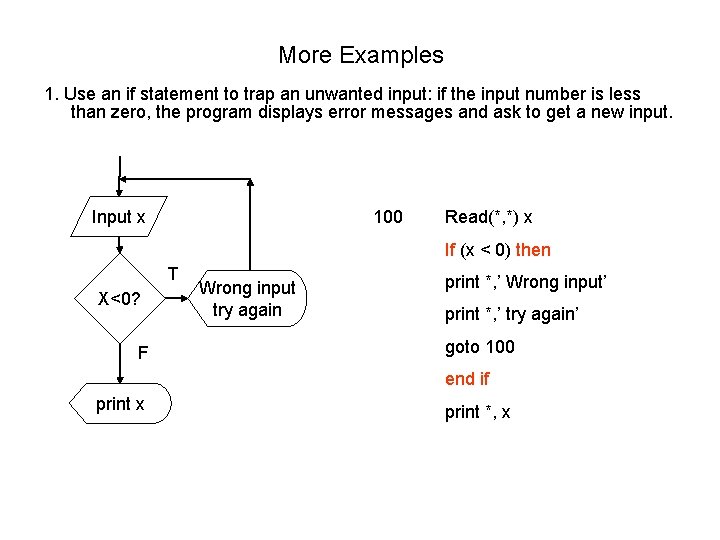
More Examples 1. Use an if statement to trap an unwanted input: if the input number is less than zero, the program displays error messages and ask to get a new input. Input x 100 Read(*, *) x If (x < 0) then T X<0? F Wrong input try again print *, ’ Wrong input’ print *, ’ try again’ goto 100 end if print x print *, x
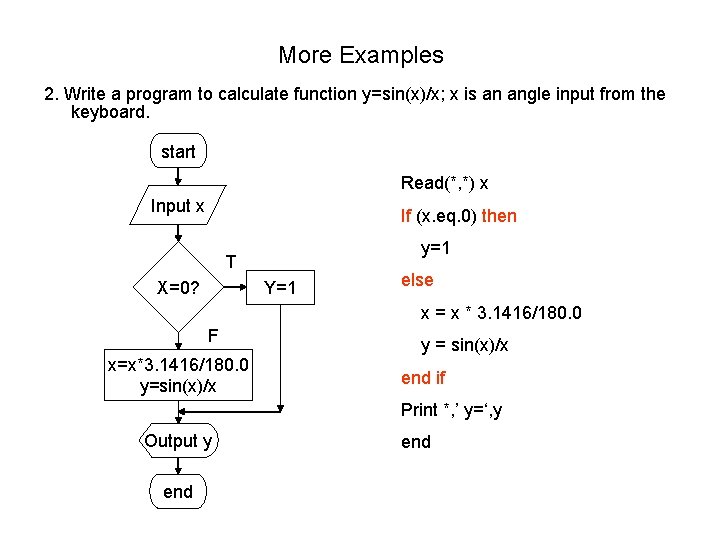
More Examples 2. Write a program to calculate function y=sin(x)/x; x is an angle input from the keyboard. start Read(*, *) x Input x If (x. eq. 0) then y=1 T X=0? Y=1 else x = x * 3. 1416/180. 0 F x=x*3. 1416/180. 0 y=sin(x)/x y = sin(x)/x end if Print *, ’ y=‘, y Output y end
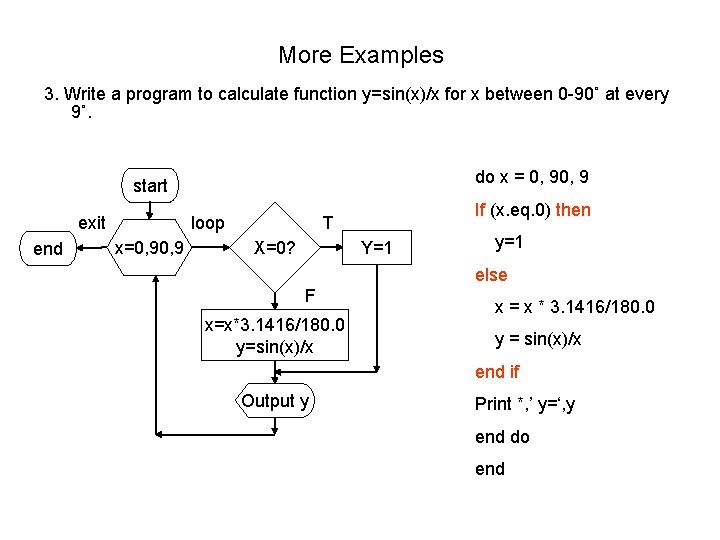
More Examples 3. Write a program to calculate function y=sin(x)/x for x between 0 -90˚ at every 9˚. do x = 0, 9 start exit end loop x=0, 9 If (x. eq. 0) then T X=0? Y=1 y=1 else F x=x*3. 1416/180. 0 y=sin(x)/x x = x * 3. 1416/180. 0 y = sin(x)/x end if Output y Print *, ’ y=‘, y end do end