
IEDM Powerpoint Presentation Template Author list goes here
- Slides: 13
IEDM Powerpoint Presentation Template Author list goes here… Affiliation goes here
Outline of Presentation • • Page Setup Colors and fonts General guidelines for good slides Text slides Illustrations and figures Saving your file Uploading your presentation
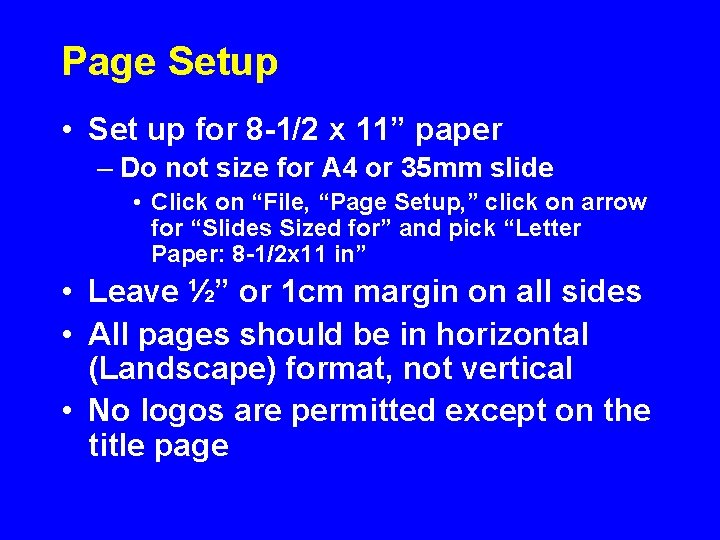
Page Setup • Set up for 8 -1/2 x 11” paper – Do not size for A 4 or 35 mm slide • Click on “File, “Page Setup, ” click on arrow for “Slides Sized for” and pick “Letter Paper: 8 -1/2 x 11 in” • Leave ½” or 1 cm margin on all sides • All pages should be in horizontal (Landscape) format, not vertical • No logos are permitted except on the title page
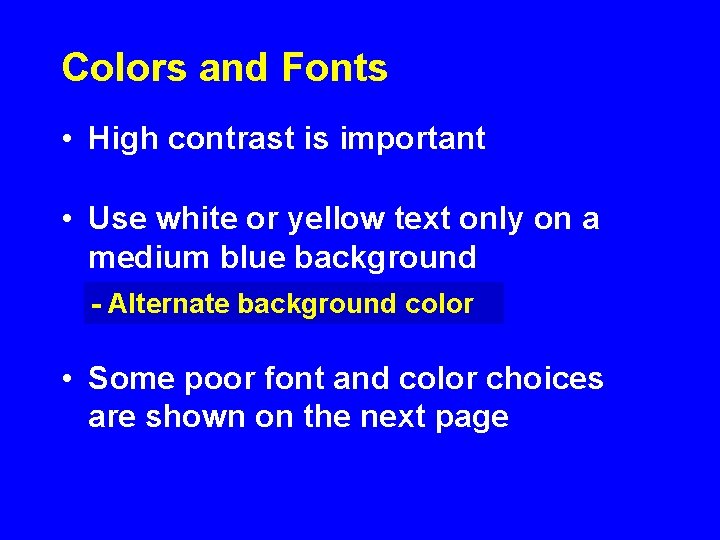
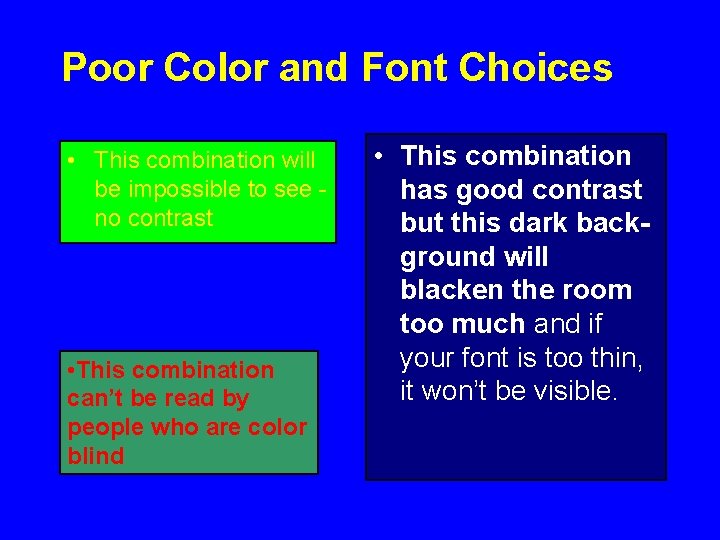
Colors and Fonts • High contrast is important • Use white or yellow text only on a medium blue background - Alternate background color • Some poor font and color choices are shown on the next page
Poor Color and Font Choices • This combination will be impossible to see no contrast • This combination can’t be read by people who are color blind • This combination has good contrast but this dark background will blacken the room too much and if your font is too thin, it won’t be visible.
Fonts • Use Arial Bold font – Some fonts project poorly • Times • Bookman • Americana • Use as large a font as possible • Main text lines: 32 point – Secondary lines: 28 point • Smallest text lines: 24 point – Anything below 24 is too small (e. g. 20 point)
General Guidelines • Keep concepts as simple as possible • Limit each page to one main idea • Use several simple figures rather than one complex one • Make duplicate copies of a page if you plan to refer to it more than once – Do not plan to go back to a slide • Rehearse your talk aloud, preferably in front of a group of colleagues
Text Slides • Slides with lots of words are hard for the audience to assimilate • Minimize the number of words on text slides. As far as possible, – Use no more than 30 words per page – Use no more than 6 lines of text per page
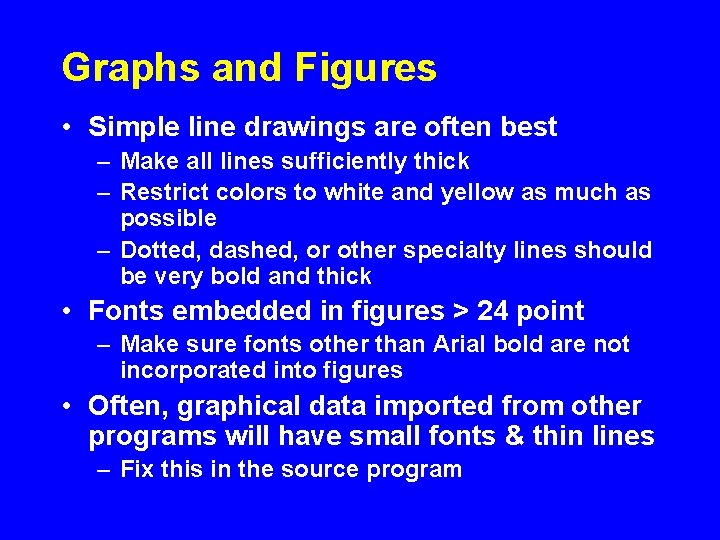
Graphs and Figures • Simple line drawings are often best – Make all lines sufficiently thick – Restrict colors to white and yellow as much as possible – Dotted, dashed, or other specialty lines should be very bold and thick • Fonts embedded in figures > 24 point – Make sure fonts other than Arial bold are not incorporated into figures • Often, graphical data imported from other programs will have small fonts & thin lines – Fix this in the source program
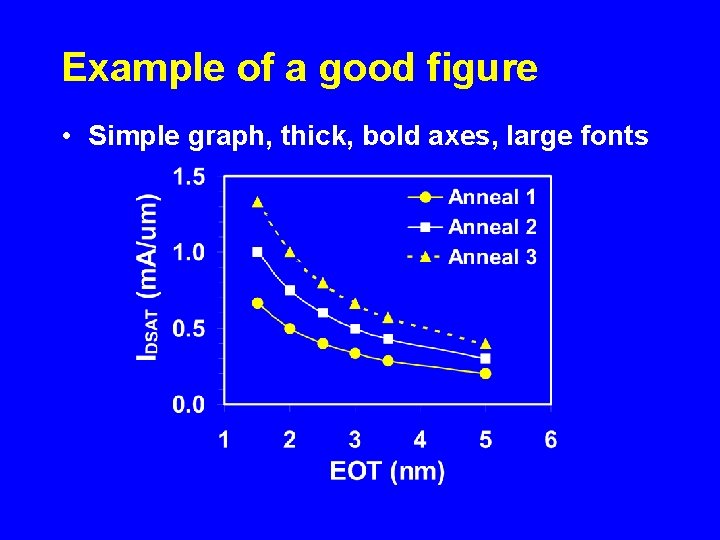
Example of a good figure • Simple graph, thick, bold axes, large fonts
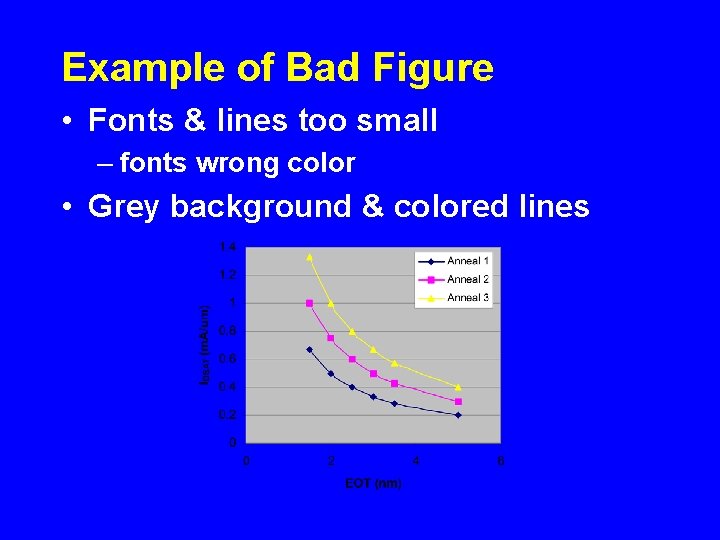
Example of Bad Figure • Fonts & lines too small – fonts wrong color • Grey background & colored lines
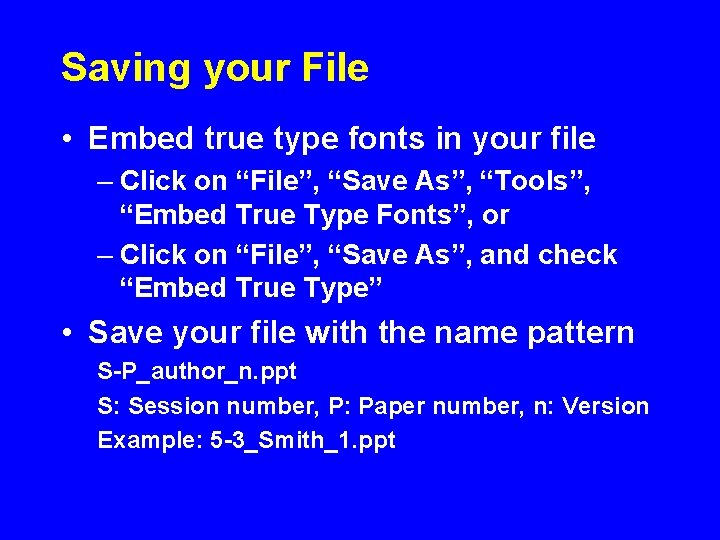
Saving your File • Embed true type fonts in your file – Click on “File”, “Save As”, “Tools”, “Embed True Type Fonts”, or – Click on “File”, “Save As”, and check “Embed True Type” • Save your file with the name pattern S-P_author_n. ppt S: Session number, P: Paper number, n: Version Example: 5 -3_Smith_1. ppt
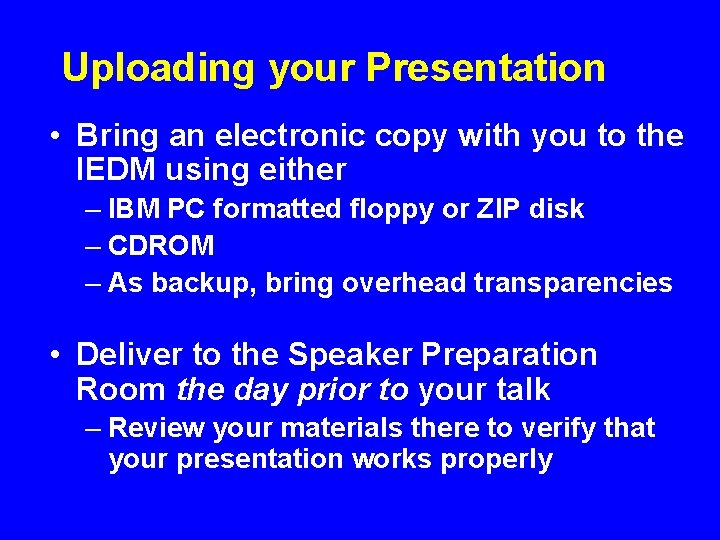
Uploading your Presentation • Bring an electronic copy with you to the IEDM using either – IBM PC formatted floppy or ZIP disk – CDROM – As backup, bring overhead transparencies • Deliver to the Speaker Preparation Room the day prior to your talk – Review your materials there to verify that your presentation works properly