
IE 469 Industrial Applications of Operations Research Fall

- Slides: 28
IE 469 Industrial Applications of Operations Research Fall 2017
Teaching Staff Instructors Dr. Emre Uzun E-mail: emreu@bilkent. edu. tr Offıce: EA 328 Tel: x 3484 Office Hours: By appointment via email Teaching Assistants Slide 2 Utku Karaca Ali Doğacan Aydın(UG) Mehmet Yusuf Çakmak (UG)
Industrial Applications of Operations Research The course is named as ‘Industrial’ ‘Applications’ of ‘Operations Research’ • We will do some applications related to industry where you will utilize your OR background (and more. . . ) As you progress in this course, think of it as a real life job experience! • Pretend that you work at a consulting company and some tasks are assigned to you. • Whether they are easy or challenging, you will have to do them. • Otherwise. . . Slide 3
Industrial Applications of Operations Research • What can be an example application of OR in industry? • Production Planning • Inventory Management • Transportation • Queuing Systems • How do you solve these problems? • What tools to use? • Availability? Slide 4
Industrial Applications of Operations Research • Many commercial software you use to handle these problems will NOT be available to you! • There will be no CPLEX, no GAMS, no XPress, no Arena. • These software will cost $10, 000+ each to get a license for a single computer. • In some instances there will be no Internet connection except for email. • Especially in military or government based companies. • You will not be able to download any “trial” version of these software. Slide 5
Industrial Applications of Operations Research • The most commonly installed software is MS Office Applications. • Word, Excel, Power. Point, Access, Visio, Project… • Can you guess which one you would use the most? Slide 6
Slide 7
Slide 8
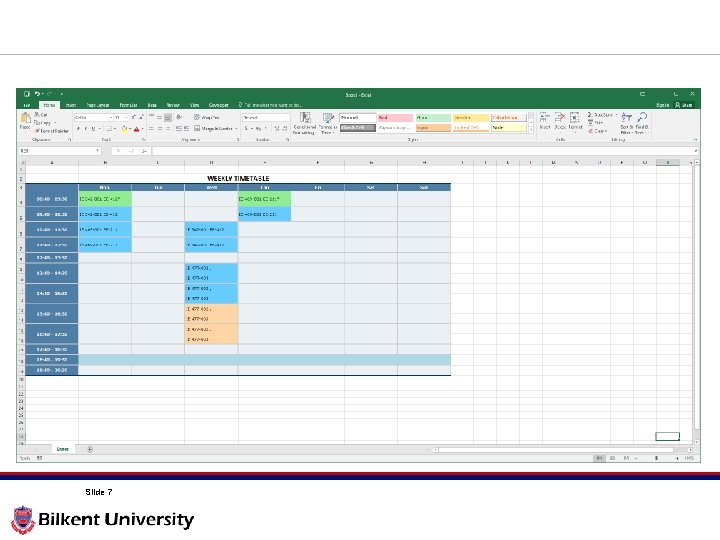
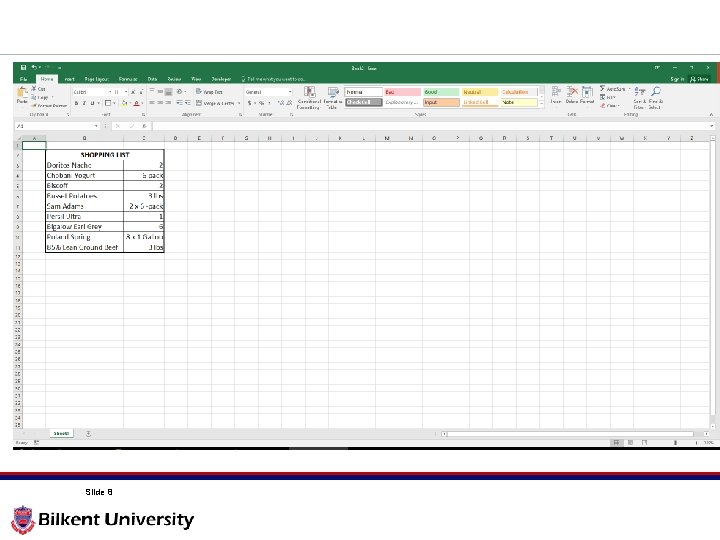
Spreadsheets • MS Excel is actually for tables like: • Annual budget items • Distance matrices • Production plans • Inventory levels i. e. Tables that include big datasets, calculations, algorithms…etc. Slide 9
Spreadsheets • A spreadsheet is an interactive computer application program for organization, analysis and storage of data in tabular form. • Spreadsheets are developed as computerized simulations of paper accounting worksheets. • The program operates on data represented as cells of an array, organized in rows and columns. • Besides performing basic arithmetic and mathematical functions, modern spreadsheets provide built-in functions for common financial and statistical operations. Slide 10
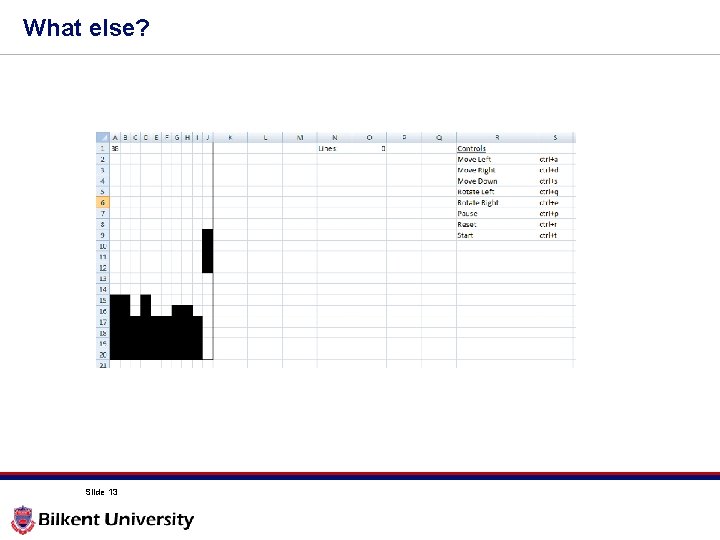
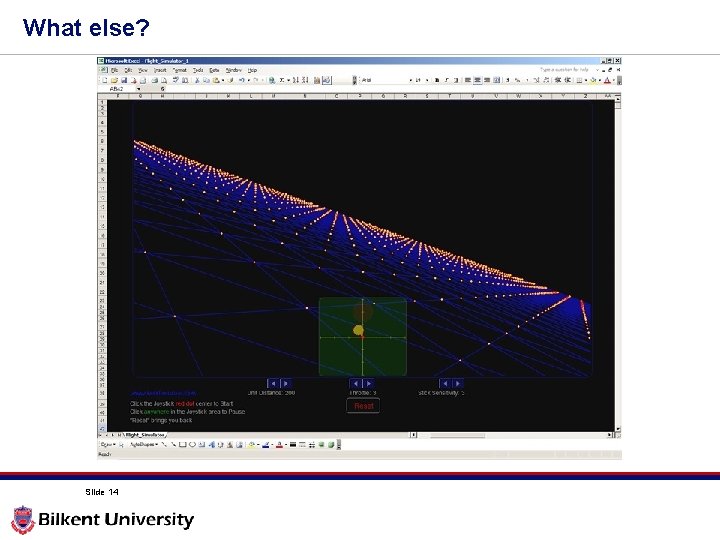
Spreadsheets • MS Excel lets you do many different applications: • Production Planning – Use excel functions to make EOQ calculations to make production planning. • Capacity Planning – You can use Excel Solver to solve a mathematical model to make a decision on increasing the production capacity. • Transportation – You can code network flow algorithms (like Dijkstra, Floyd Warshall) and make routing decisions. • Queuing Systems – You can write codes to simulate a queuing system (like a bank, airport) and make a decision on number of tellers to hire. Slide 11
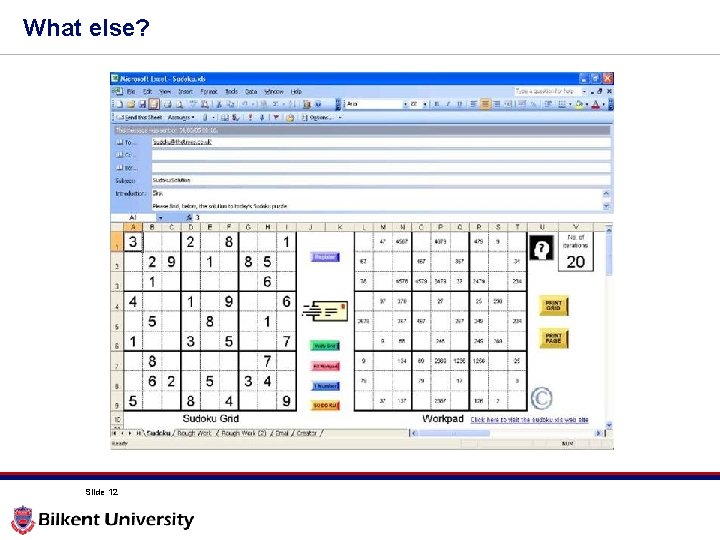
What else? Slide 12
What else? Slide 13
What else? Slide 14
What else? Slide 15
What else? Slide 16
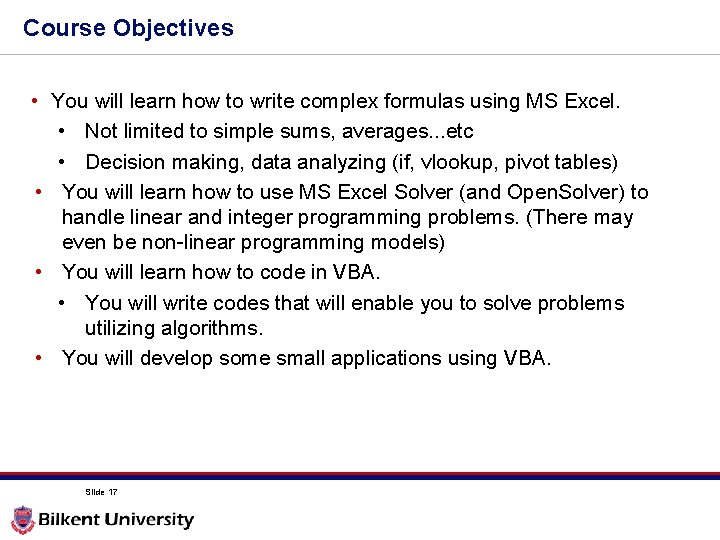
Course Objectives • You will learn how to write complex formulas using MS Excel. • Not limited to simple sums, averages. . . etc • Decision making, data analyzing (if, vlookup, pivot tables) • You will learn how to use MS Excel Solver (and Open. Solver) to handle linear and integer programming problems. (There may even be non-linear programming models) • You will learn how to code in VBA. • You will write codes that will enable you to solve problems utilizing algorithms. • You will develop some small applications using VBA. Slide 17
Course Objectives • This is a hands-on interactive course! (That’s why we are in a computer lab!) • In some classes, there will be demos which you should follow on your computers. • In some classes, you will be assigned some case or lab studies. Slide 18
Case Studies • You will be assinged some different case studies as much real as I can possibly get for this course! • There will be real datasets. • There will be almost real situations. • You should prepare a presentable product for each case. • Presentable: Neat, clean, easy-to-follow and result oriented. • Just like you present to your manager. • The case studies will be on Mondays at regular class hours. • Will be done with groups of 3 students. • You will have approximately 3 days to submit your work. • If submitted before the lecture ends Graded on full credits • If submitted anytime later Graded on half of the total credits Slide 19
Lab Studies • Lab Studies will help you learn the syntax of VBA. • These will be similar to CS 113 -114 labs. • You will follow instructions to first learn some syntax/functions and then will be asked to solve a related problem. • This will be individual work! • You will have approximately 3 days to submit your work. • If submitted before the lecture ends Graded on full credits • If submitted anytime later Graded on half of the total credits Slide 20
Project • This is going to be a challenging project! • Again a real-like project with real dataset. • You will be ABSOLUTELY free to choose the method to solve the problems. • Groups will compete as they will present their findings at the end of the semester. • You will have at least a month to submit it. Start as early as you could. • You should again prepare a presentable product. • Failing to submit the project will result in an FZ grade! Slide 21
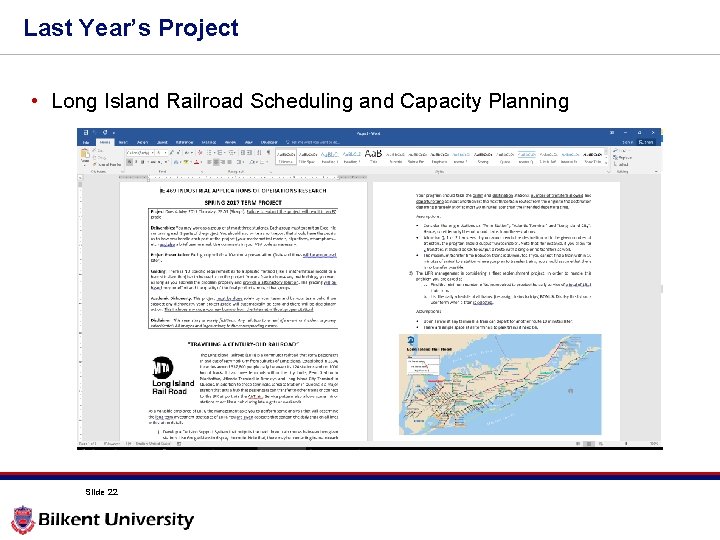
Last Year’s Project • Long Island Railroad Scheduling and Capacity Planning Slide 22
This Year’s Project • Who knows. . . Slide 23
Groups • Case studies and Project can be done with a group of maximum 3 students. • Not any three students! • No more than two students in the same group, who are also group members in IE 477 -IE 478 courses. • Send your group info to the course TA by the end of this week! Slide 24
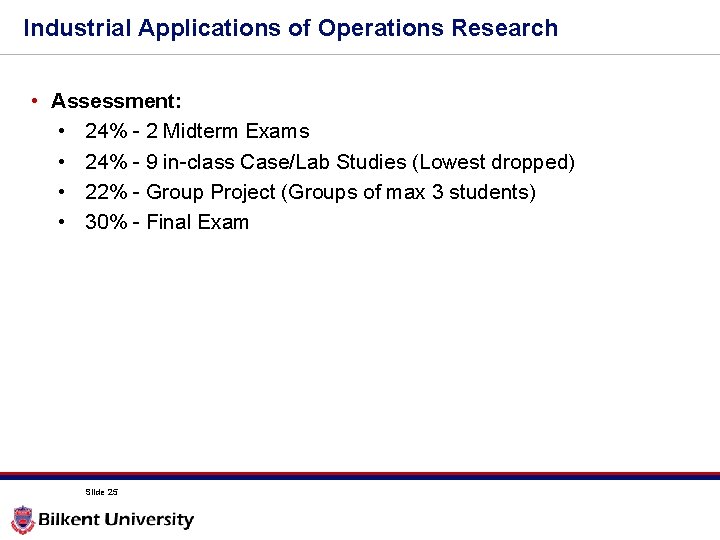
Industrial Applications of Operations Research • Assessment: • 24% - 2 Midterm Exams • 24% - 9 in-class Case/Lab Studies (Lowest dropped) • 22% - Group Project (Groups of max 3 students) • 30% - Final Exam Slide 25
Prerequisites • Even though there are no formal prerequisites for this course, you should be comfortable with basic OR principles: • IE 202 • IE 303 • IE 324 • IE 325 Statistics: • MATH 260 Computer programming logic: • CS 113 • CS 114 Slide 26
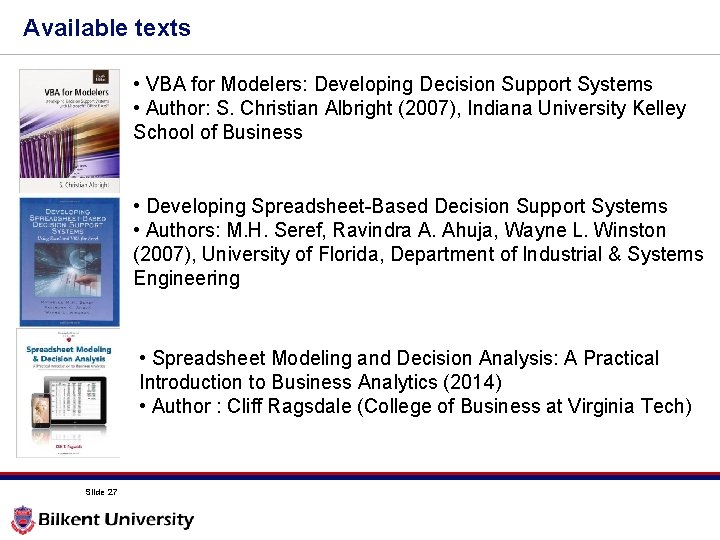
Available texts • VBA for Modelers: Developing Decision Support Systems • Author: S. Christian Albright (2007), Indiana University Kelley School of Business • Developing Spreadsheet-Based Decision Support Systems • Authors: M. H. Seref, Ravindra A. Ahuja, Wayne L. Winston (2007), University of Florida, Department of Industrial & Systems Engineering • Spreadsheet Modeling and Decision Analysis: A Practical Introduction to Business Analytics (2014) • Author : Cliff Ragsdale (College of Business at Virginia Tech) Slide 27
Questions? Slide 28