
IDUG SQL stored procedures why when and how
- Slides: 44
#IDUG SQL stored procedures, why, when and how? Kurt Struyf Suadasoft Session Code: F 07 Tuesday, 11 November 2014 Time: 15 - 16: 15| Platform: Cross platform
#IDUG 2 Agenda • SQL stored procedures introduction • How to define SQL stored procedures • The tools • The options • SQL PL • Questions
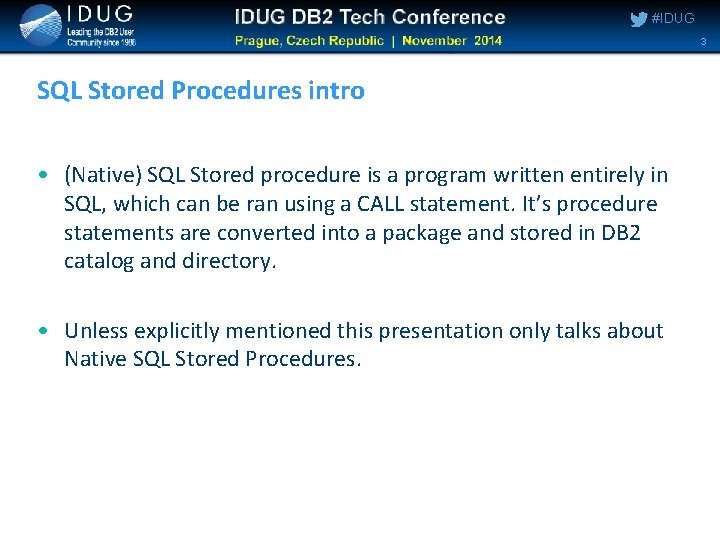
#IDUG 3 SQL Stored Procedures intro • (Native) SQL Stored procedure is a program written entirely in SQL, which can be ran using a CALL statement. It’s procedure statements are converted into a package and stored in DB 2 catalog and directory. • Unless explicitly mentioned this presentation only talks about Native SQL Stored Procedures.
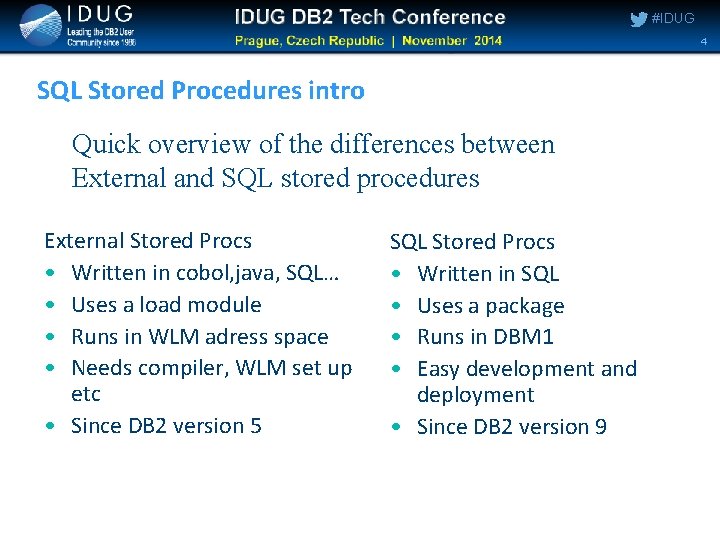
#IDUG 4 SQL Stored Procedures intro Quick overview of the differences between External and SQL stored procedures External Stored Procs • Written in cobol, java, SQL… • Uses a load module • Runs in WLM adress space • Needs compiler, WLM set up etc • Since DB 2 version 5 SQL Stored Procs • Written in SQL • Uses a package • Runs in DBM 1 • Easy development and deployment • Since DB 2 version 9
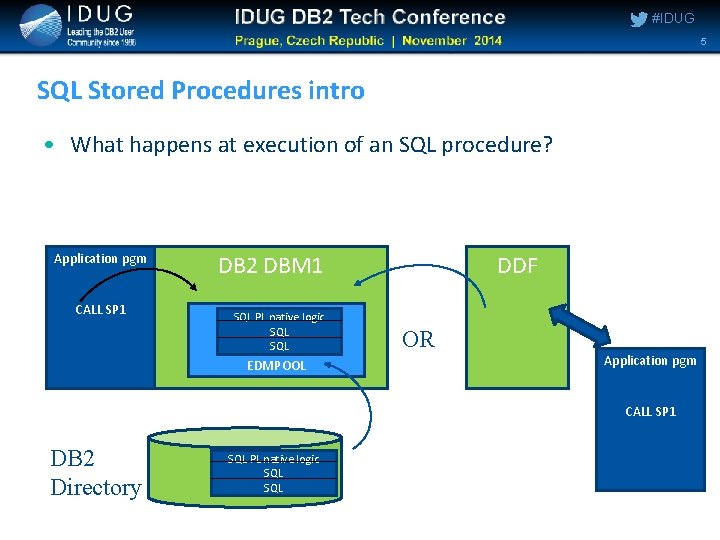
#IDUG 5 SQL Stored Procedures intro • What happens at execution of an SQL procedure? Application pgm CALL SP 1 DB 2 DBM 1 SQL PL native logic SQL EDMPOOL DDF OR Application pgm CALL SP 1 DB 2 Directory SQL PL native logic SQL
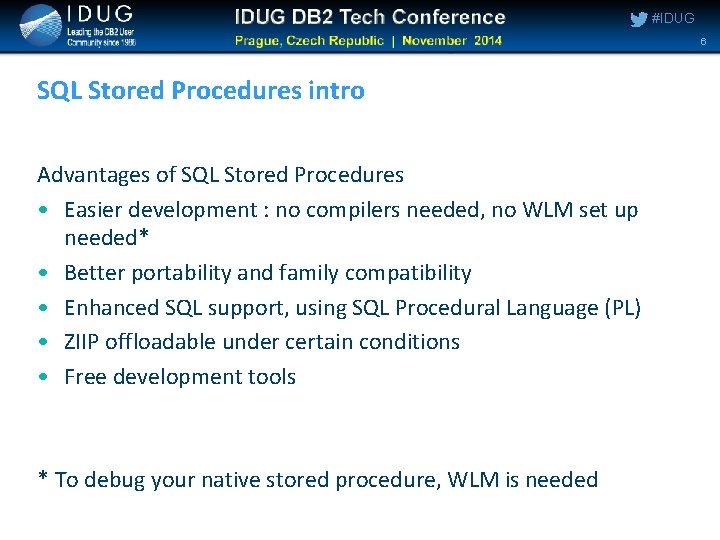
#IDUG 6 SQL Stored Procedures intro Advantages of SQL Stored Procedures • Easier development : no compilers needed, no WLM set up needed* • Better portability and family compatibility • Enhanced SQL support, using SQL Procedural Language (PL) • ZIIP offloadable under certain conditions • Free development tools * To debug your native stored procedure, WLM is needed
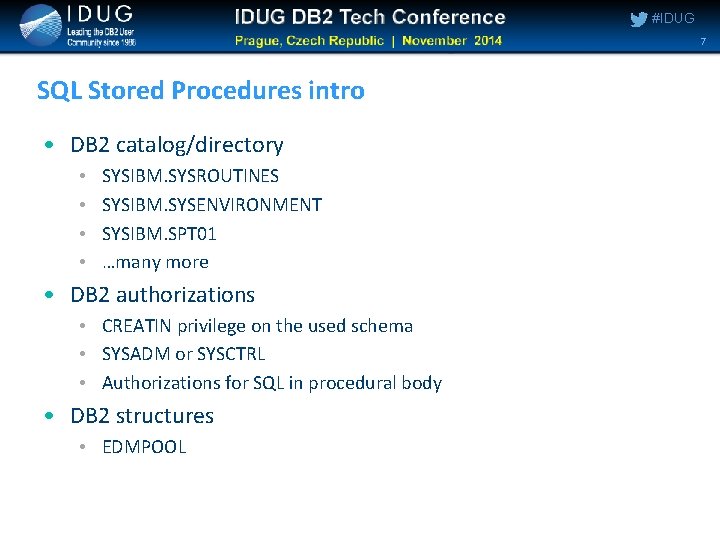
#IDUG 7 SQL Stored Procedures intro • DB 2 catalog/directory • • SYSIBM. SYSROUTINES SYSIBM. SYSENVIRONMENT SYSIBM. SPT 01 …many more • DB 2 authorizations • CREATIN privilege on the used schema • SYSADM or SYSCTRL • Authorizations for SQL in procedural body • DB 2 structures • EDMPOOL
#IDUG 8 Agenda • SQL stored procedures introduction • How to define SQL stored procedures • The tools • The options • SQL PL • Questions
#IDUG 9 SQL Stored Procedures – the tools • Any SQL editor will do • • SPUFI DSNTEP 2 DSNTEP 4 Data studio: provides better support for diagnostics, debugging, comments
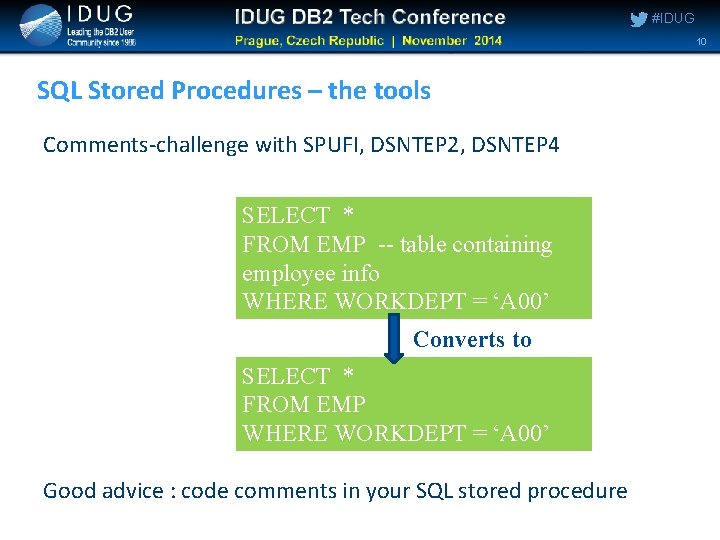
#IDUG 10 SQL Stored Procedures – the tools Comments-challenge with SPUFI, DSNTEP 2, DSNTEP 4 SELECT * FROM EMP -- table containing employee info WHERE WORKDEPT = ‘A 00’ Converts to SELECT * FROM EMP WHERE WORKDEPT = ‘A 00’ Good advice : code comments in your SQL stored procedure
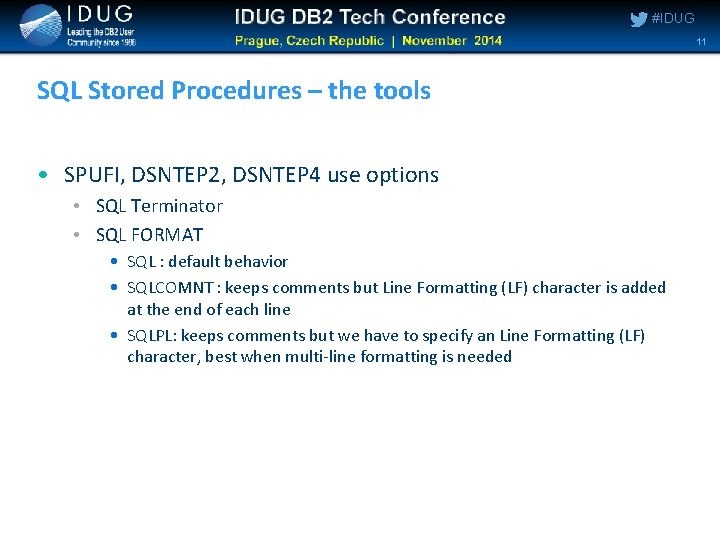
#IDUG 11 SQL Stored Procedures – the tools • SPUFI, DSNTEP 2, DSNTEP 4 use options • SQL Terminator • SQL FORMAT • SQL : default behavior • SQLCOMNT : keeps comments but Line Formatting (LF) character is added at the end of each line • SQLPL: keeps comments but we have to specify an Line Formatting (LF) character, best when multi-line formatting is needed
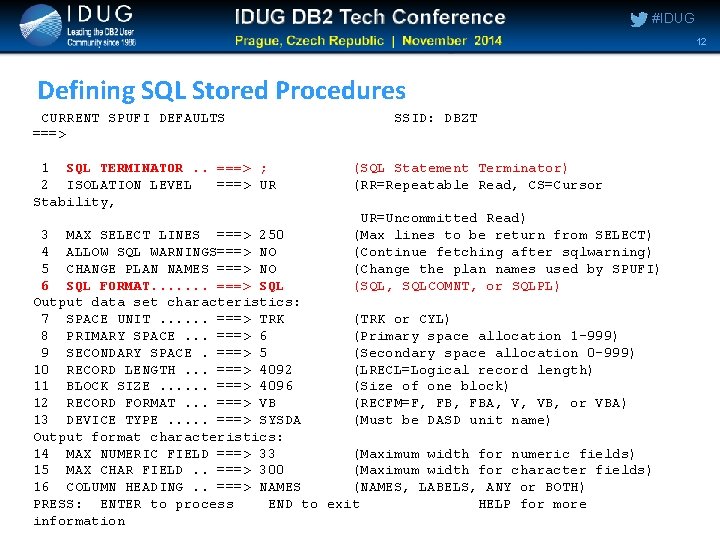
#IDUG 12 Defining SQL Stored Procedures CURRENT SPUFI DEFAULTS ===> 1 SQL TERMINATOR. . ===> ; 2 ISOLATION LEVEL ===> UR Stability, SSID: DBZT (SQL Statement Terminator) (RR=Repeatable Read, CS=Cursor UR=Uncommitted Read) (Max lines to be return from SELECT) (Continue fetching after sqlwarning) (Change the plan names used by SPUFI) (SQL, SQLCOMNT, or SQLPL) 3 MAX SELECT LINES ===> 250 4 ALLOW SQL WARNINGS===> NO 5 CHANGE PLAN NAMES ===> NO 6 SQL FORMAT. . . . ===> SQL Output data set characteristics: 7 SPACE UNIT. . . ===> TRK (TRK or CYL) 8 PRIMARY SPACE. . . ===> 6 (Primary space allocation 1 -999) 9 SECONDARY SPACE. ===> 5 (Secondary space allocation 0 -999) 10 RECORD LENGTH. . . ===> 4092 (LRECL=Logical record length) 11 BLOCK SIZE. . . ===> 4096 (Size of one block) 12 RECORD FORMAT. . . ===> VB (RECFM=F, FBA, V, VB, or VBA) 13 DEVICE TYPE. . . ===> SYSDA (Must be DASD unit name) Output format characteristics: 14 MAX NUMERIC FIELD ===> 33 (Maximum width for numeric fields) 15 MAX CHAR FIELD. . ===> 300 (Maximum width for character fields) 16 COLUMN HEADING. . ===> NAMES (NAMES, LABELS, ANY or BOTH) PRESS: ENTER to process END to exit HELP for more information
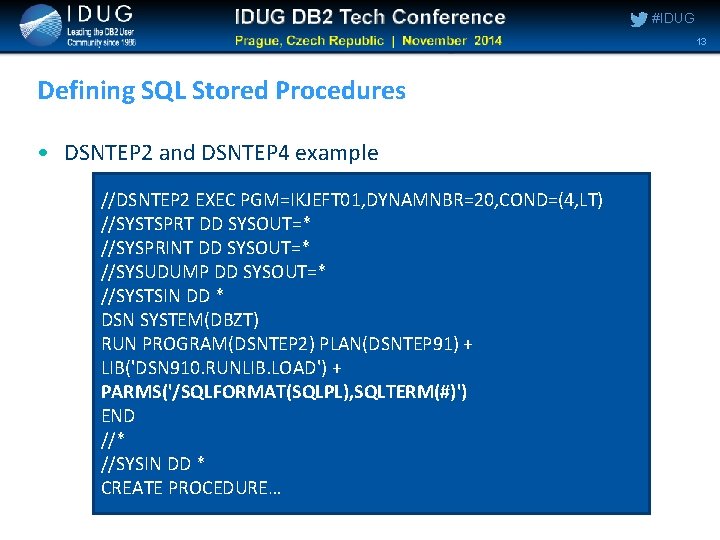
#IDUG 13 Defining SQL Stored Procedures • DSNTEP 2 and DSNTEP 4 example //DSNTEP 2 EXEC PGM=IKJEFT 01, DYNAMNBR=20, COND=(4, LT) //SYSTSPRT DD SYSOUT=* //SYSPRINT DD SYSOUT=* //SYSUDUMP DD SYSOUT=* //SYSTSIN DD * DSN SYSTEM(DBZT) RUN PROGRAM(DSNTEP 2) PLAN(DSNTEP 91) + LIB('DSN 910. RUNLIB. LOAD') + PARMS('/SQLFORMAT(SQLPL), SQLTERM(#)') END //* //SYSIN DD * CREATE PROCEDURE…
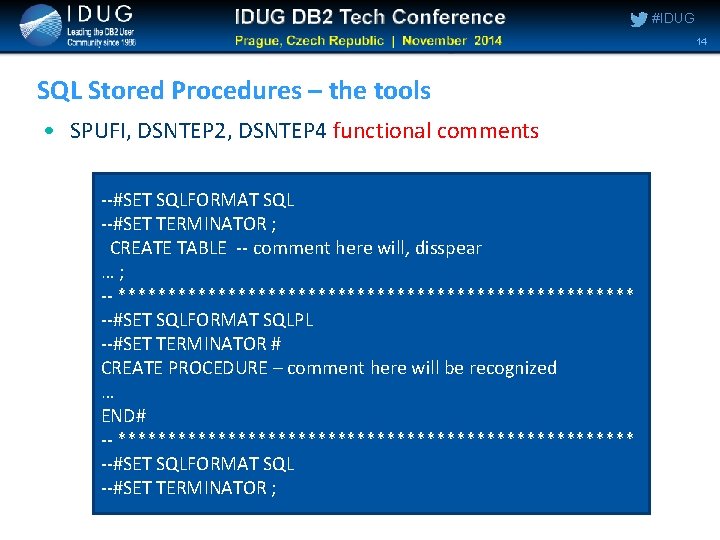
#IDUG 14 SQL Stored Procedures – the tools • SPUFI, DSNTEP 2, DSNTEP 4 functional comments --#SET SQLFORMAT SQL --#SET TERMINATOR ; CREATE TABLE -- comment here will, disspear …; -- ************************** --#SET SQLFORMAT SQLPL --#SET TERMINATOR # CREATE PROCEDURE – comment here will be recognized … END# -- ************************** --#SET SQLFORMAT SQL --#SET TERMINATOR ;
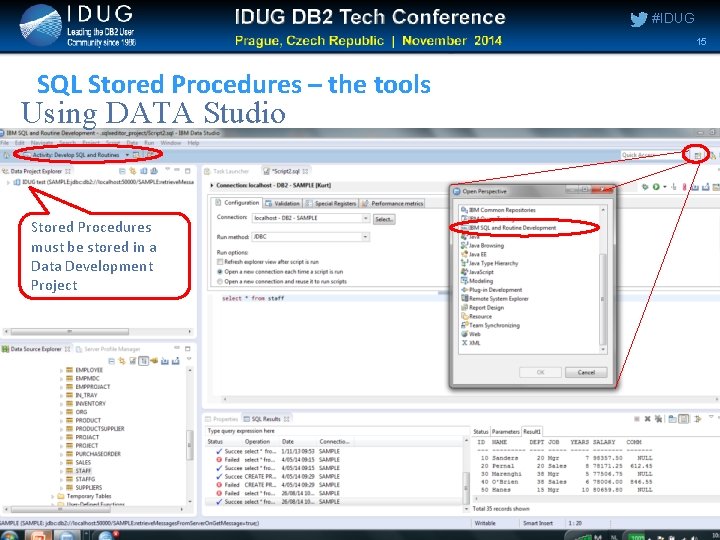
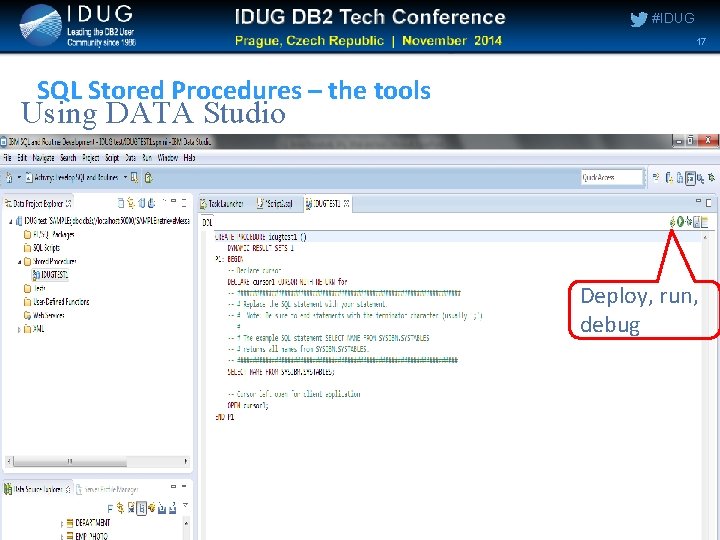
#IDUG 15 SQL Stored Procedures – the tools Using DATA Studio Stored Procedures must be stored in a Data Development Project
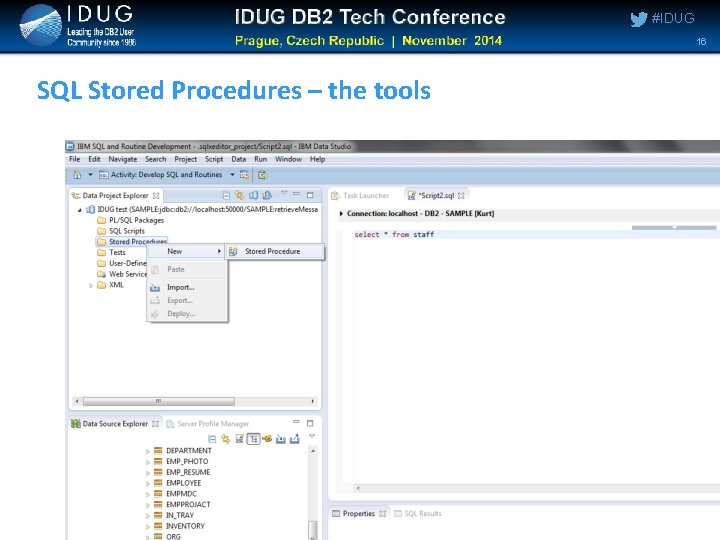
#IDUG 16 SQL Stored Procedures – the tools Using DATA Studio
#IDUG 17 SQL Stored Procedures – the tools Using DATA Studio Deploy, run, debug
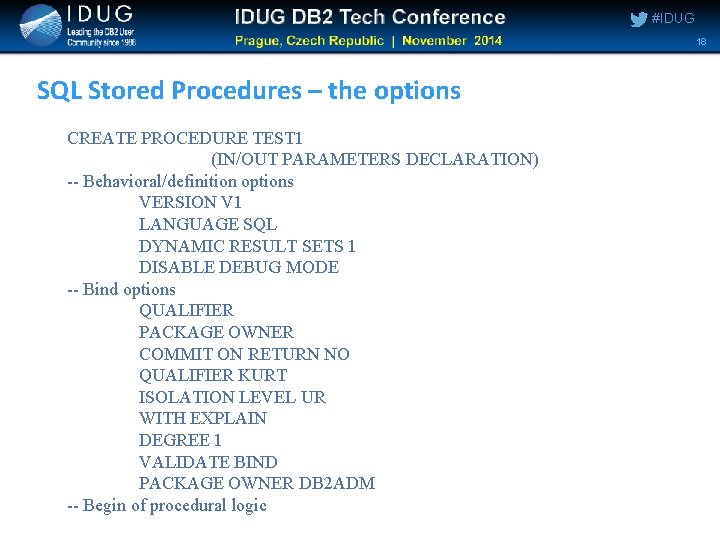
#IDUG 18 SQL Stored Procedures – the options CREATE PROCEDURE TEST 1 (IN/OUT PARAMETERS DECLARATION) -- Behavioral/definition options VERSION V 1 LANGUAGE SQL DYNAMIC RESULT SETS 1 DISABLE DEBUG MODE -- Bind options QUALIFIER PACKAGE OWNER COMMIT ON RETURN NO QUALIFIER KURT ISOLATION LEVEL UR WITH EXPLAIN DEGREE 1 VALIDATE BIND PACKAGE OWNER DB 2 ADM -- Begin of procedural logic
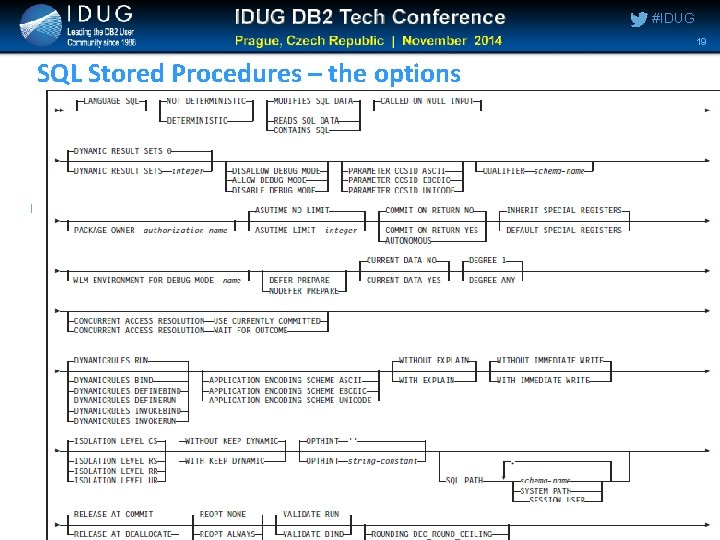
#IDUG 19 SQL Stored Procedures – the options
#IDUG 20 SQL Stored Procedures – the options • Some more details : • VERSION: allows for versioning, versions can be added, altered and removed • ALLOW/DISABLE DEBUG MODE : whether or not debugging is potentially allowed. • ALLOW/DISALLOW both need a valid • WLMENV in DSNZPARM or • WLM ENVIRONMENT FOR DEBUG MODE option • DISABLE will never allow debugging
#IDUG 21 SQL Stored Procedures – the options • Some more details : • QUALIFIER: implicit schema for unqualified tables, views etc. • PACKAGE OWNER : must have all needed privileges to execute all SQL in procedure body. • ON RETURN COMMIT YES/NO or AUTONOMOUS : • ON RETURN COMMIT YES/NO defines if the entire unit of work should be committed after the stored procedure • AUTONOMOUS defines that ONLY the work done by stored procedure should be committed • WITH EXPLAIN : gives access path information about the SQL statements in the procedure body.
#IDUG 22 SQL Stored Procedures – the options Good practices : • Names of stored procedures (max 128 char) should be meaningful • Parameters should be clearly recognizable by naming e. g. P_name, name_OUT • Parameters should be of the most correct data type • Always explain
#IDUG 23 Agenda • SQL stored procedures introduction • How to define SQL stored procedures • The tools • The options • SQL PL • Questions
#IDUG 24 SQL Procedural Language (PL) DB 2 SQL Procedural Language (SQL PL) is • an extension to traditional SQL. • a subset of the SQL Persistent Stored Modules (SQL/PSM) language standard. Supported by most major RDBMS • It combines database language and procedural programing language. • Can be used in stored procedure and User defined function bodies within DB 2 CREATE PROCEDURE TEST 1 (IN/OUT PARAMETERS DECLARATION) -- Behavioral/definion options -- Bind options -- Begin of procedural logic
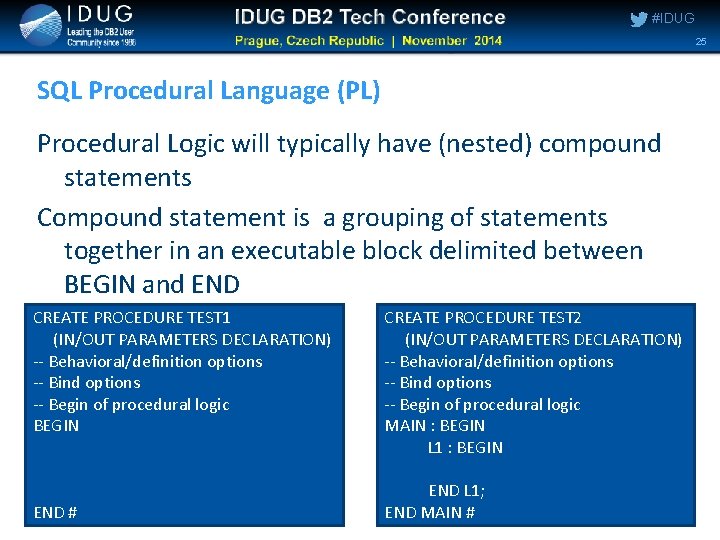
#IDUG 25 SQL Procedural Language (PL) Procedural Logic will typically have (nested) compound statements Compound statement is a grouping of statements together in an executable block delimited between BEGIN and END CREATE PROCEDURE TEST 1 (IN/OUT PARAMETERS DECLARATION) -- Behavioral/definition options -- Bind options -- Begin of procedural logic BEGIN END # CREATE PROCEDURE TEST 2 (IN/OUT PARAMETERS DECLARATION) -- Behavioral/definition options -- Bind options -- Begin of procedural logic MAIN : BEGIN L 1 : BEGIN END L 1; END MAIN #
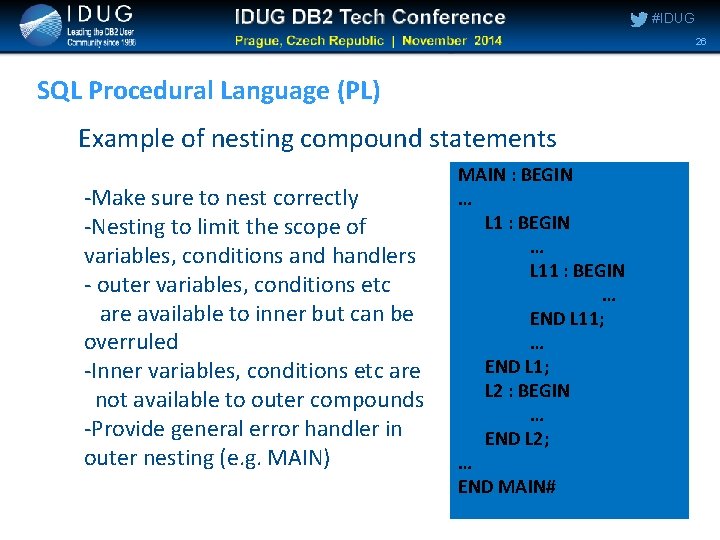
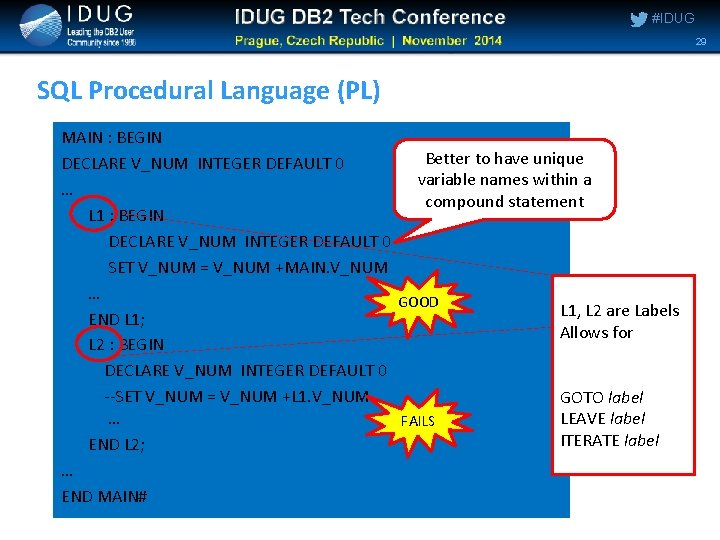
#IDUG 26 SQL Procedural Language (PL) Example of nesting compound statements -Make sure to nest correctly -Nesting to limit the scope of variables, conditions and handlers - outer variables, conditions etc are available to inner but can be overruled -Inner variables, conditions etc are not available to outer compounds -Provide general error handler in outer nesting (e. g. MAIN) MAIN : BEGIN … L 11 : BEGIN … END L 11; … END L 1; L 2 : BEGIN … END L 2; … END MAIN#
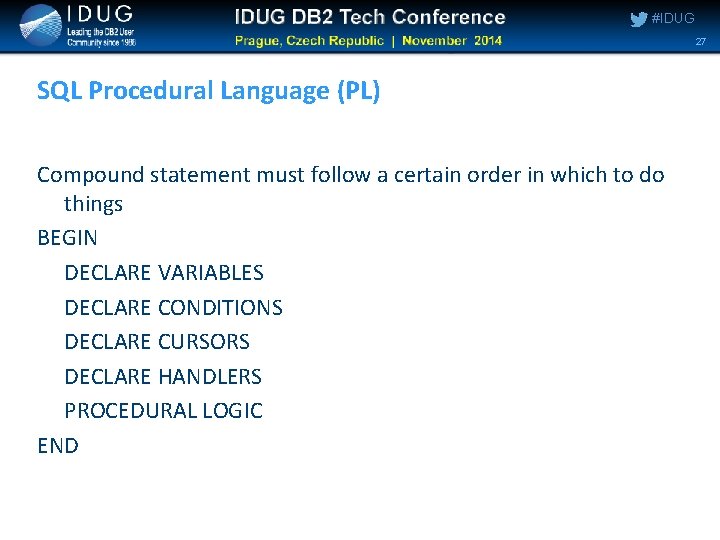
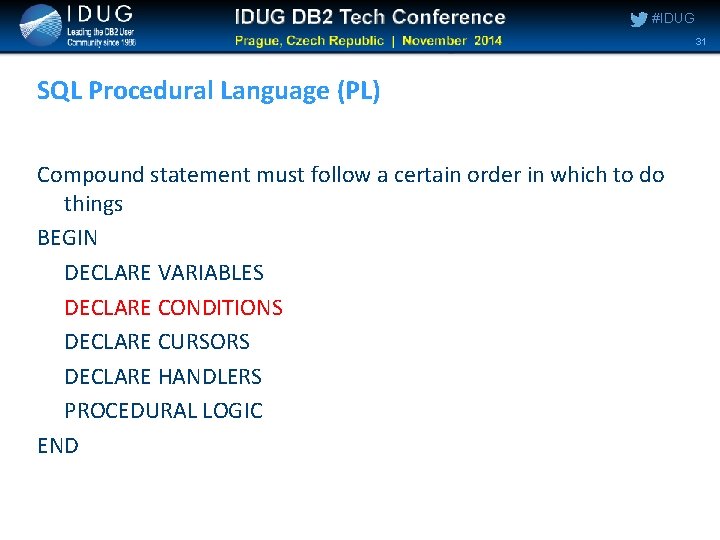
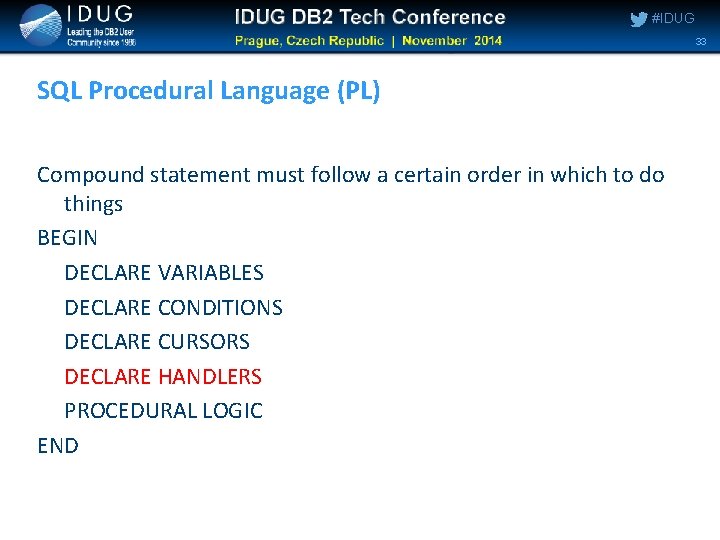
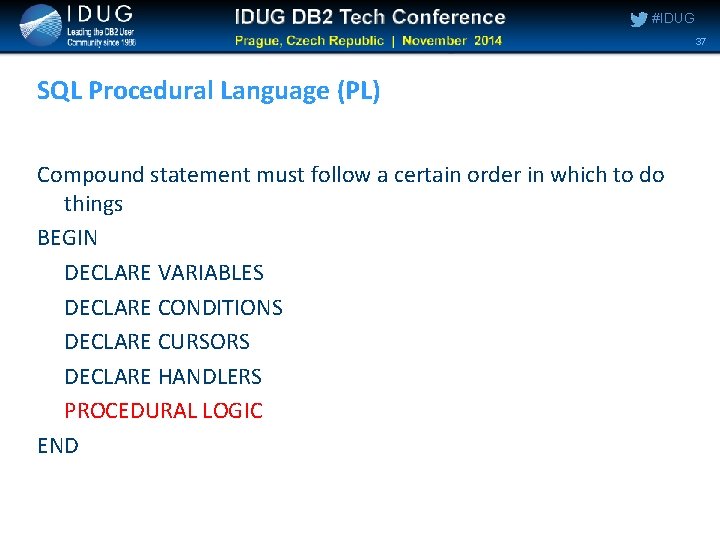
#IDUG 27 SQL Procedural Language (PL) Compound statement must follow a certain order in which to do things BEGIN DECLARE VARIABLES DECLARE CONDITIONS DECLARE CURSORS DECLARE HANDLERS PROCEDURAL LOGIC END
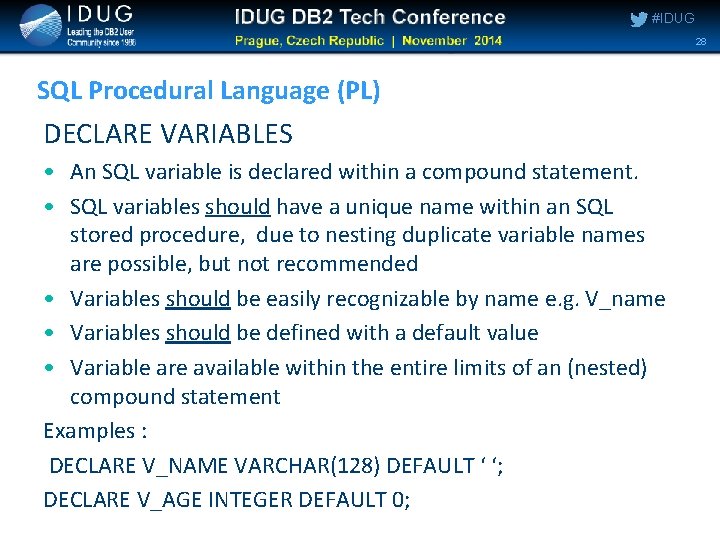
#IDUG 28 SQL Procedural Language (PL) DECLARE VARIABLES • An SQL variable is declared within a compound statement. • SQL variables should have a unique name within an SQL stored procedure, due to nesting duplicate variable names are possible, but not recommended • Variables should be easily recognizable by name e. g. V_name • Variables should be defined with a default value • Variable are available within the entire limits of an (nested) compound statement Examples : DECLARE V_NAME VARCHAR(128) DEFAULT ‘ ‘; DECLARE V_AGE INTEGER DEFAULT 0;
#IDUG 29 SQL Procedural Language (PL) MAIN : BEGIN Better to have unique DECLARE V_NUM INTEGER DEFAULT 0 variable names within a … compound statement L 1 : BEGIN DECLARE V_NUM INTEGER DEFAULT 0 SET V_NUM = V_NUM +MAIN. V_NUM … GOOD L 1, L 2 are Labels END L 1; Allows for L 2 : BEGIN DECLARE V_NUM INTEGER DEFAULT 0 --SET V_NUM = V_NUM +L 1. V_NUM GOTO label … LEAVE label FAILS ITERATE label END L 2; … END MAIN#
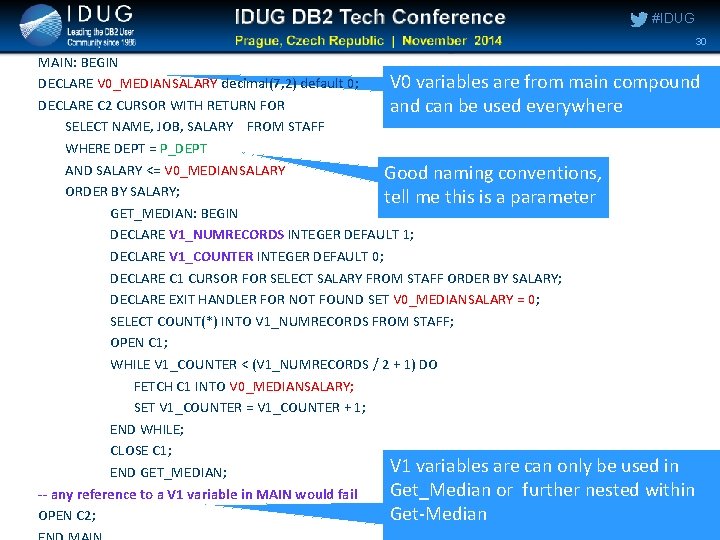
#IDUG 30 MAIN: BEGIN DECLARE V 0_MEDIANSALARY decimal(7, 2) default 0; V 0 variables are from main compound DECLARE C 2 CURSOR WITH RETURN FOR and can be used everywhere SELECT NAME, JOB, SALARY FROM STAFF WHERE DEPT = P_DEPT AND SALARY <= V 0_MEDIANSALARY Good naming conventions, ORDER BY SALARY; tell me this is a parameter GET_MEDIAN: BEGIN DECLARE V 1_NUMRECORDS INTEGER DEFAULT 1; DECLARE V 1_COUNTER INTEGER DEFAULT 0; DECLARE C 1 CURSOR FOR SELECT SALARY FROM STAFF ORDER BY SALARY; DECLARE EXIT HANDLER FOR NOT FOUND SET V 0_MEDIANSALARY = 0; SELECT COUNT(*) INTO V 1_NUMRECORDS FROM STAFF; OPEN C 1; WHILE V 1_COUNTER < (V 1_NUMRECORDS / 2 + 1) DO FETCH C 1 INTO V 0_MEDIANSALARY; SET V 1_COUNTER = V 1_COUNTER + 1; END WHILE; CLOSE C 1; V 1 variables are can only be used in END GET_MEDIAN; Get_Median or further nested within -- any reference to a V 1 variable in MAIN would fail Get-Median OPEN C 2;
#IDUG 31 SQL Procedural Language (PL) Compound statement must follow a certain order in which to do things BEGIN DECLARE VARIABLES DECLARE CONDITIONS DECLARE CURSORS DECLARE HANDLERS PROCEDURAL LOGIC END
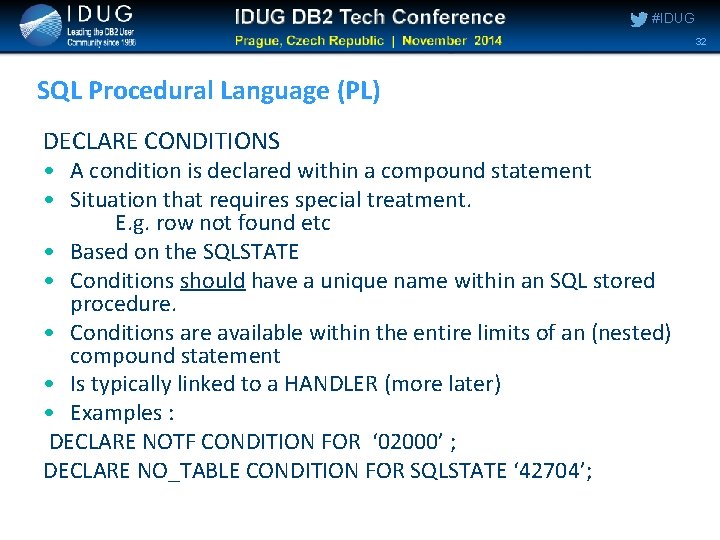
#IDUG 32 SQL Procedural Language (PL) DECLARE CONDITIONS • A condition is declared within a compound statement • Situation that requires special treatment. E. g. row not found etc • Based on the SQLSTATE • Conditions should have a unique name within an SQL stored procedure. • Conditions are available within the entire limits of an (nested) compound statement • Is typically linked to a HANDLER (more later) • Examples : DECLARE NOTF CONDITION FOR ‘ 02000’ ; DECLARE NO_TABLE CONDITION FOR SQLSTATE ‘ 42704’;
#IDUG 33 SQL Procedural Language (PL) Compound statement must follow a certain order in which to do things BEGIN DECLARE VARIABLES DECLARE CONDITIONS DECLARE CURSORS DECLARE HANDLERS PROCEDURAL LOGIC END
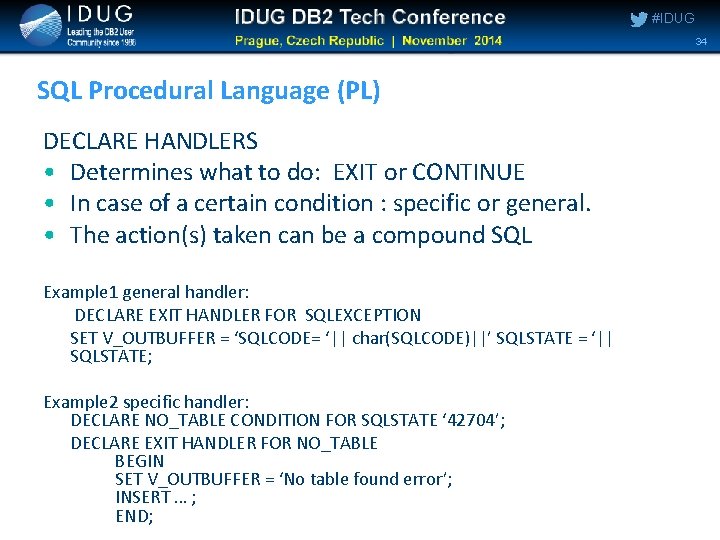
#IDUG 34 SQL Procedural Language (PL) DECLARE HANDLERS • Determines what to do: EXIT or CONTINUE • In case of a certain condition : specific or general. • The action(s) taken can be a compound SQL Example 1 general handler: DECLARE EXIT HANDLER FOR SQLEXCEPTION SET V_OUTBUFFER = ‘SQLCODE= ‘|| char(SQLCODE)||’ SQLSTATE = ‘|| SQLSTATE; Example 2 specific handler: DECLARE NO_TABLE CONDITION FOR SQLSTATE ‘ 42704’; DECLARE EXIT HANDLER FOR NO_TABLE BEGIN SET V_OUTBUFFER = ‘No table found error’; INSERT … ; END;
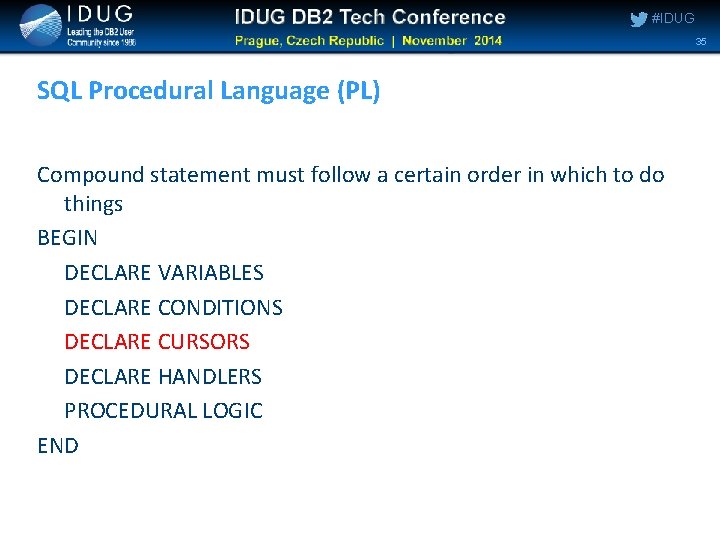
#IDUG 35 SQL Procedural Language (PL) Compound statement must follow a certain order in which to do things BEGIN DECLARE VARIABLES DECLARE CONDITIONS DECLARE CURSORS DECLARE HANDLERS PROCEDURAL LOGIC END
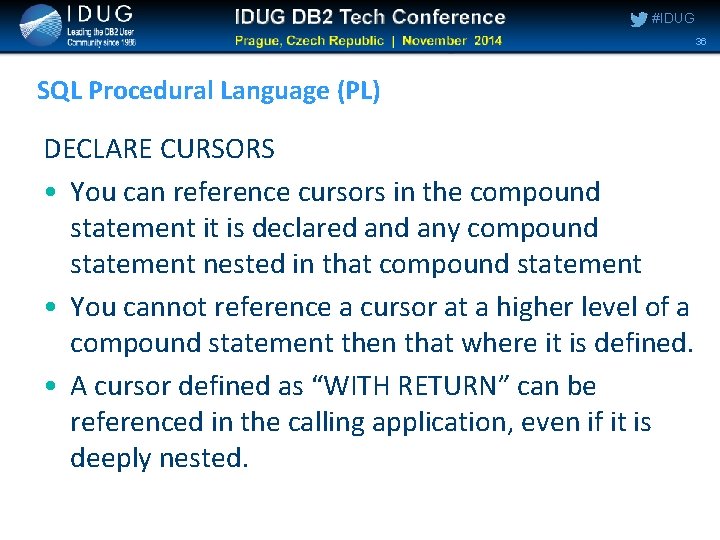
#IDUG 36 SQL Procedural Language (PL) DECLARE CURSORS • You can reference cursors in the compound statement it is declared any compound statement nested in that compound statement • You cannot reference a cursor at a higher level of a compound statement then that where it is defined. • A cursor defined as “WITH RETURN” can be referenced in the calling application, even if it is deeply nested.
#IDUG 37 SQL Procedural Language (PL) Compound statement must follow a certain order in which to do things BEGIN DECLARE VARIABLES DECLARE CONDITIONS DECLARE CURSORS DECLARE HANDLERS PROCEDURAL LOGIC END
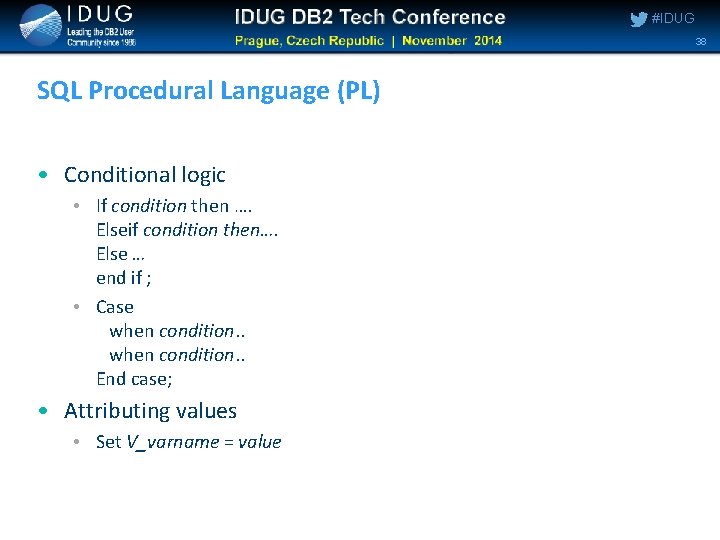
#IDUG 38 SQL Procedural Language (PL) • Conditional logic • If condition then …. Elseif condition then…. Else … end if ; • Case when condition. . End case; • Attributing values • Set V_varname = value
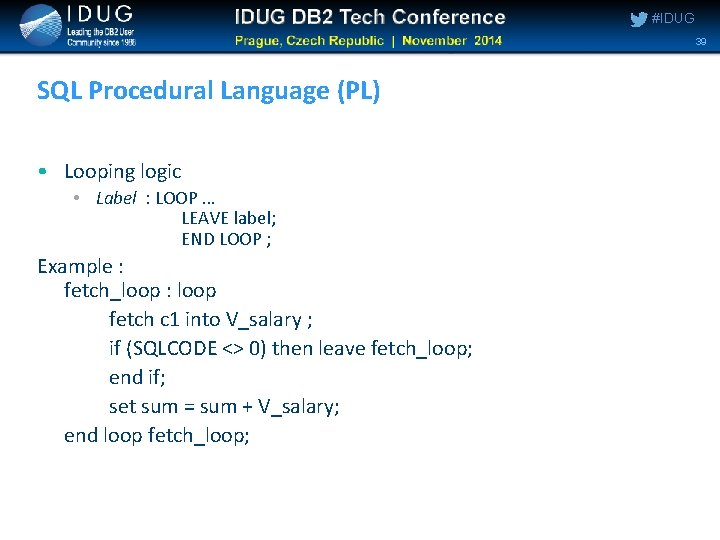
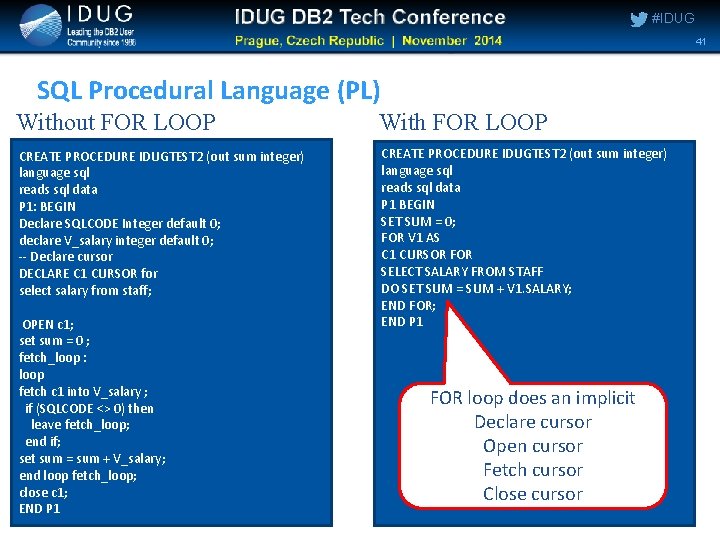
#IDUG 39 SQL Procedural Language (PL) • Looping logic • Label : LOOP … LEAVE label; END LOOP ; Example : fetch_loop : loop fetch c 1 into V_salary ; if (SQLCODE <> 0) then leave fetch_loop; end if; set sum = sum + V_salary; end loop fetch_loop;
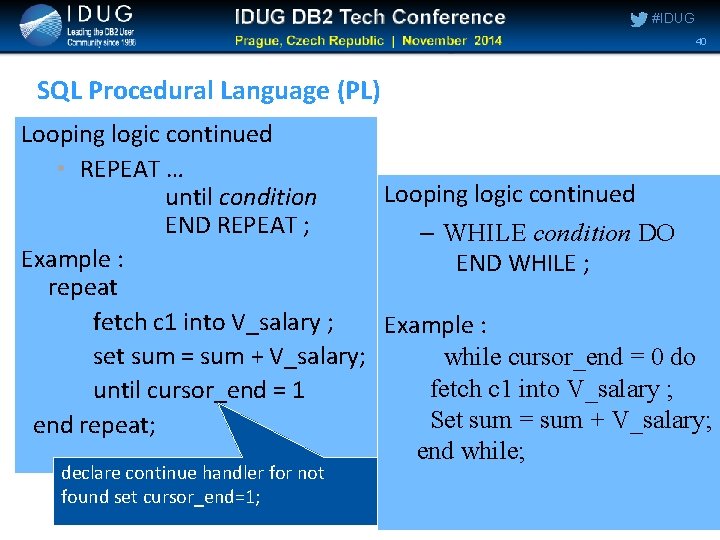
#IDUG 40 SQL Procedural Language (PL) Looping logic continued • REPEAT … Looping logic continued until condition END REPEAT ; – WHILE condition DO Example : END WHILE ; repeat fetch c 1 into V_salary ; Example : set sum = sum + V_salary; while cursor_end = 0 do fetch c 1 into V_salary ; until cursor_end = 1 Set sum = sum + V_salary; end repeat; end while; declare continue handler for not found set cursor_end=1;
#IDUG 41 SQL Procedural Language (PL) Without FOR LOOP With FOR LOOP CREATE PROCEDURE IDUGTEST 2 (out sum integer) language sql reads sql data P 1: BEGIN Declare SQLCODE Integer default 0; declare V_salary integer default 0; -- Declare cursor DECLARE C 1 CURSOR for select salary from staff; CREATE PROCEDURE IDUGTEST 2 (out sum integer) language sql reads sql data P 1 BEGIN SET SUM = 0; FOR V 1 AS C 1 CURSOR FOR SELECT SALARY FROM STAFF DO SET SUM = SUM + V 1. SALARY; END FOR; END P 1 OPEN c 1; set sum = 0 ; fetch_loop : loop fetch c 1 into V_salary ; if (SQLCODE <> 0) then leave fetch_loop; end if; set sum = sum + V_salary; end loop fetch_loop; close c 1; END P 1 FOR loop does an implicit Declare cursor Open cursor Fetch cursor Close cursor
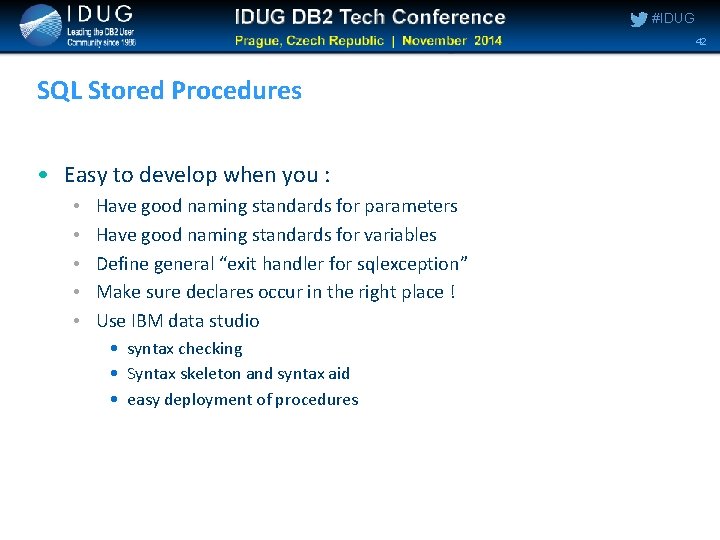
#IDUG 42 SQL Stored Procedures • Easy to develop when you : • • • Have good naming standards for parameters Have good naming standards for variables Define general “exit handler for sqlexception” Make sure declares occur in the right place ! Use IBM data studio • syntax checking • Syntax skeleton and syntax aid • easy deployment of procedures
#IDUG 43 Questions • Want to put this knowledge to a hands on test Fun with SQL : Wednesday, 12 November 2014 Time: 17: 00 – 18: 00 Session: F 14
#IDUG Kurt Struyf Suadasoft Kurt. struyf@suadasoft. com Session : F 7 SQL stored procedures, why, when and how? Please fill out your session evaluation before leaving!