
IDENTIFYING RELIABLE AND USEFUL WEBSITES Reading URLs the
IDENTIFYING RELIABLE AND USEFUL WEBSITES • Reading URL’s (the actual website addresses) can help you find the most reliable, useful websites. • A website’s DOMAIN extension is the ending of the main address. Examples are: Ø. com Ø. org Ø. gov Ø. net
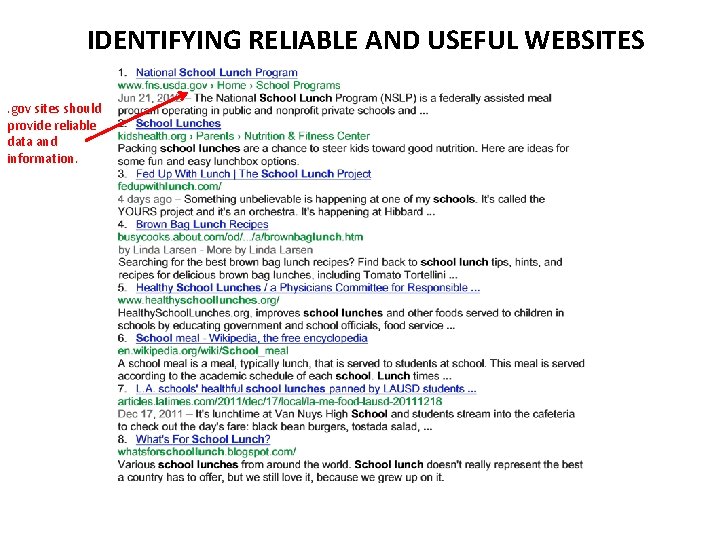
IDENTIFYING RELIABLE AND USEFUL WEBSITES. gov sites should provide reliable data and information.
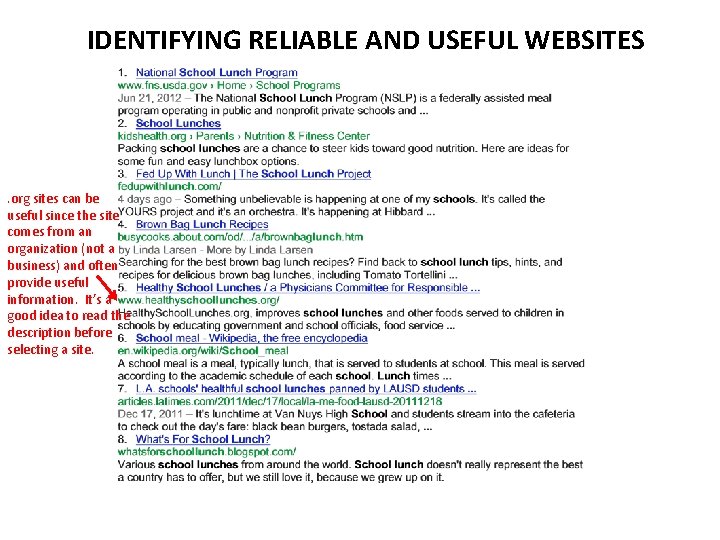
IDENTIFYING RELIABLE AND USEFUL WEBSITES . org sites can be useful since the site comes from an organization (not a business) and often provide useful information. It’s a good idea to read the description before selecting a site.
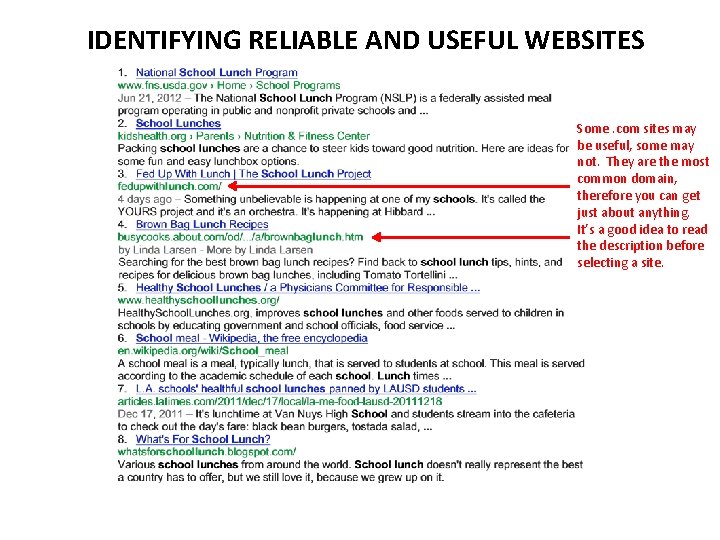
IDENTIFYING RELIABLE AND USEFUL WEBSITES Some. com sites may be useful, some may not. They are the most common domain, therefore you can get just about anything. It’s a good idea to read the description before selecting a site.
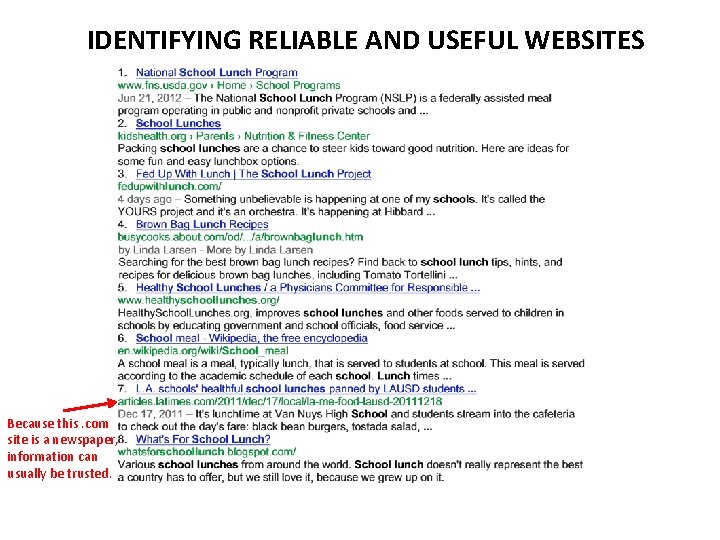
IDENTIFYING RELIABLE AND USEFUL WEBSITES Because this. com site is a newspaper, information can usually be trusted.
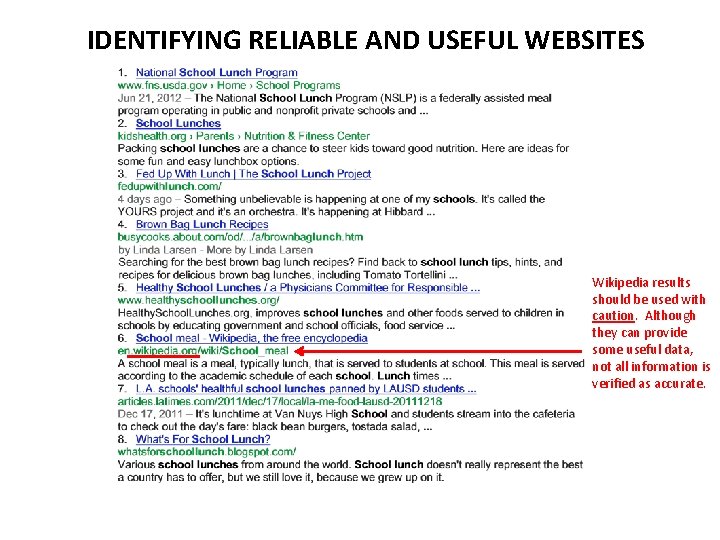
IDENTIFYING RELIABLE AND USEFUL WEBSITES Wikipedia results should be used with caution. Although they can provide some useful data, not all information is verified as accurate.
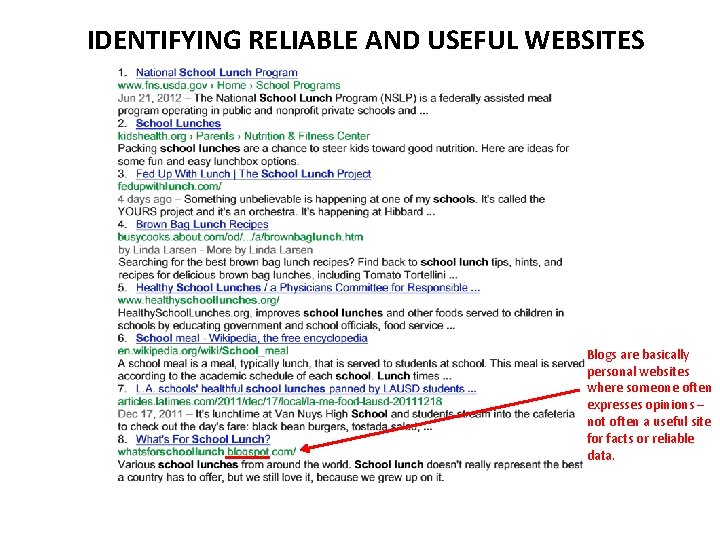
IDENTIFYING RELIABLE AND USEFUL WEBSITES Blogs are basically personal websites where someone often expresses opinions – not often a useful site for facts or reliable data.
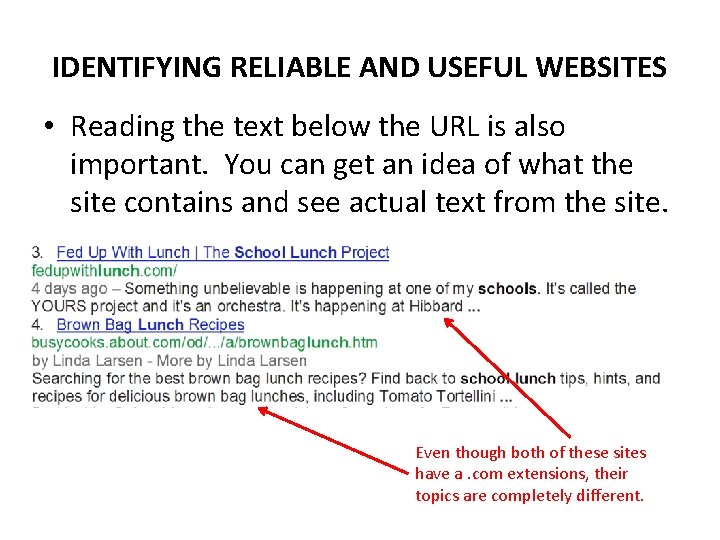
IDENTIFYING RELIABLE AND USEFUL WEBSITES • Reading the text below the URL is also important. You can get an idea of what the site contains and see actual text from the site. Even though both of these sites have a. com extensions, their topics are completely different.
IDENTIFYING RELIABLE AND USEFUL WEBSITES • As you can see, paying attention to URL’s can save time and be a useful tool in your internet searching. • Evaluating a website for reliability and usefulness by reading text can keep you from wasting time on sites that will not provide you with what you want. Sample search page results provided by Google.
- Slides: 9