
Ideas for Using Boardmaker Use Boardmaker to n
Ideas for Using Boardmaker
Use Boardmaker to n n n n Make communication boards. Create calendars. Design schedules. Modify curriculum. Import digital pictures. Make photo albums. And much, much more. . .
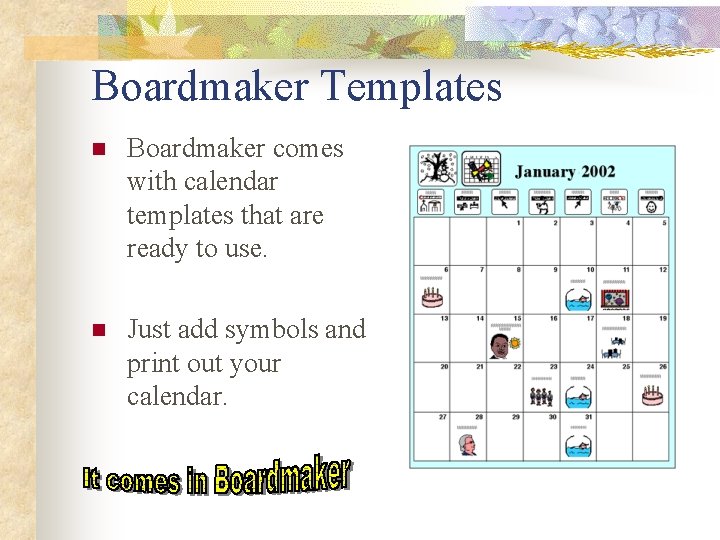
Boardmaker Templates n Boardmaker comes with calendar templates that are ready to use. n Just add symbols and print out your calendar.
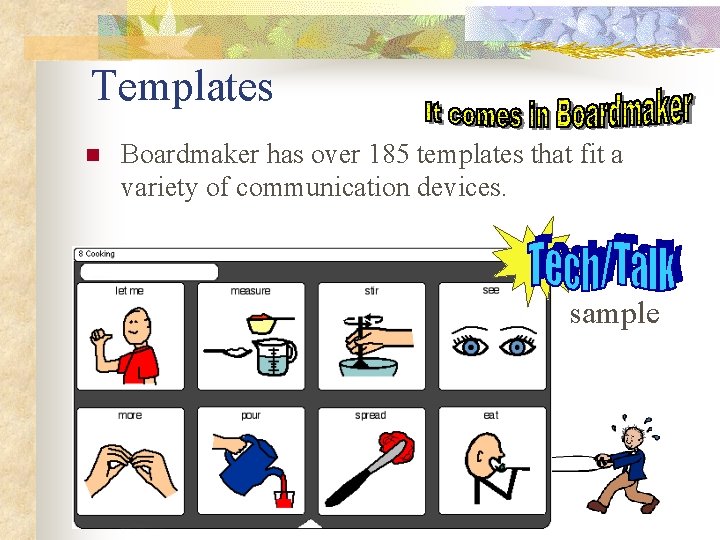
Templates n Boardmaker has over 185 templates that fit a variety of communication devices. sample
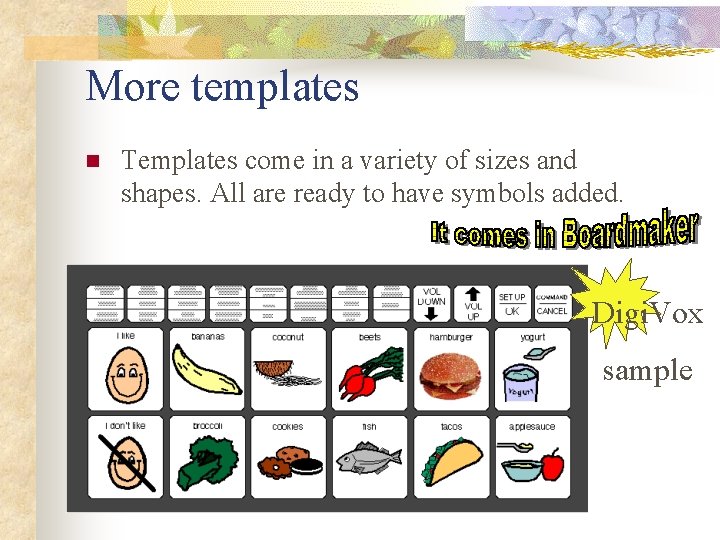
More templates n Templates come in a variety of sizes and shapes. All are ready to have symbols added. Digi. Vox sample
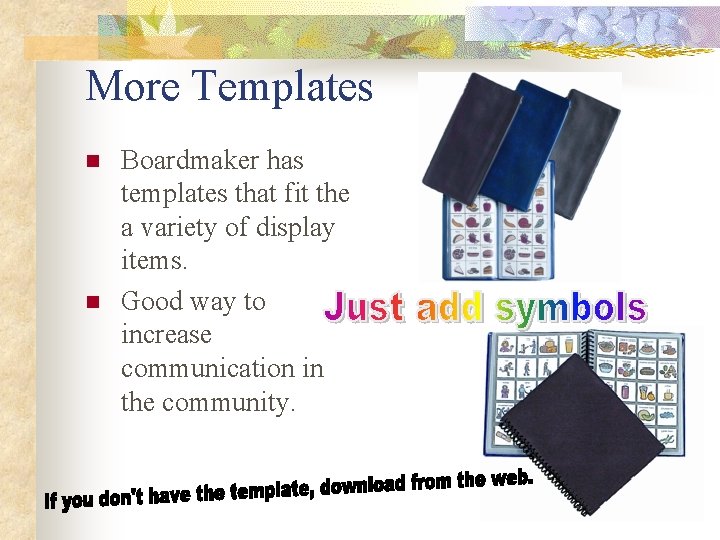
More Templates n n Boardmaker has templates that fit the a variety of display items. Good way to increase communication in the community.

Boardmaker Schedule Templates n If you use schedules, Boardmaker provides 7 schedule templates that are ready to have symbols added. 1 st page of 8 -step schedule
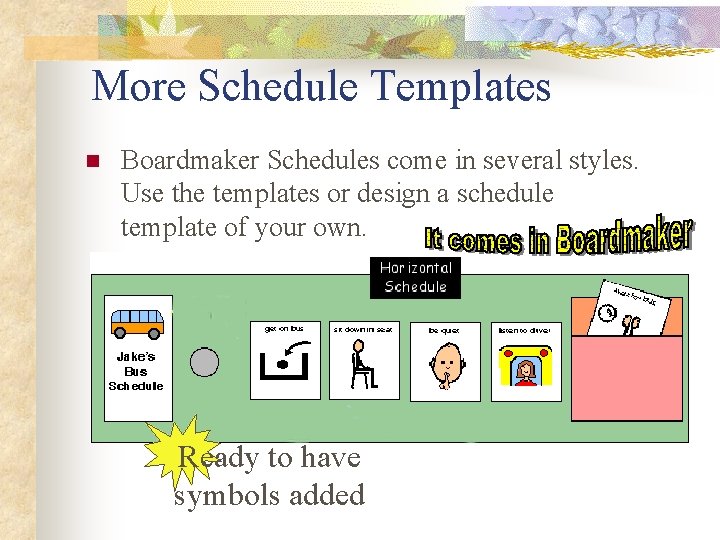
More Schedule Templates n Boardmaker Schedules come in several styles. Use the templates or design a schedule template of your own. Ready to have symbols added
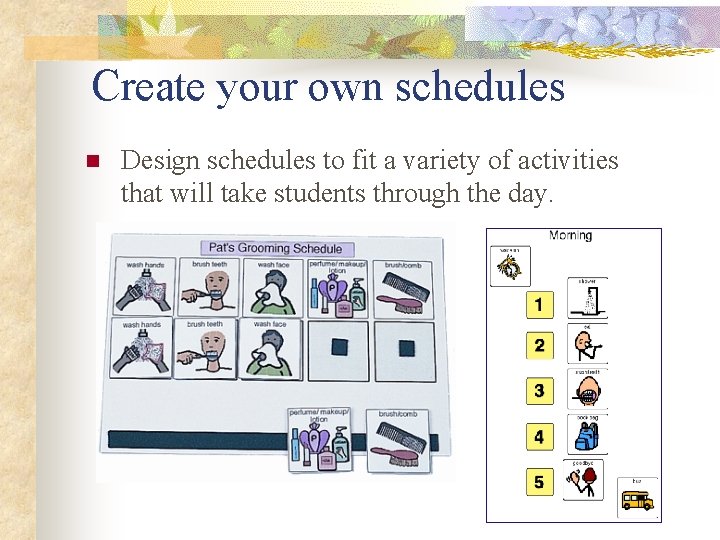
Create your own schedules n Design schedules to fit a variety of activities that will take students through the day.
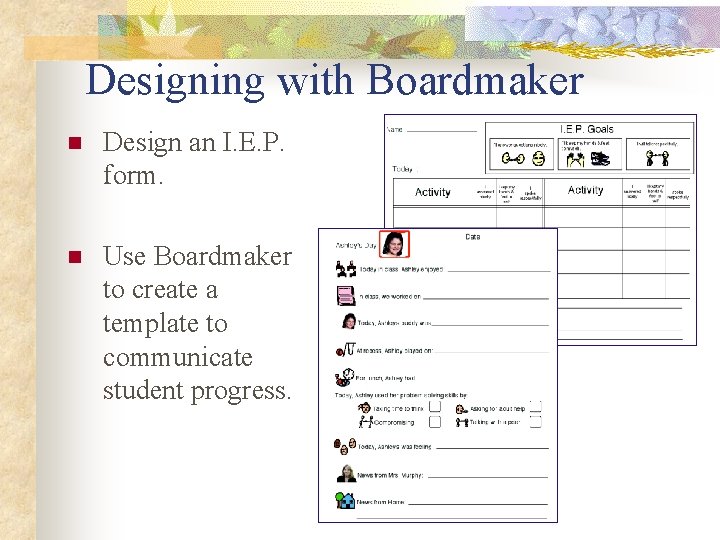
Designing with Boardmaker n Design an I. E. P. form. n Use Boardmaker to create a template to communicate student progress.
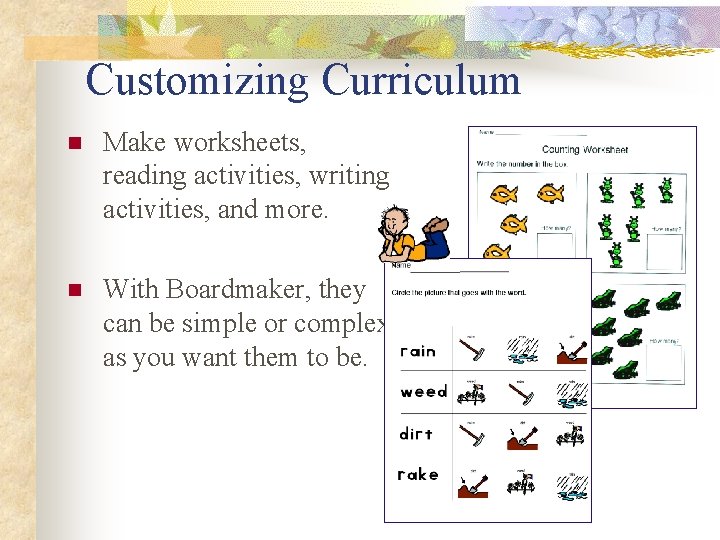
Customizing Curriculum n Make worksheets, reading activities, writing activities, and more. n With Boardmaker, they can be simple or complex as you want them to be.
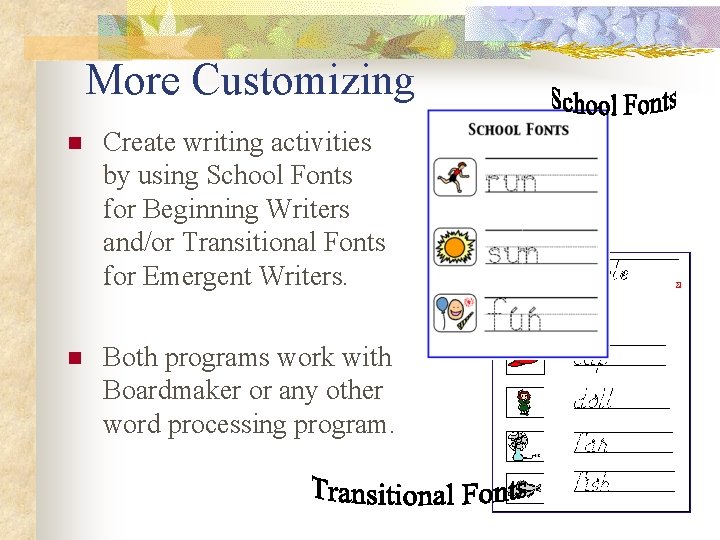
More Customizing n Create writing activities by using School Fonts for Beginning Writers and/or Transitional Fonts for Emergent Writers. n Both programs work with Boardmaker or any other word processing program.
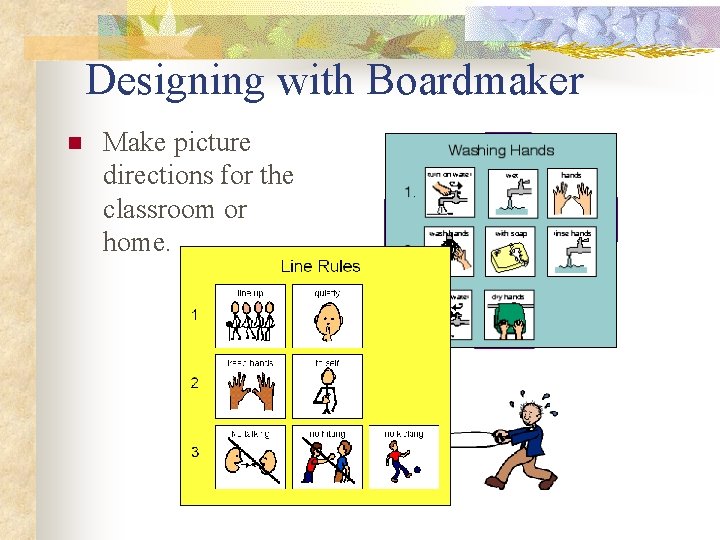
Designing with Boardmaker n Make picture directions for the classroom or home.
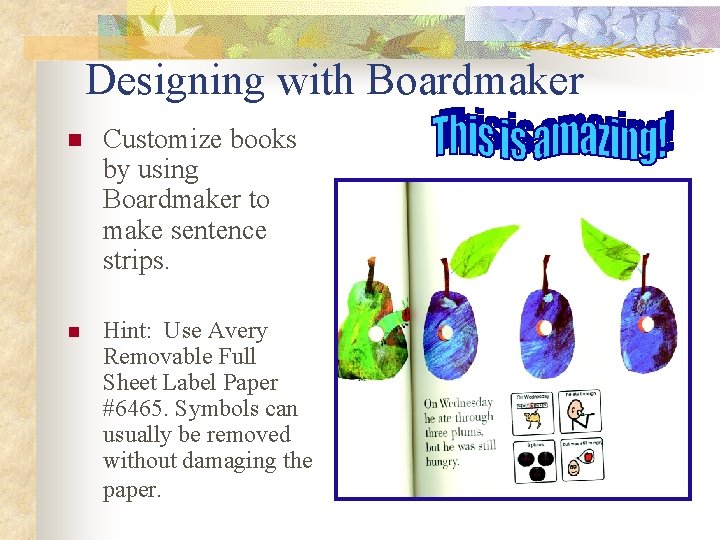
Designing with Boardmaker n Customize books by using Boardmaker to make sentence strips. n Hint: Use Avery Removable Full Sheet Label Paper #6465. Symbols can usually be removed without damaging the paper.
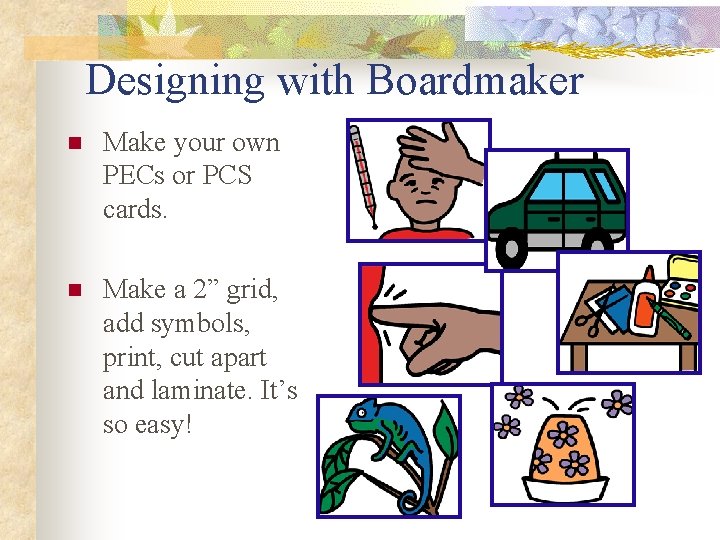
Designing with Boardmaker n Make your own PECs or PCS cards. n Make a 2” grid, add symbols, print, cut apart and laminate. It’s so easy!
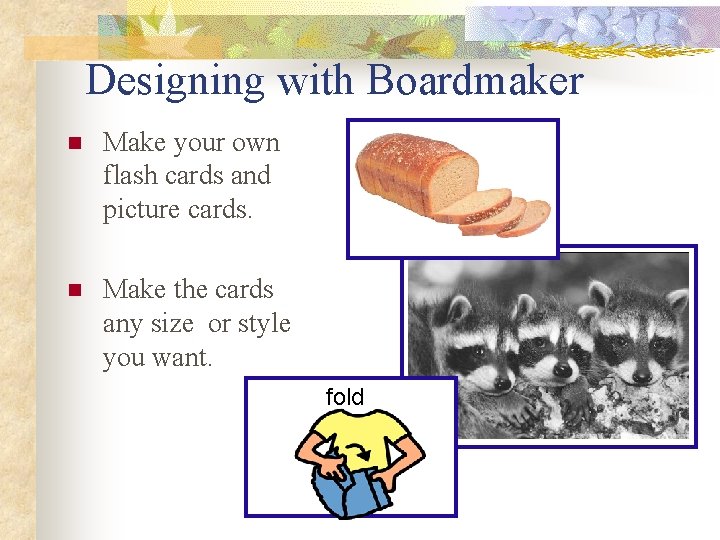
Designing with Boardmaker n Make your own flash cards and picture cards. n Make the cards any size or style you want. fold
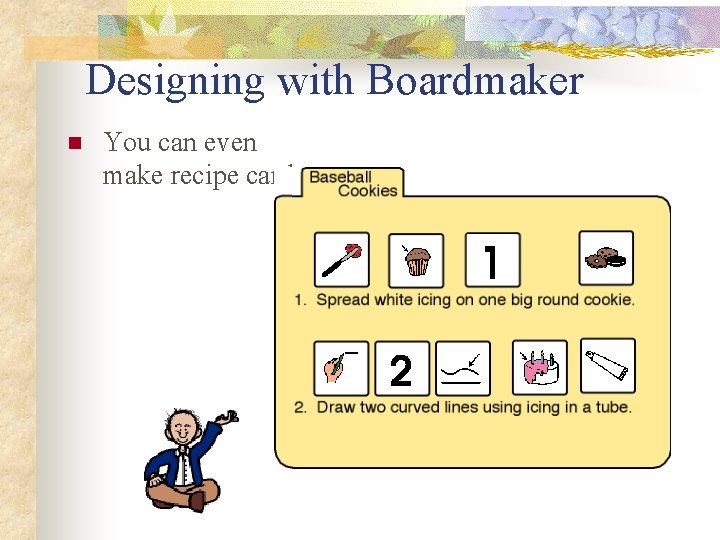
Designing with Boardmaker n You can even make recipe cards.
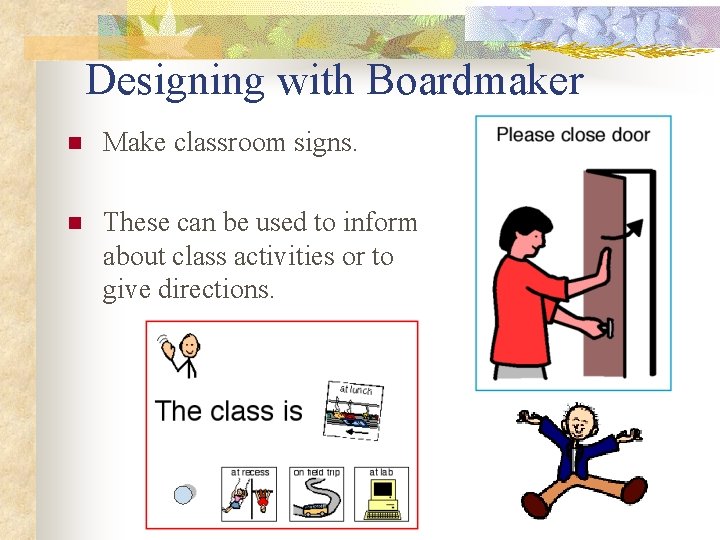
Designing with Boardmaker n Make classroom signs. n These can be used to inform about class activities or to give directions.
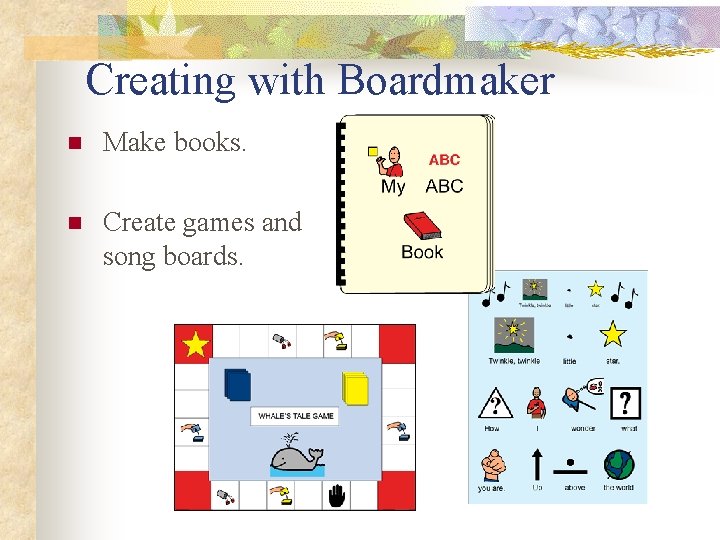
Creating with Boardmaker n Make books. n Create games and song boards.
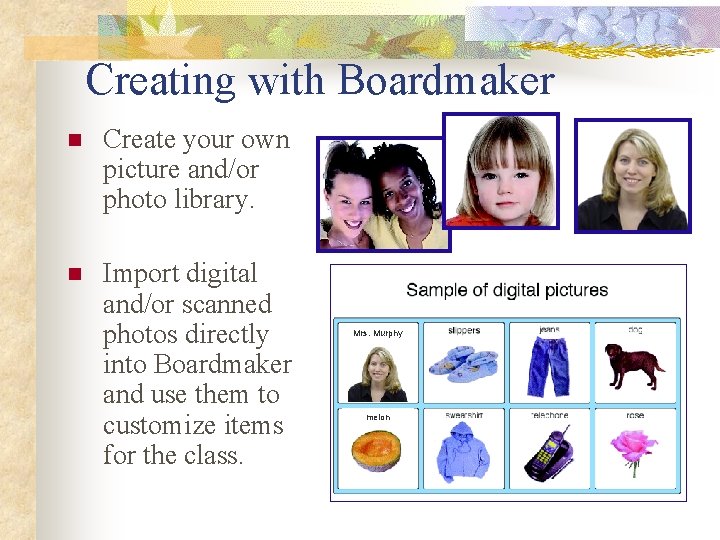
Creating with Boardmaker n Create your own picture and/or photo library. n Import digital and/or scanned photos directly into Boardmaker and use them to customize items for the class. Mrs. Murphy melon
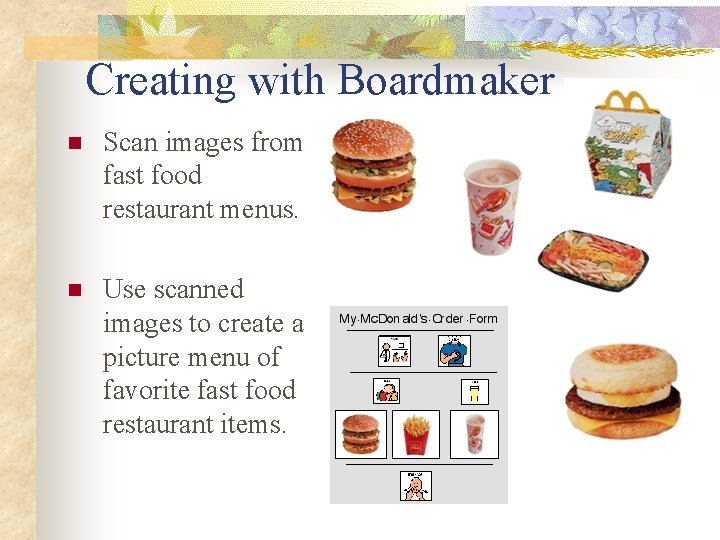
Creating with Boardmaker n Scan images from fast food restaurant menus. n Use scanned images to create a picture menu of favorite fast food restaurant items.
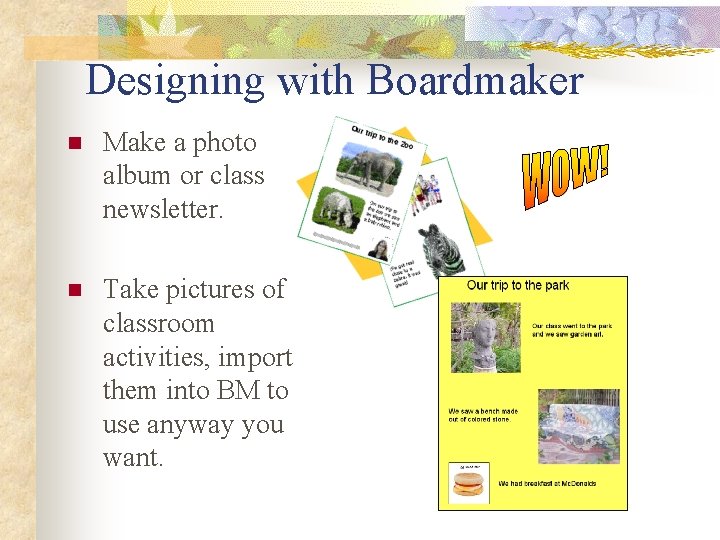
Designing with Boardmaker n Make a photo album or class newsletter. n Take pictures of classroom activities, import them into BM to use anyway you want.
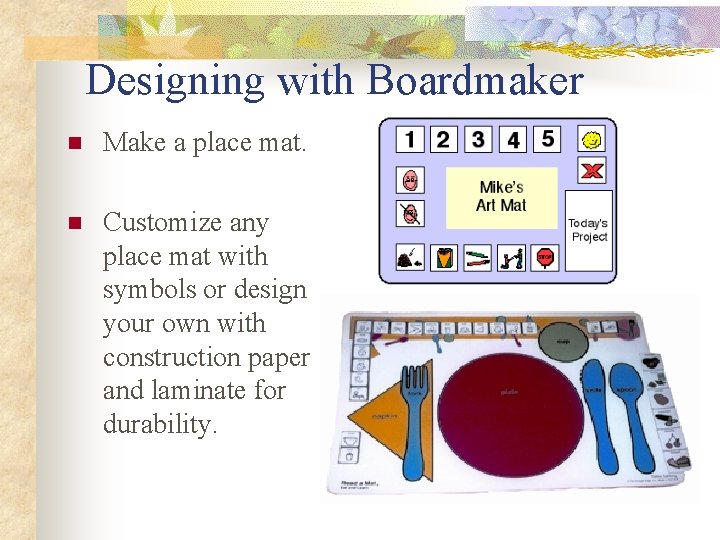
Designing with Boardmaker n Make a place mat. n Customize any place mat with symbols or design your own with construction paper and laminate for durability.
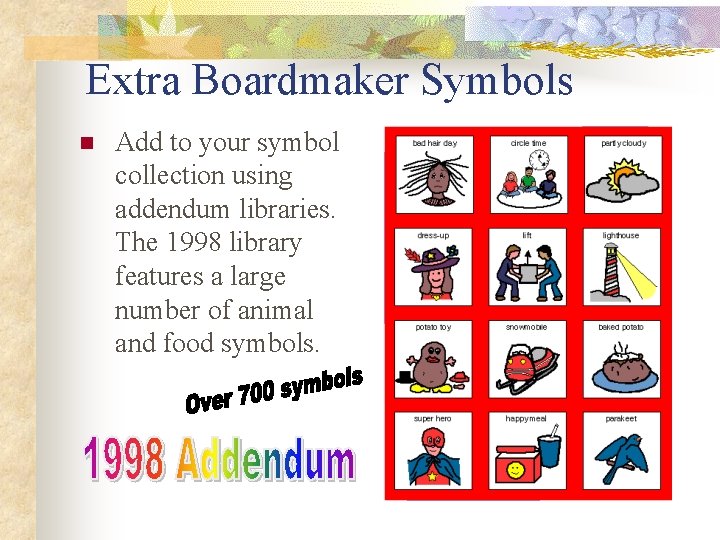
Extra Boardmaker Symbols n Add to your symbol collection using addendum libraries. The 1998 library features a large number of animal and food symbols.
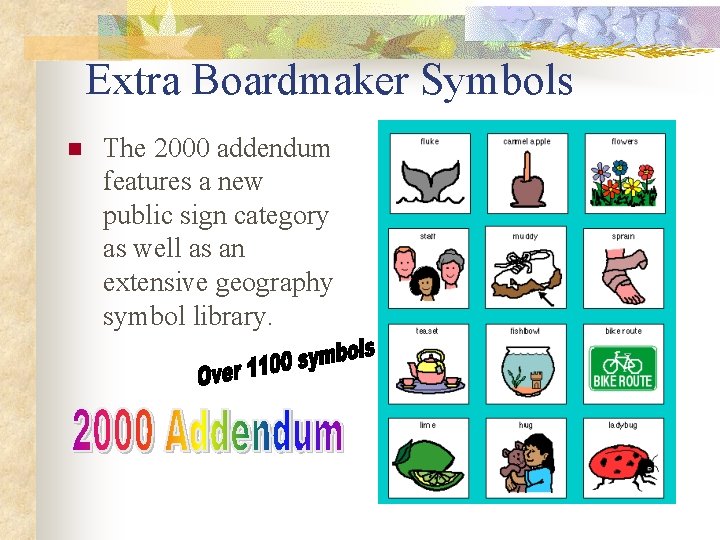
Extra Boardmaker Symbols n The 2000 addendum features a new public sign category as well as an extensive geography symbol library.
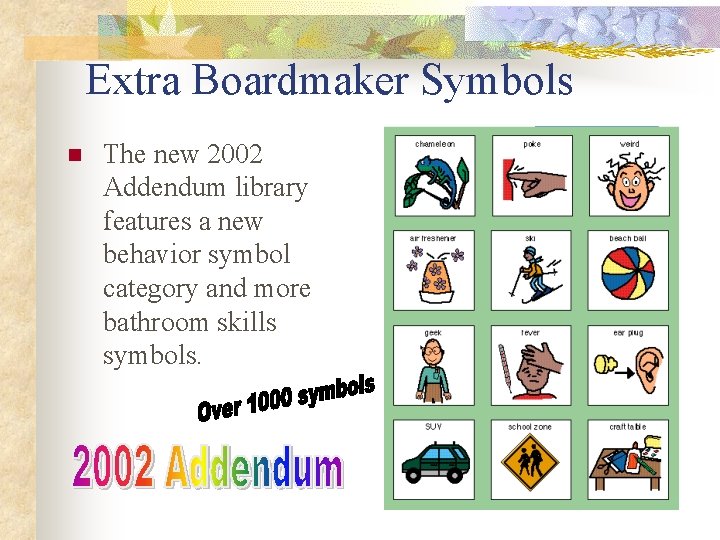
Extra Boardmaker Symbols n The new 2002 Addendum library features a new behavior symbol category and more bathroom skills symbols.
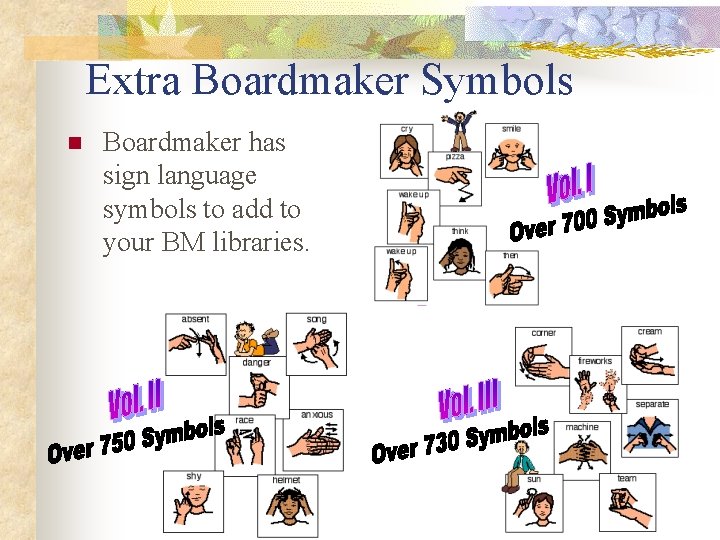
Extra Boardmaker Symbols n Boardmaker has sign language symbols to add to your BM libraries.
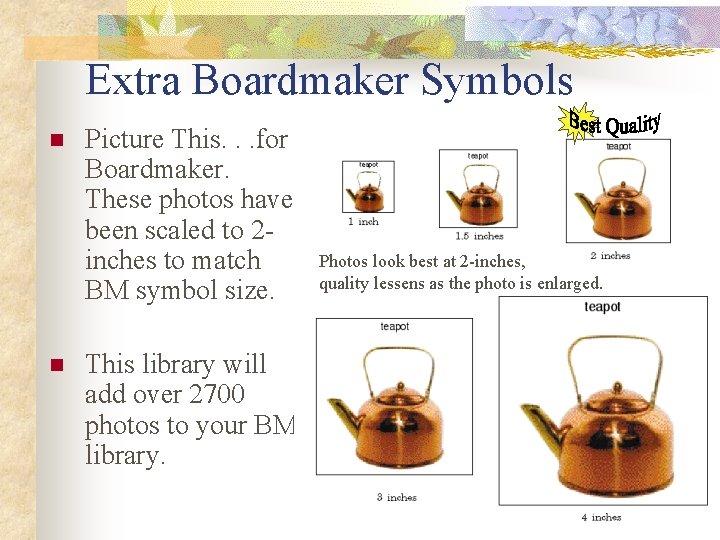
Extra Boardmaker Symbols n n Picture This. . . for Boardmaker. These photos have been scaled to 2 inches to match BM symbol size. This library will add over 2700 photos to your BM library. Photos look best at 2 -inches, quality lessens as the photo is enlarged.
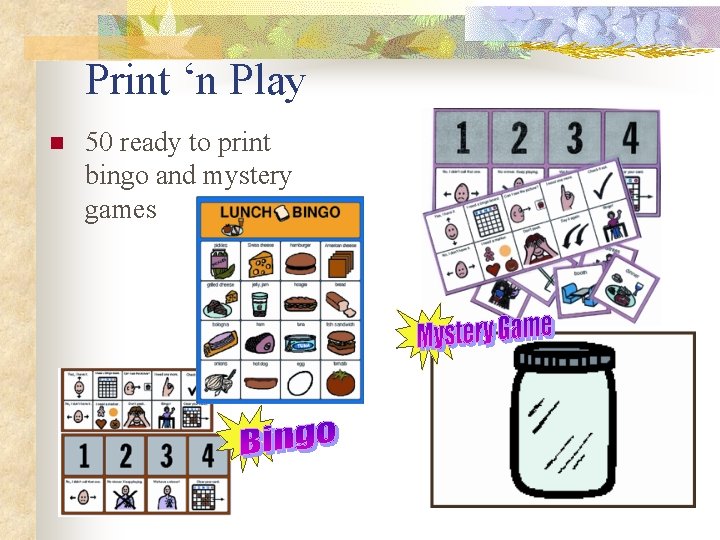
Print ‘n Play n 50 ready to print bingo and mystery games
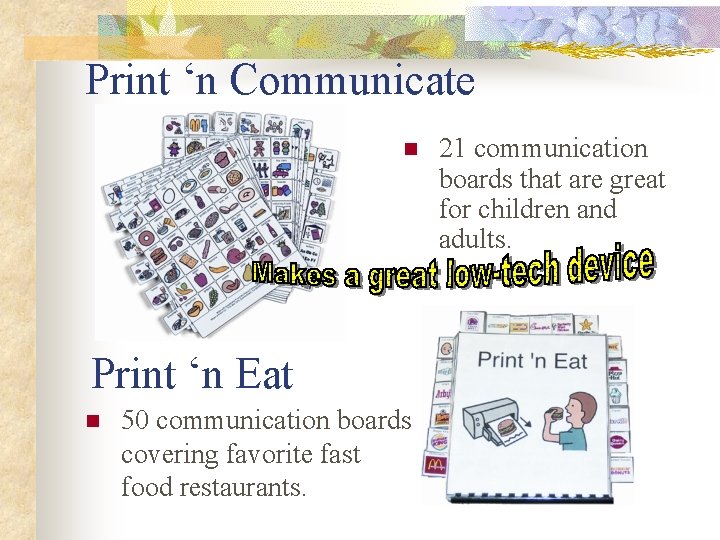
Print ‘n Communicate n Print ‘n Eat n 50 communication boards covering favorite fast food restaurants. 21 communication boards that are great for children and adults.
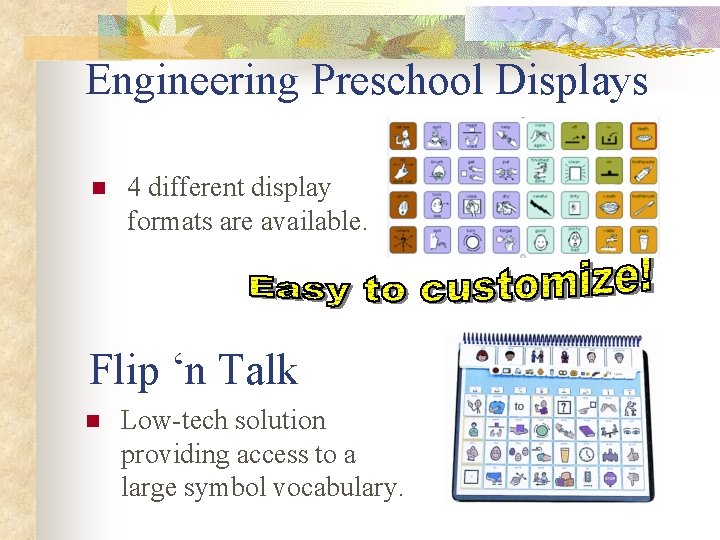
Engineering Preschool Displays n 4 different display formats are available. Flip ‘n Talk n Low-tech solution providing access to a large symbol vocabulary.
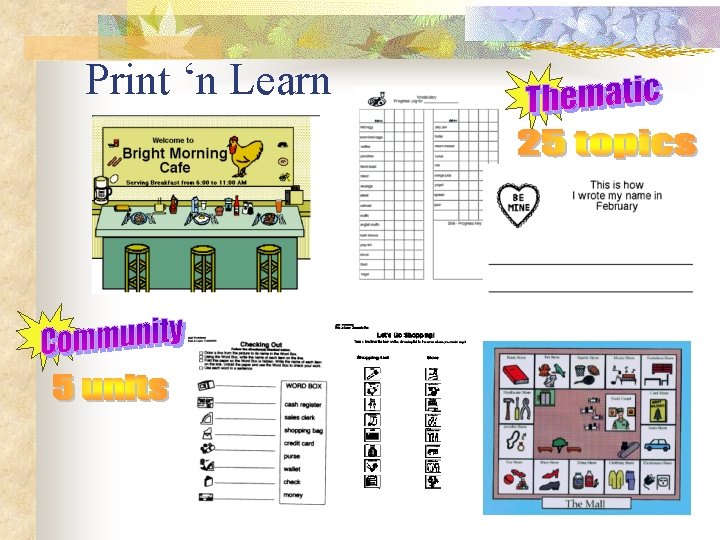
Print ‘n Learn
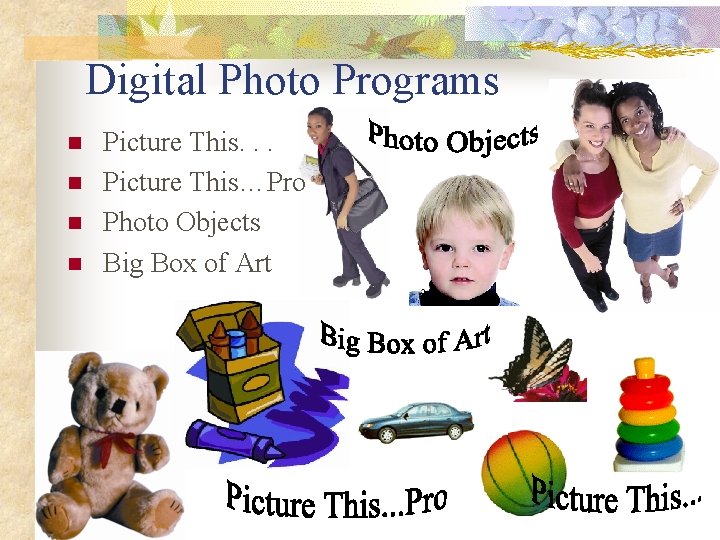
Digital Photo Programs n n Picture This. . . Picture This…Pro Photo Objects Big Box of Art
- Slides: 34