
IDEA Online SRIS Student Ratings of Instruction System
- Slides: 18
IDEA Online – SRIS Student Ratings of Instruction System
Learning Objectives After reviewing the slides, you will be able to: • Access the IDEA SRIS Faculty Information Form (FIF) • Complete the FIF • Access the results of the SRIS after students provide feedback • Interpret the SRIS findings • Discuss the different types of SRIS reports
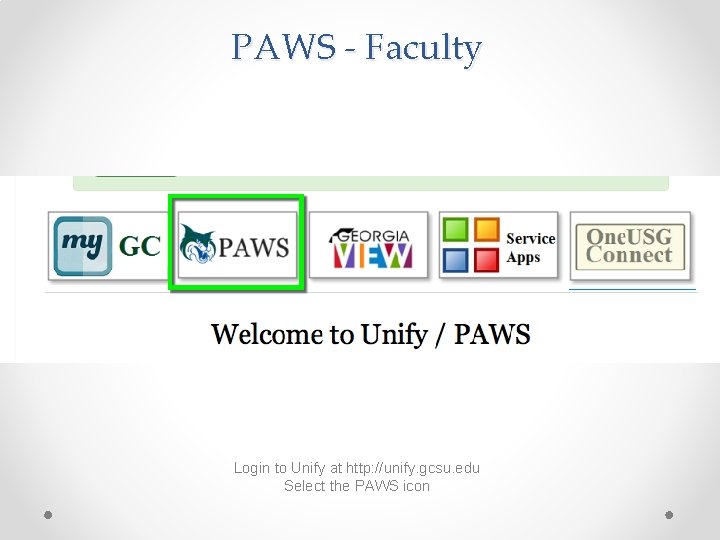
PAWS - Faculty Login to Unify at http: //unify. gcsu. edu Select the PAWS icon
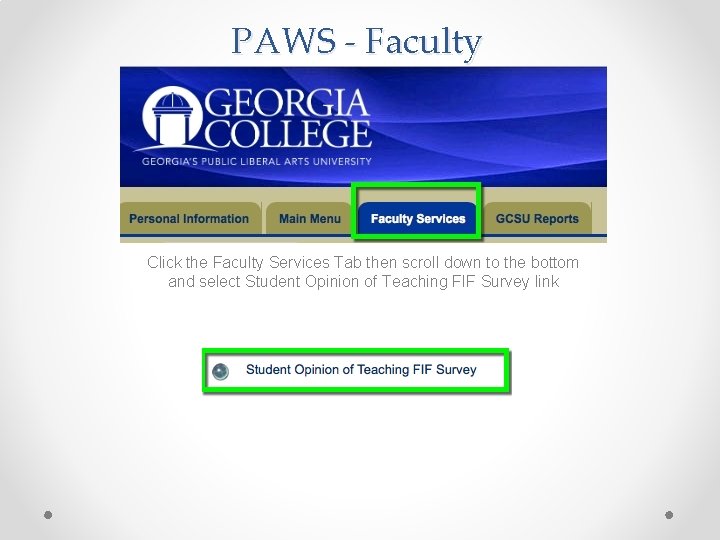
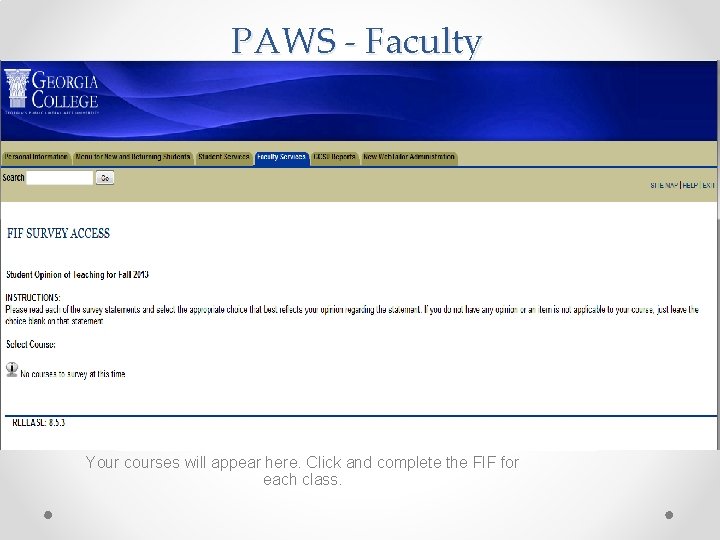
PAWS - Faculty Click the Faculty Services Tab then scroll down to the bottom and select Student Opinion of Teaching FIF Survey link
PAWS - Faculty Your courses will appear here. Click and complete the FIF for each class.
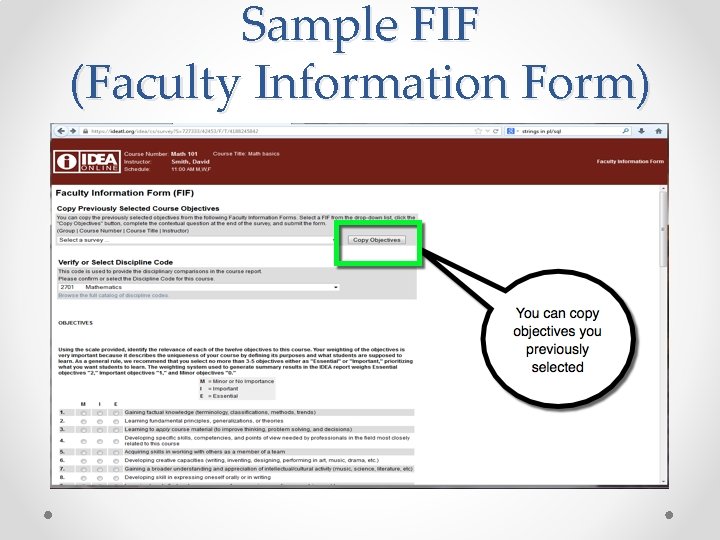
Sample FIF (Faculty Information Form)
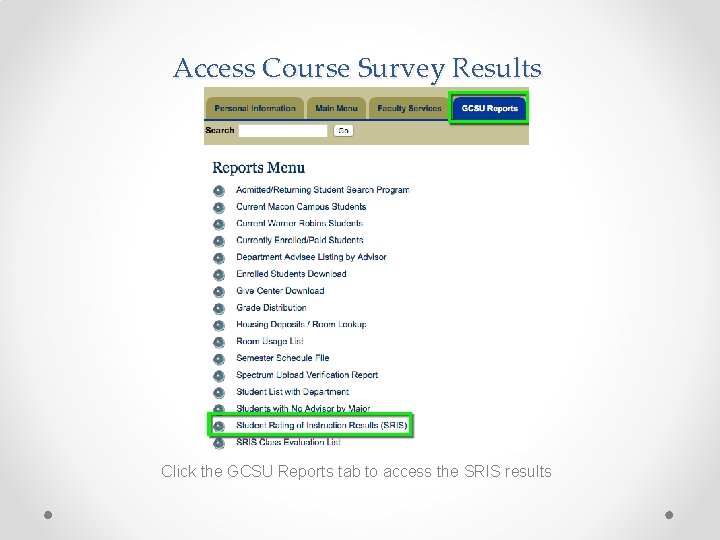
Access Course Survey Results Click the GCSU Reports tab to access the SRIS results
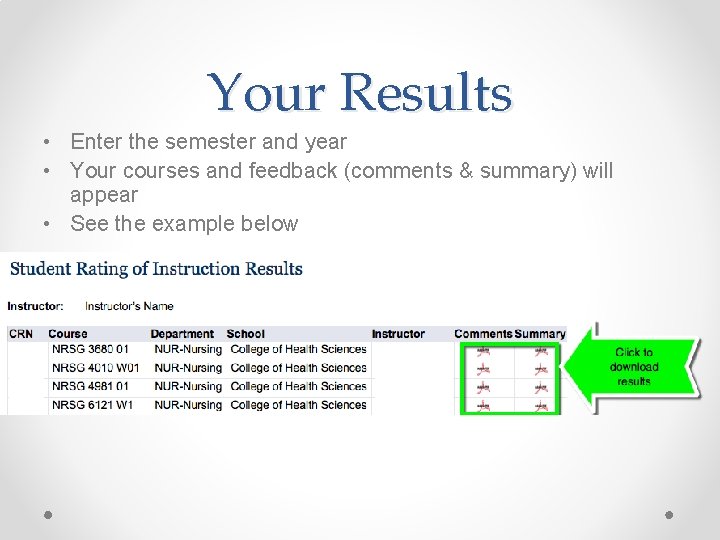
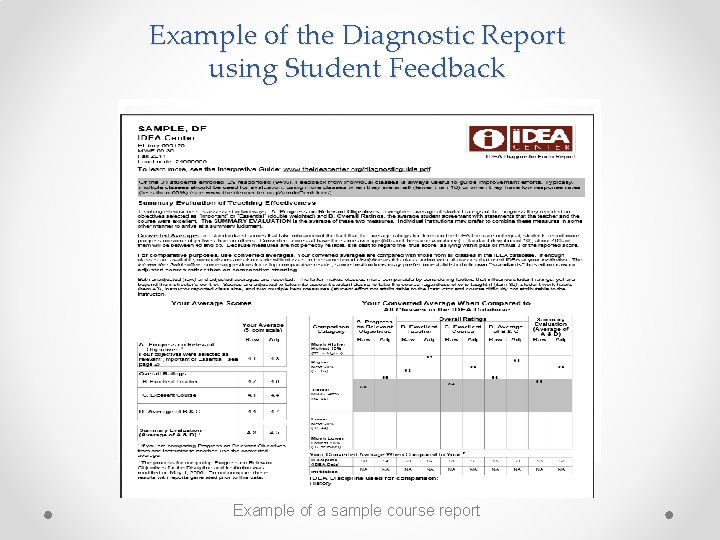
Your Results • Enter the semester and year • Your courses and feedback (comments & summary) will appear • See the example below
Example of the Diagnostic Report using Student Feedback Example of a sample course report
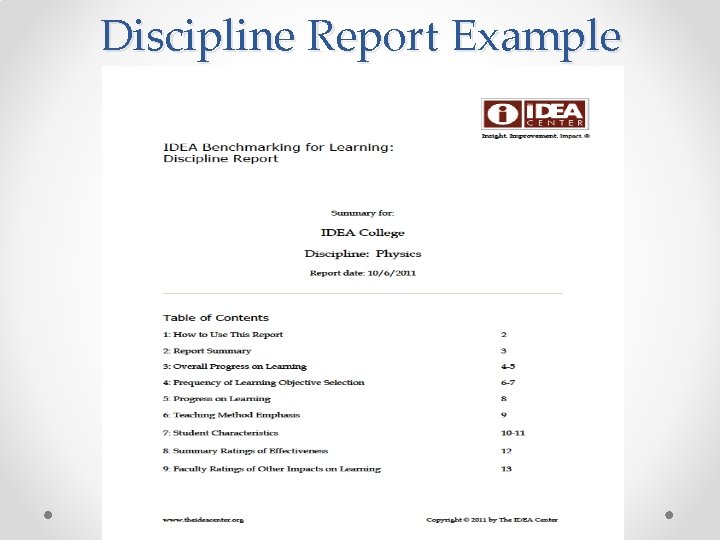
Discipline Report Example
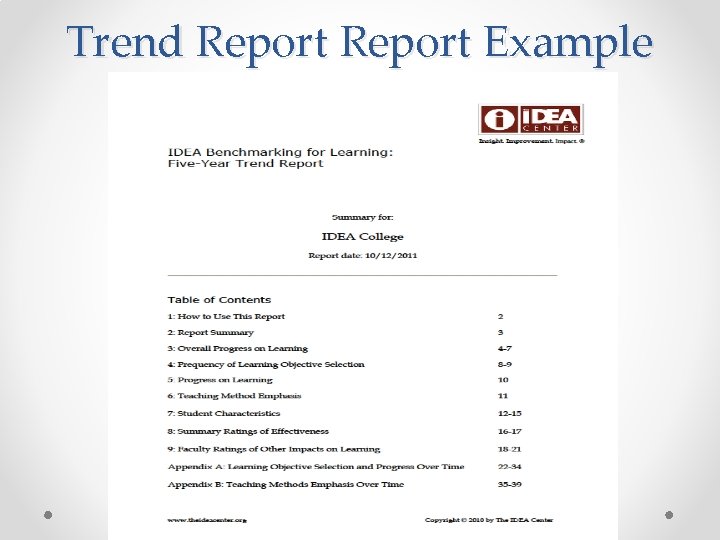
Trend Report Example
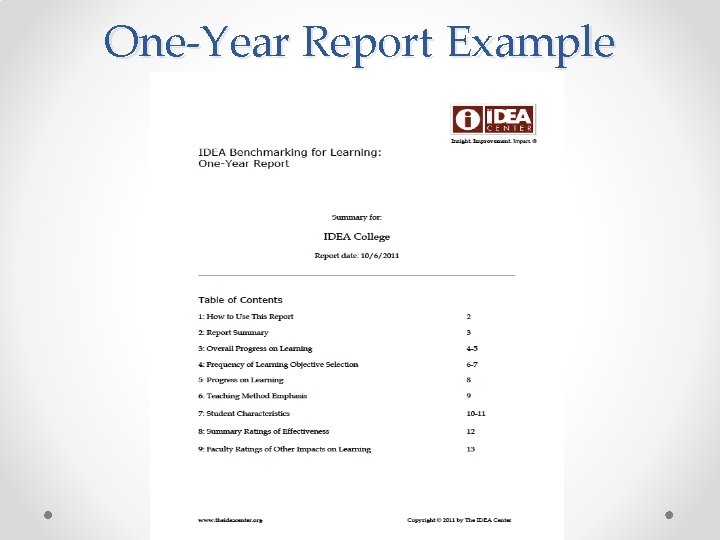
One-Year Report Example
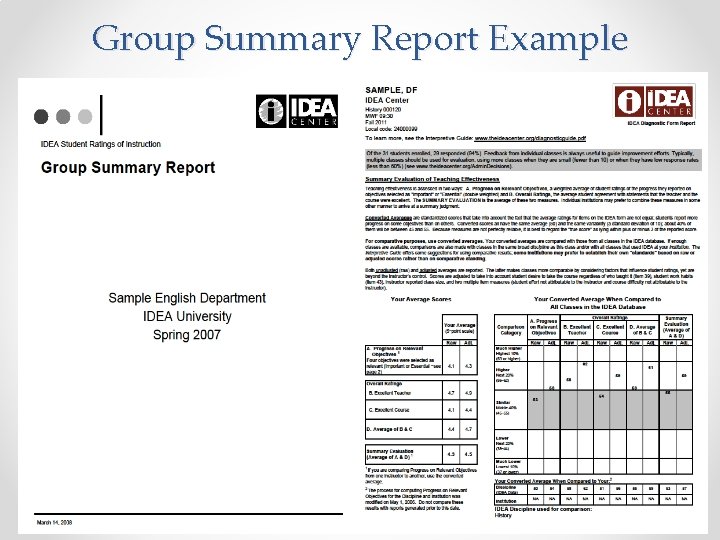
Group Summary Report Example
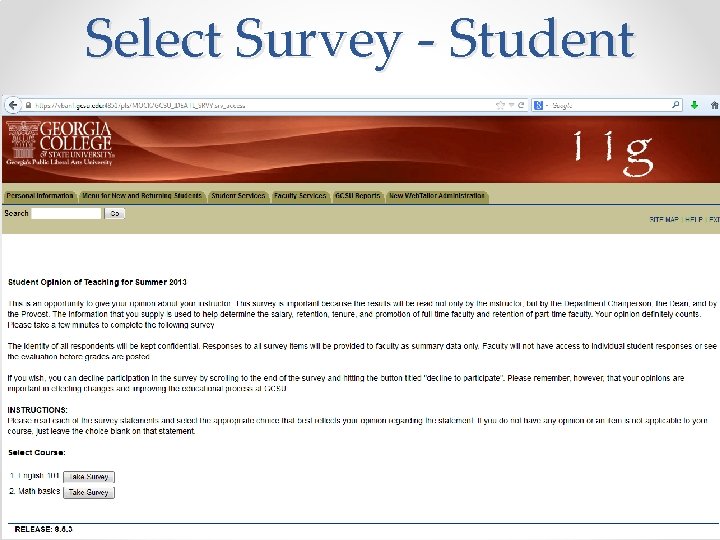
Select Survey - Student
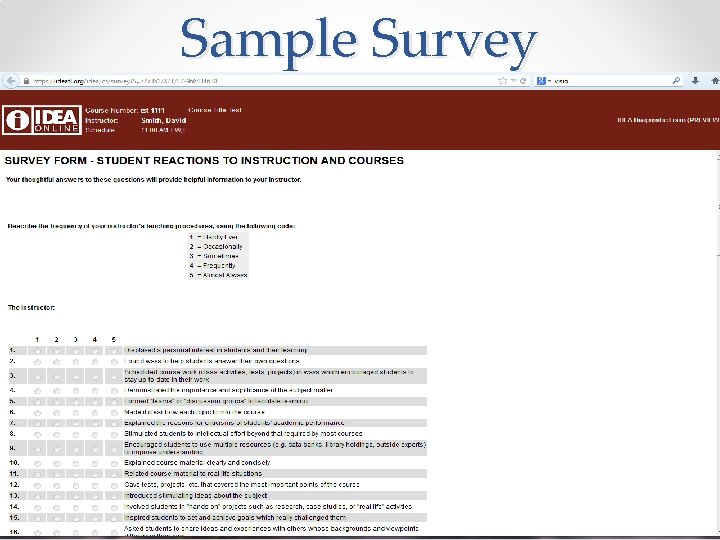
Sample Survey
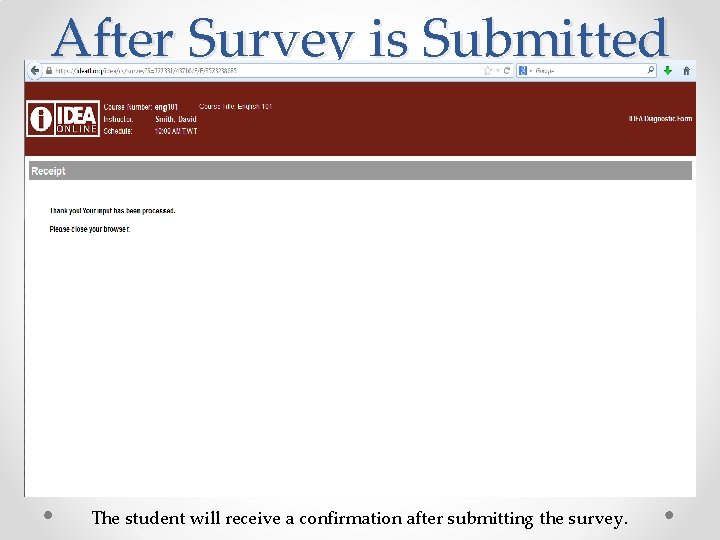
After Survey is Submitted The student will receive a confirmation after submitting the survey.
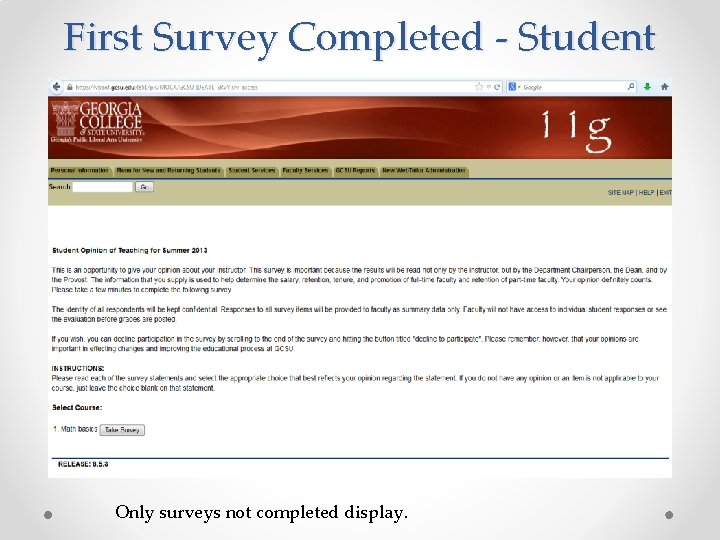
First Survey Completed - Student Only surveys not completed display.
Summary You should now be able to complete the IDEA SRIS FIF and access the results of the surveys for your courses. If you need assistance, call the Center for Teaching and Learning at 478445 -2520 or send an email to ctl@gcsu. edu