
IDEA Cards from Inspirations for Digital Engagement Activities
- Slides: 42
IDEA Cards from Inspirations for Digital Engagement Activities by Simon Walker, Sam Ahern, Silvia Colaiacomo, Leo Havemann, Alexandra Mihai, Tim Neumann, Karen Shackleford-Cesare, Abbi Shaw, Clive Young (UCL Arena & Digital Education) is licensed under a CC-BY-SA Creative Commons Attribution-Share. Alike 4. 0 International License. For more information please visit Activity cards to reuse and remix reflect. ucl. ac. uk /ideas
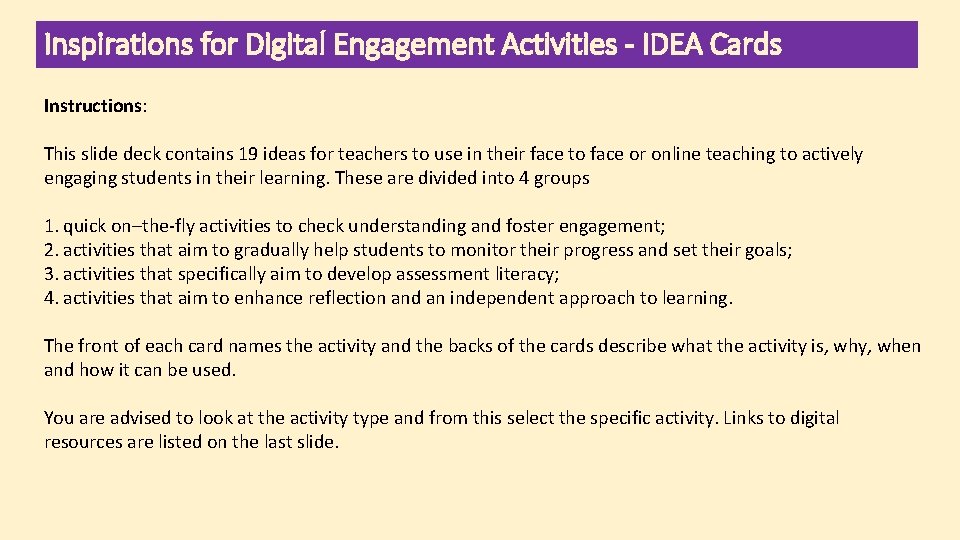
Inspirations for Digital Engagement Activities - IDEA Cards Instructions: This slide deck contains 19 ideas for teachers to use in their face to face or online teaching to actively engaging students in their learning. These are divided into 4 groups 1. quick on–the-fly activities to check understanding and foster engagement; 2. activities that aim to gradually help students to monitor their progress and set their goals; 3. activities that specifically aim to develop assessment literacy; 4. activities that aim to enhance reflection and an independent approach to learning. The front of each card names the activity and the backs of the cards describe what the activity is, why, when and how it can be used. You are advised to look at the activity type and from this select the specific activity. Links to digital resources are listed on the last slide.
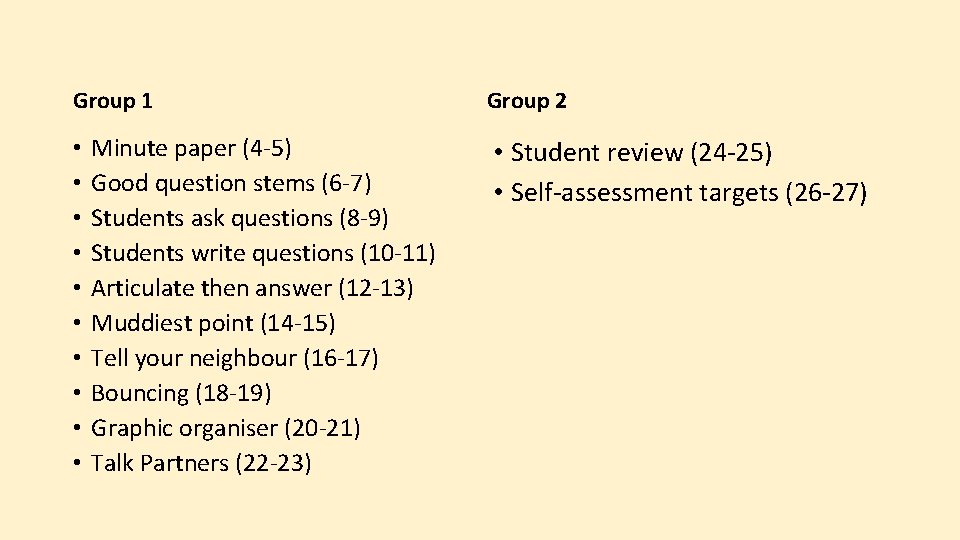
Group 1 • • • Minute paper (4 -5) Good question stems (6 -7) Students ask questions (8 -9) Students write questions (10 -11) Articulate then answer (12 -13) Muddiest point (14 -15) Tell your neighbour (16 -17) Bouncing (18 -19) Graphic organiser (20 -21) Talk Partners (22 -23) Group 2 • Student review (24 -25) • Self-assessment targets (26 -27)
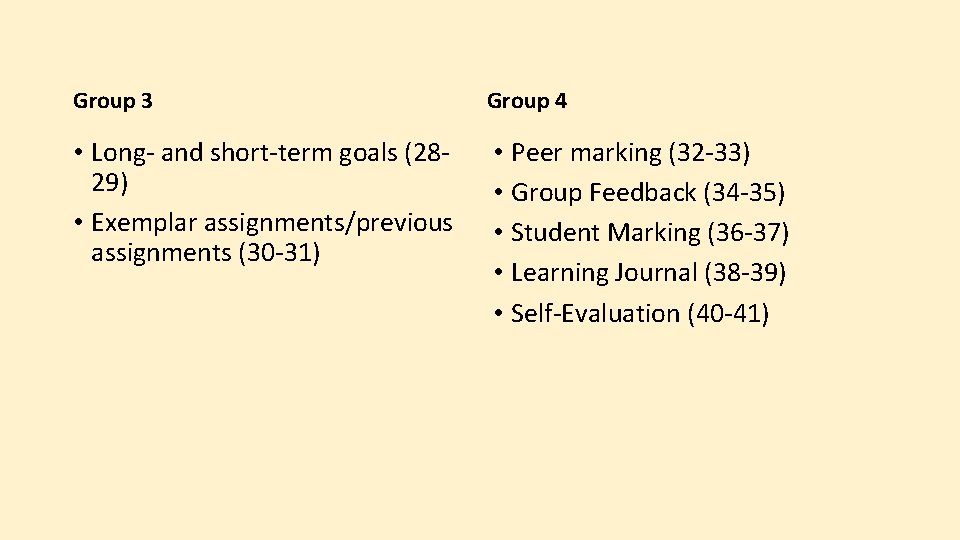
Group 3 Group 4 • Long- and short-term goals (2829) • Exemplar assignments/previous assignments (30 -31) • Peer marking (32 -33) • Group Feedback (34 -35) • Student Marking (36 -37) • Learning Journal (38 -39) • Self-Evaluation (40 -41)
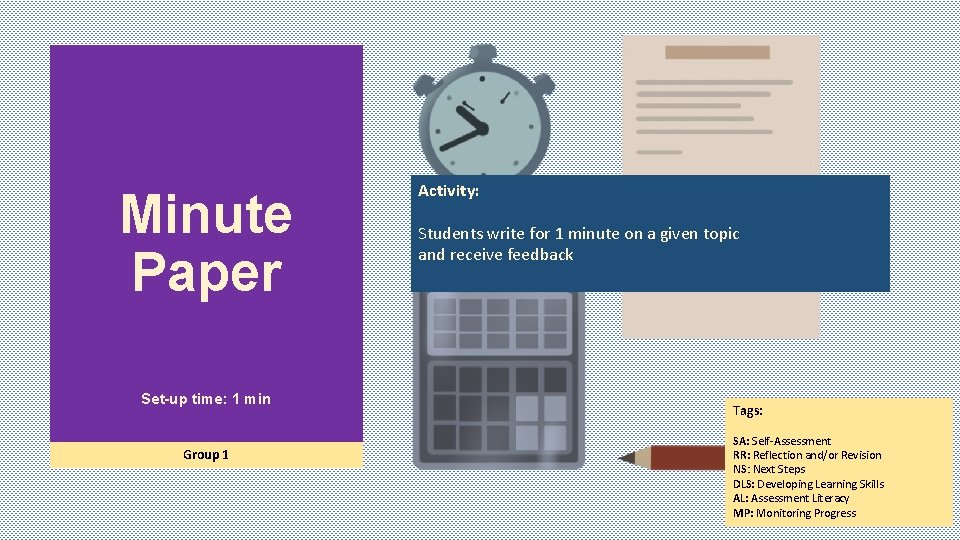
Minute Paper Set-up time: 1 min Group 1 Activity: Students write for 1 minute on a given topic and receive feedback Tags: SA: Self-Assessment RR: Reflection and/or Revision NS: Next Steps DLS: Developing Learning Skills AL: Assessment Literacy MP: Monitoring Progress
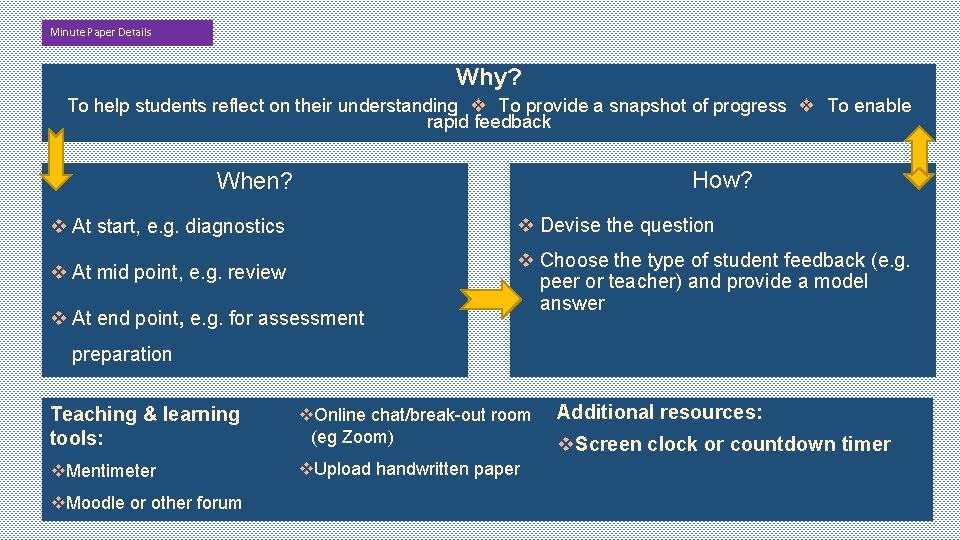
Minute Paper Details Why? To help students reflect on their understanding ❖ To provide a snapshot of progress ❖ To enable rapid feedback How? When? v At start, e. g. diagnostics v Devise the question v At mid point, e. g. review v Choose the type of student feedback (e. g. peer or teacher) and provide a model answer v At end point, e. g. for assessment preparation Teaching & learning tools: v. Online chat/break-out room (eg Zoom) v. Mentimeter v. Upload handwritten paper v. Moodle or other forum Additional resources: v. Screen clock or countdown timer
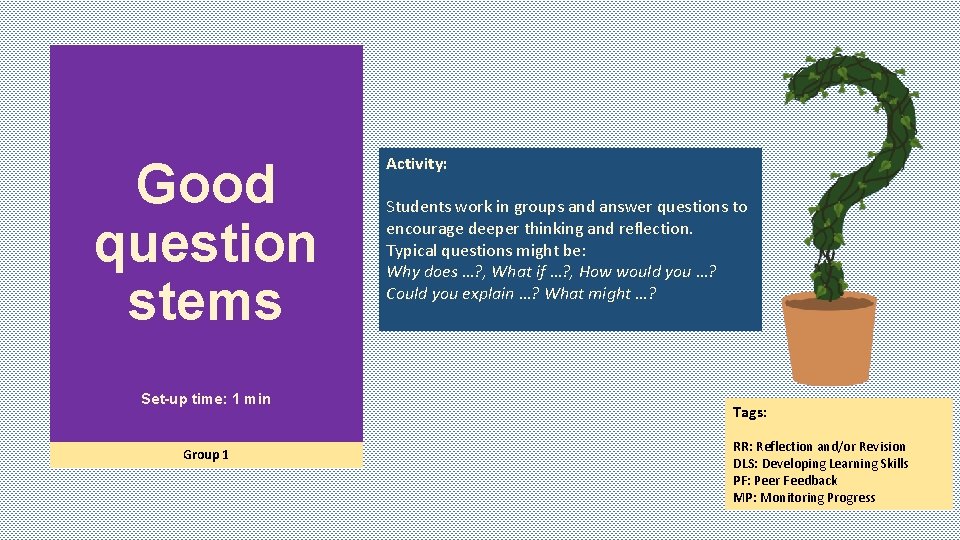
Good question stems Set-up time: 1 min Group 1 Activity: Students work in groups and answer questions to encourage deeper thinking and reflection. Typical questions might be: Why does …? , What if …? , How would you …? Could you explain …? What might …? Tags: RR: Reflection and/or Revision DLS: Developing Learning Skills PF: Peer Feedback MP: Monitoring Progress
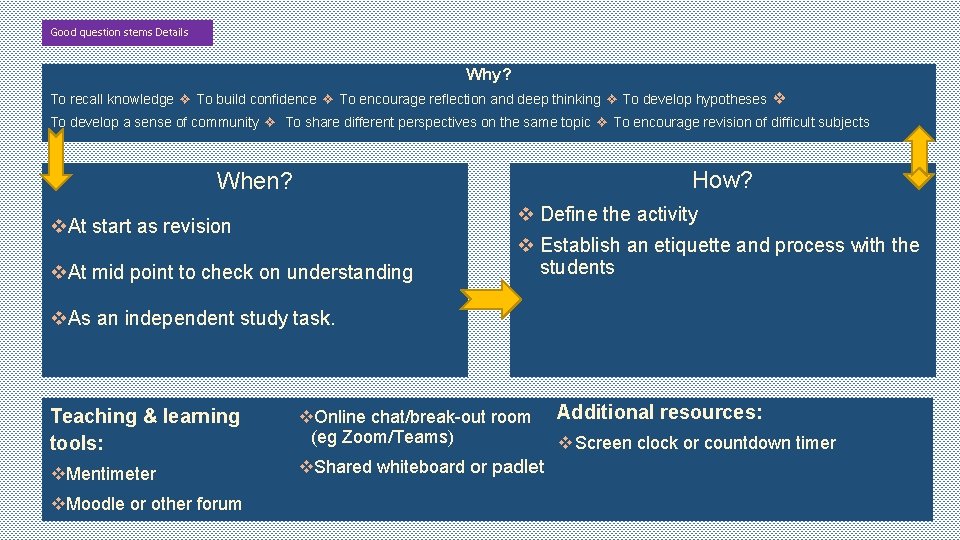
Good question stems Details Why? To recall knowledge ❖ To build confidence ❖ To encourage reflection and deep thinking ❖ To develop hypotheses ❖ To develop a sense of community ❖ To share different perspectives on the same topic ❖ To encourage revision of difficult subjects How? When? v Define the activity v. At start as revision v. At mid point to check on understanding v Establish an etiquette and process with the students v. As an independent study task. Resources Teaching & learning tools: v. Online chat/break-out room (eg Zoom/Teams) v. Mentimeter v. Shared whiteboard or padlet v. Moodle or other forum Additional resources: v Screen clock or countdown timer
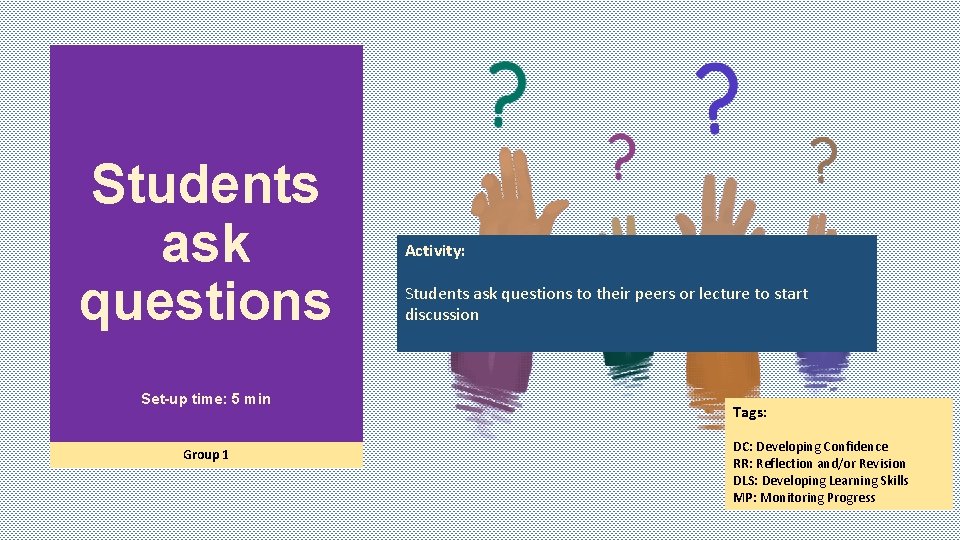
Students ask questions Set-up time: 5 min Group 1 Activity: Students ask questions to their peers or lecture to start discussion Tags: DC: Developing Confidence RR: Reflection and/or Revision DLS: Developing Learning Skills MP: Monitoring Progress
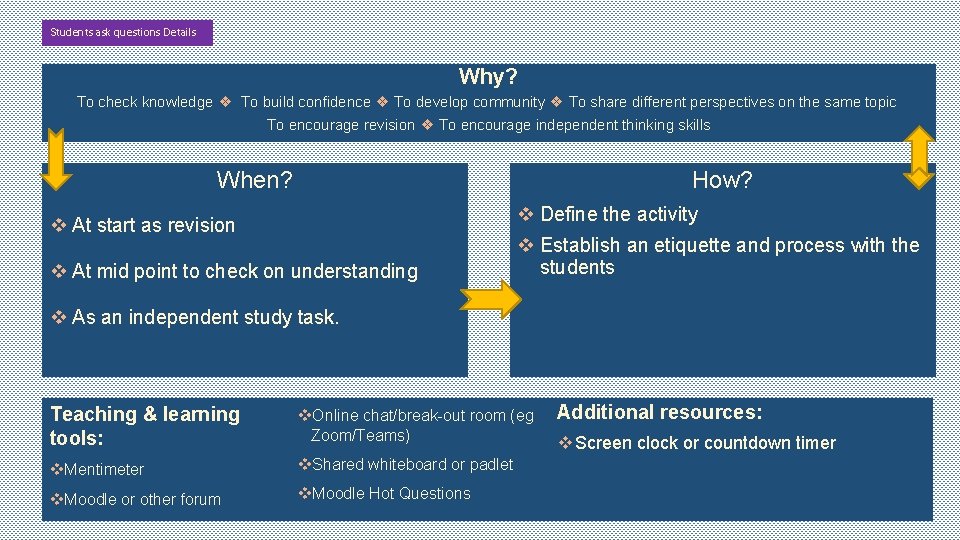
Students ask questions Details Why? To check knowledge ❖ To build confidence ❖ To develop community ❖ To share different perspectives on the same topic To encourage revision ❖ To encourage independent thinking skills When? How? v Define the activity v At start as revision v At mid point to check on understanding v Establish an etiquette and process with the students v As an independent study task. Resources Teaching & learning tools: v. Online chat/break-out room (eg Zoom/Teams) v. Mentimeter v. Shared whiteboard or padlet v. Moodle or other forum v. Moodle Hot Questions Additional resources: v Screen clock or countdown timer
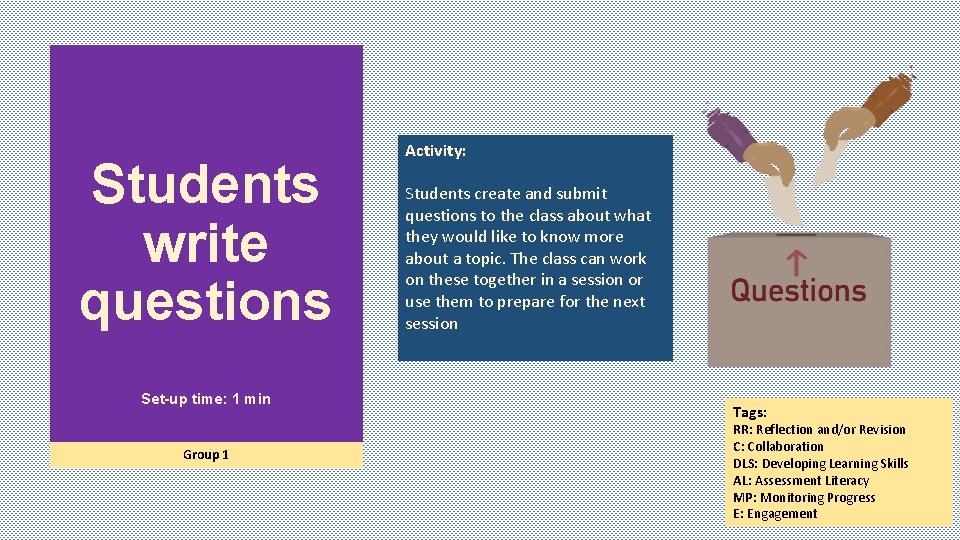
Students write questions Set-up time: 1 min Group 1 Activity: Students create and submit questions to the class about what they would like to know more about a topic. The class can work on these together in a session or use them to prepare for the next session Tags: RR: Reflection and/or Revision C: Collaboration DLS: Developing Learning Skills AL: Assessment Literacy MP: Monitoring Progress E: Engagement
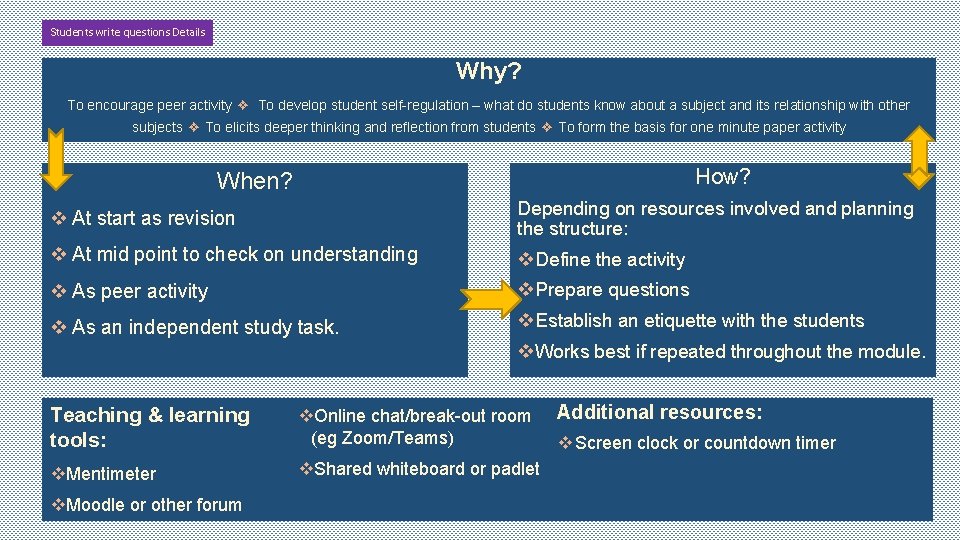
Students write questions Details Why? To encourage peer activity ❖ To develop student self-regulation – what do students know about a subject and its relationship with other subjects ❖ To elicits deeper thinking and reflection from students ❖ To form the basis for one minute paper activity How? When? v At start as revision Depending on resources involved and planning the structure: v At mid point to check on understanding v Define the activity v As peer activity v Prepare questions v As an independent study task. v Establish an etiquette with the students v Works best if repeated throughout the module. Resources Teaching & learning tools: v. Online chat/break-out room (eg Zoom/Teams) v. Mentimeter v. Shared whiteboard or padlet v. Moodle or other forum Additional resources: v Screen clock or countdown timer
Articulate then answer Set-up time: 10 mins Group 1 Activity: Students articulate their thinking before answering questions Tags: DC: Developing Confidence RR: Reflection and/or Revision DLS: Developing Learning Skills C: Confidence MP: Monitoring Progress
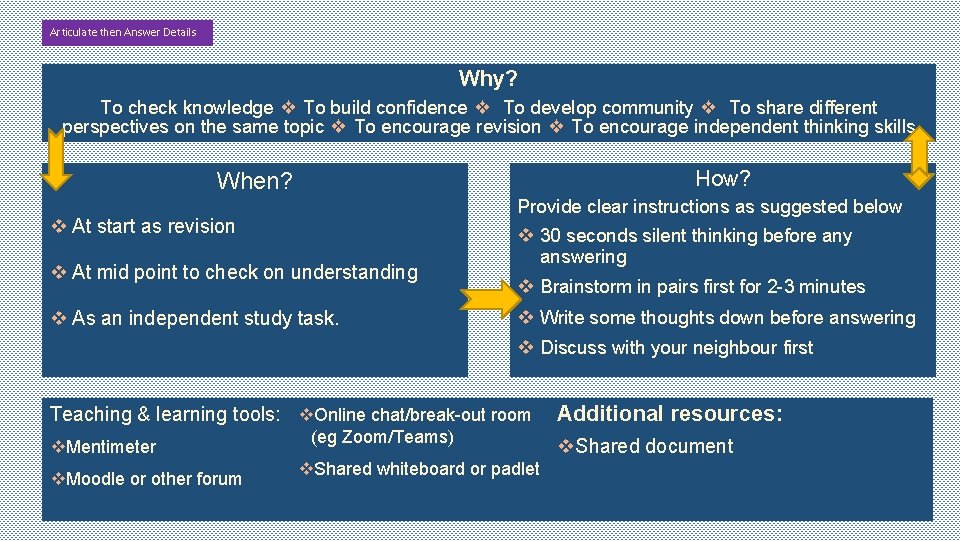
Articulate then Answer Details Why? To check knowledge ❖ To build confidence ❖ To develop community ❖ To share different perspectives on the same topic ❖ To encourage revision ❖ To encourage independent thinking skills How? When? Provide clear instructions as suggested below v At start as revision v At mid point to check on understanding v As an independent study task. v 30 seconds silent thinking before any answering v Brainstorm in pairs first for 2 -3 minutes v Write some thoughts down before answering v Discuss with your neighbour first Resources Teaching & learning tools: v. Mentimeter v. Moodle or other forum v. Online chat/break-out room (eg Zoom/Teams) v. Shared whiteboard or padlet Additional resources: v. Shared document
Muddiest Point Activity: Students write down one or two points from the previous session that are least clear to them Set-up time: 5 mins Group 1 Tags: DC: Developing Confidence RR: Reflection and/or Revision NS: Next Steps DLS: Developing Learning Skills MP: Monitoring Progress
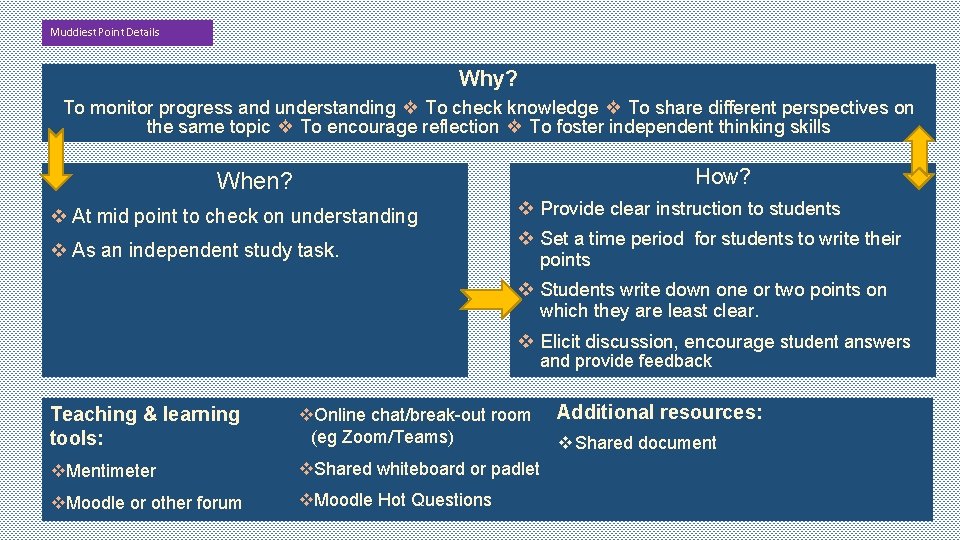
Muddiest Point Details Why? To monitor progress and understanding ❖ To check knowledge ❖ To share different perspectives on the same topic ❖ To encourage reflection ❖ To foster independent thinking skills How? When? v At mid point to check on understanding v Provide clear instruction to students v As an independent study task. v Set a time period for students to write their points v Students write down one or two points on which they are least clear. v Elicit discussion, encourage student answers and provide feedback Resources Teaching & learning tools: v. Online chat/break-out room (eg Zoom/Teams) v. Mentimeter v. Shared whiteboard or padlet v. Moodle or other forum v. Moodle Hot Questions Additional resources: v Shared document
Tell your neighbour Activity: Students work with a partner to share their thoughts on the question posed or a new topic raised Set-up time: 1 -30 mins Group 1 Tags: NS: Next Steps E: Engagement DC: Developing Confidence C: Collaboration
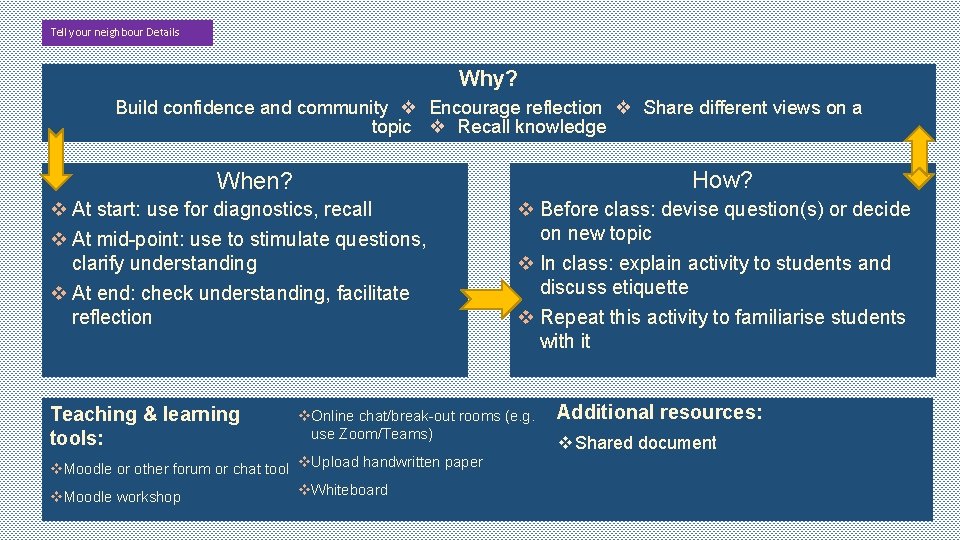
Tell your neighbour Details Why? Build confidence and community ❖ Encourage reflection ❖ Share different views on a topic ❖ Recall knowledge How? When? v At start: use for diagnostics, recall v At mid-point: use to stimulate questions, clarify understanding v At end: check understanding, facilitate reflection Resources Teaching & learning tools: v Before class: devise question(s) or decide on new topic v In class: explain activity to students and discuss etiquette v Repeat this activity to familiarise students with it v. Online chat/break-out rooms (e. g. use Zoom/Teams) v. Moodle or other forum or chat tool v. Upload handwritten paper v. Whiteboard v. Moodle workshop Additional resources: v Shared document
Bouncing Set-up time: 3 -5 mins Group 1 Activity: Students write for 1 minute on a given topic and receive feedback Tags: DC: Developing Confidence DLS: Developing Learning Skills E: Engagement MP: Monitoring Progress C: Collaboration
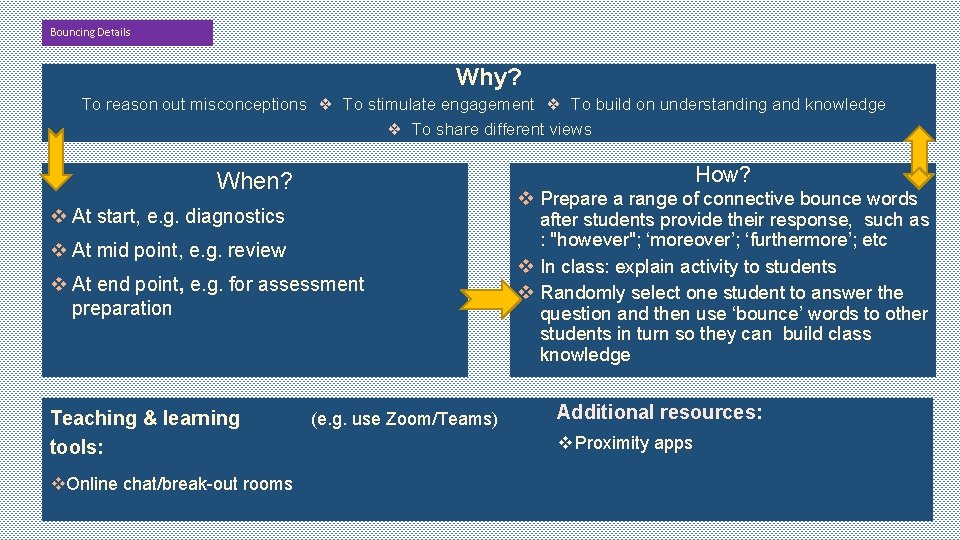
Bouncing Details Why? To reason out misconceptions ❖ To stimulate engagement ❖ To build on understanding and knowledge ❖ To share different views How? When? v At start, e. g. diagnostics v At mid point, e. g. review v At end point, e. g. for assessment preparation Resources Teaching & learning tools: v. Online chat/break-out rooms (e. g. use Zoom/Teams) v Prepare a range of connective bounce words after students provide their response, such as : "however"; ‘moreover’; ‘furthermore’; etc v In class: explain activity to students v Randomly select one student to answer the question and then use ‘bounce’ words to other students in turn so they can build class knowledge Additional resources: v Proximity apps
Graphic Organiser Activity: Students use a graphic organiser to help them structure and represent information Set-up time: 3 -5 mins Group 1 Tags: C: Collaboration E: Engagement RR: Reflection and/or Revision MP: Monitoring Progress
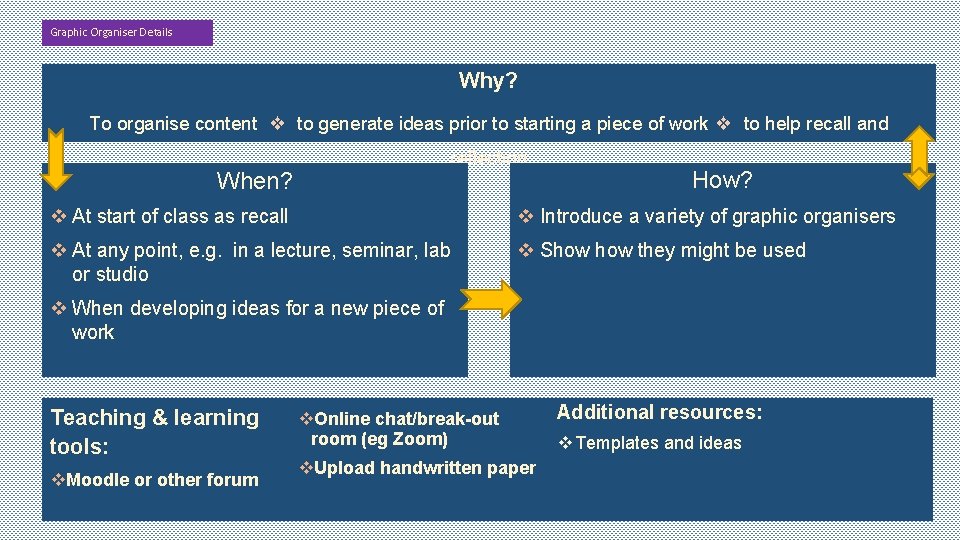
Graphic Organiser Details Why? To organise content ❖ to generate ideas prior to starting a piece of work ❖ to help recall and reflection When? How? v At start of class as recall v Introduce a variety of graphic organisers v At any point, e. g. in a lecture, seminar, lab or studio v Show they might be used v When developing ideas for a new piece of work Resources Teaching & learning tools: v. Moodle or other forum v. Online chat/break-out room (eg Zoom) v. Upload handwritten paper Additional resources: v Templates and ideas
Talk Partners Set-up time: 1 min Group 1 Activity: Students work in pairs to discuss 3 new thing they have learnt or found easy or difficult, or something they would like to learn in the future Tags: NS: Next Steps C: Collaboration DC: Developing Confidence E: Engagement
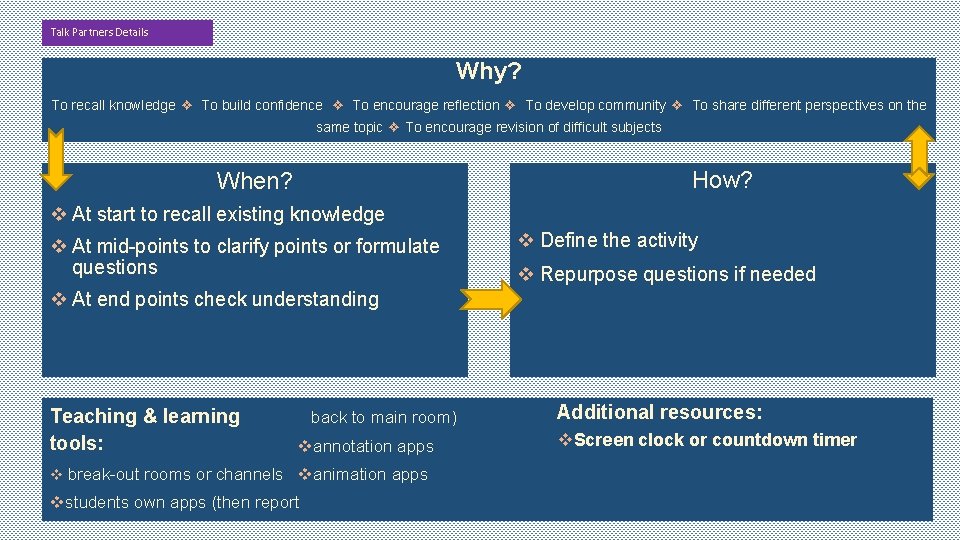
Talk Partners Details Why? To recall knowledge ❖ To build confidence ❖ To encourage reflection ❖ To develop community ❖ To share different perspectives on the same topic ❖ To encourage revision of difficult subjects How? When? v At start to recall existing knowledge v At mid-points to clarify points or formulate questions v Define the activity v Repurpose questions if needed v At end points check understanding Resources Teaching & learning tools: back to main room) vannotation apps v break-out rooms or channels vanimation apps vstudents own apps (then report Additional resources: v. Screen clock or countdown timer
Student Review Set-up time: varies Group 2 Activity: Students write for 1 minute on a given topic and receive feedback Tags: RR: Reflection and/or Revision NS: Next Steps DLS: Developing Learning Skills C: Collaboration MP: Monitoring Progress PF: Peer Feedback
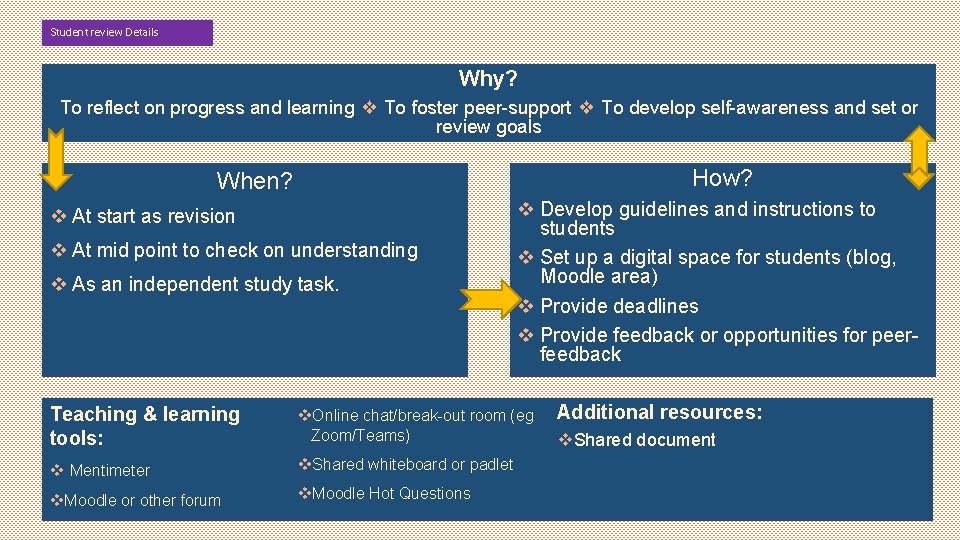
Student review Details Why? To reflect on progress and learning ❖ To foster peer-support ❖ To develop self-awareness and set or review goals How? When? v At start as revision v At mid point to check on understanding v As an independent study task. Resources Teaching & learning v Develop guidelines and instructions to students v Set up a digital space for students (blog, Moodle area) v Provide deadlines v Provide feedback or opportunities for peerfeedback tools: v. Online chat/break-out room (eg Zoom/Teams) v Mentimeter v. Shared whiteboard or padlet v. Moodle or other forum v. Moodle Hot Questions Additional resources: v. Shared document
Selfassessment targets Set-up time: variable Group 2 Activity: Students give themselves targets based on their self assessment Tags: SA: Self-Assessment RR: Reflection and/or Revision NS: Next Steps DLS: Developing Learning Skills MP: Monitoring Progress
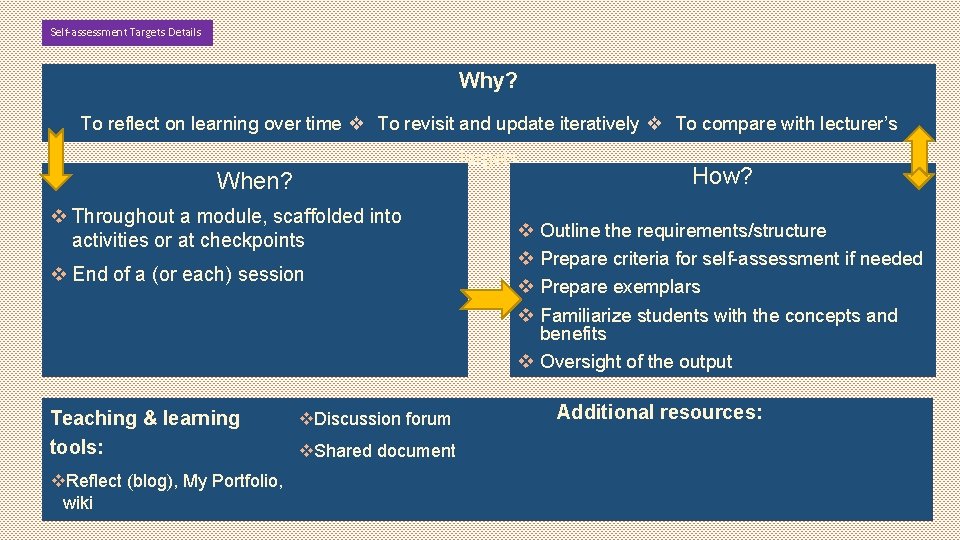
Self-assessment Targets Details Why? To reflect on learning over time ❖ To revisit and update iteratively ❖ To compare with lecturer’s targets When? v Throughout a module, scaffolded into activities or at checkpoints v End of a (or each) session Resources Teaching & learning v. Discussion forum tools: v. Shared document v. Reflect (blog), My Portfolio, wiki How? v Outline the requirements/structure v Prepare criteria for self-assessment if needed v Prepare exemplars v Familiarize students with the concepts and benefits v Oversight of the output Additional resources:
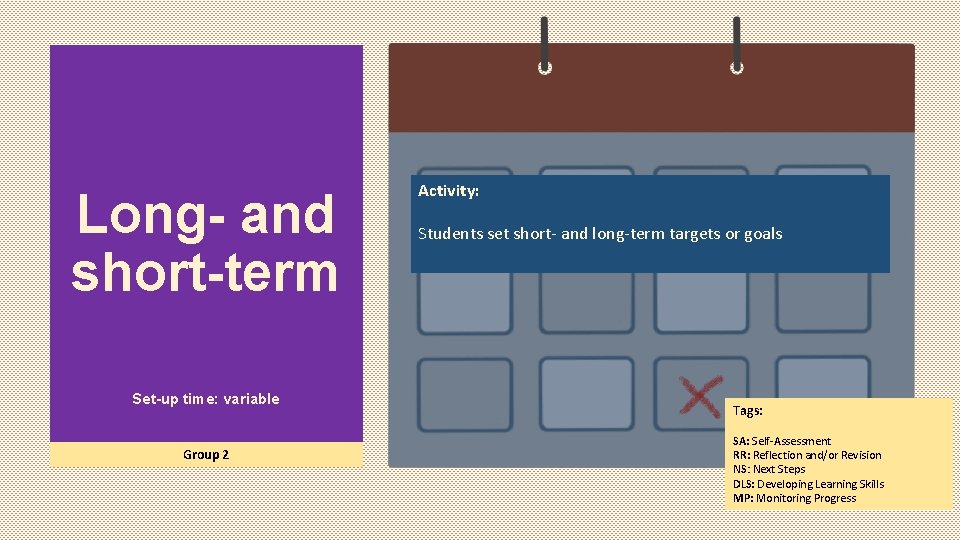
Long- and short-term Set-up time: variable Group 2 Activity: Students set short- and long-term targets or goals Tags: SA: Self-Assessment RR: Reflection and/or Revision NS: Next Steps DLS: Developing Learning Skills MP: Monitoring Progress
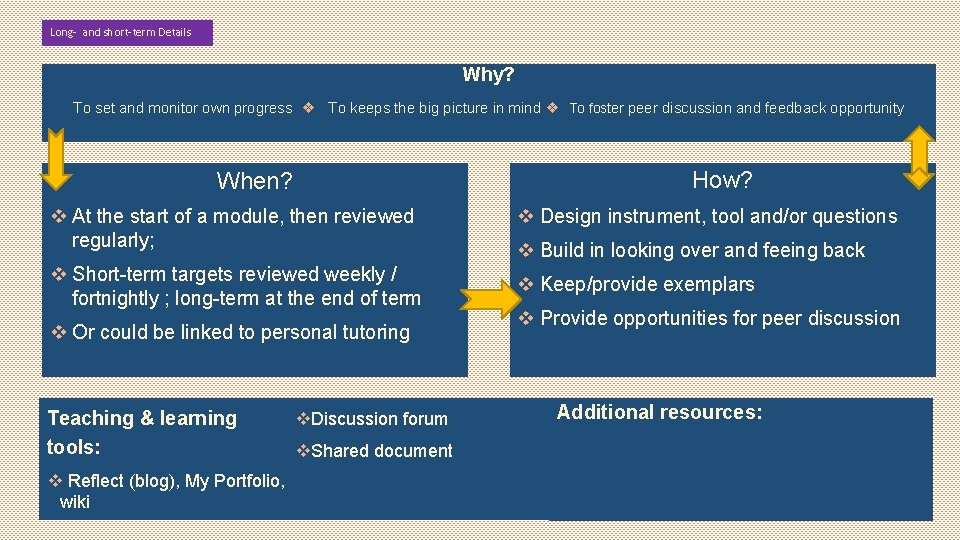
Long- and short-term Details Why? To set and monitor own progress ❖ To keeps the big picture in mind ❖ To foster peer discussion and feedback opportunity How? When? v At the start of a module, then reviewed regularly; v Design instrument, tool and/or questions v Short-term targets reviewed weekly / fortnightly ; long-term at the end of term v Keep/provide exemplars v Or could be linked to personal tutoring Resources Teaching & learning tools: v Reflect (blog), My Portfolio, wiki v. Discussion forum v. Shared document v Build in looking over and feeing back v Provide opportunities for peer discussion Additional resources:
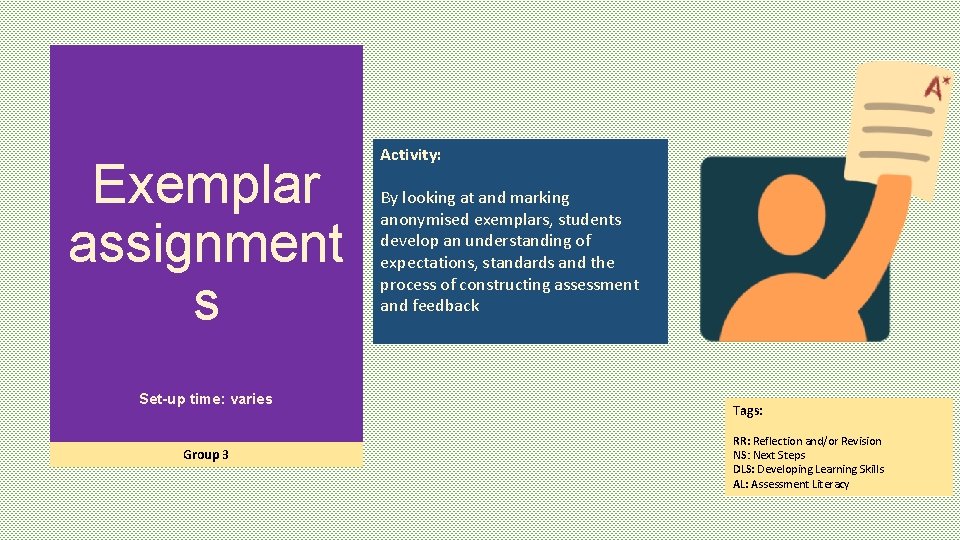
Exemplar assignment s Set-up time: varies Group 3 Activity: By looking at and marking anonymised exemplars, students develop an understanding of expectations, standards and the process of constructing assessment and feedback Tags: RR: Reflection and/or Revision NS: Next Steps DLS: Developing Learning Skills AL: Assessment Literacy
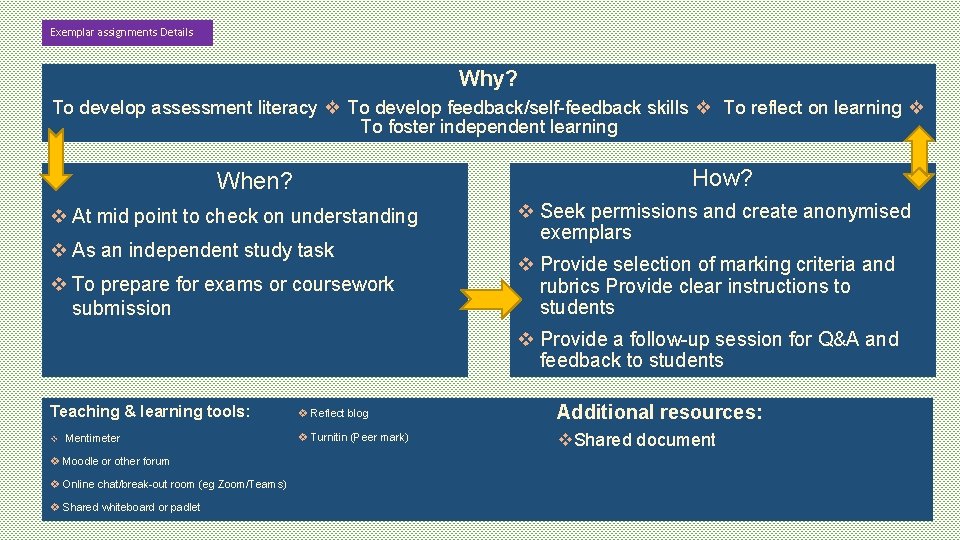
Exemplar assignments Details Why? To develop assessment literacy ❖ To develop feedback/self-feedback skills ❖ To reflect on learning ❖ To foster independent learning How? When? v At mid point to check on understanding v As an independent study task v To prepare for exams or coursework submission v Seek permissions and create anonymised exemplars v Provide selection of marking criteria and rubrics Provide clear instructions to students v Provide a follow-up session for Q&A and feedback to students Teaching & learning tools: v Reflect blog Additional resources: v Mentimeter v Turnitin (Peer mark) v. Shared document v Moodle or other forum v Online chat/break-out room (eg Zoom/Teams) v Shared whiteboard or padlet
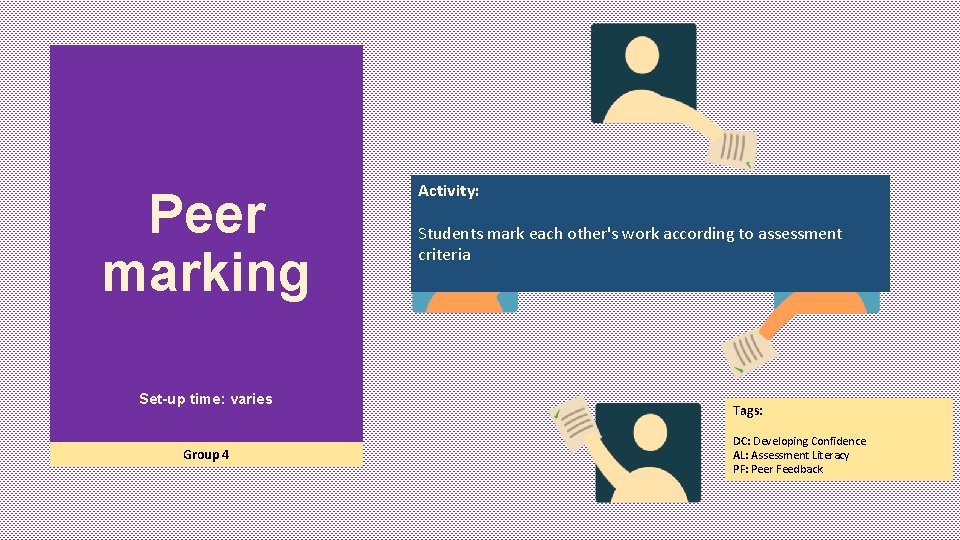
Peer marking Set-up time: varies Group 4 Activity: Students mark each other's work according to assessment criteria Tags: DC: Developing Confidence AL: Assessment Literacy PF: Peer Feedback
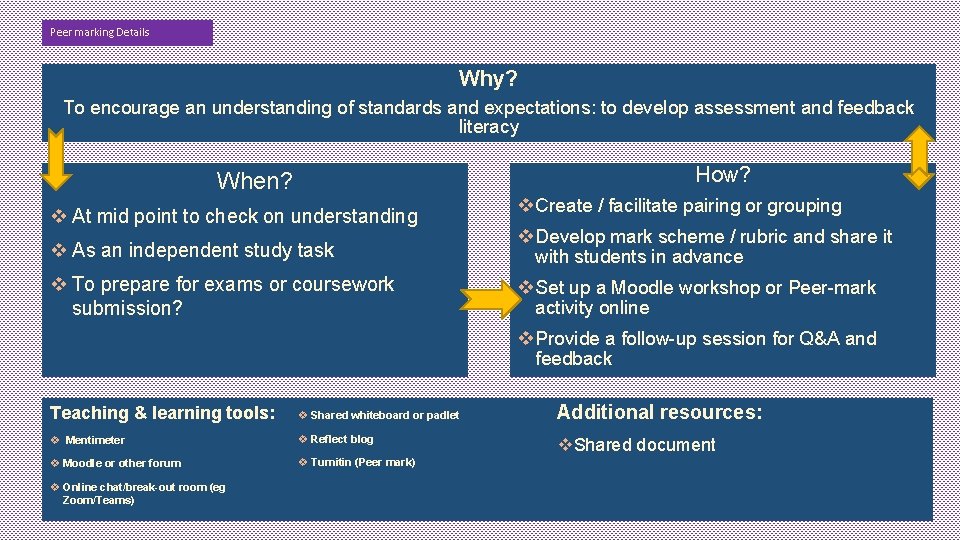
Peer marking Details Why? To encourage an understanding of standards and expectations: to develop assessment and feedback literacy How? When? v At mid point to check on understanding v Create / facilitate pairing or grouping v As an independent study task v Develop mark scheme / rubric and share it with students in advance v To prepare for exams or coursework submission? v Set up a Moodle workshop or Peer-mark activity online v Provide a follow-up session for Q&A and feedback Resources Teaching & learning tools: v Shared whiteboard or padlet v Mentimeter v Reflect blog v Moodle or other forum v Turnitin (Peer mark) v Online chat/break-out room (eg Zoom/Teams) Additional resources: v. Shared document
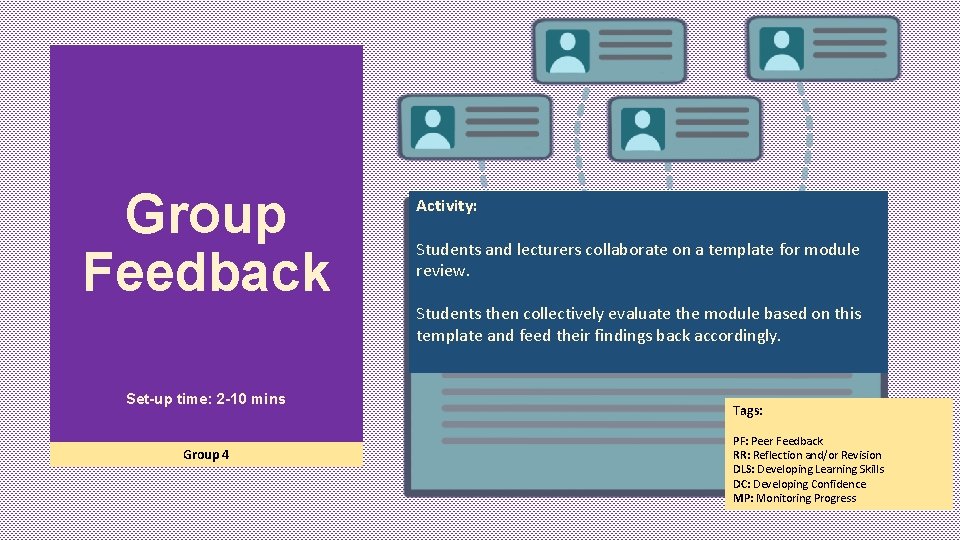
Group Feedback Activity: Students and lecturers collaborate on a template for module review. Students then collectively evaluate the module based on this template and feed their findings back accordingly. Set-up time: 2 -10 mins Group 4 Tags: PF: Peer Feedback RR: Reflection and/or Revision DLS: Developing Learning Skills DC: Developing Confidence MP: Monitoring Progress
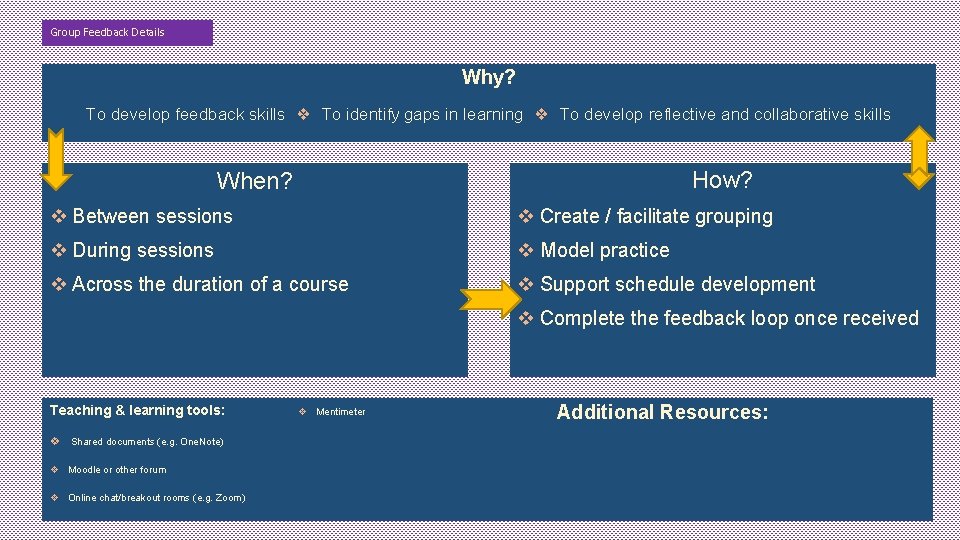
Group Feedback Details Why? To develop feedback skills ❖ To identify gaps in learning ❖ To develop reflective and collaborative skills How? When? v Between sessions v Create / facilitate grouping v During sessions v Model practice v Across the duration of a course v Support schedule development v Complete the feedback loop once received Resources Teaching & learning tools: v Shared documents (e. g. One. Note) v Moodle or other forum v Online chat/breakout rooms (e. g. Zoom) v Mentimeter Additional Resources:
Student Marking Set-up time: varies Group 4 Activity: Students self- or peer-mark work, alone or in pairs, using appropriate rubrics and assessment criteria Tags: RR: Reflection and/or Revision DLS: Developing Learning Skills AL: Assessment Literacy
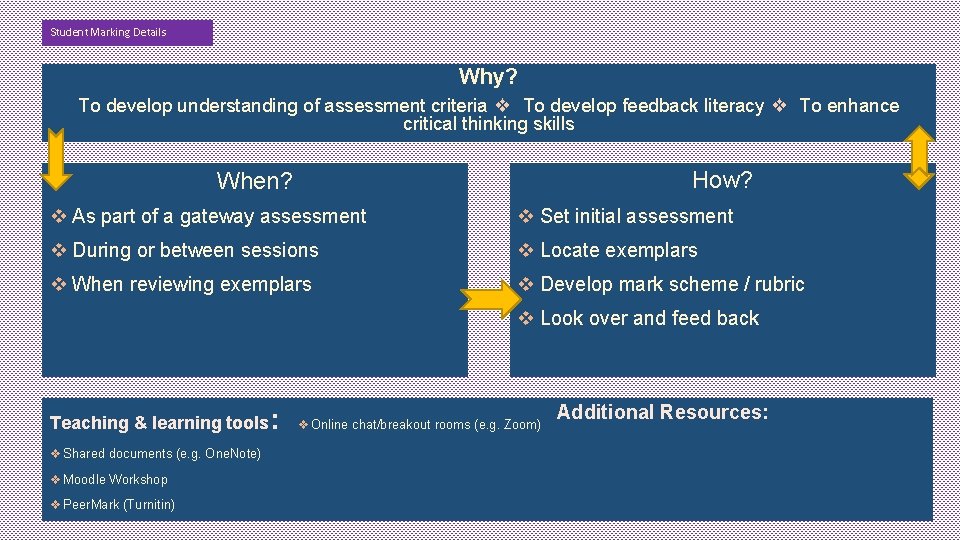
Student Marking Details Why? To develop understanding of assessment criteria ❖ To develop feedback literacy ❖ To enhance critical thinking skills How? When? v As part of a gateway assessment v Set initial assessment v During or between sessions v Locate exemplars v When reviewing exemplars v Develop mark scheme / rubric v Look over and feed back Resources Teaching & learning tools: v Shared documents (e. g. One. Note) v Moodle Workshop v Peer. Mark (Turnitin) v Online chat/breakout rooms (e. g. Zoom) Additional Resources:
Learning Journal Activity: Students use a learning journal to reflect on and review their learning. This may include tutorial activities, target setting, aims and goals etc Set-up time: varies Group 4 Tags: DC: Developing Confidence RR: Reflection and/or Revision NS: Next Steps DLS: Developing Learning Skills MP: Monitoring Progress
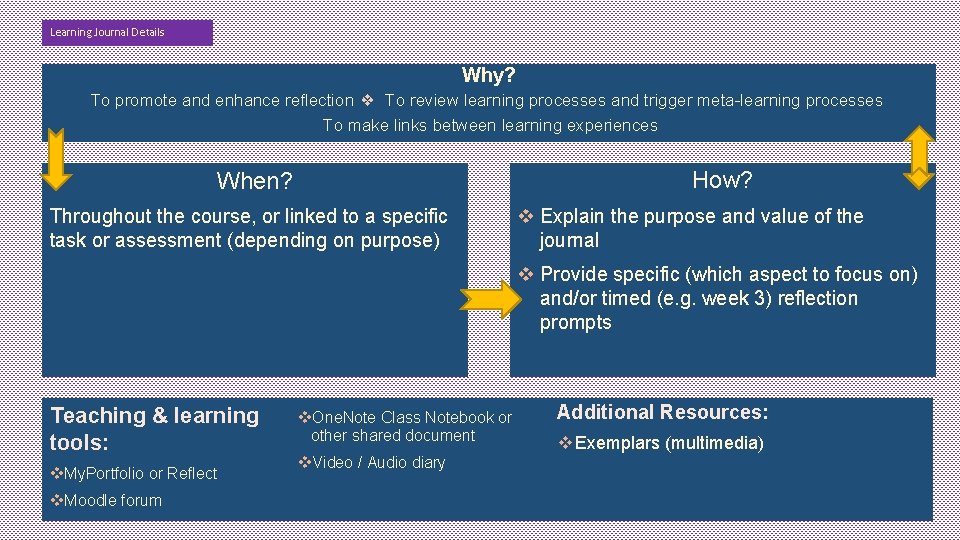
Learning Journal Details Why? To promote and enhance reflection ❖ To review learning processes and trigger meta-learning processes To make links between learning experiences How? When? Throughout the course, or linked to a specific task or assessment (depending on purpose) v Explain the purpose and value of the journal v Provide specific (which aspect to focus on) and/or timed (e. g. week 3) reflection prompts Resources Teaching & learning tools: v. My. Portfolio or Reflect v. Moodle forum v. One. Note Class Notebook or other shared document v. Video / Audio diary Additional Resources: v Exemplars (multimedia)
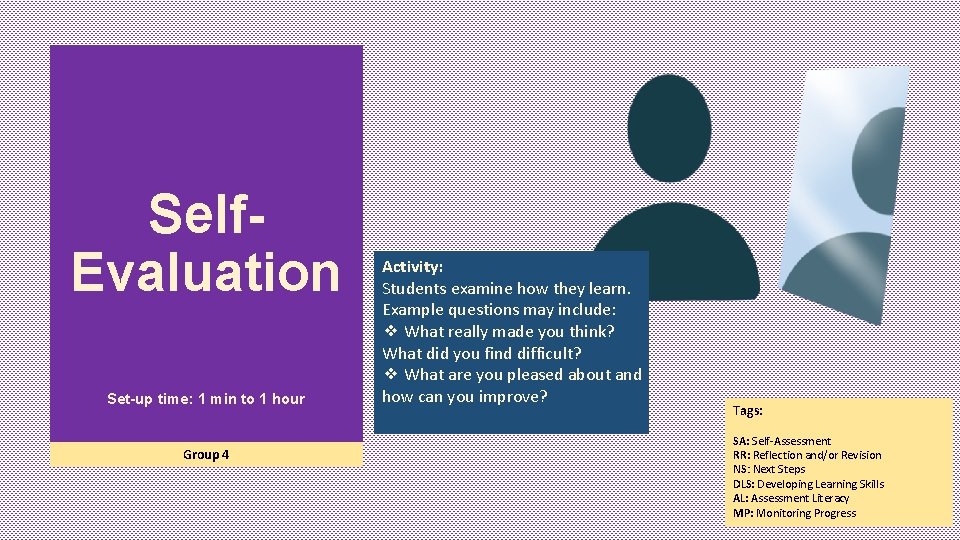
Self. Evaluation Set-up time: 1 min to 1 hour Group 4 Activity: Students examine how they learn. Example questions may include: ❖ What really made you think? What did you find difficult? ❖ What are you pleased about and how can you improve? Tags: SA: Self-Assessment RR: Reflection and/or Revision NS: Next Steps DLS: Developing Learning Skills AL: Assessment Literacy MP: Monitoring Progress
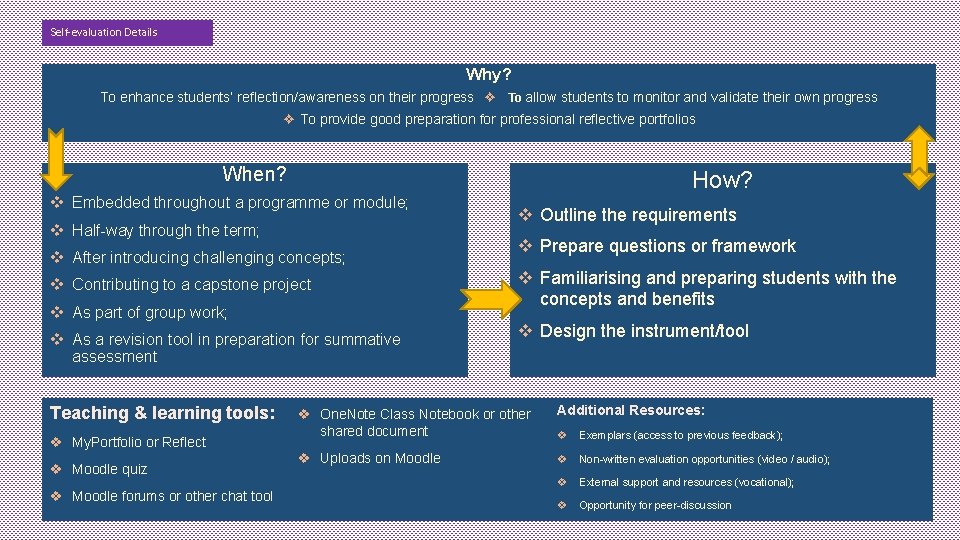
Self-evaluation Details Why? To enhance students’ reflection/awareness on their progress ❖ To allow students to monitor and validate their own progress ❖ To provide good preparation for professional reflective portfolios When? How? v Embedded throughout a programme or module; v Half-way through the term; v After introducing challenging concepts; v Contributing to a capstone project v As part of group work; v As a revision tool in preparation for summative assessment Resources Teaching & learning tools: v My. Portfolio or Reflect v Moodle quiz v Moodle forums or other chat tool v Outline the requirements v Prepare questions or framework v Familiarising and preparing students with the concepts and benefits v Design the instrument/tool v One. Note Class Notebook or other shared document Additional Resources: v Exemplars (access to previous feedback); v Uploads on Moodle v Non-written evaluation opportunities (video / audio); v External support and resources (vocational); v Opportunity for peer-discussion