
ICT integration in the Classroom Sonja van der

- Slides: 20
ICT integration in the Classroom Sonja van der Westhuizen sonja. booyens@gmail. com 15 th March 2017
I get it Learning about ICTs • implementation without integration • technology to support traditional teaching methods • representational use - learning basic, technical skills about computers Learning with ICTs • implemented with integration • technology to facilitate teaching and learning • generative use - learners learn independently with integrated ICTs
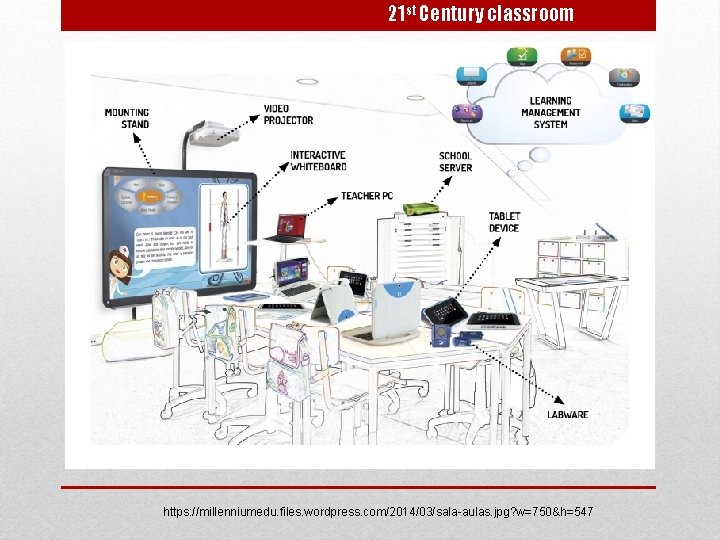
21 st Century classroom https: //millenniumedu. files. wordpress. com/2014/03/sala-aulas. jpg? w=750&h=547
Benefits I know it’s necessary “If a child can not learn the way we teach, then maybe we need to change the way we teach” (Ignacio Estrada) From memorisation of facts to knowledge creation Caters for unique learning / individual styles and needs Empower learners with life-long learning skills Increase learner interest, self-expression, collaboration Proven learner engagement Incorporating all senses Build 21 st century skills Student preference Blended learning
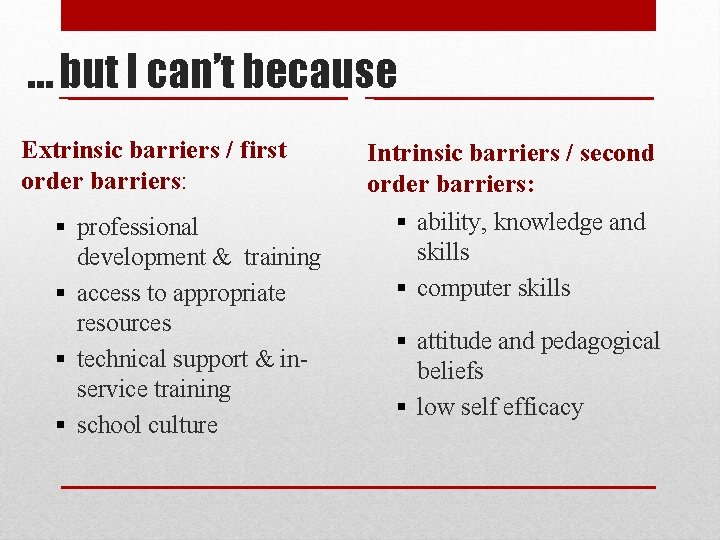
… but I can’t because Extrinsic barriers / first order barriers: § professional development & training § access to appropriate resources § technical support & inservice training § school culture Intrinsic barriers / second order barriers: § ability, knowledge and skills § computer skills § attitude and pedagogical beliefs § low self efficacy
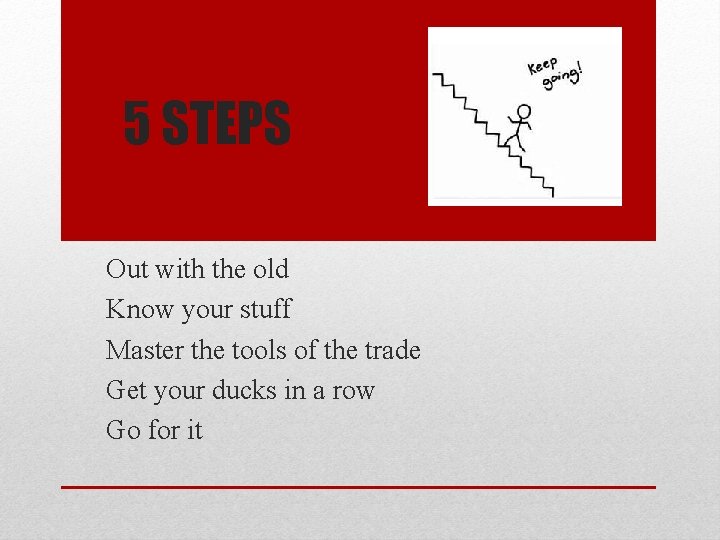
5 STEPS Out with the old Know your stuff Master the tools of the trade Get your ducks in a row Go for it
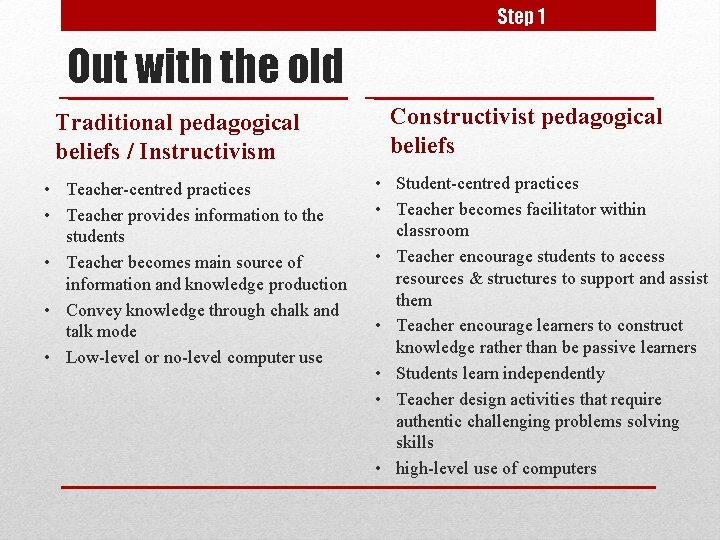
Step 1 Out with the old Traditional pedagogical beliefs / Instructivism • Teacher-centred practices • Teacher provides information to the students • Teacher becomes main source of information and knowledge production • Convey knowledge through chalk and talk mode • Low-level or no-level computer use Constructivist pedagogical beliefs • Student-centred practices • Teacher becomes facilitator within classroom • Teacher encourage students to access resources & structures to support and assist them • Teacher encourage learners to construct knowledge rather than be passive learners • Students learn independently • Teacher design activities that require authentic challenging problems solving skills • high-level use of computers
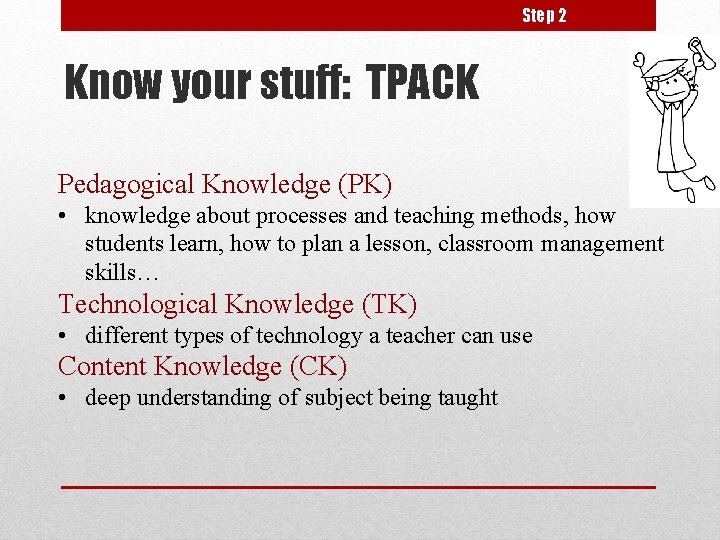
Step 2 Know your stuff: TPACK Pedagogical Knowledge (PK) • knowledge about processes and teaching methods, how students learn, how to plan a lesson, classroom management skills… Technological Knowledge (TK) • different types of technology a teacher can use Content Knowledge (CK) • deep understanding of subject being taught
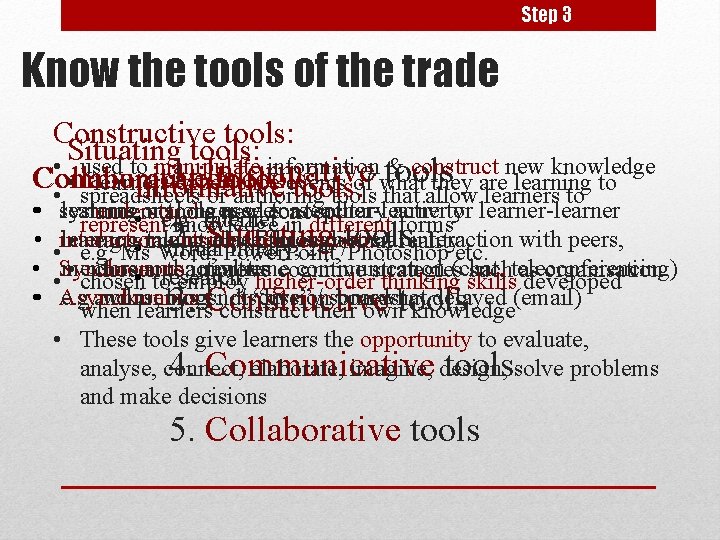
Step 3 Know the tools of the trade Constructive tools: Situating tools: • used to manipulate information tools & construct new knowledge 1. Informative Communication Collaborative tools: • learners experience events of what they are learning to Informative tools: • spreadsheets or authoring tools that allow learners to • • systems learning noe. g. tools longer sees forasteacher-learner solitary activityor learner-learner understand a used new concept • or Internet represent knowledge in different forms 2. Situating tools interaction learning taking outside place through classroom socialreality interaction with peers, • e. g. simulations, games, virtual • virtual library, 24/7 • e. g. Ms Word, Power. Point, Photoshop etc. Synchronous: mentors and real-time communication • chosen toactivities improve cognitive strategies(chat, suchteleconferencing) as organisation • research • chosen to employ higher-order thinking skills developed Asynchronous: e. g. and wikis, blogs, not discussion “live” / somewhat boards delayed (email) memory. 3. Constructive when learners construct their owntools knowledge • These tools give learners the opportunity to evaluate, analyse, connect, elaborate, imagine, design, 4. Communicative toolssolve problems and make decisions 5. Collaborative tools
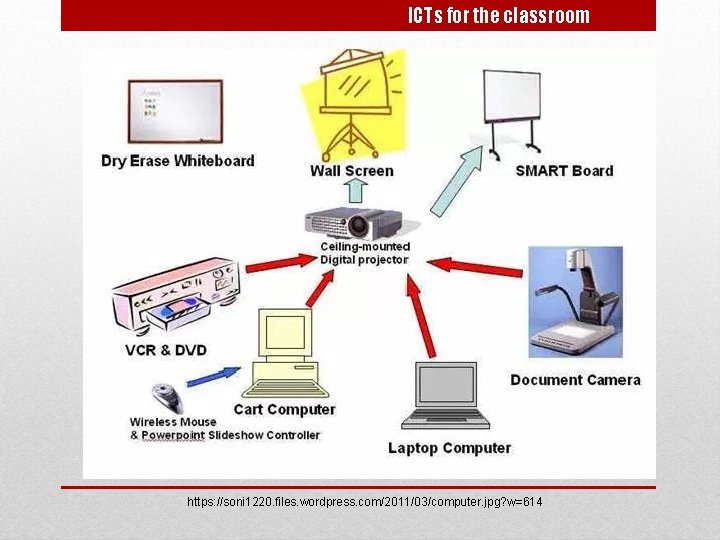
ICTs for the classroom https: //soni 1220. files. wordpress. com/2011/03/computer. jpg? w=614
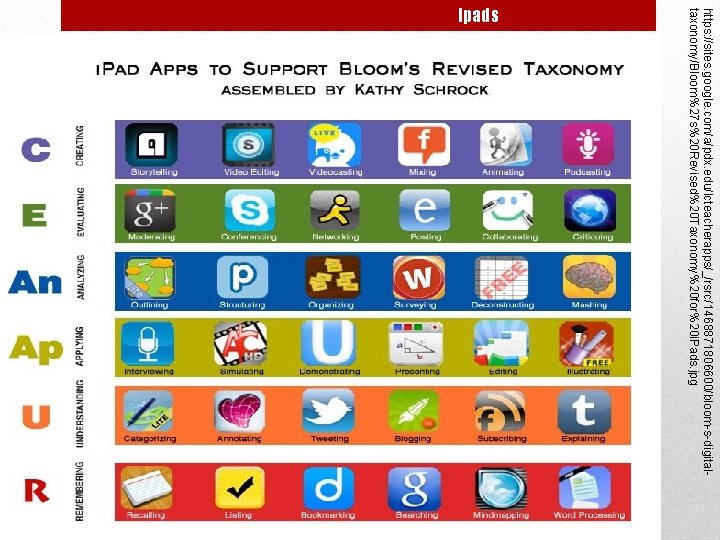
https: //sites. google. com/a/pdx. edu/lcteacherapps/_/rsrc/1468871806600/bloom-s-digitaltaxonomy/Bloom%27 s%20 Revised%20 Taxonomy%20 for%20 i. Pads. jpg Ipads
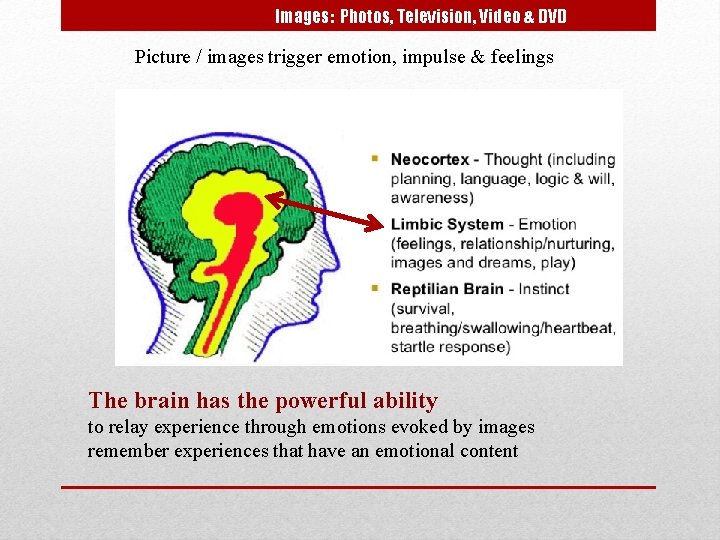
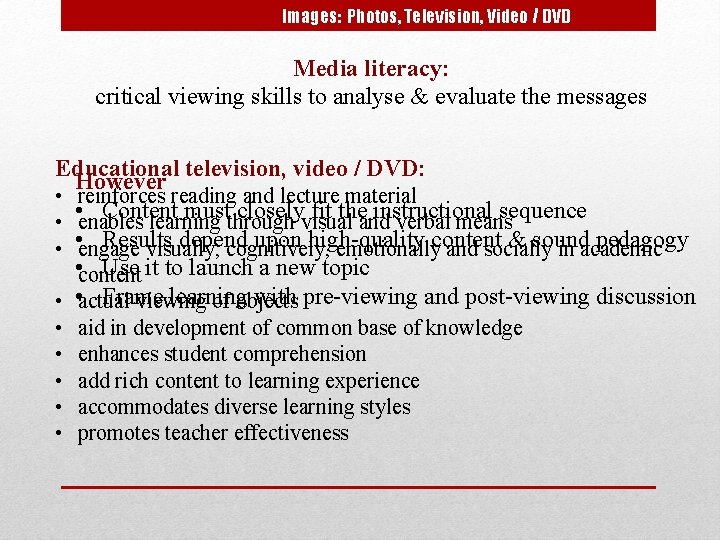
Images: Photos, Television, Video & DVD Picture / images trigger emotion, impulse & feelings The brain has the powerful ability to relay experience through emotions evoked by images remember experiences that have an emotional content
Images: Photos, Television, Video / DVD Media literacy: critical viewing skills to analyse & evaluate the messages Educational television, video / DVD: However • reinforces reading and lecture material • Content must closely fit the instructional sequence • enables learning through visual and verbal means Results depend upon high-quality & sound pedagogy • • engage visually, cognitively, emotionallycontent and socially in academic • content Use it to launch a new topic Frame learning with pre-viewing and post-viewing discussion • • actual viewing of objects • • • aid in development of common base of knowledge enhances student comprehension add rich content to learning experience accommodates diverse learning styles promotes teacher effectiveness
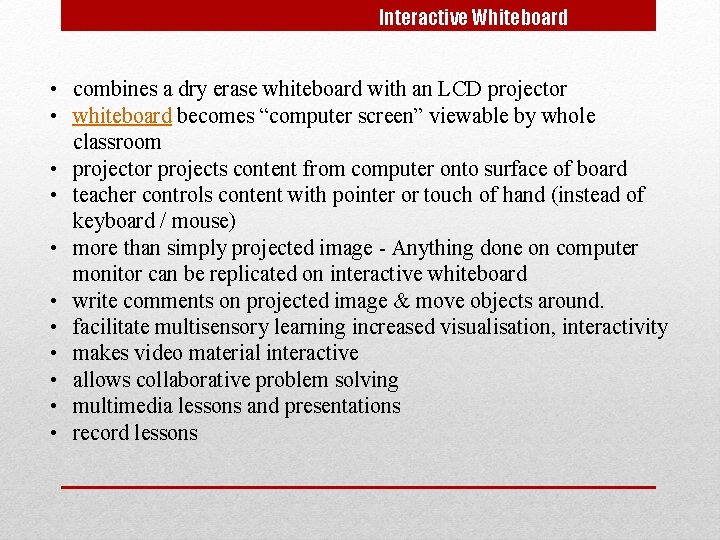
Interactive Whiteboard • combines a dry erase whiteboard with an LCD projector • whiteboard becomes “computer screen” viewable by whole classroom • projector projects content from computer onto surface of board • teacher controls content with pointer or touch of hand (instead of keyboard / mouse) • more than simply projected image - Anything done on computer monitor can be replicated on interactive whiteboard • write comments on projected image & move objects around. • facilitate multisensory learning increased visualisation, interactivity • makes video material interactive • allows collaborative problem solving • multimedia lessons and presentations • record lessons
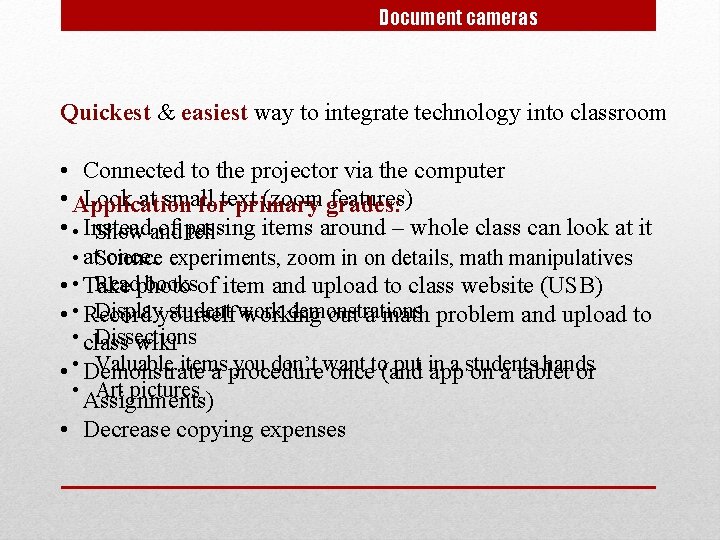
Document cameras Quickest & easiest way to integrate technology into classroom • Connected to the projector via the computer • Application Look at small (zoom grades: features) fortext primary • • Instead of passing items around – whole class can look at it Show and tell once. experiments, zoom in on details, math manipulatives • at. Science Readphoto booksof item and upload to class website (USB) • • Take Displayyourself student work demonstrations • • Record working out a math problem and upload to • class Dissections wiki Valuable items you don’t want put in a students hands • • Demonstrate a procedure onceto(and app on a tablet or • Assignments) Art pictures • Decrease copying expenses
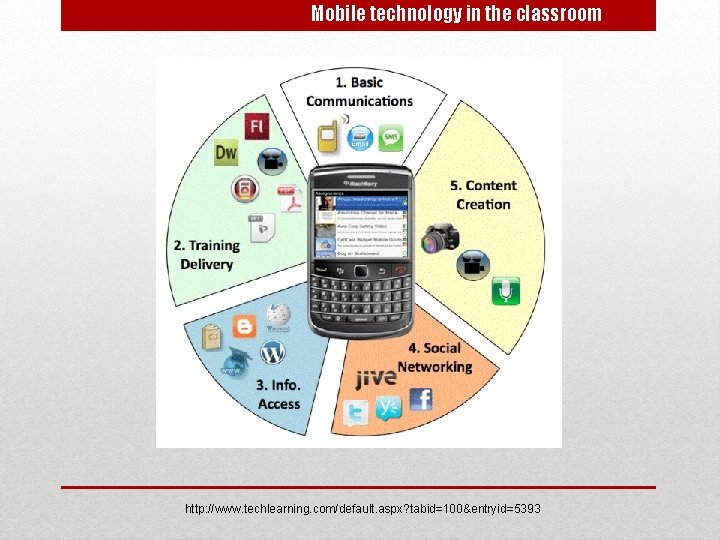
Mobile technology in the classroom http: //www. techlearning. com/default. aspx? tabid=100&entryid=5393
Step 4 Get your ducks in a row • What kind of Internet access is available at your school? • What are the school’s policies on the use of ICT in the classroom? • Determine what hardware and software available • What subject outcomes do you want to achieve? • Match the available technologies a with the perceived subject outcomes
Step 5 Go for it Capture content • Lecture material, readings, interactive multimedia for learners to access at their own convenience & to suit their own pace of learning. Curate content • for learners to gather their own resources. Present learning material • in variety of formats (text, video, audio, multimedia) to suit different styles & methods of learning. Provide opportunities • for discourse and interaction in and out of class (polling tools, discussion tools, content creation tools) Convey timely information • updates and reminders for students Start small with a well-developed lesson and implement one appropriate technology that suits your already well-designed lesson.
Associated responsibilities Outside the classroom Roles and responsibilities School management ICT coordinator and teachers ICT committee Managing hardware & software Asset register maintenance, booking arrangement, storage, security Budgeting and costing Printing, consumables, technical support, insurance, ongoing running expenses Data management copyright, piracy, intellectual property, plagiarism use policy for Internet confidentiality, firewalls antivirus software
Thank you…