
ICT in Everyday Life Chapter 4 What is
- Slides: 17
ICT in Everyday Life Chapter 4
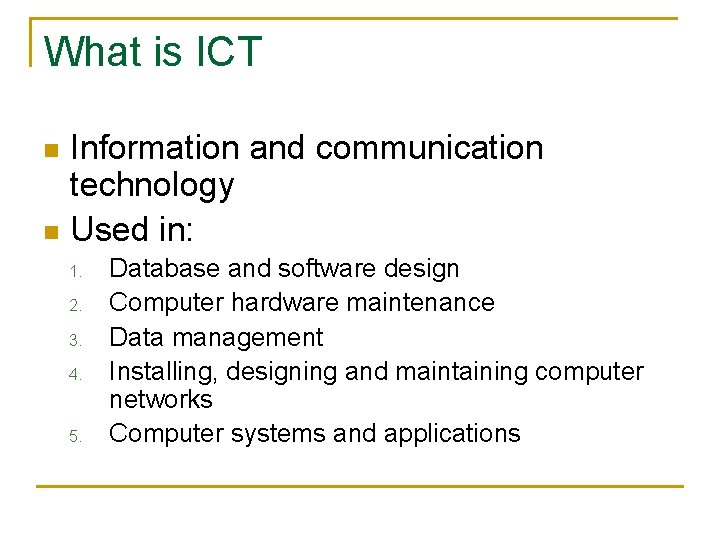
What is ICT Information and communication technology n Used in: n 1. 2. 3. 4. 5. Database and software design Computer hardware maintenance Data management Installing, designing and maintaining computer networks Computer systems and applications
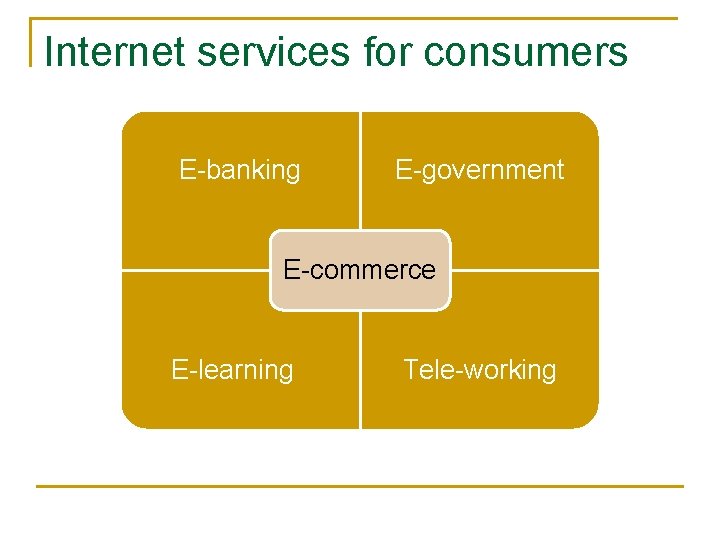
Internet services for consumers E-banking E-government E-commerce E-learning Tele-working
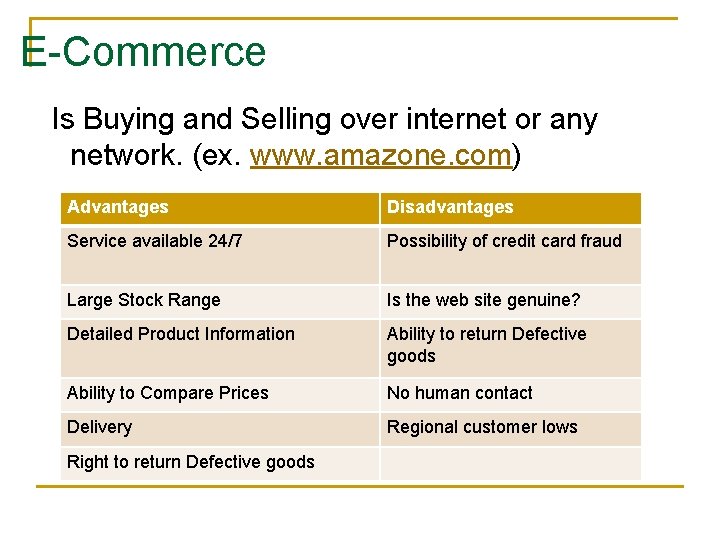
E-Commerce Is Buying and Selling over internet or any network. (ex. www. amazone. com) Advantages Disadvantages Service available 24/7 Possibility of credit card fraud Large Stock Range Is the web site genuine? Detailed Product Information Ability to return Defective goods Ability to Compare Prices No human contact Delivery Regional customer lows Right to return Defective goods
E-Government relates to Improving government’s work by using computer to save, search for, and sort large amounts of data
E-Banking n n E-Banking refers to enabling customers to access their accounts through ATM. Services: 1. 2. 3. Telephone banking Online banking SMS banking
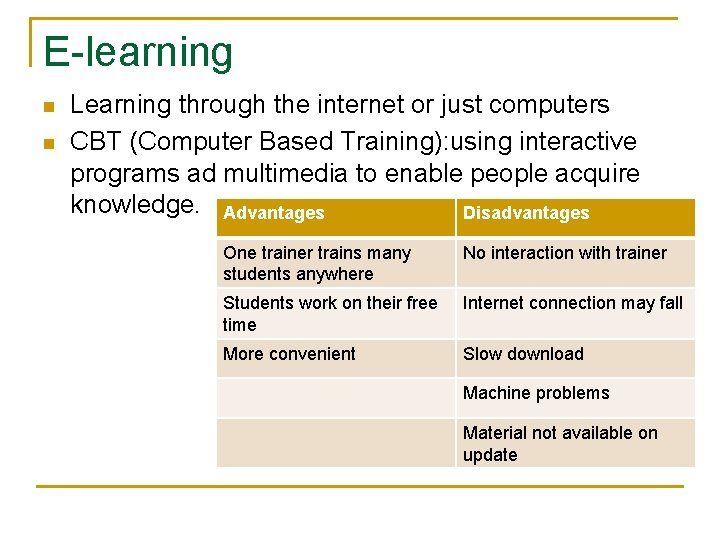
E-learning n n Learning through the internet or just computers CBT (Computer Based Training): using interactive programs ad multimedia to enable people acquire knowledge. Advantages Disadvantages One trainer trains many students anywhere No interaction with trainer Students work on their free time Internet connection may fall More convenient Slow download Machine problems Material not available on update
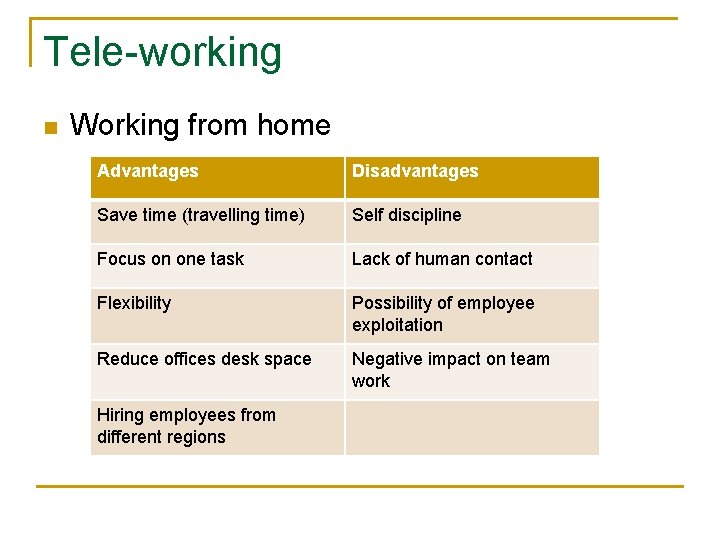
Tele-working n Working from home Advantages Disadvantages Save time (travelling time) Self discipline Focus on one task Lack of human contact Flexibility Possibility of employee exploitation Reduce offices desk space Negative impact on team work Hiring employees from different regions
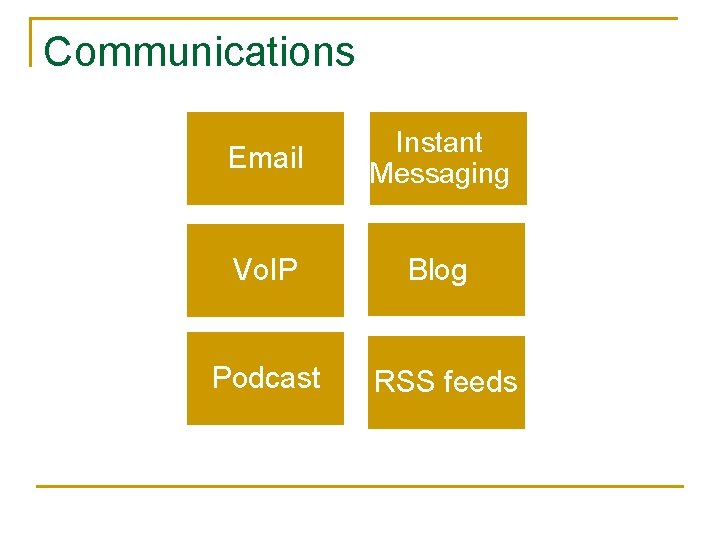
Communications Email Instant Messaging Vo. IP Blog Podcast RSS feeds
communication n n n E-mail: send and receive mail over the internet Instant messaging (IM): real time communication, using a software installed on both parties computers (like Yahoo! Messenger) Voice over Internet Protocol (Vo. IP): hardware and software used to communicate vocally over the internet. Web Blogs: type of web site where a person can publish anything they want. Really Simple Syndication(RSS) feed): also known as XML feeds, news feeds, or web feeds. contains updates published by another web site. Podcast: similar to RSS, but uses voice and can be heard using the i. Pod or similar devices
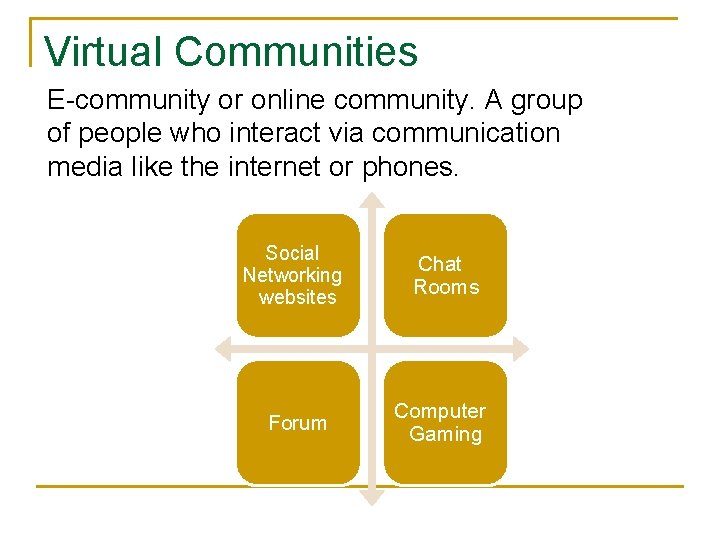
Virtual Communities E-community or online community. A group of people who interact via communication media like the internet or phones. Social Networking websites Chat Rooms Forum Computer Gaming
Virtual community n n Social networking: example: facebook and Kodak Gallery. Chat rooms: real time communication. Types: 1. 2. 3. 4. n Text and voice (Yahoo!) GUI (use and icon) Visual Chat rooms (a 2 D or 3 D shape to represent you) Audio and video (using a web camera) Forums: online discussion site
Publishing Content Online Video Sharing (example youtube) Blogs
Health ØErgonomics (the study of human-machine interaction) ØHealth Issues ØScreen and Keyboard positioning ØSeating issues when using computers ØWays to ensure user’s well being ØSafety precautions when using a computer ØComputer Recycling options ØComputer Energy saving options (energy star)
Health issues n n Repetitive strain Injury (RSI) Back Problems Eye Strain Stress
Screen and Keyboard positioning n n n Screen should be fully adjustable, have a filter, positioned about 19 -30 inches (50 -75 cm) Keyboard should be on same level as hands, may use a wrist pad. Mouse mate helps moving it. Must have enough space.
Seating issues n Chair should be fully adjustable. Back of chair should have a curved portion (lumbar support) and not more than 10°-20° of slant