
ICT in BSF Making it Work Digital Cocoons
ICT in BSF: Making it Work Digital Cocoons: The transformational potential of ICT Djanogly City Academy Nottingham Mike Butler - Principal
Futures Vision? "I think there is a world market for maybe five computers. " - Thomas Watson, Chairman of IBM, 1943 "There is no reason anyone in the right state of mind will want a computer in their home. " - Ken Olson, President of Digital Equipment Corp, 1977.
BSF… • • • Building what… …for whose future? Schools = Education? Learning Beyond the Classroom ICT = Whole school strategy + Community
Engaging Stakeholders • Df. ES / LA / LEP / Sponsor / Governors – Return on investment • Headteacher – Raise standards / improve ethos • Staff Buy-in • Reassure parents – H&S, handwriting, etc. • The Kids are the Experts

The Digital Dilemma • Emerging technologies • New applications of existing technologies – Solutions looking for problems? • Identify need then determine solution? • Two-way process
Starting Points ÜInform Vision by… ÜStrategic Review ÜCore purpose ¤what we do / should do ÜShared beliefs / values ¤to guide how we do it
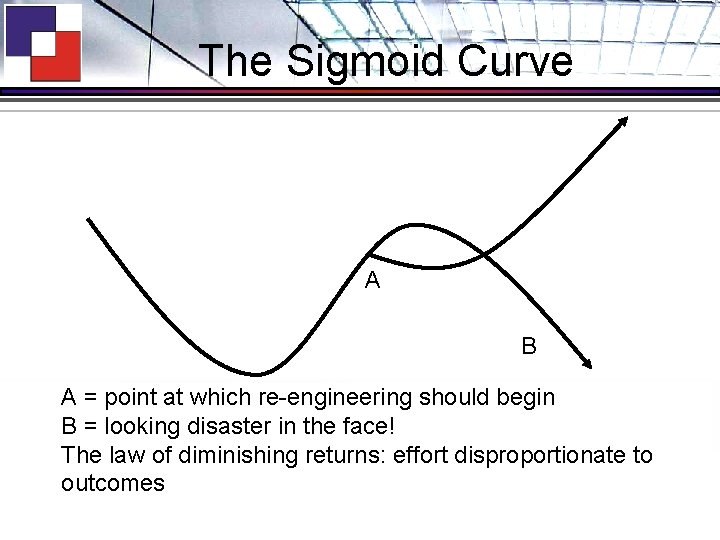
The Sigmoid Curve A B A = point at which re-engineering should begin B = looking disaster in the face! The law of diminishing returns: effort disproportionate to outcomes
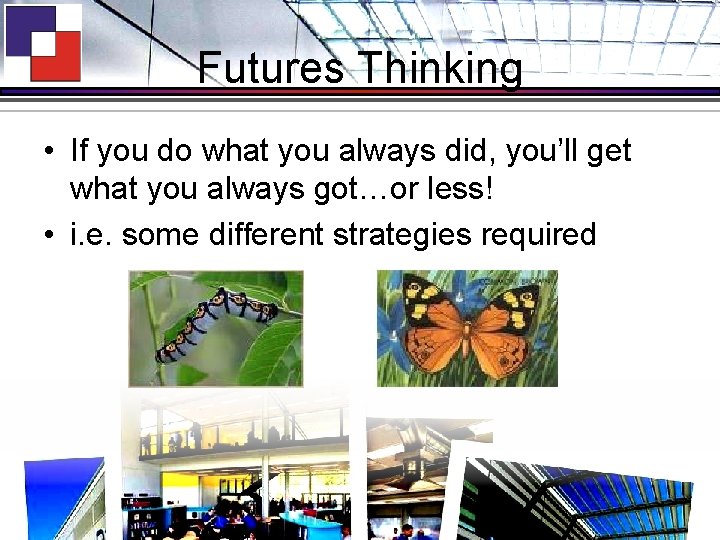
Futures Thinking • If you do what you always did, you’ll get what you always got…or less! • i. e. some different strategies required
Envisioning • “Where do we want to go and how might we get there from here? ” • “The mission of a caterpillar is not to become a bigger caterpillar but to become a butterfly. ” • “I’ll see it when I believe it. ”
Some Paradigm Shifts • Curriculum • From… – Strictly delineated subjects – Starting points: • Acquisition of Knowledge • Recall of Facts • Exam Technique
Some Paradigm Shifts • Curriculum • To… – Spanning boundaries of subjects – Starting points: • Competencies • Transferable skills • Real-world relevance • Workforce reform - Changing roles
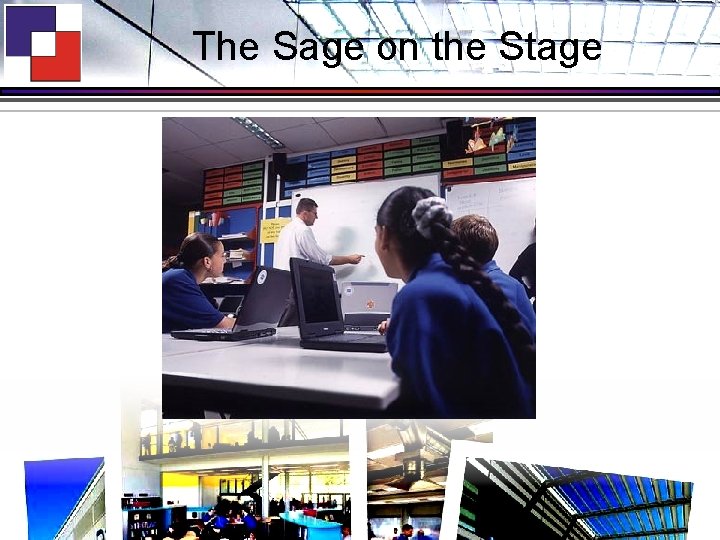
The Sage on the Stage
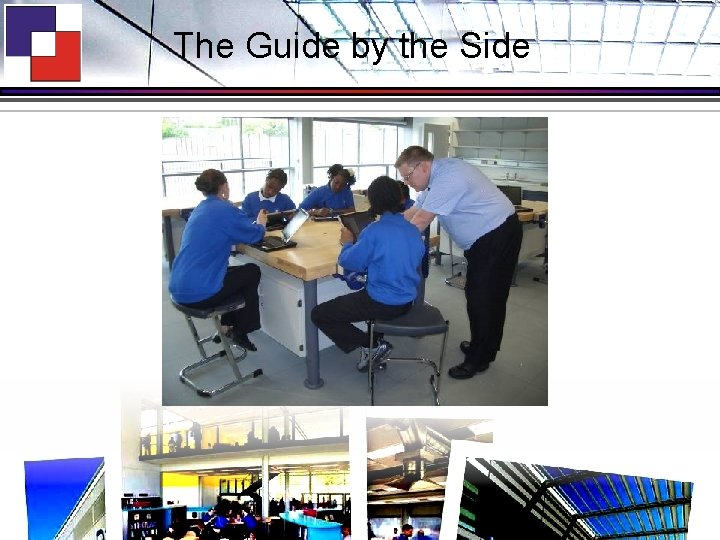
The Guide by the Side
Some ‘new’ Strategies • • CPD time every week True Vocational Courses Accelerated learning / ‘Early’ entry Learning to Learn Curriculum – Thinking skills / toolkits – Meta-cognition – Independent and inter-dependent learning
The Academy Mission (1) • To provide opportunities for people to develop the knowledge, skills and wisdom required to be effective lifelong learners
Mission (2) • To enable learners to develop their intellectual, social, moral and spiritual potential to the full and, in so doing, encourage individuals to value their role as proactive citizens
Mission (3) • To pioneer educational innovations
Mission (4) • To specialise in exploiting state-of-the -art ICT (Information and Communication Technologies) to develop intellectual capability, and to enhance teaching, learning and management throughout the Academy’s operations
Mission (5) • To contribute to the raising of standards of educational outcomes for young people in inner city Nottingham and beyond
ICT – the Rationale (1) • To raise standards by exploiting the potential of ICT to: – – – – enhance teaching, learning and management processes build intellectual capability foster independence, autonomy, interactivity & enquiry address individual needs (inc. SEN) develop transferable skills for lifelong learning accelerate learning provide frequent opportunities for success
ICT – the Rationale (2) • Thinking is not linear and sequential: neither is learning. They’re both about creating links, connections and associations. They’re to do with nets and webs and movements back and forth; reviewing, revising and representing. The analogy with the use of ICT is profound. It is the natural medium for learning and for developing higher order critical thinking skills such as analysis, interpretation and synthesis.
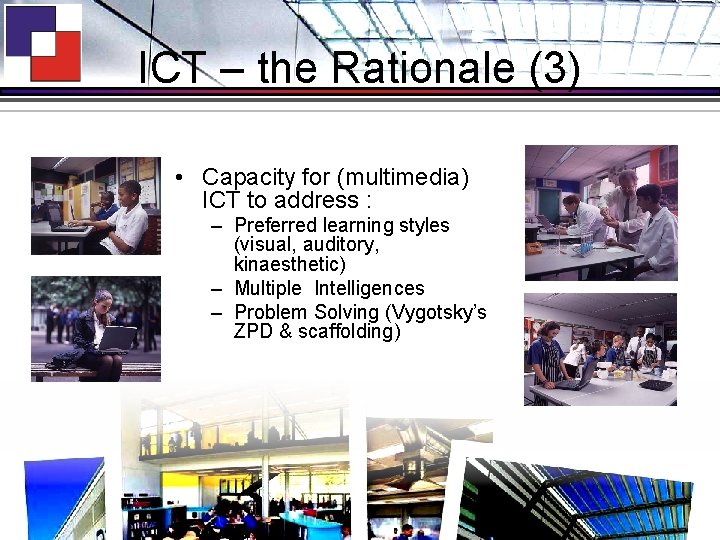
ICT – the Rationale (3) • Capacity for (multimedia) ICT to address : – Preferred learning styles (visual, auditory, kinaesthetic) – Multiple Intelligences – Problem Solving (Vygotsky’s ZPD & scaffolding)
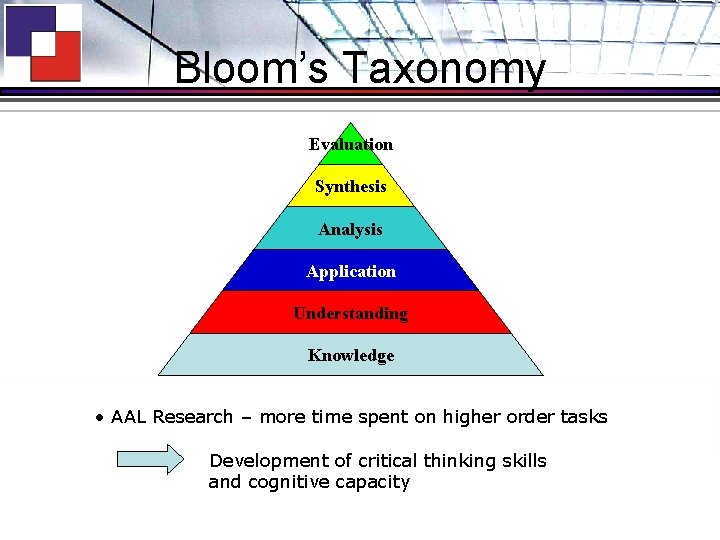
Bloom’s Taxonomy Evaluation Synthesis Analysis Application Understanding Knowledge • AAL Research – more time spent on higher order tasks Development of critical thinking skills and cognitive capacity
Implications for ICT Strategy • (Transparent) technology providing: – On-demand model – Personalised learning – Anytime – Anywhere – Any-pace – Ready access to formative assessment – Flexibility
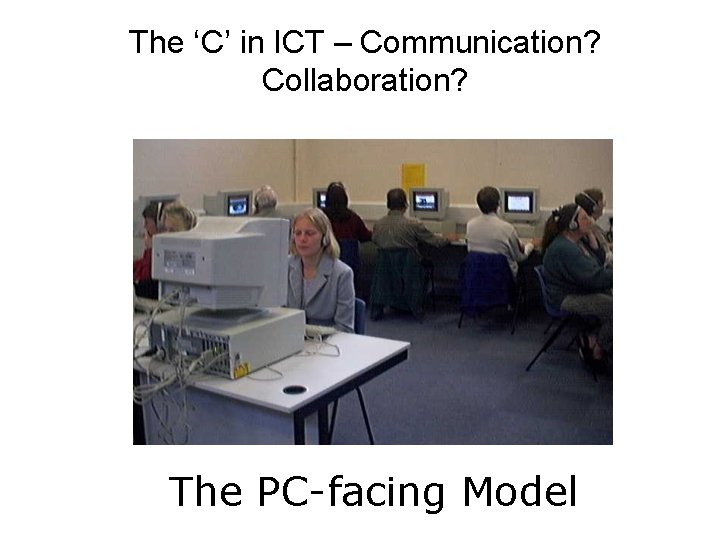
The ‘C’ in ICT – Communication? Collaboration? The PC-facing Model
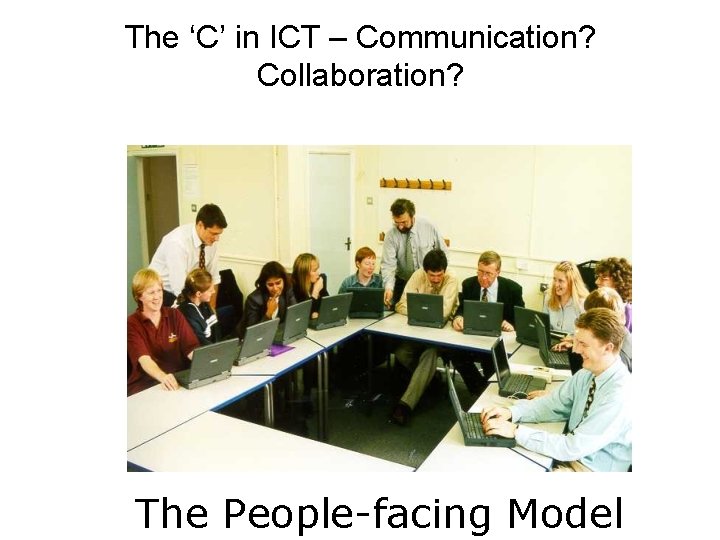
The ‘C’ in ICT – Communication? Collaboration? The People-facing Model
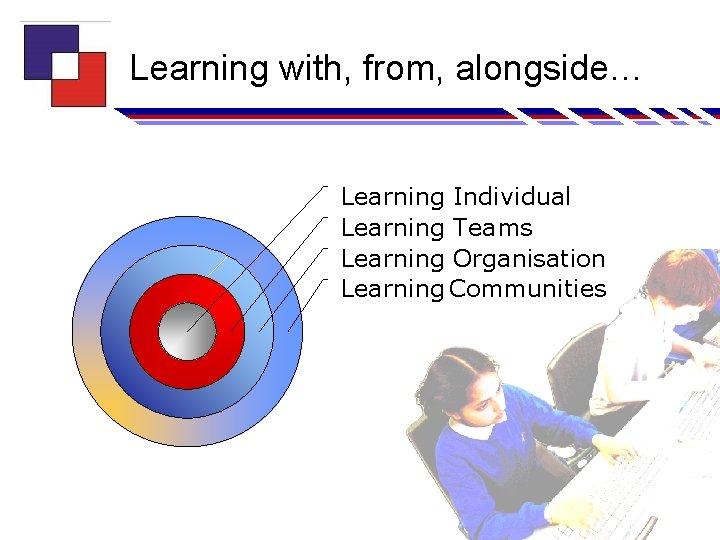
Learning with, from, alongside… Learning Individual Learning Teams Learning Organisation Learning Communities
Community Engagement • • • Primary schools Colleagues in secondary schools Courses for adults (leisure & business) Industry partnerships Student web development team Internationalism ÜEmail links ÜJoint web sites ÜVideoconferencing
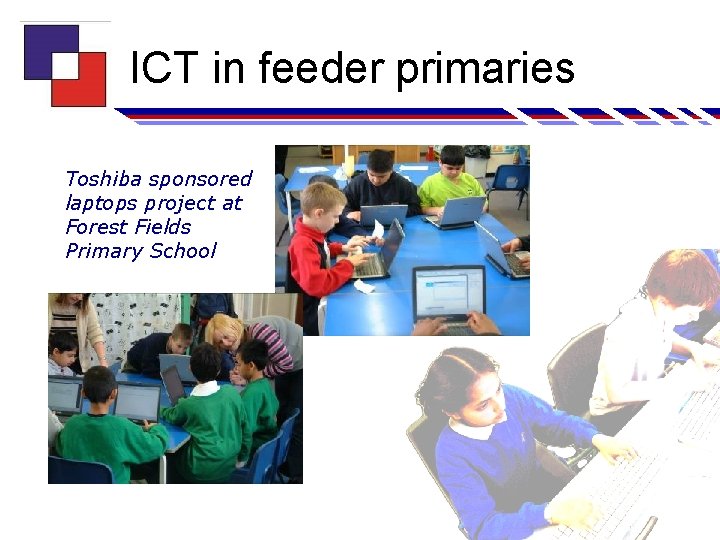
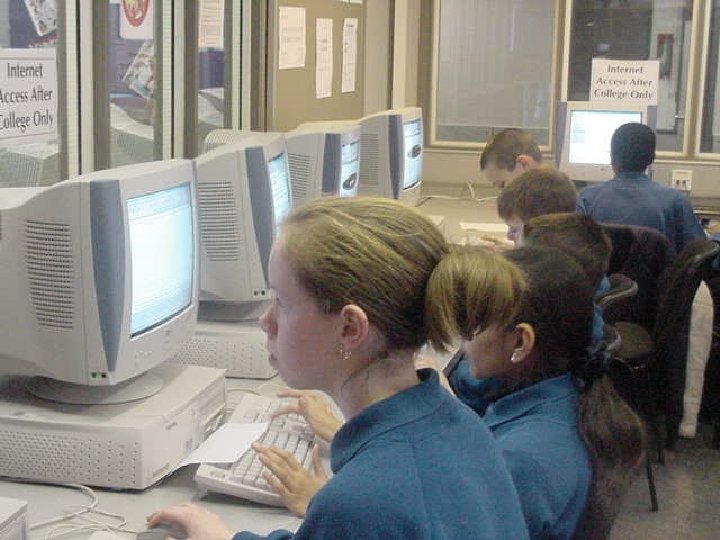
ICT in feeder primaries Toshiba sponsored laptops project at Forest Fields Primary School
Overview of the City Academy Project Problem: • Nottingham City in 2000 – Relatively new unitary authority – too many surplus school places – failing schools • Djanogly CTC – oversubscribed and short of space – in part due to ICT! Solution: • CTC / ex-Forest School become Nottingham’s City Academy
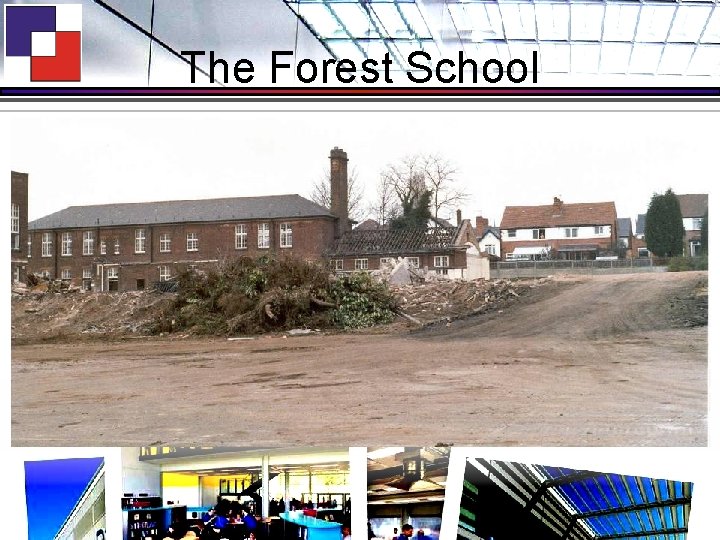
The Forest School
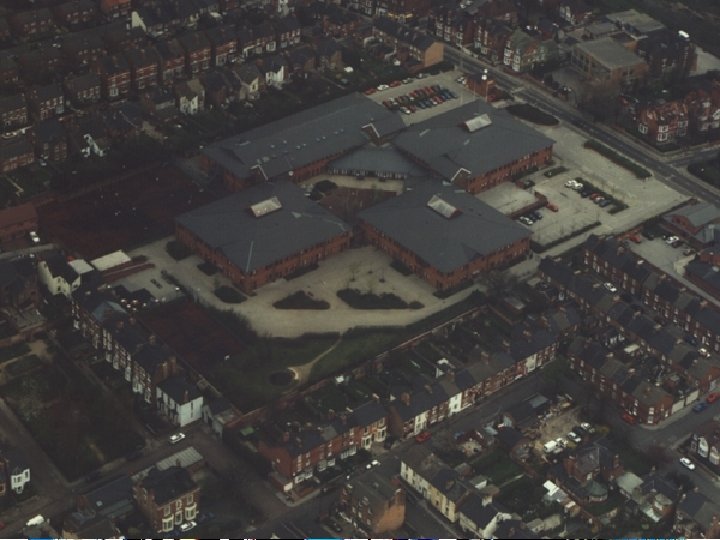
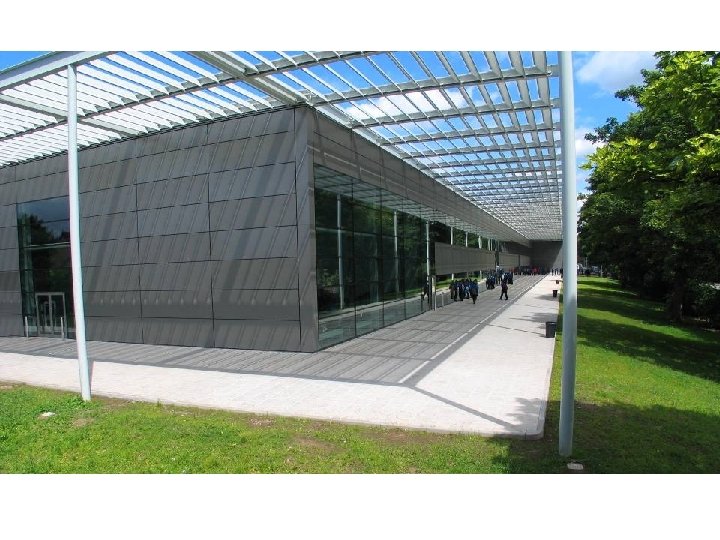
Overview of the City Academy Project • Djanogly CTC / ex-Forest School transformed into Nottingham’s City Academy in 2003 • CTC Sherwood Rise site becomes 14 -19 Centre • Ex-Forest Gregory Boulevard Site becomes 11 -14 Centre • New building designed by Foster and Partners architects • Occupied from June 2005
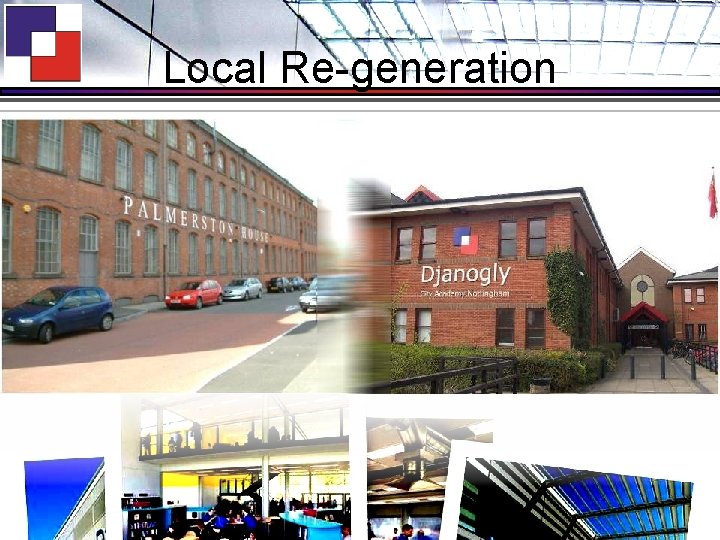
Background • 2000 -2001 – Forest School – Less than half full – Only 22% parents in catchment chose the school – 5+ A*-C grades = 8% • 2001 -2002 - 2 schools work together – Results rise to 20% • Forest School closed August 2002 • 2002 -2003 ex-Forest students educated by CTC – In CTC & converted Victorian Lace Factory
Local Re-generation
Developing new approaches in old buildings
Background • 2003 – City Academy comes into being • 2004 – Ex-Forest students – Results rise to 40% 5+ A*-C grades • 2005 – Ex-Forest students – Results rise to 60% 5+ A*-C grades
Overview of the City Academy Project • • CTC = 1000 students Forest School = 350 students CA = 1700+ students 100 additional places per year for pupils resident in catchment areas of… • 6 designated local feeder primary schools
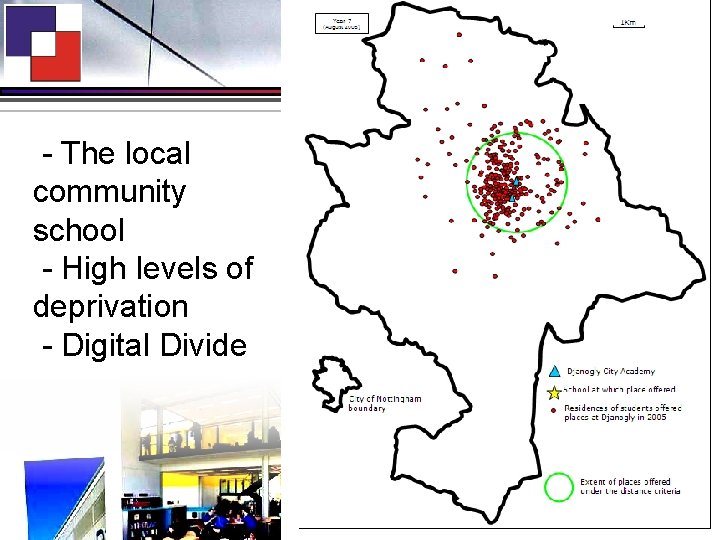
- The local community school - High levels of deprivation - Digital Divide
New 11 -14 Centre Key Aspects of Design Brief • • • Community Access Behaviour Management Light, airy, transparent Security and Safety New Curriculum Organisation and Delivery Address transition from primary school
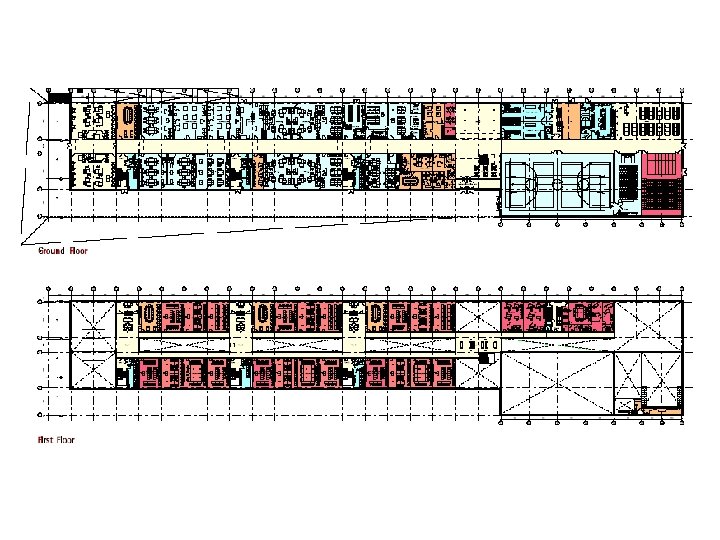
Organisation • 11 -14 Centre – 810 students – 3 year groups of 270 – 6 ‘communities’ – Vertical tutoring – Specialist / Generic curriculum split – Year 7 ‘PODs’
New Basics Curriculum • • • Pod = family / small community Ease transition from primary Multidisciplinary Rich Tasks Deep Learning Enabled by building design & ICT provision
ICT Philosophy • Building designed for a futures scenario of 1: 1 access (Not 5: 1) • On demand model – Mindsets – Discernment • Flexibility of portable computing • Fit-for-purpose technologies (e. g. desktops + large displays for Music, CAD/CAM, etc. )
ICT integrated into building • Storage Wall – SCU – Tablet storage & charging – Amplified sound • Floorboxes – Power & data (over 1500 RJ 45 points) – IP Telephony – AV for staff docking station • Dual VGA inputs – 2 locations for teacher’s desk • Wireless – 50 access points – Dual-band wireless standards (staff, students)
Futures Vision Tour
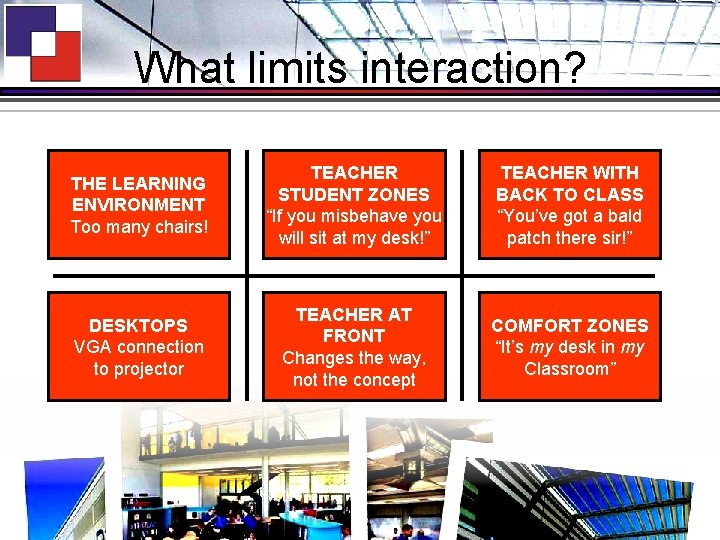
What limits interaction? THE LEARNING ENVIRONMENT Too many chairs! TEACHER STUDENT ZONES “If you misbehave you will sit at my desk!” TEACHER WITH BACK TO CLASS “You’ve got a bald patch there sir!” DESKTOPS VGA connection to projector TEACHER AT FRONT Changes the way, not the concept COMFORT ZONES “It’s my desk in my Classroom”
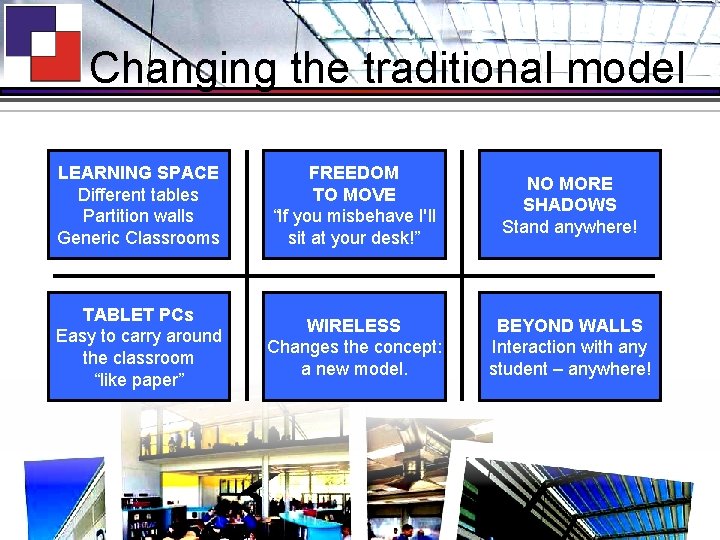
Changing the traditional model LEARNING SPACE Different tables Partition walls Generic Classrooms FREEDOM TO MOVE “If you misbehave I'll sit at your desk!” NO MORE SHADOWS Stand anywhere! TABLET PCs Easy to carry around the classroom “like paper” WIRELESS Changes the concept: a new model. BEYOND WALLS Interaction with any student – anywhere!
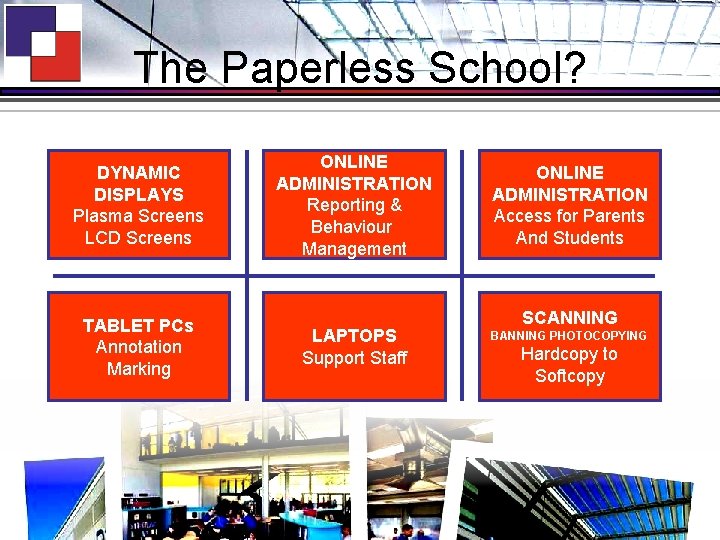
The Paperless School? DYNAMIC DISPLAYS Plasma Screens LCD Screens TABLET PCs Annotation Marking ONLINE ADMINISTRATION Reporting & Behaviour Management LAPTOPS Support Staff ONLINE ADMINISTRATION Access for Parents And Students SCANNING BANNING PHOTOCOPYING Hardcopy to Softcopy
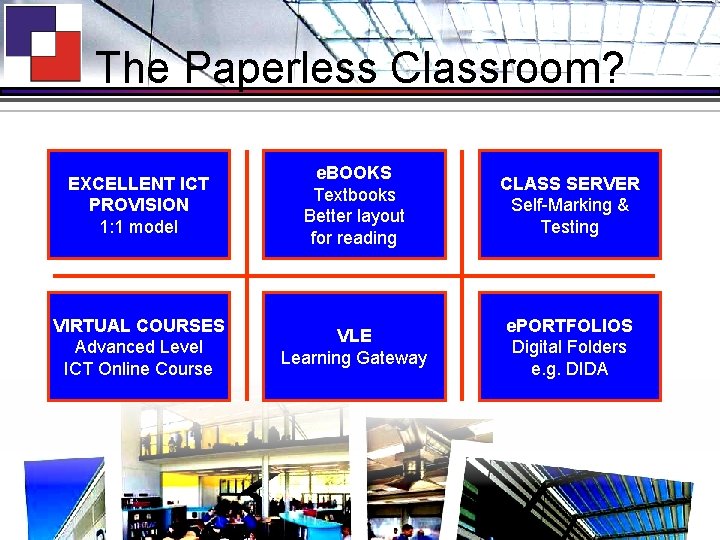
The Paperless Classroom? EXCELLENT ICT PROVISION 1: 1 model e. BOOKS Textbooks Better layout for reading CLASS SERVER Self-Marking & Testing VIRTUAL COURSES Advanced Level ICT Online Course VLE Learning Gateway e. PORTFOLIOS Digital Folders e. g. DIDA
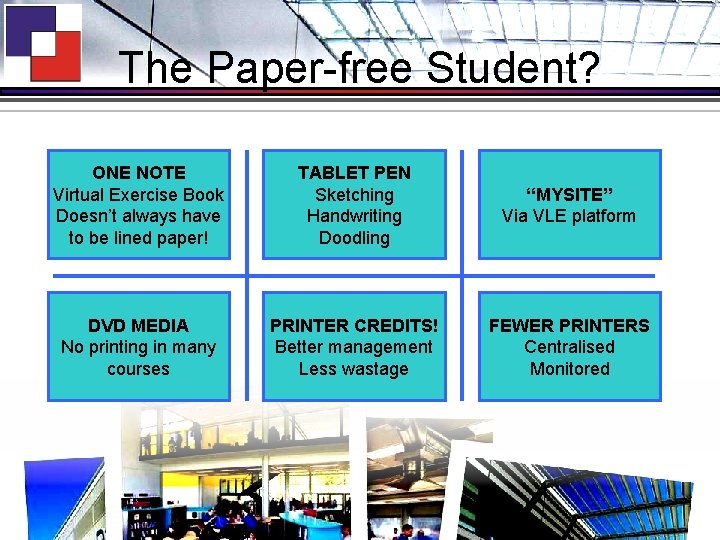
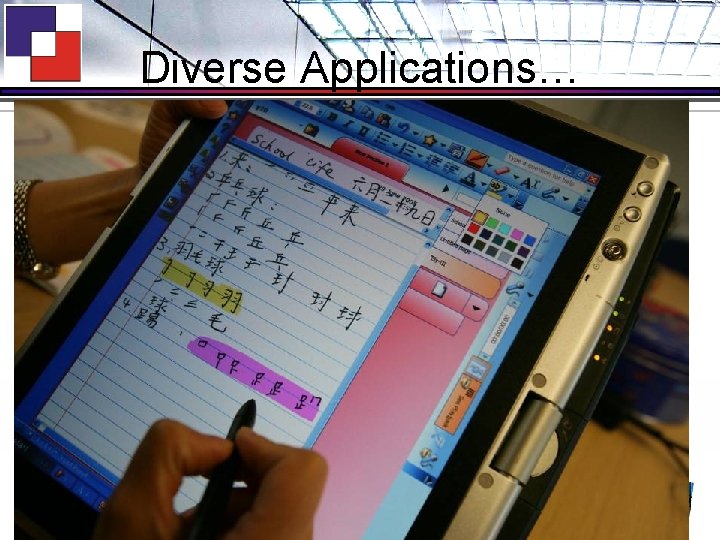
The Paper-free Student? ONE NOTE Virtual Exercise Book Doesn’t always have to be lined paper! TABLET PEN Sketching Handwriting Doodling “MYSITE” Via VLE platform DVD MEDIA No printing in many courses PRINTER CREDITS! Better management Less wastage FEWER PRINTERS Centralised Monitored
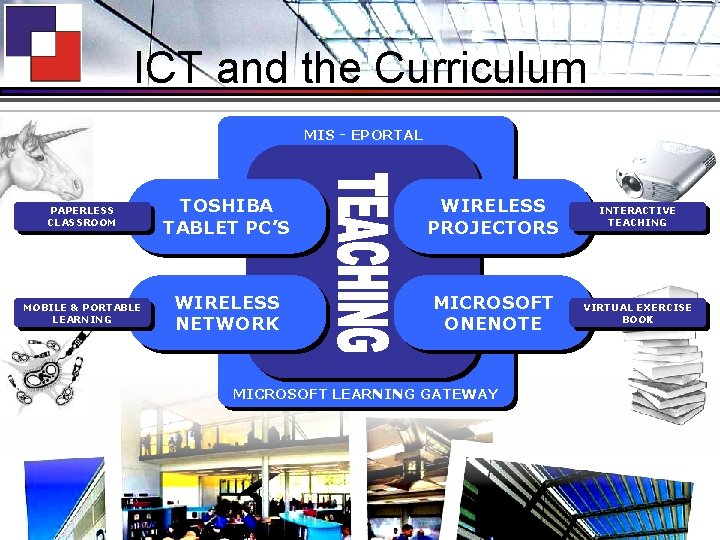
ICT and the Curriculum MIS - EPORTAL PAPERLESS CLASSROOM TOSHIBA TABLET PC’S WIRELESS PROJECTORS INTERACTIVE TEACHING MOBILE & PORTABLE LEARNING WIRELESS NETWORK MICROSOFT ONENOTE VIRTUAL EXERCISE BOOK MICROSOFT LEARNING GATEWAY
Some benefits for teaching…
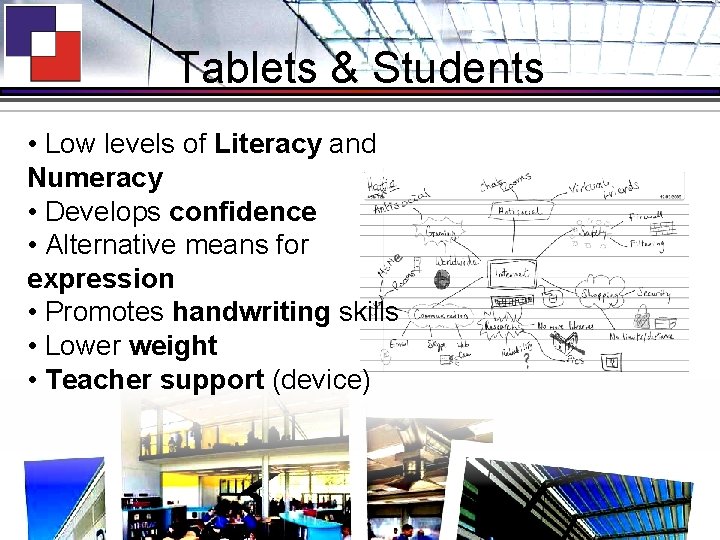
Tablets & Students • Low levels of Literacy and Numeracy • Develops confidence • Alternative means for expression • Promotes handwriting skills • Lower weight • Teacher support (device)
Some benefits for learners…
Diverse Applications…
MLE – Refining Virtual Access • Microsoft Learning Gateway • Managed in-house – Full time software engineer – Moderated by Faculty Leader – Learning Resource Assistants • Digital Divide – Lays foundation for seamless home-school learning – Supports ELF scheme for Year 7
MLE – Refining Virtual Access • Integrates huge range of applications and services – – – – – Eclipse Library System Serco CMIS - e. Portal Microsoft Outlook Altiris Help Desk Classroom CCTV Document storage/management Access to “My. Documents” from anywhere Microsoft Class Server RSS feeds – subject-specific Image banks
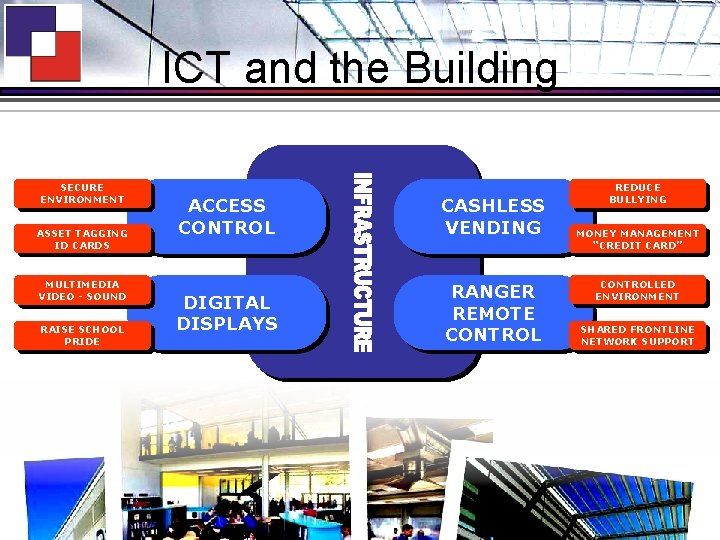
ICT and the Building SECURE ENVIRONMENT ASSET TAGGING ID CARDS MULTIMEDIA VIDEO - SOUND RAISE SCHOOL PRIDE ACCESS CONTROL CASHLESS VENDING DIGITAL DISPLAYS RANGER REMOTE CONTROL REDUCE BULLYING MONEY MANAGEMENT “CREDIT CARD” CONTROLLED ENVIRONMENT SHARED FRONTLINE NETWORK SUPPORT
Some benefits for parents…
The role of wireless in our future … • Nottingham – serious contender for Digital Challenge 2007 • Educational trials – Wireless clouds – Wimax – Thin Client – ELUSE, GNP • • • Challenging catchments – adapt Combat Digital Divide Work with community
A Typical Lesson Format … • • Launch projector from the staff base with lesson ready as students enter classroom. Enhanced interaction Choose to dock or not – LAN, Sound, Power, VGA • • See work from other lessons - One. Note Ranger Remote Control – “take control” – – – • • Peer to peer assessment Students govern lesson pace Survey students Ongoing feedback Remote support Students – download work from Learning Gateway Teacher – collect and handout homework Submit work for the Ensemble TV broadcasting system Add an event (positive/negative) to student record via e. Portal (CMIS)
The Embedding Process Maths • Grid paper in One. Note • Equation writer • Testing in Class Server • Complement learning through Headstart • Delivery using Power. Point • Use a ruler (compasses not allowed!) History • Deliver the curriculum using multimedia – Video, “Crazy Talk” • No more copying from the board • Students express/demonstrate learning using variety of resources • Mindmapping
Making ICT Work in a Lesson ICT Development Team
Training Agenda • Outlook Email • Learning Gateway • Ranger Remote Control • Wireless Projection • ICT in the lesson • ICT Audit
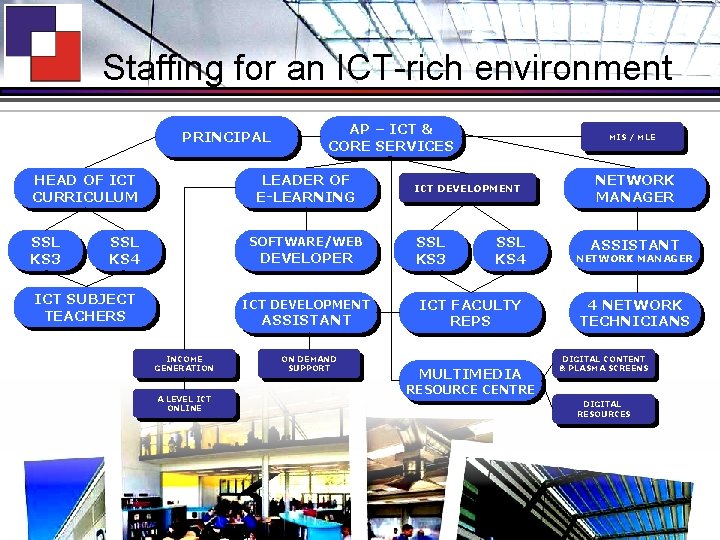
Staffing for an ICT-rich environment PRINCIPAL HEAD OF ICT CURRICULUM SSL KS 3 AP – ICT & CORE SERVICES LEADER OF E-LEARNING SSL KS 4 SOFTWARE/WEB DEVELOPER ICT SUBJECT TEACHERS ICT DEVELOPMENT ASSISTANT INCOME GENERATION A LEVEL ICT ONLINE ON DEMAND SUPPORT MIS / MLE ICT DEVELOPMENT SSL KS 3 SSL KS 4 ICT FACULTY REPS MULTIMEDIA NETWORK MANAGER ASSISTANT NETWORK MANAGER 4 NETWORK TECHNICIANS DIGITAL CONTENT & PLASMA SCREENS RESOURCE CENTRE DIGITAL RESOURCES
Constantly evolving … • Supporting Digital Challenge bid for Nottingham – now short listed • e. Learning Foundation • combat Digital Divide • Near 100% access to ICT at home for Year 7 • Virtual School – students access to all school files • Installation of first community wireless cloud • Mobile computing – Intel & Samsung Q 1 “Origami” trials
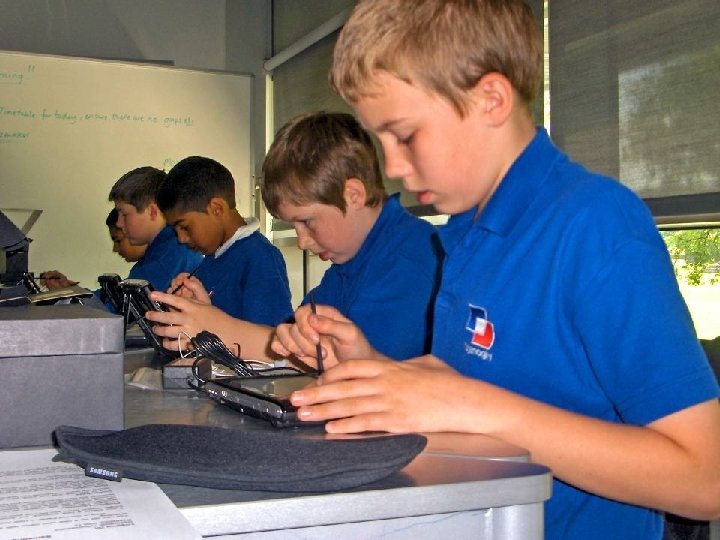
Intel Trials – Samsung Q 1 • Joint world-wide trials with Minster School • Active participation from Sonic-Rim and Intel throughout the project • Student ownership / home-school access – Full local admin access • Configure broadband at home • Use tools like MSN Messenger without restriction • Additional aspects of the trial – – Email access for students via Outlook Frequent Blogging and journal writing Student decides when to use ICT (not teacher) Input methods / New technologies • Projection keyboards / mini-folding keyboards • Speech input
Futures Vision?
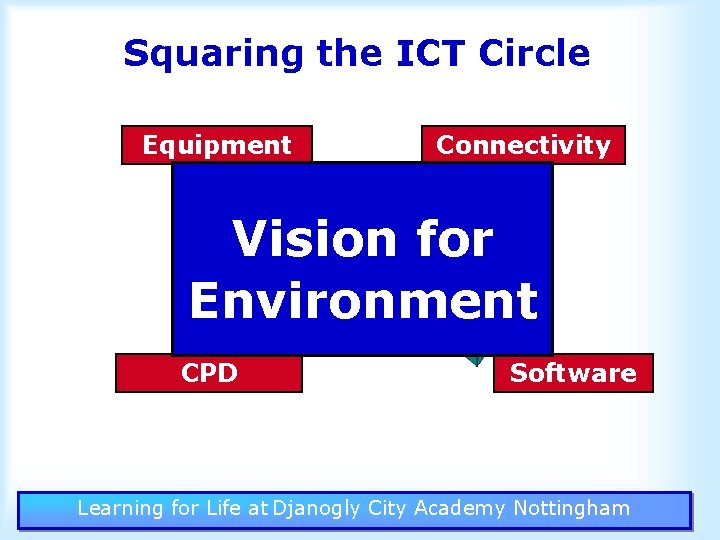
Squaring the ICT Circle Equipment Connectivity Vision for Environment Learning ICT CPD Software Learning for Life at Djanogly City Academy Nottingham
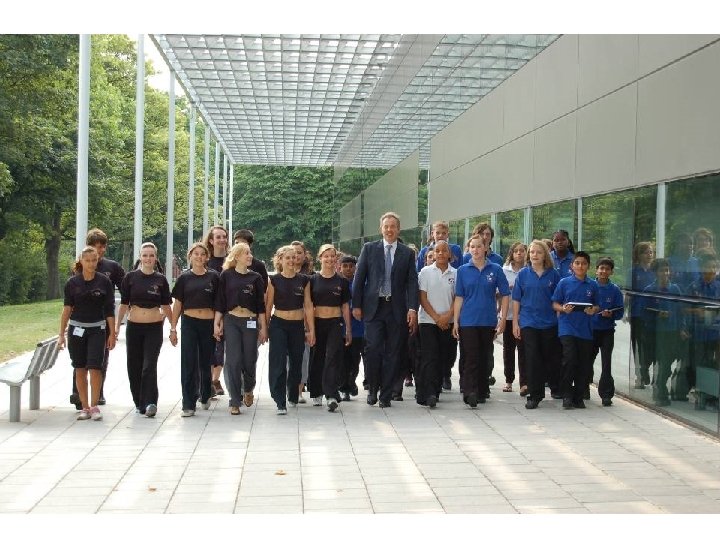
• Blair pic
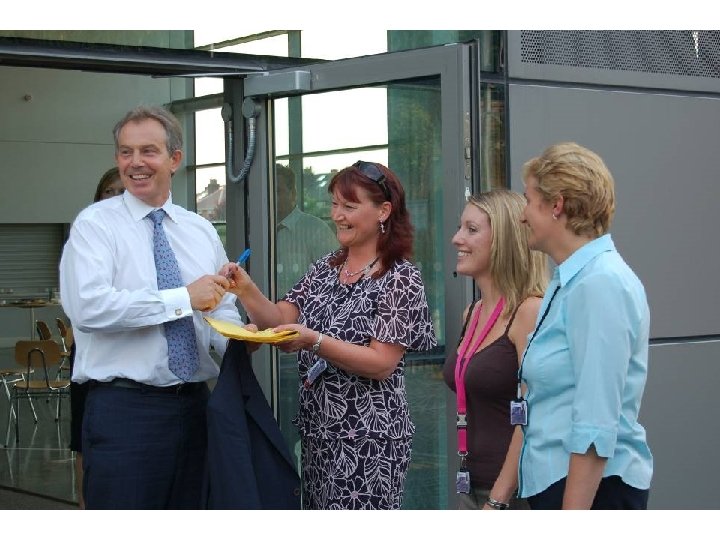

The Kids are the Experts…
Anyone fancy making a prediction? “E-learning will become ubiquitous and all-pervasive, rendering all environments paperless”. “If the increasing demand for paper shredding services is any indication, it's still a long way off”. Steve Banister - A Shred It Corp 2006 THANK YOU Printouts of this presentation will be available at Reception
- Slides: 77