
ICT 1 B Computer Basics Dr Elleine Rose
ICT 1 B Computer Basics Dr. Elleine Rose A. Oliva
What is a Computer? z. A computer is a device that accepts input, processes data, and produces an output according to a series of stored instructions. z. Computers are made of 2 main parts – hardware and software. y. Hardware is the physical pieces of a computer y. Software is a program or operating system that an be installed on a computer
Types of Computers o Supercomputers. . . are used to process very large amounts of information including processing information to predict hurricanes, satellite images and navigation, and process military war scenarios. o Mainframes. . . are used by government and businesses to process very large amounts of information. o Mini-Computers. . . are similar to mainframes. . . they are used by business and government to process large amounts of information. o Personal Computers (PC)… Dr. Elleine Rose A. Oliva
Types of Computers o Personal Computers (Continued) Personal Computers. . . also known as PC’s. . . are smaller and less powerful than the others. They are used in homes, schools, and small businesses. Dr. Elleine Rose A. Oliva
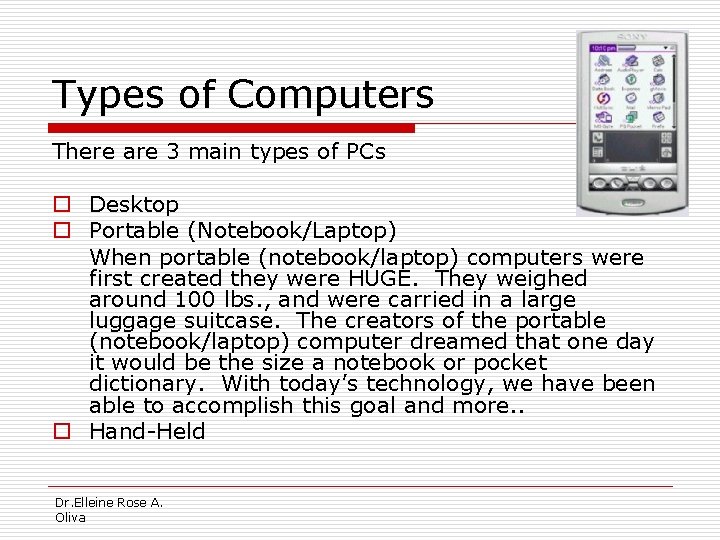
Types of Computers There are 3 main types of PCs o Desktop o Portable (Notebook/Laptop) When portable (notebook/laptop) computers were first created they were HUGE. They weighed around 100 lbs. , and were carried in a large luggage suitcase. The creators of the portable (notebook/laptop) computer dreamed that one day it would be the size a notebook or pocket dictionary. With today’s technology, we have been able to accomplish this goal and more. . o Hand-Held Dr. Elleine Rose A. Oliva
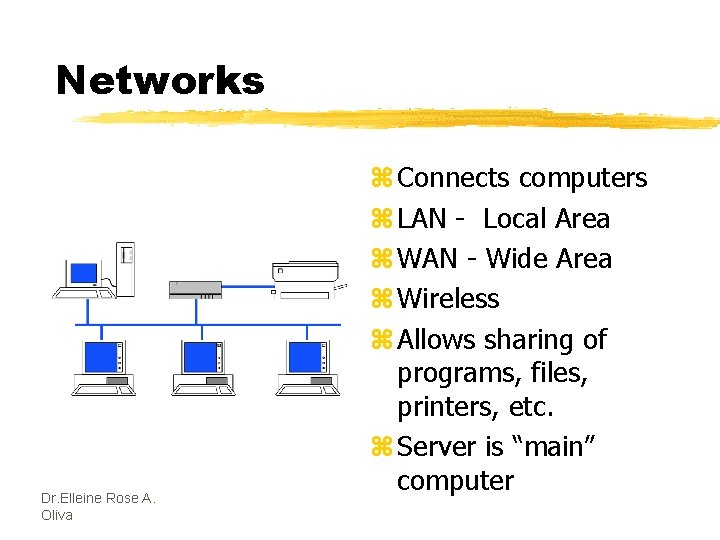
Networks Dr. Elleine Rose A. Oliva z Connects computers z LAN - Local Area z WAN - Wide Area z Wireless z Allows sharing of programs, files, printers, etc. z Server is “main” computer
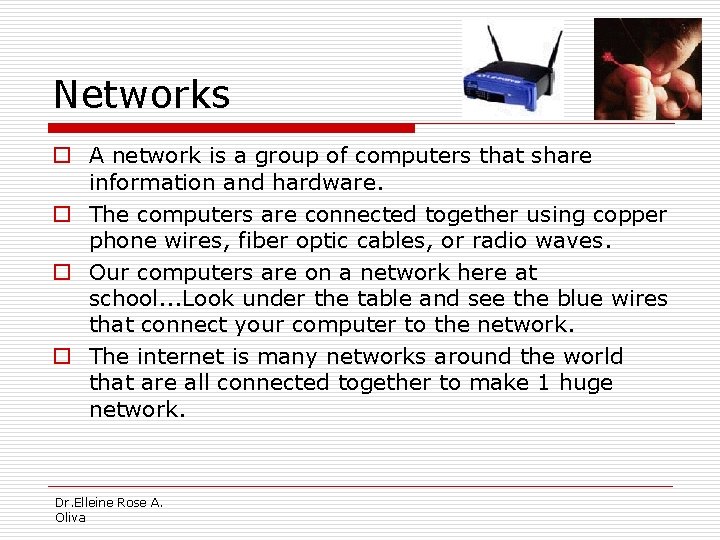
Networks o A network is a group of computers that share information and hardware. o The computers are connected together using copper phone wires, fiber optic cables, or radio waves. o Our computers are on a network here at school. . . Look under the table and see the blue wires that connect your computer to the network. o The internet is many networks around the world that are all connected together to make 1 huge network. Dr. Elleine Rose A. Oliva
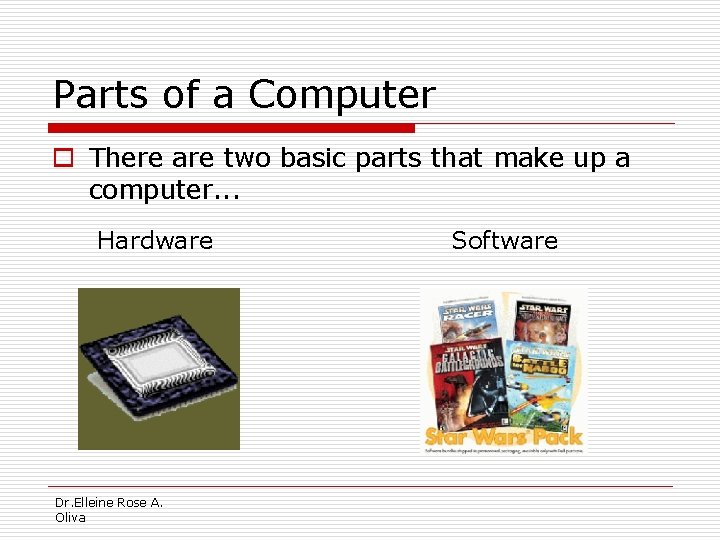
Parts of a Computer o There are two basic parts that make up a computer. . . Hardware Dr. Elleine Rose A. Oliva Software
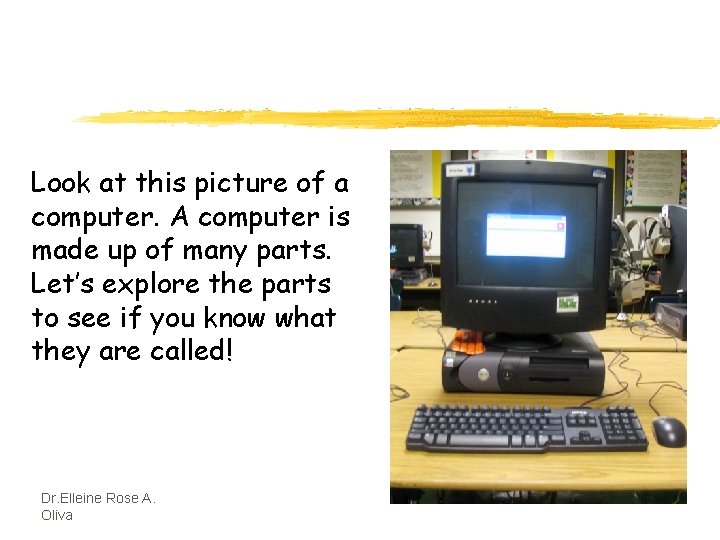
Look at this picture of a computer. A computer is made up of many parts. Let’s explore the parts to see if you know what they are called! Dr. Elleine Rose A. Oliva
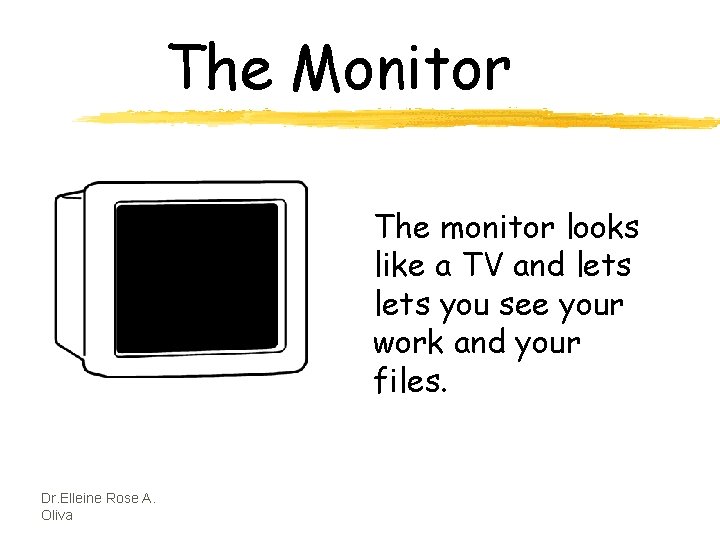
The Monitor The monitor looks like a TV and lets you see your work and your files. Dr. Elleine Rose A. Oliva
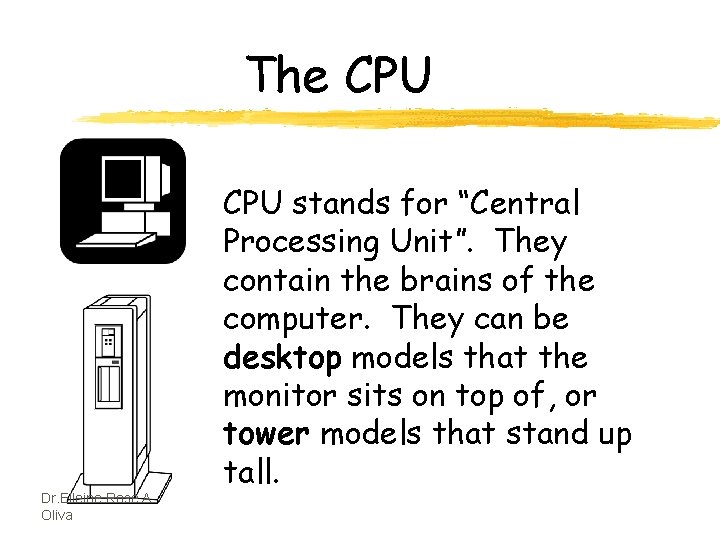
The CPU Dr. Elleine Rose A. Oliva CPU stands for “Central Processing Unit”. They contain the brains of the computer. They can be desktop models that the monitor sits on top of, or tower models that stand up tall.
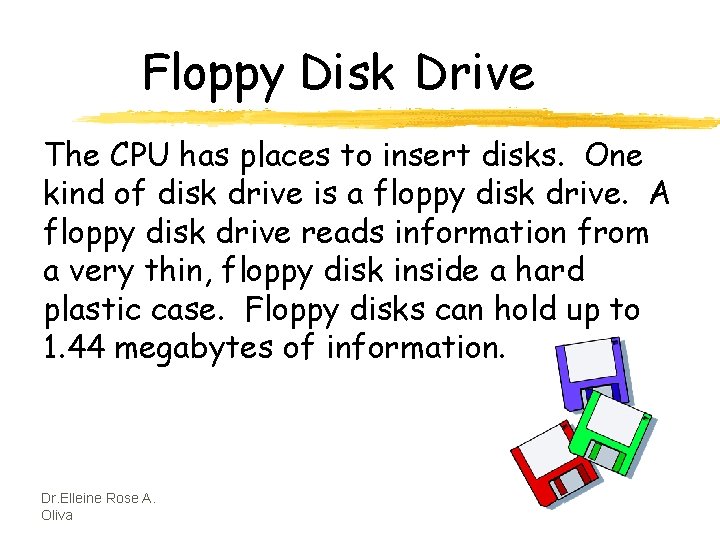
Floppy Disk Drive The CPU has places to insert disks. One kind of disk drive is a floppy disk drive. A floppy disk drive reads information from a very thin, floppy disk inside a hard plastic case. Floppy disks can hold up to 1. 44 megabytes of information. Dr. Elleine Rose A. Oliva
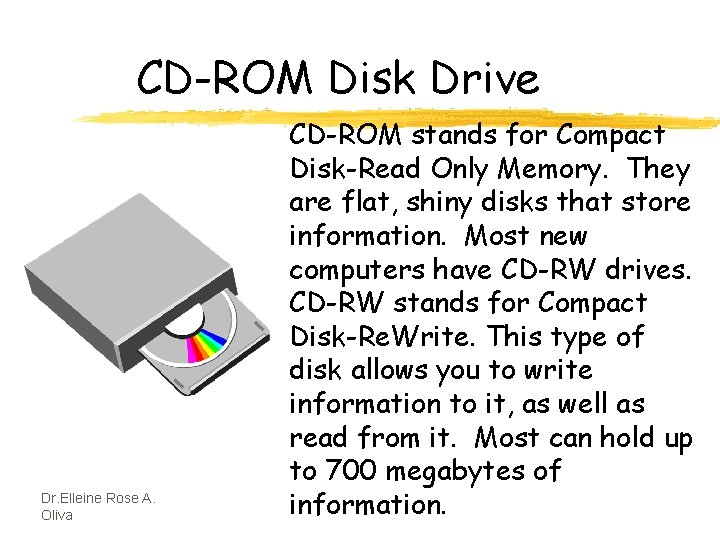
CD-ROM Disk Drive Dr. Elleine Rose A. Oliva CD-ROM stands for Compact Disk-Read Only Memory. They are flat, shiny disks that store information. Most new computers have CD-RW drives. CD-RW stands for Compact Disk-Re. Write. This type of disk allows you to write information to it, as well as read from it. Most can hold up to 700 megabytes of information.
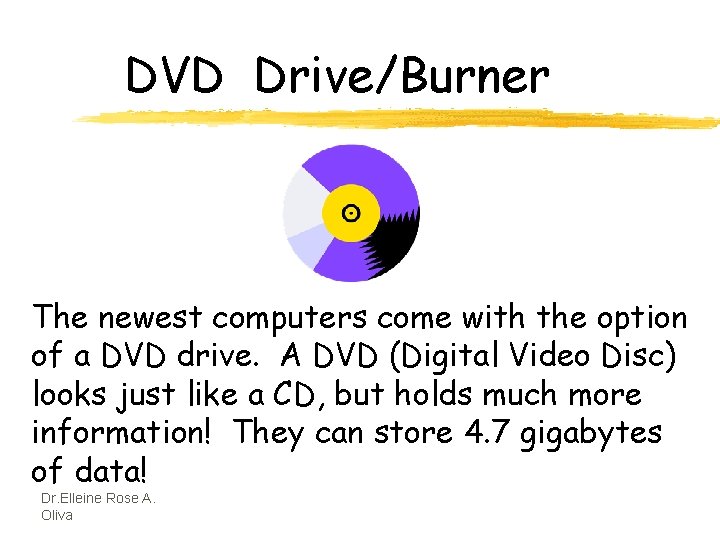
DVD Drive/Burner The newest computers come with the option of a DVD drive. A DVD (Digital Video Disc) looks just like a CD, but holds much more information! They can store 4. 7 gigabytes of data! Dr. Elleine Rose A. Oliva
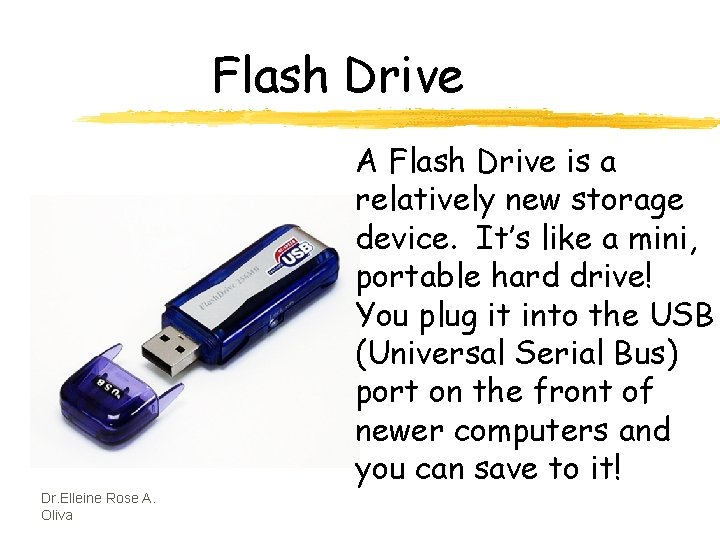
Flash Drive A Flash Drive is a relatively new storage device. It’s like a mini, portable hard drive! You plug it into the USB (Universal Serial Bus) port on the front of newer computers and you can save to it! Dr. Elleine Rose A. Oliva
How Do Computers Work? z Input--This is when information is entered into a computer. Some common input devices include the keyboard, mouse and scanner. z Output--This is the information that comes out of a computer after it has been processed. The information comes out on output devices such as a printer or computer monitor. z Processing--This is when the information is handled by the computer’s brain, known as the CPU (Central Processing Unit). Dr. Elleine Rose A. Oliva
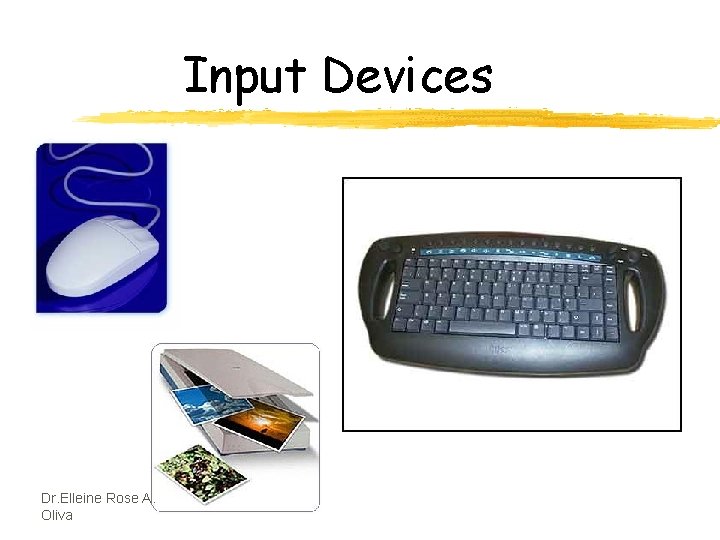
Input Devices Dr. Elleine Rose A. Oliva
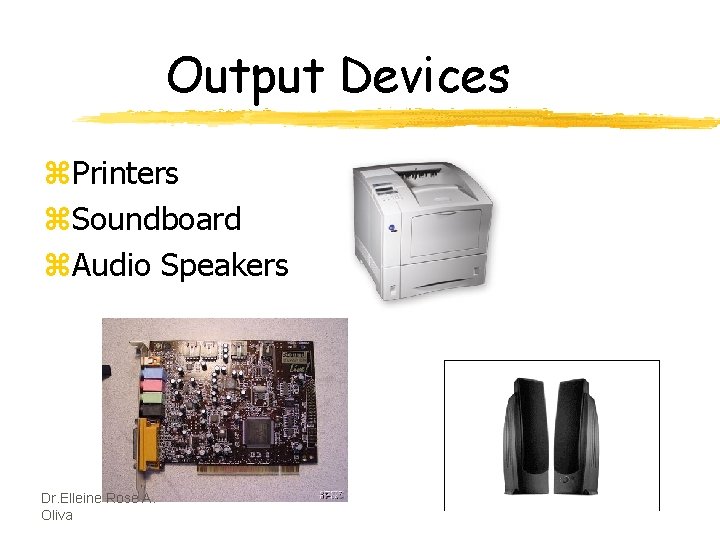
Output Devices z. Printers z. Soundboard z. Audio Speakers Dr. Elleine Rose A. Oliva
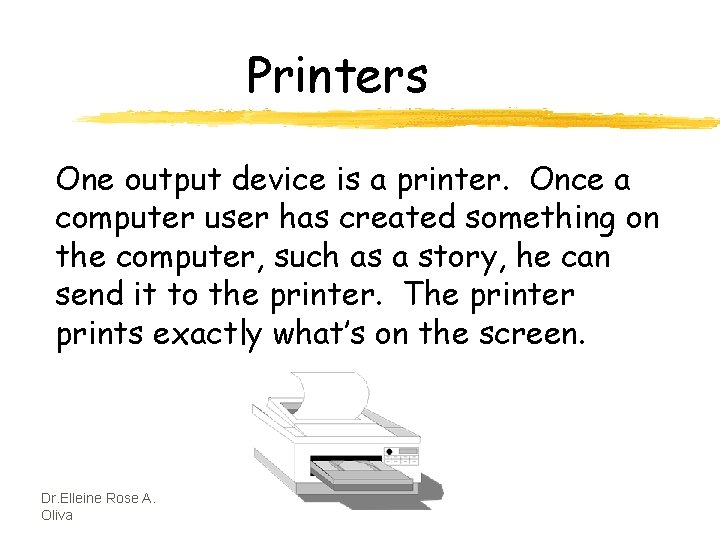
Printers One output device is a printer. Once a computer user has created something on the computer, such as a story, he can send it to the printer. The printer prints exactly what’s on the screen. Dr. Elleine Rose A. Oliva
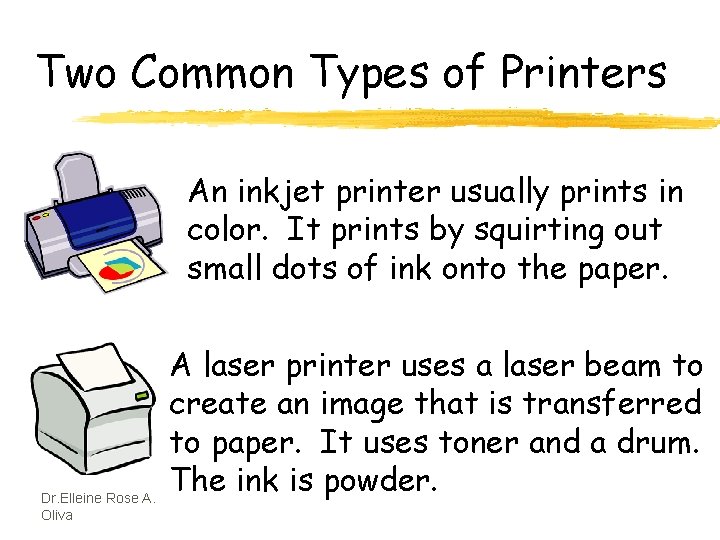
Two Common Types of Printers An inkjet printer usually prints in color. It prints by squirting out small dots of ink onto the paper. Dr. Elleine Rose A. Oliva A laser printer uses a laser beam to create an image that is transferred to paper. It uses toner and a drum. The ink is powder.
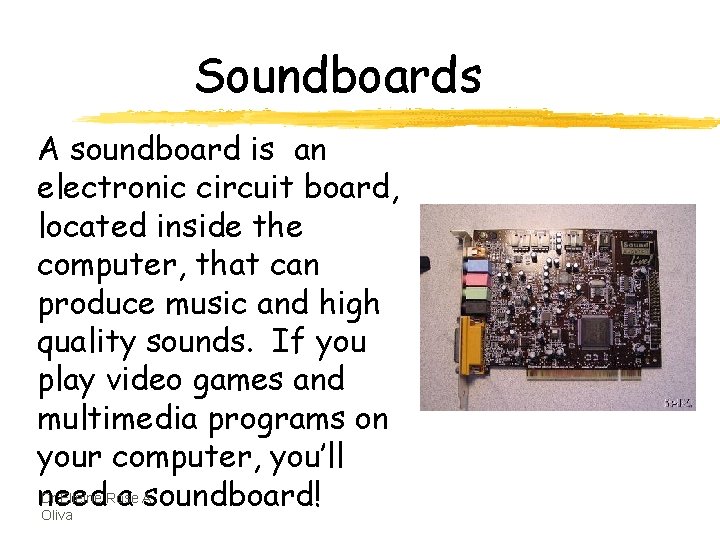
Soundboards A soundboard is an electronic circuit board, located inside the computer, that can produce music and high quality sounds. If you play video games and multimedia programs on your computer, you’ll Dr. Elleine Rose A. need a soundboard! Oliva
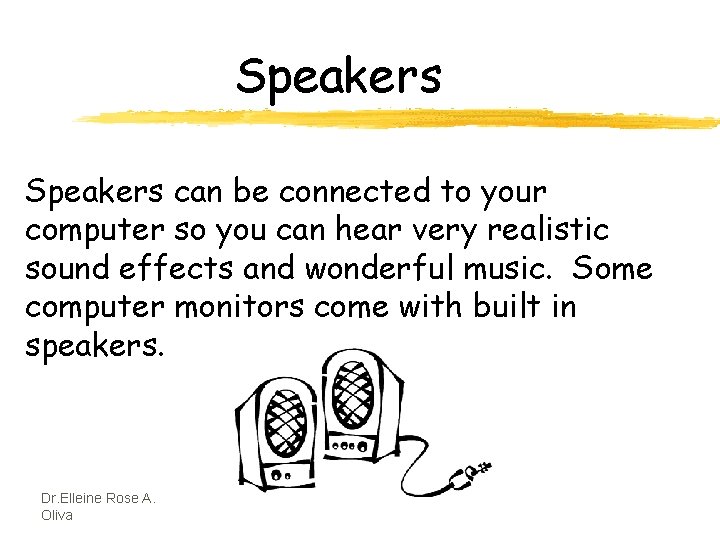
Speakers can be connected to your computer so you can hear very realistic sound effects and wonderful music. Some computer monitors come with built in speakers. Dr. Elleine Rose A. Oliva
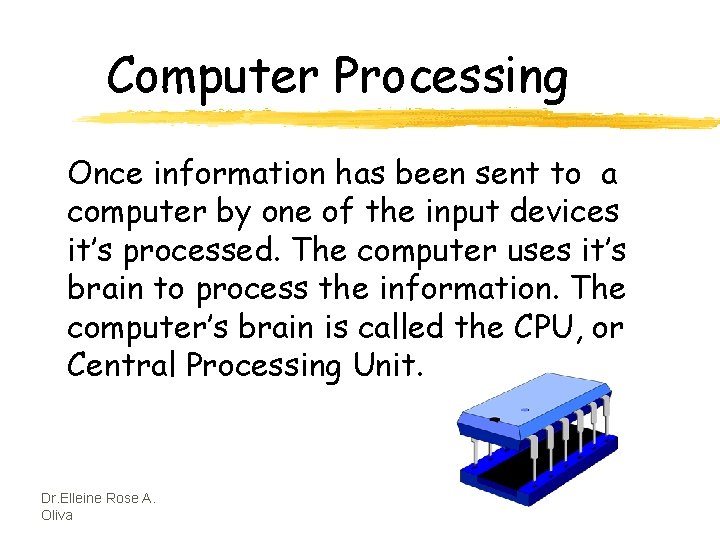
Computer Processing Once information has been sent to a computer by one of the input devices it’s processed. The computer uses it’s brain to process the information. The computer’s brain is called the CPU, or Central Processing Unit. Dr. Elleine Rose A. Oliva
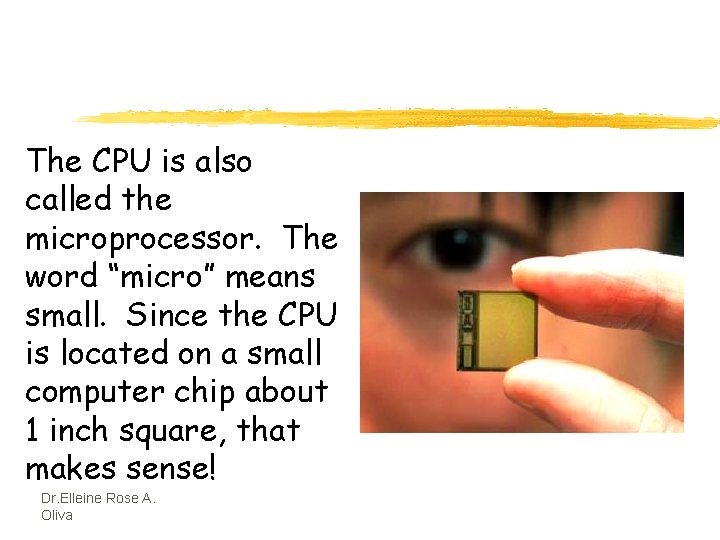
The CPU is also called the microprocessor. The word “micro” means small. Since the CPU is located on a small computer chip about 1 inch square, that makes sense! Dr. Elleine Rose A. Oliva
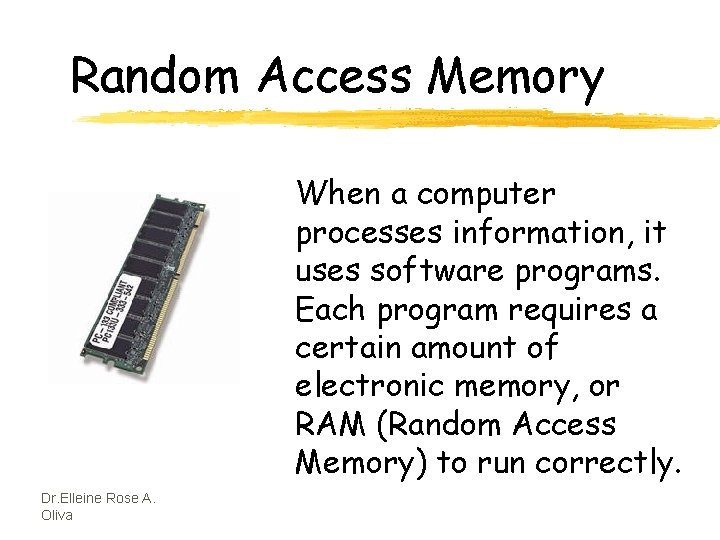
Random Access Memory When a computer processes information, it uses software programs. Each program requires a certain amount of electronic memory, or RAM (Random Access Memory) to run correctly. Dr. Elleine Rose A. Oliva
RAM is temporary memory. The computer holds information in this memory and gets it when it needs it. If a computer has more RAM, it can solve problems and process information faster! If you’re updating your computer, more RAM is a great thing to add! Dr. Elleine Rose A. Oliva
Read-Only Memory A second kind of computer memory is ROM, which stands for Read-Only Memory. This memory is permanent. The information there was put there when the computer was made. The computer needs the information in it’s ROM memory in order to function. Dr. Elleine Rose A. Oliva
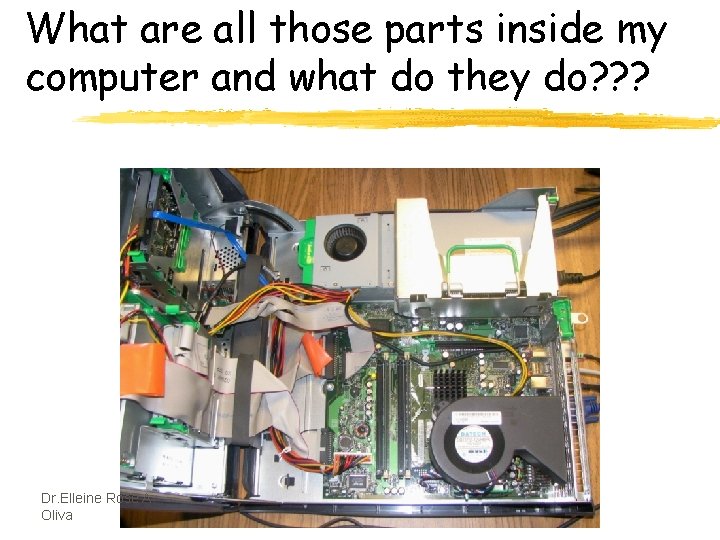
What are all those parts inside my computer and what do they do? ? ? Dr. Elleine Rose A. Oliva
Computer Hardware z. Hard Drive z. Motherboard z. Sound Card and Video Card z. Memory Card z. Power Supply z. NIC Card z. BIOS Dr. Elleine Rose A. Oliva
Hard Disk Drive The Hard Disk Drive is a magnetic storage device. All the computer programs and files you create and save are located there. This is permanent storage (at least until you uninstall software or delete a file). The hard drive is normally signified by the drive letter “C”. Today’s hard drives can store a HUGE amount of information. A new computer might have a hard drive that will hold 250 GB’s! Dr. Elleine Rose A. Oliva
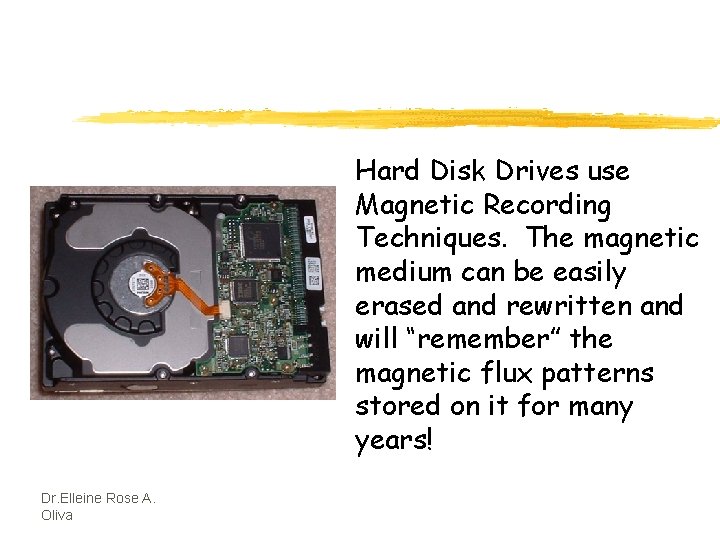
Hard Disk Drives use Magnetic Recording Techniques. The magnetic medium can be easily erased and rewritten and will “remember” the magnetic flux patterns stored on it for many years! Dr. Elleine Rose A. Oliva
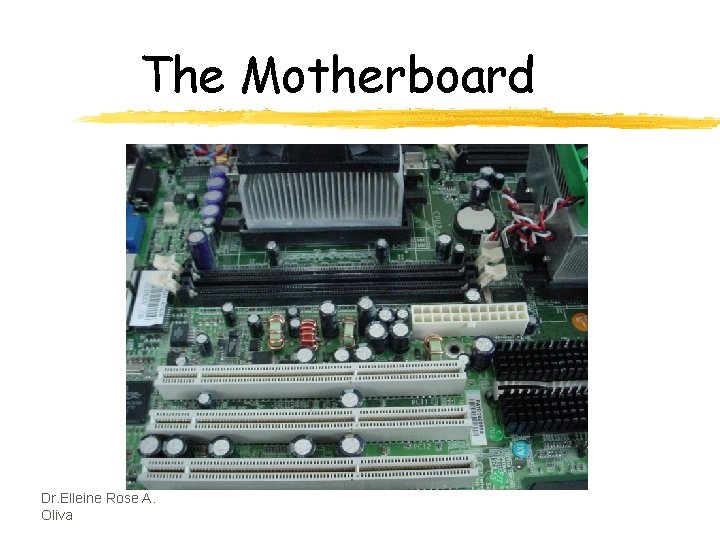
The Motherboard Dr. Elleine Rose A. Oliva
Your computer couldn’t work without the motherboard. It ties everything together! It allows every part of your computer to receive power and communicate with each other. Everything that runs the computer or enhances it’s performance is either part of the motherboard or plugs into one of it’s expansion slots or ports. Dr. Elleine Rose A. Oliva
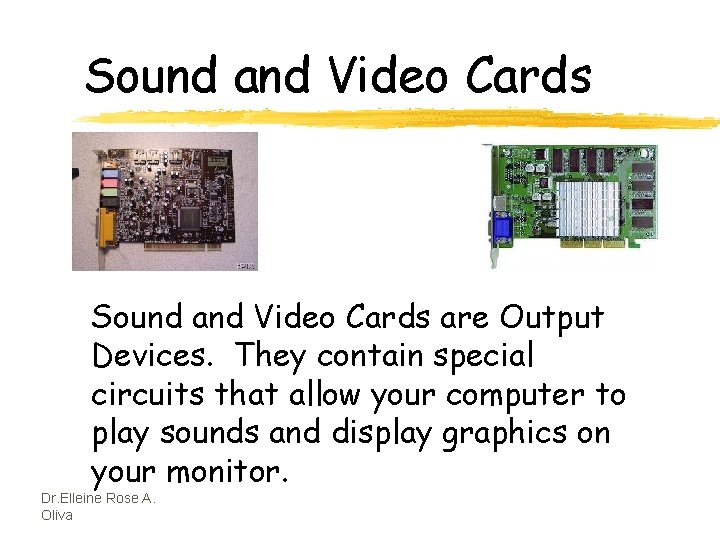
Sound and Video Cards are Output Devices. They contain special circuits that allow your computer to play sounds and display graphics on your monitor. Dr. Elleine Rose A. Oliva
Memory Card Remember RAM (Random Access Memory) and ROM (Read-Only Memory)? RAM cards will remember what you tell them and can even change to remember new information. But, when the computer is turned off, it forgets everything you did! That’s why you always save your work! ROM is good at remembering, but cannot change it’s mind. It holds the information that was built into it! Dr. Elleine Rose A. Oliva
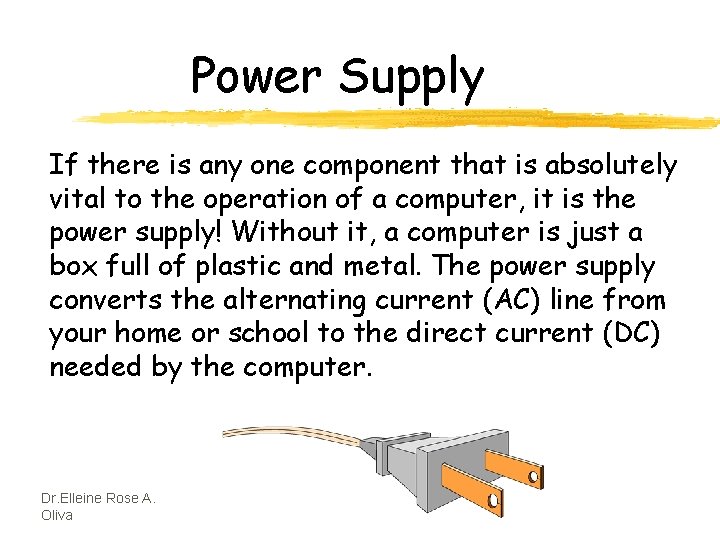
Power Supply If there is any one component that is absolutely vital to the operation of a computer, it is the power supply! Without it, a computer is just a box full of plastic and metal. The power supply converts the alternating current (AC) line from your home or school to the direct current (DC) needed by the computer. Dr. Elleine Rose A. Oliva
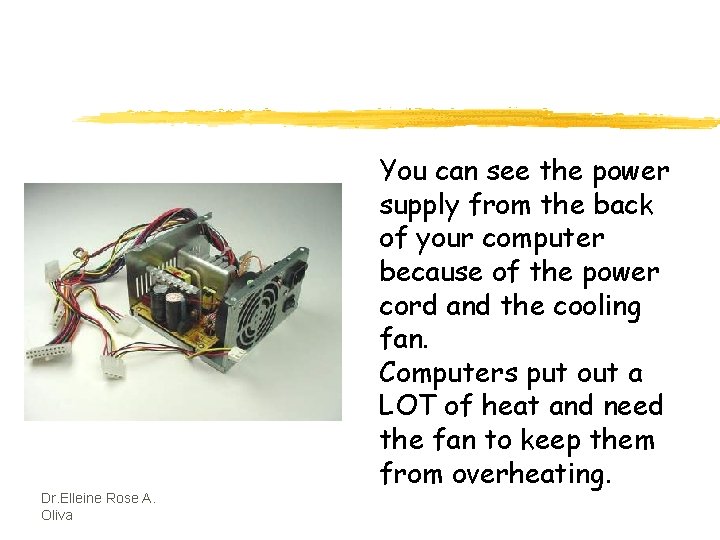
Dr. Elleine Rose A. Oliva You can see the power supply from the back of your computer because of the power cord and the cooling fan. Computers put out a LOT of heat and need the fan to keep them from overheating.
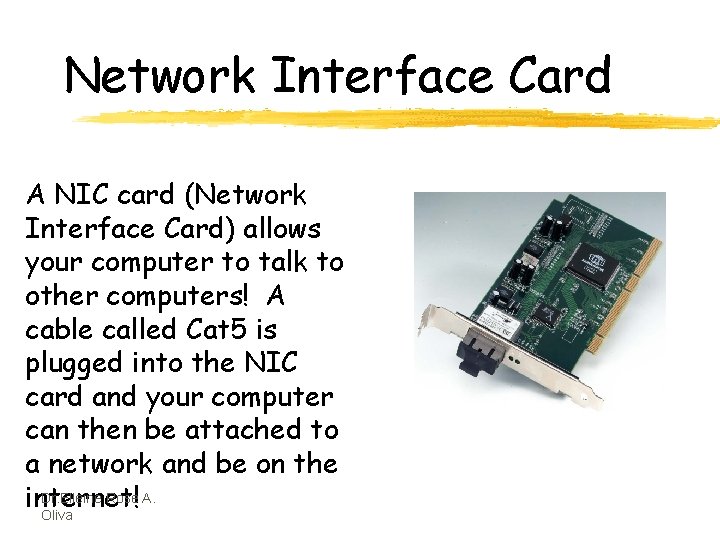
Network Interface Card A NIC card (Network Interface Card) allows your computer to talk to other computers! A cable called Cat 5 is plugged into the NIC card and your computer can then be attached to a network and be on the Dr. Elleine Rose A. internet! Oliva
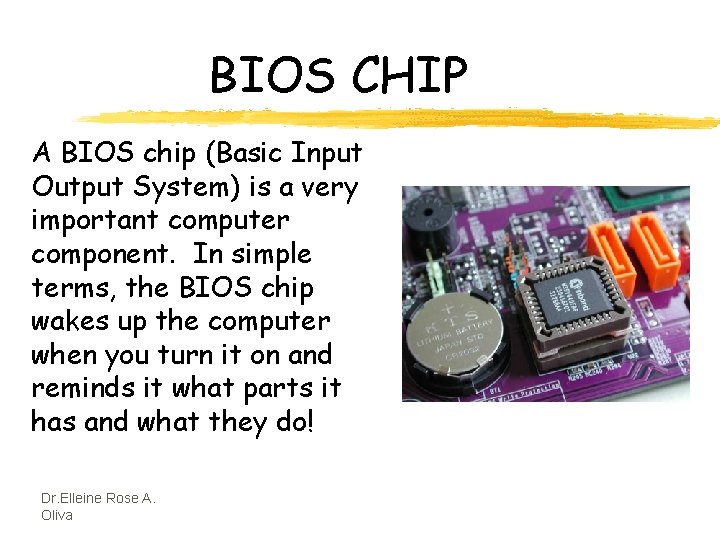
BIOS CHIP A BIOS chip (Basic Input Output System) is a very important computer component. In simple terms, the BIOS chip wakes up the computer when you turn it on and reminds it what parts it has and what they do! Dr. Elleine Rose A. Oliva

Bytes, Kilobytes, Megabytes and Gigabytes z. Byte 8 Bits=1 byte z. KB Kilobyte=1, 000 bytes z. MB Megabyte=1, 000 (1 million) bytes z. GB Gigabyte=1, 000, 000 (1 billion) bytes Dr. Elleine Rose A. Oliva
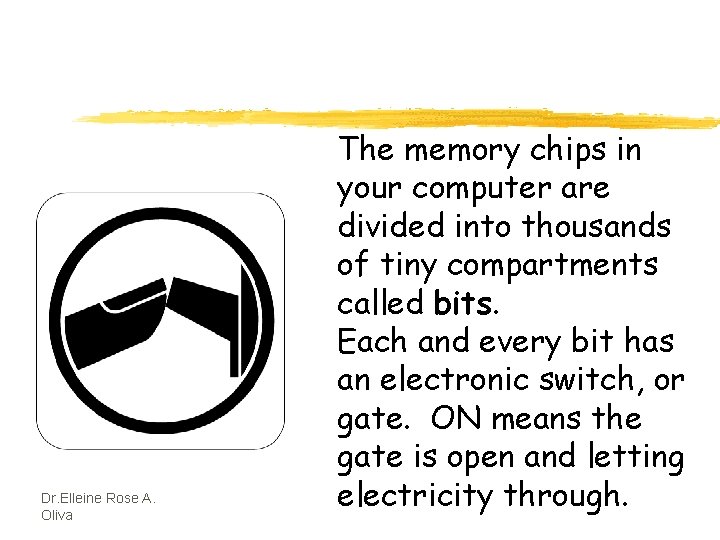
Dr. Elleine Rose A. Oliva The memory chips in your computer are divided into thousands of tiny compartments called bits. Each and every bit has an electronic switch, or gate. ON means the gate is open and letting electricity through.
So what about Megabytes and Gigabytes? ? Dr. Elleine Rose A. Oliva
Megabytes and Gigabytes One megabyte equals one million bytes. So, a computer with 512 megabytes of RAM (Random Access Memory) means the computer can handle 512, 000 (512 million) bytes of RAM. Hard disk space is also measured in bytes. So, a 200 GB Hard Disk Drive has 200, 000, 000 (200 billion) bytes for storing memory! Dr. Elleine Rose A. Oliva
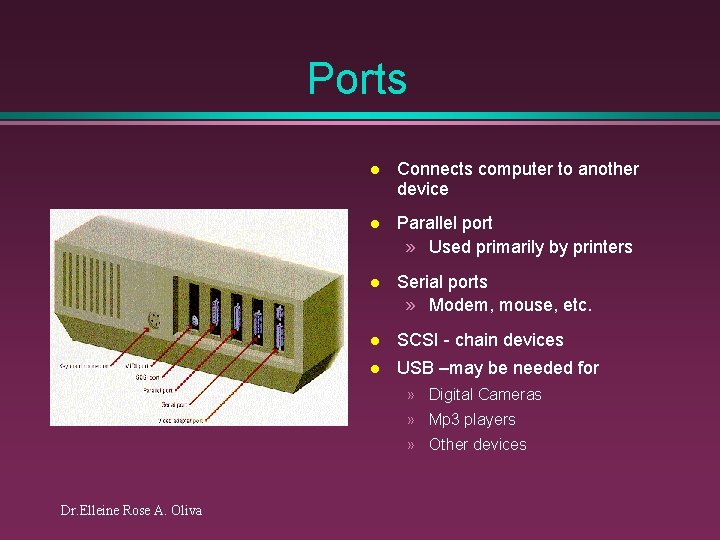
Ports l Connects computer to another device l Parallel port » Used primarily by printers l Serial ports » Modem, mouse, etc. l SCSI - chain devices l USB –may be needed for » Digital Cameras » Mp 3 players » Other devices Dr. Elleine Rose A. Oliva
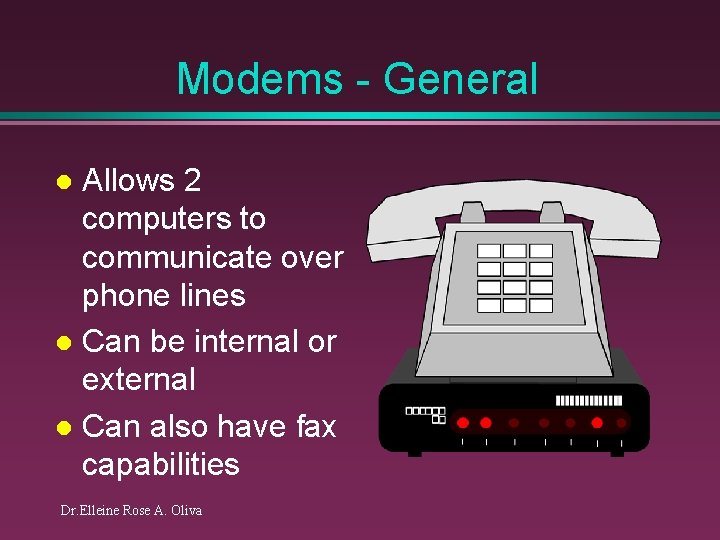
Modems - General Allows 2 computers to communicate over phone lines l Can be internal or external l Can also have fax capabilities l Dr. Elleine Rose A. Oliva
Modems l Bits per second(bps) indicates speed » Old modems - 9, 600, 14, 400, 28, 800, 33, 600 » 56, 000 (56 K) has becoming standard l Ways of connecting to the Internet » » Dial-up modem – used in most homes Cable modem – uses TV cable lines DSL – modified phone line T 1 line – used by schools, businesses, etc. Dr. Elleine Rose A. Oliva
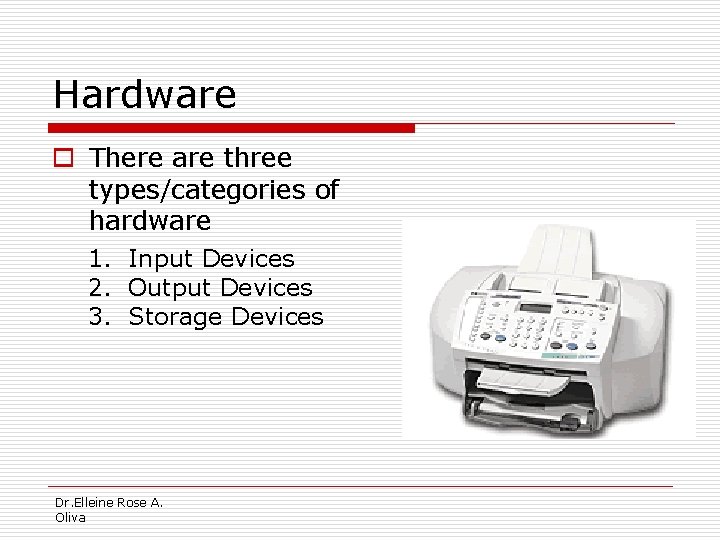
Hardware o There are three types/categories of hardware 1. Input Devices 2. Output Devices 3. Storage Devices Dr. Elleine Rose A. Oliva
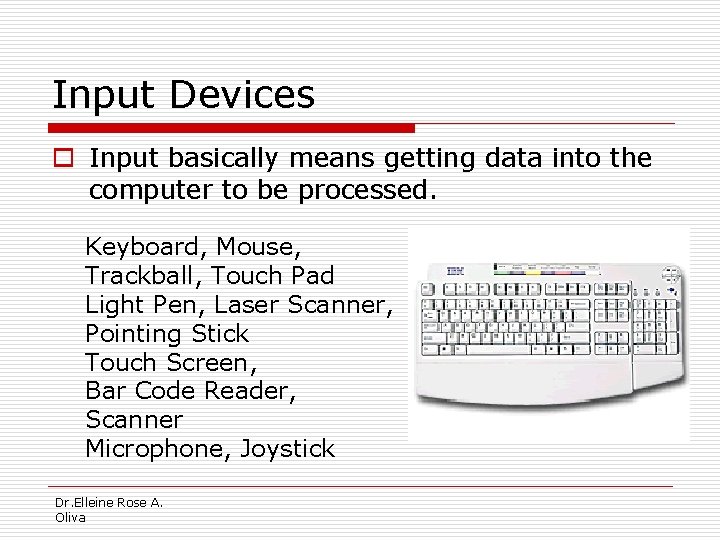
Input Devices o Input basically means getting data into the computer to be processed. Keyboard, Mouse, Trackball, Touch Pad Light Pen, Laser Scanner, Pointing Stick Touch Screen, Bar Code Reader, Scanner Microphone, Joystick Dr. Elleine Rose A. Oliva
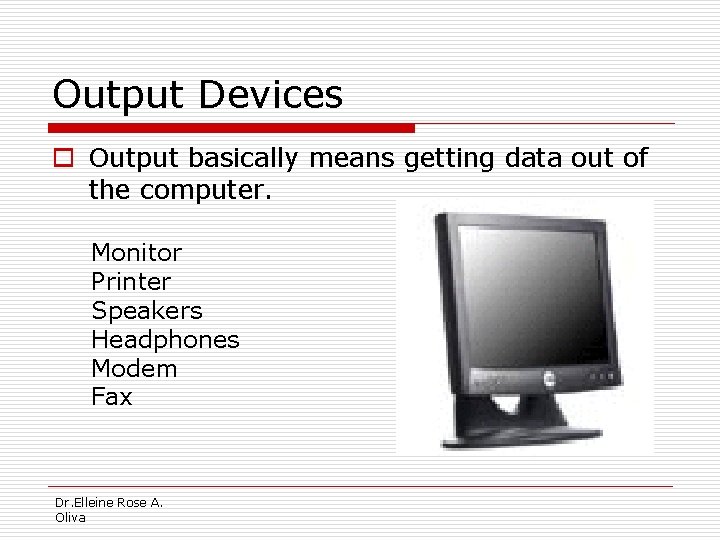
Output Devices o Output basically means getting data out of the computer. Monitor Printer Speakers Headphones Modem Fax Dr. Elleine Rose A. Oliva
Storage Devices o Storage devices are both input and output devices in one. A storage device is a place to keep data that has been processed so that it can be retrieved at a later time to be used again. Hard Disk Floppy Disk CD’s, DVD’s Magnetic Tape Flash Memory, Jump Drive Dr. Elleine Rose A. Oliva
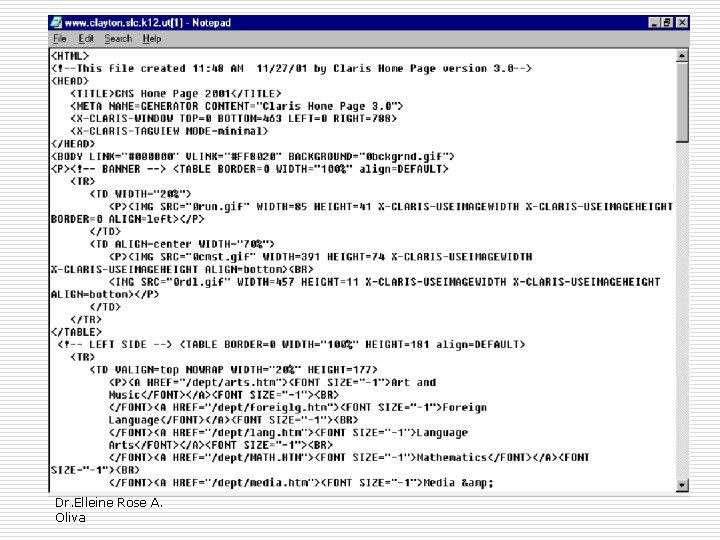
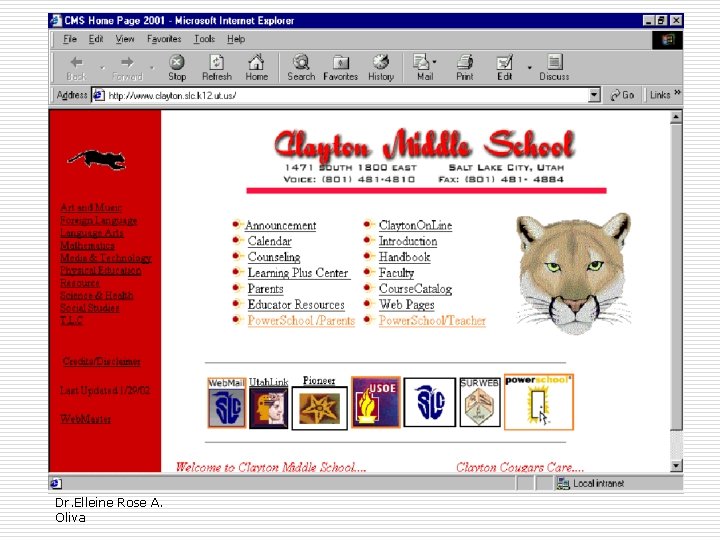
Software o Software is the programs and applications that tell the computer what to do and how to look. o Computer programmers write the codes/instructions that make-up software applications/programs. o HTML is a type of computer programming language that allows programmers to make web pages. o The next 2 slides show what HTML codes look like and the web page the codes produce. Dr. Elleine Rose A. Oliva
Dr. Elleine Rose A. Oliva
Dr. Elleine Rose A. Oliva
Two Types of Software o Application Software o Operating System Software Dr. Elleine Rose A. Oliva
Operating System Software o Directs all the activities and sets all the rules for how the hardware and software will work together. Examples would be: DOS, Windows 95, 98, ME, NT, XP Unix, Linux, MAC system OS 6, 7, 8, 9, 10 Dr. Elleine Rose A. Oliva
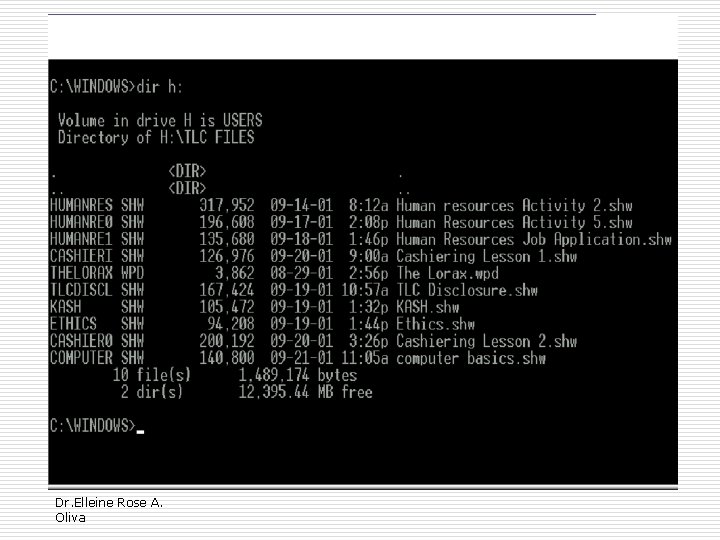
Command Line Operating Systems DOS is an example of a command line operating system. On o o o the next slide, Notice that there are no: Icons (pictures) Colors Mouse Pointer Buttons You have to memorize commands in order to use this text based operating system. Dr. Elleine Rose A. Oliva
Dr. Elleine Rose A. Oliva
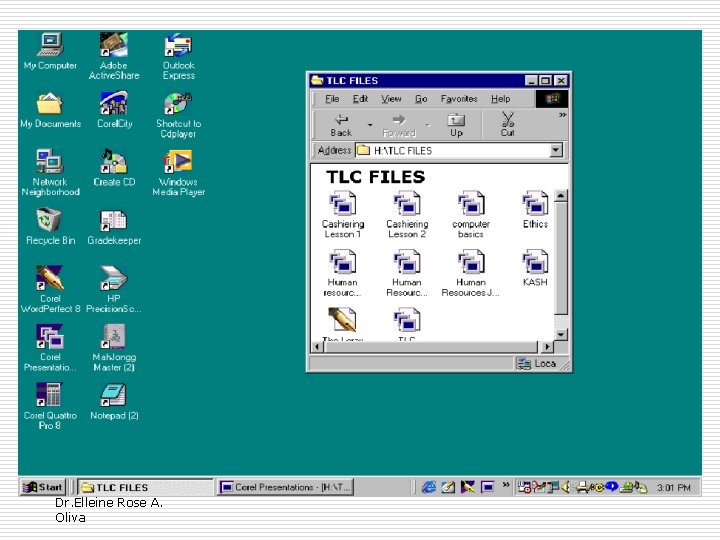
Operating Systems: GUI o GUI stands for Graphical User Interface Uses pictures (icons) to represent files, folders, disk drives, modems, printers, etc. GUI’s were created to make using a computer easier, more interesting, non-threatening to inexperienced users. A mouse allows users to point at something and click to make it work. With command line you have to have all of the commands to make your programs work. Here is an example of a GUI Dr. Elleine Rose A. Oliva
Dr. Elleine Rose A. Oliva
Application Software o Programs that work with operating system software to help the computer to do specific types of work. Dr. Elleine Rose A. Oliva
Application Software o There are six basic types of application software. . . Dr. Elleine Rose A. Oliva
Application Software 1. Business software: word processors, spreadsheets, and database programs. 2. Communication software: allows computers to communicate with other computers: fax software, Novell Net. Ware, AOL, Modem Software. 3. Graphics software: software that allows users to create and manipulate graphics. . . Photoshop, Print Shop, etc. Dr. Elleine Rose A. Oliva

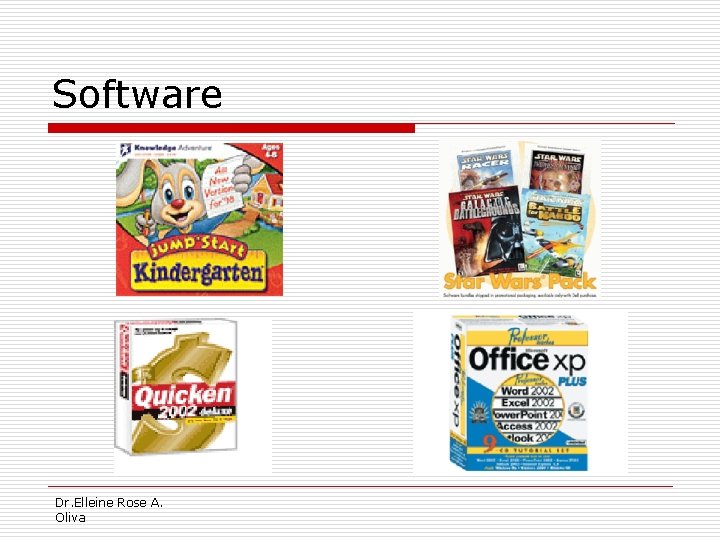
Application Software 4. Education and Reference software: Programs that help teach new material and ideas, and programs that can be used to find information. . . Encarta, Worldbook Encyclopedia, Jumpstart Kindergarten, Micro. Type. 5. Entertainment and Leisure software. . . Warcraft, Age of Empires, Barbie Design Center, Mrs. Pacman, Solitair 6. Integrated software: Combines several types of software into one program or package. . . Quicken (Spreadsheet/data base/communications/reference) or Print Shop (Graphics/Word processor). Dr. Elleine Rose A. Oliva
Software Dr. Elleine Rose A. Oliva
Computer applications • In education computers are used: – For interactive learning (e. g. using whiteboards, self-marking tests, educational games). – For distance learning (where pupils can access learning programs and/or information from home via the Internet). – For administration (e. g. examination entries, reports, attendance). Dr. Elleine Rose A. Oliva
- Slides: 65