
ICS 3 U Friday September 10 Pseudocode Practice

ICS 3 U Friday, September 10
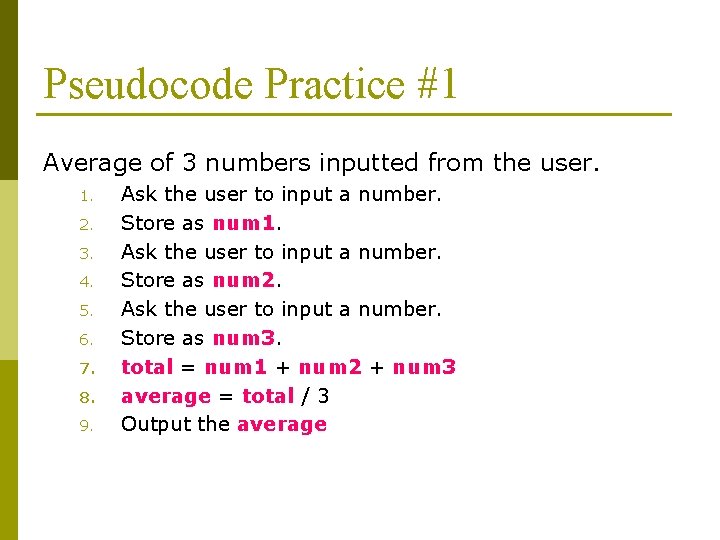
Pseudocode Practice #1 Average of 3 numbers inputted from the user. 1. 2. 3. 4. 5. 6. 7. 8. 9. Ask the user to input a number. Store as num 1. Ask the user to input a number. Store as num 2. Ask the user to input a number. Store as num 3. total = num 1 + num 2 + num 3 average = total / 3 Output the average
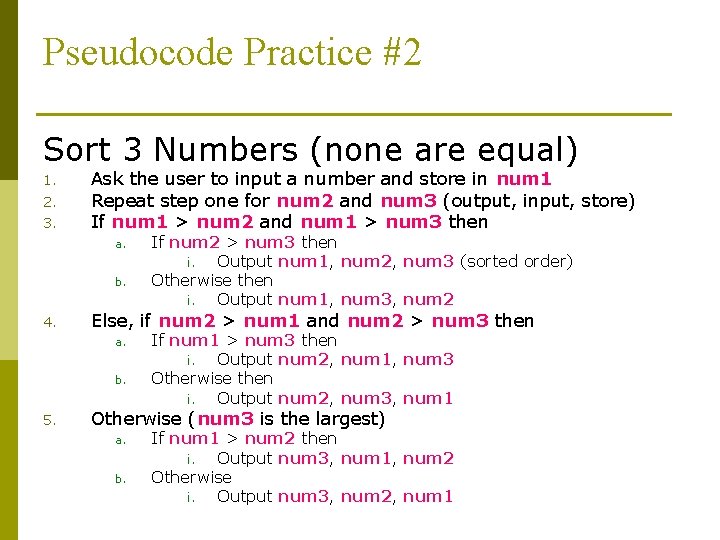
Pseudocode Practice #2 Sort 3 Numbers (none are equal) 1. 2. 3. Ask the user to input a number and store in num 1 Repeat step one for num 2 and num 3 (output, input, store) If num 1 > num 2 and num 1 > num 3 then a. b. 4. Else, if num 2 > num 1 and num 2 > num 3 then a. b. 5. If num 2 > num 3 then i. Output num 1, num 2, num 3 (sorted order) Otherwise then i. Output num 1, num 3, num 2 If num 1 > num 3 then i. Output num 2, num 1, num 3 Otherwise then i. Output num 2, num 3, num 1 Otherwise (num 3 is the largest) a. b. If num 1 > num 2 then i. Output num 3, num 1, num 2 Otherwise i. Output num 3, num 2, num 1
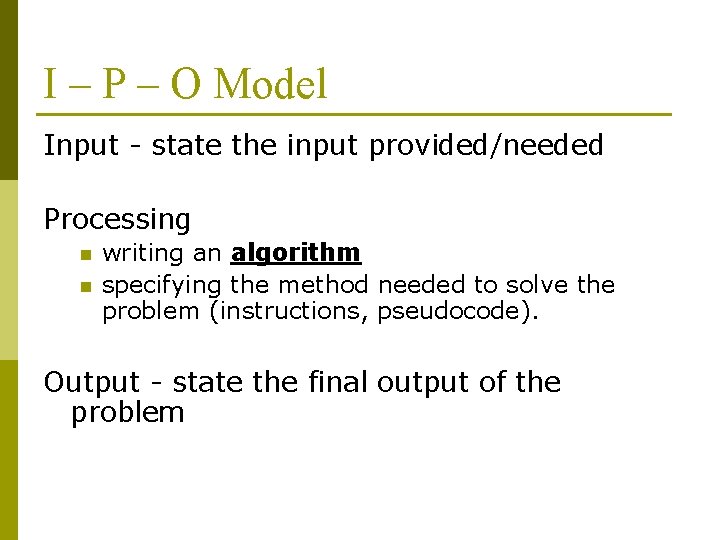
I – P – O Model Input - state the input provided/needed Processing n n writing an algorithm specifying the method needed to solve the problem (instructions, pseudocode). Output - state the final output of the problem

How Computers Solve Problems People use computers to help them solve “problems”. These “problems” could range from word processing a letter, creating a web page, doing a scientific space simulation, communicating with friends, or playing a game. Input – user specifies input using an input device (mouse, keyboard) Processing – Computer’s processor runs a computer program that processes the input data, and through a series of logical comparisons and calculations, solve the problem Output – computer outputs the solution using an output device (monitor, speakers, printer)
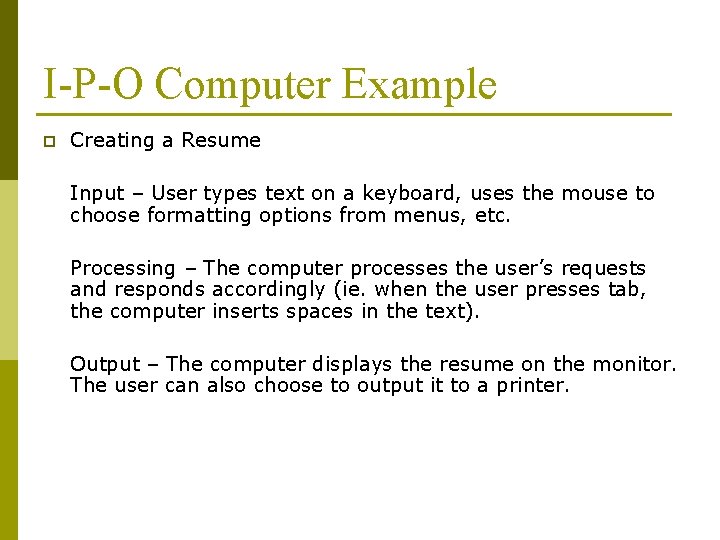
I-P-O Computer Example p Creating a Resume Input – User types text on a keyboard, uses the mouse to choose formatting options from menus, etc. Processing – The computer processes the user’s requests and responds accordingly (ie. when the user presses tab, the computer inserts spaces in the text). Output – The computer displays the resume on the monitor. The user can also choose to output it to a printer.
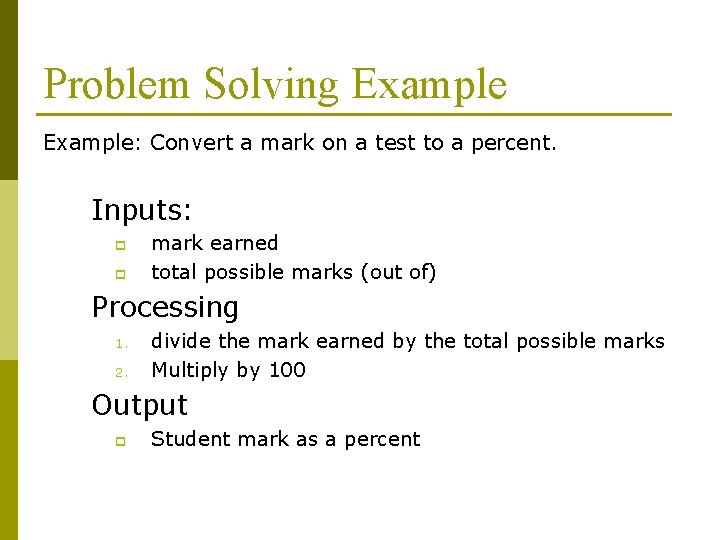
Problem Solving Example: Convert a mark on a test to a percent. Inputs: p p mark earned total possible marks (out of) Processing 1. 2. divide the mark earned by the total possible marks Multiply by 100 Output p Student mark as a percent
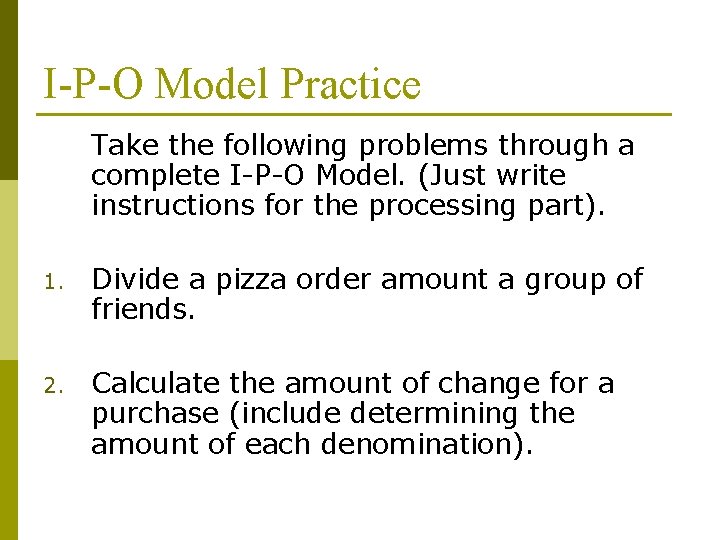
I-P-O Model Practice Take the following problems through a complete I-P-O Model. (Just write instructions for the processing part). 1. Divide a pizza order amount a group of friends. 2. Calculate the amount of change for a purchase (include determining the amount of each denomination).
Brainstorming Activity p Brainstorm about what makes a good program. n n From the user’s perspective From the programmer’s perspective
- Slides: 9