
IBM Software Group Tivoli Directory Integrator Dont mistake
IBM Software Group ® Tivoli Directory Integrator Don’t mistake simplicity for triviality Eddie Hartman eddie. hartman@no. ibm. com 2005. 01. 14
IBM Software Group Tivoli Directory Integrator A lightweight - but extremely powerful integration toolkit Rapidly build connections between data sources Unified framework for multiple integration tasks Typical use case: Migration and maintenance of “attribute relationships” across data sources Files to databases and directories Synchronizing data stores (LDAP, RDBMS, Notes, mail, etc. ) Using and responding to network protocols Accessing Java APIs (IBM, 3 rd party and custom) Available both stand-alone and bundled 2
IBM Software Group On Demand Integration (ODIN) Installs in minutes Resource footprint is tiny Can piggyback on existing servers Solution and component reusability Leverage existing assets and community expertise No prototype throw-away POC/POT hardened to make production solution Migrate from development to deployment quickly Unparalleled speed of deployment Iterative build-test-refine cycles Facilitates “what-if” exploratory methodology 3
IBM Software Group Rapid Integration Deployment (RID) Two parts: IDE & Runtime Server Config Editor IDE for creating, testing & maintaining solutions Runtime Server for deploying solutions Both written in Java (platform agnostic) 4
IBM Software Group Kernel/Component architecture Kernel provides a RID framework with: - automated behavior - arbitrary depth of customization - housekeeping: > log-files, tracing > error handling > startup parameters > management interface/API. . . Components create level playing field by abstracting away the details of: - transports - APIs - protocols - data/file formats 5
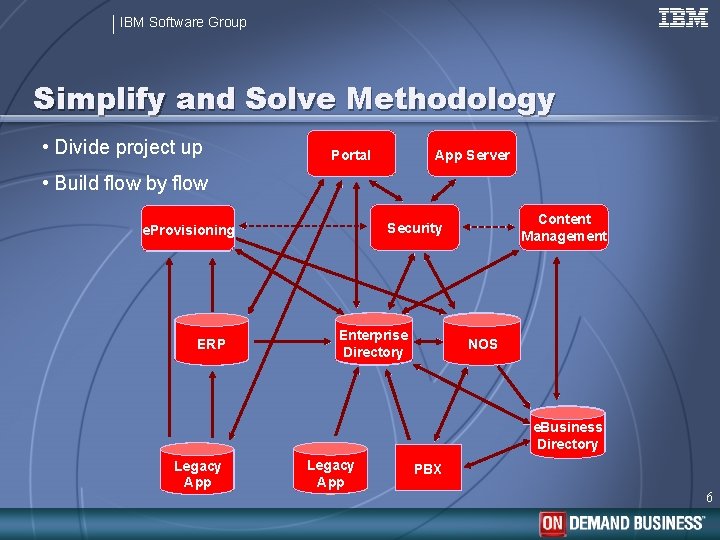
IBM Software Group Simplify and Solve Methodology • Divide project up App Server Portal • Build flow by flow ERP Content Management Security e. Provisioning Enterprise Directory NOS e. Business Directory Legacy App PBX 6
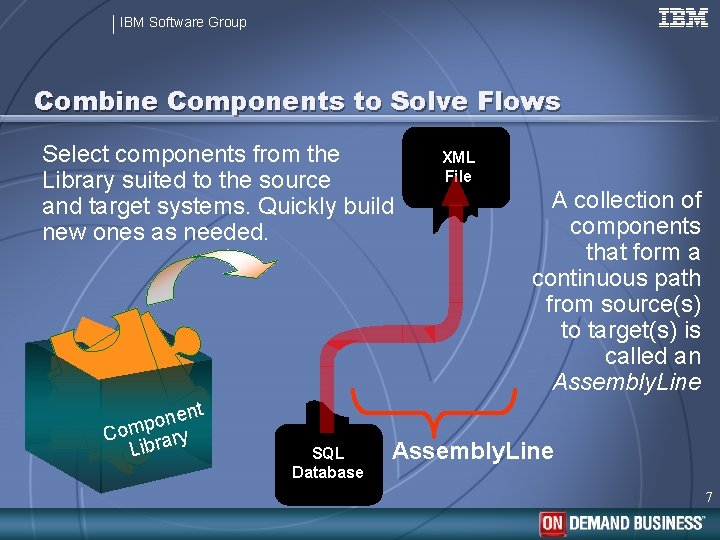
IBM Software Group Combine Components to Solve Flows Select components from the Library suited to the source and target systems. Quickly build new ones as needed. File. System JDBC Connector XML nent o p Com rary Lib SQL Database XML File A collection of components that form a continuous path from source(s) to target(s) is called an Assembly. Line 7
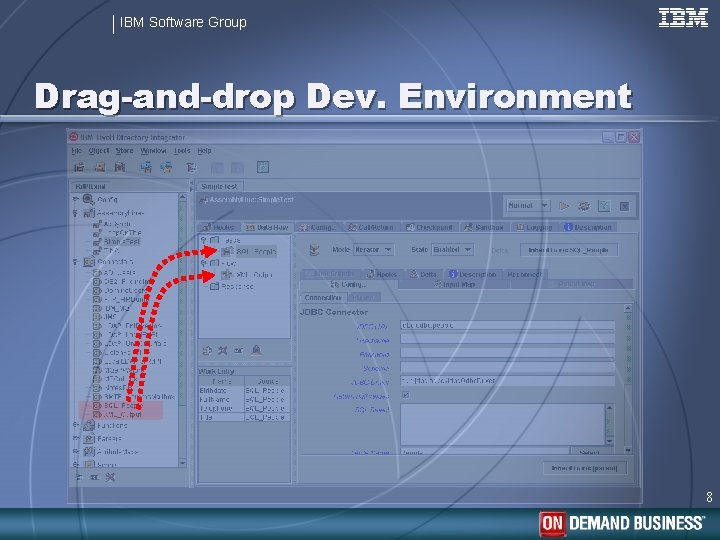
IBM Software Group Drag-and-drop Dev. Environment 8
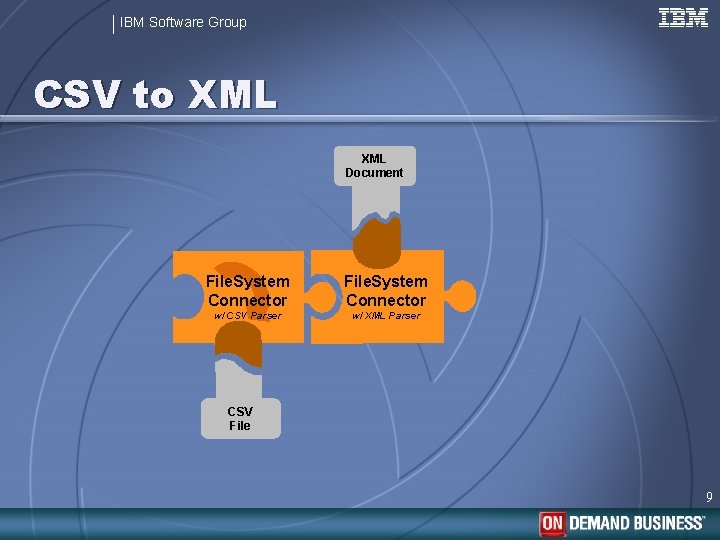
IBM Software Group CSV to XML Document File. System Connector w/ CSV Parser w/ XML Parser CSV File 9
- Slides: 9