
IBM Mainframes COBOL Training Class5 Verbs in COBOL
IBM Mainframes COBOL Training Class-5
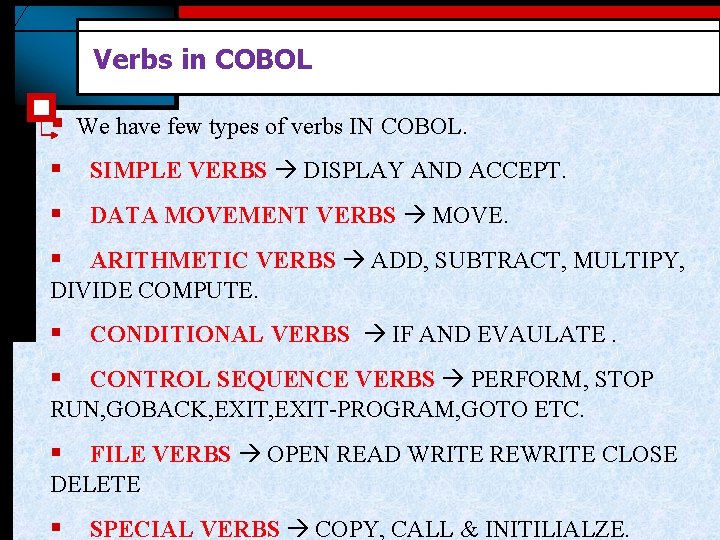
Verbs in COBOL § We have few types of verbs IN COBOL. § SIMPLE VERBS DISPLAY AND ACCEPT. § DATA MOVEMENT VERBS MOVE. § ARITHMETIC VERBS ADD, SUBTRACT, MULTIPY, DIVIDE COMPUTE. § CONDITIONAL VERBS IF AND EVAULATE. § CONTROL SEQUENCE VERBS PERFORM, STOP RUN, GOBACK, EXIT-PROGRAM, GOTO ETC. § FILE VERBS OPEN READ WRITE REWRITE CLOSE DELETE § SPECIAL VERBS COPY, CALL & INITILIALZE.
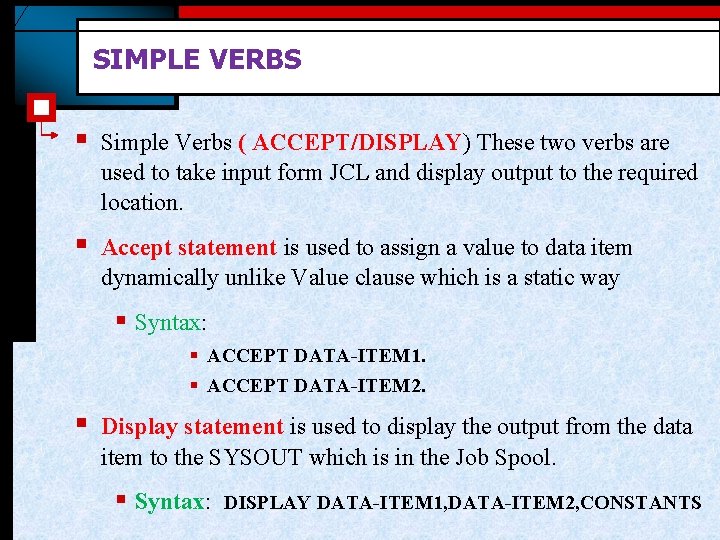
SIMPLE VERBS § Simple Verbs ( ACCEPT/DISPLAY) These two verbs are used to take input form JCL and display output to the required location. § Accept statement is used to assign a value to data item dynamically unlike Value clause which is a static way § Syntax: § ACCEPT DATA-ITEM 1. § ACCEPT DATA-ITEM 2. § Display statement is used to display the output from the data item to the SYSOUT which is in the Job Spool. § Syntax: DISPLAY DATA-ITEM 1, DATA-ITEM 2, CONSTANTS
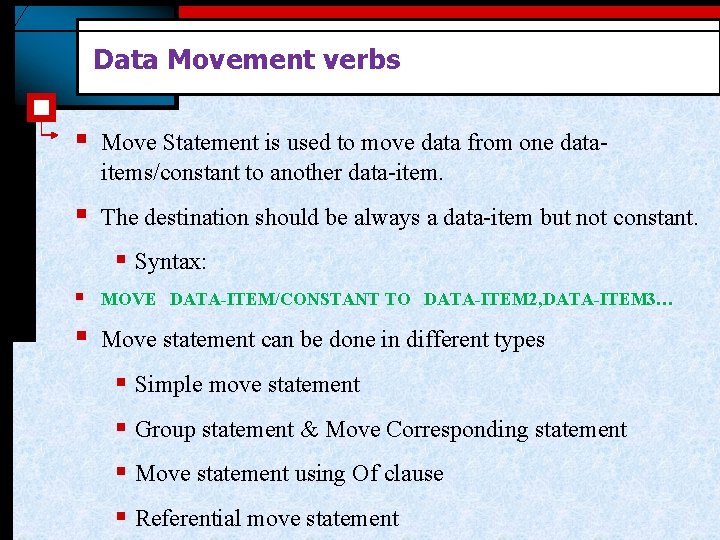
Data Movement verbs § Move Statement is used to move data from one dataitems/constant to another data-item. § The destination should be always a data-item but not constant. § Syntax: § MOVE DATA-ITEM/CONSTANT TO DATA-ITEM 2, DATA-ITEM 3… § Move statement can be done in different types § Simple move statement § Group statement & Move Corresponding statement § Move statement using Of clause § Referential move statement
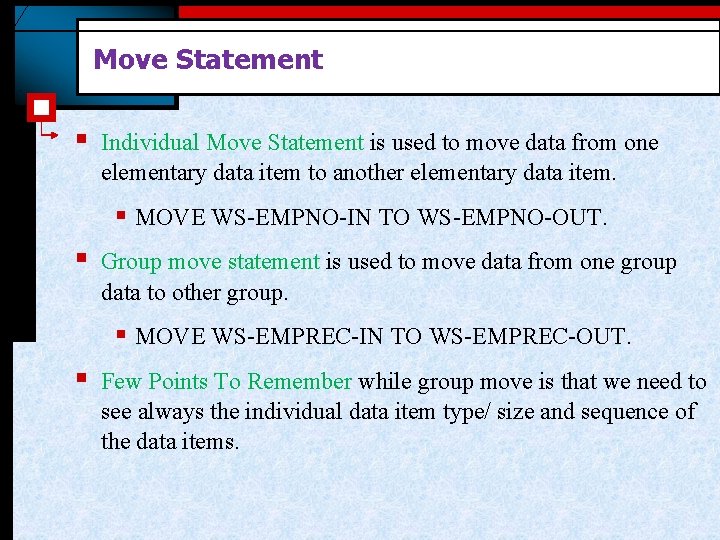
Move Statement § Individual Move Statement is used to move data from one elementary data item to another elementary data item. § MOVE WS-EMPNO-IN TO WS-EMPNO-OUT. § Group move statement is used to move data from one group data to other group. § MOVE WS-EMPREC-IN TO WS-EMPREC-OUT. § Few Points To Remember while group move is that we need to see always the individual data item type/ size and sequence of the data items.
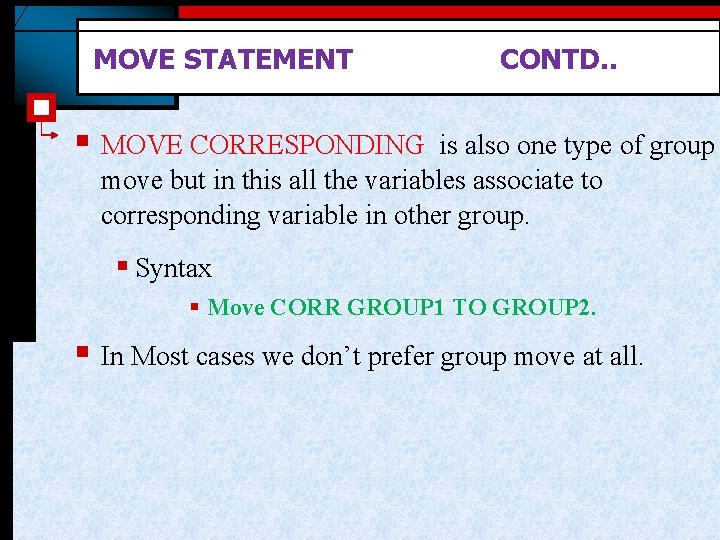
MOVE STATEMENT CONTD. . § MOVE CORRESPONDING is also one type of group move but in this all the variables associate to corresponding variable in other group. § Syntax § Move CORR GROUP 1 TO GROUP 2. § In Most cases we don’t prefer group move at all.
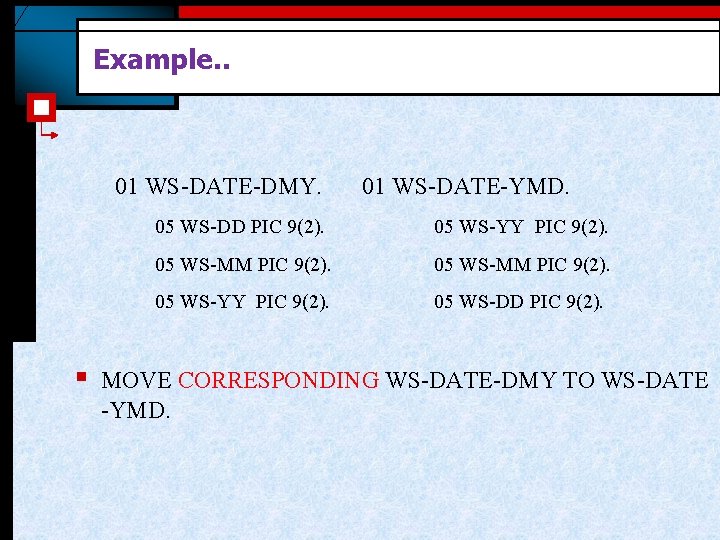
Example. . 01 WS-DATE-DMY. § 01 WS-DATE-YMD. 05 WS-DD PIC 9(2). 05 WS-YY PIC 9(2). 05 WS-MM PIC 9(2). 05 WS-YY PIC 9(2). 05 WS-DD PIC 9(2). MOVE CORRESPONDING WS-DATE-DMY TO WS-DATE -YMD.
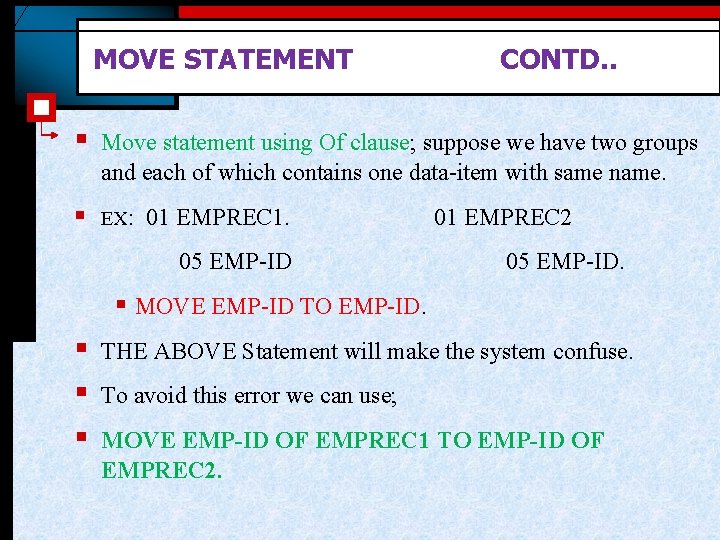
MOVE STATEMENT CONTD. . § Move statement using Of clause; suppose we have two groups and each of which contains one data-item with same name. § EX: 01 EMPREC 1. 05 EMP-ID 01 EMPREC 2 05 EMP-ID. § MOVE EMP-ID TO EMP-ID. § § § THE ABOVE Statement will make the system confuse. To avoid this error we can use; MOVE EMP-ID OF EMPREC 1 TO EMP-ID OF EMPREC 2.
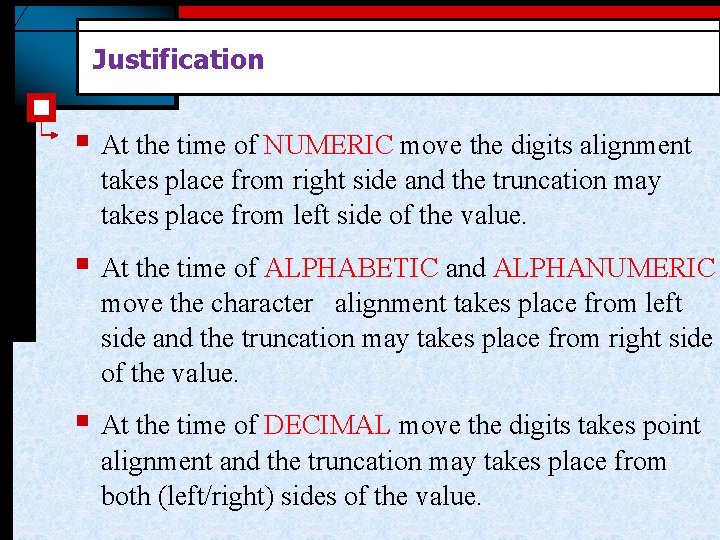
Justification § At the time of NUMERIC move the digits alignment takes place from right side and the truncation may takes place from left side of the value. § At the time of ALPHABETIC and ALPHANUMERIC move the character alignment takes place from left side and the truncation may takes place from right side of the value. § At the time of DECIMAL move the digits takes point alignment and the truncation may takes place from both (left/right) sides of the value.
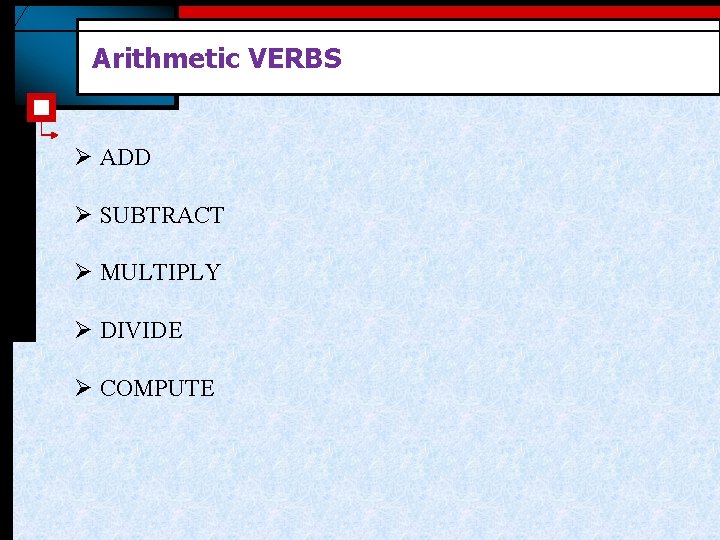
Arithmetic VERBS Ø ADD Ø SUBTRACT Ø MULTIPLY Ø DIVIDE Ø COMPUTE
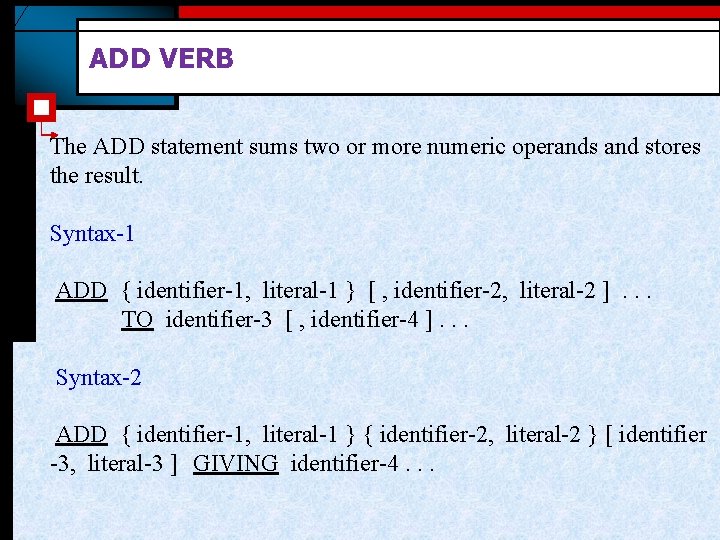
ADD VERB The ADD statement sums two or more numeric operands and stores the result. Syntax-1 ADD { identifier-1, literal-1 } [ , identifier-2, literal-2 ]. . . TO identifier-3 [ , identifier-4 ]. . . Syntax-2 ADD { identifier-1, literal-1 } { identifier-2, literal-2 } [ identifier -3, literal-3 ] GIVING identifier-4. . .
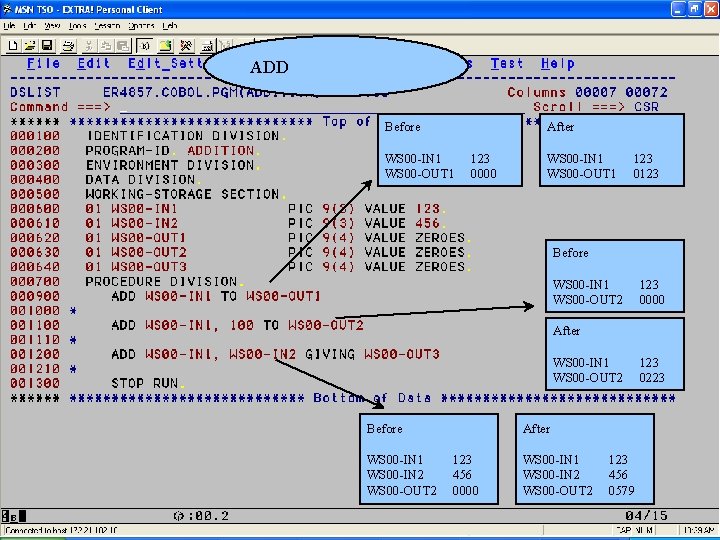
ADD Before After WS 00 -IN 1 WS 00 -OUT 1 123 0000 WS 00 -IN 1 WS 00 -OUT 1 123 0123 Before WS 00 -IN 1 WS 00 -OUT 2 123 0000 After WS 00 -IN 1 WS 00 -OUT 2 Before WS 00 -IN 1 WS 00 -IN 2 WS 00 -OUT 2 After 123 456 0000 WS 00 -IN 1 WS 00 -IN 2 WS 00 -OUT 2 123 456 0579 123 0223
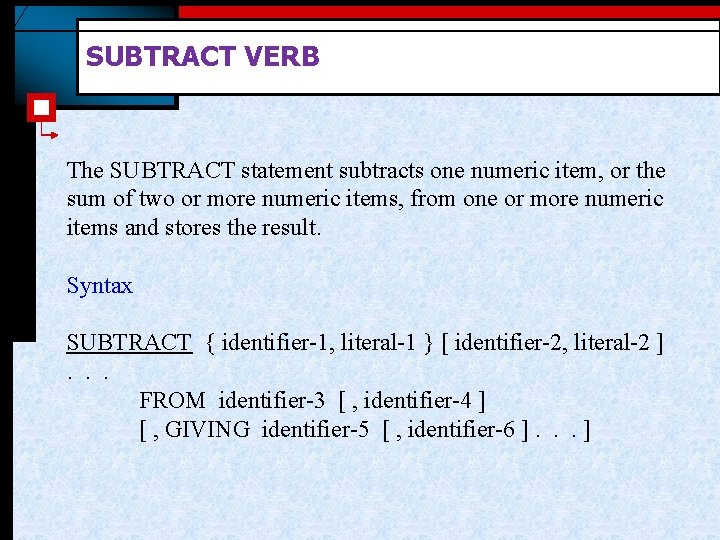
SUBTRACT VERB The SUBTRACT statement subtracts one numeric item, or the sum of two or more numeric items, from one or more numeric items and stores the result. Syntax SUBTRACT { identifier-1, literal-1 } [ identifier-2, literal-2 ]. . . FROM identifier-3 [ , identifier-4 ] [ , GIVING identifier-5 [ , identifier-6 ]. . . ]
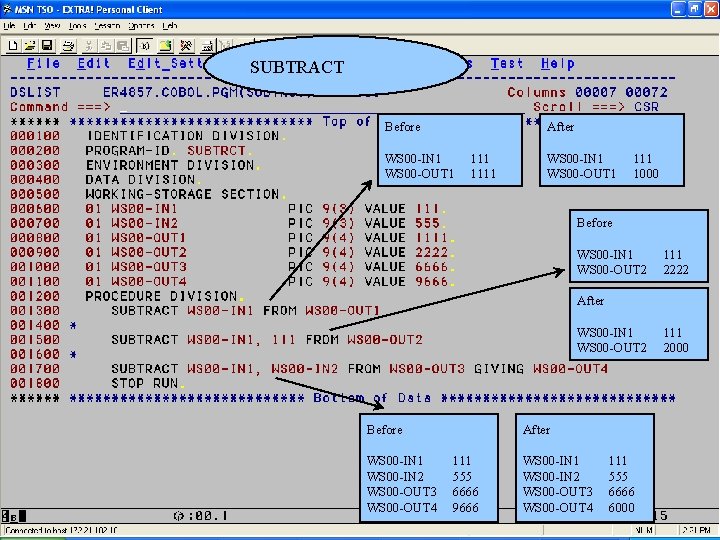
SUBTRACT Before After WS 00 -IN 1 WS 00 -OUT 1 1111 WS 00 -IN 1 WS 00 -OUT 1 111 1000 Before WS 00 -IN 1 WS 00 -OUT 2 111 2222 After WS 00 -IN 1 WS 00 -OUT 2 Before WS 00 -IN 1 WS 00 -IN 2 WS 00 -OUT 3 WS 00 -OUT 4 After 111 555 6666 9666 WS 00 -IN 1 WS 00 -IN 2 WS 00 -OUT 3 WS 00 -OUT 4 111 555 6666 6000 111 2000
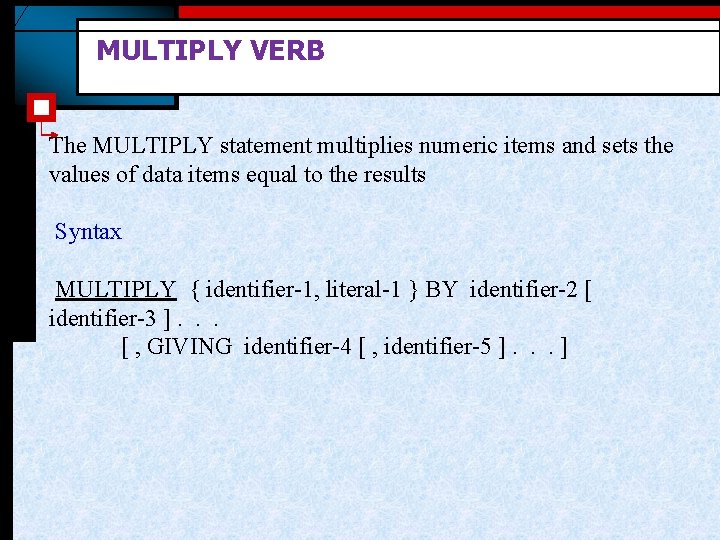
MULTIPLY VERB The MULTIPLY statement multiplies numeric items and sets the values of data items equal to the results Syntax MULTIPLY { identifier-1, literal-1 } BY identifier-2 [ identifier-3 ]. . . [ , GIVING identifier-4 [ , identifier-5 ]. . . ]
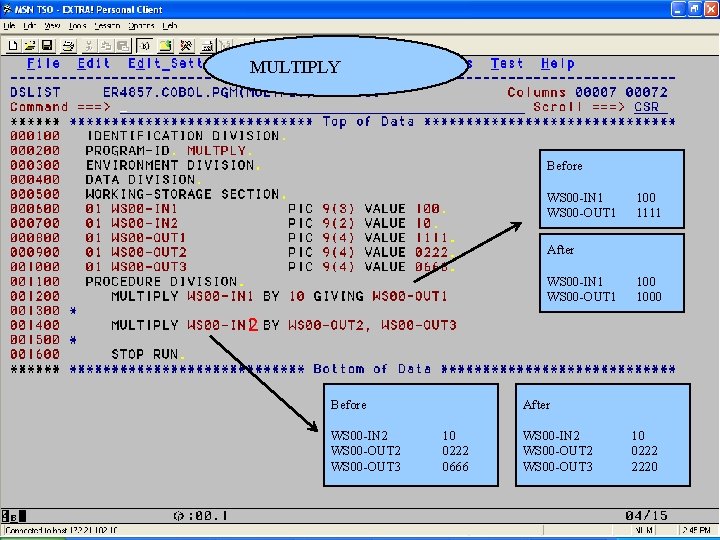
MULTIPLY Before WS 00 -IN 1 WS 00 -OUT 1 100 1111 After WS 00 -IN 1 WS 00 -OUT 1 1000 2 Before WS 00 -IN 2 WS 00 -OUT 3 After 10 0222 0666 WS 00 -IN 2 WS 00 -OUT 3 10 0222 2220
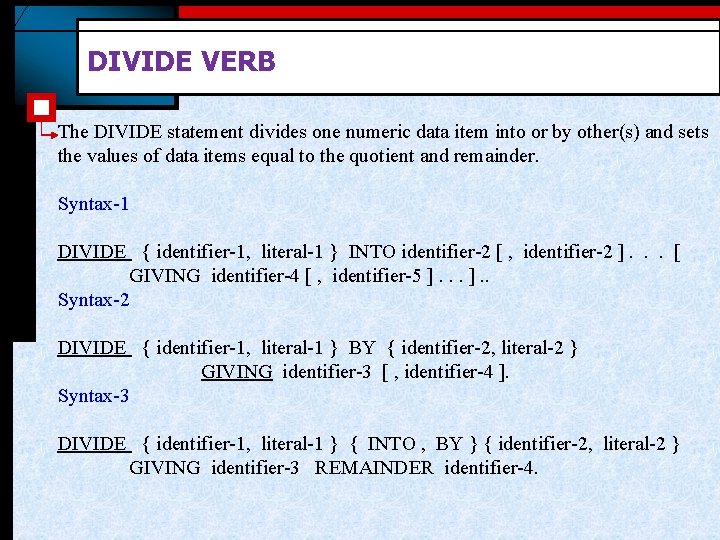
DIVIDE VERB The DIVIDE statement divides one numeric data item into or by other(s) and sets the values of data items equal to the quotient and remainder. Syntax-1 DIVIDE { identifier-1, literal-1 } INTO identifier-2 [ , identifier-2 ]. . . [ GIVING identifier-4 [ , identifier-5 ]. . Syntax-2 DIVIDE { identifier-1, literal-1 } BY { identifier-2, literal-2 } GIVING identifier-3 [ , identifier-4 ]. Syntax-3 DIVIDE { identifier-1, literal-1 } { INTO , BY } { identifier-2, literal-2 } GIVING identifier-3 REMAINDER identifier-4.
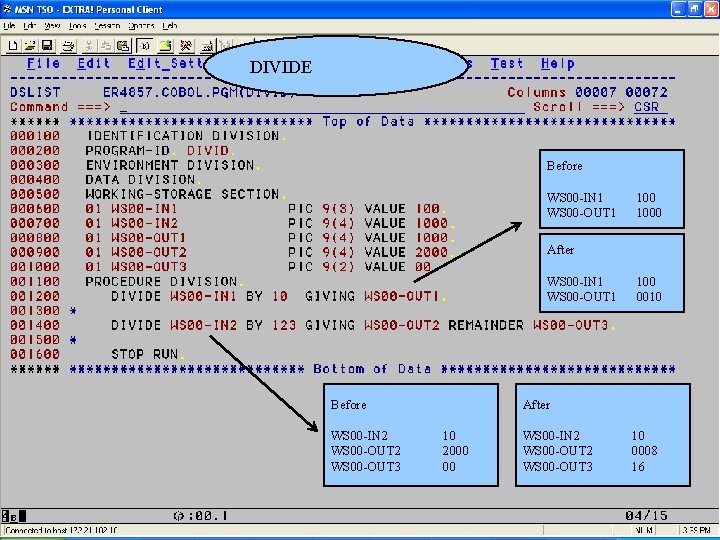
DIVIDE Before WS 00 -IN 1 WS 00 -OUT 1 1000 After WS 00 -IN 1 WS 00 -OUT 1 Before WS 00 -IN 2 WS 00 -OUT 3 100 0010 After 10 2000 00 WS 00 -IN 2 WS 00 -OUT 3 10 0008 16
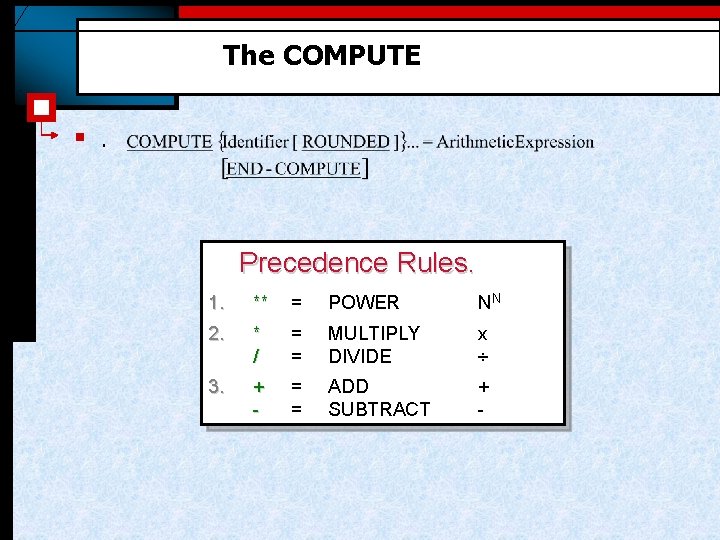
The COMPUTE § . Precedence Rules. 1. ** = POWER NN 2. * / = = MULTIPLY DIVIDE x ÷ 3. + - = = ADD SUBTRACT + -
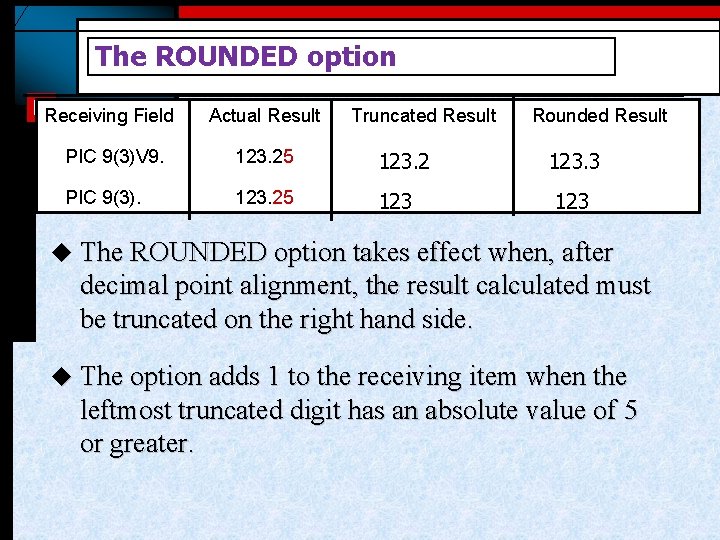
The ROUNDED option Receiving Field Actual Result Truncated Result PIC 9(3)V 9. 123. 25 123. 2 PIC 9(3). 123. 25 123 Rounded Result 123. 3 123 u The ROUNDED option takes effect when, after decimal point alignment, the result calculated must be truncated on the right hand side. u The option adds 1 to the receiving item when the leftmost truncated digit has an absolute value of 5 or greater.
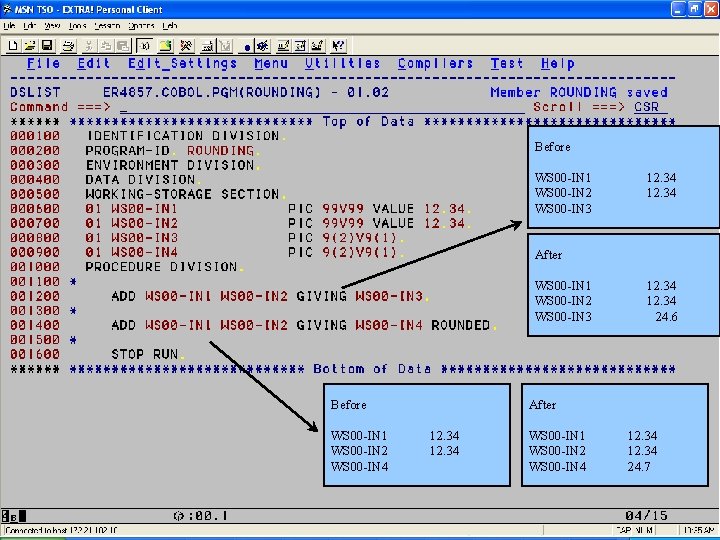
Before WS 00 -IN 1 WS 00 -IN 2 WS 00 -IN 3 12. 34 After WS 00 -IN 1 WS 00 -IN 2 WS 00 -IN 3 Before WS 00 -IN 1 WS 00 -IN 2 WS 00 -IN 4 12. 34 24. 6 After 12. 34 WS 00 -IN 1 WS 00 -IN 2 WS 00 -IN 4 12. 34 24. 7
Thank You Polsani Anil Kumar
- Slides: 22