
IBM MAINFRAMES CICS Training Class02 www mainframesonlinetraining weebly

IBM MAINFRAMES CICS Training Class-02 www. mainframes-online-training. weebly. com Polsani Anil Kumar

Macros used in BMS Mapset PRINT NOGEN Coded once at the beginning of the mapset; tells the assembler not to print the statements generated as a result of expanding the BMS macros. END Must be the last statement in the input stream; tells the assembler that there are no more source statements.
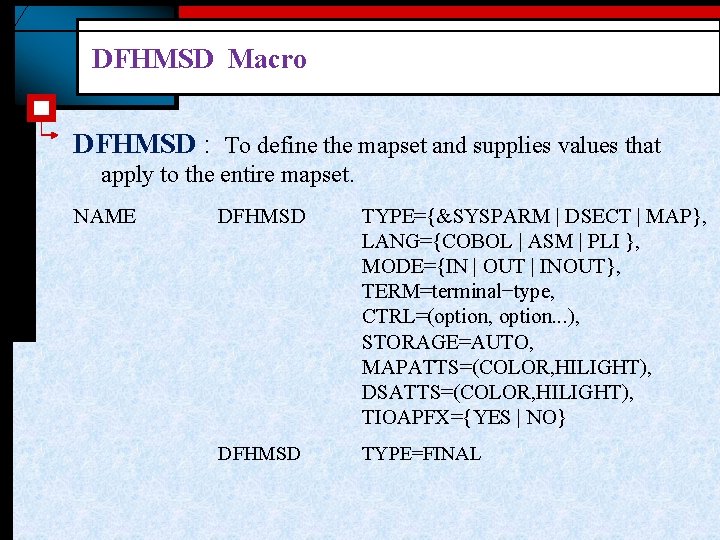
DFHMSD Macro DFHMSD : To define the mapset and supplies values that apply to the entire mapset. NAME DFHMSD TYPE={&SYSPARM | DSECT | MAP}, LANG={COBOL | ASM | PLI }, MODE={IN | OUT | INOUT}, TERM=terminal−type, CTRL=(option, option. . . ), STORAGE=AUTO, MAPATTS=(COLOR, HILIGHT), DSATTS=(COLOR, HILIGHT), TIOAPFX={YES | NO} DFHMSD TYPE=FINAL
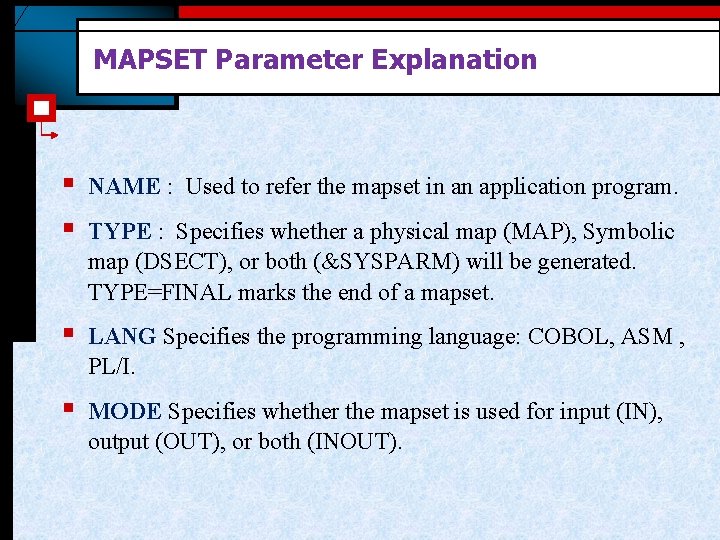
MAPSET Parameter Explanation § § NAME : Used to refer the mapset in an application program. § LANG Specifies the programming language: COBOL, ASM , PL/I. § MODE Specifies whether the mapset is used for input (IN), output (OUT), or both (INOUT). TYPE : Specifies whether a physical map (MAP), Symbolic map (DSECT), or both (&SYSPARM) will be generated. TYPE=FINAL marks the end of a mapset.
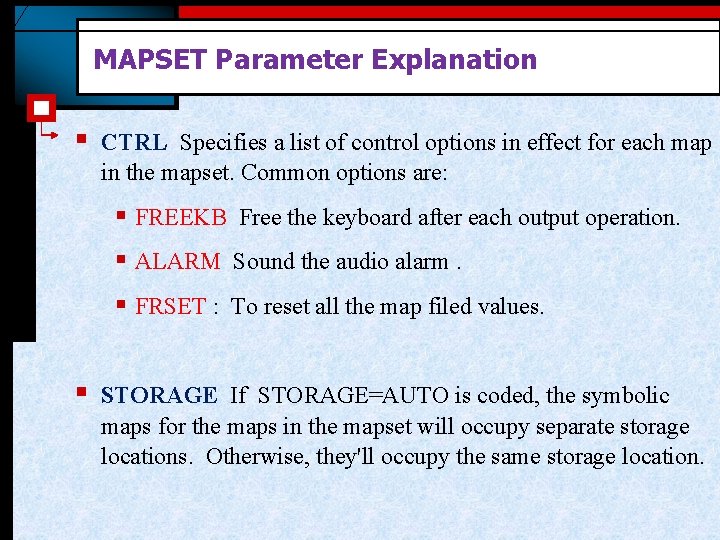
MAPSET Parameter Explanation § CTRL Specifies a list of control options in effect for each map in the mapset. Common options are: § FREEKB Free the keyboard after each output operation. § ALARM Sound the audio alarm. § FRSET : To reset all the map filed values. § STORAGE If STORAGE=AUTO is coded, the symbolic maps for the maps in the mapset will occupy separate storage locations. Otherwise, they'll occupy the same storage location.
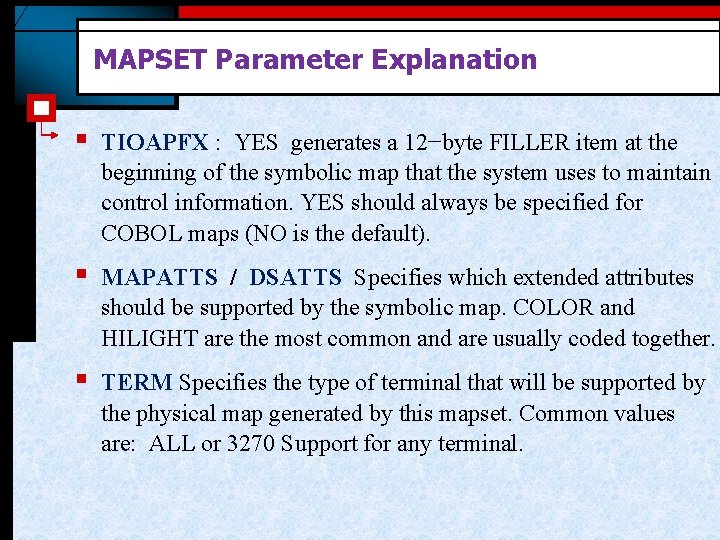
MAPSET Parameter Explanation § TIOAPFX : YES generates a 12−byte FILLER item at the beginning of the symbolic map that the system uses to maintain control information. YES should always be specified for COBOL maps (NO is the default). § MAPATTS / DSATTS Specifies which extended attributes should be supported by the symbolic map. COLOR and HILIGHT are the most common and are usually coded together. § TERM Specifies the type of terminal that will be supported by the physical map generated by this mapset. Common values are: ALL or 3270 Support for any terminal.
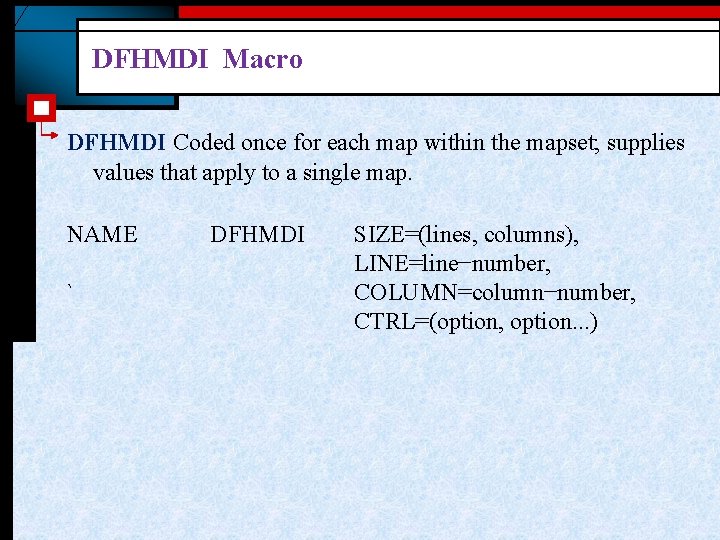
DFHMDI Macro DFHMDI Coded once for each map within the mapset; supplies values that apply to a single map. NAME ` DFHMDI SIZE=(lines, columns), LINE=line−number, COLUMN=column−number, CTRL=(option, option. . . )
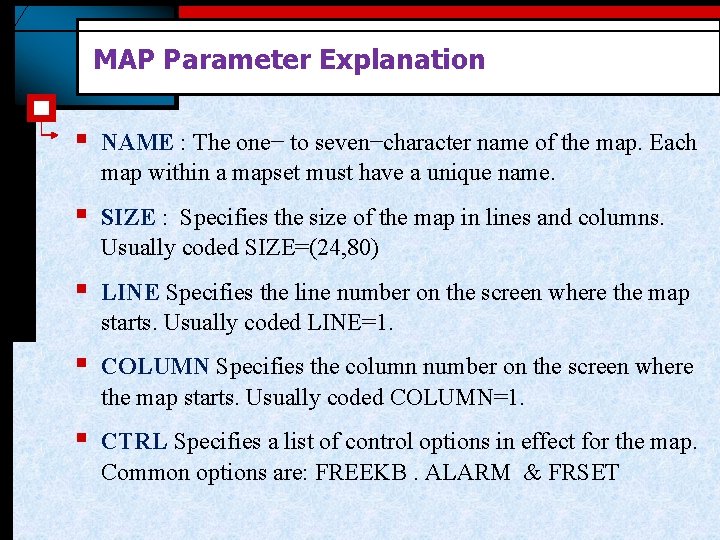
MAP Parameter Explanation § NAME : The one− to seven−character name of the map. Each map within a mapset must have a unique name. § SIZE : Specifies the size of the map in lines and columns. Usually coded SIZE=(24, 80) § LINE Specifies the line number on the screen where the map starts. Usually coded LINE=1. § COLUMN Specifies the column number on the screen where the map starts. Usually coded COLUMN=1. § CTRL Specifies a list of control options in effect for the map. Common options are: FREEKB. ALARM & FRSET
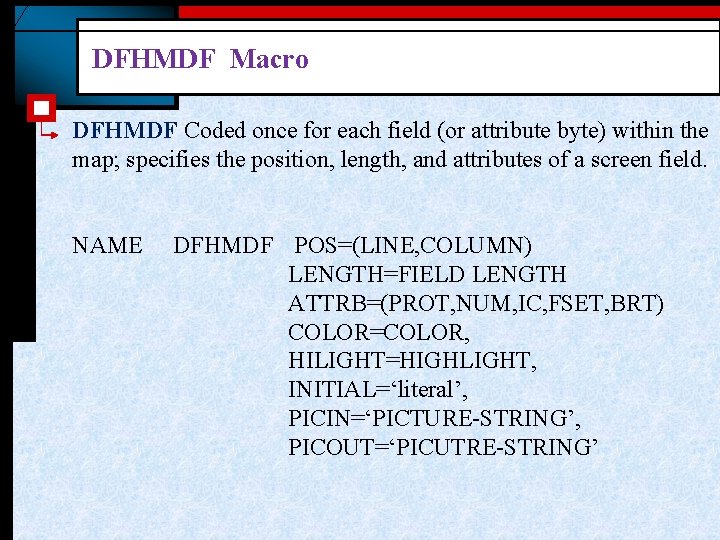
DFHMDF Macro DFHMDF Coded once for each field (or attribute byte) within the map; specifies the position, length, and attributes of a screen field. NAME DFHMDF POS=(LINE, COLUMN) LENGTH=FIELD LENGTH ATTRB=(PROT, NUM, IC, FSET, BRT) COLOR=COLOR, HILIGHT=HIGHLIGHT, INITIAL=‘literal’, PICIN=‘PICTURE-STRING’, PICOUT=‘PICUTRE-STRING’
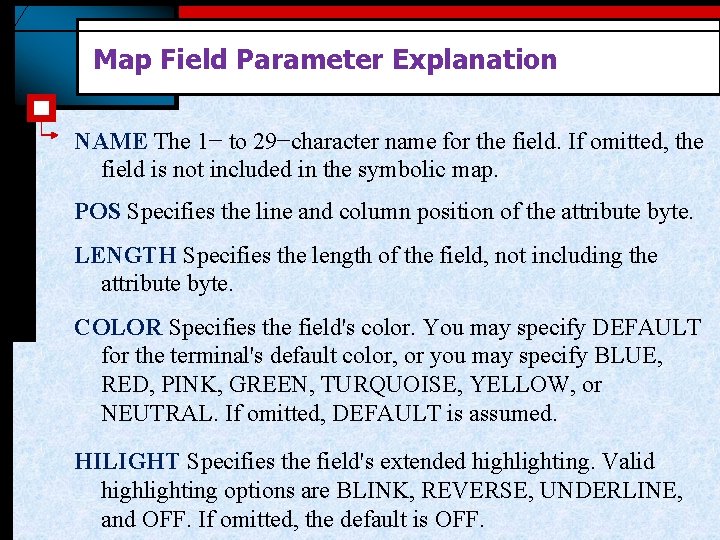
Map Field Parameter Explanation NAME The 1− to 29−character name for the field. If omitted, the field is not included in the symbolic map. POS Specifies the line and column position of the attribute byte. LENGTH Specifies the length of the field, not including the attribute byte. COLOR Specifies the field's color. You may specify DEFAULT for the terminal's default color, or you may specify BLUE, RED, PINK, GREEN, TURQUOISE, YELLOW, or NEUTRAL. If omitted, DEFAULT is assumed. HILIGHT Specifies the field's extended highlighting. Valid highlighting options are BLINK, REVERSE, UNDERLINE, and OFF. If omitted, the default is OFF.
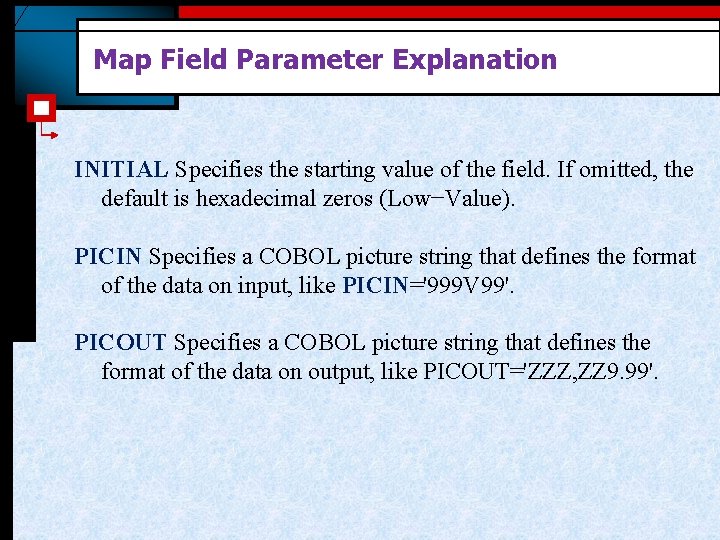
Map Field Parameter Explanation INITIAL Specifies the starting value of the field. If omitted, the default is hexadecimal zeros (Low−Value). PICIN Specifies a COBOL picture string that defines the format of the data on input, like PICIN='999 V 99'. PICOUT Specifies a COBOL picture string that defines the format of the data on output, like PICOUT='ZZZ, ZZ 9. 99'.
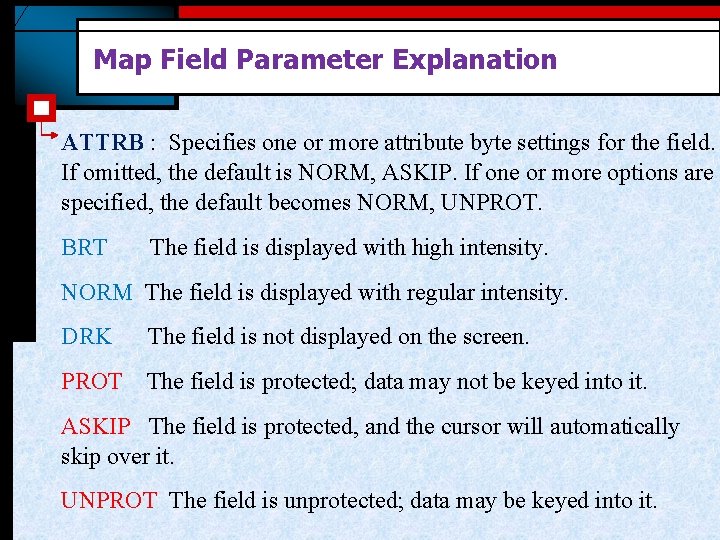
Map Field Parameter Explanation ATTRB : Specifies one or more attribute byte settings for the field. If omitted, the default is NORM, ASKIP. If one or more options are specified, the default becomes NORM, UNPROT. BRT The field is displayed with high intensity. NORM The field is displayed with regular intensity. DRK The field is not displayed on the screen. PROT The field is protected; data may not be keyed into it. ASKIP The field is protected, and the cursor will automatically skip over it. UNPROT The field is unprotected; data may be keyed into it.
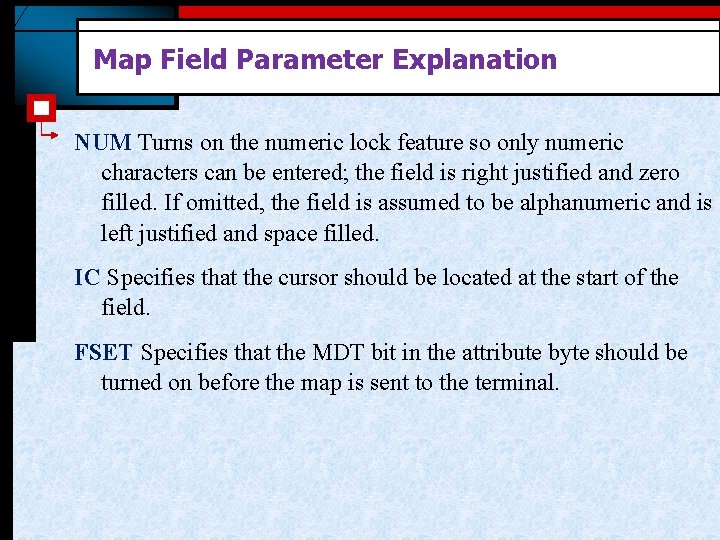
Map Field Parameter Explanation NUM Turns on the numeric lock feature so only numeric characters can be entered; the field is right justified and zero filled. If omitted, the field is assumed to be alphanumeric and is left justified and space filled. IC Specifies that the cursor should be located at the start of the field. FSET Specifies that the MDT bit in the attribute byte should be turned on before the map is sent to the terminal.
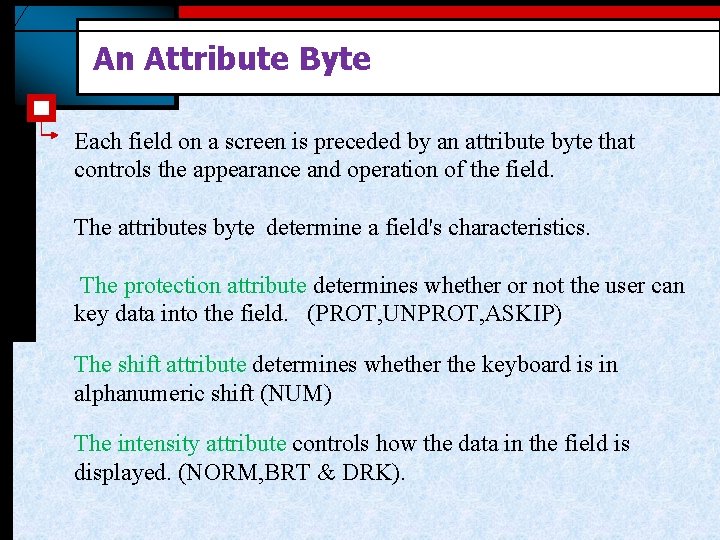
An Attribute Byte Each field on a screen is preceded by an attribute byte that controls the appearance and operation of the field. The attributes byte determine a field's characteristics. The protection attribute determines whether or not the user can key data into the field. (PROT, UNPROT, ASKIP) The shift attribute determines whether the keyboard is in alphanumeric shift (NUM) The intensity attribute controls how the data in the field is displayed. (NORM, BRT & DRK).
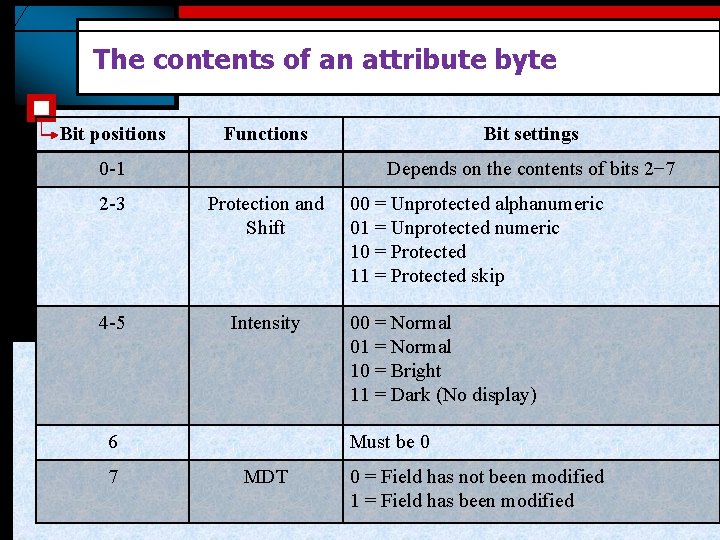
The contents of an attribute byte Bit positions Functions 0 -1 Depends on the contents of bits 2− 7 2 -3 Protection and Shift 4 -5 Intensity 6 7 Bit settings 00 = Unprotected alphanumeric 01 = Unprotected numeric 10 = Protected 11 = Protected skip 00 = Normal 01 = Normal 10 = Bright 11 = Dark (No display) Must be 0 MDT 0 = Field has not been modified 1 = Field has been modified
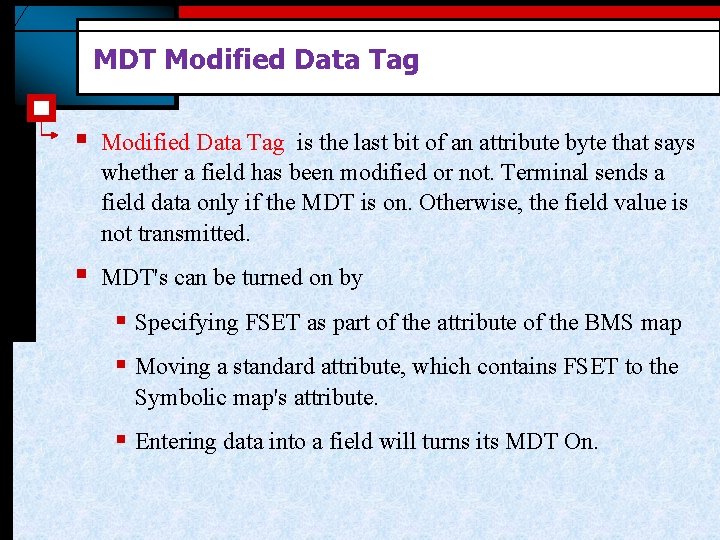
MDT Modified Data Tag § Modified Data Tag is the last bit of an attribute byte that says whether a field has been modified or not. Terminal sends a field data only if the MDT is on. Otherwise, the field value is not transmitted. § MDT's can be turned on by § Specifying FSET as part of the attribute of the BMS map § Moving a standard attribute, which contains FSET to the Symbolic map's attribute. § Entering data into a field will turns its MDT On.
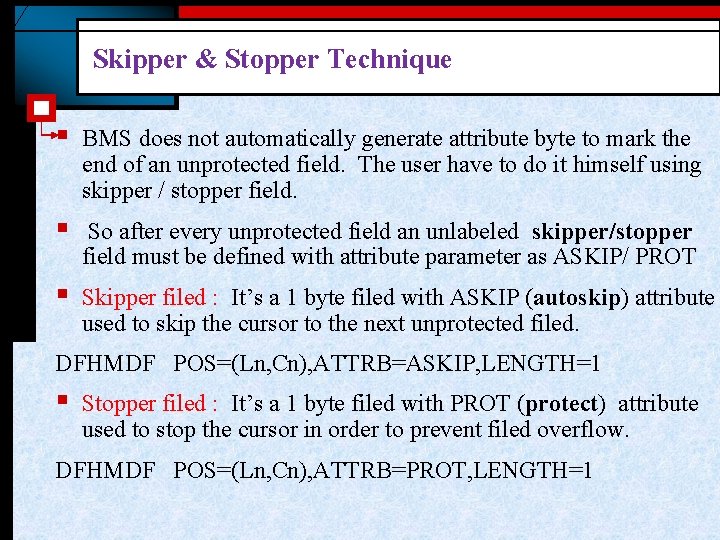
Skipper & Stopper Technique § BMS does not automatically generate attribute byte to mark the end of an unprotected field. The user have to do it himself using skipper / stopper field. § So after every unprotected field an unlabeled skipper/stopper field must be defined with attribute parameter as ASKIP/ PROT § Skipper filed : It’s a 1 byte filed with ASKIP (autoskip) attribute used to skip the cursor to the next unprotected filed. DFHMDF POS=(Ln, Cn), ATTRB=ASKIP, LENGTH=1 § Stopper filed : It’s a 1 byte filed with PROT (protect) attribute used to stop the cursor in order to prevent filed overflow. DFHMDF POS=(Ln, Cn), ATTRB=PROT, LENGTH=1
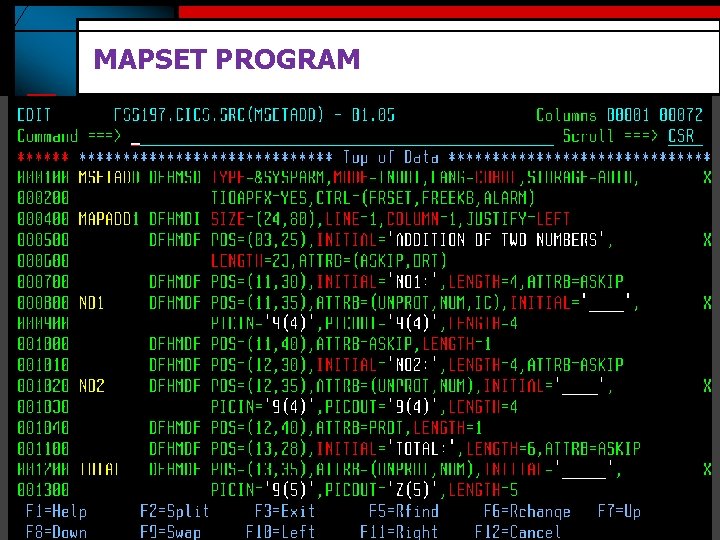
MAPSET PROGRAM
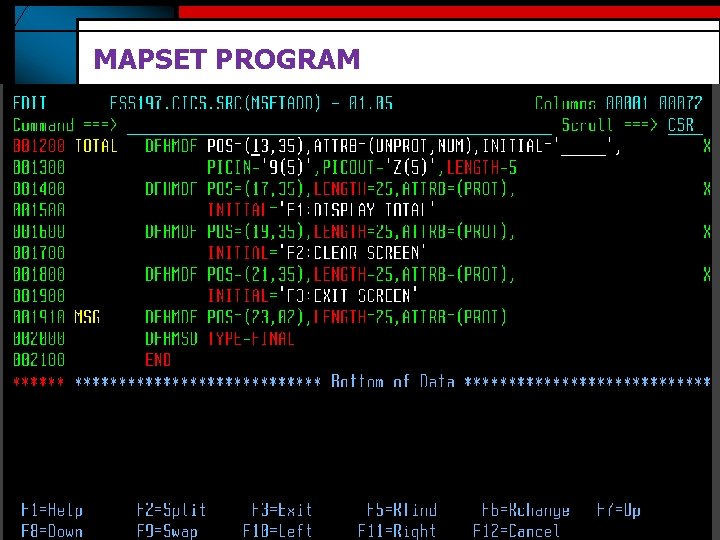
MAPSET PROGRAM
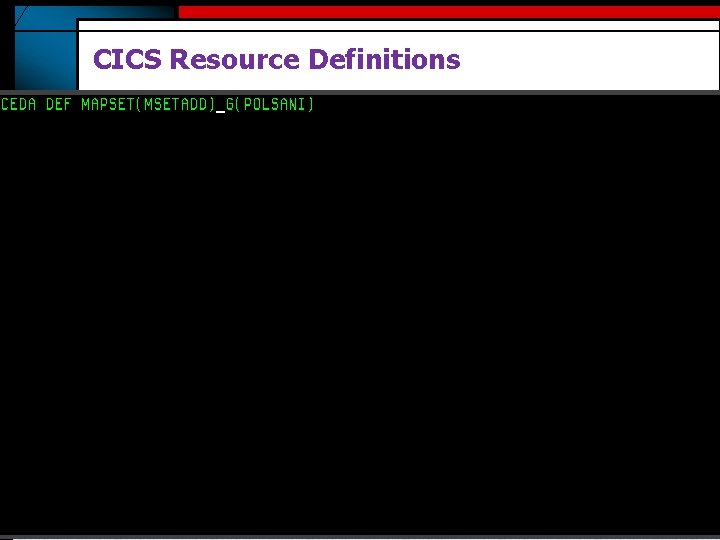
CICS Resource Definitions
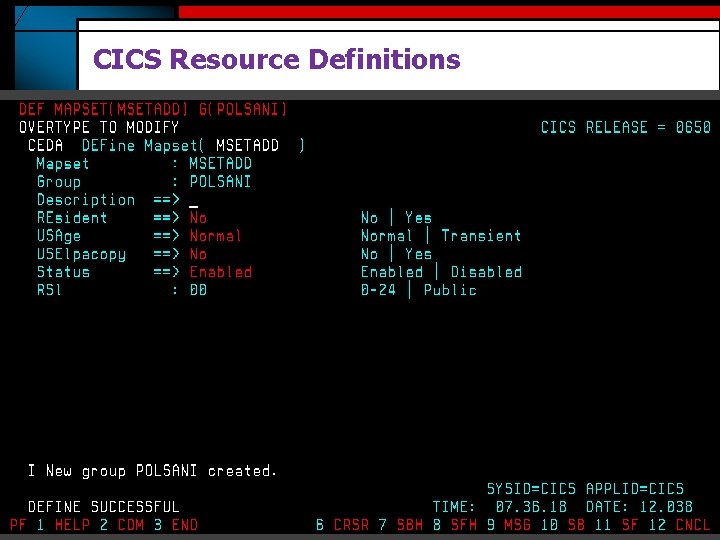
CICS Resource Definitions
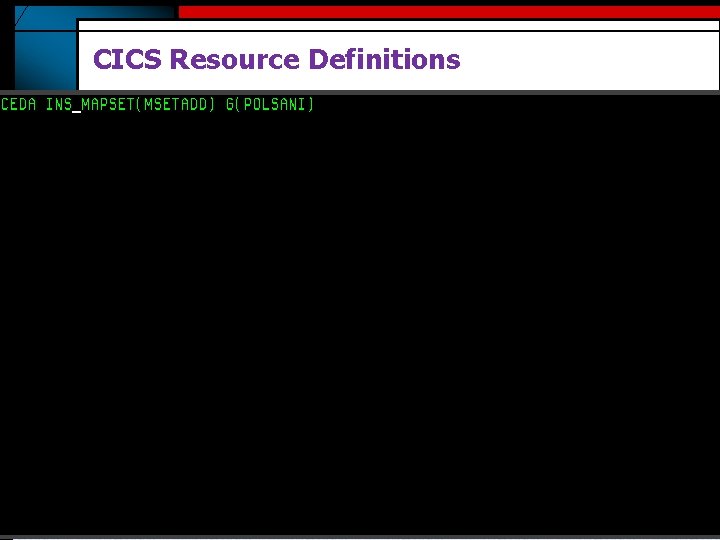
CICS Resource Definitions
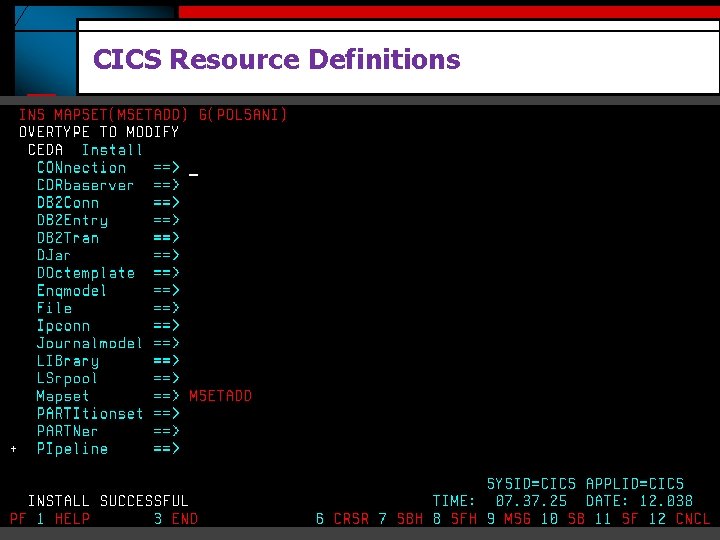
CICS Resource Definitions
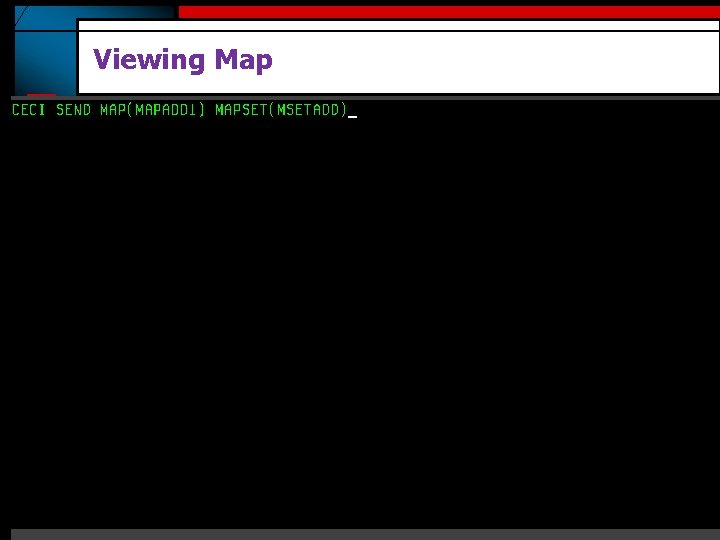
Viewing Map
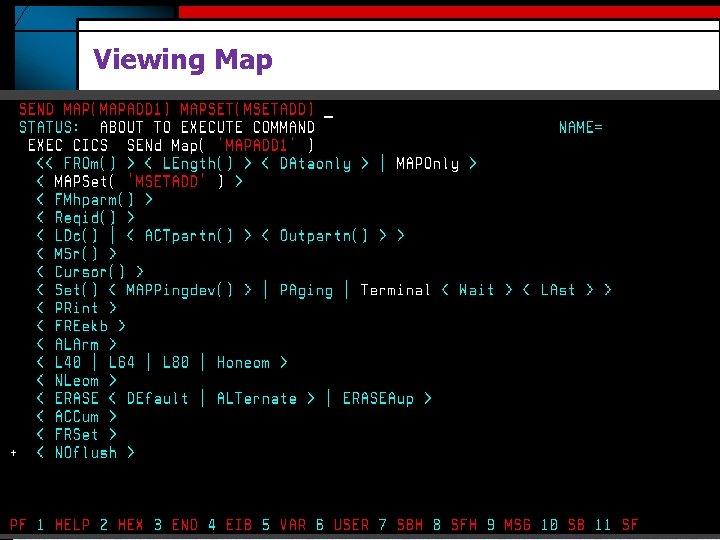
Viewing Map
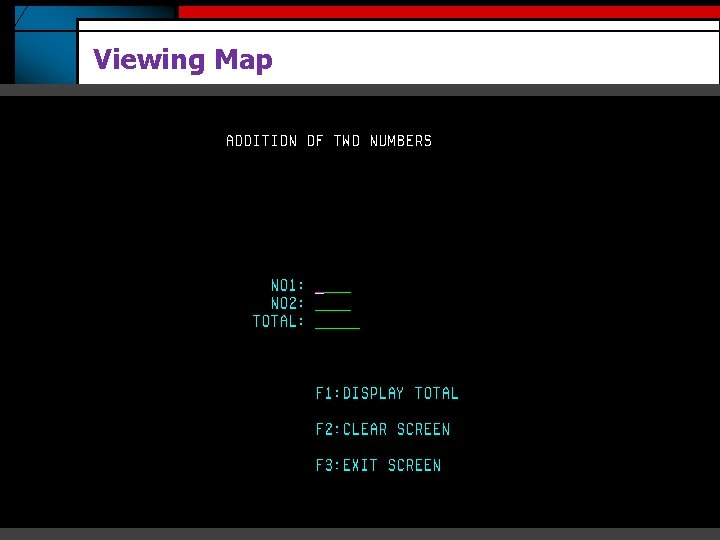
Viewing Map

Thank You Polsani Anil Kumar www. mainframes-online-training. weebly. com Polsani Anil Kumar
- Slides: 27