
IBM Business Process Manager Advanced for zOS V
IBM Business Process Manager Advanced for z/OS V 85: Process Center Configuration on Linux Single Cluster Topology Techdoc WP 102261 http: //www. ibm. com/support/techdocs/atsmastr. nsf/Web. Index/WP 102261 1/8/2022 © Copyright IBM Corp, 2013 1
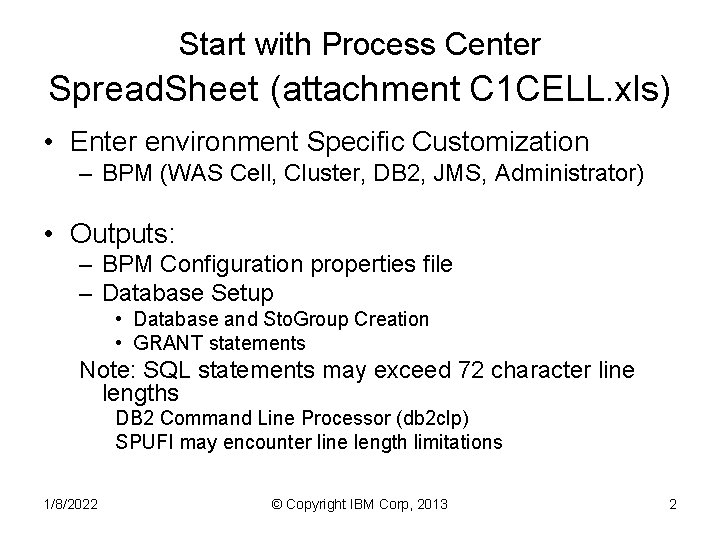
Start with Process Center Spread. Sheet (attachment C 1 CELL. xls) • Enter environment Specific Customization – BPM (WAS Cell, Cluster, DB 2, JMS, Administrator) • Outputs: – BPM Configuration properties file – Database Setup • Database and Sto. Group Creation • GRANT statements Note: SQL statements may exceed 72 character line lengths DB 2 Command Line Processor (db 2 clp) SPUFI may encounter line length limitations 1/8/2022 © Copyright IBM Corp, 2013 2
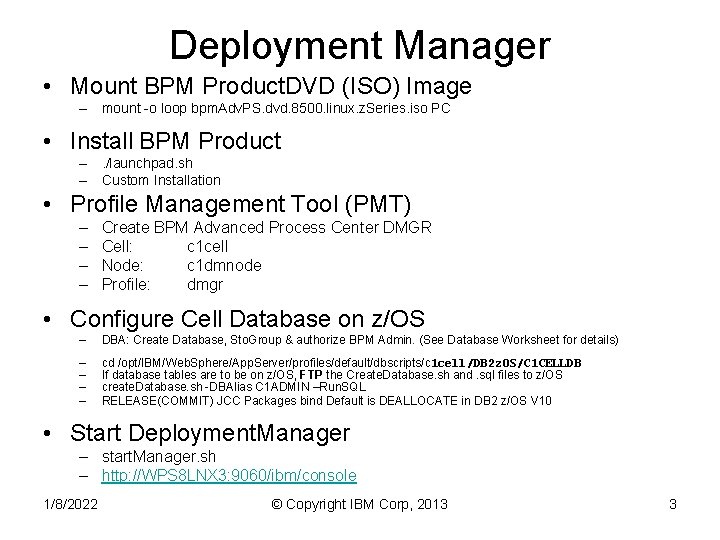
Deployment Manager • Mount BPM Product. DVD (ISO) Image – mount -o loop bpm. Adv. PS. dvd. 8500. linux. z. Series. iso PC • Install BPM Product –. /launchpad. sh – Custom Installation • Profile Management Tool (PMT) – – Create BPM Advanced Process Center DMGR Cell: c 1 cell Node: c 1 dmnode Profile: dmgr • Configure Cell Database on z/OS – DBA: Create Database, Sto. Group & authorize BPM Admin. (See Database Worksheet for details) – – cd /opt/IBM/Web. Sphere/App. Server/profiles/default/dbscripts/c 1 cell/DB 2 z. OS/C 1 CELLDB If database tables are to be on z/OS, FTP the Create. Database. sh and. sql files to z/OS create. Database. sh -DBAlias C 1 ADMIN –Run. SQL RELEASE(COMMIT) JCC Packages bind Default is DEALLOCATE in DB 2 z/OS V 10 • Start Deployment. Manager – start. Manager. sh – http: //WPS 8 LNX 3: 9060/ibm/console 1/8/2022 © Copyright IBM Corp, 2013 3

Custom Node • Mount DVD (ISO) Image (unless on DMGR Node) – mount -o loop bpm. Adv. PS. dvd. 8500. linux. z. Series. iso PC • Install BPM (When on separate node as DMGR) –. /launchpad. sh – Select “Custom Installation” • Profile Management Tool (PMT) – Create BPM Advanced Process Center Node • Cell: c 1 cell • Node: c 1 nodea • Profile: c 1 nodea 1/8/2022 © Copyright IBM Corp, 2013 4
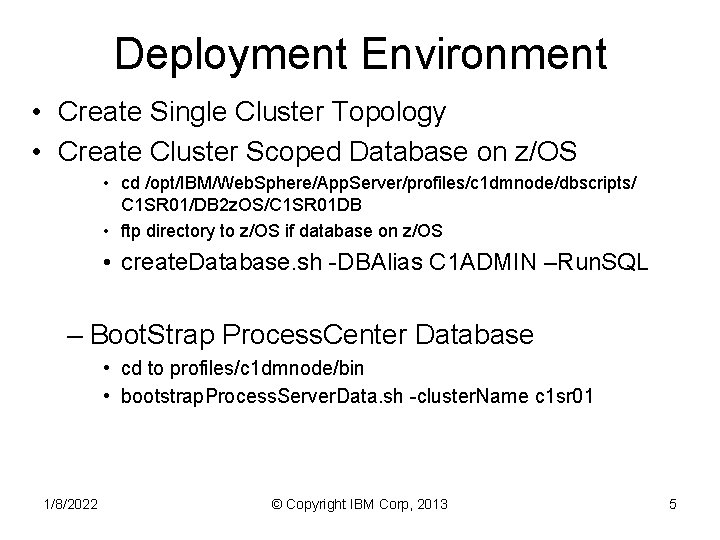
Deployment Environment • Create Single Cluster Topology • Create Cluster Scoped Database on z/OS • cd /opt/IBM/Web. Sphere/App. Server/profiles/c 1 dmnode/dbscripts/ C 1 SR 01/DB 2 z. OS/C 1 SR 01 DB • ftp directory to z/OS if database on z/OS • create. Database. sh -DBAlias C 1 ADMIN –Run. SQL – Boot. Strap Process. Center Database • cd to profiles/c 1 dmnode/bin • bootstrap. Process. Server. Data. sh -cluster. Name c 1 sr 01 1/8/2022 © Copyright IBM Corp, 2013 5
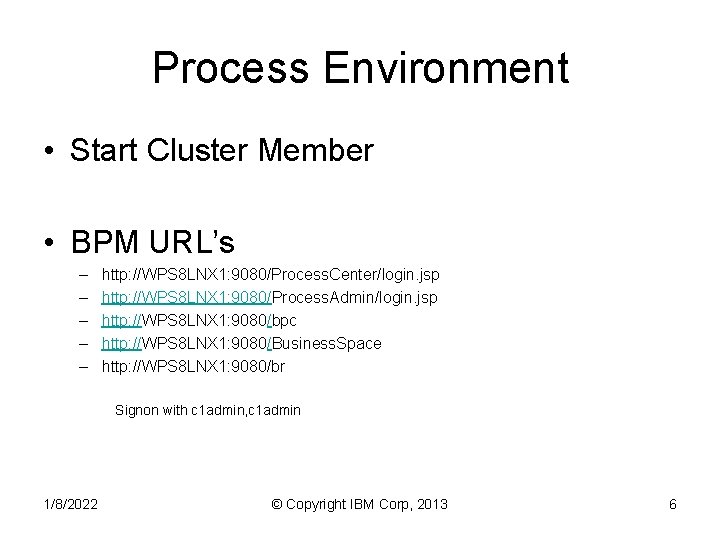
Process Environment • Start Cluster Member • BPM URL’s – – – http: //WPS 8 LNX 1: 9080/Process. Center/login. jsp http: //WPS 8 LNX 1: 9080/Process. Admin/login. jsp http: //WPS 8 LNX 1: 9080/bpc http: //WPS 8 LNX 1: 9080/Business. Space http: //WPS 8 LNX 1: 9080/br Signon with c 1 admin, c 1 admin 1/8/2022 © Copyright IBM Corp, 2013 6
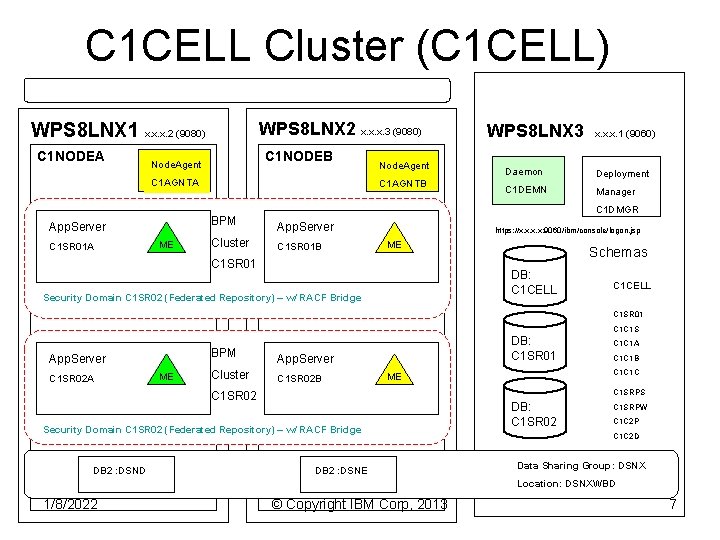
C 1 CELL Cluster (C 1 CELL) WPS 8 LNX 2 x. x. x. 3 (9080) WPS 8 LNX 1 x. x. x. 2 (9080) C 1 NODEA C 1 NODEB Node. Agent C 1 AGNTA C 1 SR 01 A C 1 AGNTB BPM App. Server ME V 2 NODEA Node. Agent Cluster WPS 8 LNX 3 x. x. x. 1 (9060) Daemon Deployment C 1 DEMN Manager C 1 DMGR App. Server C 1 SR 01 B https: //x. x: 9060/ibm/console/logon. jsp ME V 2 NODEA C 1 SR 01 Security Domain C 1 SR 02 (Federated Repository) – w/ RACF Bridge Schemas DB: C 1 CELL C 1 SR 01 C 1 C 1 S BPM App. Server C 1 SR 02 A ME Cluster DB: C 1 SR 01 App. Server C 1 SR 02 B C 1 SRPS Security Domain C 1 SR 02 (Federated Repository) – w/ RACF Bridge Cluster DB 2 : DSNE V 2 SR 01 1/8/2022 C 1 C 1 B C 1 C 1 C ME C 1 SR 02 DB 2 : DSND C 1 C 1 A © Copyright IBM Corp, 2013 DB: C 1 SR 02 C 1 SRPW C 1 C 2 P C 1 C 2 D Data Sharing Group: DSNX Location: DSNXWBD 7
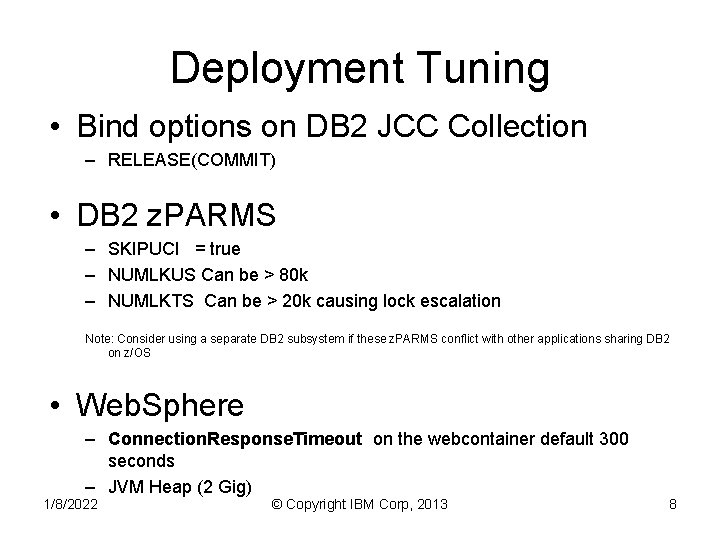
Deployment Tuning • Bind options on DB 2 JCC Collection – RELEASE(COMMIT) • DB 2 z. PARMS – SKIPUCI = true – NUMLKUS Can be > 80 k – NUMLKTS Can be > 20 k causing lock escalation Note: Consider using a separate DB 2 subsystem if these z. PARMS conflict with other applications sharing DB 2 on z/OS • Web. Sphere – Connection. Response. Timeout on the webcontainer default 300 seconds – JVM Heap (2 Gig) 1/8/2022 © Copyright IBM Corp, 2013 8
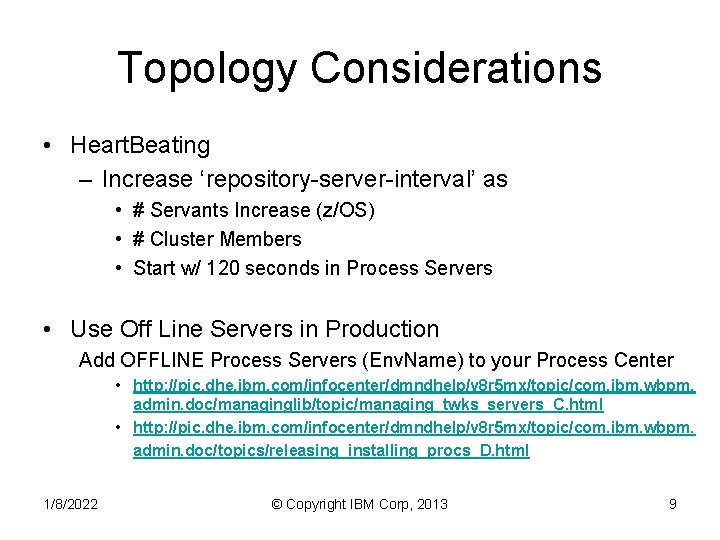
Topology Considerations • Heart. Beating – Increase ‘repository-server-interval’ as • # Servants Increase (z/OS) • # Cluster Members • Start w/ 120 seconds in Process Servers • Use Off Line Servers in Production Add OFFLINE Process Servers (Env. Name) to your Process Center • http: //pic. dhe. ibm. com/infocenter/dmndhelp/v 8 r 5 mx/topic/com. ibm. wbpm. admin. doc/managinglib/topic/managing_twks_servers_C. html • http: //pic. dhe. ibm. com/infocenter/dmndhelp/v 8 r 5 mx/topic/com. ibm. wbpm. admin. doc/topics/releasing_installing_procs_D. html 1/8/2022 © Copyright IBM Corp, 2013 9
- Slides: 9