
IAX 0600 DIGITAL SYSTEMS DESIGN LABS Dmitri Mihhailov
IAX 0600 DIGITAL SYSTEMS DESIGN LABS Dmitri Mihhailov Tallinn University of Technology
Digital Systems Design Labs Staff n Lecturer: Alexander Sudnitson (associate professor) Ø aleksander. sudnitson@taltech. ee Ø ICT-503 (620 2255) n Lab Assistant: Dmitri Mihhailov Ø dmitri. mihhailov@taltech. ee Ø ICT-505 (no phone) 2
IAX 0600 Digital Systems Design Labs (1) n Lab Room: Ø ICT-501 (~30 working places) Ø Lab PCs require the same password that is used to access other computers in TTU network n Lab Time: Ø EAAB 62 Wednesdays 16: 00 - 17: 30 ICT-501 Ø IACB 61, IACB 62 Wednesdays 17: 45 - 19: 15 ICT-501 3
IAX 0600 Digital Systems Design Labs (2) n Xilinx Design Software: Ø Vivado Design Suite (7 -Series and newer) System Edition (in the lab) Web. PACK Edition (free) n FPGA boards: Ø Digilent Basys 3 (Xilinx Artix-7 FPGA) ~15 boards used for all labs 4
IAX 0600 Digital Systems Design Labs (3) n Installing Vivado: Ø create Xilinx account (should be free) Ø be sure to have 40+ GB of free space Ø download installation files (Vivado 2020. 1) https: //www. xilinx. com/support/download. html Ø select “Vivado HL Web. PACK” edition Ø select required features: Design Tools => Vivado Design Suite => Vivado Devices => 7 -Series => Artix 7 Installation Options => Install Cable Drivers Ø the complete step-by-step instruction can be found at (also available on the labs web-page): https: //reference. digilentinc. com/vivado/installingvivado/start 5
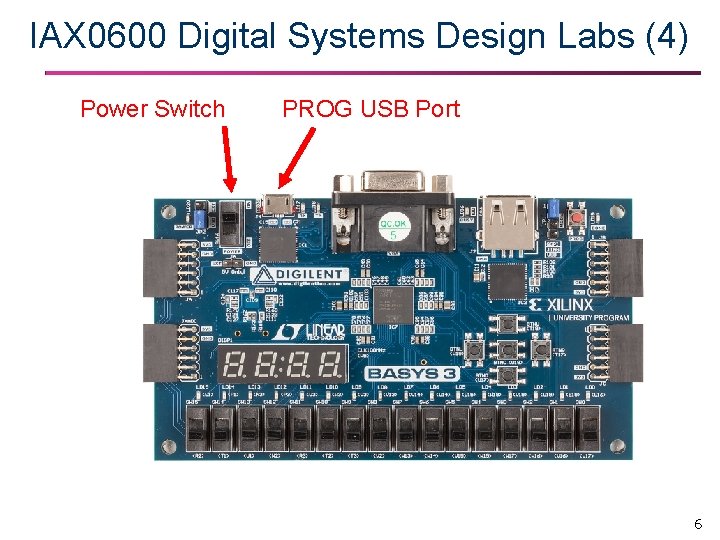
IAX 0600 Digital Systems Design Labs (4) Power Switch PROG USB Port 6
IAX 0600 Digital Systems Design Labs (5) n Lab Course webpage: Ø http: //ati. ttu. ee/~alsu/ IAX 0600 l Digital Systems Design (WORKSHOPS) Ø http: //ati. ttu. ee/~alsu/IAX 0600 l. html Ø Lab Syllabus 7
IAX 0600 Digital Systems Design Labs (6) n Tutorial: Ø Basic Vivado Tutorial : Part 1 Ø Basic Vivado Tutorial : Part 2 n Regular Labs: Ø Lab 1 : Logic Gates Ø Lab 2 : Combinational Logic +5 points +10 points ü requires submission of the report Ø Lab 3 : Structural Design Ø Lab 4 : Sequential Logic Ø Lab 5 : Creeping Line Project +10 points +15 points +20 points ü requires submission of the report Ø All labs give 60 points in total 8
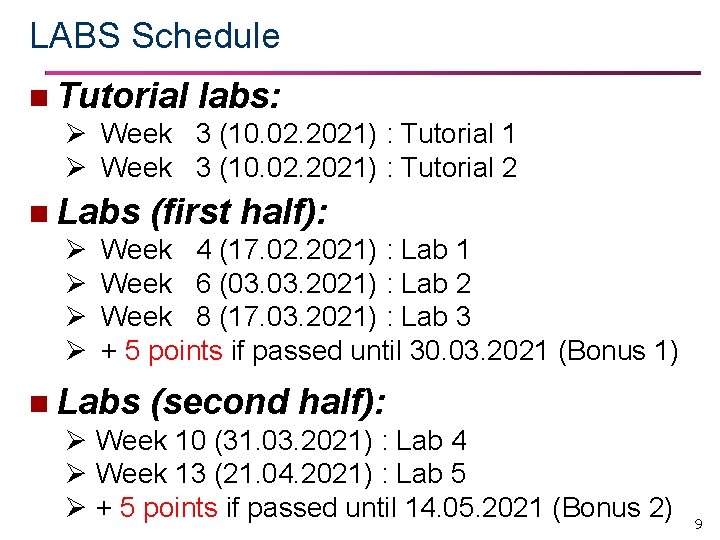
LABS Schedule n Tutorial labs: Ø Week 3 (10. 02. 2021) : Tutorial 1 Ø Week 3 (10. 02. 2021) : Tutorial 2 n Labs (first half): Ø Week 4 (17. 02. 2021) : Lab 1 Ø Week 6 (03. 2021) : Lab 2 Ø Week 8 (17. 03. 2021) : Lab 3 Ø + 5 points if passed until 30. 03. 2021 (Bonus 1) n Labs (second half): Ø Week 10 (31. 03. 2021) : Lab 4 Ø Week 13 (21. 04. 2021) : Lab 5 Ø + 5 points if passed until 14. 05. 2021 (Bonus 2) 9
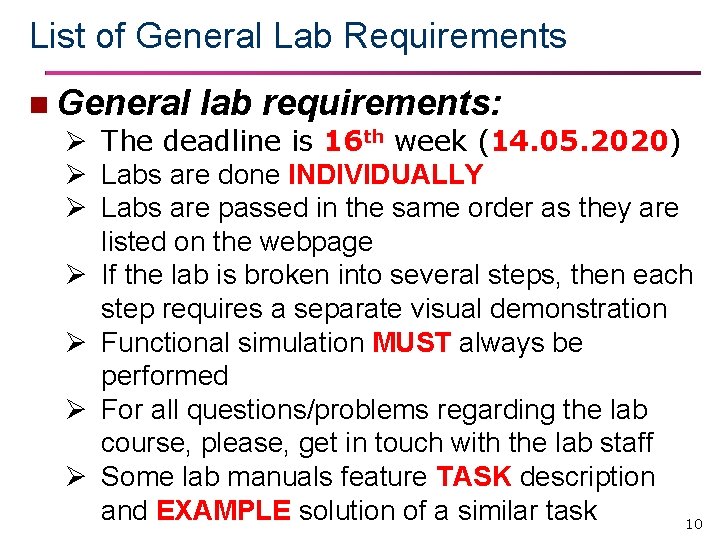
List of General Lab Requirements n General lab requirements: Ø The deadline is 16 th week (14. 05. 2020) Ø Labs are done INDIVIDUALLY Ø Labs are passed in the same order as they are listed on the webpage Ø If the lab is broken into several steps, then each step requires a separate visual demonstration Ø Functional simulation MUST always be performed Ø For all questions/problems regarding the lab course, please, get in touch with the lab staff Ø Some lab manuals feature TASK description and EXAMPLE solution of a similar task 10
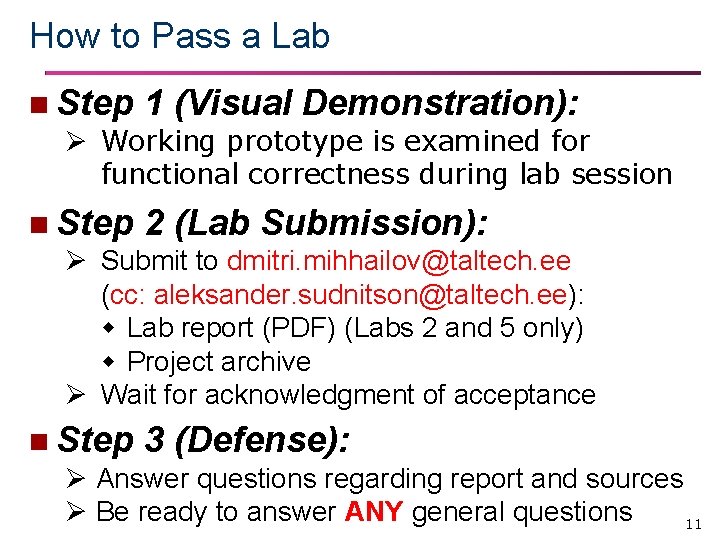
How to Pass a Lab n Step 1 (Visual Demonstration): Ø Working prototype is examined for functional correctness during lab session n Step 2 (Lab Submission): Ø Submit to dmitri. mihhailov@taltech. ee (cc: aleksander. sudnitson@taltech. ee): Lab report (PDF) (Labs 2 and 5 only) Project archive Ø Wait for acknowledgment of acceptance n Step 3 (Defense): Ø Answer questions regarding report and sources Ø Be ready to answer ANY general questions 11
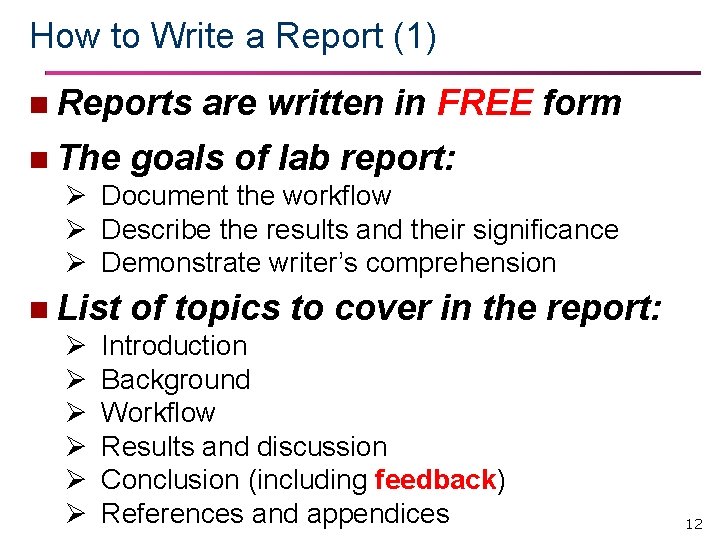
How to Write a Report (1) n Reports are written in FREE form n The goals of lab report: Ø Document the workflow Ø Describe the results and their significance Ø Demonstrate writer’s comprehension n List of topics to cover in the Ø Introduction Ø Background Ø Workflow Ø Results and discussion Ø Conclusion (including feedback) Ø References and appendices report: 12
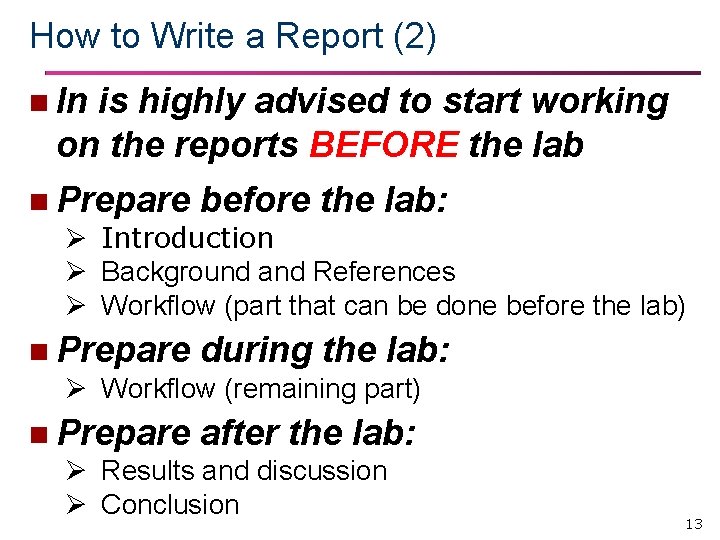
How to Write a Report (2) n In is highly advised to start working on the reports BEFORE the lab n Prepare before the lab: Ø Introduction Ø Background and References Ø Workflow (part that can be done before the lab) n Prepare during the lab: Ø Workflow (remaining part) n Prepare after the lab: Ø Results and discussion Ø Conclusion 13
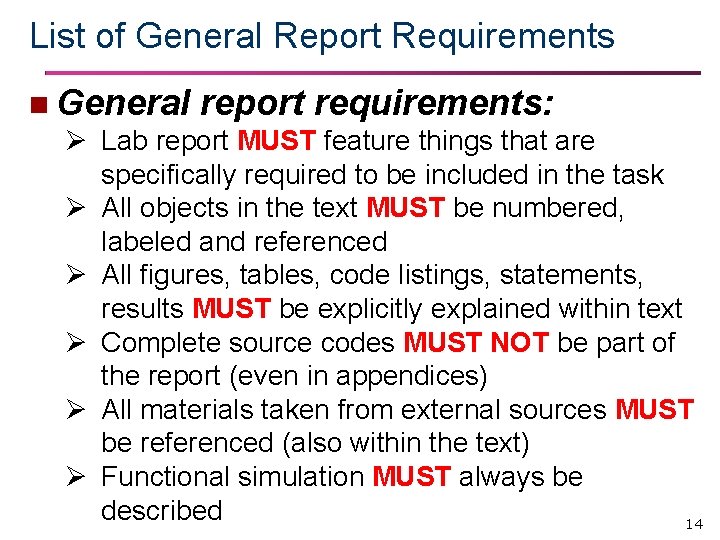
List of General Report Requirements n General report requirements: Ø Lab report MUST feature things that are specifically required to be included in the task Ø All objects in the text MUST be numbered, labeled and referenced Ø All figures, tables, code listings, statements, results MUST be explicitly explained within text Ø Complete source codes MUST NOT be part of the report (even in appendices) Ø All materials taken from external sources MUST be referenced (also within the text) Ø Functional simulation MUST always be described 14
- Slides: 14