
I have to complete detailed Inventory from Scratch

- Slides: 49
I have to complete detailed Inventory from Scratch? !? ! Lead Presenter: Casey De. Gier I&T Department Administrative Assistant Co-Presenter: Emily Healy Help Desk and Systems Support Specialist Slide Deck: http: //bit. ly/K 12 Inventory
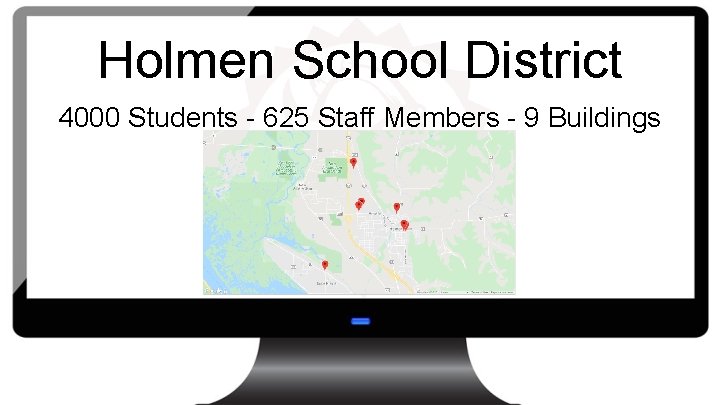
Holmen School District 4000 Students - 625 Staff Members - 9 Buildings
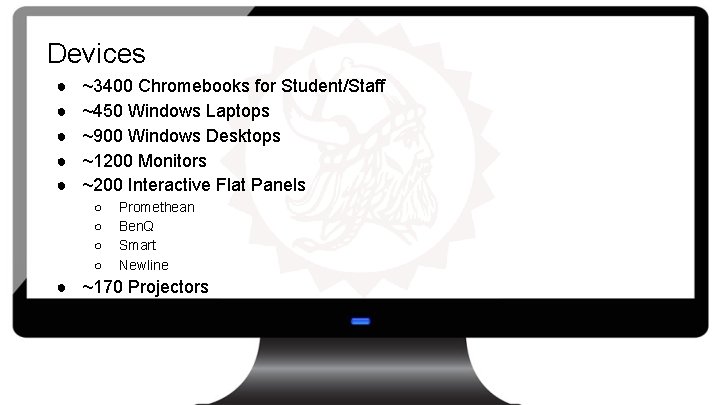
Devices ● ● ● ~3400 Chromebooks for Student/Staff ~450 Windows Laptops ~900 Windows Desktops ~1200 Monitors ~200 Interactive Flat Panels ○ ○ Promethean Ben. Q Smart Newline ● ~170 Projectors
Inventory System Lifecycle 1. Excel spreadsheet a. b. Pros i. Cons i. iii. Already paying for Microsoft Highly outdated Too complex Unreasonable to maintain
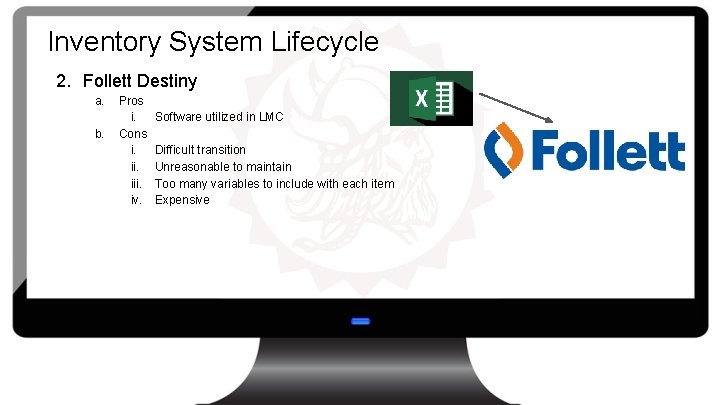
Inventory System Lifecycle 2. Follett Destiny a. b. Pros i. Cons i. iii. iv. Software utilized in LMC Difficult transition Unreasonable to maintain Too many variables to include with each item Expensive
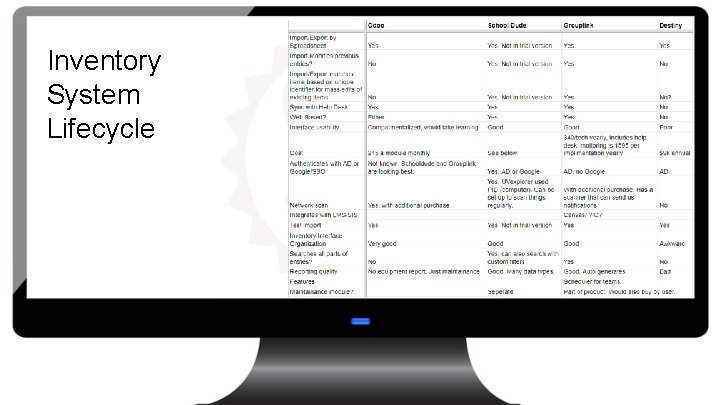
Inventory System Lifecycle
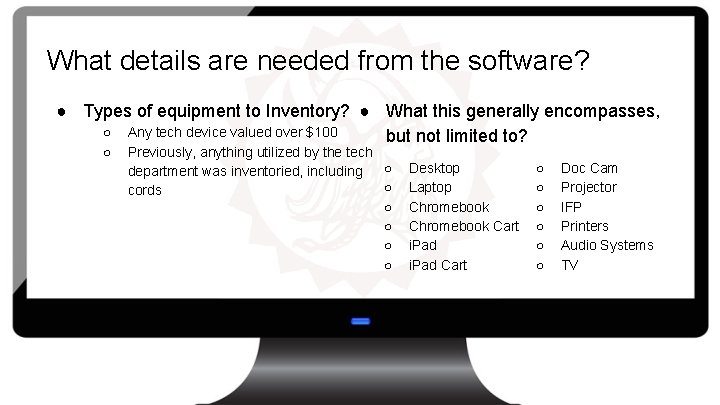
What details are needed from the software? ● Types of equipment to Inventory? ● What this generally encompasses, ○ Any tech device valued over $100 but not limited to? ○ Previously, anything utilized by the tech ○ department was inventoried, including ○ cords ○ ○ Desktop Laptop Chromebook Cart i. Pad Cart ○ ○ ○ Doc Cam Projector IFP Printers Audio Systems TV
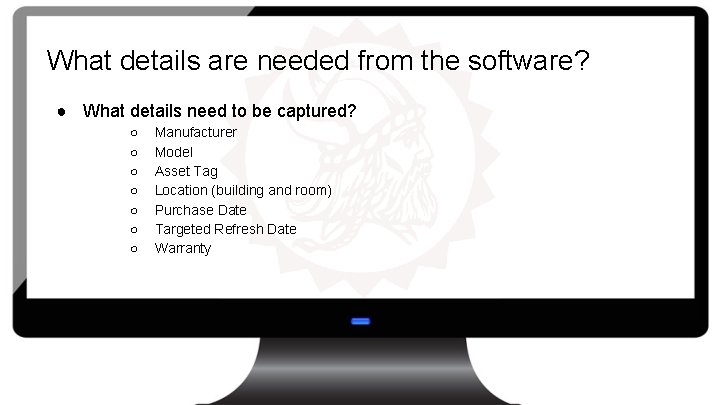
What details are needed from the software? ● What details need to be captured? ○ ○ ○ ○ Manufacturer Model Asset Tag Location (building and room) Purchase Date Targeted Refresh Date Warranty
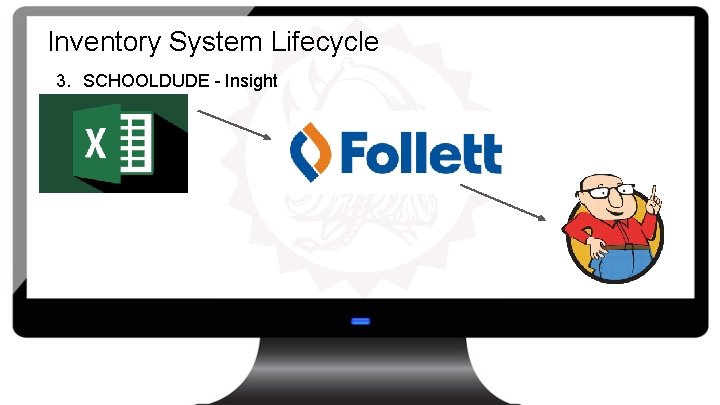
Inventory System Lifecycle 3. SCHOOLDUDE - Insight
Why SCHOOLDUDE? ● ● ● Insight was included with our Help Desk ticketing system One less software program to maintain Ability to run a scan that detects wired and wireless devices over the network Ability to import data from Google Admin Console Ability to import data from manual templates
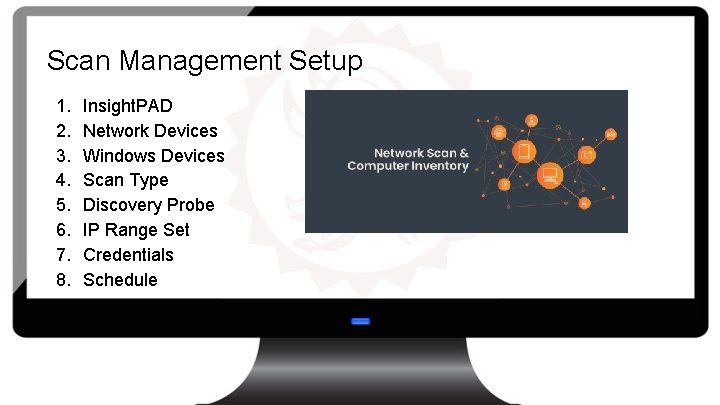
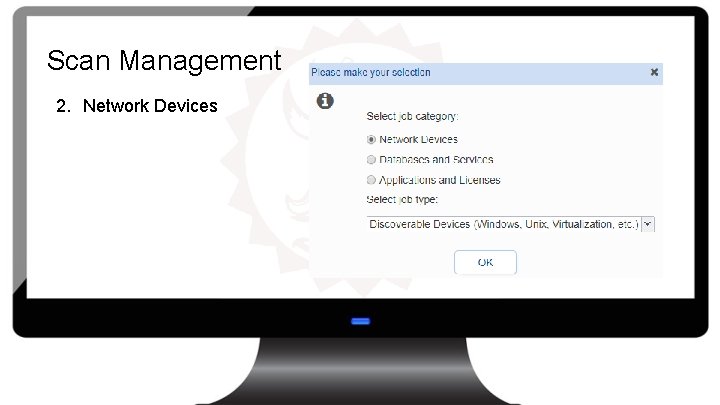
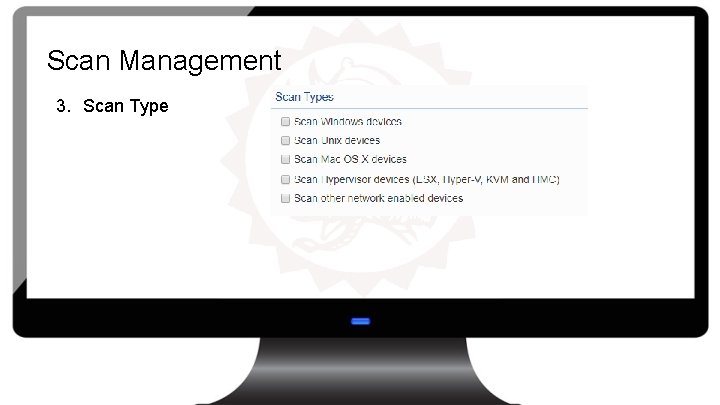
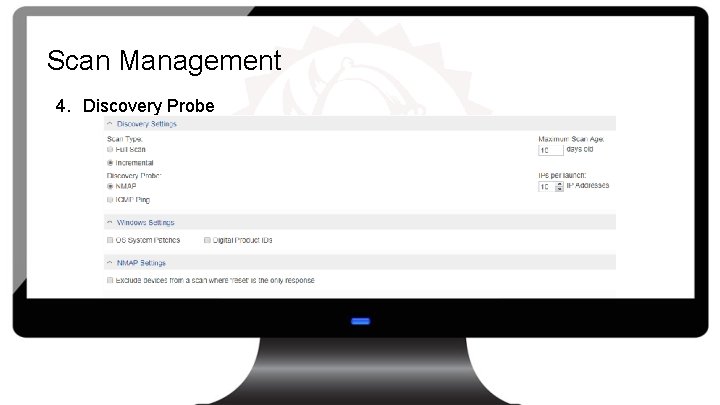
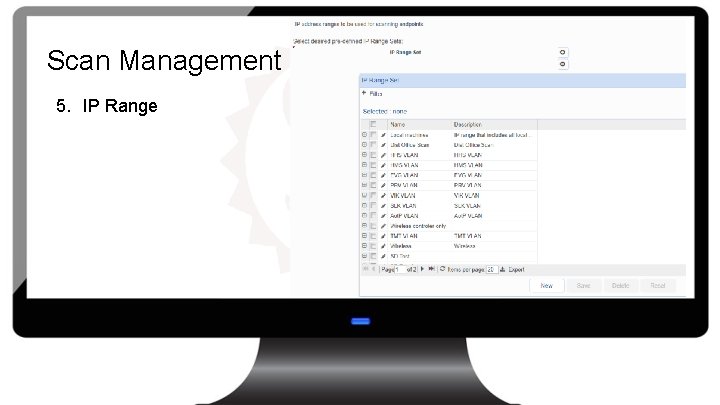
Scan Management Setup 1. 2. 3. 4. 5. 6. 7. 8. Insight. PAD Network Devices Windows Devices Scan Type Discovery Probe IP Range Set Credentials Schedule
Scan Management 1. Insight. PAD ○ ○ ○ Virtual Server located within our district Windows 10 School. Dude Database Storage
Scan Management 2. Network Devices
Scan Management 3. Scan Type
Scan Management 4. Discovery Probe
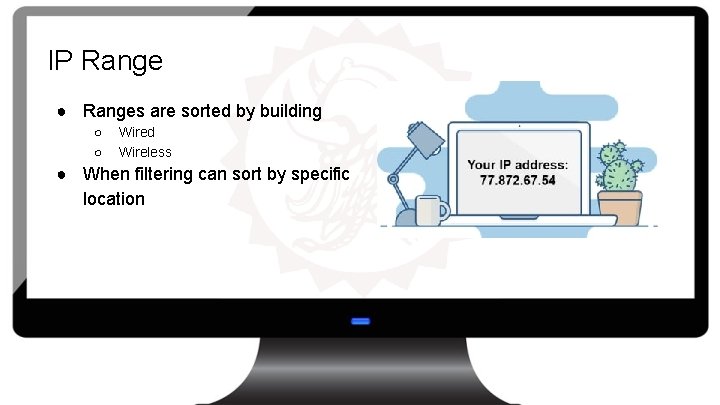
Scan Management 5. IP Range
IP Range ● Ranges are sorted by building ○ ○ Wired Wireless ● When filtering can sort by specific location
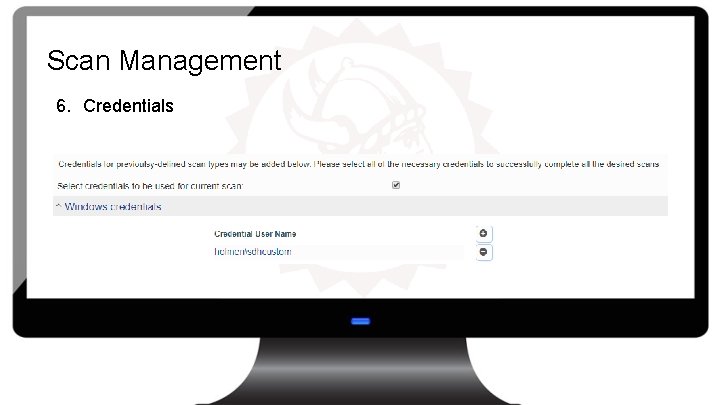
Scan Management 6. Credentials
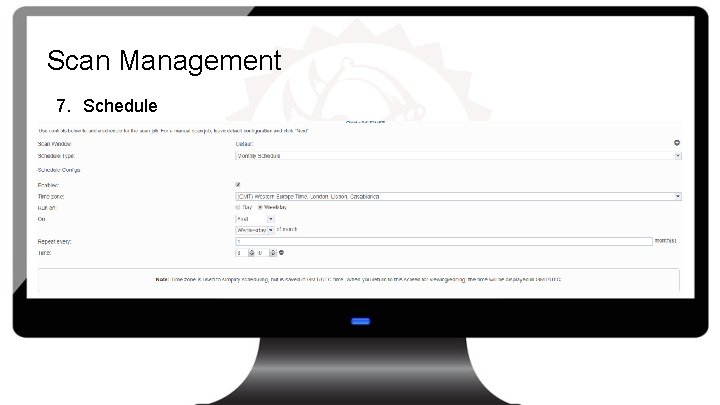
Scan Management 7. Schedule
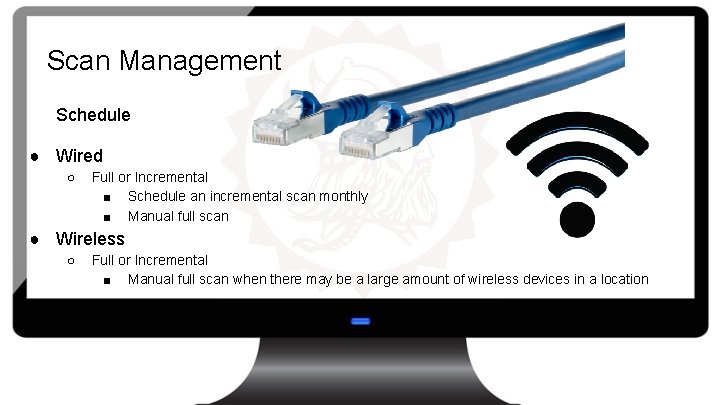
Scan Management Schedule ● Wired ○ Full or Incremental ■ Schedule an incremental scan monthly ■ Manual full scan ● Wireless ○ Full or Incremental ■ Manual full scan when there may be a large amount of wireless devices in a location
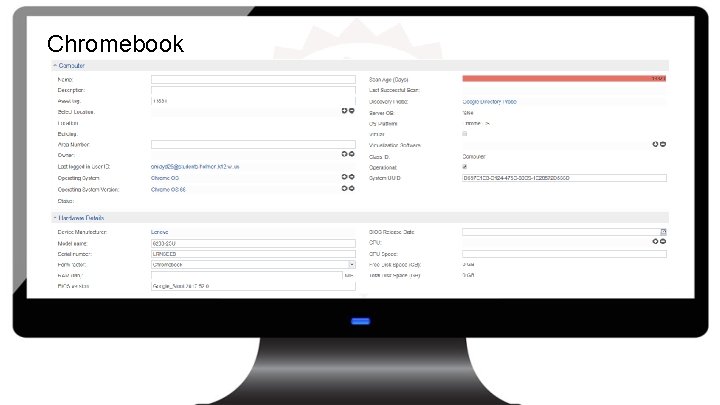
Chromebook ● Utilizes Google Admin account to gather devices from Google Admin Console ○ Pulls all chromebooks, including those that have been deprovisioned
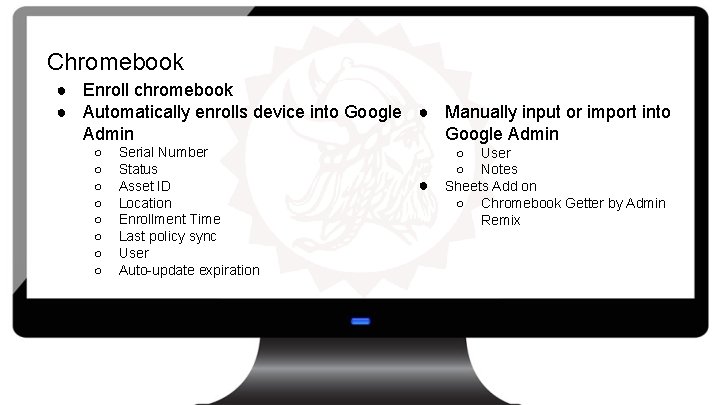
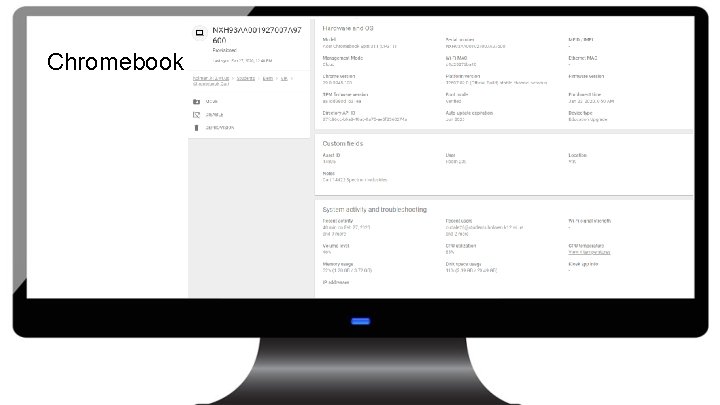
Chromebook ● Enroll chromebook ● Automatically enrolls device into Google ● Manually input or import into Admin Google Admin ○ ○ ○ ○ Serial Number Status Asset ID Location Enrollment Time Last policy sync User Auto-update expiration ● ○ User ○ Notes Sheets Add on ○ Chromebook Getter by Admin Remix
Chromebook
Chromebook
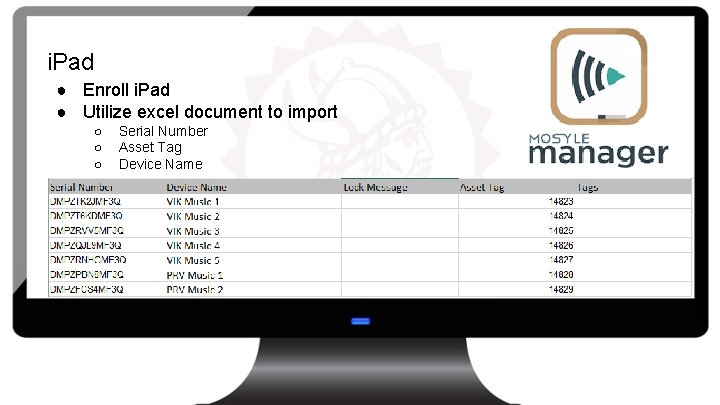
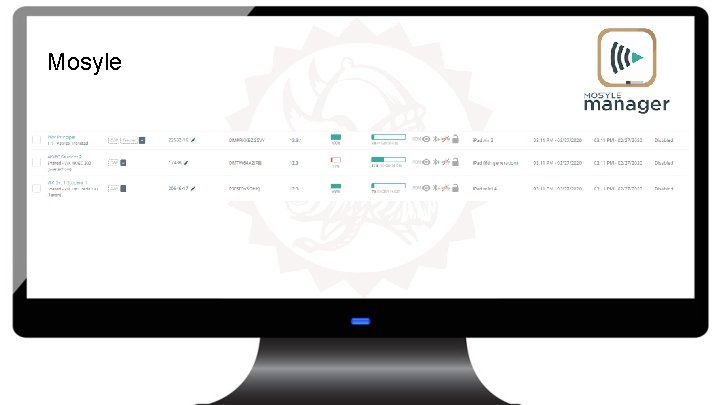
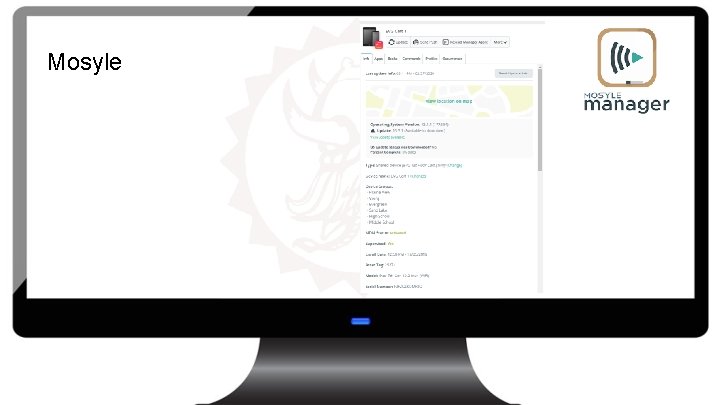
i. Pad ● Enroll i. Pad ● Utilize excel document to import ○ ○ ○ Serial Number Asset Tag Device Name
Mosyle
Mosyle
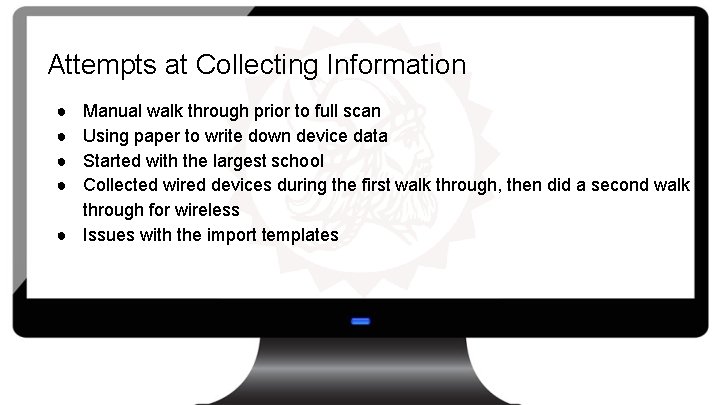
Attempts at Collecting Information ● ● Manual walk through prior to full scan Using paper to write down device data Started with the largest school Collected wired devices during the first walk through, then did a second walk through for wireless ● Issues with the import templates
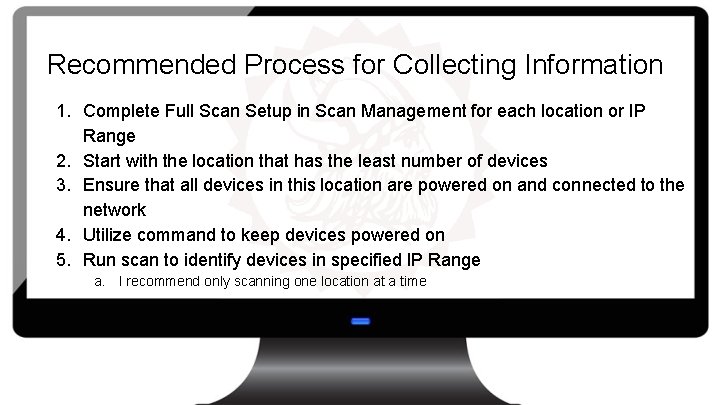
Recommended Process for Collecting Information 1. Complete Full Scan Setup in Scan Management for each location or IP Range 2. Start with the location that has the least number of devices 3. Ensure that all devices in this location are powered on and connected to the network 4. Utilize command to keep devices powered on 5. Run scan to identify devices in specified IP Range a. I recommend only scanning one location at a time
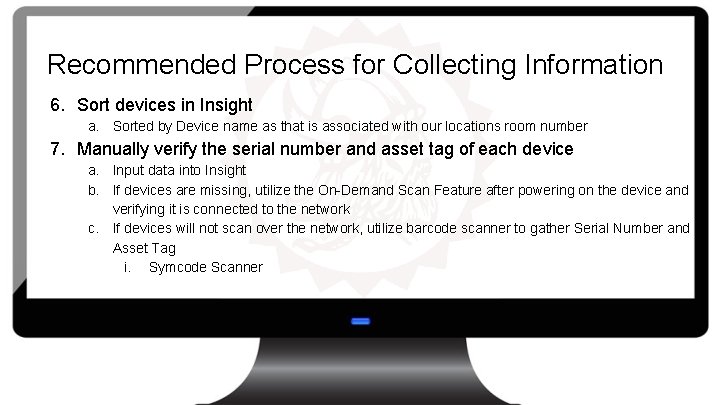
Recommended Process for Collecting Information 6. Sort devices in Insight a. Sorted by Device name as that is associated with our locations room number 7. Manually verify the serial number and asset tag of each device a. Input data into Insight b. If devices are missing, utilize the On-Demand Scan Feature after powering on the device and verifying it is connected to the network c. If devices will not scan over the network, utilize barcode scanner to gather Serial Number and Asset Tag i. Symcode Scanner
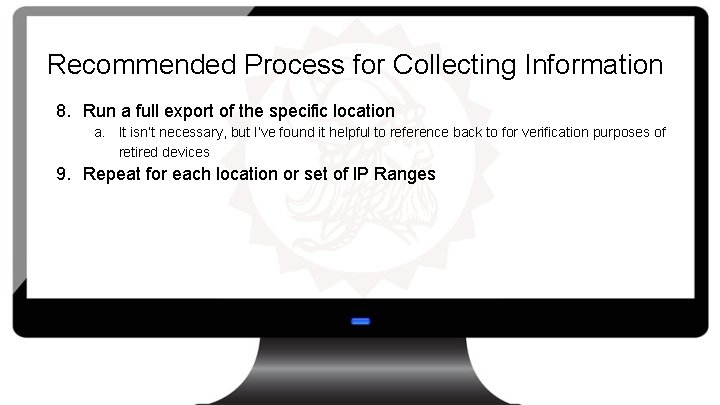
Recommended Process for Collecting Information 8. Run a full export of the specific location a. It isn’t necessary, but I’ve found it helpful to reference back to for verification purposes of retired devices 9. Repeat for each location or set of IP Ranges
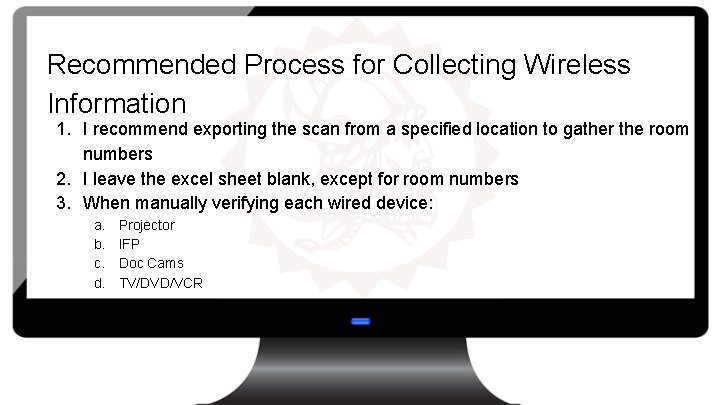
Recommended Process for Collecting Wireless Information 1. I recommend exporting the scan from a specified location to gather the room numbers 2. I leave the excel sheet blank, except for room numbers 3. When manually verifying each wired device: a. b. c. d. Projector IFP Doc Cams TV/DVD/VCR
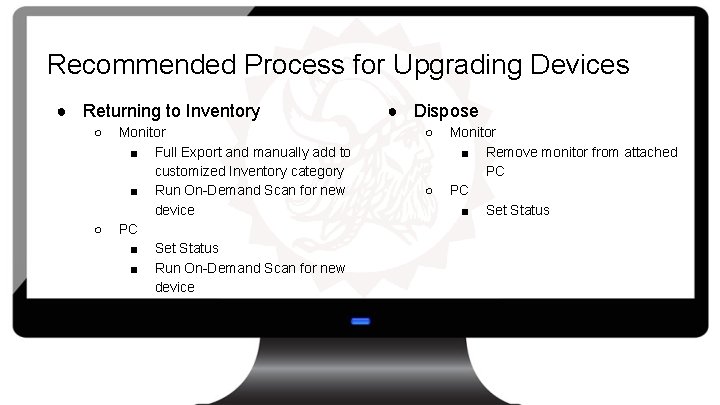
Recommended Process for Upgrading Devices ● Returning to Inventory ○ ○ Monitor ■ Full Export and manually add to customized Inventory category ■ Run On-Demand Scan for new device PC ■ Set Status ■ Run On-Demand Scan for new device ● Dispose ○ ○ Monitor ■ Remove monitor from attached PC PC ■ Set Status
Insight ● ● ● Workstations Monitors Printers Non-Discoverable Devices Inventory By Location Inventory By Status
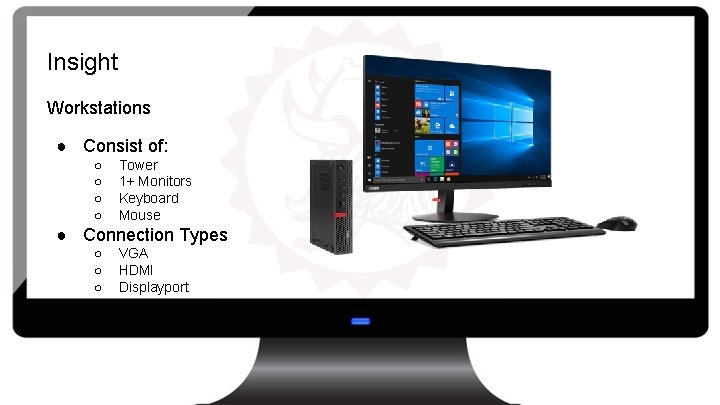
Insight Workstations ● Consist of: ○ ○ Tower 1+ Monitors Keyboard Mouse ● Connection Types ○ ○ ○ VGA HDMI Displayport
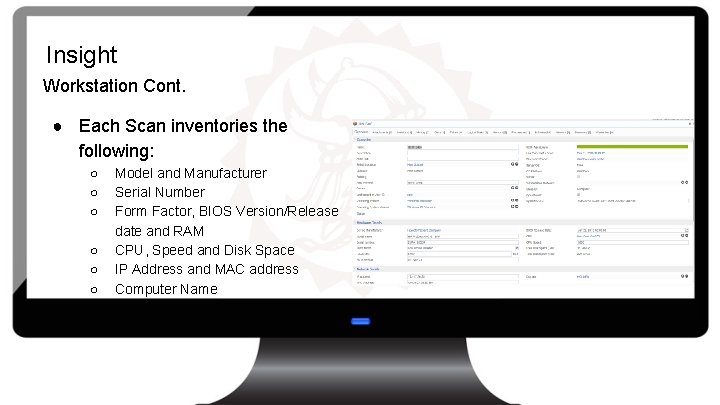
Insight Workstation Cont. ● Each Scan inventories the following: ○ ○ ○ Model and Manufacturer Serial Number Form Factor, BIOS Version/Release date and RAM CPU, Speed and Disk Space IP Address and MAC address Computer Name
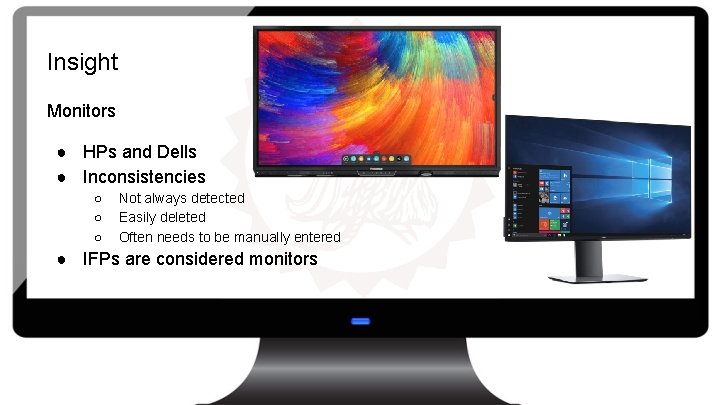
Insight Monitors ● HPs and Dells ● Inconsistencies ○ ○ ○ Not always detected Easily deleted Often needs to be manually entered ● IFPs are considered monitors
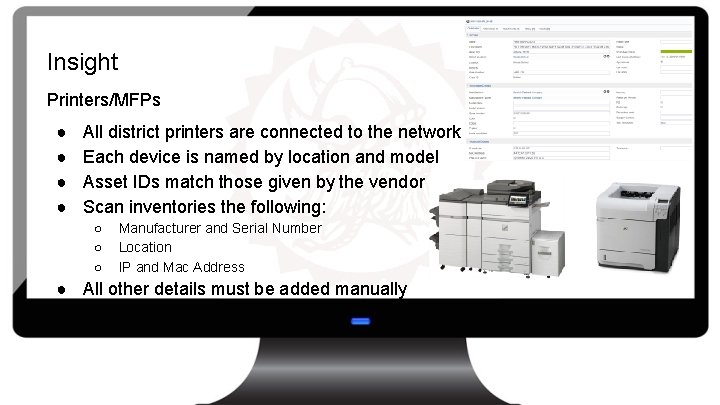
Insight Printers/MFPs ● ● All district printers are connected to the network Each device is named by location and model Asset IDs match those given by the vendor Scan inventories the following: ○ ○ ○ Manufacturer and Serial Number Location IP and Mac Address ● All other details must be added manually
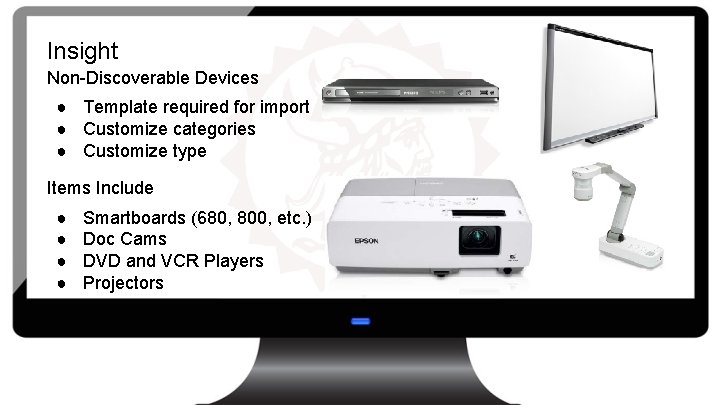
Insight Non-Discoverable Devices ● Template required for import ● Customize categories ● Customize type Items Include ● ● Smartboards (680, 800, etc. ) Doc Cams DVD and VCR Players Projectors
Insight Inventory By Location ● Offers an additional filtering system ● When the IP is configured, it is categorized into a location created by the user
Insight Inventory By Status ● ● ● Deleted Deployed End of Life In Inventory In Repair On Loan ● ● ● Ordered Received Reserved Retired Return to Vendor Transferred Offers additional filtering
SCHOOLDUDE Import ● Import via manual inventory ● A template from SCHOOLDUDE required ○ SCHOOLDUDE customizes the template according to specific needs
SCHOOLDUDE Export ● Complete export ● Filtered export
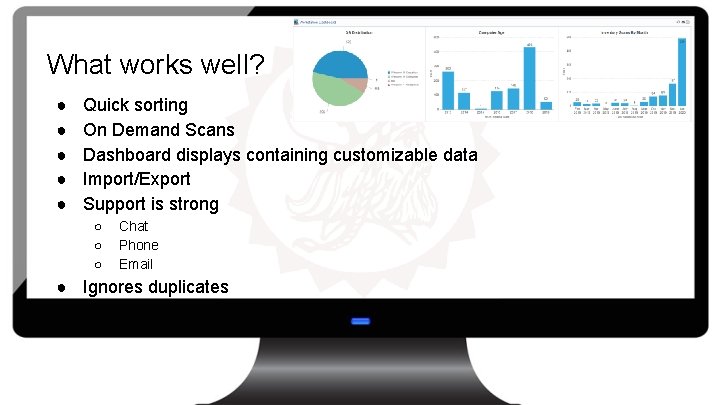
What works well? ● ● ● Quick sorting On Demand Scans Dashboard displays containing customizable data Import/Export Support is strong ○ ○ ○ Chat Phone Email ● Ignores duplicates
What could be improved? ● Complex filtering and search for a specific device ○ ● ● Is, contains, between Writes Over/Deletes monitors if they are no longer connected to a workstation PC and Monitors don’t always come across a network scan Manually need to remove devices when they are no longer in use Length of time to complete a full or incremental scan
Continuous Problems with Maintaining Inventory ● ● Displacement of staff Inability to upgrade all devices at once Dependability on others to provide updates on changes Inconsistency with scans
Q&A
Disclaimer of Endorsement under FEDERAL TRADE COMMISSION, 16 CFR Part 255 This presentation is not an endorsement of any product manufacturer or reseller (These Entities) by the School District of Holmen. The District, its board, employees and representatives have no business affiliation with These Entities, their employees, agents or representatives. The District receives no commission or direct business benefit from These Entities for sharing this information or subsequent sales of goods/services by These Entities resulting from distribution of this information. This notification is being provided to promote awareness of goods/services that certain individuals may be interested in and/or benefit from. The District neither warrants nor represents that the claimed benefit(s) of goods/services offered by These Entities promote outcomes consistent with the District’s vision and mission. You are encouraged to, and solely responsible for, researching and determining the advantages and risks of establishing a service relationship with These Entities.