
i Expense Module Training Presentation to Campus Community
- Slides: 19
i. Expense Module Training Presentation to Campus Community “It’s a great time to be a Hornet!”
i. Expense Documents �Travel Authorizations �Cash Advances �Expense Reports
Topics Covered �Creating Travel Authorizations �View/Print/Modify/Cancel Travel Authorizations �Using Templates �Creating Cash Advances �View/Print/Modify/Cancel Cash Advances �Creating Expense Reports �View/Print/Modify/Cancel Expense Reports �Approve/Send Back/Deny Travel Authorizations �Approve/Send Back/Deny Cash Advances �Approve/Send Back/Deny Expense Reports
What is a Travel Authorization(TA)? �The online TA replaces the old “pink” travel request form. �Items to note about TA’s: ◦ Cannot be back dated. The system will only accept TA’s that are future dated. So TA must be prepared and approved in advance of trip. ◦ TA’s must go through several levels of online approvals, so please prepare in enough time to allow for approvals well before the travel date.
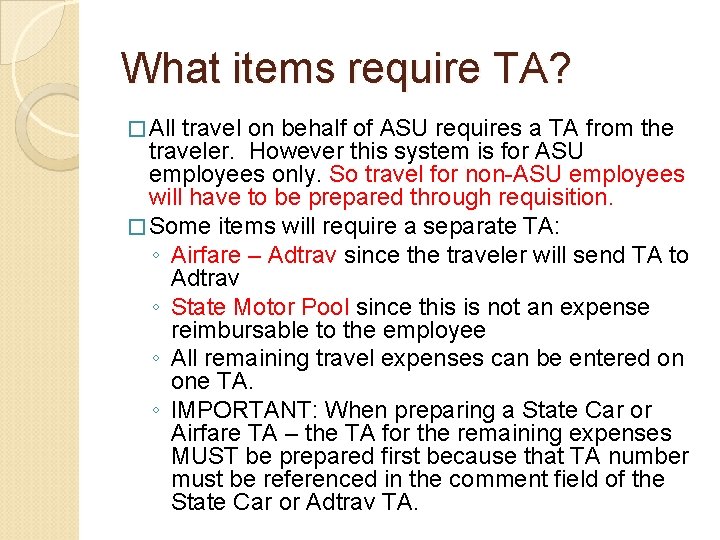
What items require TA? � All travel on behalf of ASU requires a TA from the traveler. However this system is for ASU employees only. So travel for non-ASU employees will have to be prepared through requisition. � Some items will require a separate TA: ◦ Airfare – Adtrav since the traveler will send TA to Adtrav ◦ State Motor Pool since this is not an expense reimbursable to the employee ◦ All remaining travel expenses can be entered on one TA. ◦ IMPORTANT: When preparing a State Car or Airfare TA – the TA for the remaining expenses MUST be prepared first because that TA number must be referenced in the comment field of the State Car or Adtrav TA.
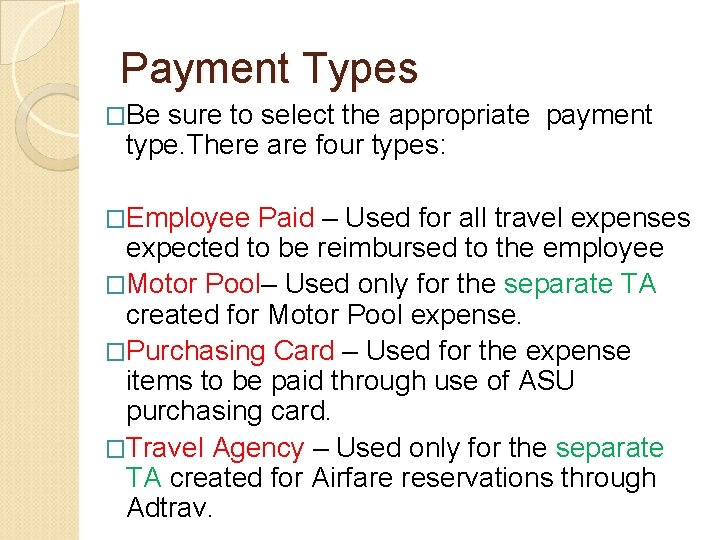
Payment Types �Be sure to select the appropriate payment type. There are four types: �Employee Paid – Used for all travel expenses expected to be reimbursed to the employee �Motor Pool– Used only for the separate TA created for Motor Pool expense. �Purchasing Card – Used for the expense items to be paid through use of ASU purchasing card. �Travel Agency – Used only for the separate TA created for Airfare reservations through Adtrav.
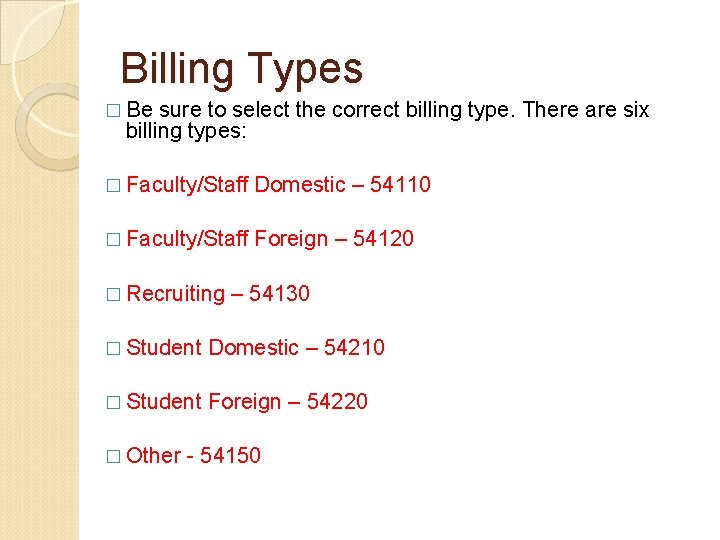
Billing Types � Be sure to select the correct billing type. There are six billing types: � Faculty/Staff Domestic – 54110 � Faculty/Staff Foreign – 54120 � Recruiting – 54130 � Student Domestic – 54210 � Student Foreign – 54220 � Other - 54150
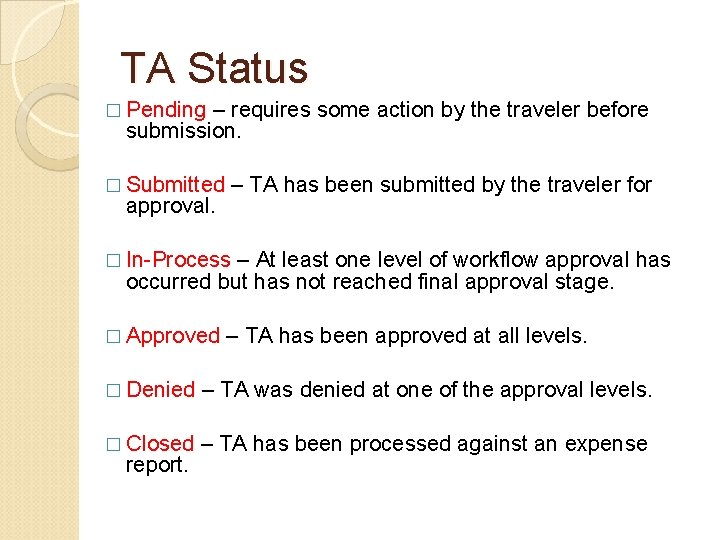
TA Status � Pending – requires some action by the traveler before submission. � Submitted – TA has been submitted by the traveler for approval. � In-Process – At least one level of workflow approval has occurred but has not reached final approval stage. � Approved – TA has been approved at all levels. � Denied – TA was denied at one of the approval levels. � Closed – TA has been processed against an expense report.
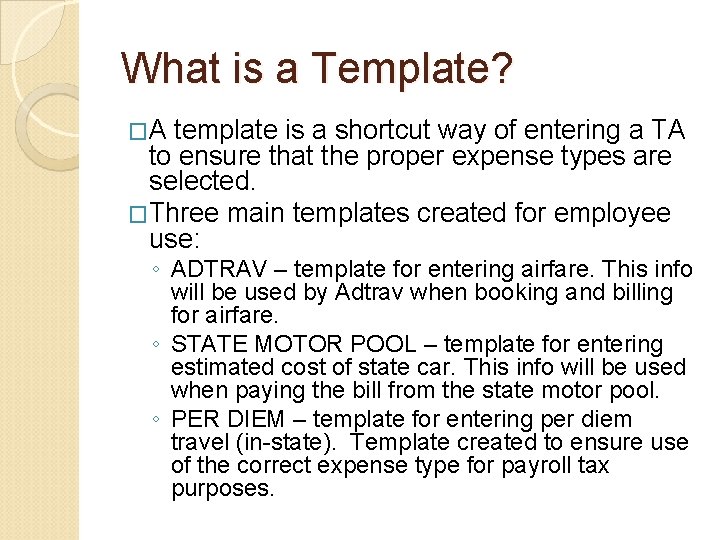
What is a Template? �A template is a shortcut way of entering a TA to ensure that the proper expense types are selected. �Three main templates created for employee use: ◦ ADTRAV – template for entering airfare. This info will be used by Adtrav when booking and billing for airfare. ◦ STATE MOTOR POOL – template for entering estimated cost of state car. This info will be used when paying the bill from the state motor pool. ◦ PER DIEM – template for entering per diem travel (in-state). Template created to ensure use of the correct expense type for payroll tax purposes.
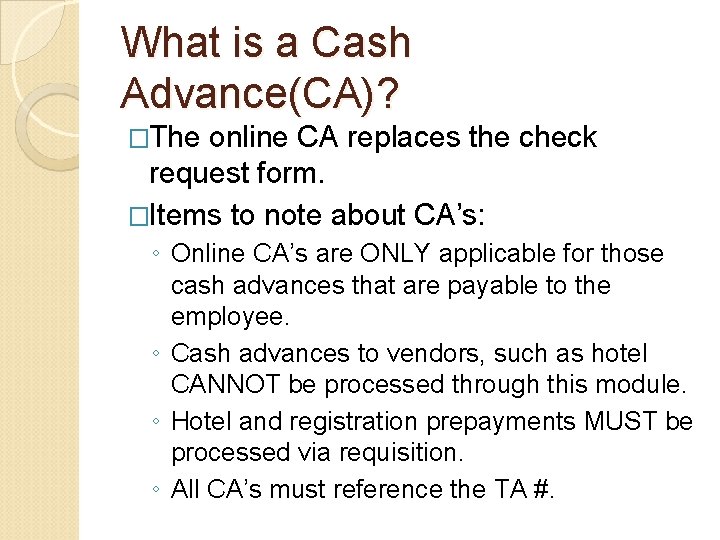
What is a Cash Advance(CA)? �The online CA replaces the check request form. �Items to note about CA’s: ◦ Online CA’s are ONLY applicable for those cash advances that are payable to the employee. ◦ Cash advances to vendors, such as hotel CANNOT be processed through this module. ◦ Hotel and registration prepayments MUST be processed via requisition. ◦ All CA’s must reference the TA #.
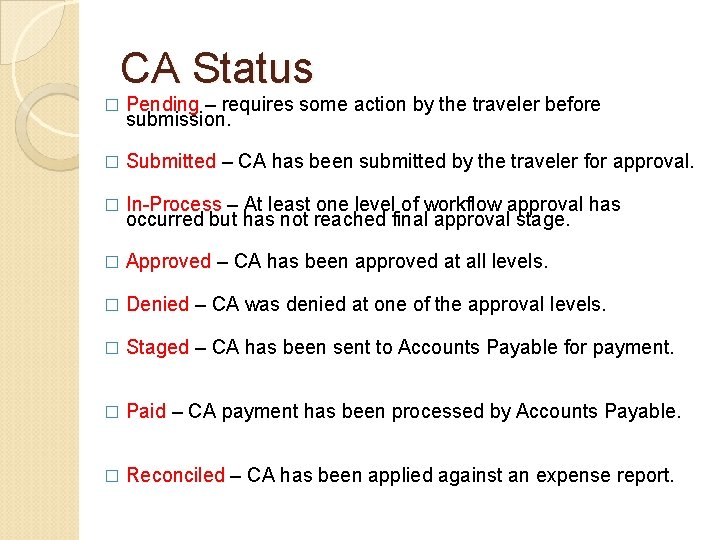
CA Status � Pending – requires some action by the traveler before submission. � Submitted – CA has been submitted by the traveler for approval. � In-Process – At least one level of workflow approval has occurred but has not reached final approval stage. � Approved – CA has been approved at all levels. � Denied – CA was denied at one of the approval levels. � Staged – CA has been sent to Accounts Payable for payment. � Paid – CA payment has been processed by Accounts Payable. � Reconciled – CA has been applied against an expense report.
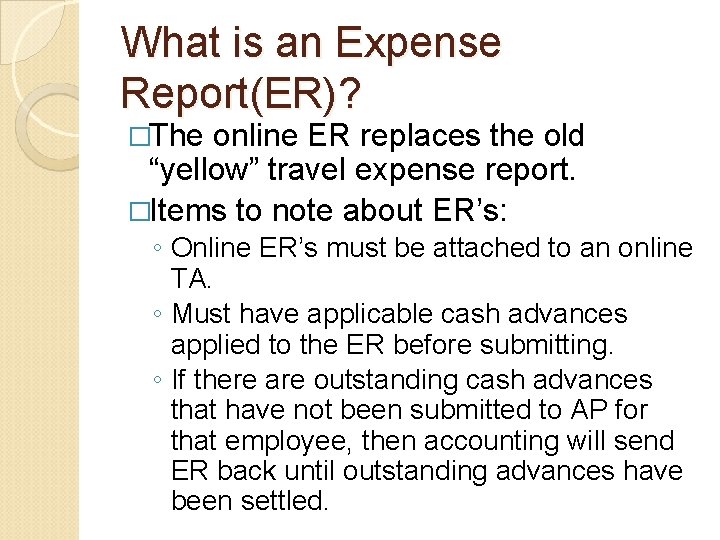
What is an Expense Report(ER)? �The online ER replaces the old “yellow” travel expense report. �Items to note about ER’s: ◦ Online ER’s must be attached to an online TA. ◦ Must have applicable cash advances applied to the ER before submitting. ◦ If there are outstanding cash advances that have not been submitted to AP for that employee, then accounting will send ER back until outstanding advances have been settled.
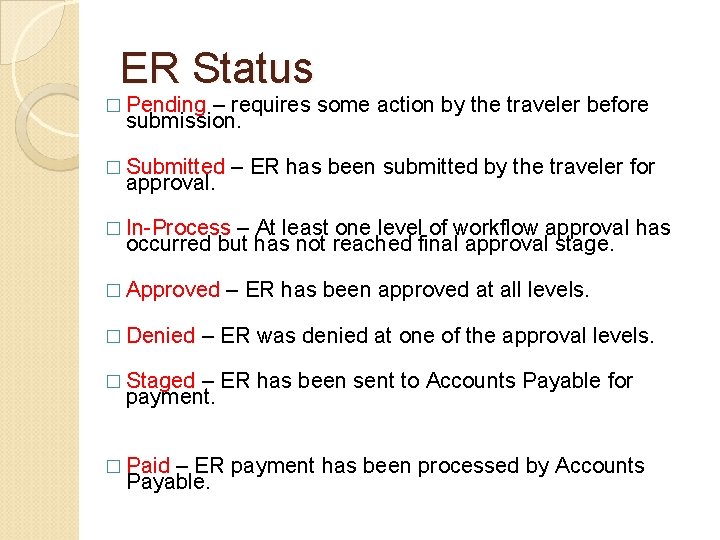
ER Status � Pending – requires some action by the traveler before submission. � Submitted – ER has been submitted by the traveler for approval. � In-Process – At least one level of workflow approval has occurred but has not reached final approval stage. � Approved � Denied – ER has been approved at all levels. – ER was denied at one of the approval levels. � Staged – ER has been sent to Accounts Payable for payment. � Paid – ER payment has been processed by Accounts Payable.
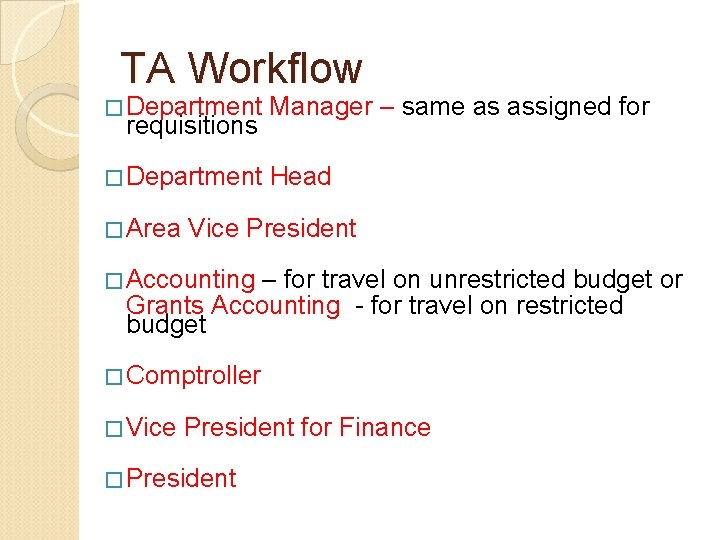
TA Workflow � Department Manager – same as assigned for � Department Head requisitions � Area Vice President � Accounting – for travel on unrestricted budget or Grants Accounting - for travel on restricted budget � Comptroller � Vice President for Finance � President
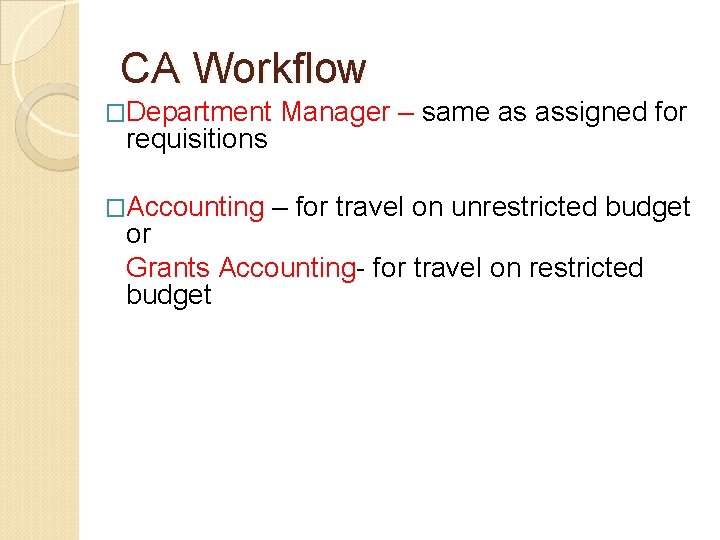
CA Workflow �Department Manager – same as assigned for �Accounting – for travel on unrestricted budget requisitions or Grants Accounting- for travel on restricted budget
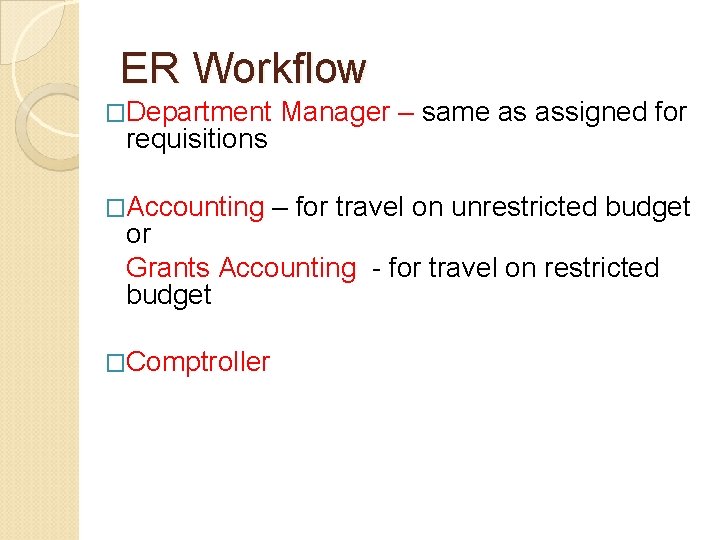
ER Workflow �Department Manager – same as assigned for �Accounting – for travel on unrestricted budget requisitions or Grants Accounting - for travel on restricted budget �Comptroller
What’s Next? �You should have already received a security form for completion. �If not please make sure that the form is completed and submitted to MIS. �On the form, be sure to indicate all of the department (speedtypes) that you will need to access for preparing TA’s and ER’s. �You will have until March 2, 2012 to complete this process.
What’s Next? �No Manual forms will be accepted after March 2, 2012 for pink forms. Yellow forms will only be accepted for those pink forms already in process prior to March 2, 2012. �You will not be able to access the system until you attend training and complete the security form.
Questions? �For questions regarding i. Expense: �Travel on Unrestricted budget - call x 4737 �Travel on Restricted budget - call x 4212 �Or if you prefer you may email bjames@alsu. edu with any questions.