
HyperV Cluster Shared Volume Vijay Tewari Principal Program


- Slides: 40
Hyper-V & Cluster Shared Volume Vijay Tewari Principal Program Manager Virtualization Microsoft Corporation
Agenda Microsoft Server Virtualization Windows Server 2008 Hyper-V Microsoft Hyper-V Server Windows Server 2008 R 2 Hyper-V Cluster Shared Volumes Q&A Please keep questions to the end
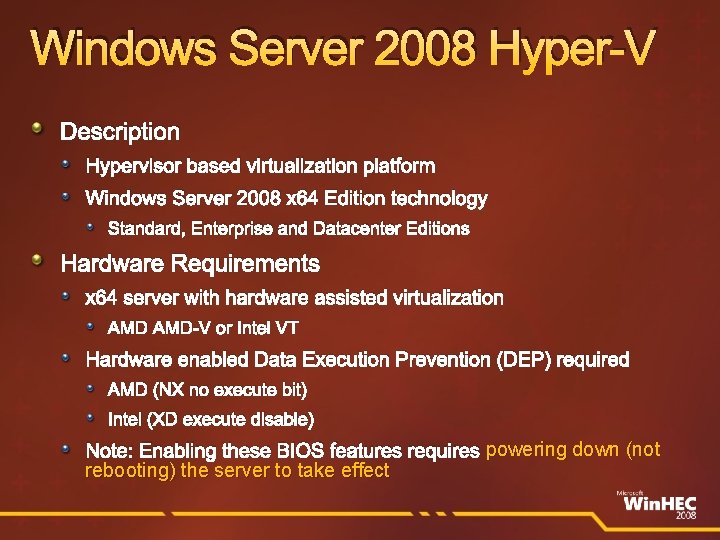
Windows Server 2008 Hyper-V Description Hypervisor based virtualization platform Windows Server 2008 x 64 Edition technology Standard, Enterprise and Datacenter Editions Hardware Requirements x 64 server with hardware assisted virtualization AMD-V or Intel VT Hardware enabled Data Execution Prevention (DEP) required AMD (NX no execute bit) Intel (XD execute disable) Note: Enabling these BIOS features requires powering down (not rebooting) the server to take effect
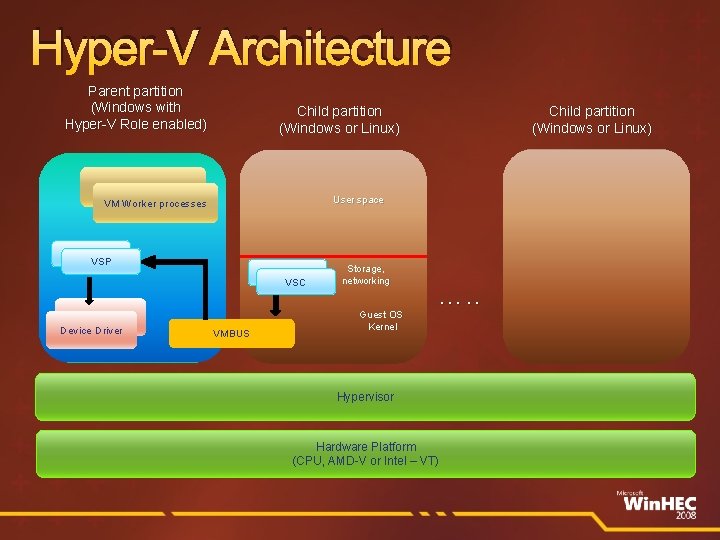
Hyper-V Architecture Parent partition (Windows with Hyper-V Role enabled) Child partition (Windows or Linux) User space VM Worker processes VSP VSC Device Driver Child partition (Windows or Linux) VMBUS Storage, networking Guest OS Kernel …. . Hypervisor Hardware Platform (CPU, AMD-V or Intel – VT)
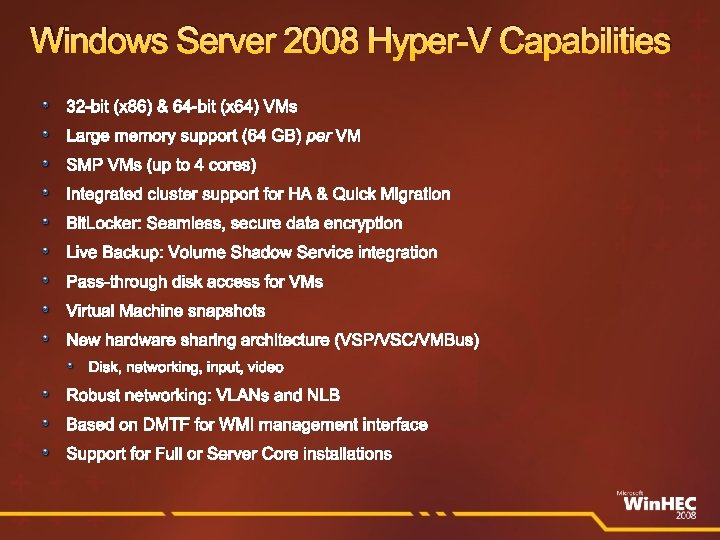
Windows Server 2008 Hyper-V Capabilities 32 -bit (x 86) & 64 -bit (x 64) VMs Large memory support (64 GB) per VM SMP VMs (up to 4 cores) Integrated cluster support for HA & Quick Migration Bit. Locker: Seamless, secure data encryption Live Backup: Volume Shadow Service integration Pass-through disk access for VMs Virtual Machine snapshots New hardware sharing architecture (VSP/VSC/VMBus) Disk, networking, input, video Robust networking: VLANs and NLB Based on DMTF for WMI management interface Support for Full or Server Core installations
demo Windows Server 2008 Hyper-V
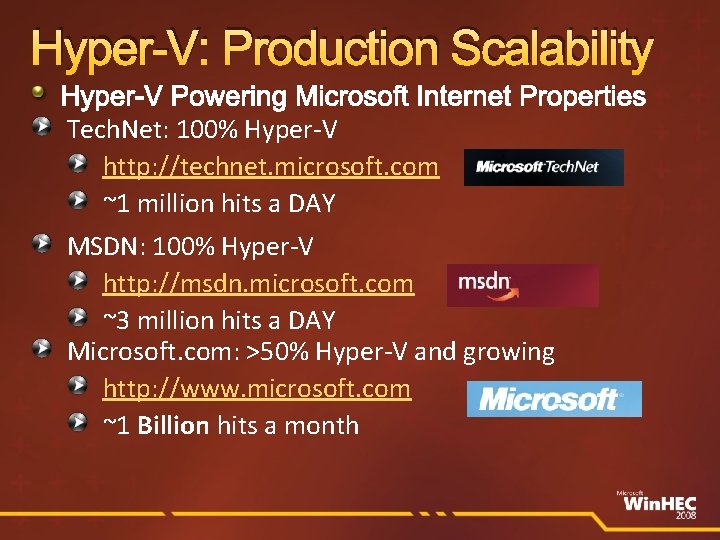
Hyper-V: Production Scalability Hyper-V Powering Microsoft Internet Properties Tech. Net: 100% Hyper-V http: //technet. microsoft. com ~1 million hits a DAY MSDN: 100% Hyper-V http: //msdn. microsoft. com ~3 million hits a DAY Microsoft. com: >50% Hyper-V and growing http: //www. microsoft. com ~1 Billion hits a month
Microsoft Hyper-V Server
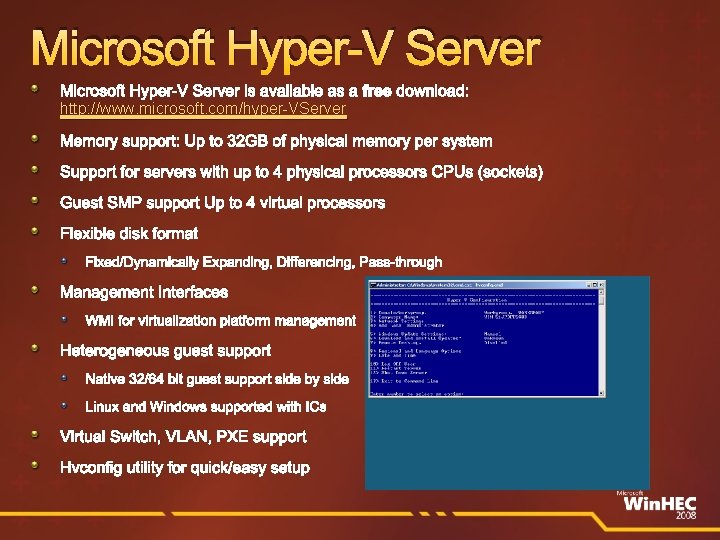
Microsoft Hyper-V Server is available as a free download: http: //www. microsoft. com/hyper-VServer Memory support: Up to 32 GB of physical memory per system Support for servers with up to 4 physical processors CPUs (sockets) Guest SMP support Up to 4 virtual processors Flexible disk format Fixed/Dynamically Expanding, Differencing, Pass-through Management Interfaces WMI for virtualization platform management Heterogeneous guest support Native 32/64 bit guest support side by side Linux and Windows supported with ICs Virtual Switch, VLAN, PXE support Hvconfig utility for quick/easy setup
Windows Server 2008 R 2 Hyper-V
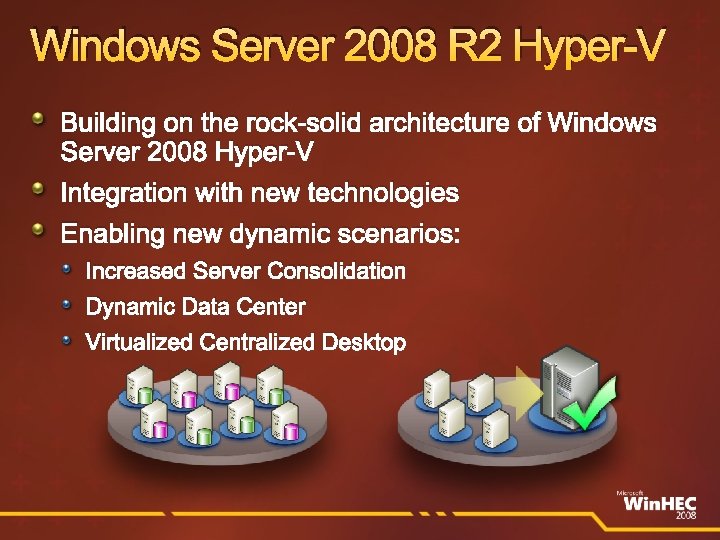
Windows Server 2008 R 2 Hyper-V Building on the rock-solid architecture of Windows Server 2008 Hyper-V Integration with new technologies Enabling new dynamic scenarios: Increased Server Consolidation Dynamic Data Center Virtualized Centralized Desktop
Windows Server 2008 R 2 Hyper-V – Features All features in Windows Server 2008 Hyper-V plus Live migration New processor feature support Hot add and remove of VHD Networking Chimney and VMQ Support for Virtual Desktop Infrastructure (VDI Terminal Server Broker
Live Migration
Live Migration Moving a virtual machine from one server to another without dropped network connection or user perceived downtime Failover Clustering is the foundation that enhances Hyper-V High Availability Disaster Recovery Quick Migration Live migration enables dynamic datacenter scenarios Servicing Load balancing VMs for power Load balancing VMs for CPU
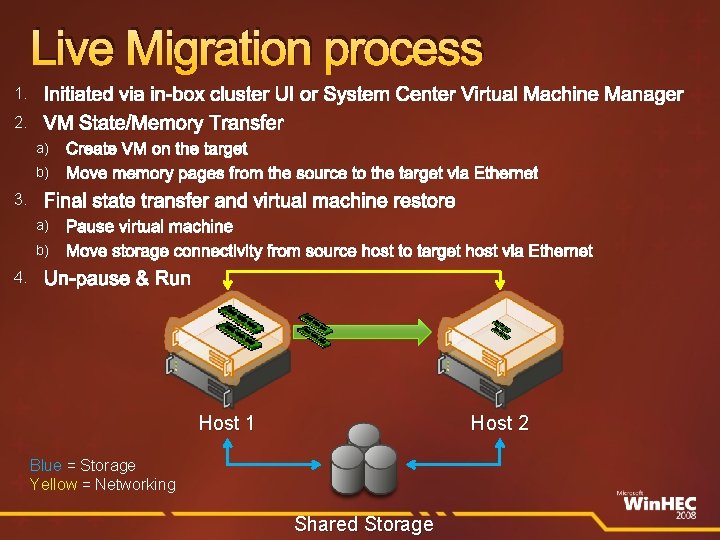
Live Migration process Initiated via in-box cluster UI or System Center Virtual Machine Manager 2. VM State/Memory Transfer 1. a) b) 3. Final state transfer and virtual machine restore a) b) 4. Create VM on the target Move memory pages from the source to the target via Ethernet Pause virtual machine Move storage connectivity from source host to target host via Ethernet Un-pause & Run Host 1 Host 2 Blue = Storage Yellow = Networking Shared Storage
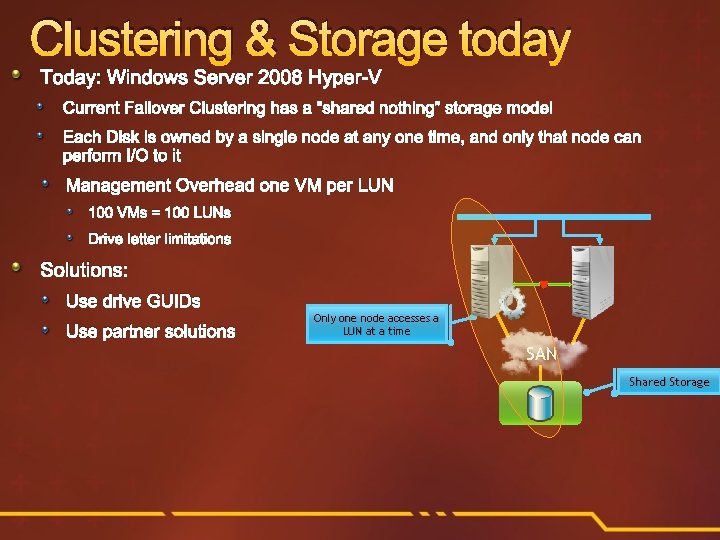
Clustering & Storage today Today: Windows Server 2008 Hyper-V Current Failover Clustering has a “shared nothing” storage model Each Disk is owned by a single node at any one time, and only that node can perform I/O to it Management Overhead one VM per LUN 100 VMs = 100 LUNs Drive letter limitations Solutions: Use drive GUIDs Use partner solutions Only one node accesses a LUN at a time SAN Shared Storage
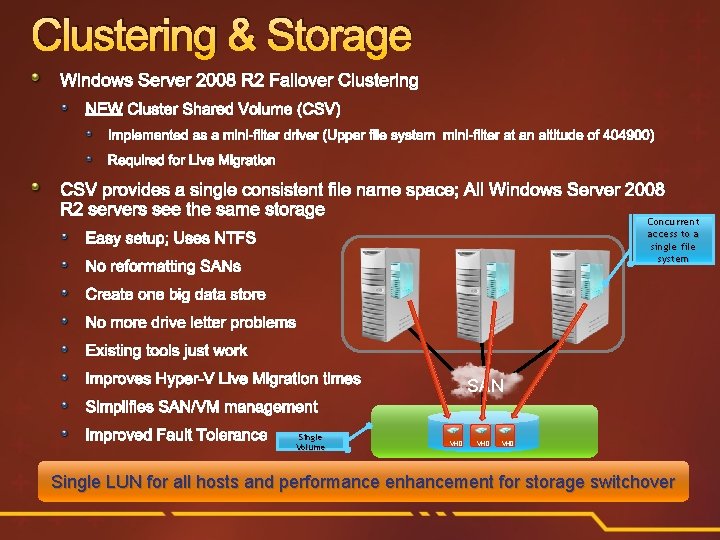
Clustering & Storage Windows Server 2008 R 2 Failover Clustering NEW Cluster Shared Volume (CSV) Implemented as a mini-filter driver (Upper file system mini-filter at an altitude of 404900) Required for Live Migration CSV provides a single consistent file name space; All Windows Server 2008 R 2 servers see the same storage Concurrent access to a single file system Easy setup; Uses NTFS No reformatting SANs Create one big data store No more drive letter problems Existing tools just work Improves Hyper-V Live Migration times SAN Simplifies SAN/VM management Improved Fault Tolerance Single Volume VHD VHD Single LUN for all hosts and performance enhancement for storage switchover
New Processor Feature Support
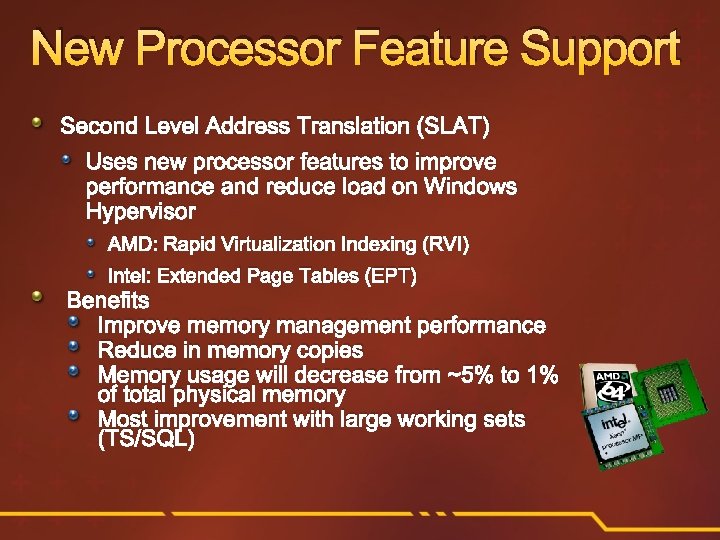
New Processor Feature Support Second Level Address Translation (SLAT) Uses new processor features to improve performance and reduce load on Windows Hypervisor AMD: Rapid Virtualization Indexing (RVI) Intel: Extended Page Tables (EPT) Benefits Improve memory management performance Reduce in memory copies Memory usage will decrease from ~5% to 1% of total physical memory Most improvement with large working sets (TS/SQL)
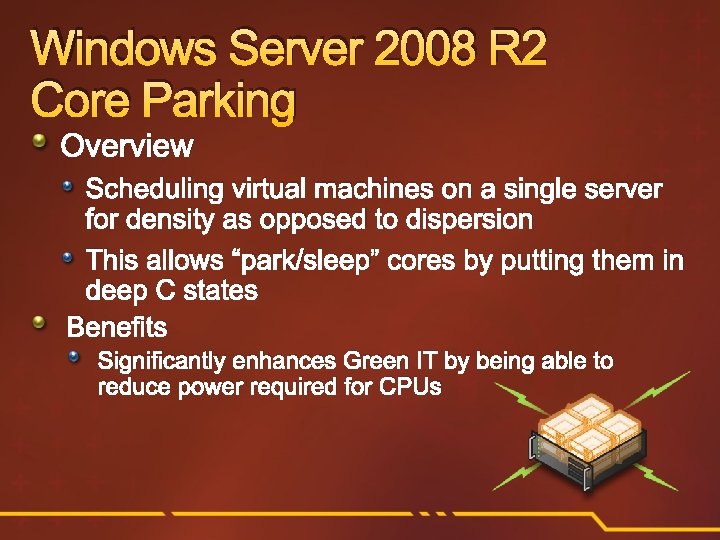
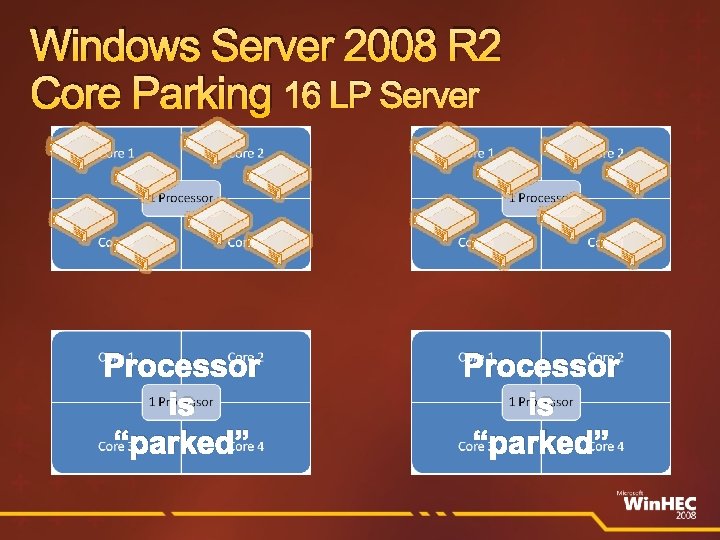
Windows Server 2008 R 2 Core Parking Overview Scheduling virtual machines on a single server for density as opposed to dispersion This allows “park/sleep” cores by putting them in deep C states Benefits Significantly enhances Green IT by being able to reduce power required for CPUs
Windows Server 2008 R 2 Core Parking 16 LP Server Processor is “parked”
Virtual Storage
Hot Add/Remove Storage Overview Add and remove VHD and pass-through disks to a running VM without requiring a reboot. Hot-add/remove disk applies to VHDs and passthrough disks attached to the virtual SCSI controller Benefits Enables storage growth in VMs without downtime Enables additional datacenter backup scenarios Enables new SQL/Exchange scenarios
demo Hot add/remove VHD
Networking
Networking Extending TCP Offload support for Virtual machines TCP/IP traffic in a VM can be offloaded to a physical NIC on the host computer. Benefits Reduce CPU burden Networking offload to improve performance Live Migration is supported with TCP Offload
Networking Virtual Machine Queue (VMQ) Support Overview NIC can DMA packets directly into VM memory VM Device buffer gets assigned to one of the queues Avoids packet copies in the VSP Avoids route lookup in the virtual switch (VMQ Queue ID) Allows the NIC to essentially appear as multiple NICs on the physical host (queues) Benefits Host no longer has device DMA data in its own buffer resulting in a shorter path length for I/O (performance gain)
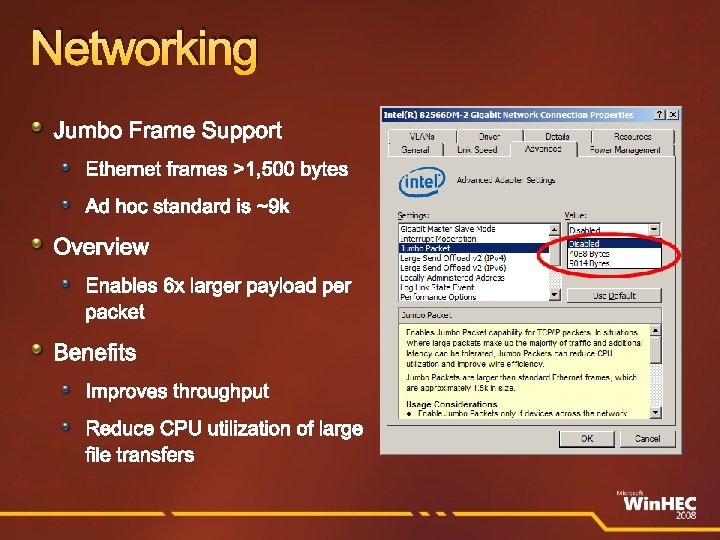
Networking Jumbo Frame Support Ethernet frames >1, 500 bytes Ad hoc standard is ~9 k Overview Enables 6 x larger payload per packet Benefits Improves throughput Reduce CPU utilization of large file transfers
Hosted Desktops (VDI)
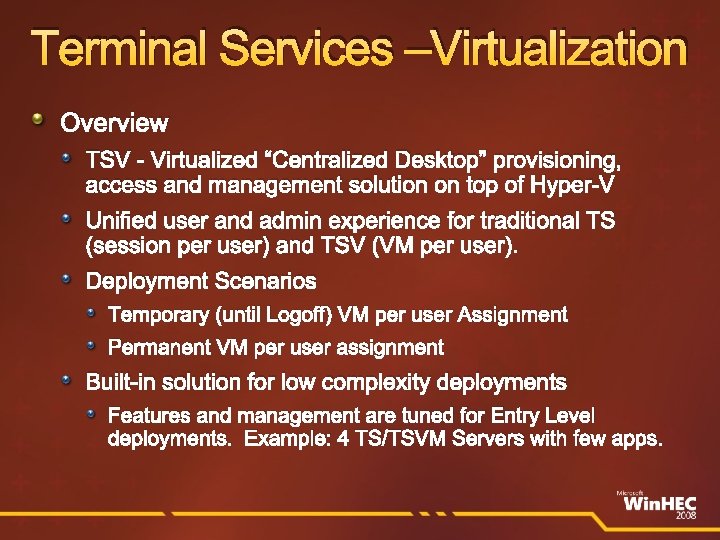
Terminal Services –Virtualization Overview TSV - Virtualized “Centralized Desktop” provisioning, access and management solution on top of Hyper-V Unified user and admin experience for traditional TS (session per user) and TSV (VM per user). Deployment Scenarios Temporary (until Logoff) VM per user Assignment Permanent VM per user assignment Built-in solution for low complexity deployments Features and management are tuned for Entry Level deployments. Example: 4 TS/TSVM Servers with few apps.
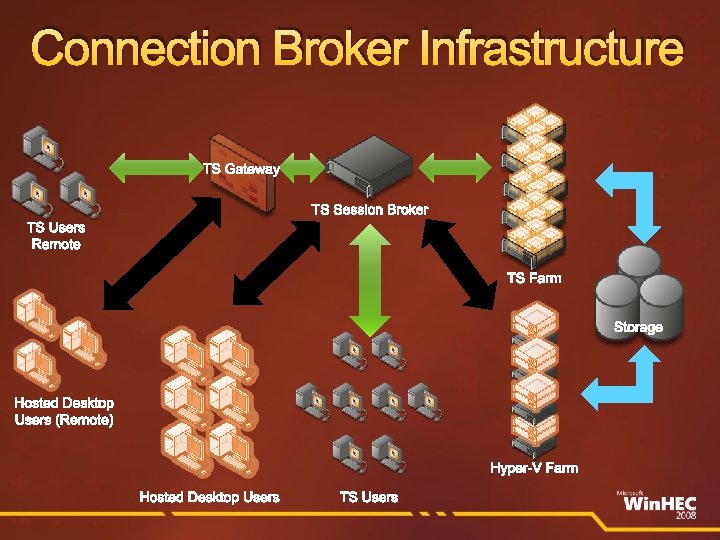
Connection Broker Infrastructure TS Gateway TS Session Broker TS Users Remote TS Farm Storage Hosted Desktop Users (Remote) Hyper-V Farm Hosted Desktop Users TS Users
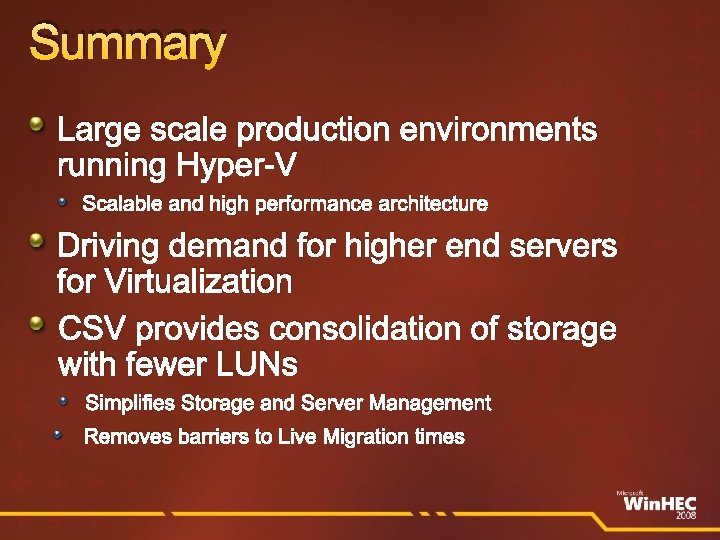
Summary Large scale production environments running Hyper-V Scalable and high performance architecture Driving demand for higher end servers for Virtualization CSV provides consolidation of storage with fewer LUNs Simplifies Storage and Server Management Removes barriers to Live Migration times
Call To Action Ensure drivers installation package work with Server Core Validate drivers work on Windows Server 2008 R 2 with Hyper-V role Storage vendors Test your storage solutions with clustering (CSV) and Hyper-V
Online Resources Microsoft Virtualization Home: http: //www. microsoft. com/virtualization Windows Server Virtualization Blog Site: http: //blogs. technet. com/virtualization/default. aspx Windows Server Virtualization Tech. Net Site: http: //technet 2. microsoft. com/windowsserver 2008/en/servermanager/virtualization. mspx Virtualization Solution Accelerators http: //technet. microsoft. com/en-us/solutionaccelerators/cc 197910. aspx How to install the Hyper-V role http: //www. microsoft. com/windowsserver 2008/en/us/hyperv-install. aspx Windows Server 2008 Hyper-V Performance Tuning Guide http: //www. microsoft. com/whdc/system/sysperf/Perf_tun_srv. mspx Using Hyper-V & Bit. Locker White Paper http: //www. microsoft. com/downloads/details. aspx? Family. ID=2 c 3 c 0615 -baf 4 -4 a 9 c-b 613 -3 fda 14 e 84545&Display. Lang=en Windows Server 2008 Failover Clustering http: //www. microsoft. com/Windowsserver 2008/en/us/clustering-home. aspx Build High-Availability Infrastructures with Windows Server 2008 Failover Clustering • • http: //msevents. microsoft. com/CUI/Event. Detail. aspx? Event. ID=1032364827&Culture=en-US Cluster Validation in Windows Server • http: //msevents. microsoft. com/CUI/Web. Cast. Event. Details. aspx? culture=en-US&Event. ID=1032336490&Country. Code=US
© 2008 Microsoft Corporation. All rights reserved. Microsoft, Windows Vista and other product names are or may be registered trademarks and/or trademarks in the U. S. and/or other countries. The information herein is for informational purposes only and represents the current view of Microsoft Corporation as of the date of this presentation. Because Microsoft must respond to changing market conditions, it should not be interpreted to be a commitment on the part of Microsoft, and Microsoft cannot guarantee the accuracy of any information provided after the date of this presentation. MICROSOFT MAKES NO WARRANTIES, EXPRESS, IMPLIED OR STATUTORY, AS TO THE INFORMATION IN THIS PRESENTATION.
Backup
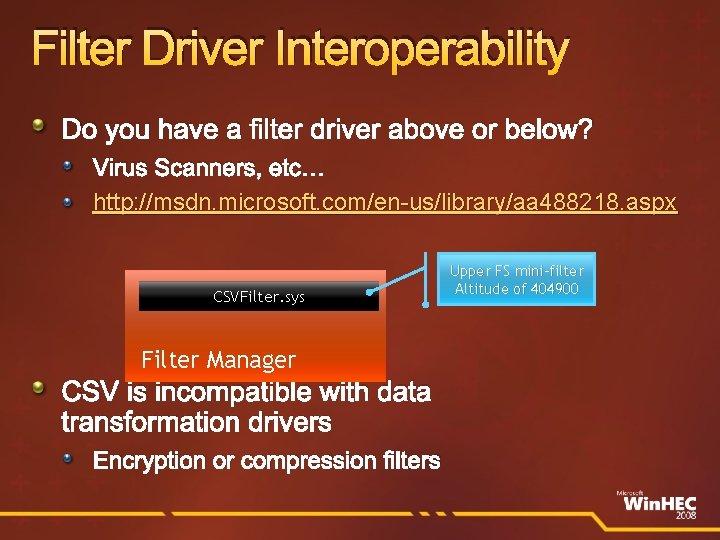
Filter Driver Interoperability Do you have a filter driver above or below? Virus Scanners, etc… http: //msdn. microsoft. com/en-us/library/aa 488218. aspx CSVFilter. sys Filter Manager CSV is incompatible with data transformation drivers Encryption or compression filters Upper FS mini-filter Altitude of 404900
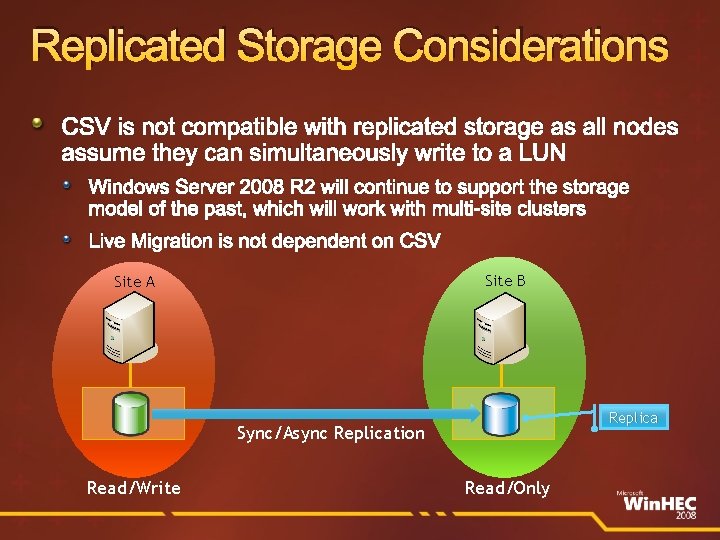
Replicated Storage Considerations CSV is not compatible with replicated storage as all nodes assume they can simultaneously write to a LUN Windows Server 2008 R 2 will continue to support the storage model of the past, which will work with multi-site clusters Live Migration is not dependent on CSV Site B Site A Replica Sync/Async Replication Read/Write Read/Only
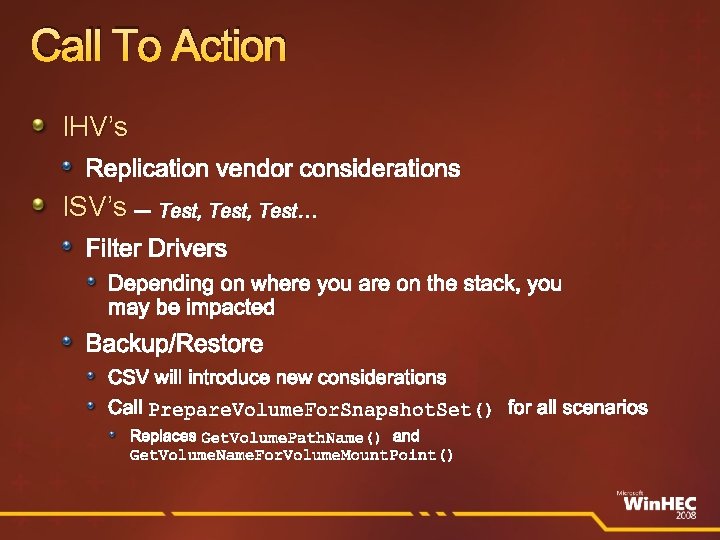
Call To Action IHV’s Replication vendor considerations ISV’s – Test, Test… Filter Drivers Depending on where you are on the stack, you may be impacted Backup/Restore CSV will introduce new considerations Call Prepare. Volume. For. Snapshot. Set() for all scenarios Replaces Get. Volume. Path. Name() and Get. Volume. Name. For. Volume. Mount. Point()