
HumanComputer Interaction Lecture 2 Human Side Cognition Framework


- Slides: 35
Human-Computer Interaction Lecture 2 Human Side – Cognition Framework Ms. Mona Deshmukh VESIT
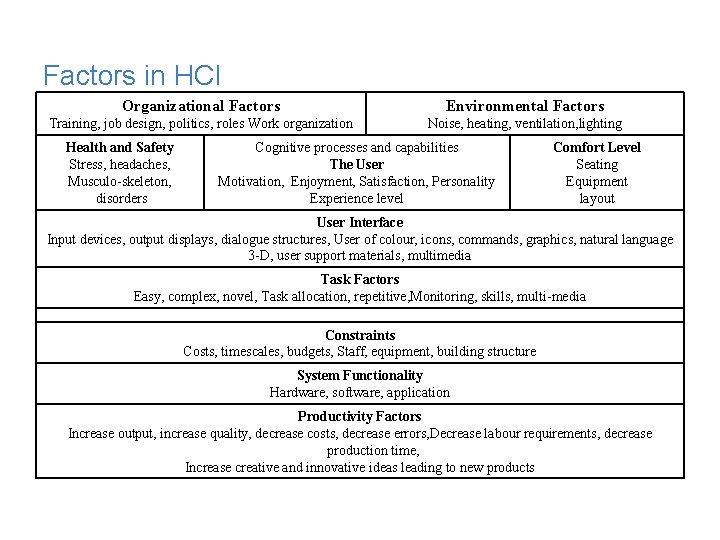
Factors in HCI Organizational Factors Environmental Factors Training, job design, politics, roles Work organization Noise, heating, ventilation, lighting Health and Safety Stress, headaches, Musculo-skeleton, disorders Cognitive processes and capabilities The User Motivation, Enjoyment, Satisfaction, Personality Experience level Comfort Level Seating Equipment layout User Interface Input devices, output displays, dialogue structures, User of colour, icons, commands, graphics, natural language 3 -D, user support materials, multimedia Task Factors Easy, complex, novel, Task allocation, repetitive, Monitoring, skills, multi-media Constraints Costs, timescales, budgets, Staff, equipment, building structure System Functionality Hardware, software, application Productivity Factors Increase output, increase quality, decrease costs, decrease errors, Decrease labour requirements, decrease production time, Increase creative and innovative ideas leading to new products
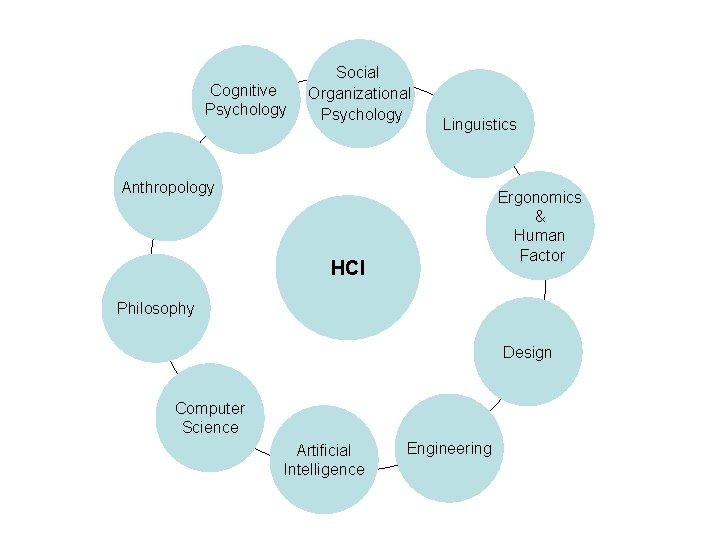
Cognitive Psychology Social Organizational Psychology Linguistics Anthropology Ergonomics & Human Factor HCI Philosophy Design Computer Science Artificial Intelligence Engineering
Quote from– Terry Winograd “HCI is the kind of discipline which is neither the study of humans nor the study of technology, but rather the bridging between the two. So you always have to have one eye open to the questions: – What can the technology do? – How can you build it ? – What are the possibilities? And one eye open to the question” – What are people doing and how would this fit in – What would they do with it ? If you lose sight of either of those you fail to design well. . I think the challenge is to really keep knowledge of both the technology and the people playng ff against each other in order to develop new things”
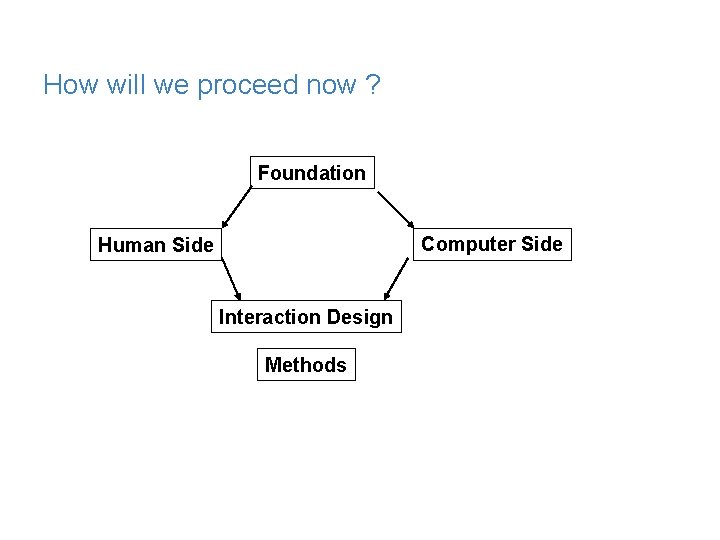
How will we proceed now ? Foundation Computer Side Human Side Interaction Design Methods
In Today’s Lecture – Human Side • Cognition • Cognitive Framework
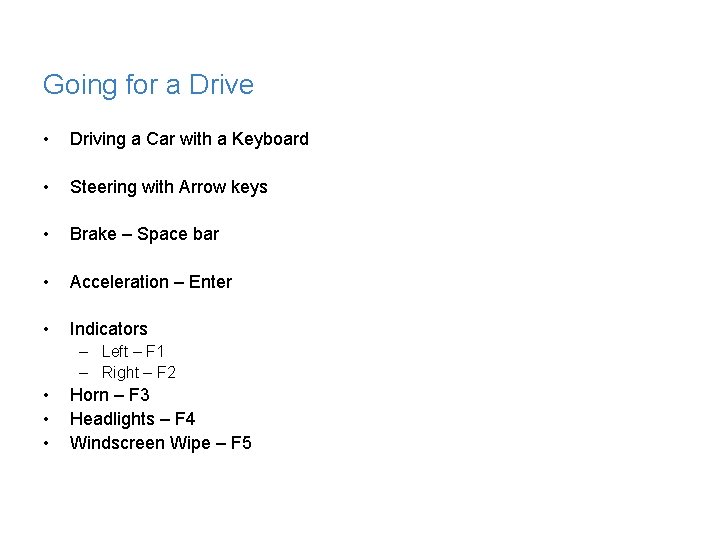
Going for a Drive • Driving a Car with a Keyboard • Steering with Arrow keys • Brake – Space bar • Acceleration – Enter • Indicators – Left – F 1 – Right – F 2 • • • Horn – F 3 Headlights – F 4 Windscreen Wipe – F 5
Going for a Drive • Driving along on Highway • Suddenly a Cow comes in front • What do you do ? • What are your chances of survival
Cognitive Psychology • Psychology primarily concerned with human behavior and the mental processes that underlie it. • It is primarily concerned with information processing
Cognition • Process by which we became acquanted with things or in other words gain knowledge – – – Understanding Remembering Reasoning Attending Creating a new idea • How Humans and Computers interact with one another in terms of knowledge transmitted by them
Cognition • Also described in terms of specific process – – – Attention Perception Memory Learning Reading, speaking and listening Problem solving, planning, reasoning, decision making
Experiential and Reflective • Experiential – We perceive, act and react to events around us effectively – Identify the cognitions shown in previous as experiential • Driving a car, reading • Reflective – Involves thinking , comparing and decision making
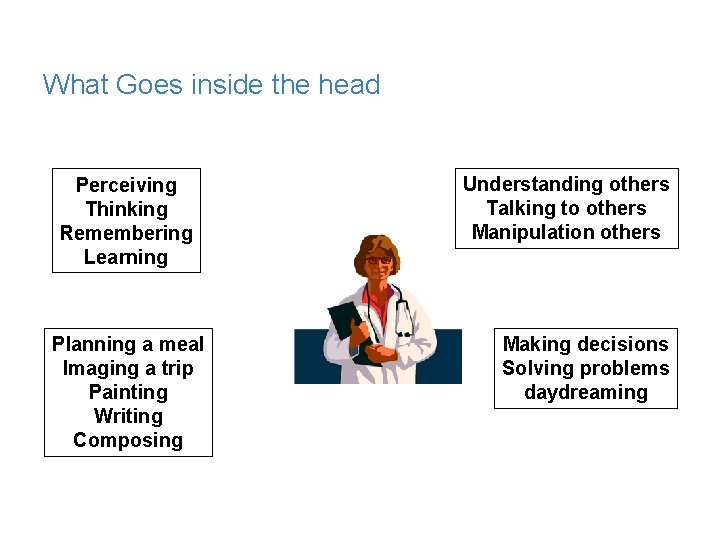
What Goes inside the head Perceiving Thinking Remembering Learning Planning a meal Imaging a trip Painting Writing Composing Understanding others Talking to others Manipulation others Making decisions Solving problems daydreaming
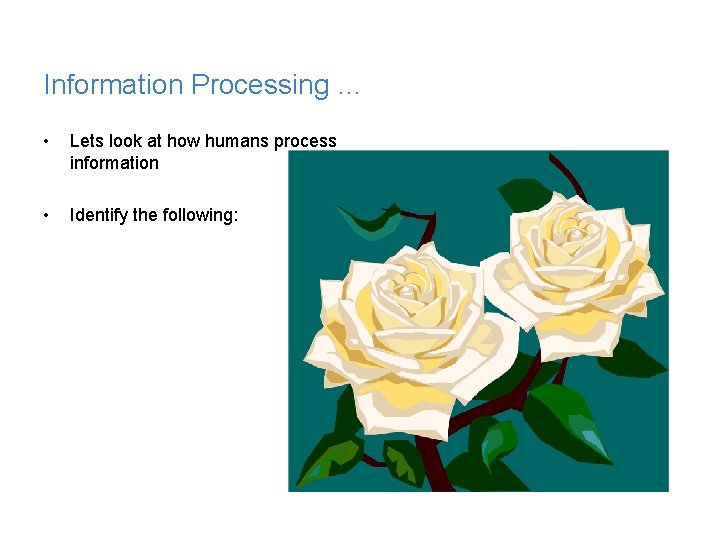
Information Processing … • Lets look at how humans process information • Identify the following:
So what was it ? • Was it : – An elephant ? – A Tiger – An Apple – Roses • Roses Of course
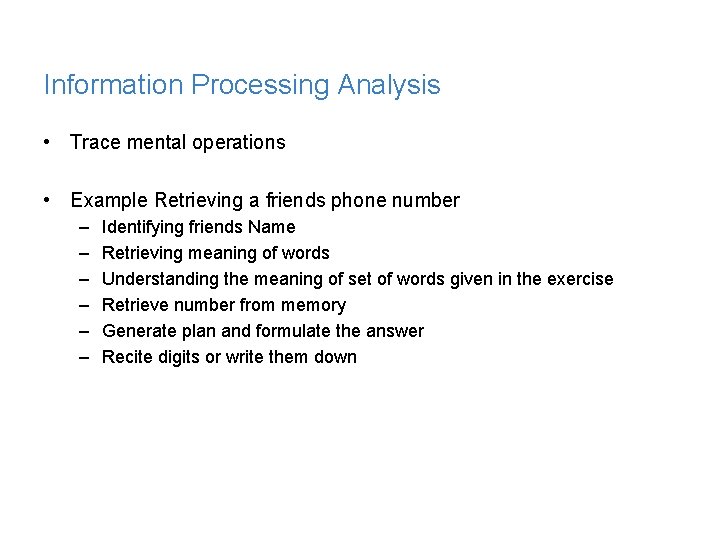
Information Processing Analysis • Trace mental operations • Example Retrieving a friends phone number – – – Identifying friends Name Retrieving meaning of words Understanding the meaning of set of words given in the exercise Retrieve number from memory Generate plan and formulate the answer Recite digits or write them down
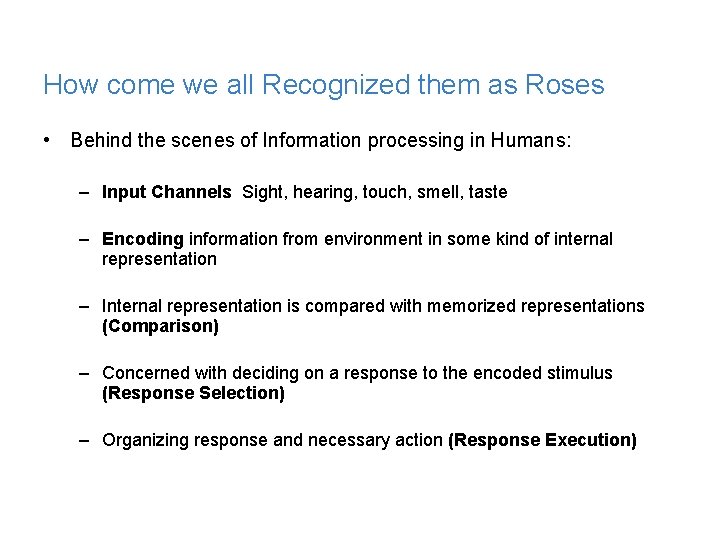
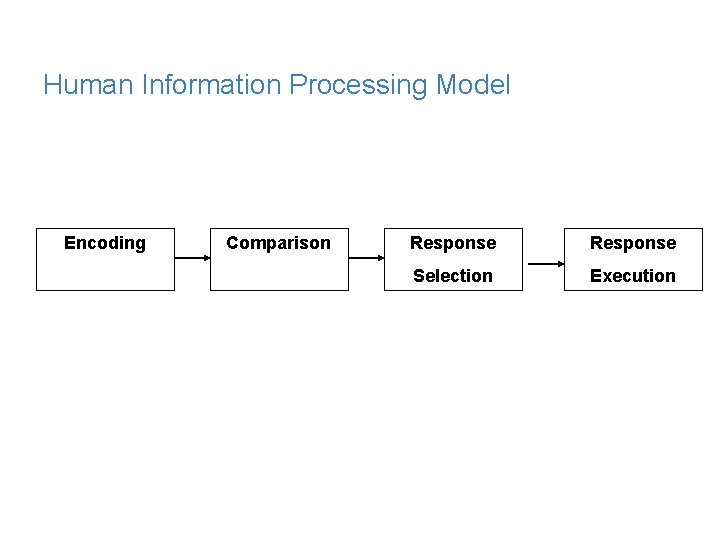
How come we all Recognized them as Roses • Behind the scenes of Information processing in Humans: – Input Channels Sight, hearing, touch, smell, taste – Encoding information from environment in some kind of internal representation – Internal representation is compared with memorized representations (Comparison) – Concerned with deciding on a response to the encoded stimulus (Response Selection) – Organizing response and necessary action (Response Execution)
Human Information Processing Model Encoding Comparison Response Selection Execution
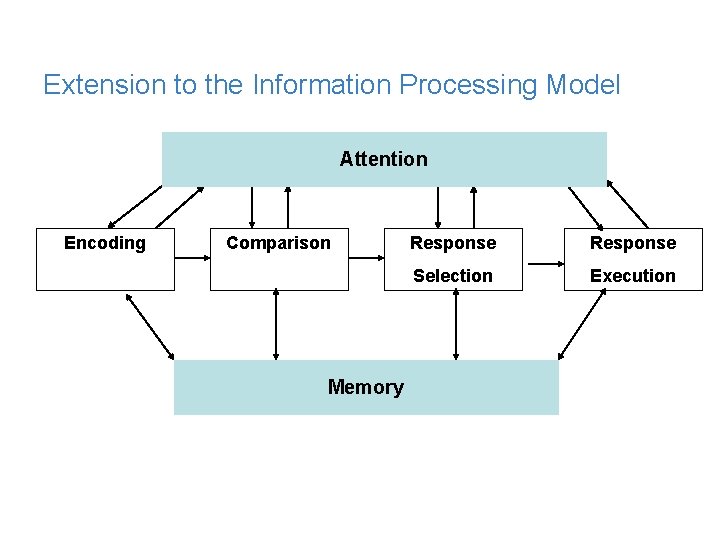
Extended Model • How Information is perceived by the perceptual processors • How information is attended to • How information is processes and stored in Memory
Extension to the Information Processing Model Attention Encoding Comparison Memory Response Selection Execution
Human Processor Model • Helps Conceptualize human behavior • Models of users: Model human Processor – Perceptual System – Motor System – Cognitive System
Models • Human Information Processing Models • Human Processor Models • These models assume that is based solely upon mental activities
GOMS • Goals • Operators • Methods • Selection Rules
More Models • Knowledge Representation Models • Mental Models • User Interaction Learning Models • Apply to HCI through – Conceptual Models – Interface Models
Other Approaches • Computational Approach – Computer metaphor as theoretical framework • Emphasis on – What is important is processed
More Frameworks • External Cognition • Language Action Framework • Distributed Cognition
External Cognition • Externalizing to reduce memory load • Computational offloading • Annotating and Cognitive tracing
External Cognition - Externalizing • Knowledge is transformed into external representations – – Example birthdays Phone numbers Addresses Appointments • Talk about Ghalib tying knots to remember whatever verses he created at night
External Cognition – Computational Offload • Computational Offloading – Try the following – 2 X 3 – 12 X 15 – 12387 X 9875
External Cognition – Annotating and Cognitive Tracing • Annotating and Cognitive tracing • Modify representation to reflect changes that are taking place – Annotating – Cognitive Tracing
Information Visualization
Beyond Cognitive framework • Where do you think the framework lacks? – Lack of consideration for other aspects – How people interact with each other – How people interact with objects other than Computer system. – In Short Context
Distributed Cognitive framework • Describing cognition as it is distributed across individuals and settings (functional systems) in which it takes place. • To provide explanation to conceptualize cognitive activities • Analyze processing from the following aspect – Cognitive – Social – And Organization
Distributed Cognitive framework • Consider an example taking a plane to higher altitude – – ATC gives clearance to pilot to fly to higher altitude (verbal) Pilot changes altitude meter (mental and physical) Captain observes pilot (visual) Captain flies to higher altitude (mental and physical)
Summarize • In the Next Lecture • Talk about Input Channels