
HumanComputer Interaction Design process Task and User Characteristics

- Slides: 15
Human-Computer Interaction Design process Task and User Characteristics Guidelines Evaluation 1 ISE 412
An HCI Design Process Research 2 User Model Requirements Definition Interaction Design Interface Design ISE 412
Good interface design is based on: User research: user goals, needs, etc. capabilities, expectations, mental models, etc. drives system and interface design Contextual inquiry, task analysis, etc. Knowledge of human cognitive capabilities and limitations Requirements that are defined from these … 3 ISE 412
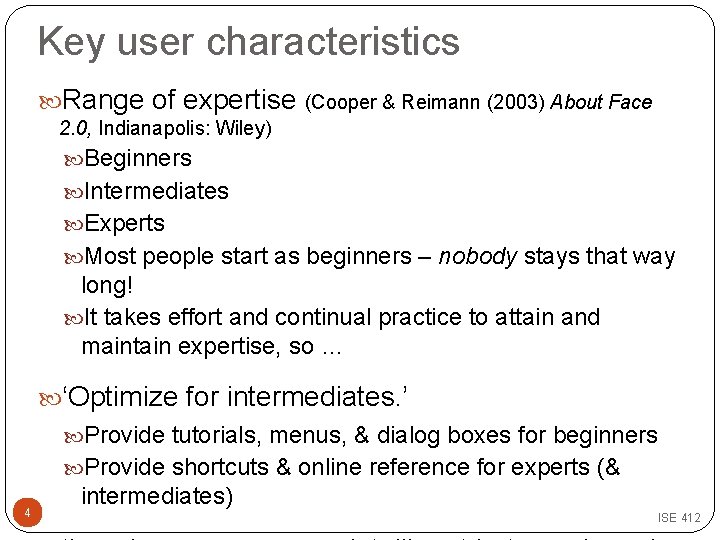
Key user characteristics Range of expertise (Cooper & Reimann (2003) About Face 2. 0, Indianapolis: Wiley) Beginners Intermediates Experts Most people start as beginners – nobody stays that way long! It takes effort and continual practice to attain and maintain expertise, so … ‘Optimize for intermediates. ’ Provide tutorials, menus, & dialog boxes for beginners Provide shortcuts & online reference for experts (& 4 intermediates) ISE 412
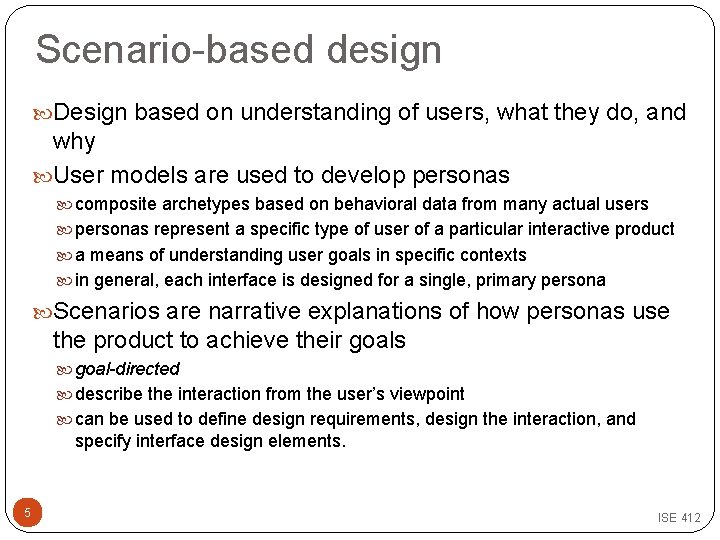
Scenario-based design Design based on understanding of users, what they do, and why User models are used to develop personas composite archetypes based on behavioral data from many actual users personas represent a specific type of user of a particular interactive product a means of understanding user goals in specific contexts in general, each interface is designed for a single, primary persona Scenarios are narrative explanations of how personas use the product to achieve their goals goal-directed describe the interaction from the user’s viewpoint can be used to define design requirements, design the interaction, and specify interface design elements. 5 ISE 412
To consider in HCI. . . Usability issues Metaphors Visibility Terminology Error handling Interaction style 6 ISE 412
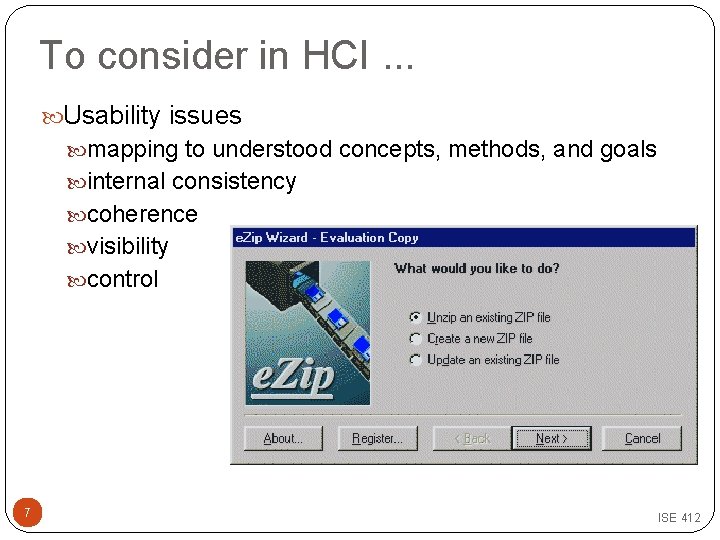
To consider in HCI. . . Usability issues mapping to understood concepts, methods, and goals internal consistency coherence visibility control 7 ISE 412
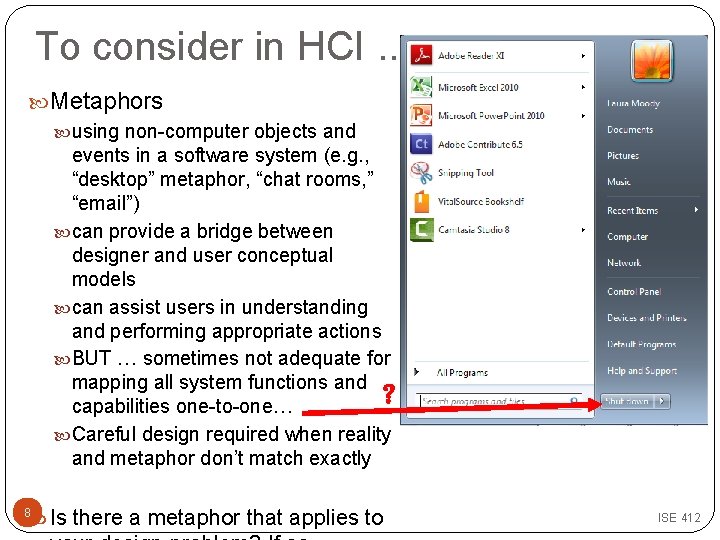
To consider in HCI. . . Metaphors using non-computer objects and events in a software system (e. g. , “desktop” metaphor, “chat rooms, ” “email”) can provide a bridge between designer and user conceptual models can assist users in understanding and performing appropriate actions BUT … sometimes not adequate for mapping all system functions and ? capabilities one-to-one… Careful design required when reality and metaphor don’t match exactly Is there a metaphor that applies to 8 ISE 412
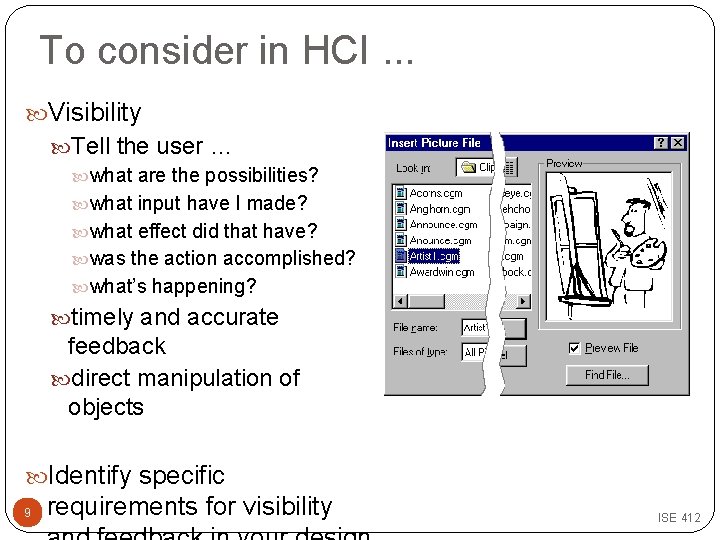
To consider in HCI. . . Visibility Tell the user … what are the possibilities? what input have I made? what effect did that have? was the action accomplished? what’s happening? timely and accurate feedback direct manipulation of objects Identify specific 9 requirements for visibility ISE 412
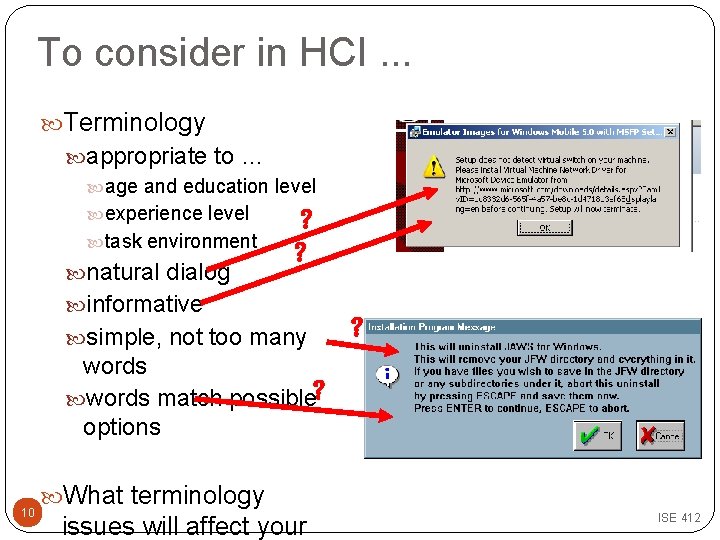
To consider in HCI. . . Terminology appropriate to … age and education level experience level ? task environment natural dialog ? informative simple, not too many ? words match possible? options 10 What terminology issues will affect your ISE 412
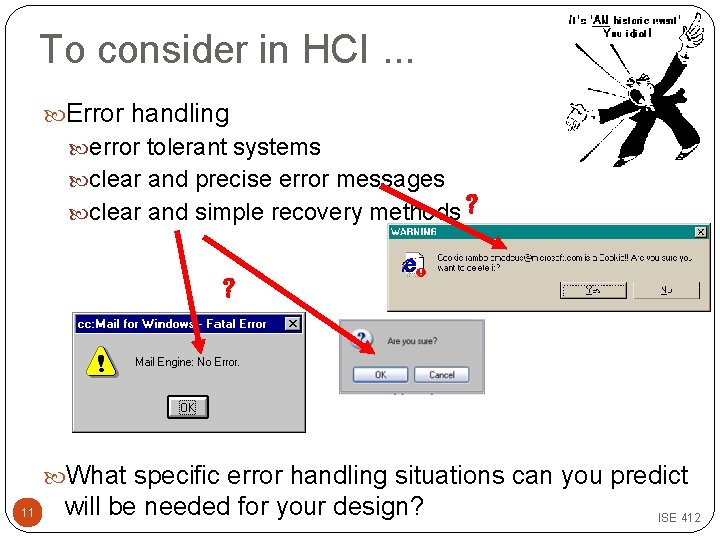
To consider in HCI. . . Error handling error tolerant systems clear and precise error messages clear and simple recovery methods ? ? What specific error handling situations can you predict 11 will be needed for your design? ISE 412
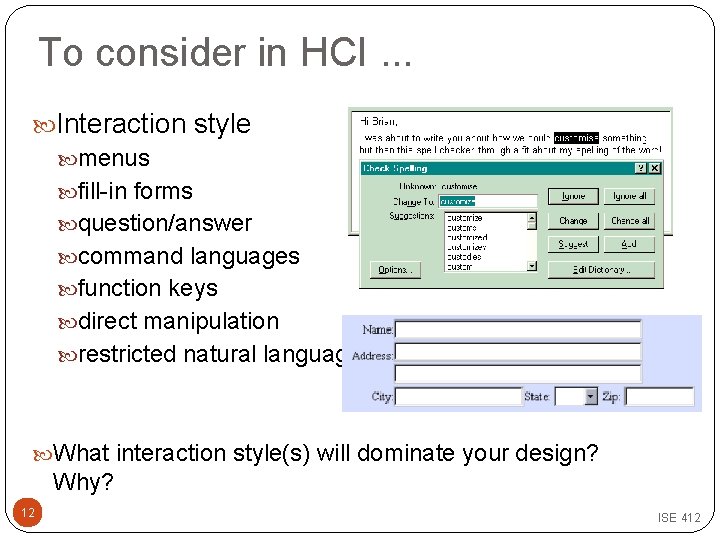
To consider in HCI. . . Interaction style menus fill-in forms question/answer command languages function keys direct manipulation restricted natural language What interaction style(s) will dominate your design? Why? 12 ISE 412
HCI Guidelines General design guidelines “ 8 Golden Rules …” (see next page) online style guides (see http: //hcibib. org/hci- sites/guidelines for a comprehensive reference) Style guides for Windows, Mac, etc. 13 ISE 412
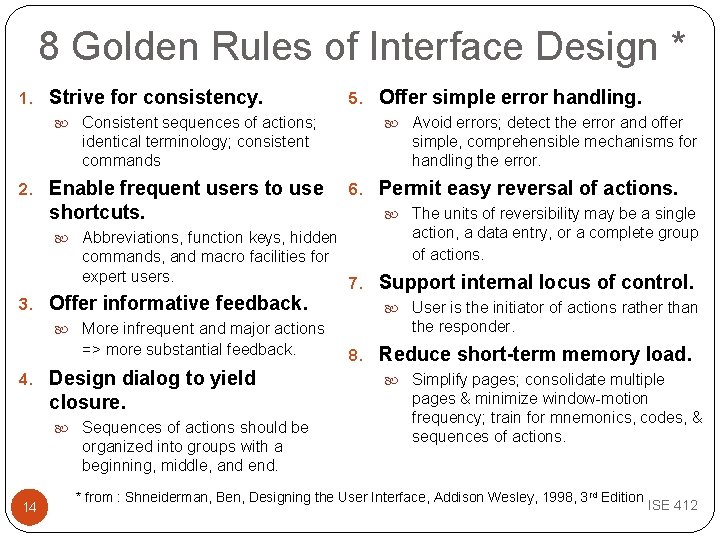
8 Golden Rules of Interface Design * 1. Strive for consistency. Consistent sequences of actions; identical terminology; consistent commands 2. Enable frequent users to use shortcuts. Abbreviations, function keys, hidden commands, and macro facilities for expert users. 3. Offer informative feedback. More infrequent and major actions => more substantial feedback. 4. Design dialog to yield closure. Sequences of actions should be organized into groups with a beginning, middle, and end. 14 5. Offer simple error handling. Avoid errors; detect the error and offer simple, comprehensible mechanisms for handling the error. 6. Permit easy reversal of actions. The units of reversibility may be a single action, a data entry, or a complete group of actions. 7. Support internal locus of control. User is the initiator of actions rather than the responder. 8. Reduce short-term memory load. Simplify pages; consolidate multiple pages & minimize window-motion frequency; train for mnemonics, codes, & sequences of actions. * from : Shneiderman, Ben, Designing the User Interface, Addison Wesley, 1998, 3 rd Edition ISE 412
Your turn … Based on the work you have done so far, review the screens you designed your device. Do they follow the “ 8 Golden Rules”? Is there anything we have discussed today that makes you reconsider your design choice(s)? 15 ISE 412