
Human Computer Interface Prototype Ian Sommerville 2004 Software
- Slides: 7
Human Computer Interface Prototype ©Ian Sommerville 2004 Software Engineering, 7 th edition. Chapter 4 Slide 11 Slide
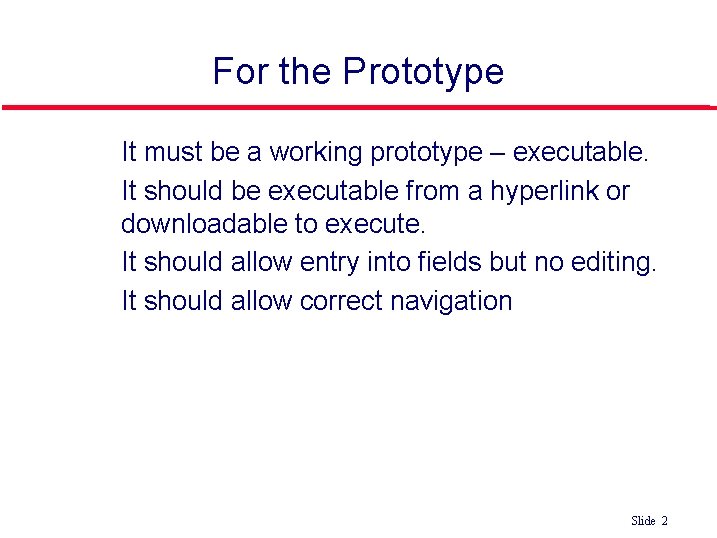
For the Prototype l l It must be a working prototype – executable. It should be executable from a hyperlink or downloadable to execute. It should allow entry into fields but no editing. It should allow correct navigation ©Ian Sommerville 2004 Software Engineering, 7 th edition. Chapter 4 Slide 22 Slide
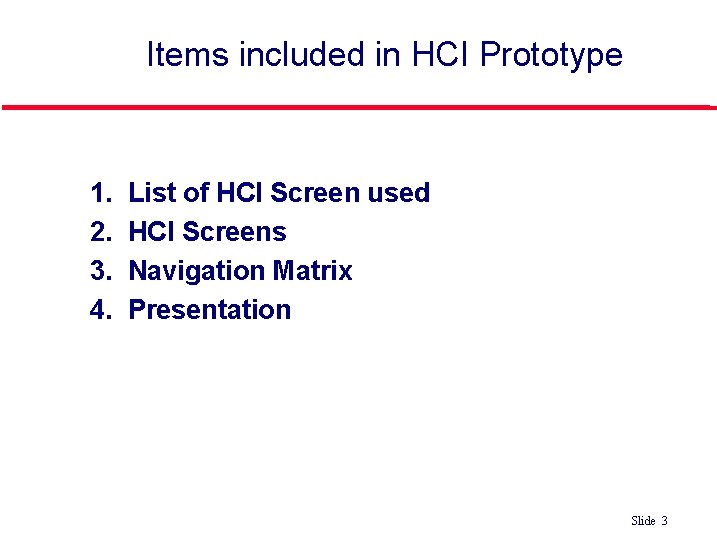
Items included in HCI Prototype l l 1. 2. 3. 4. List of HCI Screen used HCI Screens Navigation Matrix Presentation Which is better? ©Ian Sommerville 2004 Software Engineering, 7 th edition. Chapter 4 Slide 33 Slide
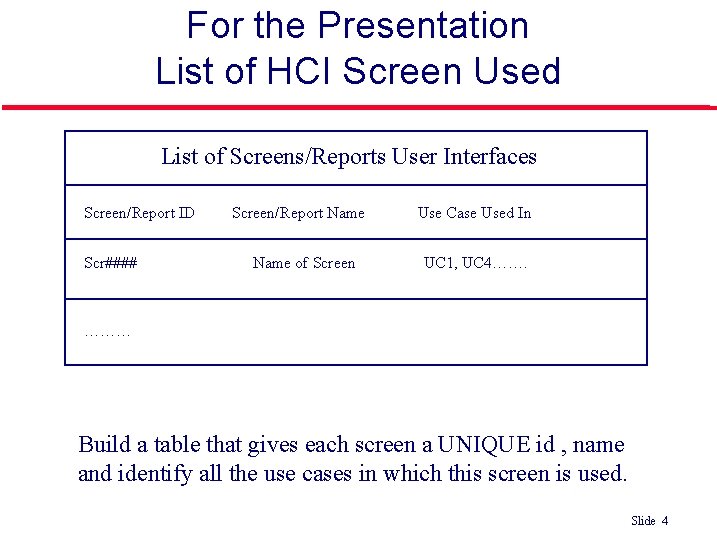
For the Presentation List of HCI Screen Used List of Screens/Reports User Interfaces Screen/Report ID Scr#### Screen/Report Name of Screen Use Case Used In UC 1, UC 4……. ……… Build a table that gives each screen a UNIQUE id , name and identify all the use cases in which this screen is used. Which is better? ©Ian Sommerville 2004 Software Engineering, 7 th edition. Chapter 4 Slide 44 Slide
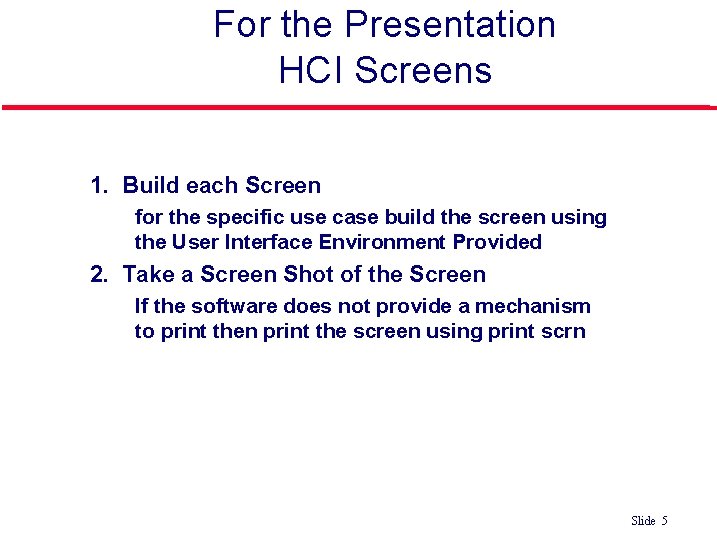
For the Presentation HCI Screens l 1. Build each Screen • l for the specific use case build the screen using the User Interface Environment Provided 2. Take a Screen Shot of the Screen • If the software does not provide a mechanism to print then print the screen using print scrn Which is better? ©Ian Sommerville 2004 Software Engineering, 7 th edition. Chapter 4 Slide 55 Slide
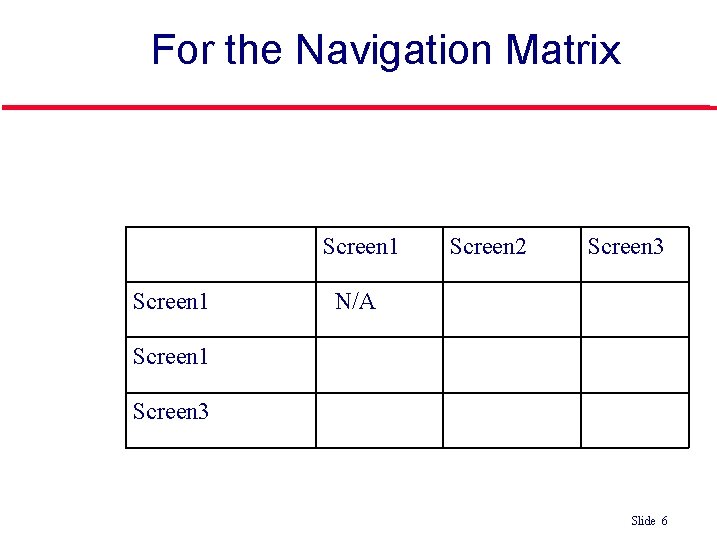
For the Navigation Matrix User Interface Navigation Matrix Template Screen 1 Screen 2 Screen 3 N/A Screen 1 Screen 3 Which is better? ©Ian Sommerville 2004 Software Engineering, 7 th edition. Chapter 4 Slide 66 Slide
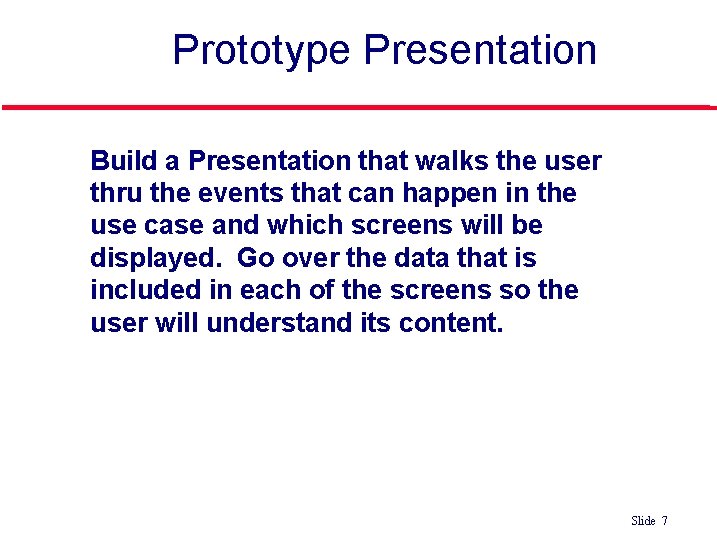
Prototype Presentation l Build a Presentation that walks the user thru the events that can happen in the use case and which screens will be displayed. Go over the data that is included in each of the screens so the user will understand its content. Which is better? ©Ian Sommerville 2004 Software Engineering, 7 th edition. Chapter 4 Slide 77 Slide