
Human Computer Interaction Introduction PTI 2008 2009 Informatics

- Slides: 20
Human Computer Interaction Introduction PTI 2008 -2009 Informatic’s ITTelkom By Team
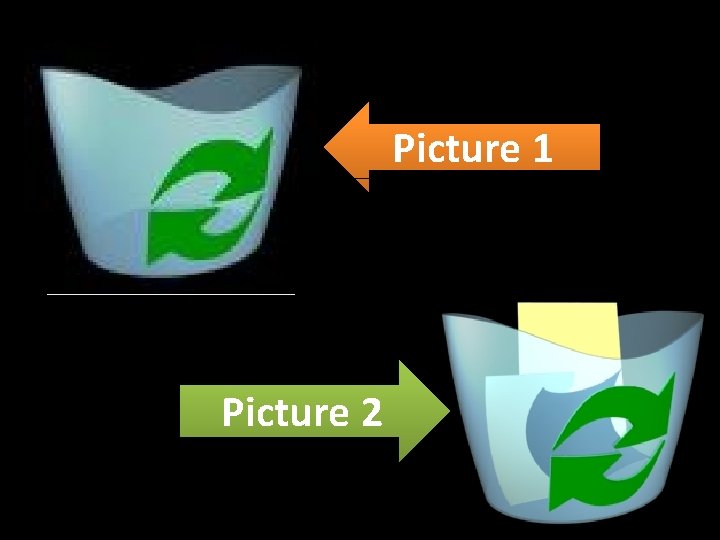
Picture 1 Picture 2
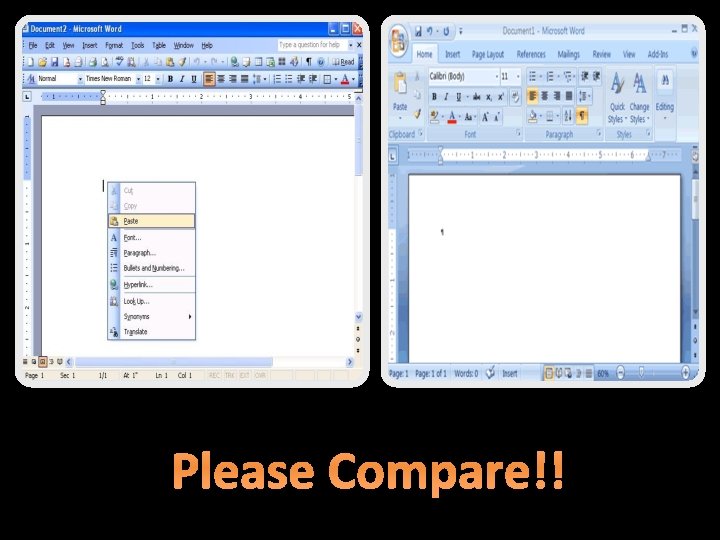
Please Compare!!!
Human-computer interaction is a discipline concerned with the design, evaluation and implementation of interactive computing systems for human use and with the study of major phenomena surrounding them. (ACM SIGCHI Curricula for Human-Computer Interaction)
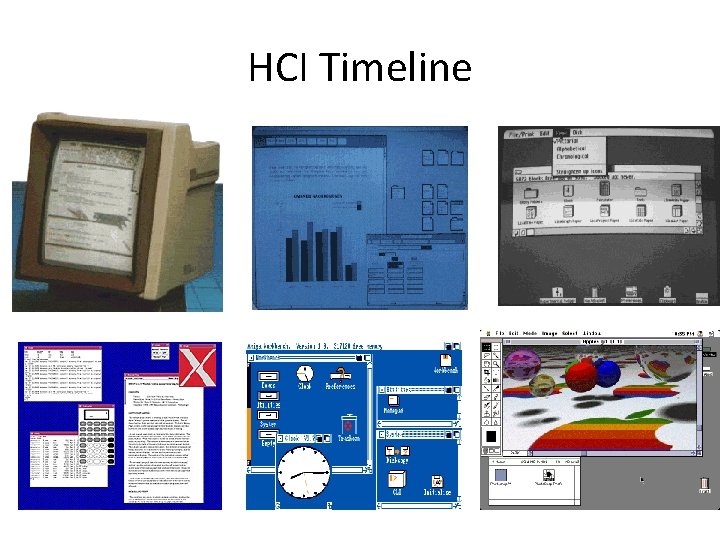
HCI Timeline
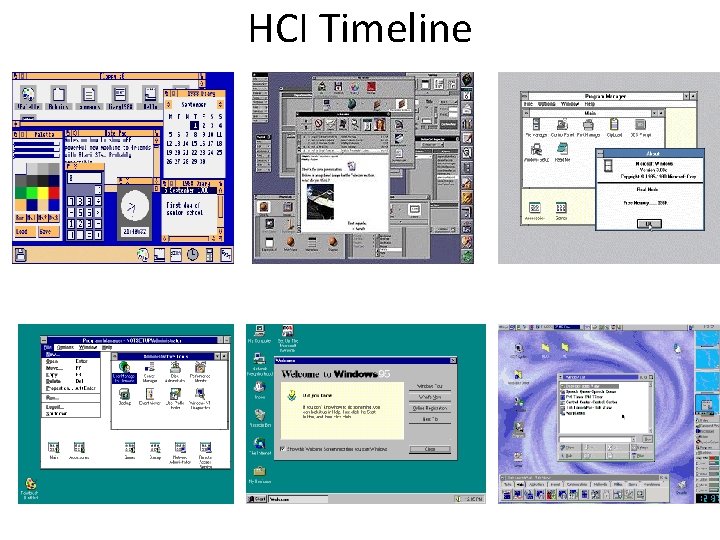
HCI Timeline
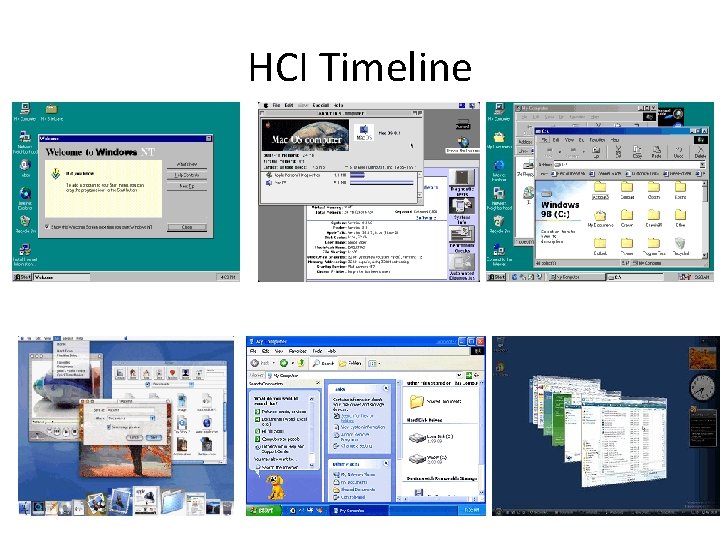
HCI Timeline
The Factor’s Human-computer interaction is, in the first instance, affected by the forces shaping the nature of future computing. These forces include: • Decreasing hardware costs leading to larger memories and faster systems. • Miniaturization of hardware leading to portability. • Reduction in power requirements leading to portability. • New display technologies leading to the packaging of computational devices in new forms. • Assimilation of computation into the environment (e. g. , VCRs, microwave ovens, televisions). • Specialized hardware leading to new functions (e. g. , rapid text search). • Increased development of network communication and distributed computing. • Increasingly widespread use of computers, especially by people who are outside of the computing profession. • Increasing innovation in input techniques (e. g. , voice, gesture, pen), combined with lowering cost, leading to rapid computerization by people previously left out of the "computer revolution. " • Wider social concerns leading to improved access to computers by currently disadvantaged groups (e. g. , young children, the physically/visually disabled, etc. ).
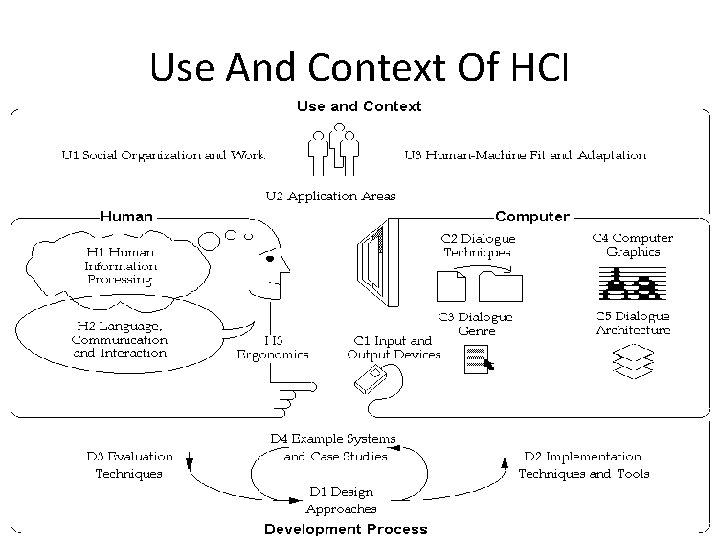
Use And Context Of HCI
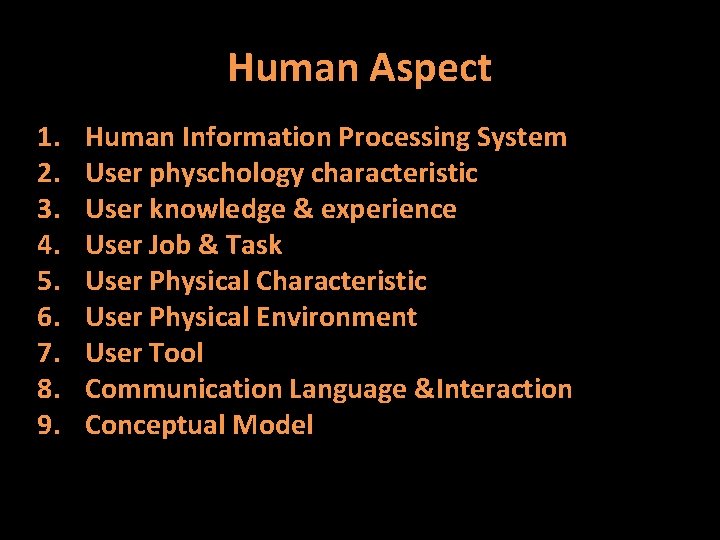
Human Aspect 1. 2. 3. 4. 5. 6. 7. 8. 9. Human Information Processing System User physchology characteristic User knowledge & experience User Job & Task User Physical Characteristic User Physical Environment User Tool Communication Language &Interaction Conceptual Model
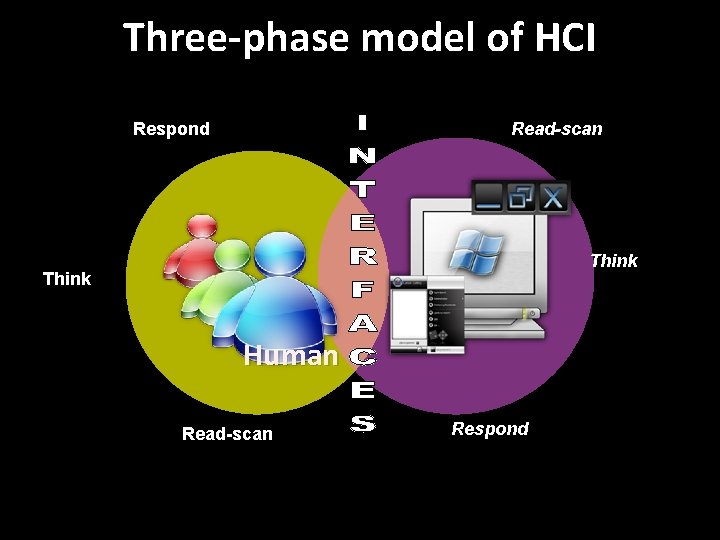
Three-phase model of HCI Respond Read-scan COMPUTER Think Human Read-scan Respond Think
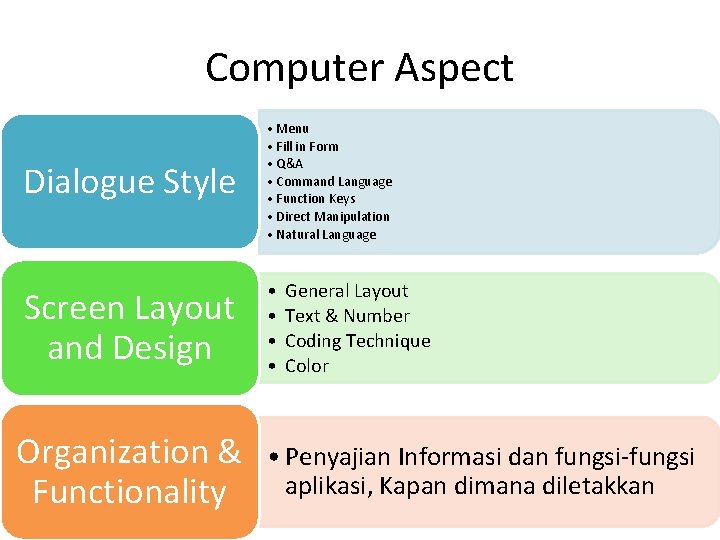
Computer Aspect Dialogue Style • Menu • Fill in Form • Q&A • Command Language • Function Keys • Direct Manipulation • Natural Language Screen Layout and Design • • Organization & Functionality General Layout Text & Number Coding Technique Color • Penyajian Informasi dan fungsi-fungsi aplikasi, Kapan dimana diletakkan
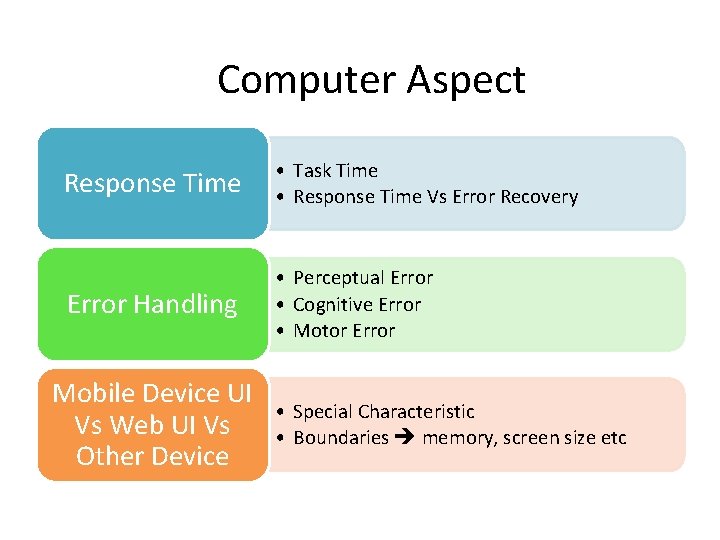
Computer Aspect Response Time • Task Time • Response Time Vs Error Recovery Error Handling • Perceptual Error • Cognitive Error • Motor Error Mobile Device UI Vs Web UI Vs Other Device • Special Characteristic • Boundaries memory, screen size etc
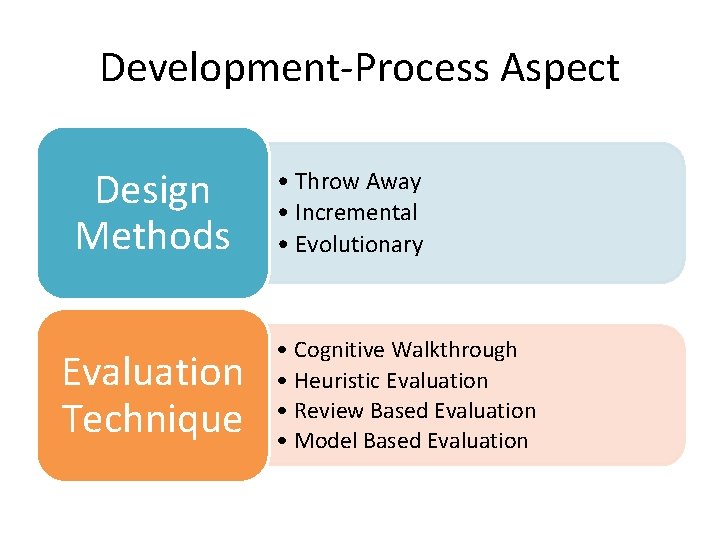
Development-Process Aspect Design Methods Evaluation Technique • Throw Away • Incremental • Evolutionary • Cognitive Walkthrough • Heuristic Evaluation • Review Based Evaluation • Model Based Evaluation
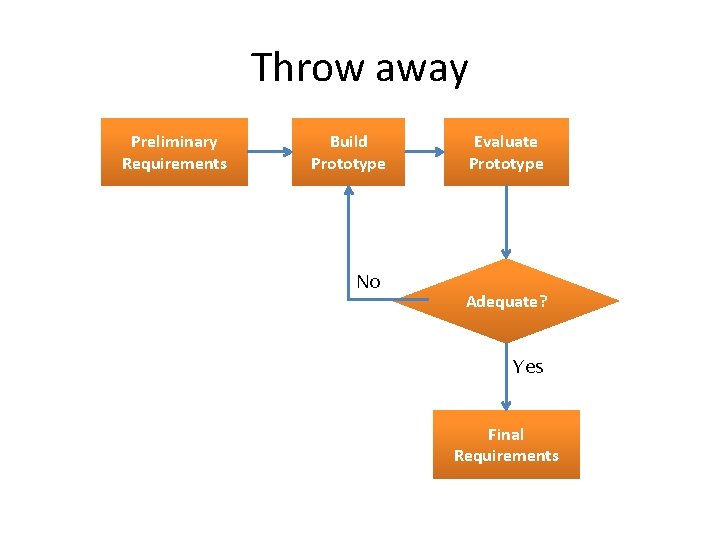
Throw away Preliminary Requirements Build Prototype No Evaluate Prototype Adequate? Yes Final Requirements
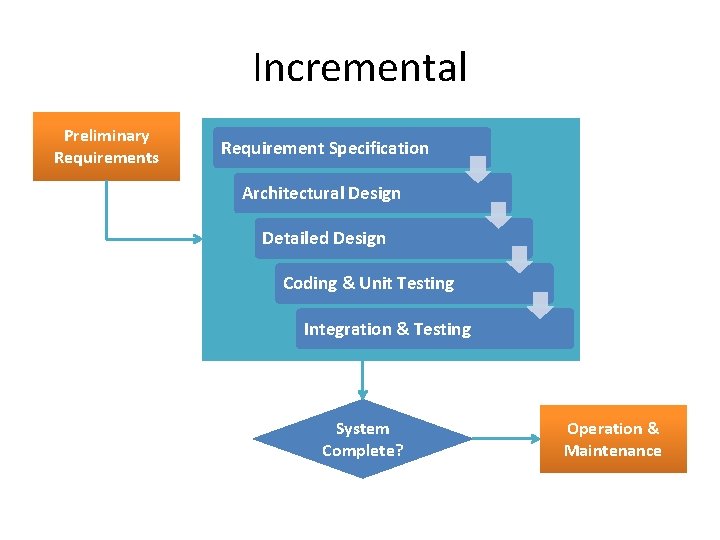
Incremental Preliminary Requirements Requirement Specification Architectural Design Detailed Design Coding & Unit Testing Integration & Testing System Complete? Operation & Maintenance
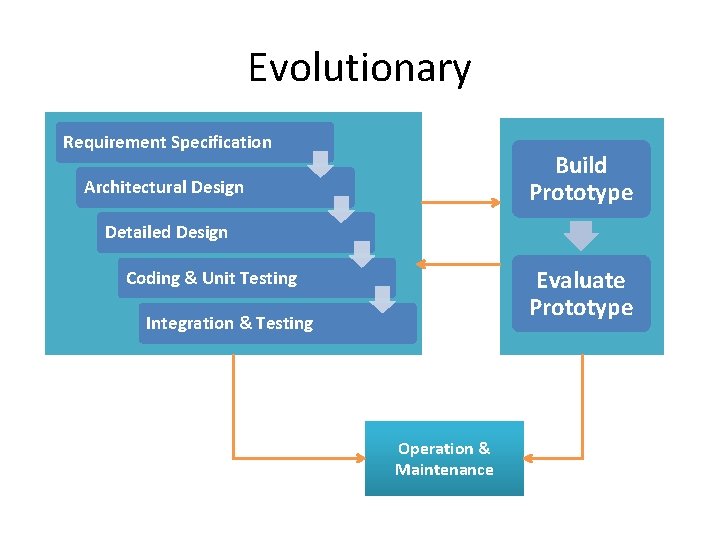
Evolutionary Requirement Specification Build Prototype Architectural Design Detailed Design Evaluate Prototype Coding & Unit Testing Integration & Testing Operation & Maintenance
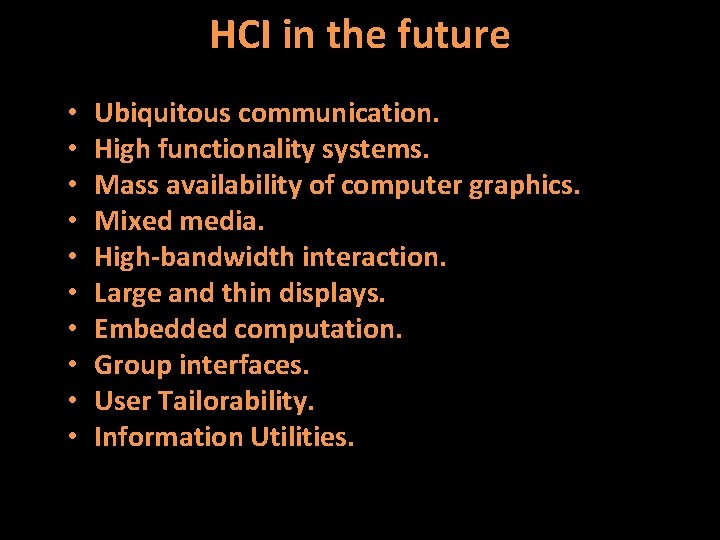
HCI in the future • • • Ubiquitous communication. High functionality systems. Mass availability of computer graphics. Mixed media. High-bandwidth interaction. Large and thin displays. Embedded computation. Group interfaces. User Tailorability. Information Utilities.
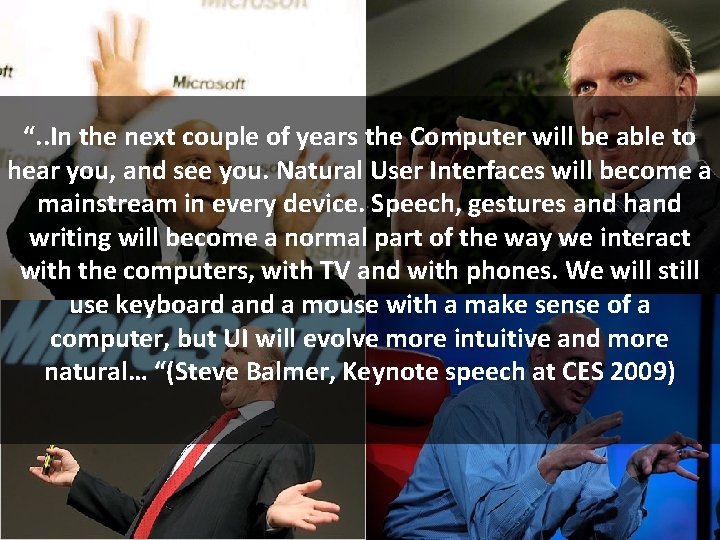
“. . In the next couple of years the Computer will be able to hear you, and see you. Natural User Interfaces will become a mainstream in every device. Speech, gestures and hand writing will become a normal part of the way we interact with the computers, with TV and with phones. We will still use keyboard and a mouse with a make sense of a computer, but UI will evolve more intuitive and more natural… “(Steve Balmer, Keynote speech at CES 2009)