
Human Abilities Sensory motor and cognitive capabilities Outline
Human Abilities Sensory, motor, and cognitive capabilities
Outline ¢ Human capabilities l l l ¢ ¢ Senses Motor systems Information processing Memory Cognitive Processes l Selective attention, learning, problem solving, language
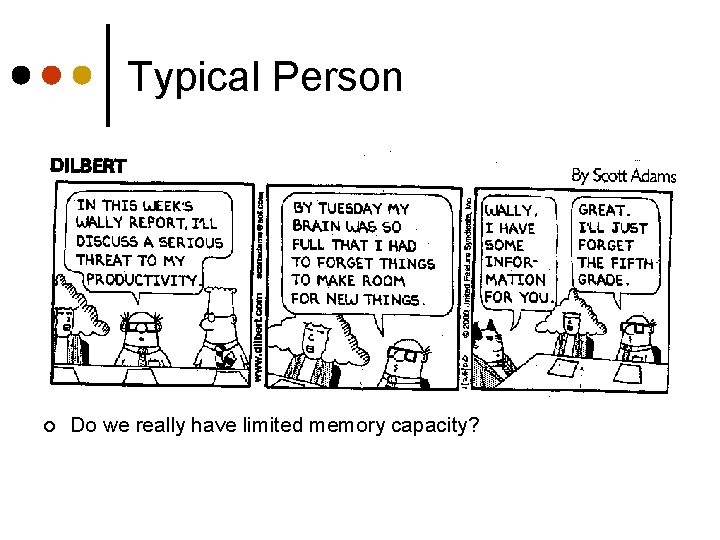
Typical Person ¢ Do we really have limited memory capacity?
Basic Human Capabilities ¢ Do not change very rapidly l ¢ ¢ Not like Moore’s law! Have limits, which are important to understand Our understanding of human capabilities does change, ie l l l Cognitive neuroscience Theories of color perception Effect of groups and situation on how we act and react
Human Capabilities ¢ Why do we care? l l ¢ Better design! Want to improve user performance Knowing the user informs the design l l l Senses Information processing systems Physical responding
Senses (Our Input System) Sight, hearing, touch important for current HCI Smell, taste ? ? ? Abilities and limitations affect design
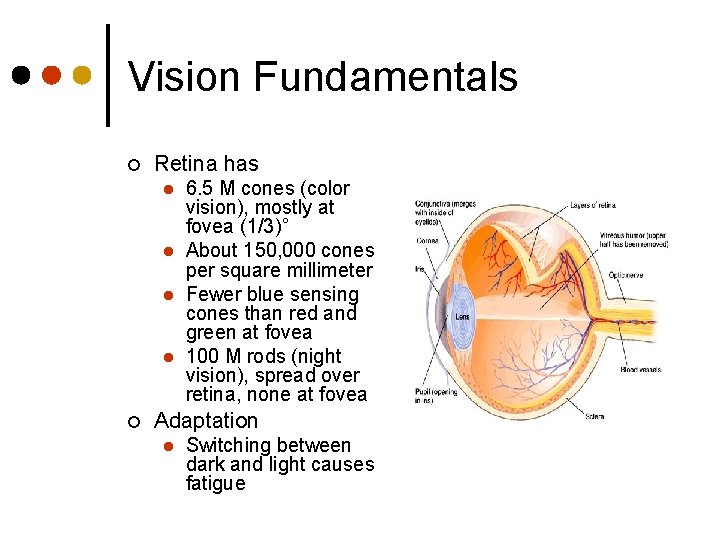
Vision Fundamentals ¢ Retina has l l ¢ 6. 5 M cones (color vision), mostly at fovea (1/3)˚ About 150, 000 cones per square millimeter Fewer blue sensing cones than red and green at fovea 100 M rods (night vision), spread over retina, none at fovea Adaptation l Switching between dark and light causes fatigue
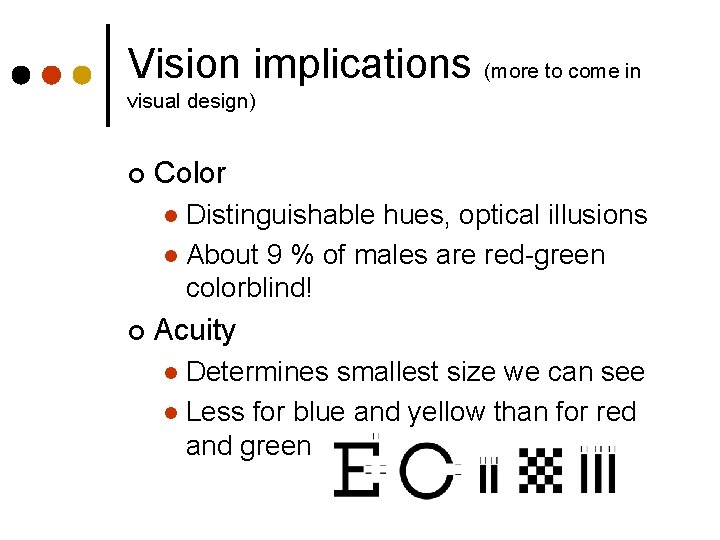
Vision implications (more to come in visual design) ¢ Color Distinguishable hues, optical illusions l About 9 % of males are red-green colorblind! l ¢ Acuity Determines smallest size we can see l Less for blue and yellow than for red and green l
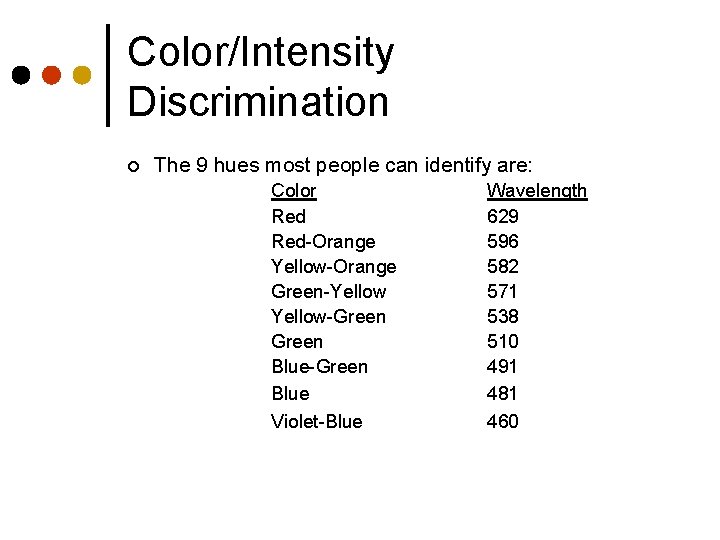
Color/Intensity Discrimination ¢ The 9 hues most people can identify are: Color Red-Orange Yellow-Orange Green-Yellow-Green Blue-Green Blue Violet-Blue Wavelength 629 596 582 571 538 510 491 481 460
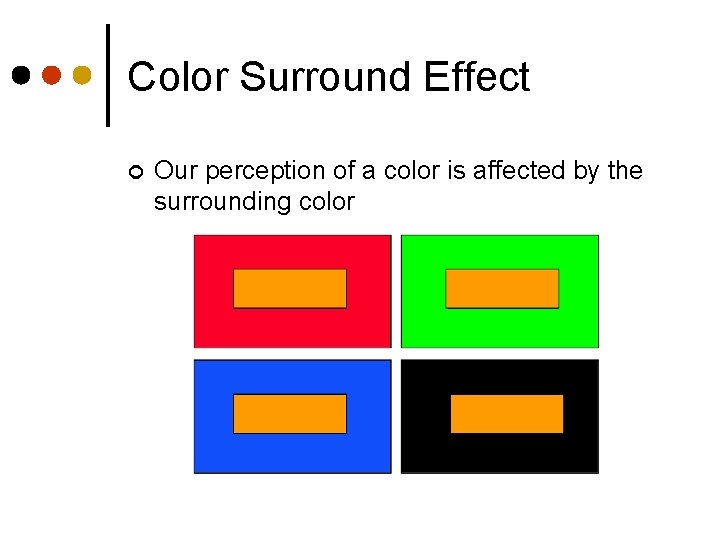
Color Surround Effect ¢ Our perception of a color is affected by the surrounding color
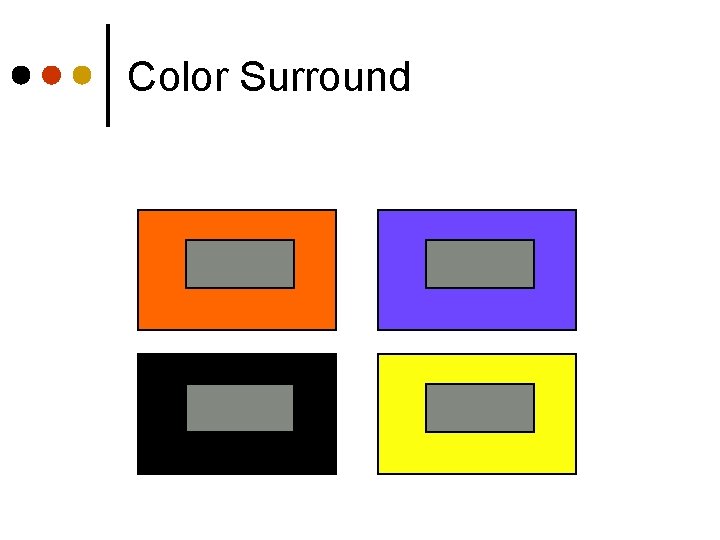
Color Surround
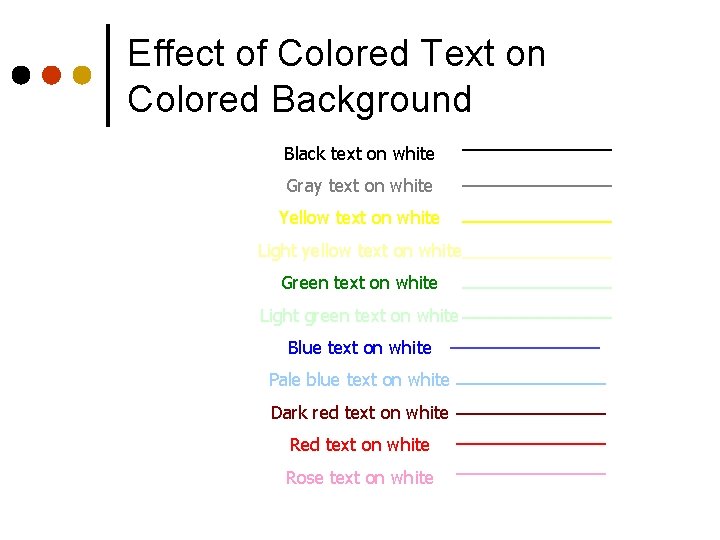
Effect of Colored Text on Colored Background Black text on white Gray text on white Yellow text on white Light yellow text on white Green text on white Light green text on white Blue text on white Pale blue text on white Dark red text on white Rose text on white
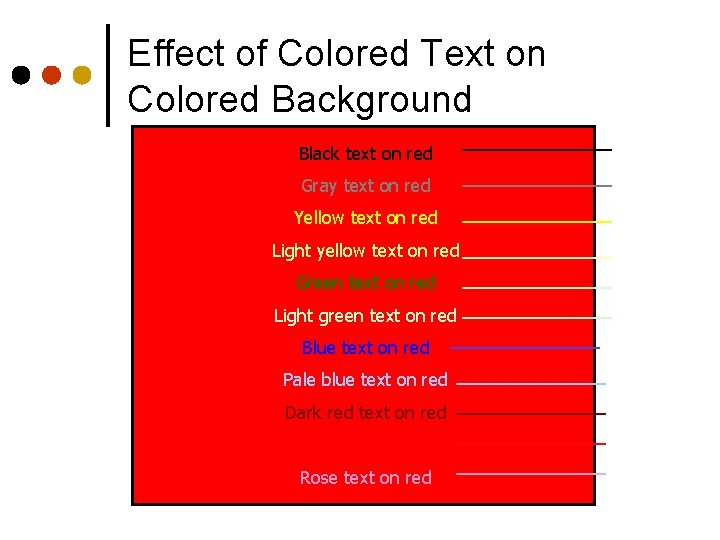
Effect of Colored Text on Colored Background Black text on red Gray text on red Yellow text on red Light yellow text on red Green text on red Light green text on red Blue text on red Pale blue text on red Dark red text on red Rose text on red
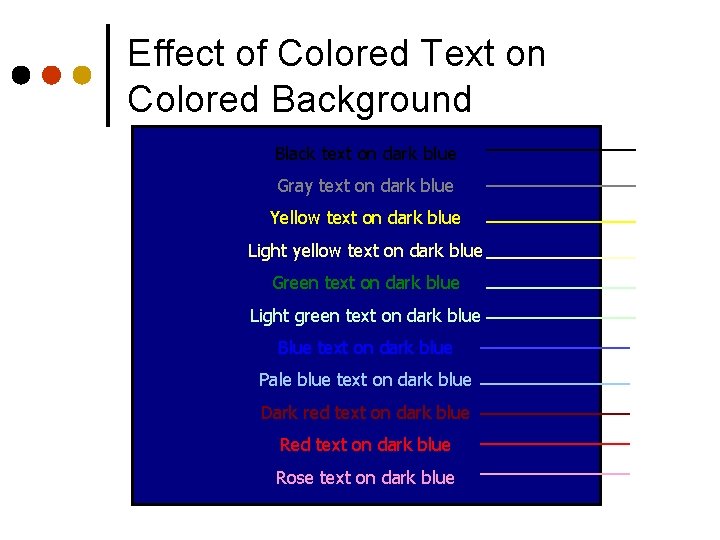
Effect of Colored Text on Colored Background Black text on dark blue Gray text on dark blue Yellow text on dark blue Light yellow text on dark blue Green text on dark blue Light green text on dark blue Blue text on dark blue Pale blue text on dark blue Dark red text on dark blue Rose text on dark blue
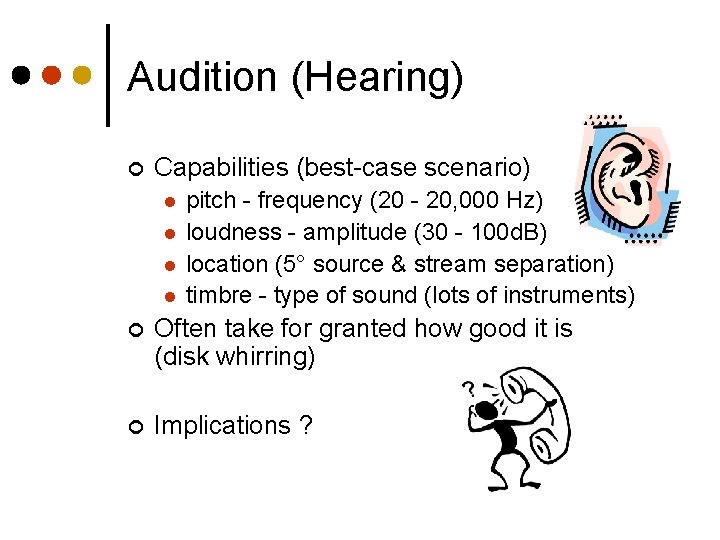
Audition (Hearing) ¢ Capabilities (best-case scenario) l l pitch - frequency (20 - 20, 000 Hz) loudness - amplitude (30 - 100 d. B) location (5° source & stream separation) timbre - type of sound (lots of instruments) ¢ Often take for granted how good it is (disk whirring) ¢ Implications ?
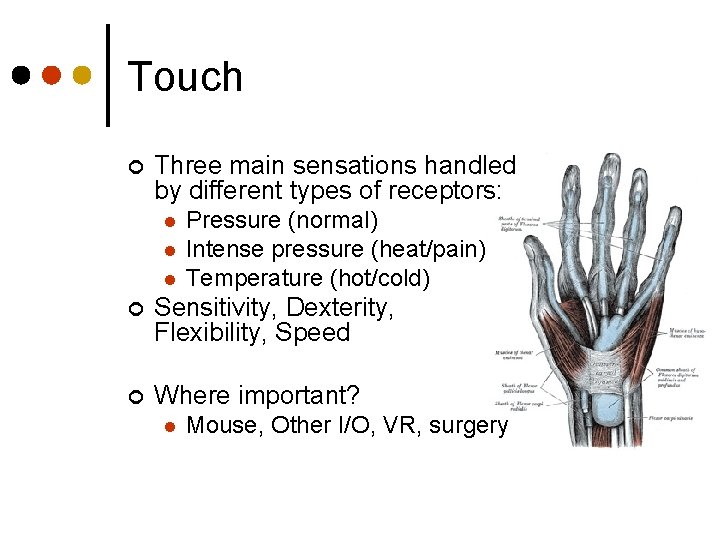
Touch ¢ Three main sensations handled by different types of receptors: l l l Pressure (normal) Intense pressure (heat/pain) Temperature (hot/cold) ¢ Sensitivity, Dexterity, Flexibility, Speed ¢ Where important? l Mouse, Other I/O, VR, surgery
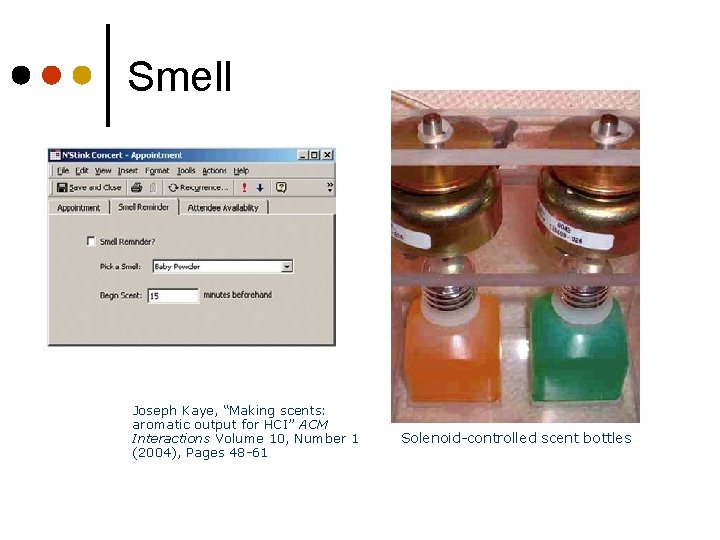
Smell Joseph Kaye, “Making scents: aromatic output for HCI” ACM Interactions Volume 10, Number 1 (2004), Pages 48 -61 Solenoid-controlled scent bottles
Motor System (Our Output System) ¢ Capabilities l l ¢ Often cause of errors l l ¢ Wrong button Double-click vs. single click Principles l l ¢ Range of movement, reach, speed, strength, dexterity, accuracy Workstation design, device design Feedback is important Minimize eye movement See Handbooks for data
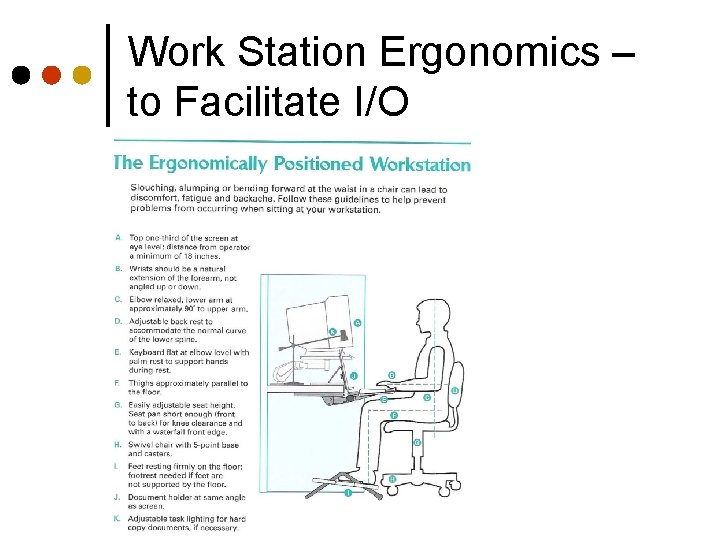
Work Station Ergonomics – to Facilitate I/O
The Mind ¢ And now on to memory and cognition…
The “Model Human Processor” ¢ A true classic - see Card, Moran and Newell, The Psychology of Human. Computer Interaction, Erlbaum, 1983 l l l ¢ Microprocessor-human analogue using results from experimental psychology Provides a view of the human that fits much experimental data But is a partial model Focus is on a single user interacting with some entity (computer, environment, tool) l Neglects effect of other people
Memory ¢ Perceptual “buffers” l ¢ Short-term (working) memory l ¢ Brief impressions Conscious thought, calculations Long-term memory l Permanent, remember everything that ever happened to us
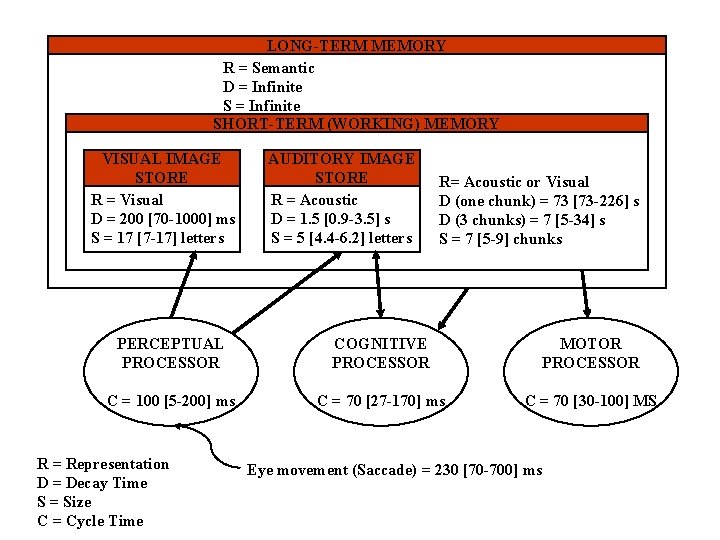
LONG-TERM MEMORY R = Semantic D = Infinite SHORT-TERM (WORKING) MEMORY VISUAL IMAGE STORE R = Visual D = 200 [70 -1000] ms S = 17 [7 -17] letters AUDITORY IMAGE STORE R = Acoustic D = 1. 5 [0. 9 -3. 5] s S = 5 [4. 4 -6. 2] letters R= Acoustic or Visual D (one chunk) = 73 [73 -226] s D (3 chunks) = 7 [5 -34] s S = 7 [5 -9] chunks PERCEPTUAL PROCESSOR COGNITIVE PROCESSOR MOTOR PROCESSOR C = 100 [5 -200] ms C = 70 [27 -170] ms C = 70 [30 -100] MS R = Representation D = Decay Time S = Size C = Cycle Time Eye movement (Saccade) = 230 [70 -700] ms
Perceptual or Sensory Memory Very brief, but accurate representation of what was perceived ¢ Physically encoded ¢ Details decay quickly (70 - 1000 ms visual; 0. 9 - 3. 5 sec auditory) ¢ Limited capacity (7 - 17 letters visual; 4 - 6 auditory) ¢
Sensory Stores ¢ ¢ ¢ Iconic – visual l 7 - 17 letters; 70 - 1000 ms decay Echoic – auditory l 4 - 6 auditory; 0. 9 - 3. 5 sec auditory Haptic - touch Attention filters information into short term memory and beyond for more processing Processors – interpret signal into semantically meaningful l Pattern recognition, language, etc.
Short Term Memory Use “chunks”: 7 +- 2 units of information ¢ Symbolic, nonphysical acoustic or visual coding ¢ Decay 5 -226 sec, rehearsal prevents decay ¢ Another task prevents rehearsal interference ¢
About Chunks A chunk is a meaningful grouping of information – allows assistance from LTM ¢ 4793619049 vs. 704 687 8376 ¢ NSAFBICIANASA vs. NSA FBI CIA NASA ¢ My chunk may not be your chunk ¢ l User and task dependent
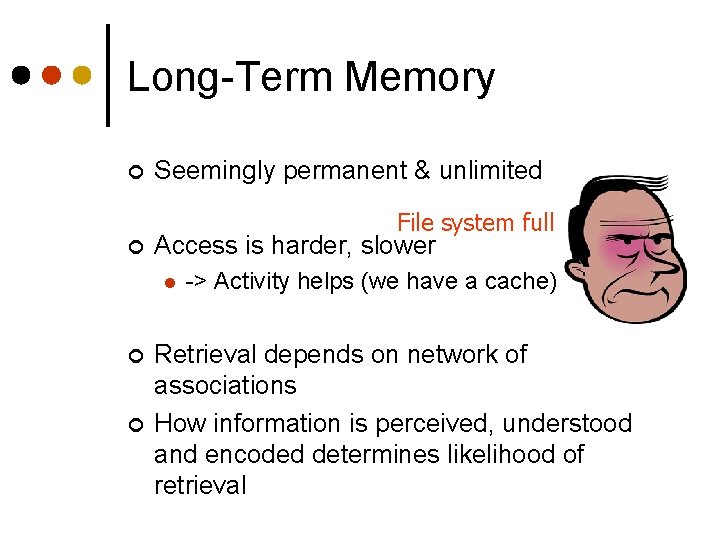
Long-Term Memory ¢ Seemingly permanent & unlimited File system full ¢ Access is harder, slower l ¢ ¢ -> Activity helps (we have a cache) Retrieval depends on network of associations How information is perceived, understood and encoded determines likelihood of retrieval
LT Memory Structure ¢ Episodic memory l Events & experiences in serial form • Helps us recall what occurred ¢ Semantic memory l Structured record of facts, concepts & skills • One theory says it’s like a network • Another uses frames & scripts (like record structs)
Memory Characteristics ¢ Things move from STM to LTM by rehearsal & practice and by use in context l l ¢ Do we ever lose memory? Or just lose the link? What are effects of lack of use? We forget things due to decay and interference l Similar gets in the way
Recognition over Recall ¢ We recognize information easier than we can recall information Examples? ¢ Implications? ¢
Processes ¢ Four main processes of cognitive system: Selective Attention l Learning l Problem Solving l Language l
Selective Attention ¢ We can focus on one particular thing l ¢ Cocktail party chit-chat Salient visual cues can facilitate selective attention l Examples?
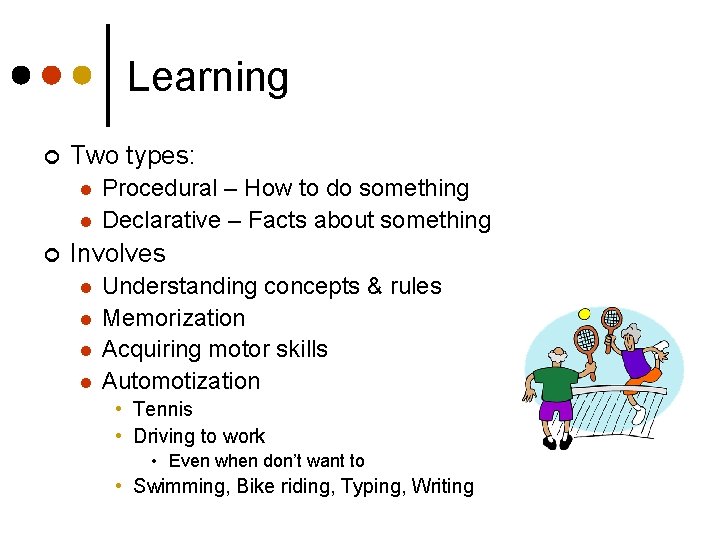
Learning ¢ Two types: l l ¢ Procedural – How to do something Declarative – Facts about something Involves l l Understanding concepts & rules Memorization Acquiring motor skills Automotization • Tennis • Driving to work • Even when don’t want to • Swimming, Bike riding, Typing, Writing
Learning ¢ Facilitated l l l ¢ By structure & organization By similar knowledge, as in consistency in UI design By analogy If presented in incremental units Repetition Hindered l By previous knowledge • Try moving from Mac to Windows => Consider user’s previous knowledge in your interface design
Observations Users focus on getting job done, not learning to effectively use system ¢ Users apply analogy even when it doesn’t apply ¢ l Or extend it too far - which is a design problem • Dragging floppy disk icon to Mac’s trash can does NOT erase the disk, it ejects disk!
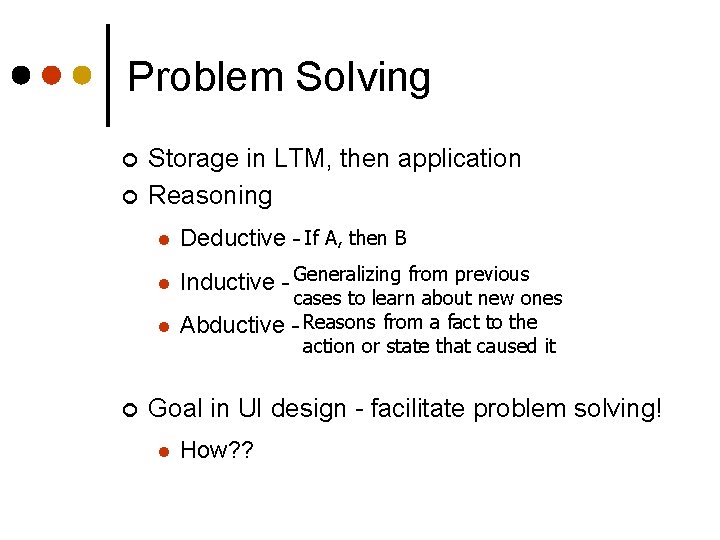
Problem Solving ¢ ¢ ¢ Storage in LTM, then application Reasoning l Deductive - If A, then B l Inductive - Generalizing from previous l Abductive cases to learn about new ones - Reasons from a fact to the action or state that caused it Goal in UI design - facilitate problem solving! l How? ?
Observations ¢ We are more heuristic than algorithmic l We try a few quick shots rather than plan • Resources simply not available We often choose suboptimal strategies for low priority problems ¢ We learn better strategies with practice ¢
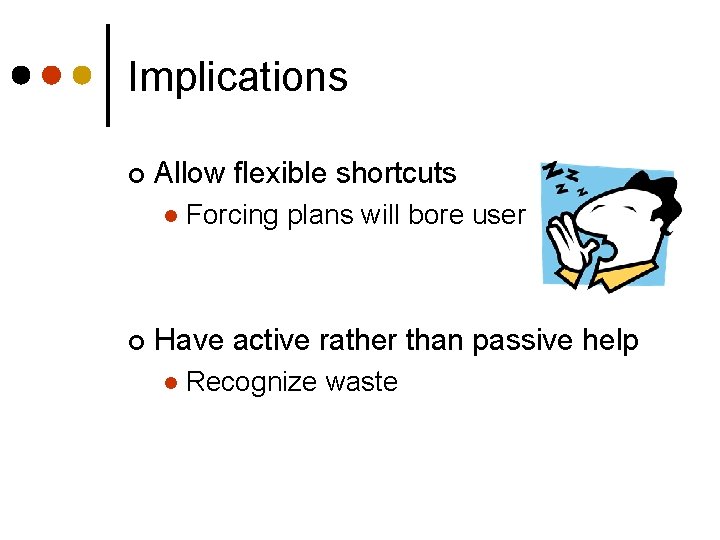
Implications ¢ Allow flexible shortcuts l ¢ Forcing plans will bore user Have active rather than passive help l Recognize waste
Language ¢ Rule-based l ¢ Productive l ¢ We make up sentences Key-word and positional l ¢ How do you make plurals? Patterns Should systems have natural language interfaces? l Stay tuned
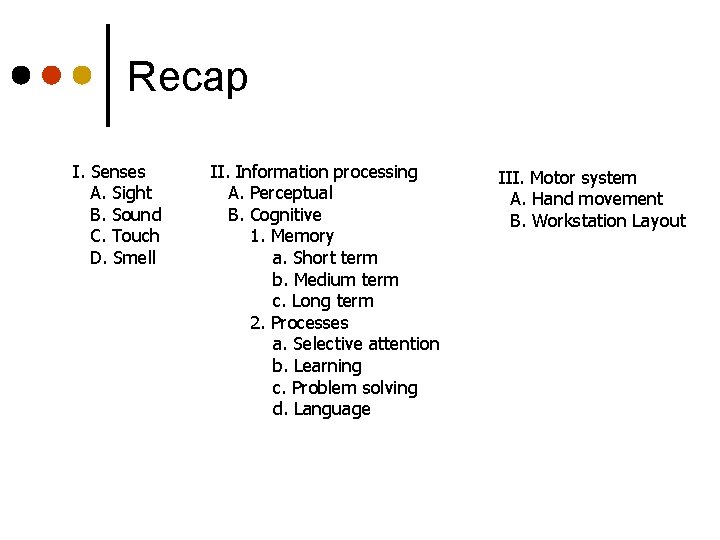
Recap I. Senses A. Sight B. Sound C. Touch D. Smell II. Information processing A. Perceptual B. Cognitive 1. Memory a. Short term b. Medium term c. Long term 2. Processes a. Selective attention b. Learning c. Problem solving d. Language III. Motor system A. Hand movement B. Workstation Layout
People ¢ Good 1. 2. 3. xxx yyy zzz ¢ Bad 1. 2. 3. aaa bbb ccc Fill in the columns what are people good at and what are people bad at?
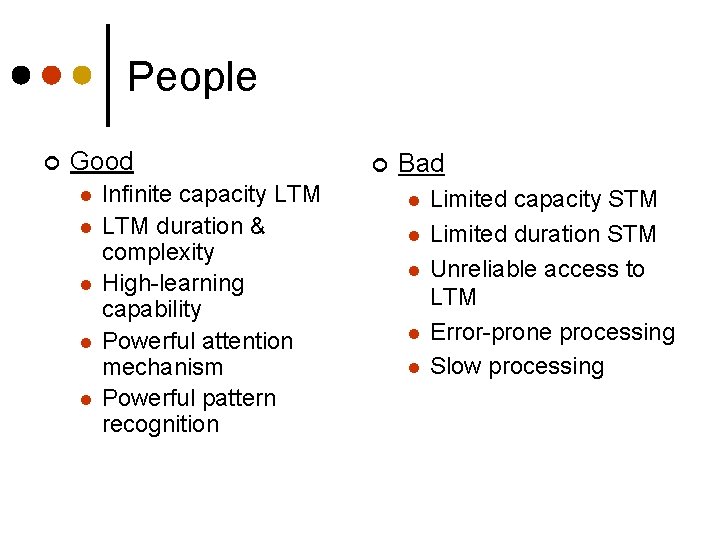
People ¢ Good l l l Infinite capacity LTM duration & complexity High-learning capability Powerful attention mechanism Powerful pattern recognition ¢ Bad l l l Limited capacity STM Limited duration STM Unreliable access to LTM Error-prone processing Slow processing
Class Discussion: Model Human Processor ¢ ¢ What are three major subsystems and their functions? What does it mean to say that certain subprocessors have “variable rates? ” What are some of the other assumptions underlying the MHP model? How good is the model?
Scenarios ¢ Make sure it is a story with Actors (at least one person) l Actions (not just the context) l ¢ Good focus on the negative l Try to follow through with what the person does
- Slides: 45