
http portal archchicago org Click Login to Group
- Slides: 34
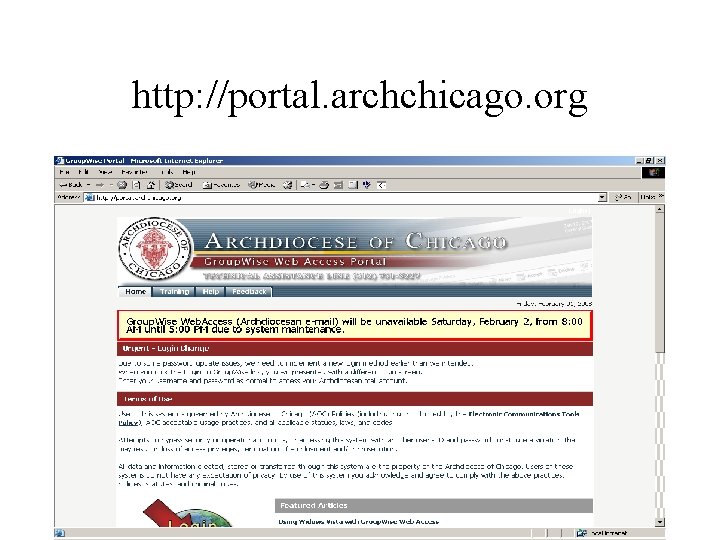
http: //portal. archchicago. org
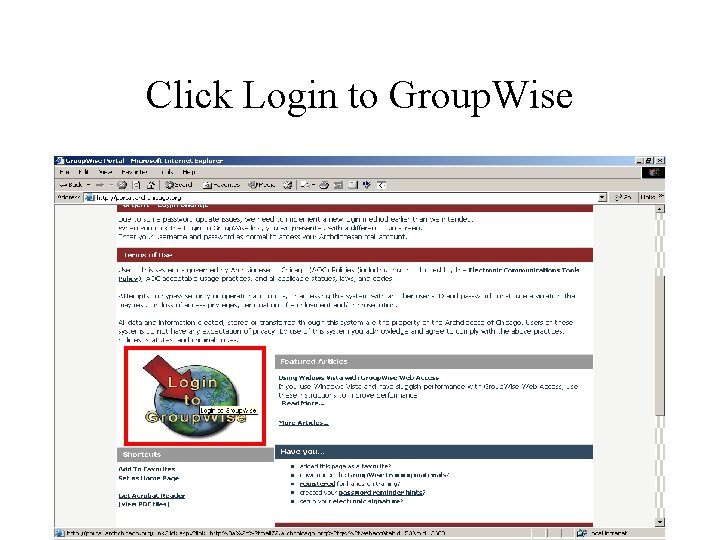
Click Login to Group. Wise
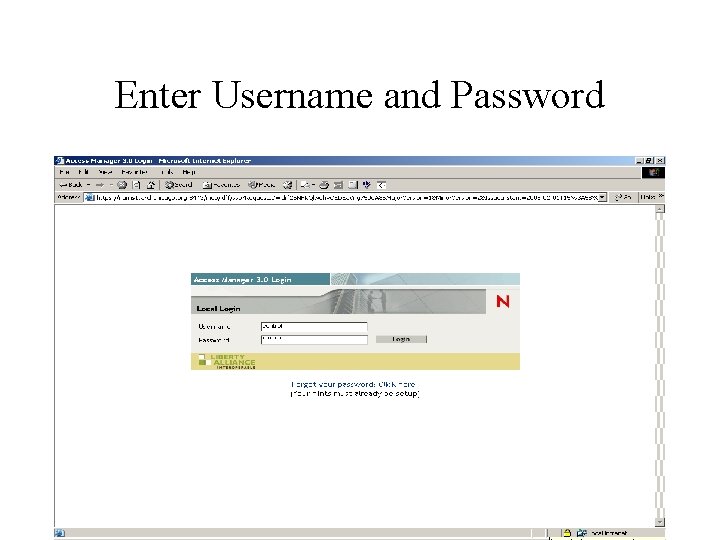
Enter Username and Password
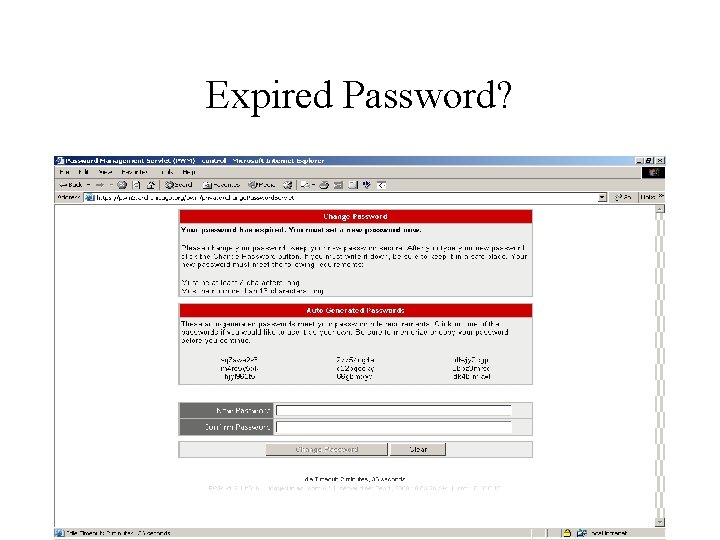
Expired Password?
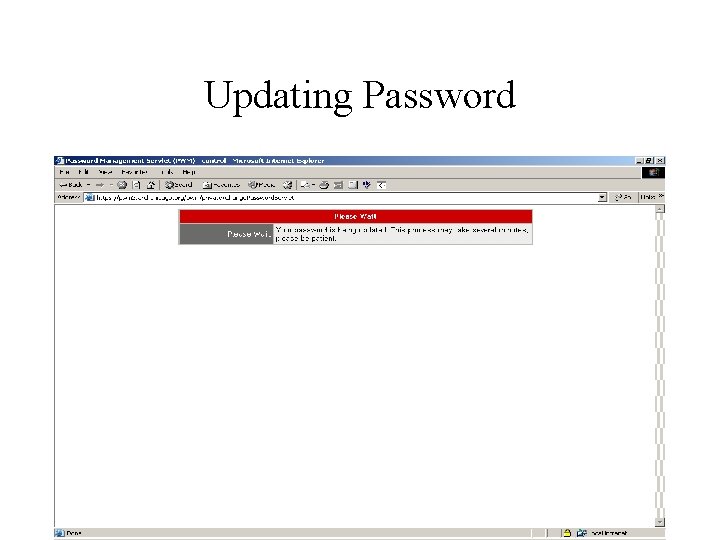
Updating Password
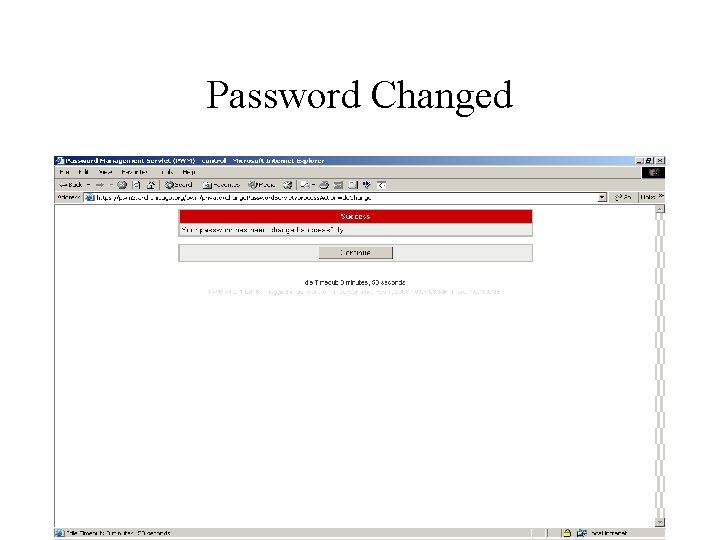
Password Changed
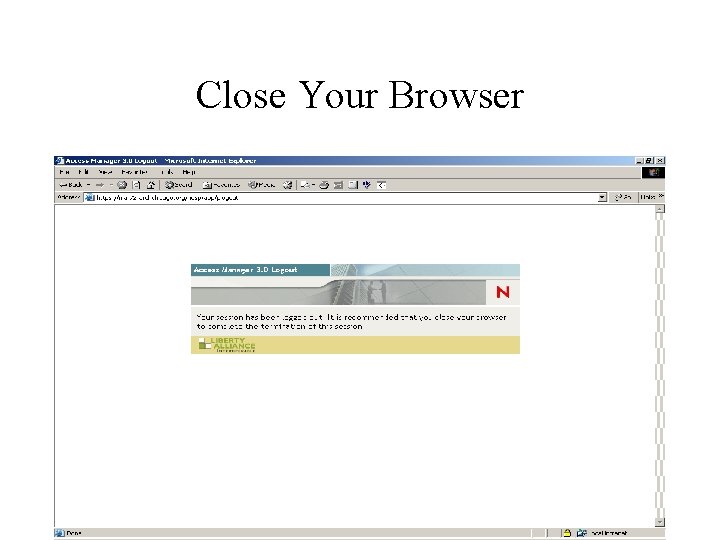
Close Your Browser
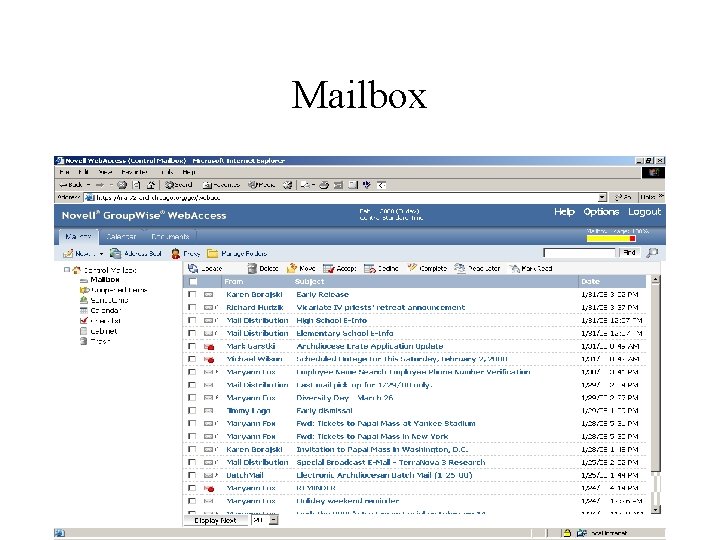
Mailbox
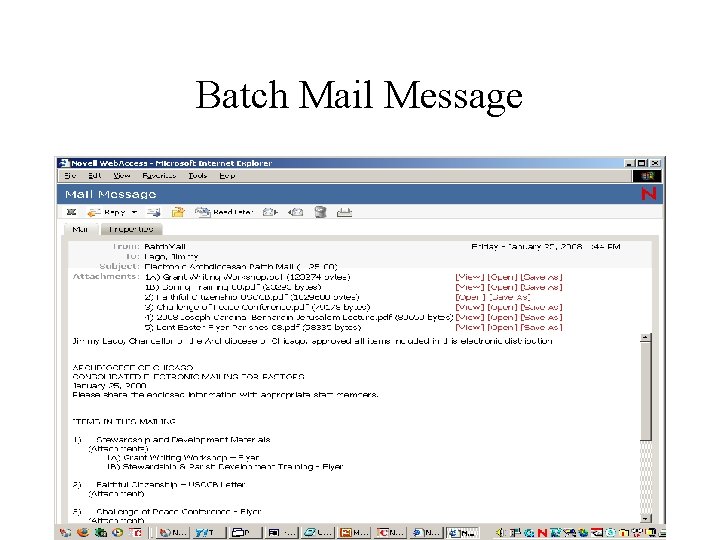
Batch Mail Message
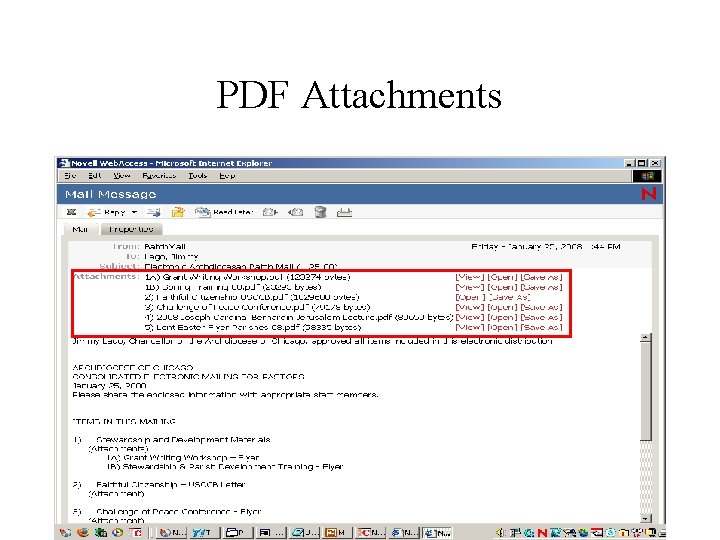
PDF Attachments
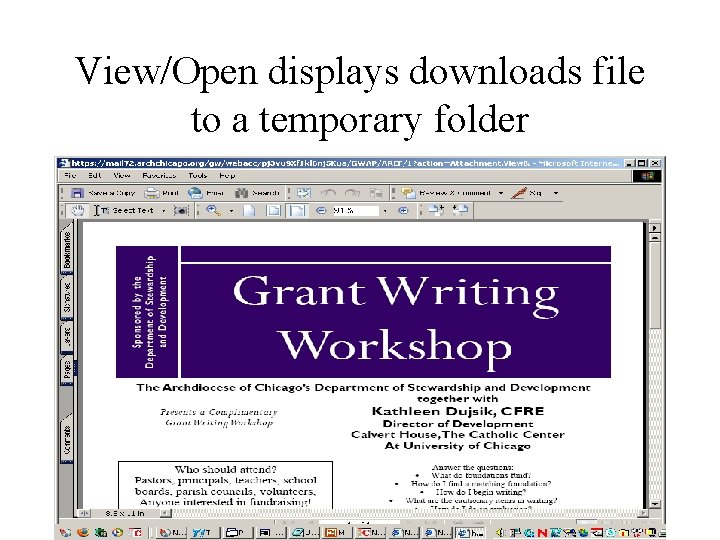
View/Open displays downloads file to a temporary folder
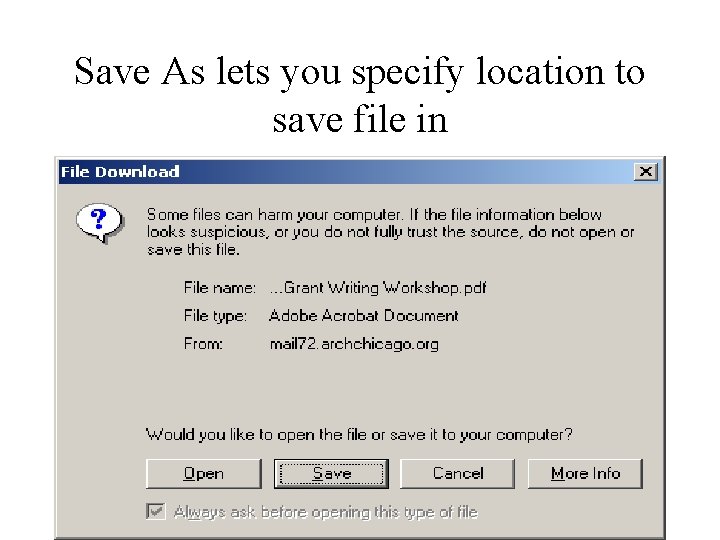
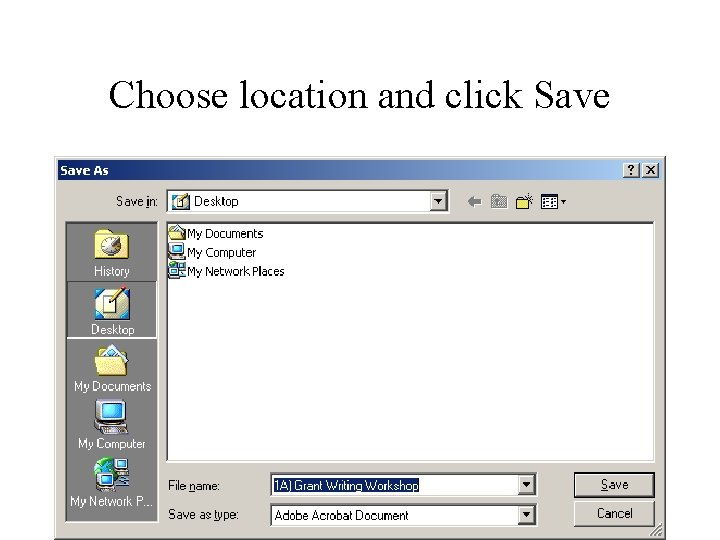
Save As lets you specify location to save file in
Choose location and click Save
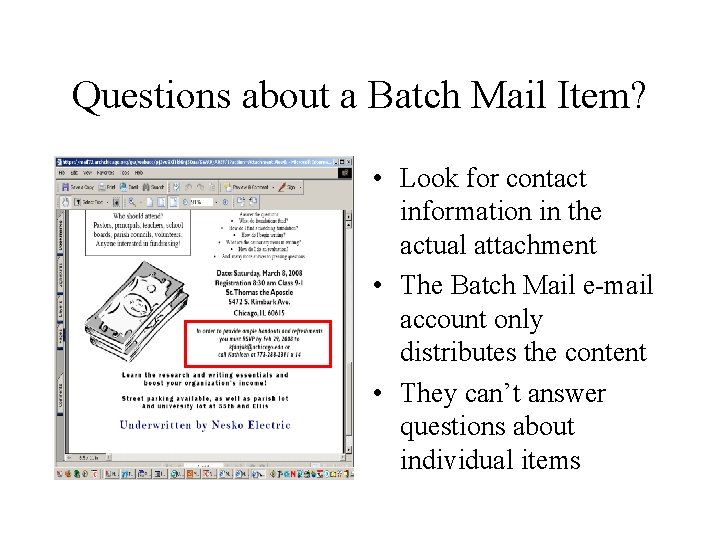
Questions about a Batch Mail Item? • Look for contact information in the actual attachment • The Batch Mail e-mail account only distributes the content • They can’t answer questions about individual items
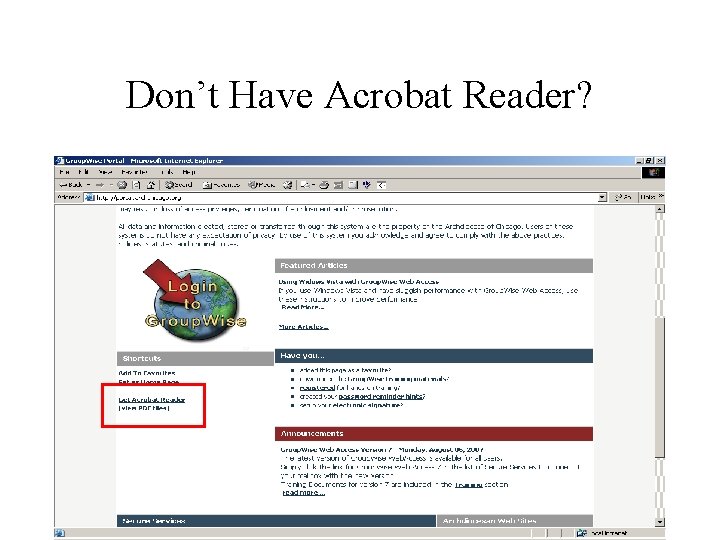
Don’t Have Acrobat Reader?
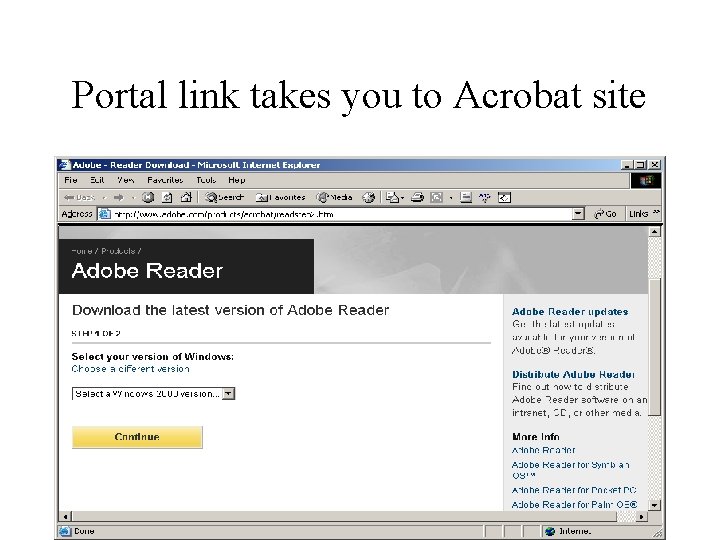
Portal link takes you to Acrobat site
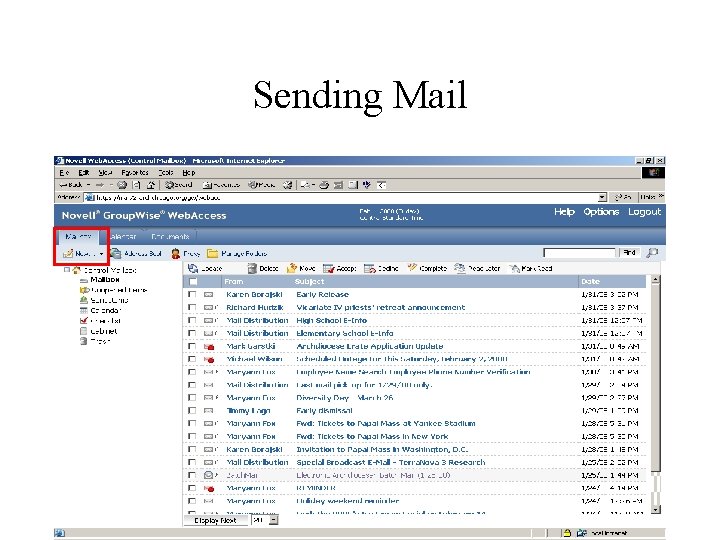
Sending Mail
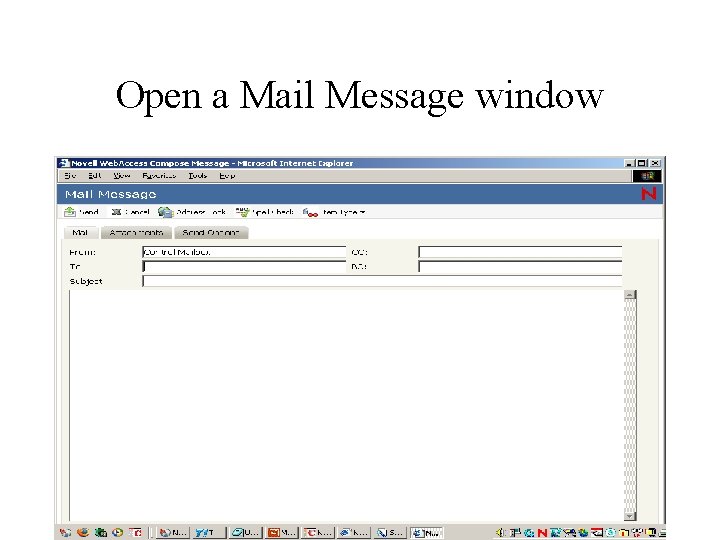
Open a Mail Message window
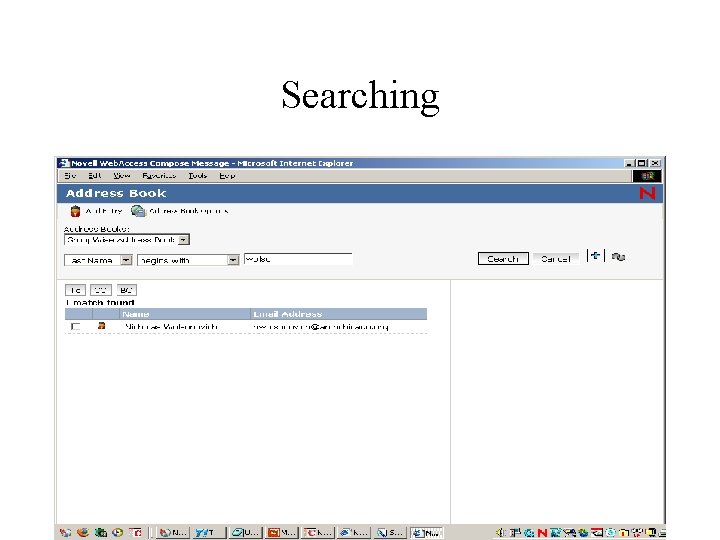
Searching
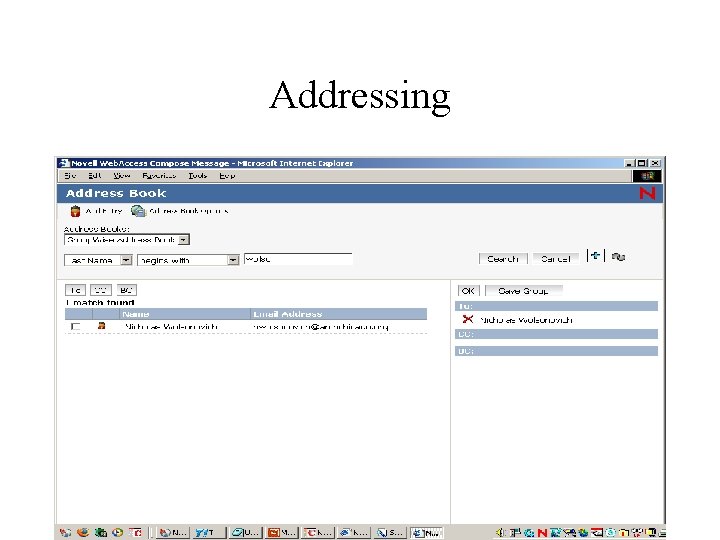
Addressing
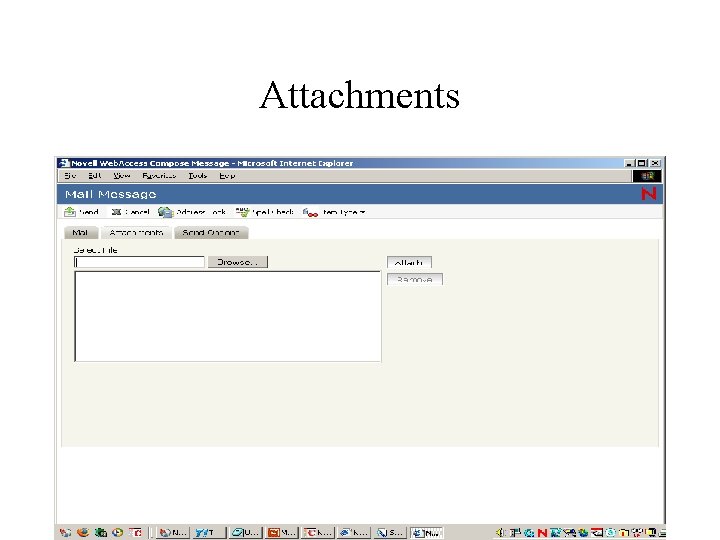
Attachments
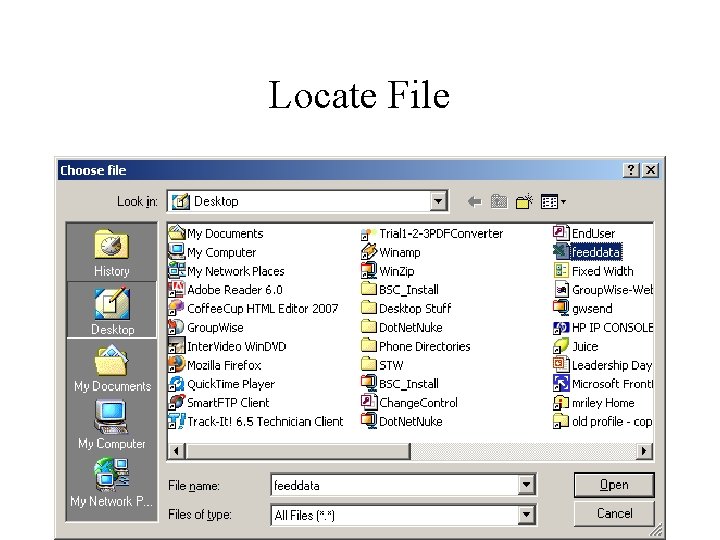
Locate File
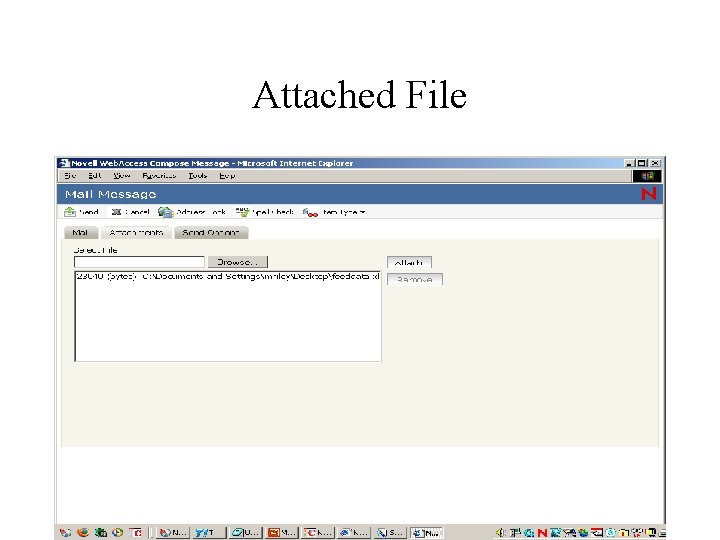
Attached File
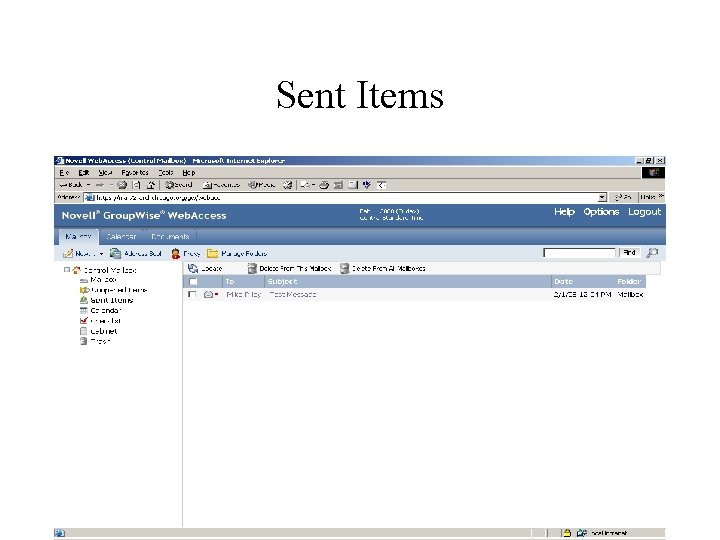
Sent Items
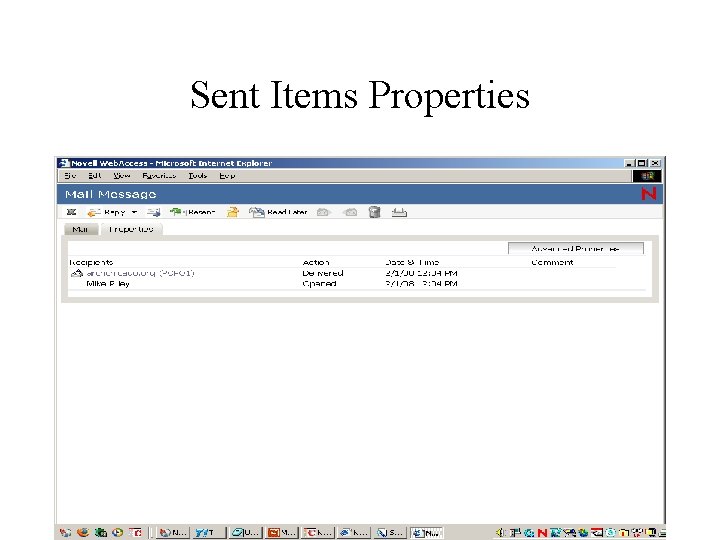
Sent Items Properties
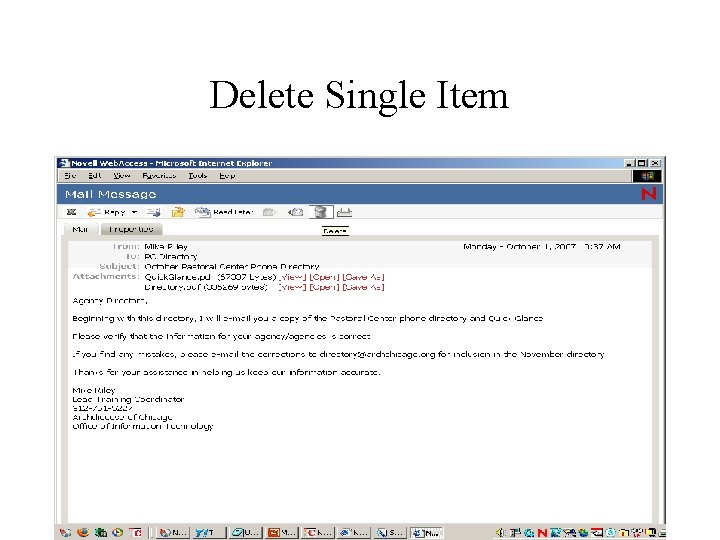
Delete Single Item
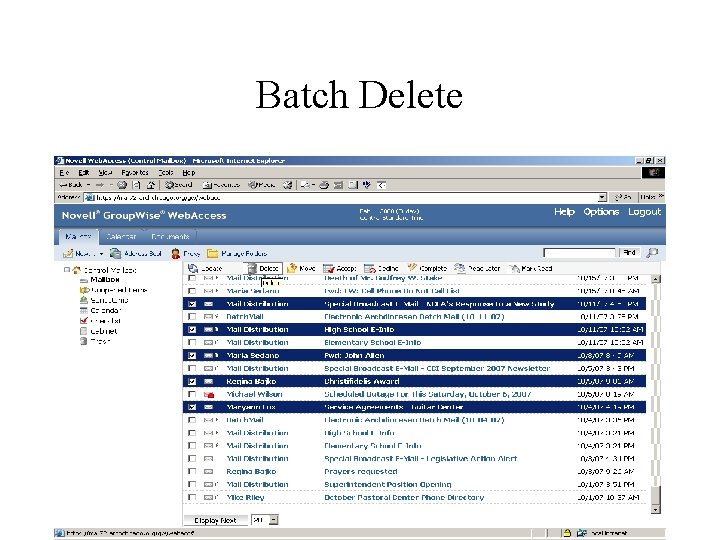
Batch Delete
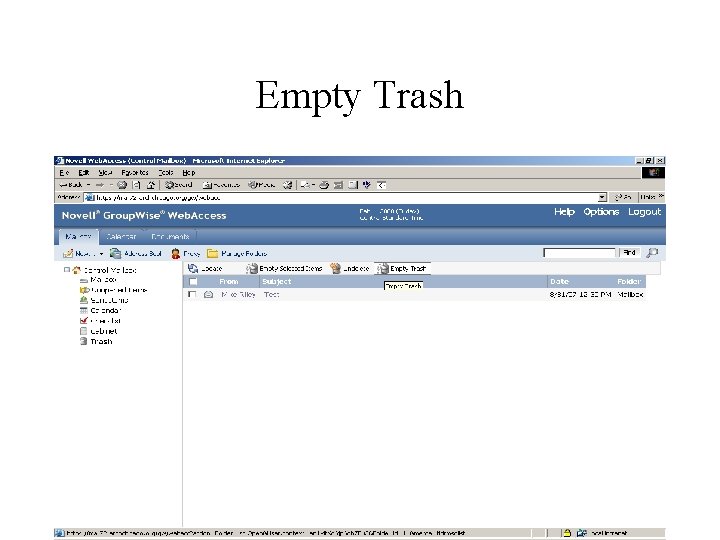
Empty Trash
Cleanup Tips #1 • Delete items from your mailbox when you are done with them • Clean out your sent items on a regular basis • Try emptying your Trash at the end of each session
Cleanup Tips #2 • Attached files take up the most space in your mailbox – Save attachments that you want to keep your hard drive or network instead of storing them in your mailbox
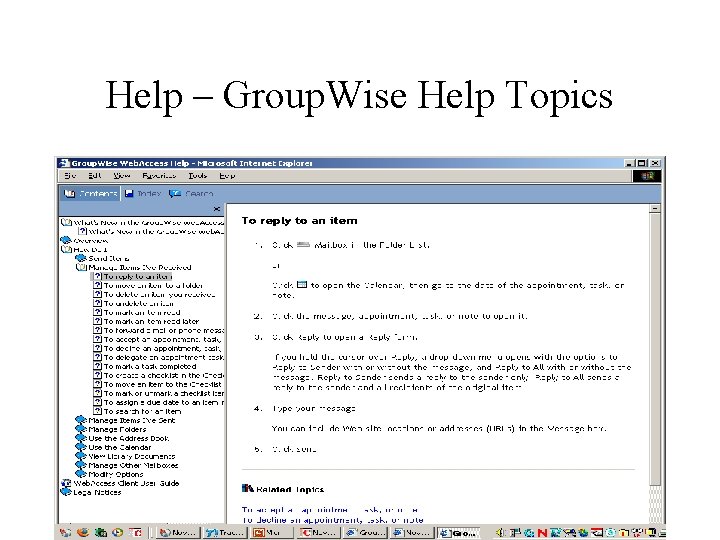
Help – Group. Wise Help Topics
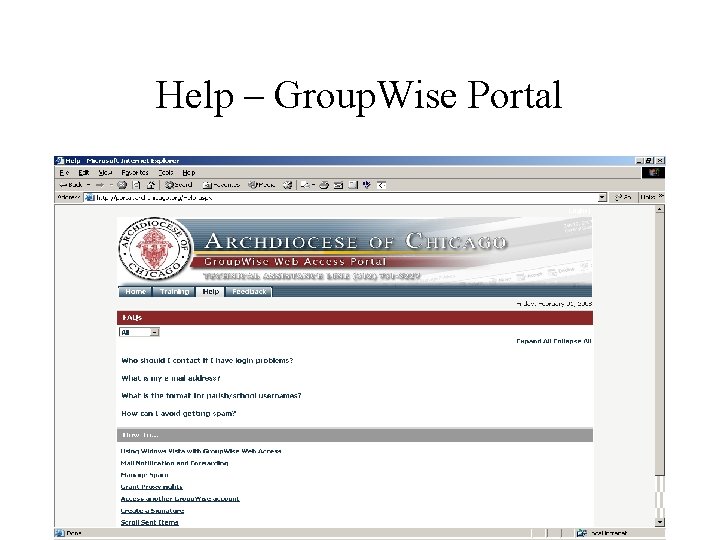
Help – Group. Wise Portal
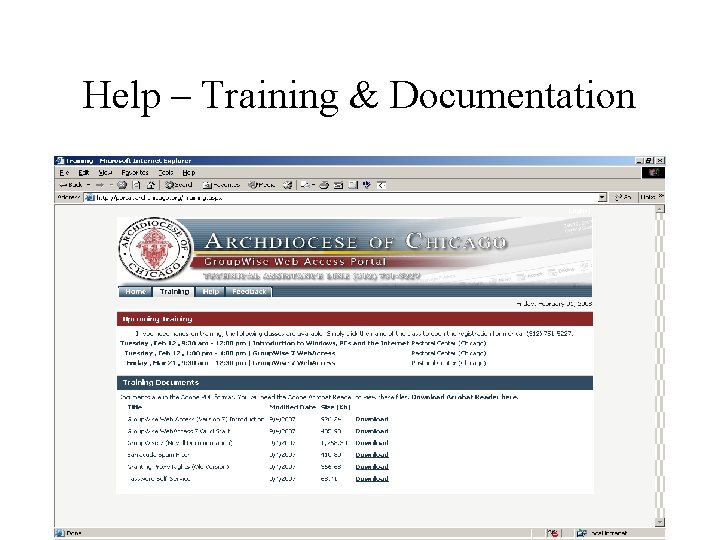
Help – Training & Documentation
Help – IT Assistance Line (312) 751 -5227 Monday – Friday, 9: 00 – 4: 45