
HTTP n The Hyper Text Transfer Protocol Objectives
HTTP n The Hyper. Text Transfer Protocol
Objectives n Introduce HTTP support in. NET
Content n What’s n HTTP the purpose? Messages – Bottom up Overview n Requests and Responses n State/Session n Security: n HTTP Management: Cookies Challenge and Response Authentication and. NET
What’s the End Goal? n Make it possible to share information n Publish some kind of resource n Written information n A software application n Data from a database n Whatever!
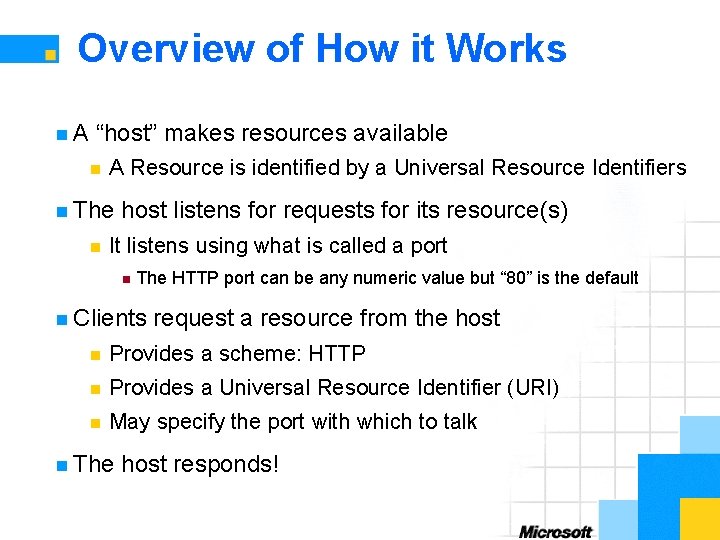
Overview of How it Works n. A “host” makes resources available n A Resource is identified by a Universal Resource Identifiers n The n host listens for requests for its resource(s) It listens using what is called a port n The HTTP port can be any numeric value but “ 80” is the default n Clients request a resource from the host n Provides a scheme: HTTP n Provides a Universal Resource Identifier (URI) n May specify the port with which to talk n The host responds!

HTTP Defined 1/3 n HTTP: Hyper. Text Transfer Protocol n Application n HTTP n level protocol communication usually takes place over TCP/IP This is not a requirement, but most often the case
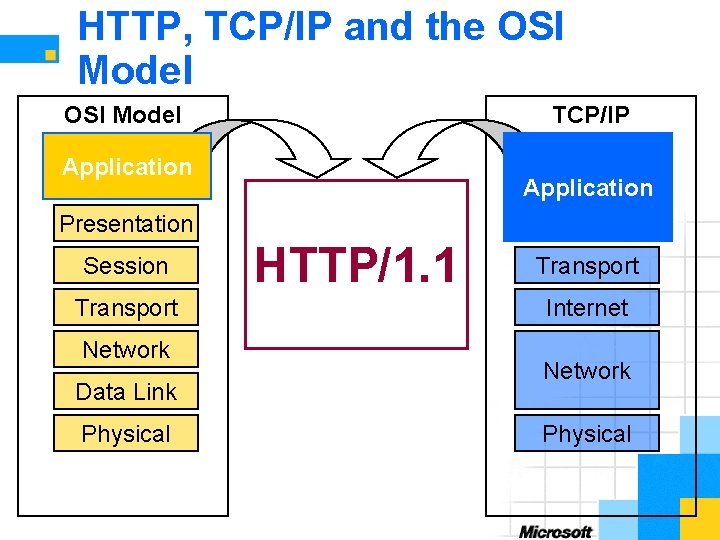
HTTP, TCP/IP and the OSI Model TCP/IP Application Presentation Session Transport Network Data Link Physical HTTP/1. 1 Transport Internet Network Physical

HTTP Request / Response in Action Client Server HTTP Request Time HTTP Response

HTTP Defined 2/3 n It is a request/response protocol n A “client” sends a request to a “server” n n Requests are made to a specific resource – more later The “server” returns a response n Message based communication
HTTP Defined 3/3 n Designed for distributed, collaborative information systems n Designed specifically for “Hyper. Media” – or Hyper. Text n Generic, stateless protocol n HTTP/1. 1 n extends the previous version HTTP/1. 0 Digest authorization, persistent connections, etc n The Web as you know it is built on HTTP!
HTTP/1. 1 vs. HTTP/1. 0 n Persistent connections n Default behavior is now: persistent connections n Replace the practice of using “Keep-alive” messages n Additional n status codes 1 xx status codes introduced
Protocol Parameters of Interest n HTTP Version n Uniform n Date Resource Identifier (URI) and Time Formats n Character sets n Content codings n Transfer codings n Chunked transfer codings
Messages n Only two types of messages in HTTP n Request n Response n Types of messages differ only in their “start line” n Messages contain zero or more headers n Provide information about the message n Depend on the type and the message content n May contain a message body
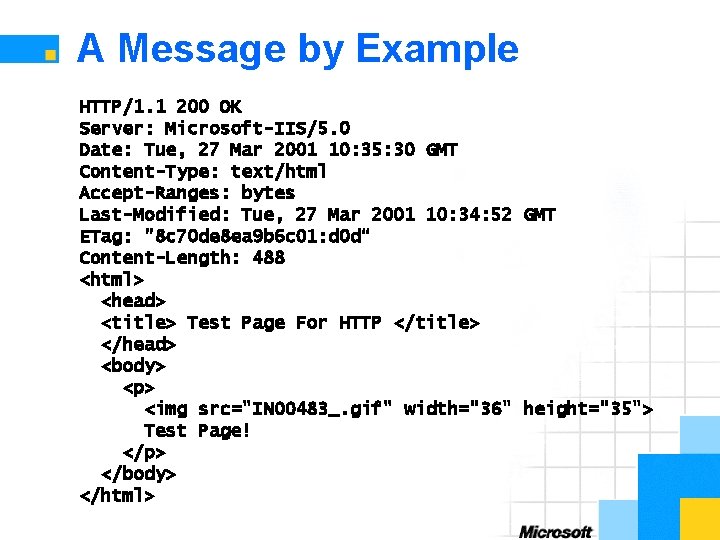
A Message by Example HTTP/1. 1 200 OK Server: Microsoft-IIS/5. 0 Date: Tue, 27 Mar 2001 10: 35: 30 GMT Content-Type: text/html Accept-Ranges: bytes Last-Modified: Tue, 27 Mar 2001 10: 34: 52 GMT ETag: "8 c 70 de 8 ea 9 b 6 c 01: d 0 d“ Content-Length: 488 <html> <head> <title> Test Page For HTTP </title> </head> <body> <p> <img src="IN 00483_. gif" width="36" height="35"> Test Page! </p> </body> </html>
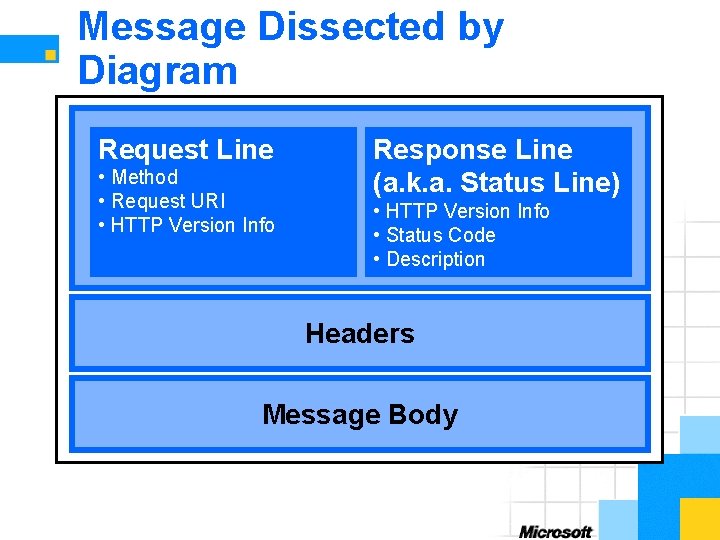
Message Dissected by Diagram Request Line • Method • Request URI • HTTP Version Info Response Line (a. k. a. Status Line) • HTTP Version Info • Status Code • Description Headers Message Body
Message Body Overview n Used n Entity differs from message body when “encoding” exist n n It to carry an entity body Example: the entity body is compressed is an Octet – an 8 -bit sequence of data n May be divided into pieces and sent in chunks n When size cannot be predetermined n Reassembled during reception of the messages n Messages n do not have to have a message body Some messages cannot have a message body
Examples of a Message Body n. A Web page! n The text to render as the page is the body n Login information or other form data n Shopping n Data information – item you wish to buy from a data source
Overview of Headers n Provide n This information about the message may be about the entire message n The length of the message n Date or time when the message was generated n The n n Or n message body specifically Is it compressed or otherwise “transformed” in some way? the method Request information only after a certain date and/or time
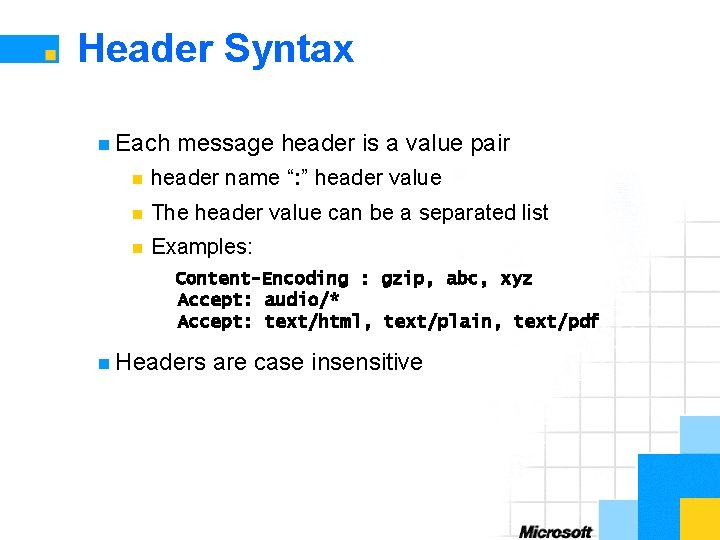
Header Syntax n Each message header is a value pair n header name “: ” header value n The header value can be a separated list n Examples: Content-Encoding : gzip, abc, xyz Accept: audio/* Accept: text/html, text/plain, text/pdf n Headers are case insensitive
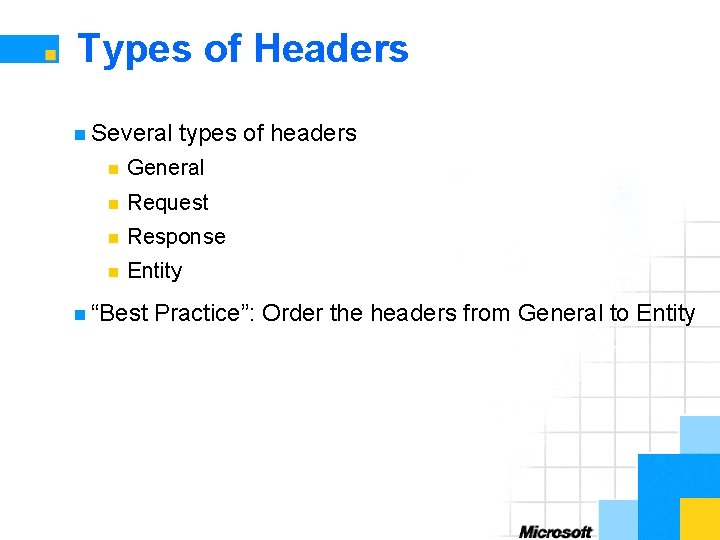
Types of Headers n Several types of headers n General n Request n Response n Entity n “Best Practice”: Order the headers from General to Entity
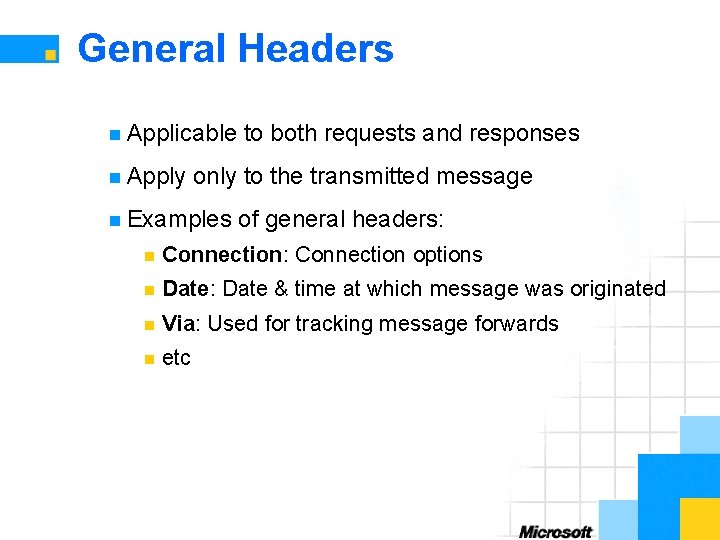
General Headers n Applicable n Apply to both requests and responses only to the transmitted message n Examples of general headers: n Connection: Connection options n Date: Date & time at which message was originated n Via: Used for tracking message forwards n etc
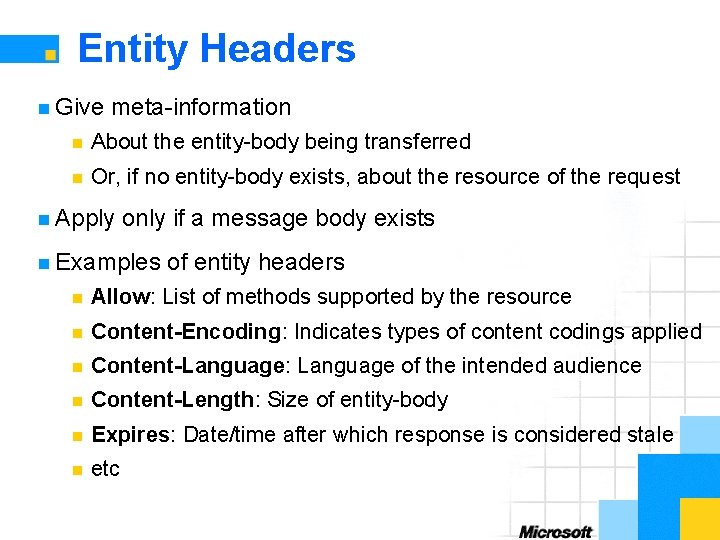
Entity Headers n Give meta-information n About the entity-body being transferred n Or, if no entity-body exists, about the resource of the request n Apply only if a message body exists n Examples of entity headers n Allow: List of methods supported by the resource n Content-Encoding: Indicates types of content codings applied n Content-Language: Language of the intended audience n Content-Length: Size of entity-body n Expires: Date/time after which response is considered stale n etc
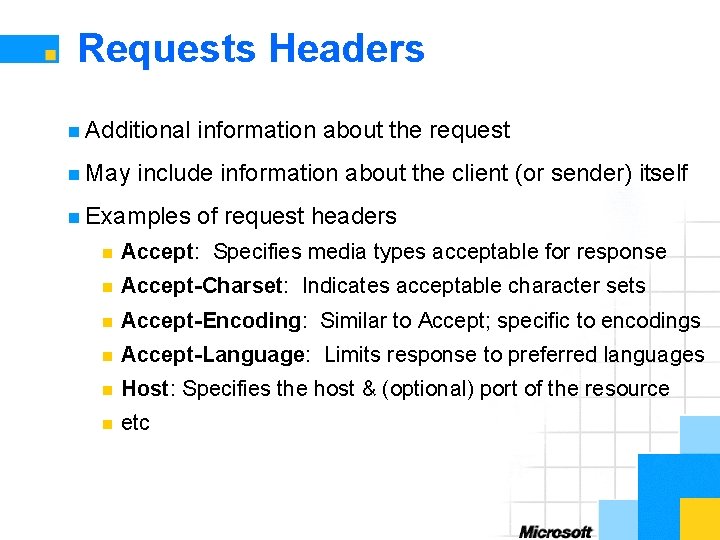
Requests Headers n Additional n May information about the request include information about the client (or sender) itself n Examples of request headers n Accept: Specifies media types acceptable for response n Accept-Charset: Indicates acceptable character sets n Accept-Encoding: Similar to Accept; specific to encodings n Accept-Language: Limits response to preferred languages n Host: Specifies the host & (optional) port of the resource n etc
Responses Headers n More n May information than available from just the status line be information about the server or the resource n Examples of response headers n Age: Estimate of time since response was generated n ETag: Current value of the entity tag n Location: Used to redirect to a different location (URI) n Proxy-Authenticate: Proxy authentication challenge n Retry-After: Expected time that a service will be unavailable n Server: Information about the server software used n WWW-Authenticate: Authentication challenge n etc
Three Parts of a Request Line n Request Method n Request URI n HTTP version information – which protocol are we using?
Request Methods n Indicates n Request n. A the type of request to perform methods of interest n GET (or retrieve) information from the resource server n POST “the information” back to the resource server few other request methods of interest n DELETE “the information” from the resource server n PUT “the information” at the resource location n HEAD: Like GET but only returns meta-information n OPTIONS: Gets the communication available
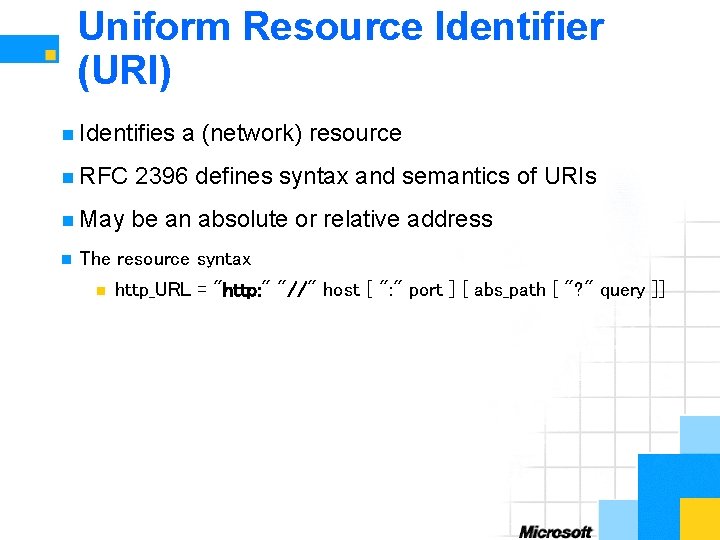
Uniform Resource Identifier (URI) n Identifies a (network) resource n RFC 2396 defines syntax and semantics of URIs n May be an absolute or relative address n The resource syntax n http_URL = "http: " "//" host [ ": " port ] [ abs_path [ "? " query ]]
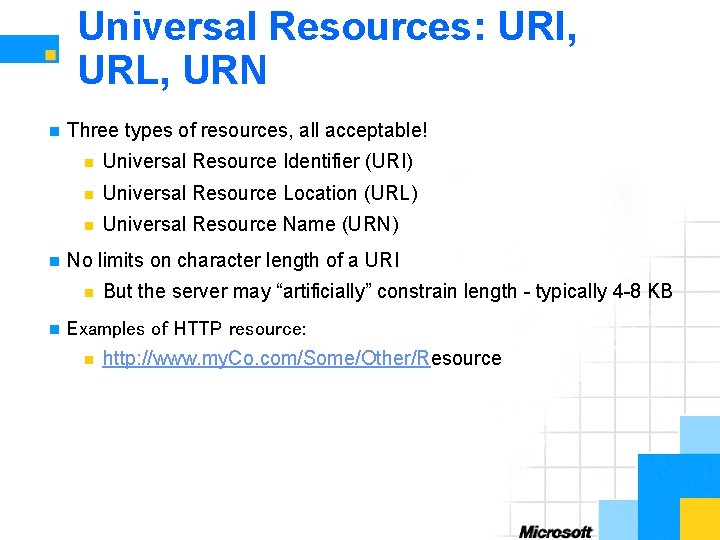
Universal Resources: URI, URL, URN n n Three types of resources, all acceptable! n Universal Resource Identifier (URI) n Universal Resource Location (URL) n Universal Resource Name (URN) No limits on character length of a URI n n But the server may “artificially” constrain length - typically 4 -8 KB Examples of HTTP resource: n http: //www. my. Co. com/Some/Other/Resource
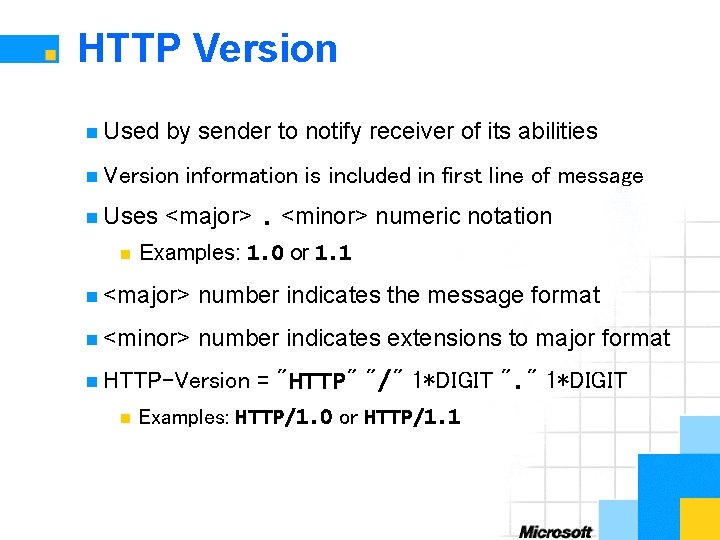
HTTP Version n Used by sender to notify receiver of its abilities n Version n Uses n information is included in first line of message <major>. <minor> numeric notation Examples: 1. 0 or 1. 1 n <major> number indicates the message format n <minor> number indicates extensions to major format n HTTP-Version n = "HTTP" "/" 1*DIGIT ". " 1*DIGIT Examples: HTTP/1. 0 or HTTP/1. 1
Response Line Dissected n HTTP Version Information n Status Code n Status Description
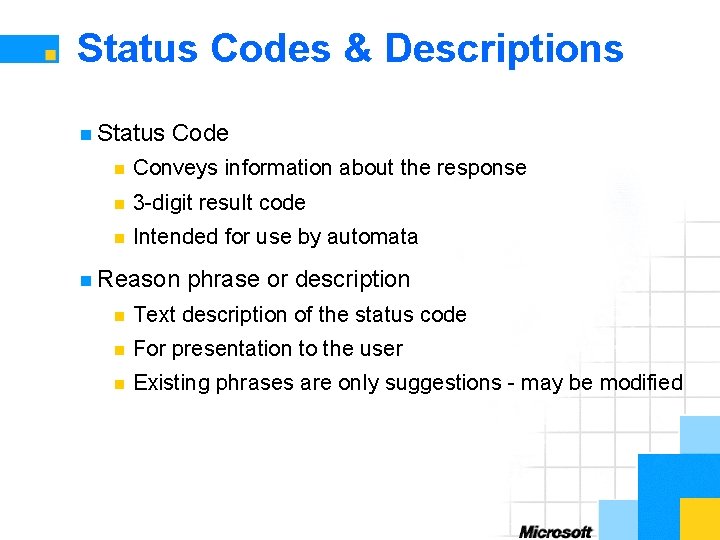
Status Codes & Descriptions n Status Code n Conveys information about the response n 3 -digit result code n Intended for use by automata n Reason phrase or description n Text description of the status code n For presentation to the user n Existing phrases are only suggestions - may be modified
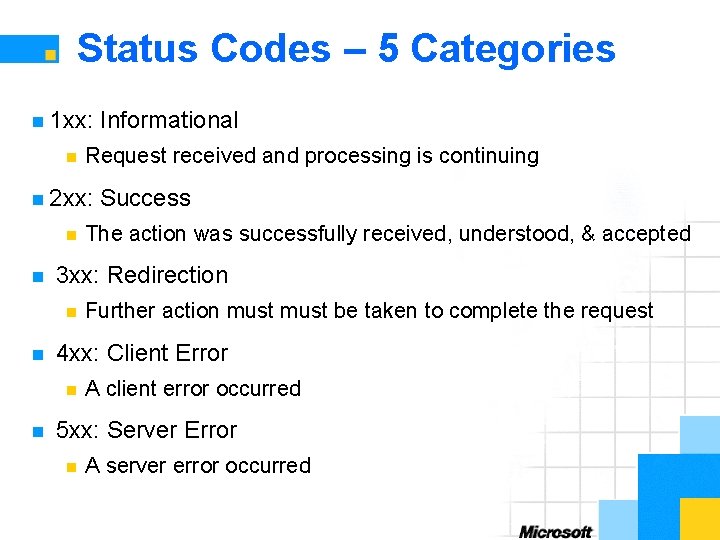
Status Codes – 5 Categories n 1 xx: n Request received and processing is continuing n 2 xx: n n The action was successfully received, understood, & accepted Further action must be taken to complete the request 4 xx: Client Error n n Success 3 xx: Redirection n n Informational A client error occurred 5 xx: Server Error n A server error occurred
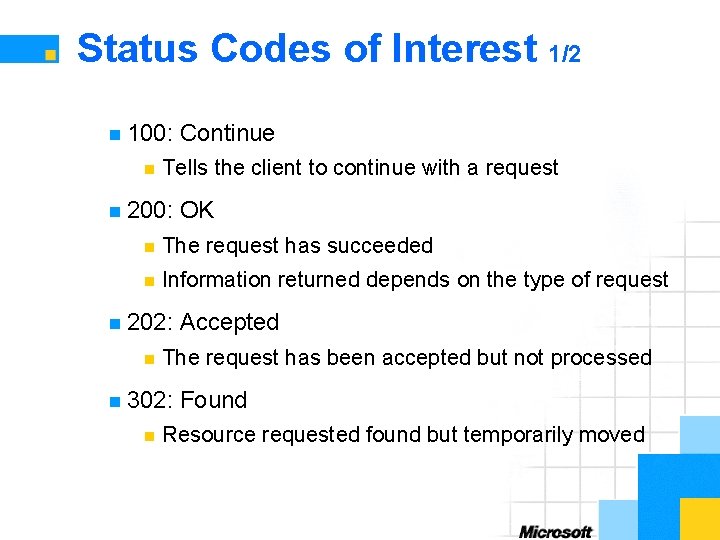
Status Codes of Interest 1/2 n 100: n Continue Tells the client to continue with a request n 200: OK n The request has succeeded n Information returned depends on the type of request n 202: n The request has been accepted but not processed n 302: n Accepted Found Resource requested found but temporarily moved
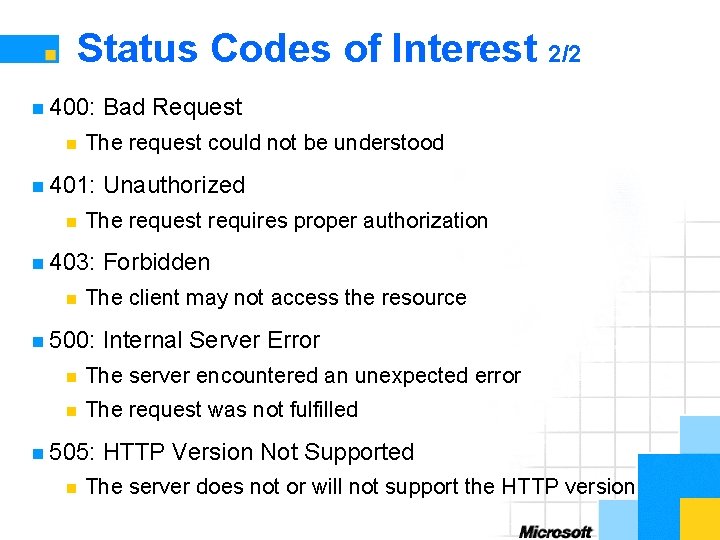
Status Codes of Interest 2/2 n 400: n The request could not be understood n 401: n Unauthorized The request requires proper authorization n 403: n Bad Request Forbidden The client may not access the resource n 500: Internal Server Error n The server encountered an unexpected error n The request was not fulfilled n 505: n HTTP Version Not Supported The server does not or will not support the HTTP version
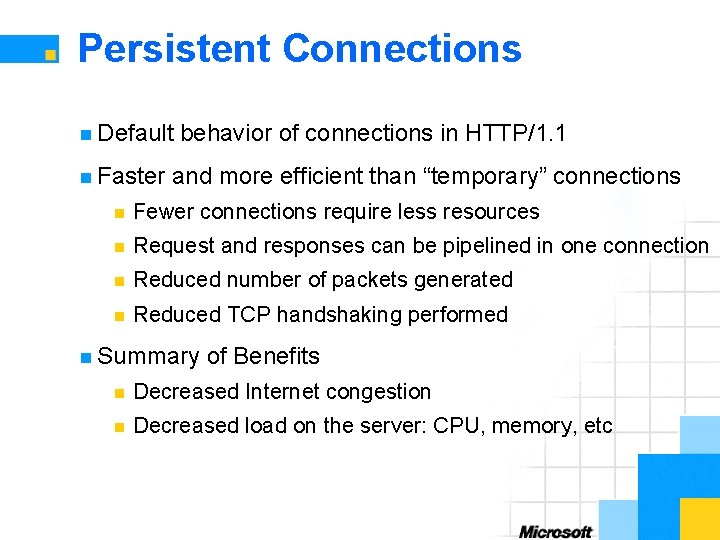
Persistent Connections n Default n Faster behavior of connections in HTTP/1. 1 and more efficient than “temporary” connections n Fewer connections require less resources n Request and responses can be pipelined in one connection n Reduced number of packets generated n Reduced TCP handshaking performed n Summary of Benefits n Decreased Internet congestion n Decreased load on the server: CPU, memory, etc
Cookies: State/Session Management n HTTP is stateless by definition n Achieve state/session management using cookies n Defined and described in RFC 2965 n Intent is to have 1 cookie per host or group of related hosts n Created and stored on the client n Accomplished n Contain attribute value pairs n Not n using Cookie 2 and Set-Cookie 2 headers designed or intended to hold authentication information Cookie information is unprotected
Baking and Eating Cookies n State/session initiated by server – not the client n Sends a response which includes the Set-Cookie 2 header n Set-Cookie 2 may have a predefined attribute values pairs n Max-Age: Defines the maximum lifespan of the cookie n Version: Version of the state management specification n Discard: Tells client to discard the cookie when it terminates n etc n Client response includes the Cookie 2 header
![Cookies in Action Client Server POST /foo/login HTTP/1. 1 [some form data] HTTP/1. 1](http://slidetodoc.com/presentation_image_h/bd34410dfea43310f7fd0751cceddda1/image-38.jpg "Cookies in Action Client Server POST /foo/login HTTP/1. 1 [some form data] HTTP/1. 1")
Cookies in Action Client Server POST /foo/login HTTP/1. 1 [some form data] HTTP/1. 1 200 OK Set-Cookie 2: Customer=“you”; Version=“ 1”; Path=“/foo” POST /foo/bar HTTP/1. 1 Cookie 2: $Version=“ 1”; Customer=“you”; $Path=“/foo” [some form data] HTTP/1. 1 200 OK . . .
HTTP/1. 1 Authentication n Basic n and Digest Access Authentication Described and defined in RFC 2617 n Supports n Adds basic authentication of HTTP/1. 0 digest based authentication n Challenge n / response authorization scheme Used for both basic and digest based authentication
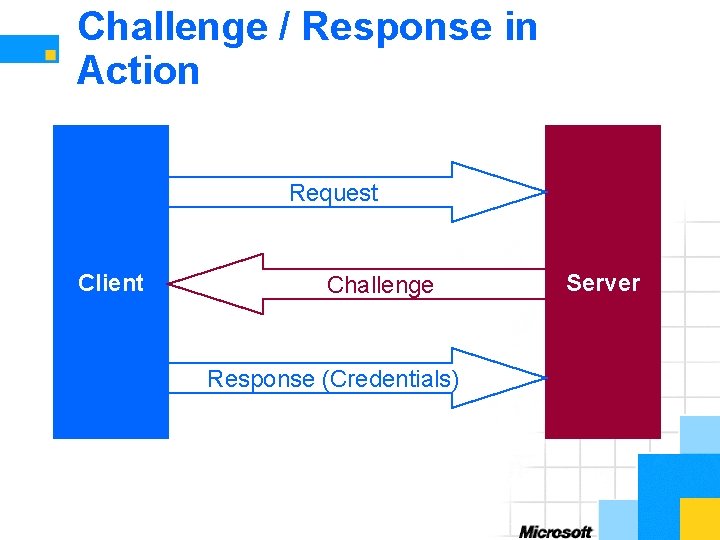
Challenge / Response in Action Request Client Challenge Response (Credentials) Server

Basic Authentication n User name and password are passed as clear text n Client requests a resource n Server challenges the request n Sends an HTTP/1. 1. 401 Unauthorized response n Includes the WWW-Authenticate header n Provides the realm or protected space accessed n Client n responds by resending request with credentials Includes the Authorization header
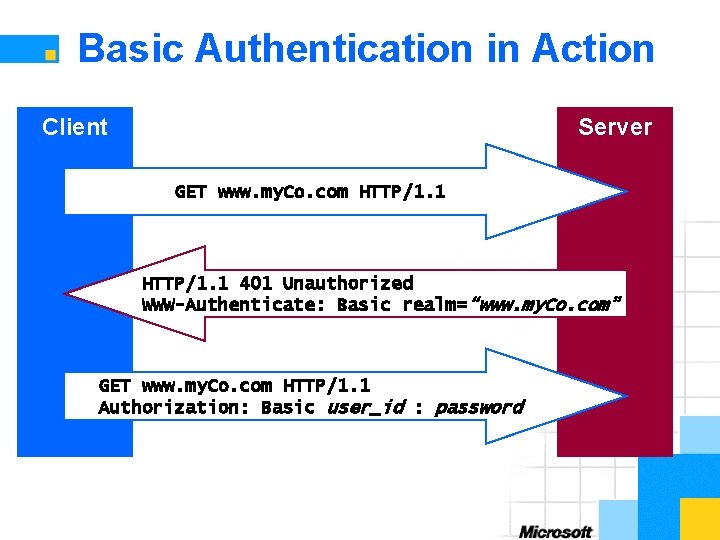
Basic Authentication in Action Client Server GET www. my. Co. com HTTP/1. 1 401 Unauthorized WWW-Authenticate: Basic realm=“www. my. Co. com” GET www. my. Co. com HTTP/1. 1 Authorization: Basic user_id : password
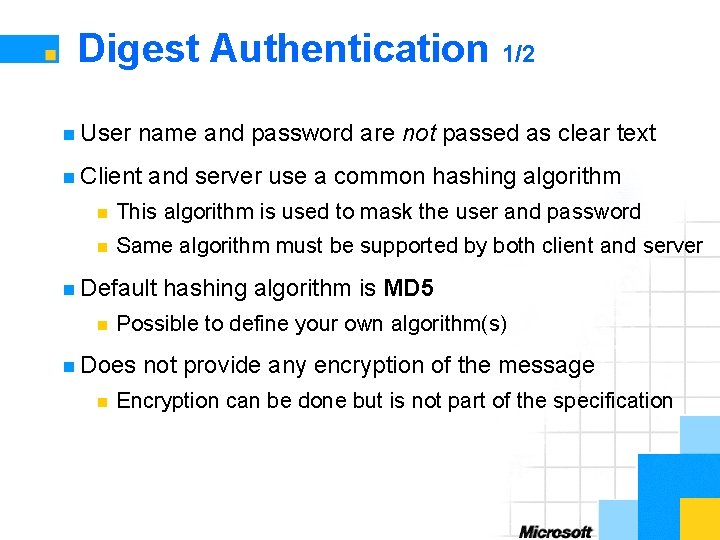
Digest Authentication 1/2 n User name and password are not passed as clear text n Client and server use a common hashing algorithm n This algorithm is used to mask the user and password n Same algorithm must be supported by both client and server n Default n Possible to define your own algorithm(s) n Does n hashing algorithm is MD 5 not provide any encryption of the message Encryption can be done but is not part of the specification
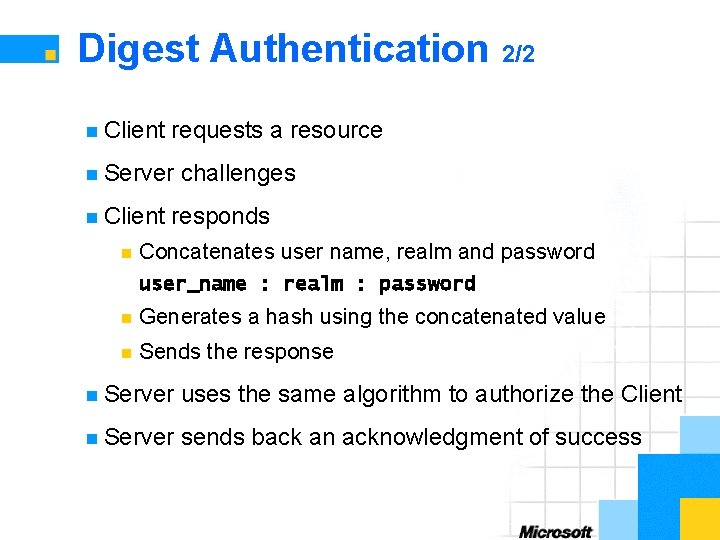
Digest Authentication 2/2 n Client requests a resource n Server n Client n challenges responds Concatenates user name, realm and password user_name : realm : password n Generates a hash using the concatenated value n Sends the response n Server uses the same algorithm to authorize the Client n Server sends back an acknowledgment of success
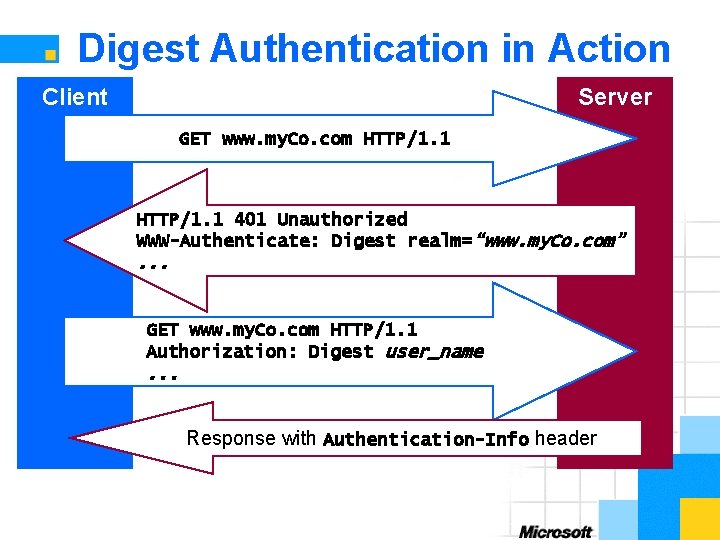
Digest Authentication in Action Client Server GET www. my. Co. com HTTP/1. 1 401 Unauthorized WWW-Authenticate: Digest realm=“www. my. Co. com” . . . GET www. my. Co. com HTTP/1. 1 Authorization: Digest user_name . . . Response with Authentication-Info header
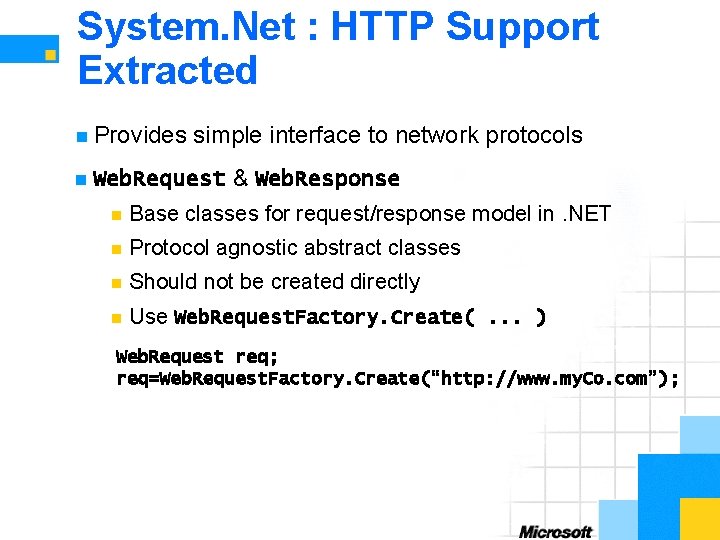
System. Net : HTTP Support Extracted n Provides n simple interface to network protocols Web. Request & Web. Response n Base classes for request/response model in. NET n Protocol agnostic abstract classes n Should not be created directly n Use Web. Request. Factory. Create(. . . ) Web. Request req; req=Web. Request. Factory. Create(“http: //www. my. Co. com”);
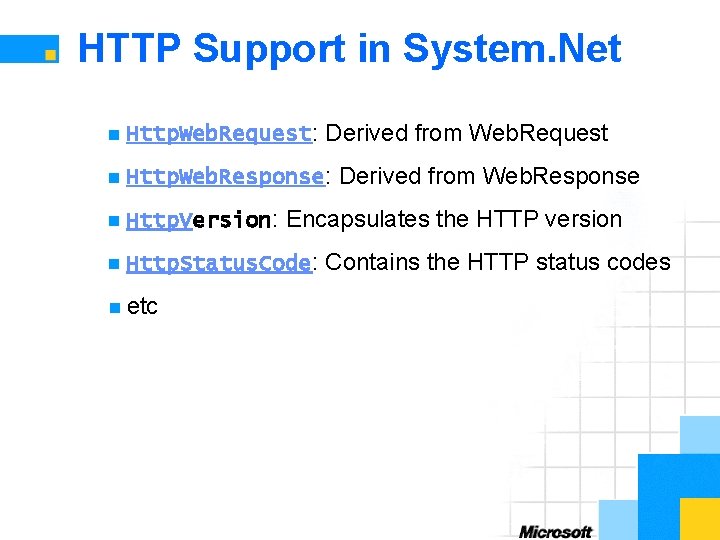
HTTP Support in System. Net n Http. Web. Request: Derived from Web. Request n Http. Web. Response: Derived from Web. Response n Http. Version: Encapsulates the HTTP version n Http. Status. Code: Contains the HTTP status codes n etc
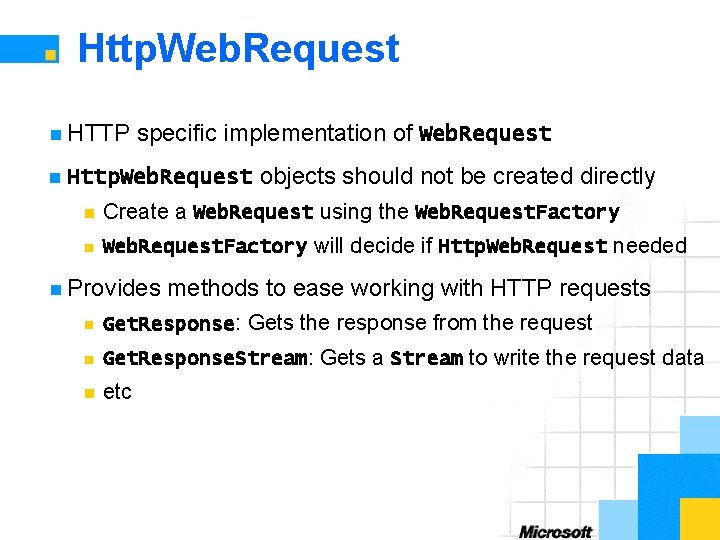
Http. Web. Request n HTTP n specific implementation of Web. Request Http. Web. Request objects should not be created directly n Create a Web. Request using the Web. Request. Factory n Web. Request. Factory will decide if Http. Web. Request needed n Provides methods to ease working with HTTP requests n Get. Response: Gets the response from the request n Get. Response. Stream: Gets a Stream to write the request data n etc
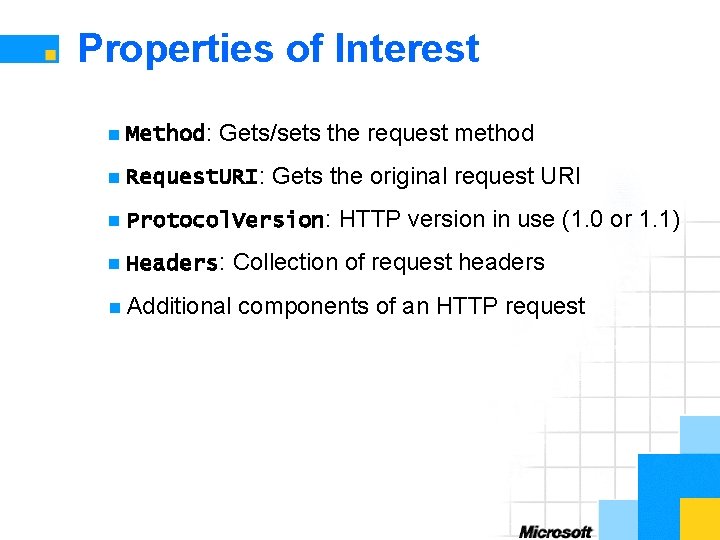
Properties of Interest n Method: Gets/sets the request method n Request. URI: Gets the original request URI n Protocol. Version: HTTP version in use (1. 0 or 1. 1) n Headers: Collection of request headers n Additional components of an HTTP request
Http. Web. Response n HTTP n specific implementation of Web. Response Http. Web. Response objects should not be created directly n Returned by call to Web. Request. Get. Response() n Provides methods to ease working with HTTP responses n Get. Response. Header: Gets the value of a specified header n Get. Response. Stream: Gets a Stream for reading the response body n etc
Properties of Interest n Protocol. Version: HTTP version in use (1. 0 or 1. 1) n Status: Gets the status code n Status. Description: Gets the status description n Headers: Collection of response headers n etc
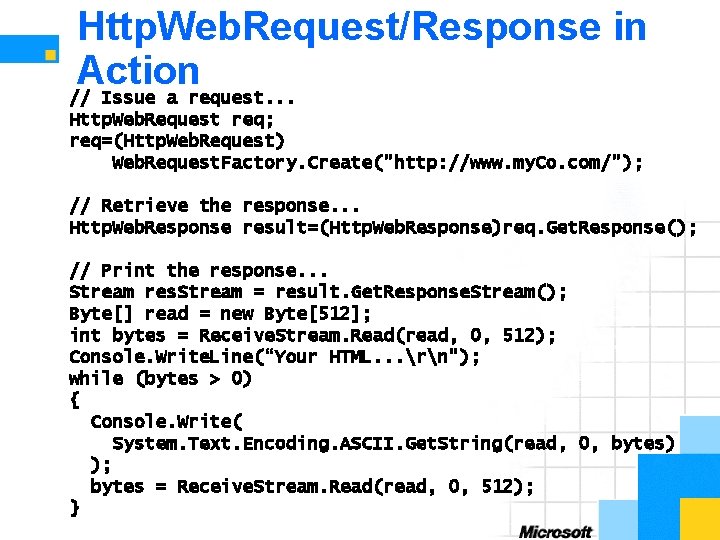
Http. Web. Request/Response in Action // Issue a request. . . Http. Web. Request req; req=(Http. Web. Request) Web. Request. Factory. Create("http: //www. my. Co. com/"); // Retrieve the response. . . Http. Web. Response result=(Http. Web. Response)req. Get. Response(); // Print the response. . . Stream res. Stream = result. Get. Response. Stream(); Byte[] read = new Byte[512]; int bytes = Receive. Stream. Read(read, 0, 512); Console. Write. Line(“Your HTML. . . rn"); while (bytes > 0) { Console. Write( System. Text. Encoding. ASCII. Get. String(read, 0, bytes) ); bytes = Receive. Stream. Read(read, 0, 512); }
Summary n HTTP n The is an application protocol World Wide Web runs on it n Its a simple but robust message based protocol n Its designed for more than just the Web n HTTP is fully supported in. NET
Section 5: Q&A
- Slides: 54