
HTTP Hypertext Transfer Protocol Refs RFC 1945 HTTP
- Slides: 47
HTTP Hypertext Transfer Protocol Refs: RFC 1945 (HTTP 1. 0) RFC 2616 (HTTP 1. 1)
HTTP Usage • HTTP is the protocol that supports communication between web browsers and web servers. • A “Web Server” is a HTTP server • Most clients/servers today speak version 1. 1, but 1. 0 is also in use. Netprog - HTTP 2
From the RFC “HTTP is an application-level protocol with the lightness and speed necessary for distributed, hypermedia information systems. ” Netprog - HTTP 3
Transport Independence • The RFC states that the HTTP protocol generally takes place over a TCP connection, but the protocol itself is not dependent on a specific transport layer. Netprog - HTTP 4
Request - Response • HTTP has a simple structure: – client sends a request – server returns a reply. • HTTP can support multiple requestreply exchanges over a single TCP connection. Netprog - HTTP 5
Well Known Address • The “well known” TCP port for HTTP servers is port 80. • Other ports can be used as well. . . Netprog - HTTP 6
HTTP Versions • The original version now goes by the name “HTTP Version 0. 9” – HTTP 0. 9 was used for many years. • Starting with HTTP 1. 0 the version number is part of every request. – tells the server what version the client can talk (what options are supported, etc). Netprog - HTTP 7
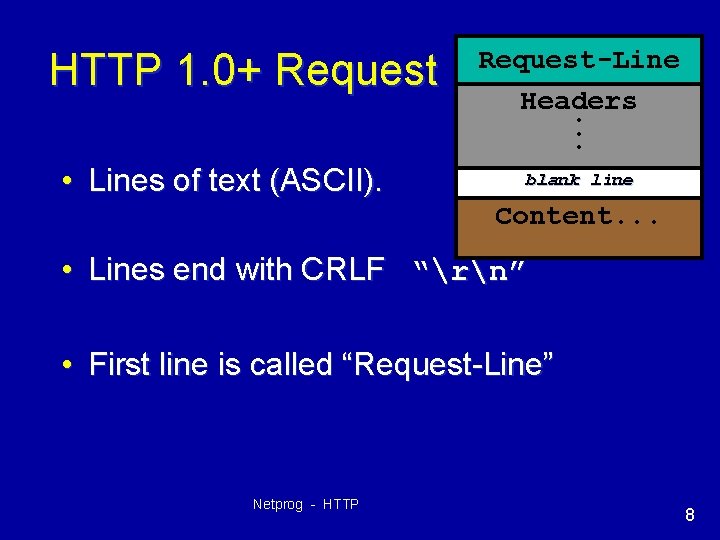
HTTP 1. 0+ Request • Lines of text (ASCII). Request-Line Headers. . . blank line Content. . . • Lines end with CRLF “rn” • First line is called “Request-Line” Netprog - HTTP 8
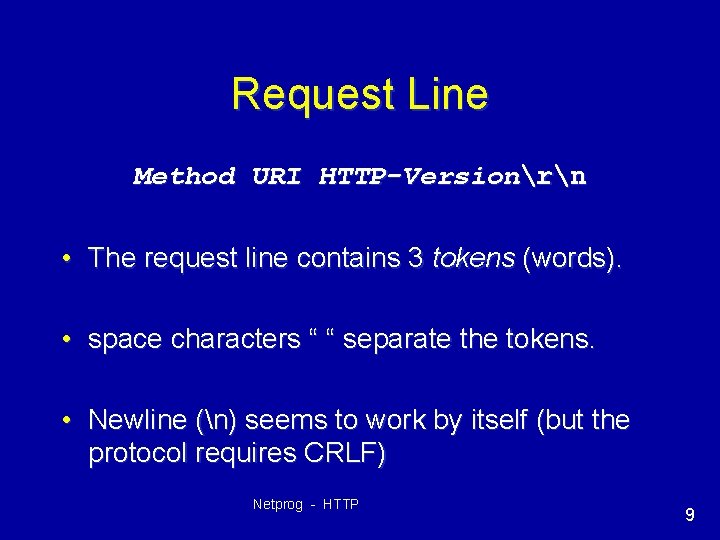
Request Line Method URI HTTP-Versionrn • The request line contains 3 tokens (words). • space characters “ “ separate the tokens. • Newline (n) seems to work by itself (but the protocol requires CRLF) Netprog - HTTP 9
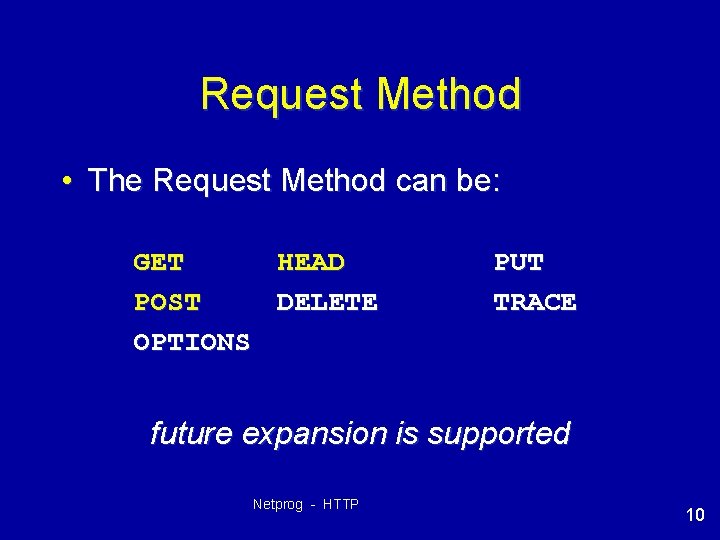
Request Method • The Request Method can be: GET HEAD POST DELETE OPTIONS PUT TRACE future expansion is supported Netprog - HTTP 10
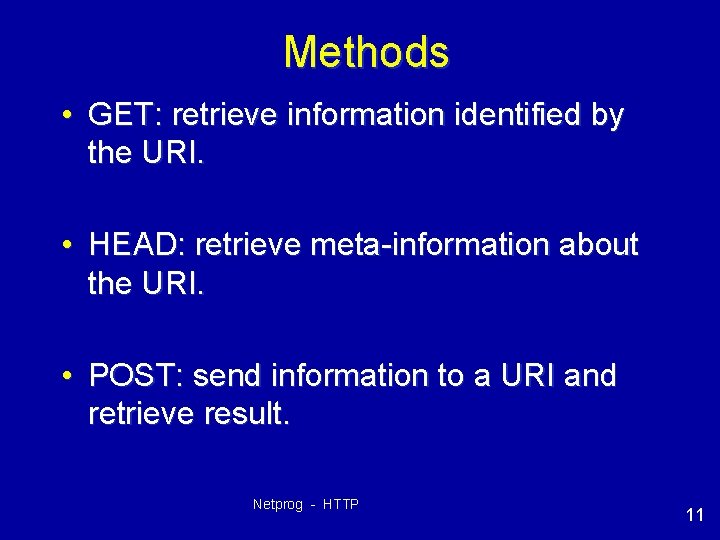
Methods • GET: retrieve information identified by the URI. • HEAD: retrieve meta-information about the URI. • POST: send information to a URI and retrieve result. Netprog - HTTP 11
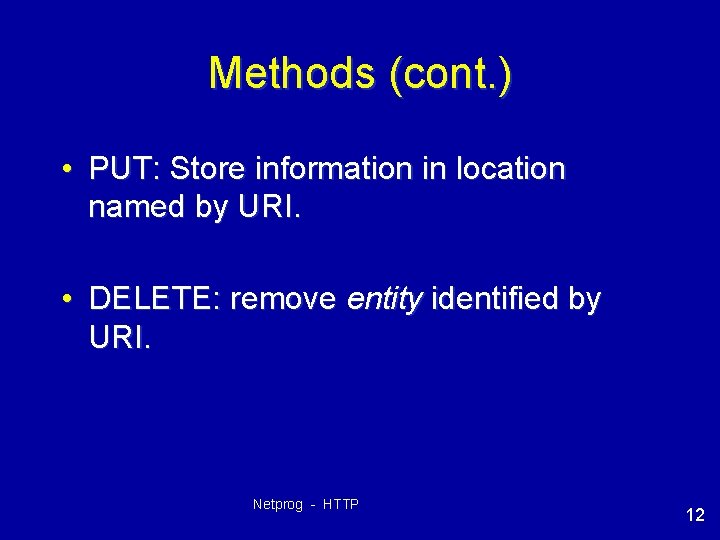
Methods (cont. ) • PUT: Store information in location named by URI. • DELETE: remove entity identified by URI. Netprog - HTTP 12
More Methods • TRACE: used to trace HTTP forwarding through proxies, tunnels, etc. • OPTIONS: used to determine the capabilities of the server, or characteristics of a named resource. Netprog - HTTP 13
Common Usage • GET, HEAD and POST are supported everywhere (including HW#2!). • HTTP 1. 1 servers often support PUT, DELETE, OPTIONS & TRACE. Netprog - HTTP 14
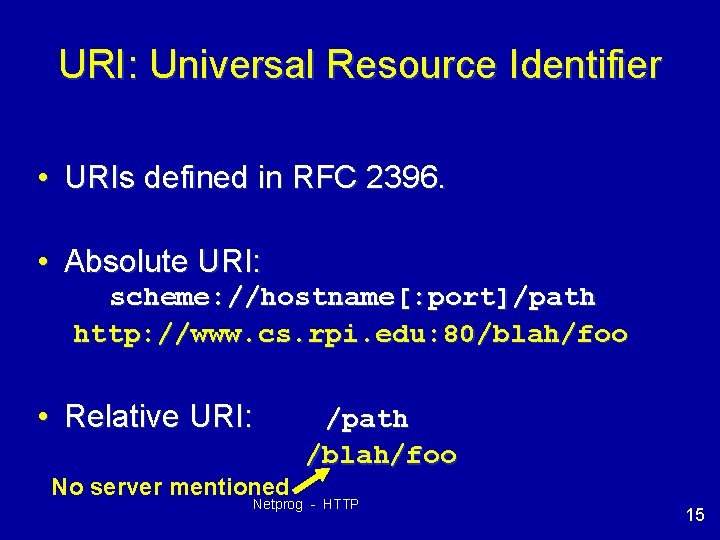
URI: Universal Resource Identifier • URIs defined in RFC 2396. • Absolute URI: scheme: //hostname[: port]/path http: //www. cs. rpi. edu: 80/blah/foo • Relative URI: /path /blah/foo No server mentioned Netprog - HTTP 15
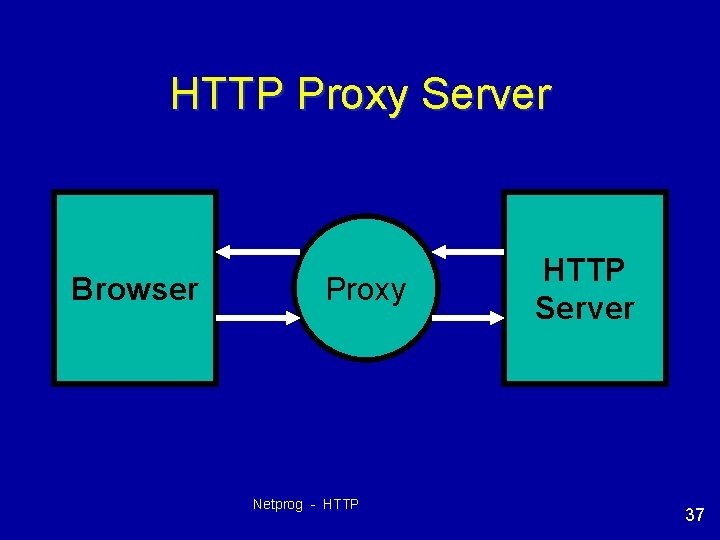
URI Usage • When dealing with a HTTP 1. 1 server, only a path is used (no scheme or hostname). – HTTP 1. 1 servers are required to be capable of handling an absolute URI, but there are still some out there that won’t… • When dealing with a proxy HTTP server, an absolute URI is used. – client has to tell the proxy where to get the document! – more on proxy servers in a bit…. Netprog - HTTP 16
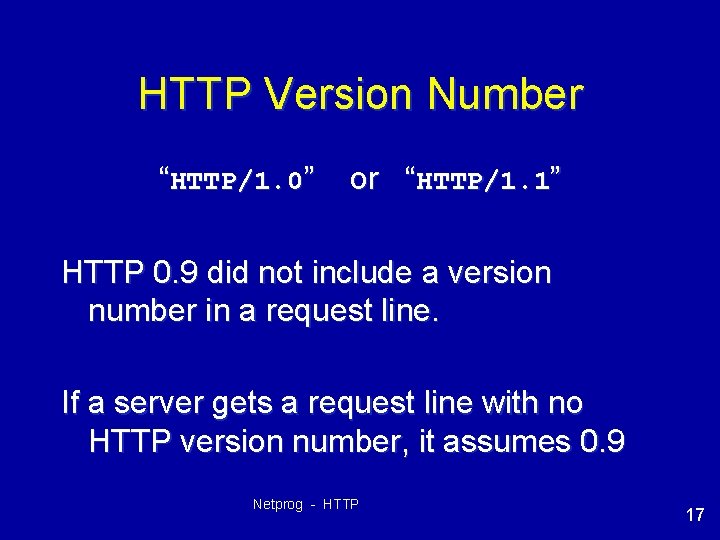
HTTP Version Number “HTTP/1. 0” or “HTTP/1. 1” HTTP 0. 9 did not include a version number in a request line. If a server gets a request line with no HTTP version number, it assumes 0. 9 Netprog - HTTP 17
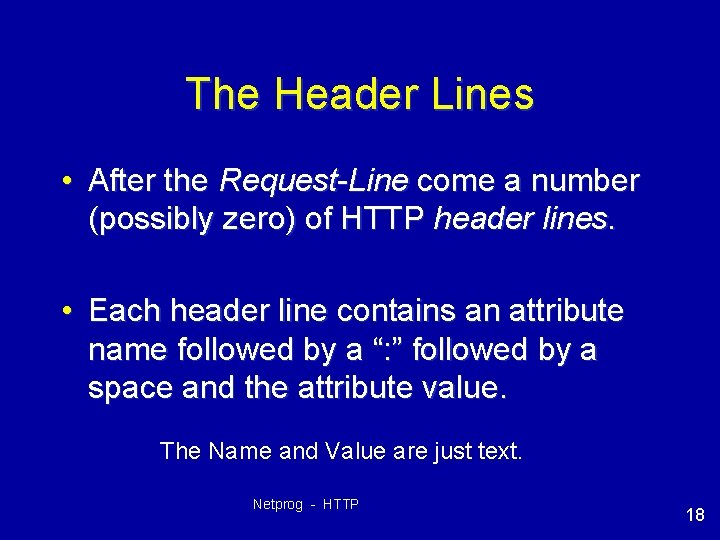
The Header Lines • After the Request-Line come a number (possibly zero) of HTTP header lines. • Each header line contains an attribute name followed by a “: ” followed by a space and the attribute value. The Name and Value are just text. Netprog - HTTP 18
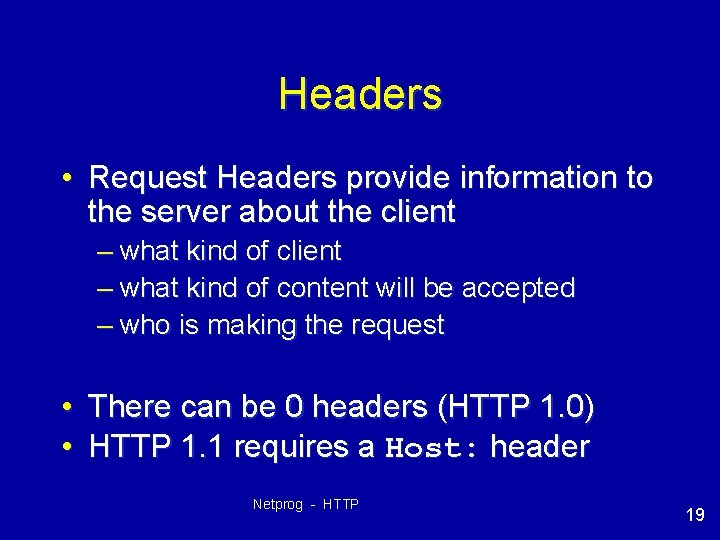
Headers • Request Headers provide information to the server about the client – what kind of content will be accepted – who is making the request • There can be 0 headers (HTTP 1. 0) • HTTP 1. 1 requires a Host: header Netprog - HTTP 19
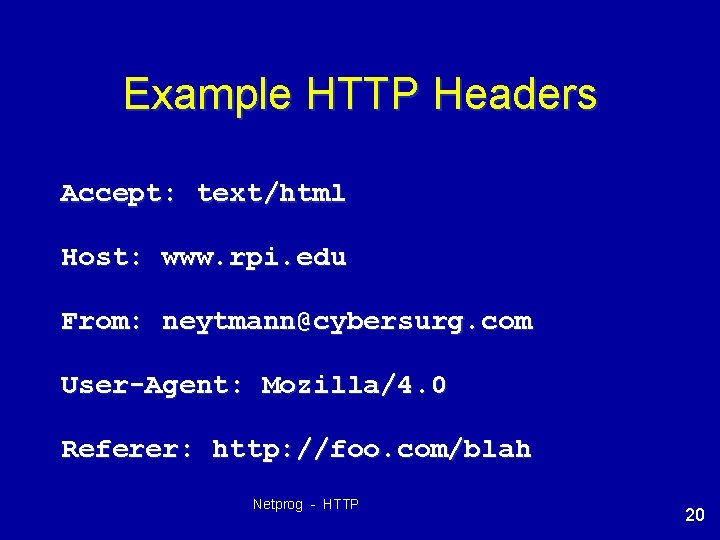
Example HTTP Headers Accept: text/html Host: www. rpi. edu From: neytmann@cybersurg. com User-Agent: Mozilla/4. 0 Referer: http: //foo. com/blah Netprog - HTTP 20
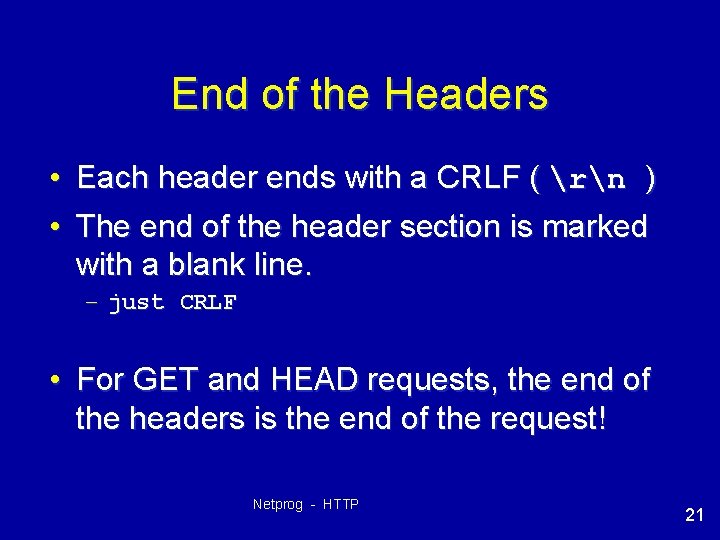
End of the Headers • Each header ends with a CRLF ( rn ) • The end of the header section is marked with a blank line. – just CRLF • For GET and HEAD requests, the end of the headers is the end of the request! Netprog - HTTP 21
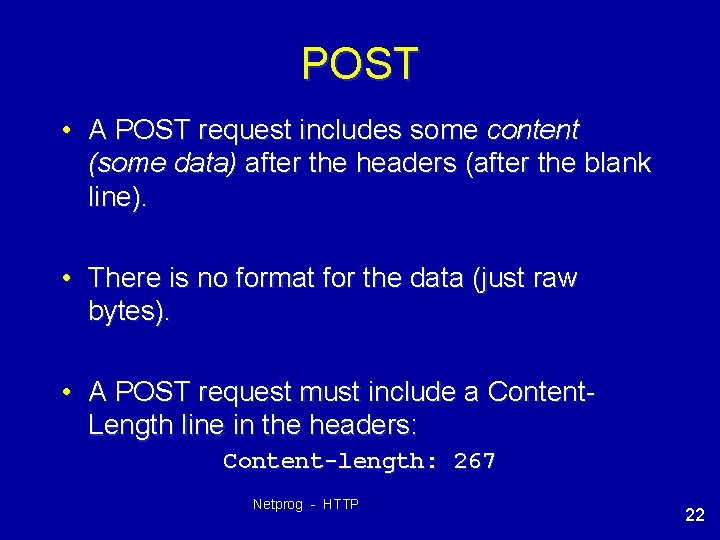
POST • A POST request includes some content (some data) after the headers (after the blank line). • There is no format for the data (just raw bytes). • A POST request must include a Content. Length line in the headers: Content-length: 267 Netprog - HTTP 22
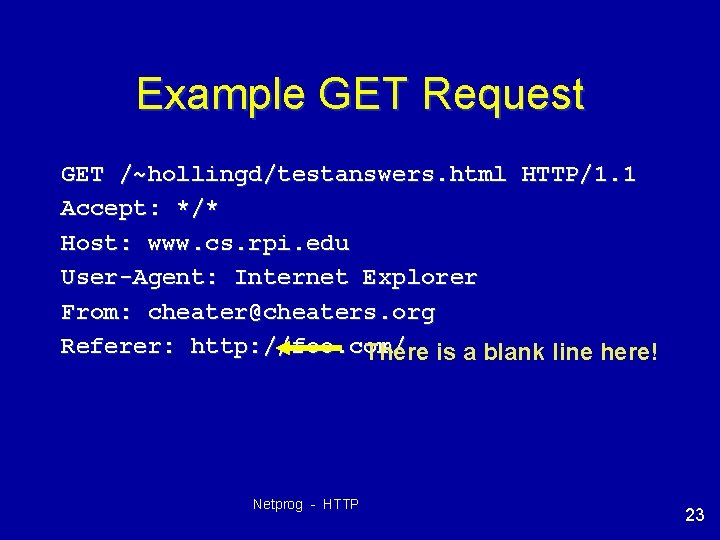
Example GET Request GET /~hollingd/testanswers. html HTTP/1. 1 Accept: */* Host: www. cs. rpi. edu User-Agent: Internet Explorer From: cheater@cheaters. org Referer: http: //foo. com/ There is a blank line here! Netprog - HTTP 23
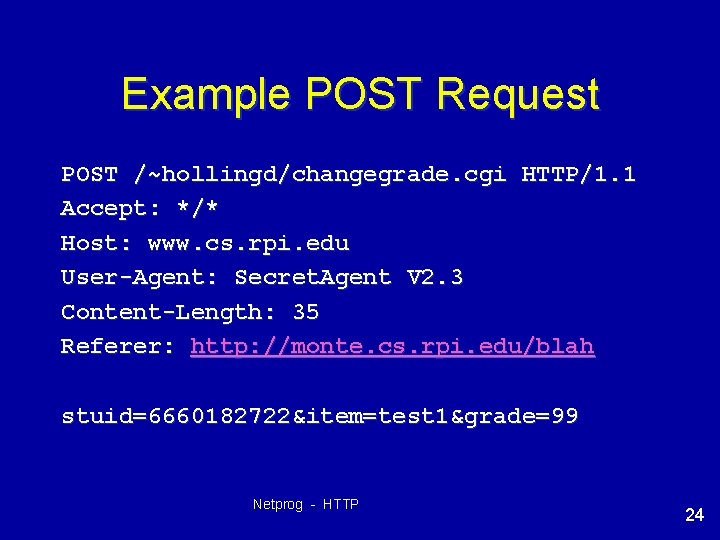
Example POST Request POST /~hollingd/changegrade. cgi HTTP/1. 1 Accept: */* Host: www. cs. rpi. edu User-Agent: Secret. Agent V 2. 3 Content-Length: 35 Referer: http: //monte. cs. rpi. edu/blah stuid=6660182722&item=test 1&grade=99 Netprog - HTTP 24
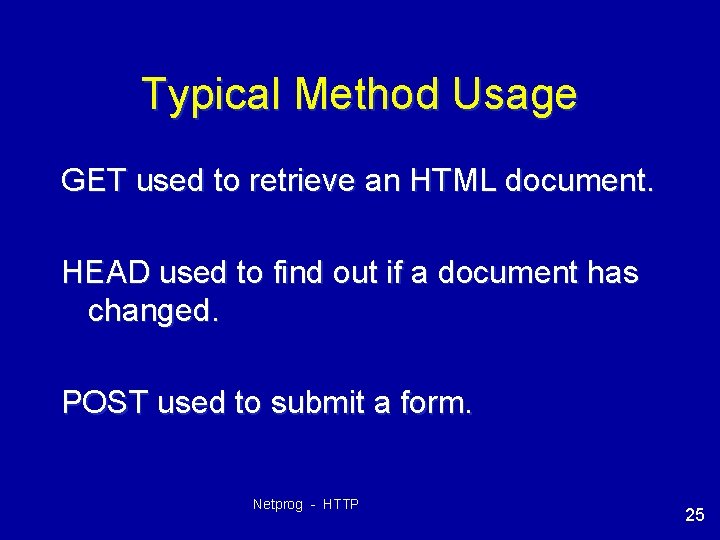
Typical Method Usage GET used to retrieve an HTML document. HEAD used to find out if a document has changed. POST used to submit a form. Netprog - HTTP 25
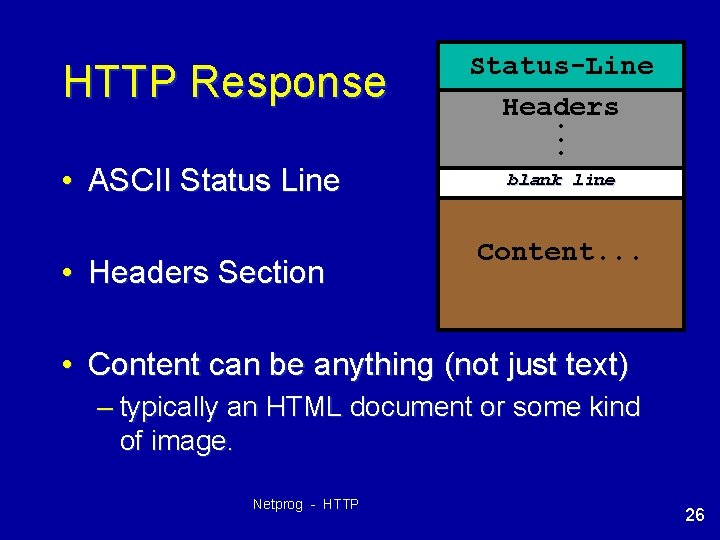
HTTP Response • ASCII Status Line • Headers Section Status-Line Headers. . . blank line Content. . . • Content can be anything (not just text) – typically an HTML document or some kind of image. Netprog - HTTP 26
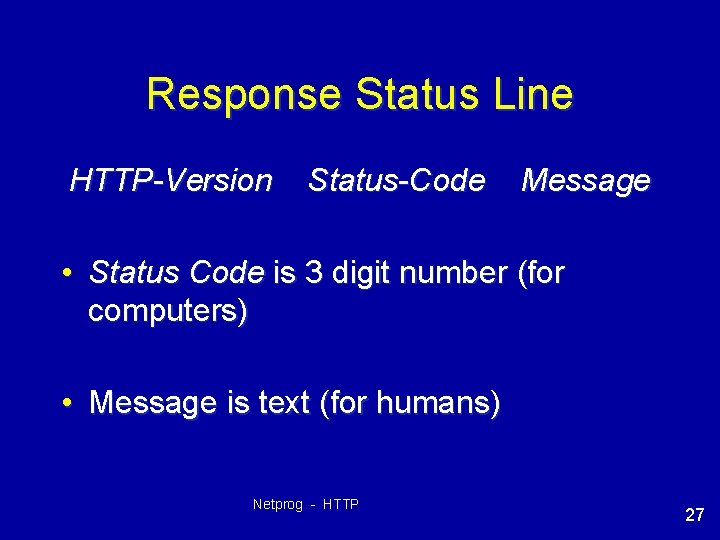
Response Status Line HTTP-Version Status-Code Message • Status Code is 3 digit number (for computers) • Message is text (for humans) Netprog - HTTP 27
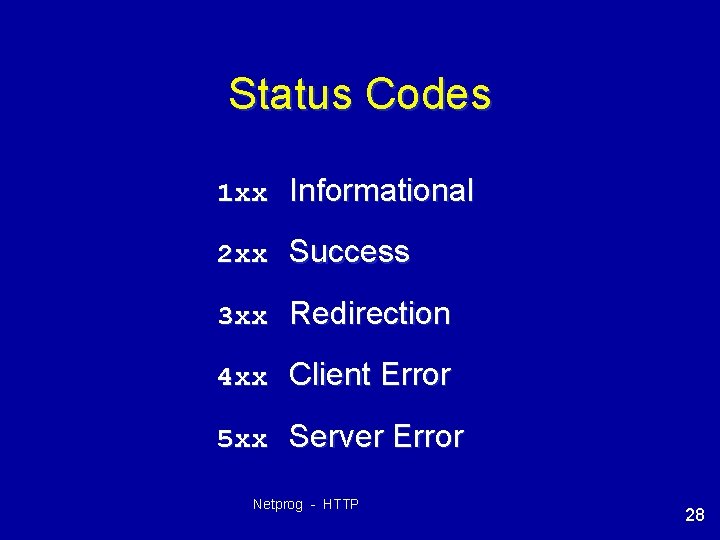
Status Codes 1 xx Informational 2 xx Success 3 xx Redirection 4 xx Client Error 5 xx Server Error Netprog - HTTP 28
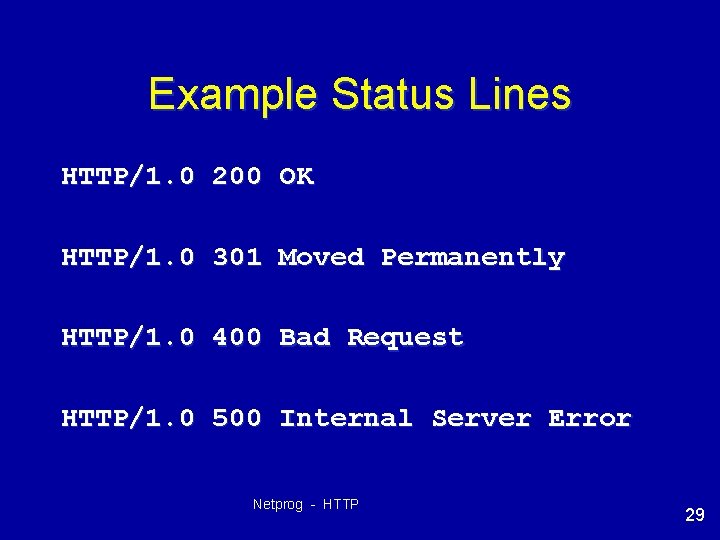
Example Status Lines HTTP/1. 0 200 OK HTTP/1. 0 301 Moved Permanently HTTP/1. 0 400 Bad Request HTTP/1. 0 500 Internal Server Error Netprog - HTTP 29
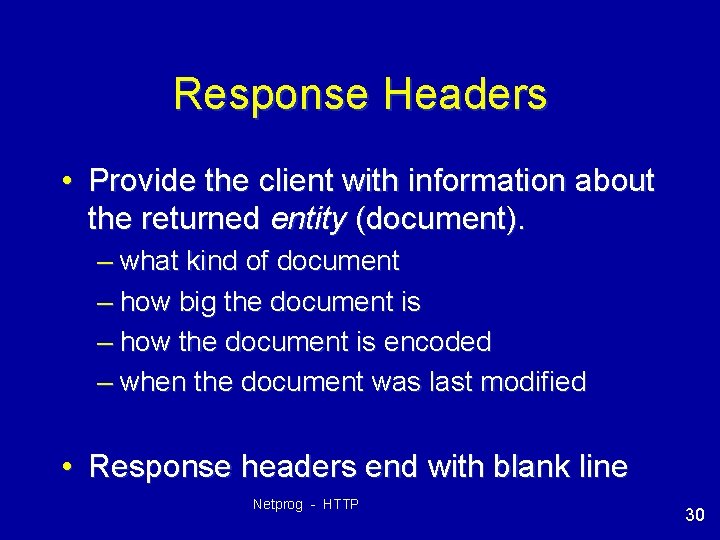
Response Headers • Provide the client with information about the returned entity (document). – what kind of document – how big the document is – how the document is encoded – when the document was last modified • Response headers end with blank line Netprog - HTTP 30
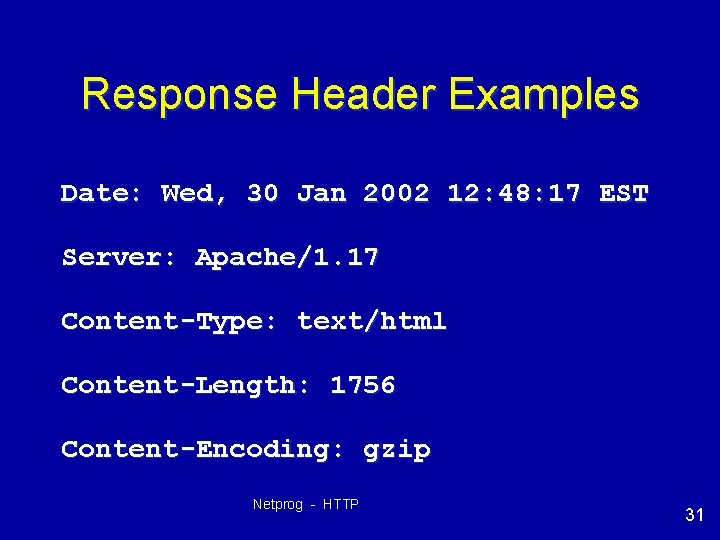
Response Header Examples Date: Wed, 30 Jan 2002 12: 48: 17 EST Server: Apache/1. 17 Content-Type: text/html Content-Length: 1756 Content-Encoding: gzip Netprog - HTTP 31
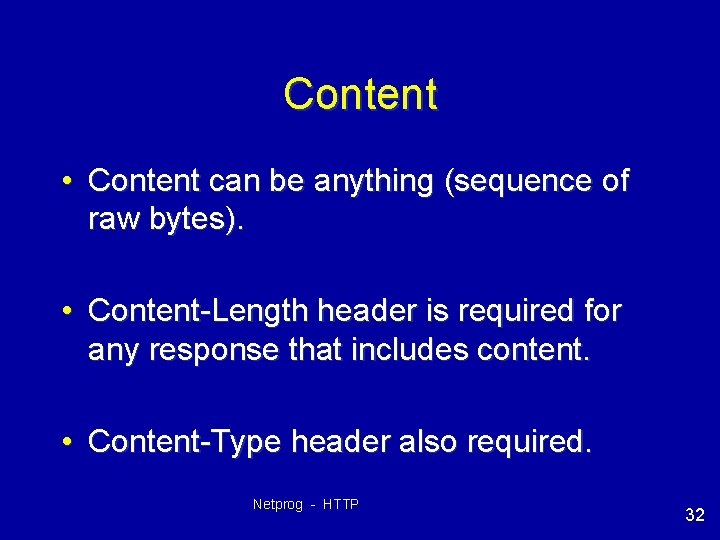
Content • Content can be anything (sequence of raw bytes). • Content-Length header is required for any response that includes content. • Content-Type header also required. Netprog - HTTP 32
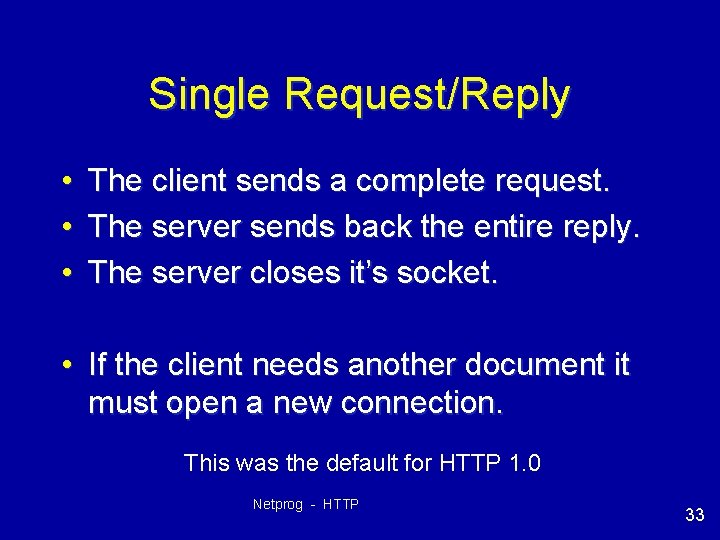
Single Request/Reply • • • The client sends a complete request. The server sends back the entire reply. The server closes it’s socket. • If the client needs another document it must open a new connection. This was the default for HTTP 1. 0 Netprog - HTTP 33
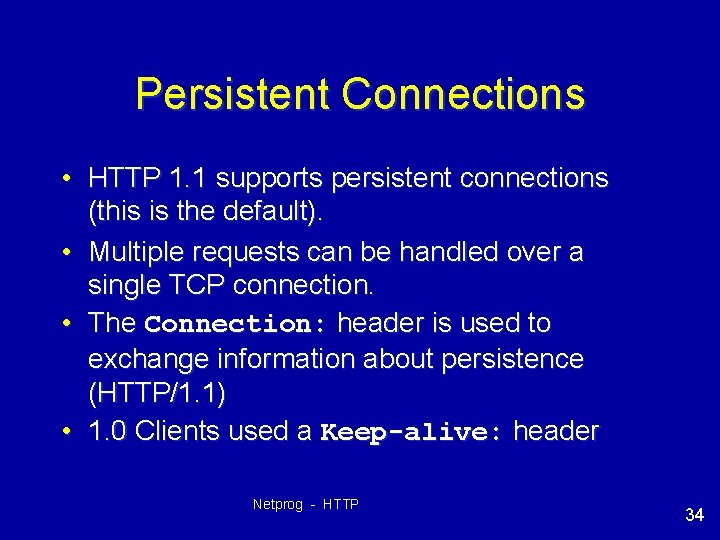
Persistent Connections • HTTP 1. 1 supports persistent connections (this is the default). • Multiple requests can be handled over a single TCP connection. • The Connection: header is used to exchange information about persistence (HTTP/1. 1) • 1. 0 Clients used a Keep-alive: header Netprog - HTTP 34
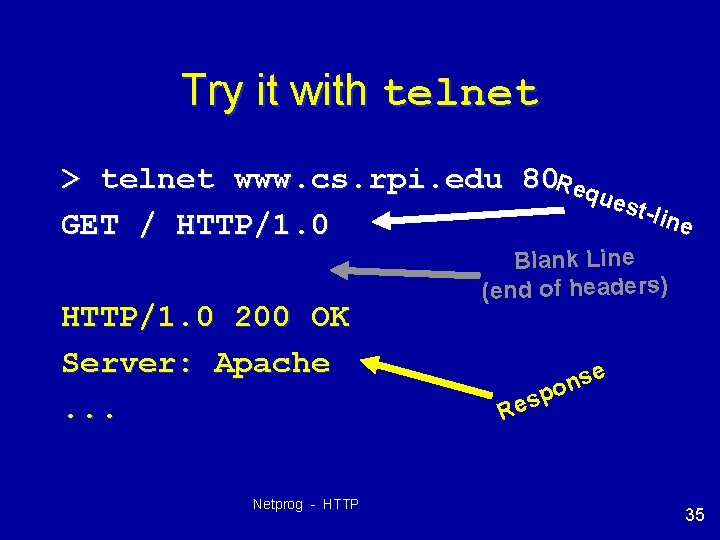
Try it with telnet > telnet www. cs. rpi. edu 80 Req ues t-lin e GET / HTTP/1. 0 200 OK Server: Apache. . . Netprog - HTTP Blank Line (end of headers) e s n spo Re 35
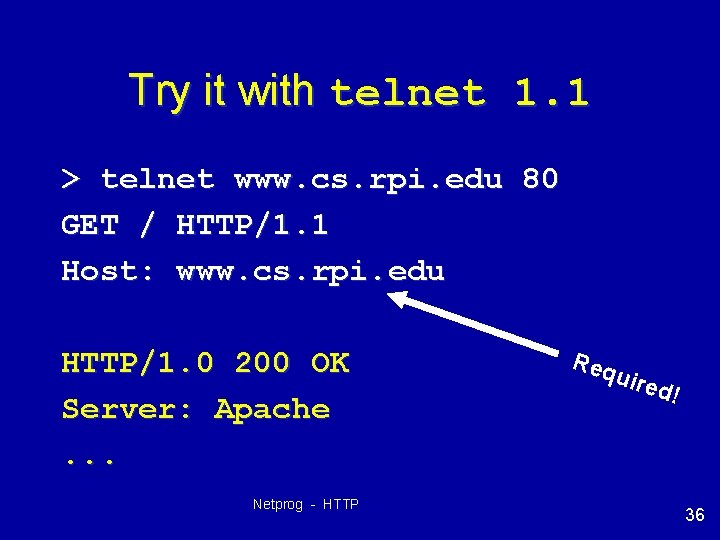
Try it with telnet 1. 1 > telnet www. cs. rpi. edu 80 GET / HTTP/1. 1 Host: www. cs. rpi. edu HTTP/1. 0 200 OK Server: Apache. . . Netprog - HTTP Req uire d! 36
HTTP Proxy Server Browser Proxy Netprog - HTTP Server 37
Project #2 HTTP Proxy • You need to write a proxy server. • • Test it with a browser. Test it with telnet Write an abusive client! Write a rude server! • Must be able to handle GET, HEAD and POST requests. Netprog - HTTP 38
Filtering (blocking) • Your proxy will be given a list of domain names on the comand line, you should refuse to forward requests to any server whose name is within a specified domain. – send back status line: 403 Forbidden. Netprog - HTTP 39
What you need to know • You need to understand HTTP Netprog - HTTP 40
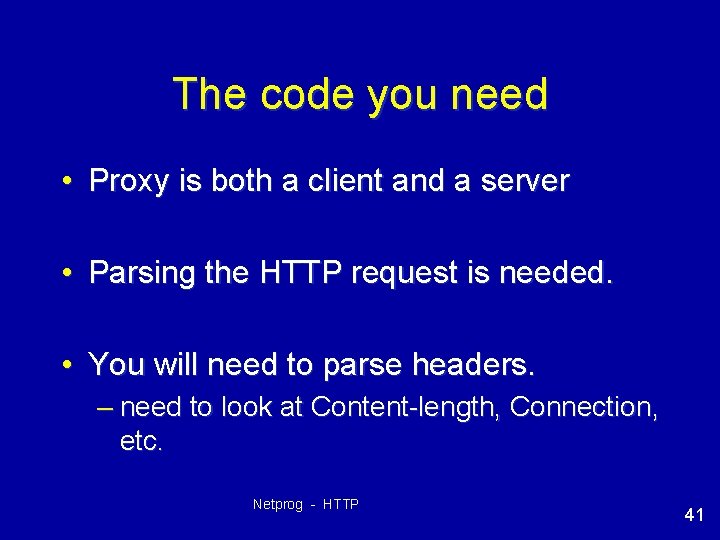
The code you need • Proxy is both a client and a server • Parsing the HTTP request is needed. • You will need to parse headers. – need to look at Content-length, Connection, etc. Netprog - HTTP 41
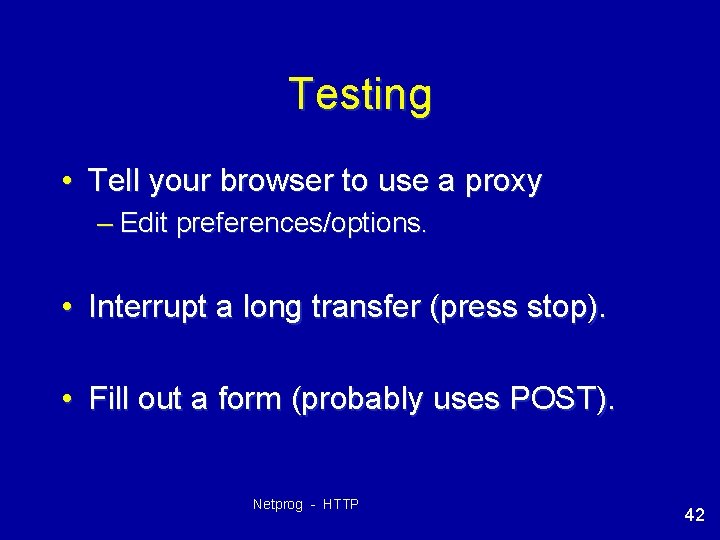
Testing • Tell your browser to use a proxy – Edit preferences/options. • Interrupt a long transfer (press stop). • Fill out a form (probably uses POST). Netprog - HTTP 42
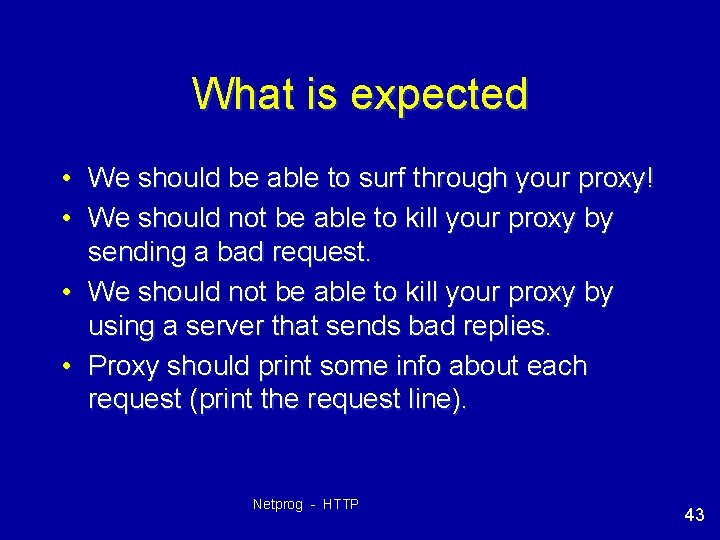
What is expected • We should be able to surf through your proxy! • We should not be able to kill your proxy by sending a bad request. • We should not be able to kill your proxy by using a server that sends bad replies. • Proxy should print some info about each request (print the request line). Netprog - HTTP 43
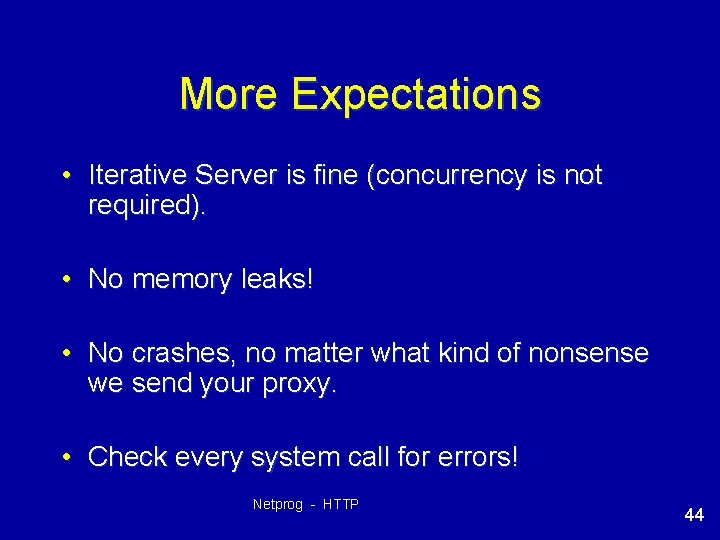
More Expectations • Iterative Server is fine (concurrency is not required). • No memory leaks! • No crashes, no matter what kind of nonsense we send your proxy. • Check every system call for errors! Netprog - HTTP 44
HTTP V 1. 1 Details • The RFC is 176 pages! – we don’t expect you to read it all or to support every nitty-gritty detail. – work on creating a working proxy (one you can use through a browser). • performance is not a big deal (but it shouldn’t be horribly worse than without your proxy). – Don’t worry about persistence, pipelining, chunking, etc. • you need to turn off persistence if you don't want to handle it. Netprog - HTTP 45
HTTP Headers and HW 2 • You will need to look at the Content-Length header in a POST. – you need to know how many bytes to read after the end of the headers. • You will need to either look at Connection (Proxy-Connection) headers or (at a minimum) to force Connection: close as a request header. Netprog - HTTP 46
Stuff you might need to know (that we have not covered) • Converting hostnames to IP addresses. • Handling signals (SIGPIPE) – Check out section 5. 13 in the text • Providing Concurrency (not required, but not hard either). – just fork the server after calling accept. – MAKE SURE YOU TAKE CARE OF ZOMBIES! Netprog - HTTP 47