
html The basics of html starting For starters
<html> The basics of html
starting For starters, welcome basic programming to type html you should use the program notepad

basic You will need these tags a tag is a code that designates what the use is <html> <head> <title>(your title)</title> </head> <body> </html> Afterward save change the save bar from text to the other option the type the (file name). htm
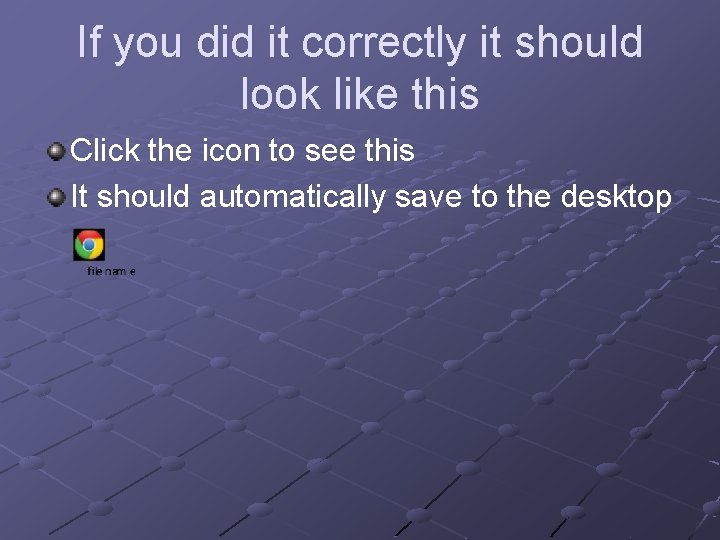
If you did it correctly it should look like this Click the icon to see this It should automatically save to the desktop
Body We are not going to worry about back ground yet in stead we are going to learn how to insert text
text First you will need to learn the tag <h 1> Try this between the body tags <h 1>this is my first html</h 1>
<p> Before we go on you need to know the paragraph tag Type- <p>this is my site </p> before typing </p> press alt and on the right side number pad type 1 creating ☺ This is a number code for computers I works for on through a little over 500 witch is ⌠
If you did it correctly it should look like this Click the icon to see this
size You probably think that the text was small so lets learn to change the size Try <font size=+2>This is bigger text. </font>
it should look like this Click the icon to see
pictures Type <img src="" alt="some_text"/> In the picture spot type the name of a jpg picture file you own you can also use tiffs and gifs This image will need to be on a website For example this is mine http: //i 1155. photobucket. com/albums/p 552/Winter_Roberts/BW. jpg
It should look like Click the icon
Bg color Finally the back ground color Type bgcolor="#E 6 E 6 FA" in between the first bodys y and > Like this <body bgcolor="#e 6 e 6 fa"> Or change the e 6 e 6 fa with a different color look up the html color table.
This is it see what I should be like Click the icon The back ground is hard to notice but it is a slightly darker color of gray If this is to hard to see use ff 6600

Start making your site now If you want it online for free get yola free version at yola. com By the B&W company b-and-w. yolasite. com
- Slides: 15