
HTML Part II Semantic elements document structure html
![Regular expression • Verify the correctness of the input pattern • Ex: • [A-Z]{3}-[a-z]{2}-[0](https://slidetodoc.com/presentation_image_h/cc7671e3024ff9656105fe2fb6f9d0f2/image-16.jpg "Regular expression • Verify the correctness of the input pattern • Ex: • [A-Z]{3}-[a-z]{2}-[0")
- Slides: 18
HTML Part II
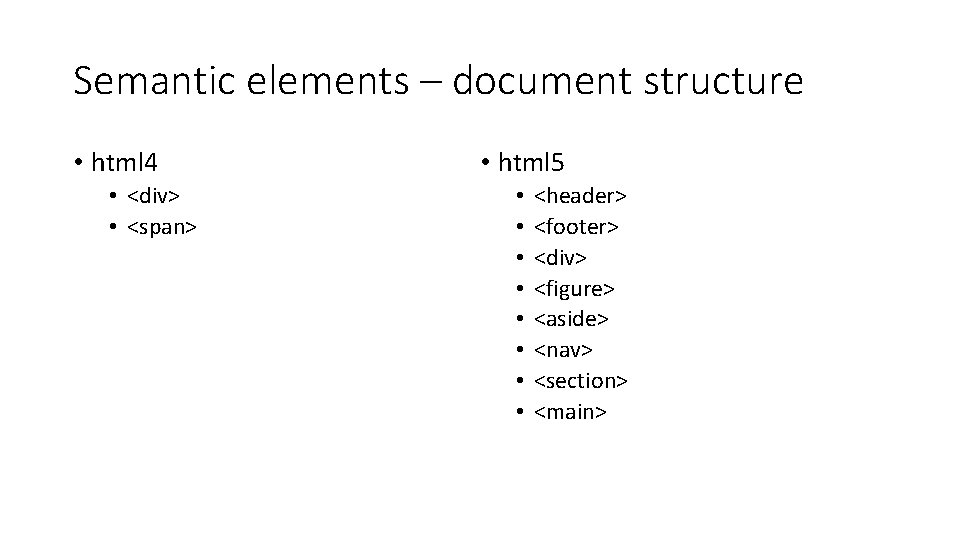
Semantic elements – document structure • html 4 • <div> • <span> • html 5 • • <header> <footer> <div> <figure> <aside> <nav> <section> <main>
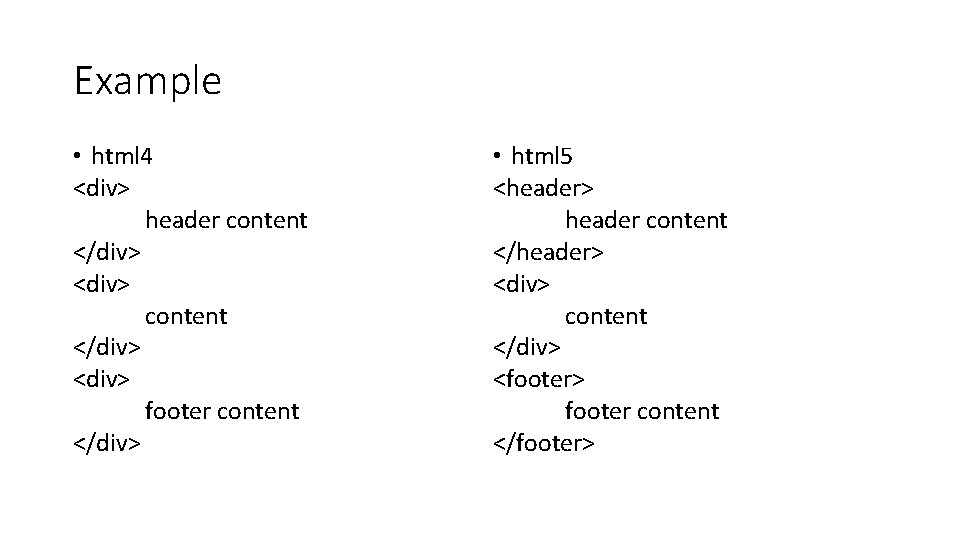
Example • html 4 <div> header content </div> <div> footer content </div> • html 5 <header> header content </header> <div> content </div> <footer> footer content </footer>
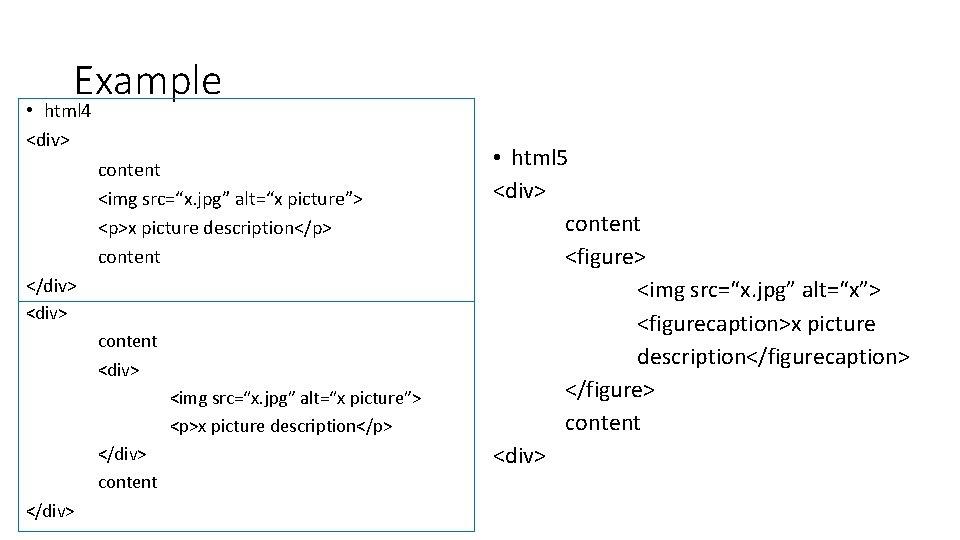
Example • html 4 <div> content <img src=“x. jpg” alt=“x picture”> <p>x picture description</p> content </div> <div> content <div> <img src=“x. jpg” alt=“x picture”> <p>x picture description</p> </div> content </div> • html 5 <div> content <figure> <img src=“x. jpg” alt=“x”> <figurecaption>x picture description</figurecaption> </figure> content <div>
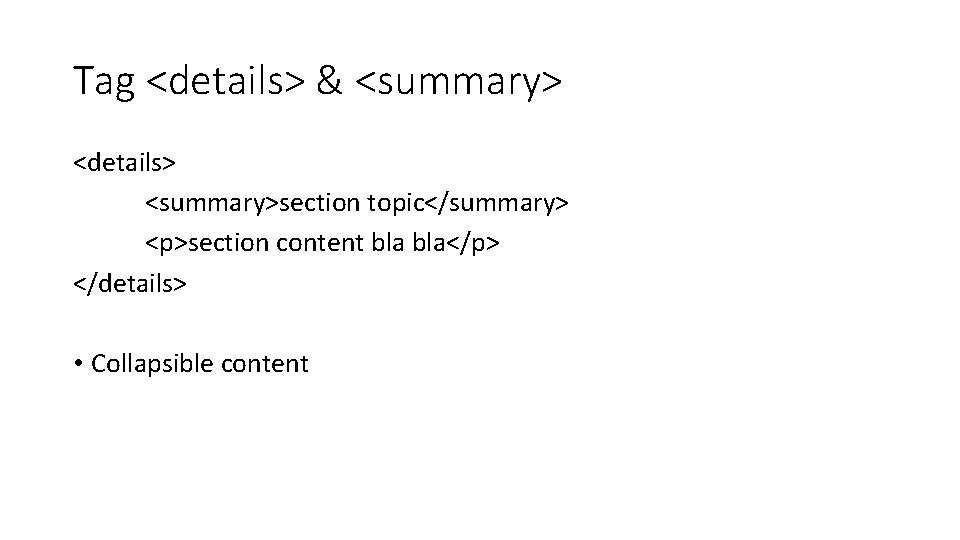
Tag <details> & <summary> <details> <summary>section topic</summary> <p>section content bla</p> </details> • Collapsible content
Text-level semantic elements • <time> • <output> • <mark>
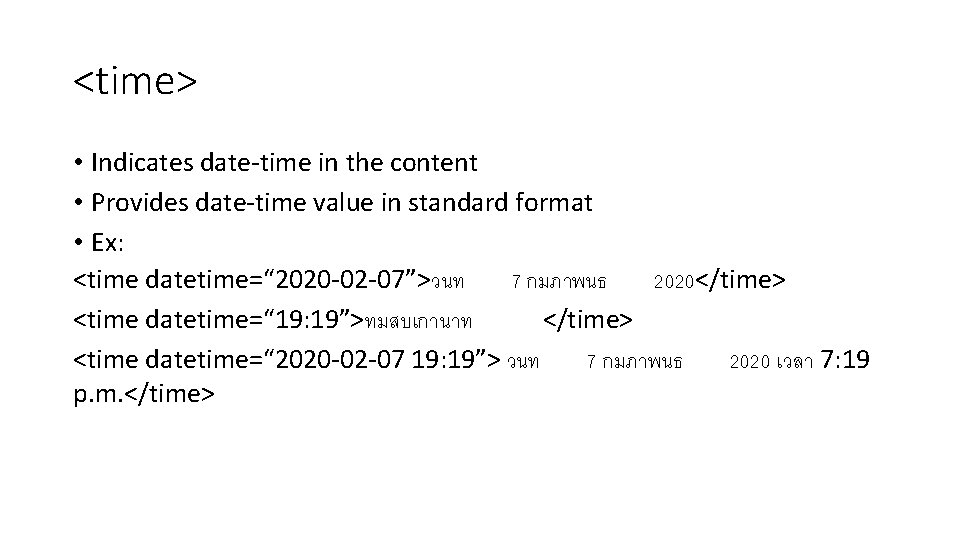
<time> • Indicates date-time in the content • Provides date-time value in standard format • Ex: <time datetime=“ 2020 -02 -07”>วนท 7 กมภาพนธ 2020</time> <time datetime=“ 19: 19”>ทมสบเกานาท </time> <time datetime=“ 2020 -02 -07 19: 19”> วนท 7 กมภาพนธ 2020 เวลา 7: 19 p. m. </time>
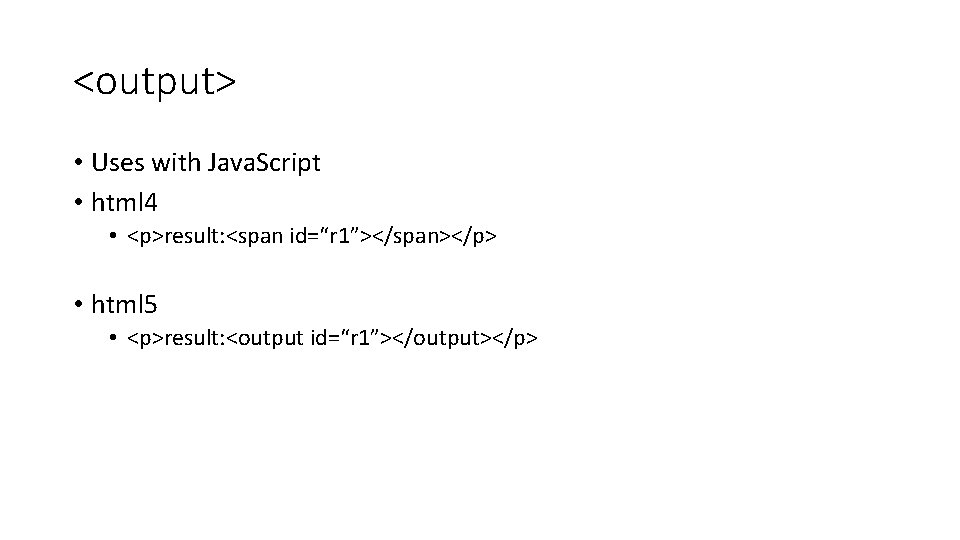
<output> • Uses with Java. Script • html 4 • <p>result: <span id=“r 1”></span></p> • html 5 • <p>result: <output id=“r 1”></output></p>
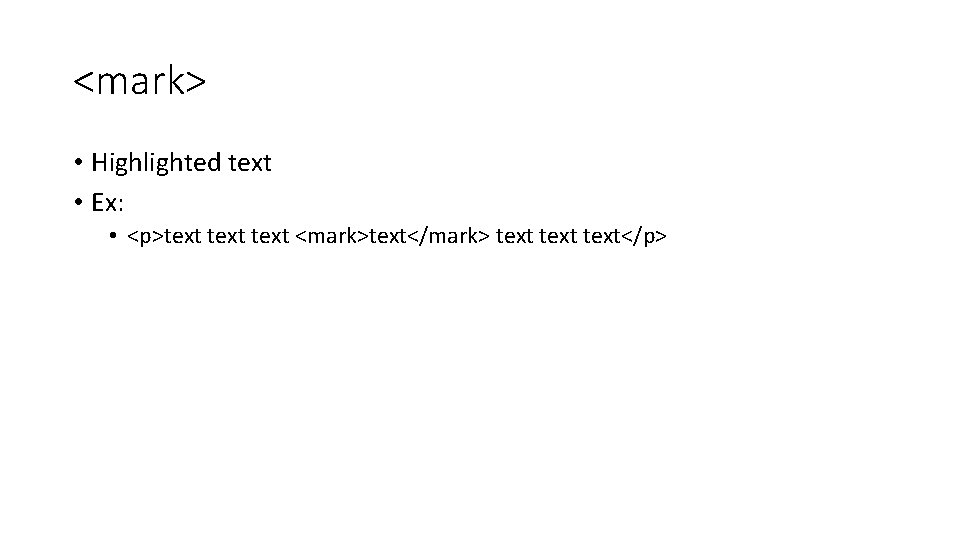
<mark> • Highlighted text • Ex: • <p>text <mark>text</mark> text</p>
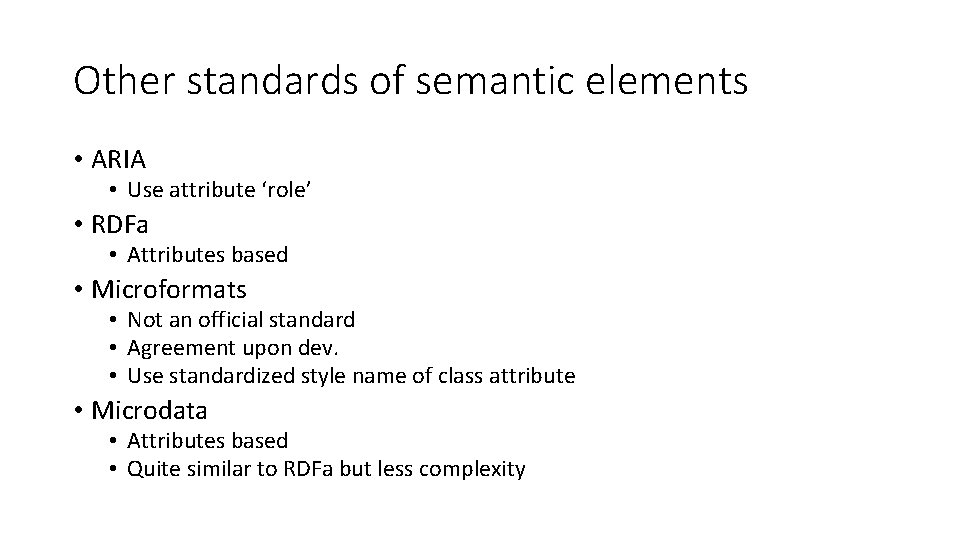
Other standards of semantic elements • ARIA • Use attribute ‘role’ • RDFa • Attributes based • Microformats • Not an official standard • Agreement upon dev. • Use standardized style name of class attribute • Microdata • Attributes based • Quite similar to RDFa but less complexity
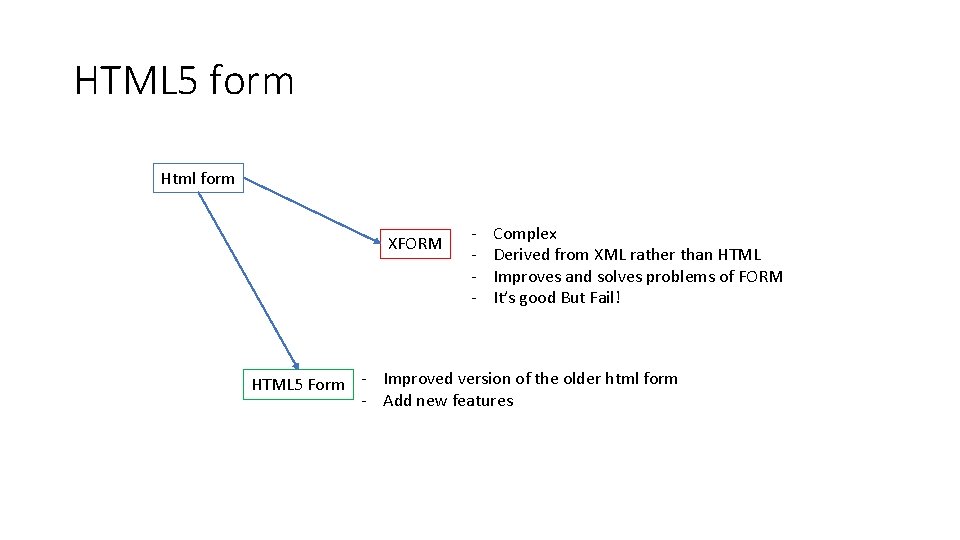
HTML 5 form Html form XFORM - Complex Derived from XML rather than HTML Improves and solves problems of FORM It’s good But Fail! HTML 5 Form - Improved version of the older html form - Add new features
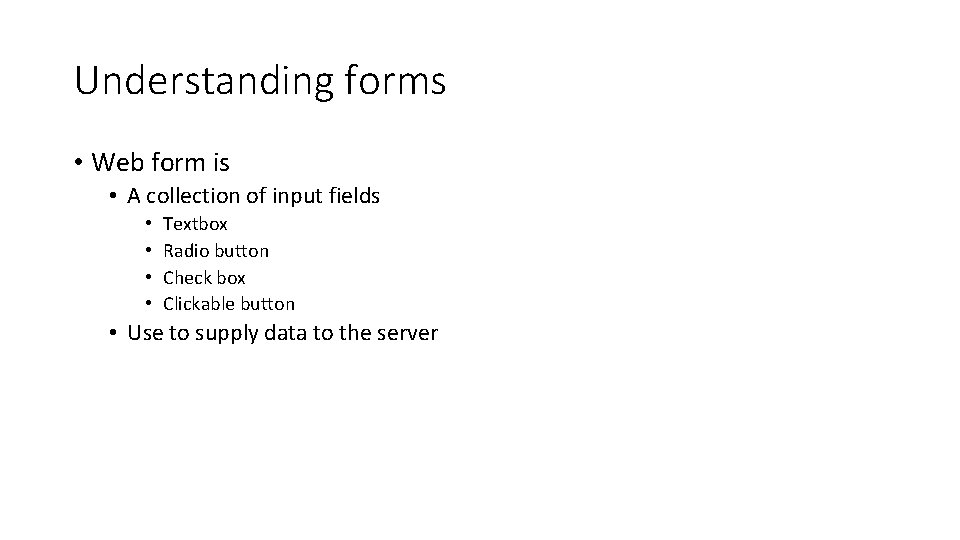
Understanding forms • Web form is • A collection of input fields • • Textbox Radio button Check box Clickable button • Use to supply data to the server
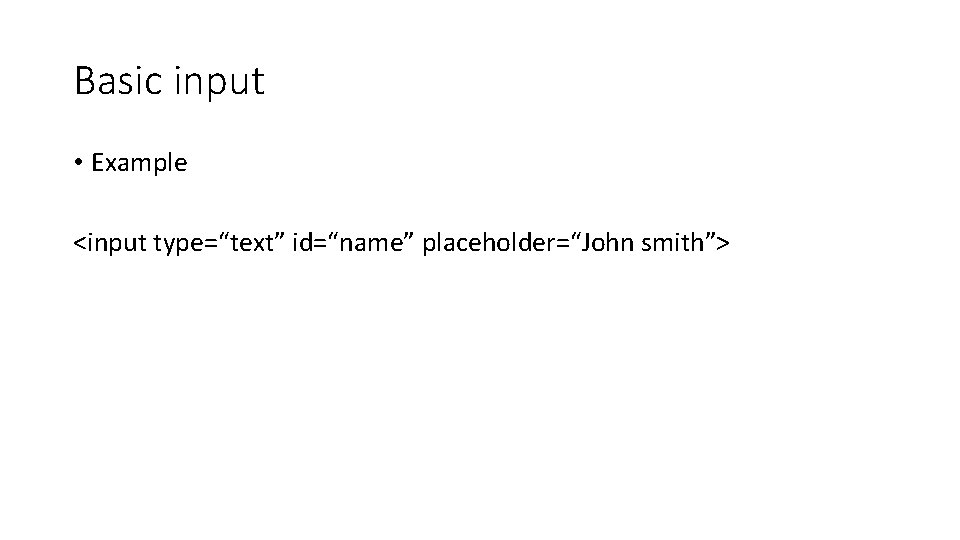
Basic input • Example <input type=“text” id=“name” placeholder=“John smith”>
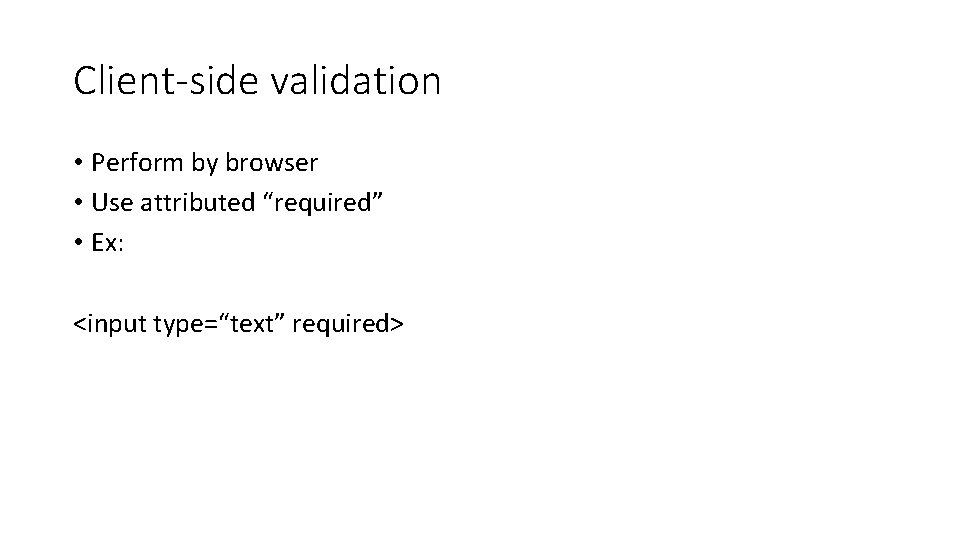
Client-side validation • Perform by browser • Use attributed “required” • Ex: <input type=“text” required>
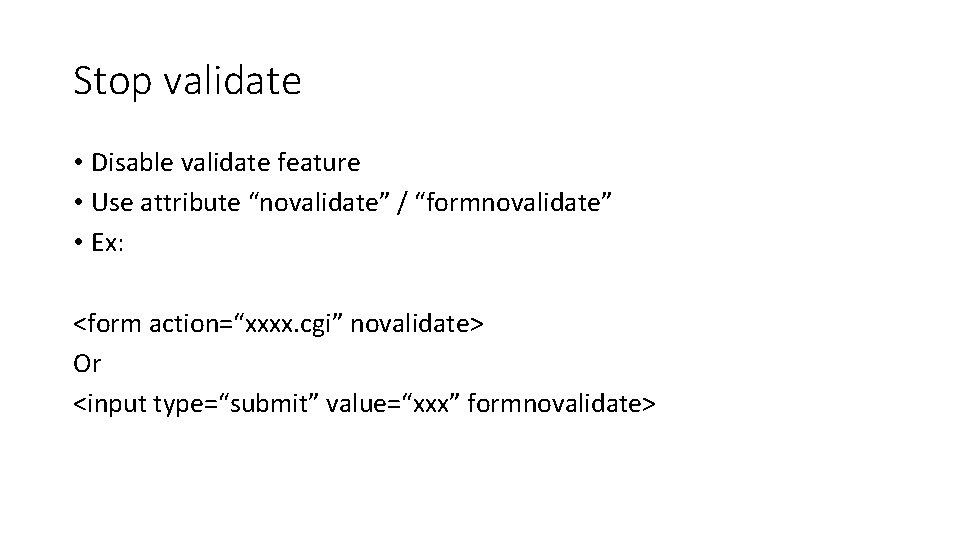
Stop validate • Disable validate feature • Use attribute “novalidate” / “formnovalidate” • Ex: <form action=“xxxx. cgi” novalidate> Or <input type=“submit” value=“xxx” formnovalidate>
Regular expression • Verify the correctness of the input pattern • Ex: • [A-Z]{3}-[a-z]{2}-[0 -9]{6} • <input type=“text” pattern=“[A-Z]{3}-[a-z]{2}-[0 -9]{6}”>
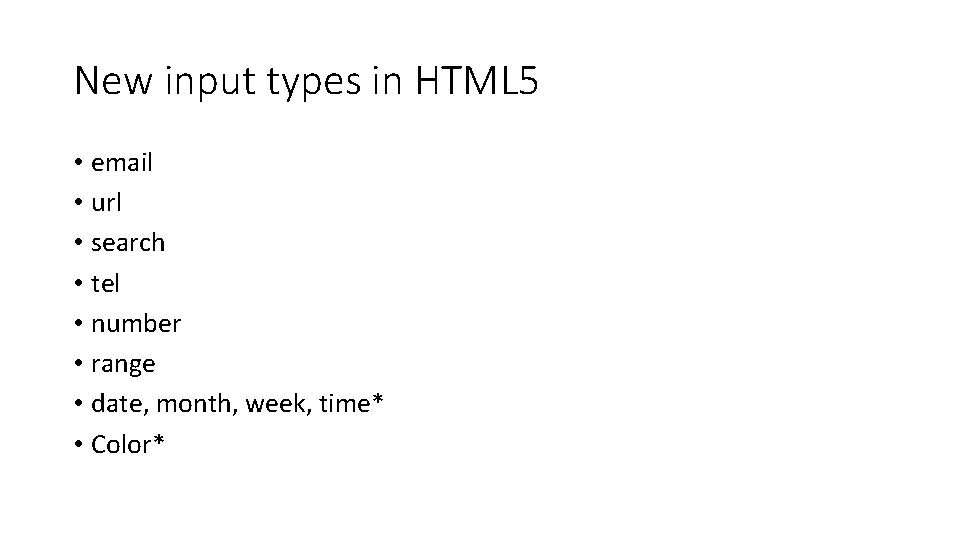
New input types in HTML 5 • email • url • search • tel • number • range • date, month, week, time* • Color*
New elements • Input suggestions with <datalist> • Progress bars and meters: <progress> and <meter> • Toolbars and menus: <command> and <menu>