
HTML Part 2 Formtext box form First name

HTML Part 2
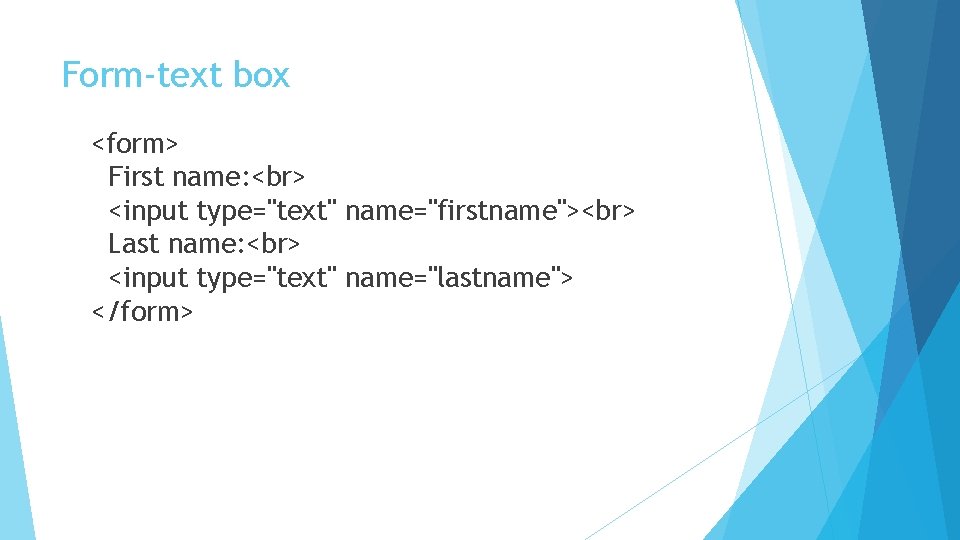
Form-text box <form> First name: <input type="text" name="firstname"> Last name: <input type="text" name="lastname"> </form>
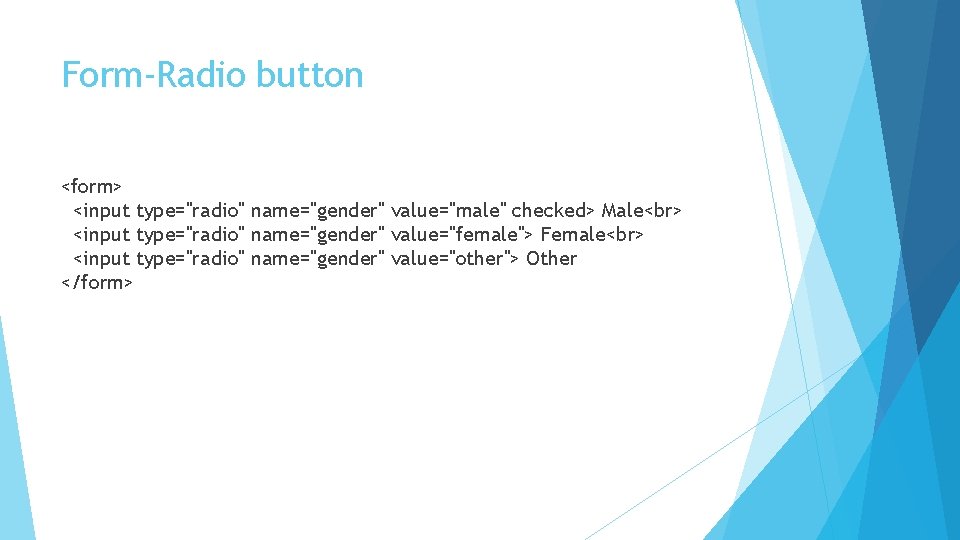
Form-Radio button <form> <input type="radio" name="gender" value="male" checked> Male <input type="radio" name="gender" value="female"> Female <input type="radio" name="gender" value="other"> Other </form>
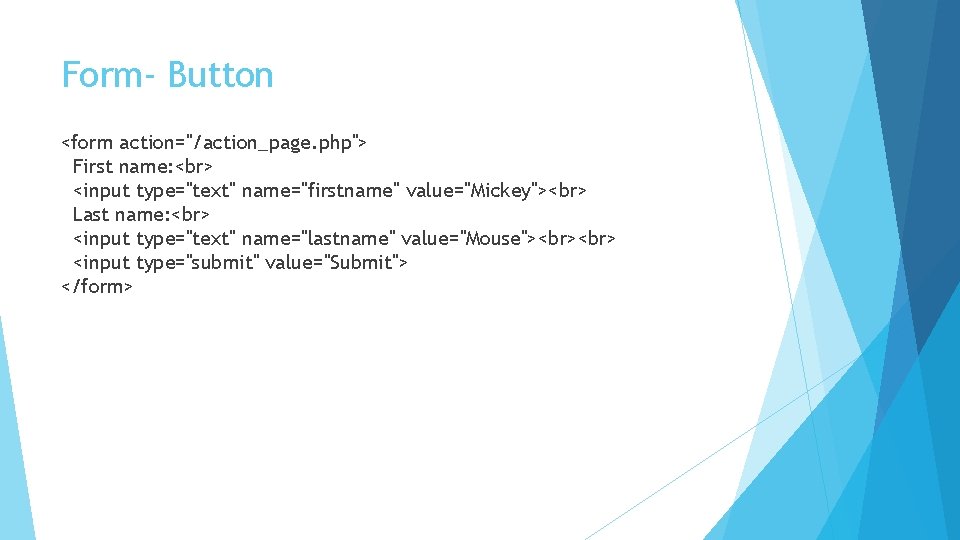
Form- Button <form action="/action_page. php"> First name: <input type="text" name="firstname" value="Mickey"> Last name: <input type="text" name="lastname" value="Mouse"> <input type="submit" value="Submit"> </form>
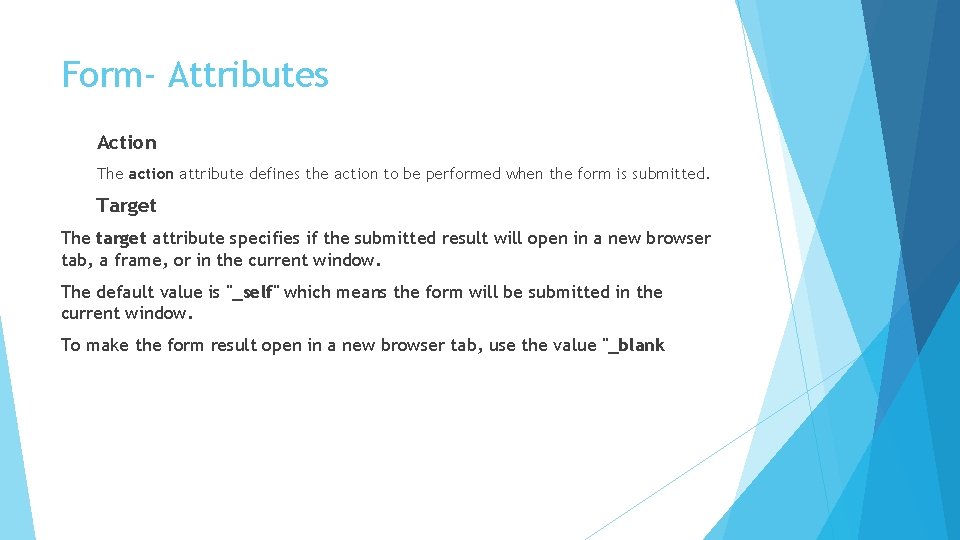
Form- Attributes Action The action attribute defines the action to be performed when the form is submitted. Target The target attribute specifies if the submitted result will open in a new browser tab, a frame, or in the current window. The default value is "_self" which means the form will be submitted in the current window. To make the form result open in a new browser tab, use the value "_blank
Method Attribute When to Use GET? he method attribute specifies the HTTP method (GET or POST) to be used when submitting the form data: The default method when submitting form data is GET. However, when GET is used, the submitted form data will be visible in the page address field: Appends form-data into the URL in name/value pairs The length of a URL is limited (about 3000 characters) Never use GET to send sensitive data! (will be visible in the URL) Useful form submissions where a user want to bookmark the result GET is better for non-secure data, like query strings in Google
When to Use POST? Always use POST if the form data contains sensitive or personal information. The POST method does not display the submitted form data in the page address field. Notes on POST: POST has no size limitations, and can be used to send large amounts of data. Form submissions with POST cannot be bookmarked The Name Attribute Each input field must have a name attribute to be submitted. If the name attribute is omitted, the data of that input field will not be sent at all. This example will only submit the "Last name" input field:
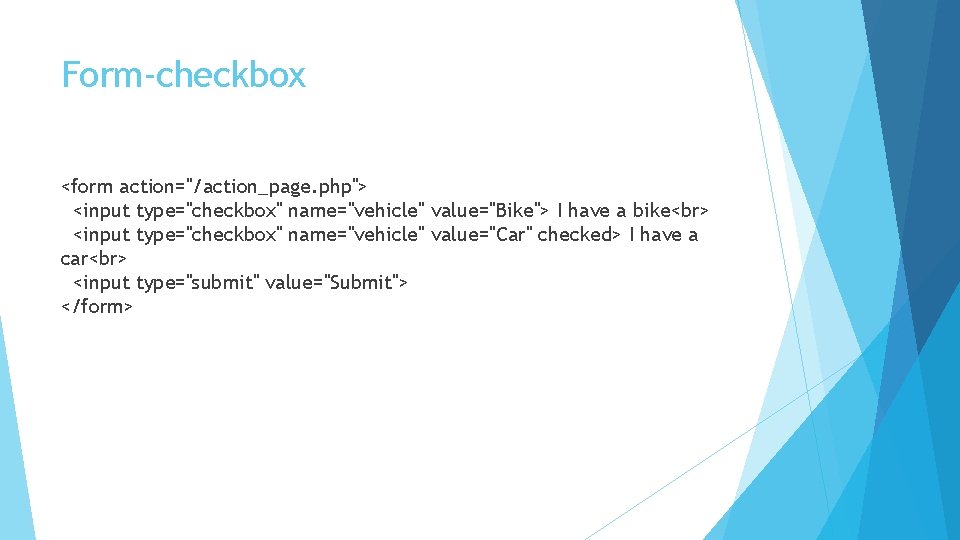
Form-checkbox <form action="/action_page. php"> <input type="checkbox" name="vehicle" value="Bike"> I have a bike <input type="checkbox" name="vehicle" value="Car" checked> I have a car <input type="submit" value="Submit"> </form>
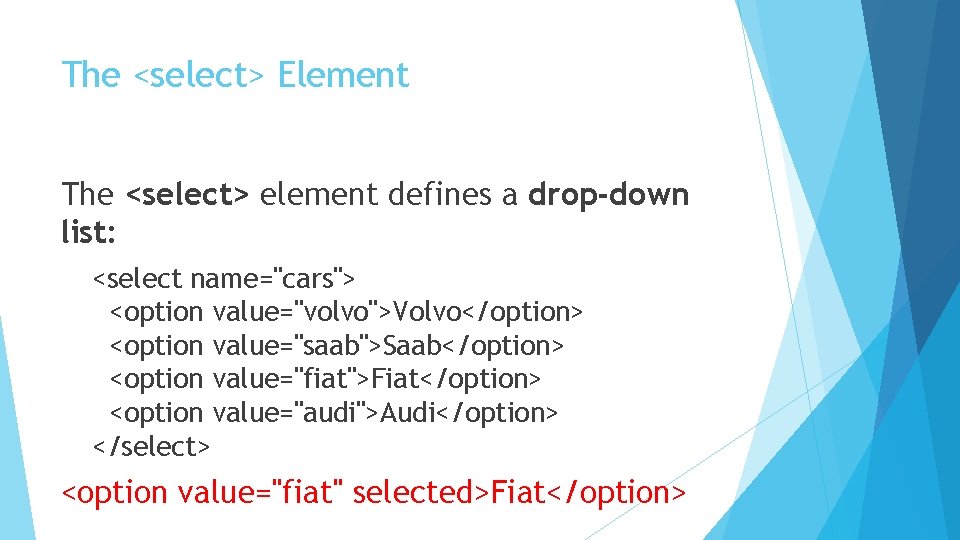
The <select> Element The <select> element defines a drop-down list: <select name="cars"> <option value="volvo">Volvo</option> <option value="saab">Saab</option> <option value="fiat">Fiat</option> <option value="audi">Audi</option> </select> <option value="fiat" selected>Fiat</option>

Visible Values: Use the size attribute to specify the number of visible values: <select name="cars" size="3"> <option value="volvo">Volvo</option> <option value="saab">Saab</option> <option value="fiat">Fiat</option> <option value="audi">Audi</option> </select>
Allow Multiple Selections: Use the multiple attribute to allow the user to select more than one value: <select name="cars" size="4" multiple> <option value="volvo">Volvo</option> <option value="saab">Saab</option> <option value="fiat">Fiat</option> <option value="audi">Audi</option> </select>
The <textarea> Element The <textarea> element defines a multi-line input field (a text area): <textarea name="message" rows="10" cols="30"> The cat was playing in the garden. </textarea>
HTML <legend> Tag Group related elements in a form: <form> <fieldset> <legend>Personalia: </legend> Name: <input type="text" size="30"> Email: <input type="text" size="30"> Date of birth: <input type="text" size="10"> </fieldset> </form>
Input Type Reset <input type="reset"> defines a reset button that will reset all form values to their default values: Input Type Color <form action="/action_page. php"> Select your favorite color: <input type="color" name="favcolor" > <input type="submit"> </form>
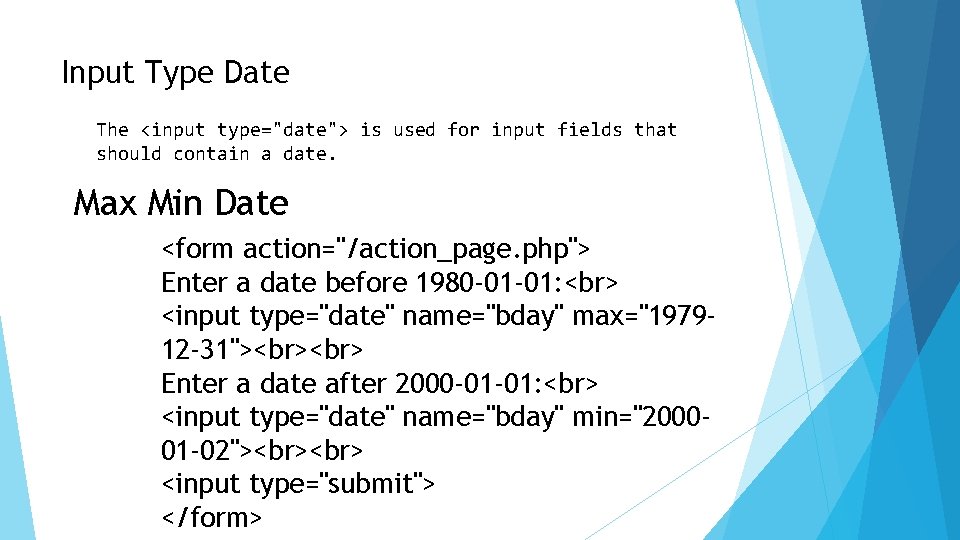
Input Type Date The <input type="date"> is used for input fields that should contain a date. Max Min Date <form action="/action_page. php"> Enter a date before 1980 -01 -01: <input type="date" name="bday" max="197912 -31"> Enter a date after 2000 -01 -01: <input type="date" name="bday" min="200001 -02"> <input type="submit"> </form>
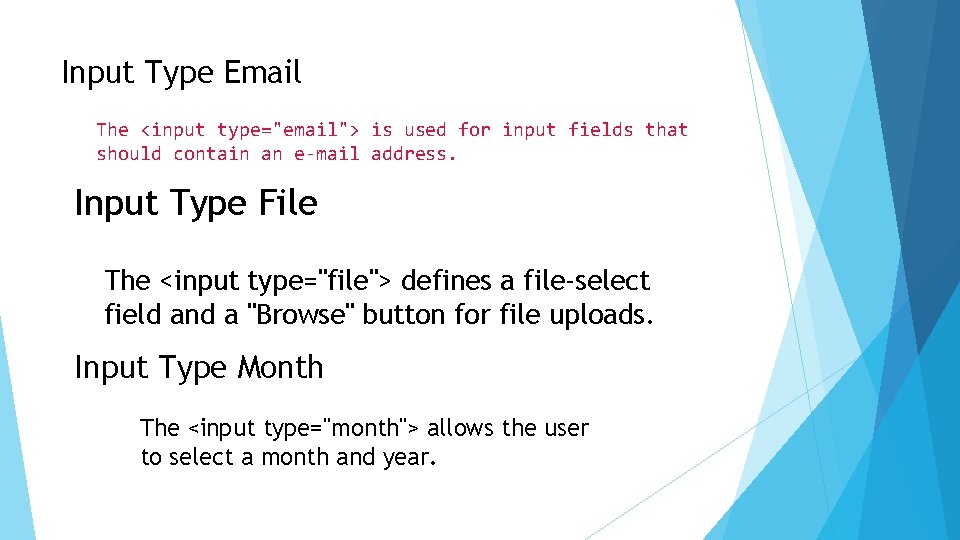
Input Type Email The <input type="email"> is used for input fields that should contain an e-mail address. Input Type File The <input type="file"> defines a file-select field and a "Browse" button for file uploads. Input Type Month The <input type="month"> allows the user to select a month and year.
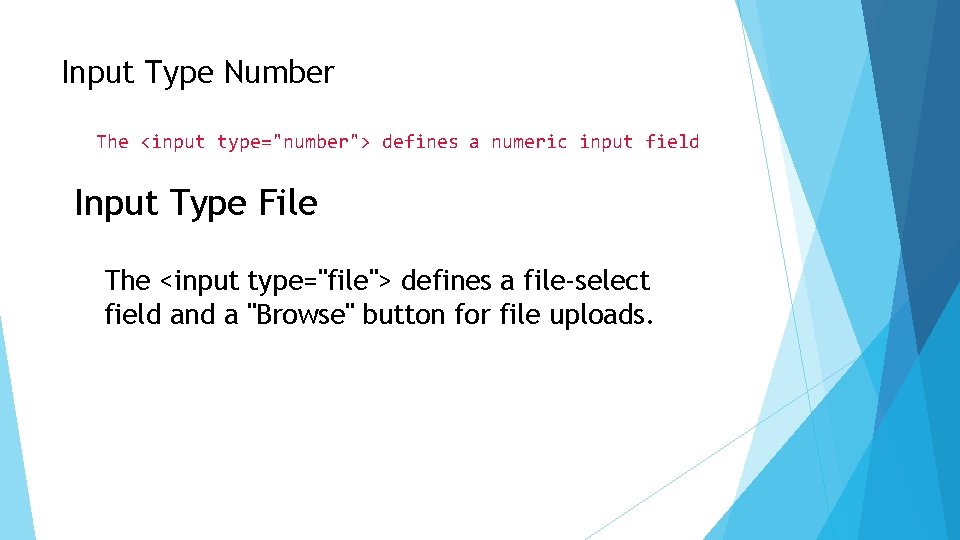
Input Type Number The <input type="number"> defines a numeric input field Input Type File The <input type="file"> defines a file-select field and a "Browse" button for file uploads.
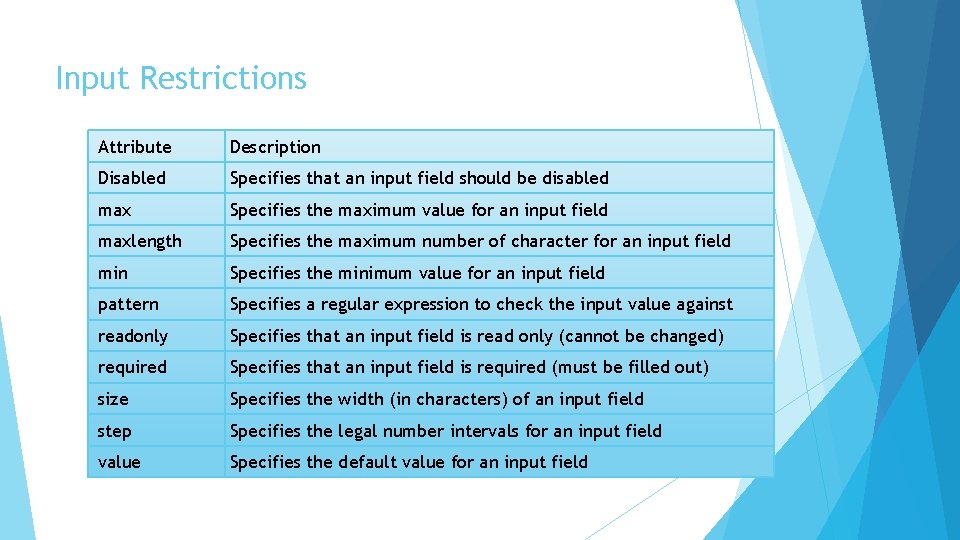
Input Restrictions Attribute Description Disabled Specifies that an input field should be disabled max Specifies the maximum value for an input field maxlength Specifies the maximum number of character for an input field min Specifies the minimum value for an input field pattern Specifies a regular expression to check the input value against readonly Specifies that an input field is read only (cannot be changed) required Specifies that an input field is required (must be filled out) size Specifies the width (in characters) of an input field step Specifies the legal number intervals for an input field value Specifies the default value for an input field
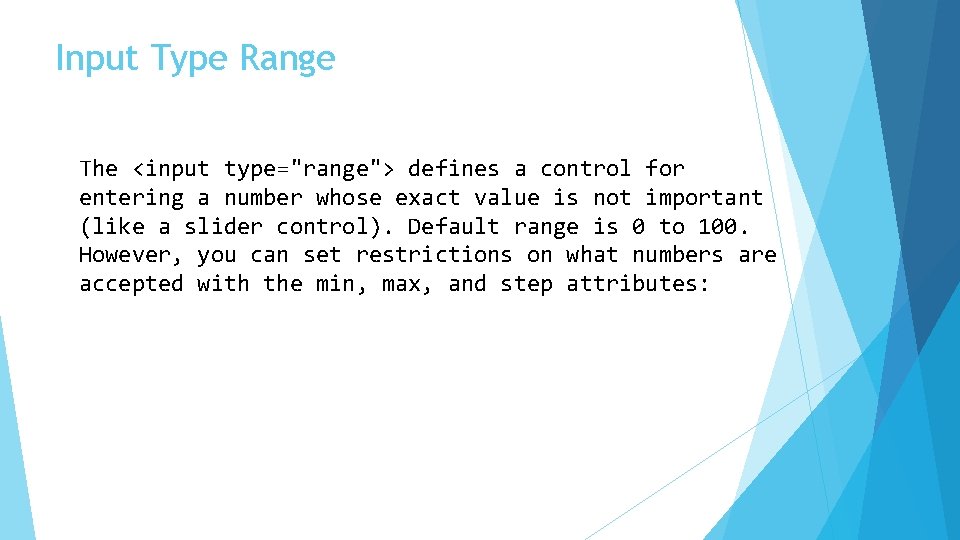
Input Type Range The <input type="range"> defines a control for entering a number whose exact value is not important (like a slider control). Default range is 0 to 100. However, you can set restrictions on what numbers are accepted with the min, max, and step attributes:
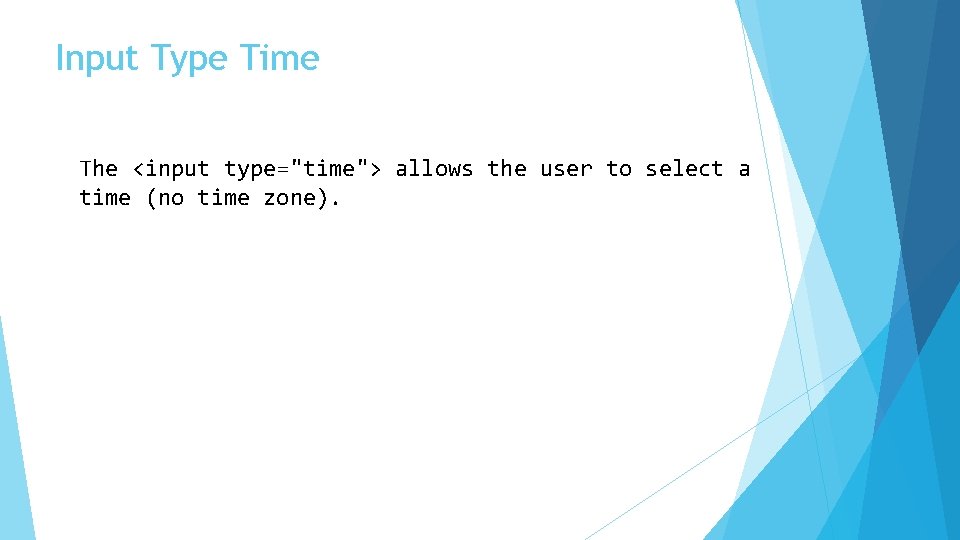
Input Type Time The <input type="time"> allows the user to select a time (no time zone).
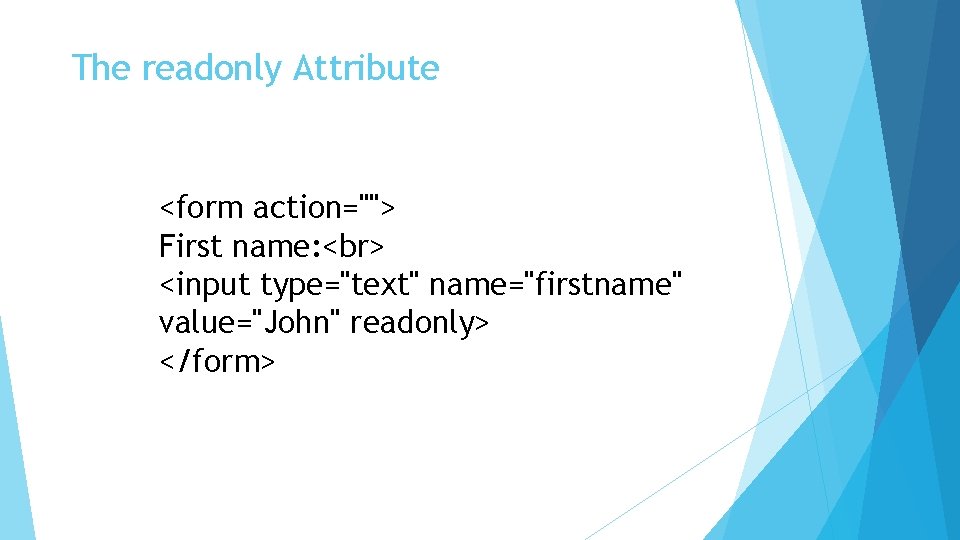
The readonly Attribute <form action=""> First name: <input type="text" name="firstname" value="John" readonly> </form>
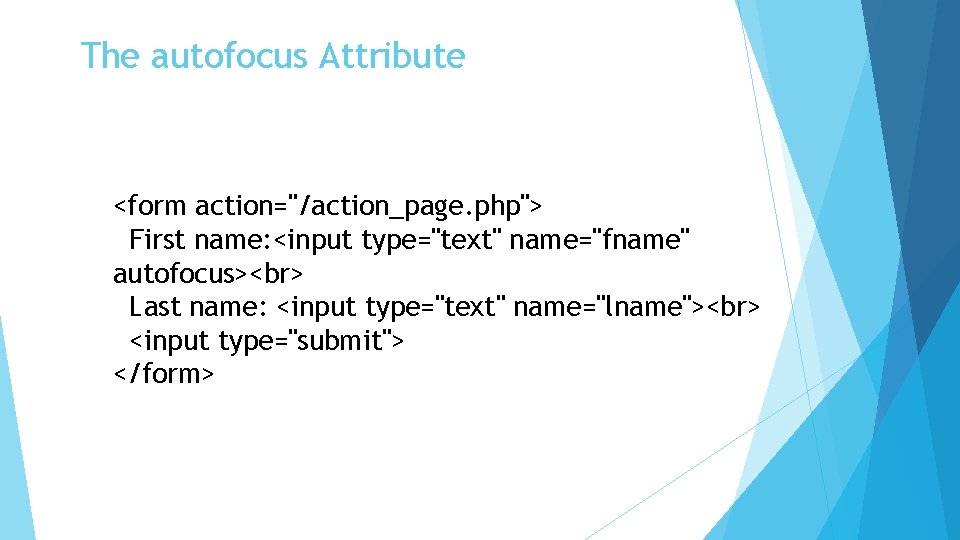
The autofocus Attribute <form action="/action_page. php"> First name: <input type="text" name="fname" autofocus> Last name: <input type="text" name="lname"> <input type="submit"> </form>
The pattern Attribute The pattern attribute specifies a regular expression that the <input> element's value is checked against. The pattern attribute works with the following input types: text, search, url, tel, email, and password. <form action="/action_page. php"> Country code: <input type="text" name="country_code" pattern="[A-Za-z]{3}" title="Three letter country code"> <input type="submit"> </form>
- Slides: 23