
HTML is about making documents Simple Code for
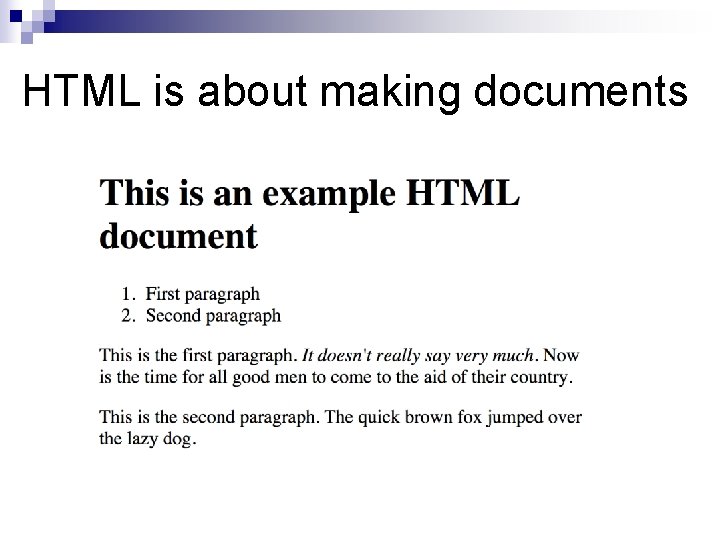
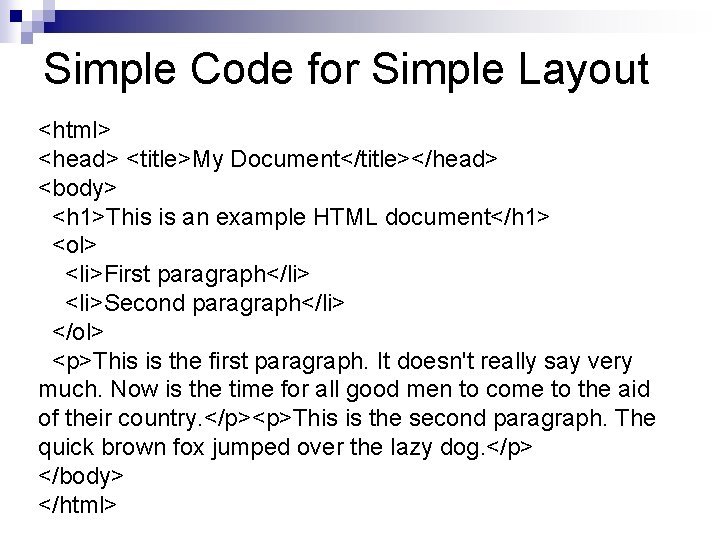
HTML is about making documents
Simple Code for Simple Layout <html> <head> <title>My Document</title></head> <body> <h 1>This is an example HTML document</h 1> <ol> <li>First paragraph</li> <li>Second paragraph</li> </ol> <p>This is the first paragraph. It doesn't really say very much. Now is the time for all good men to come to the aid of their country. </p><p>This is the second paragraph. The quick brown fox jumped over the lazy dog. </p> </body> </html>
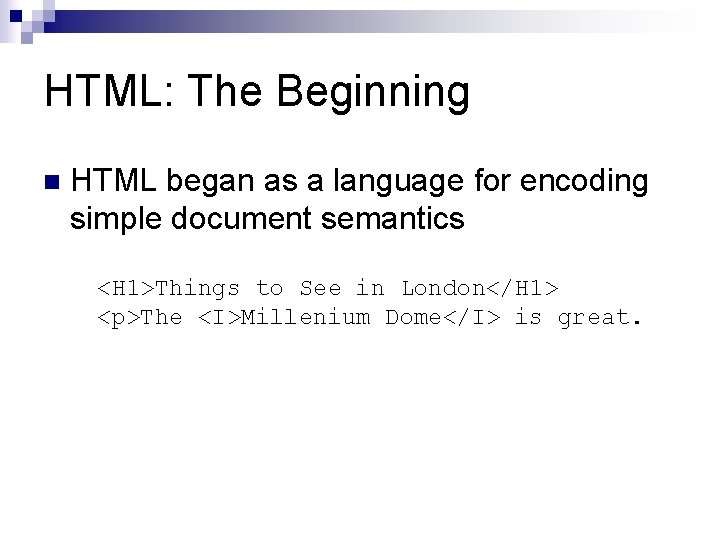
HTML: The Beginning n HTML began as a language for encoding simple document semantics <H 1>Things to See in London</H 1> <p>The <I>Millenium Dome</I> is great.
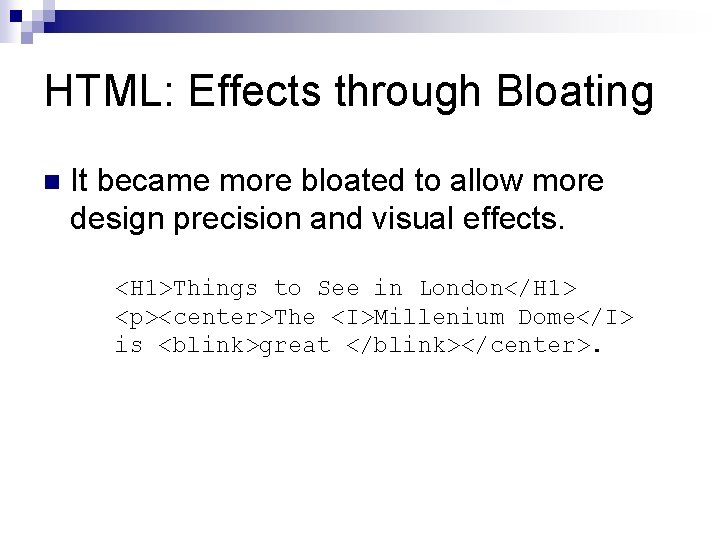
HTML: Effects through Bloating n It became more bloated to allow more design precision and visual effects. <H 1>Things to See in London</H 1> <p><center>The <I>Millenium Dome</I> is <blink>great </blink></center>.
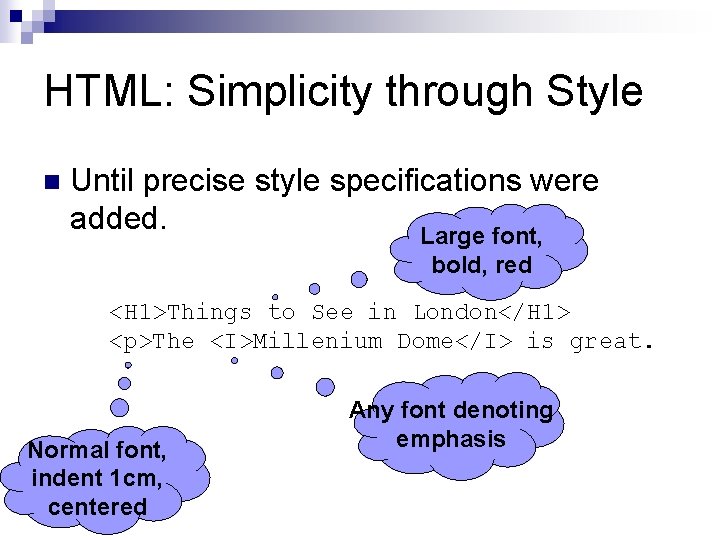
HTML: Simplicity through Style n Until precise style specifications were added. Large font, bold, red <H 1>Things to See in London</H 1> <p>The <I>Millenium Dome</I> is great. Normal font, indent 1 cm, centered Any font denoting emphasis
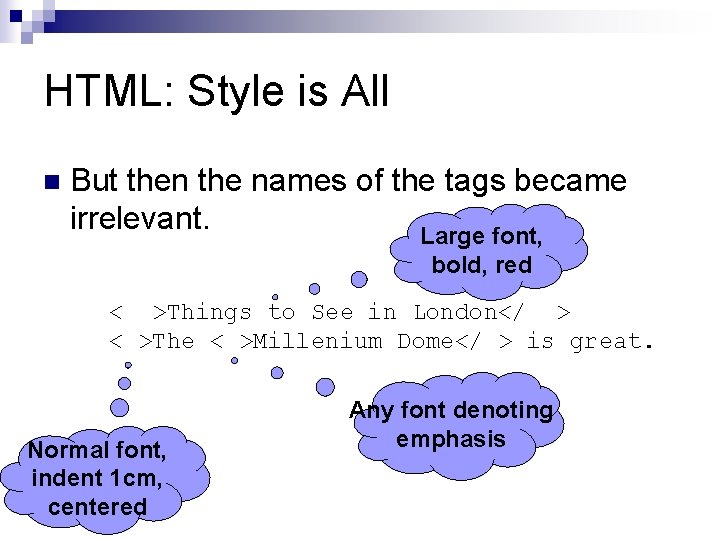
HTML: Style is All n But then the names of the tags became irrelevant. Large font, bold, red <H 1>Things to See in London</H 1> <p>The <I>Millenium Dome</I> is great. Normal font, indent 1 cm, centered Any font denoting emphasis
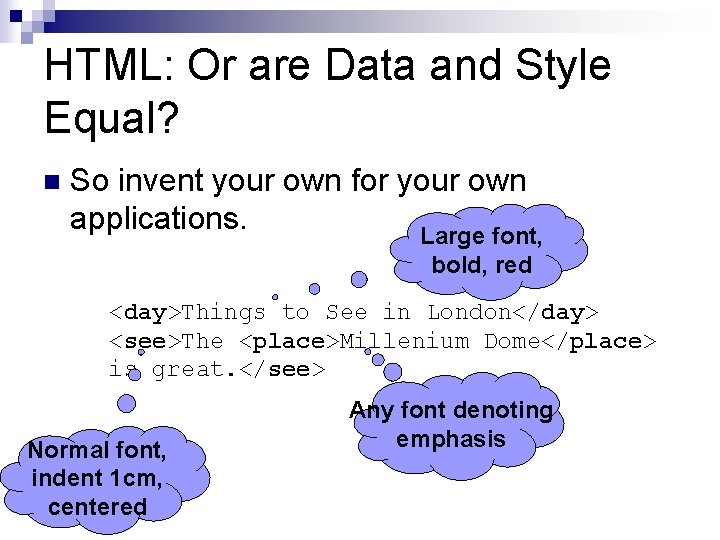
HTML: Or are Data and Style Equal? n So invent your own for your own applications. Large font, bold, red <day>Things to See in London</day> <see>The <place>Millenium Dome</place> is great. </see> Normal font, indent 1 cm, centered Any font denoting emphasis
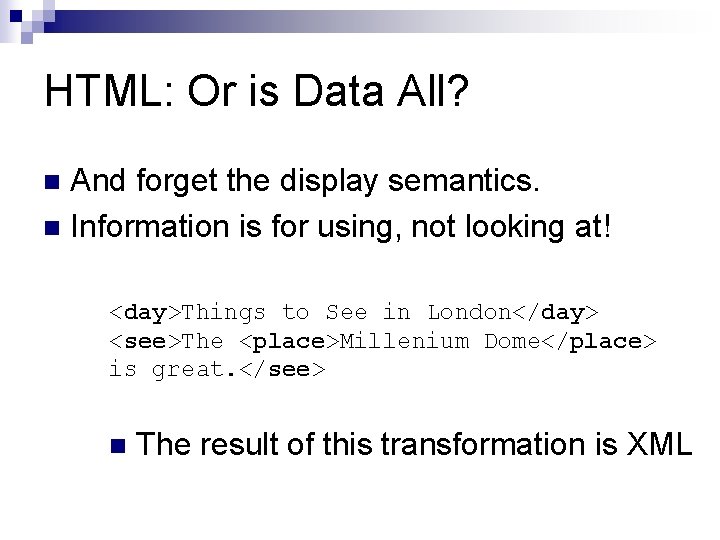
HTML: Or is Data All? And forget the display semantics. n Information is for using, not looking at! n <day>Things to See in London</day> <see>The <place>Millenium Dome</place> is great. </see> n The result of this transformation is XML
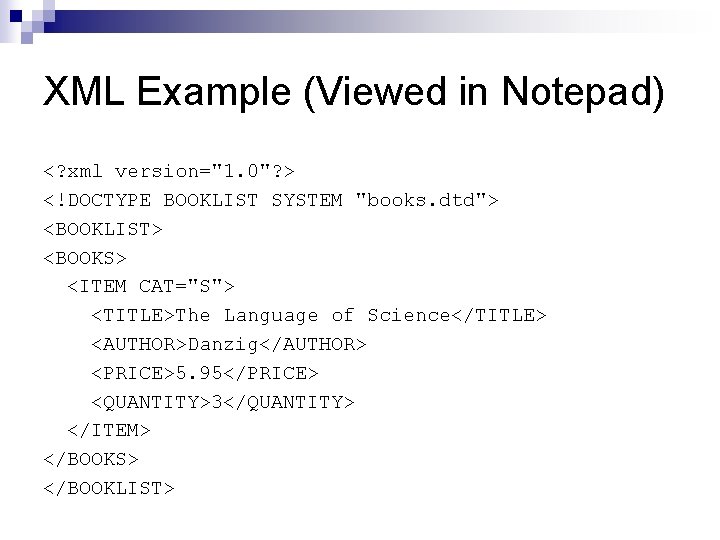
XML Example (Viewed in Notepad) <? xml version="1. 0"? > <!DOCTYPE BOOKLIST SYSTEM "books. dtd"> <BOOKLIST> <BOOKS> <ITEM CAT="S"> <TITLE>The Language of Science</TITLE> <AUTHOR>Danzig</AUTHOR> <PRICE>5. 95</PRICE> <QUANTITY>3</QUANTITY> </ITEM> </BOOKS> </BOOKLIST>
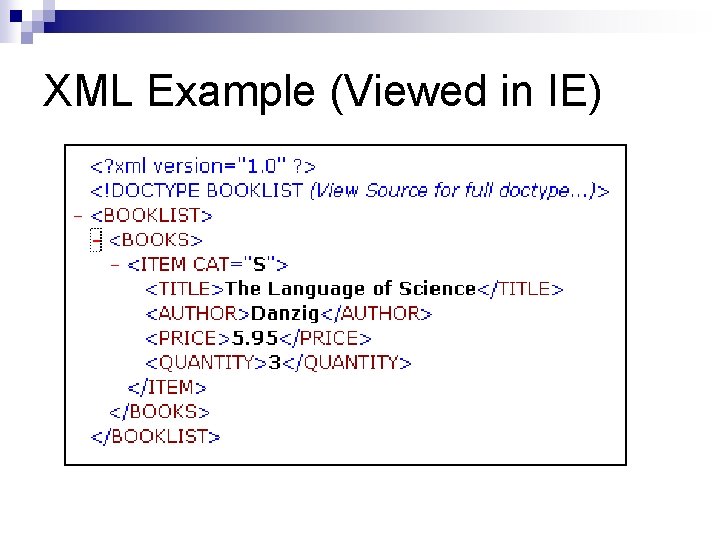
XML Example (Viewed in IE)
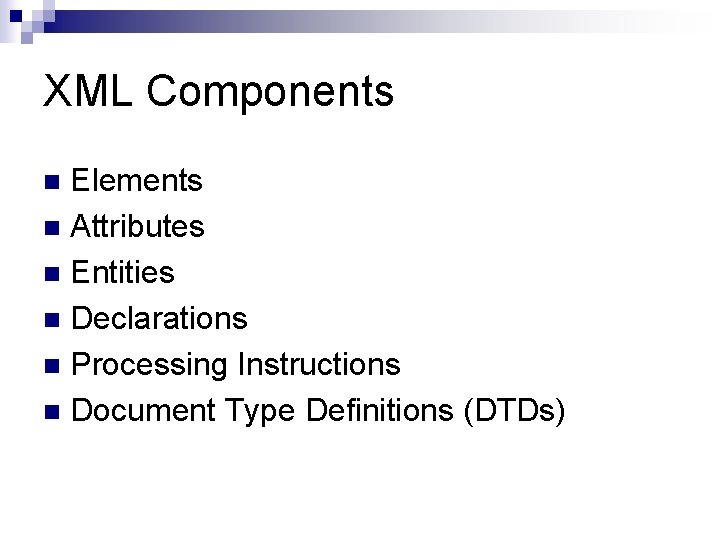
XML Components Elements n Attributes n Entities n Declarations n Processing Instructions n Document Type Definitions (DTDs) n
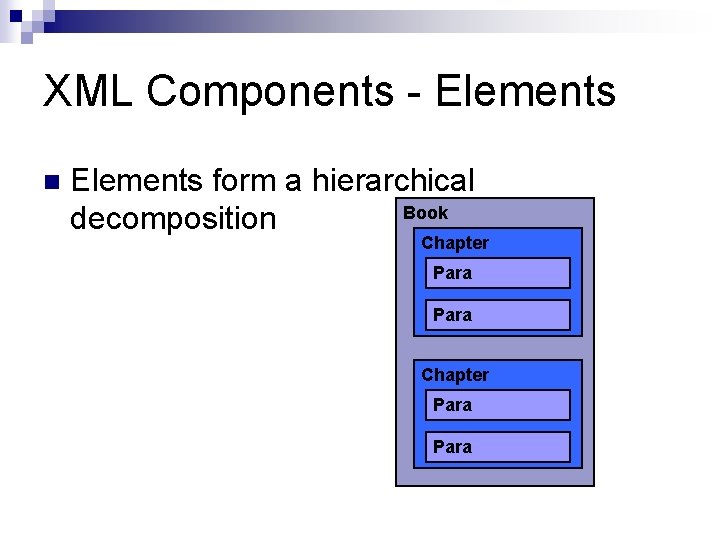
XML Components - Elements n Elements form a hierarchical Book decomposition Chapter Para
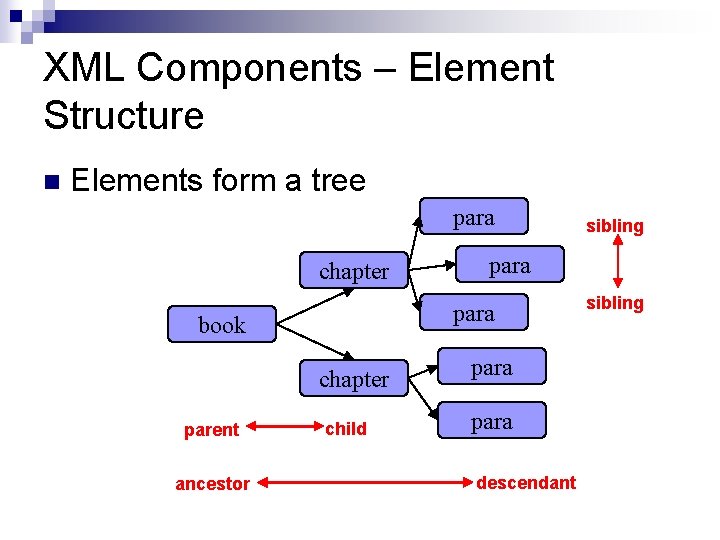
XML Components – Element Structure n Elements form a tree para chapter parent ancestor para book child sibling para descendant sibling
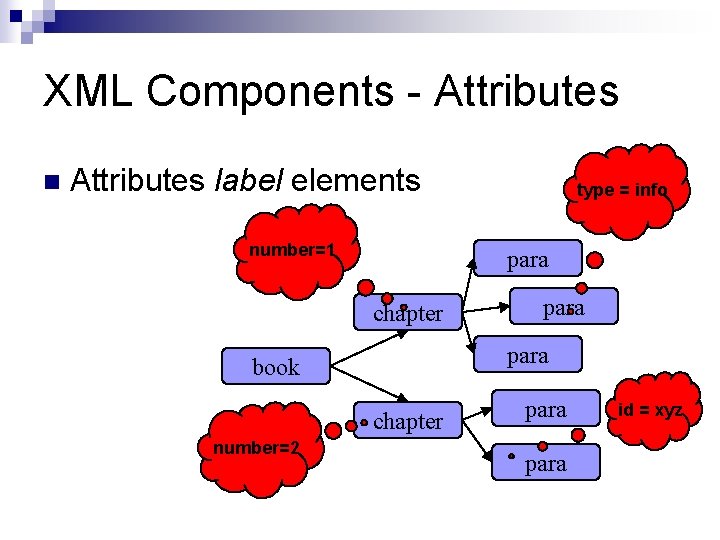
XML Components - Attributes n Attributes label elements number=1 para chapter para book chapter number=2 type = info para id = xyz
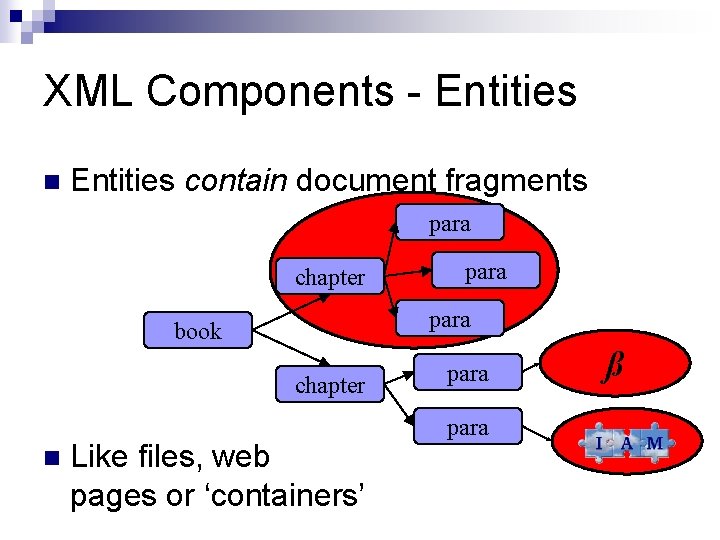
XML Components - Entities n Entities contain document fragments para chapter para book chapter n para Like files, web pages or ‘containers’ para ß
XML Components - misc Markup declaration defines entities, elements, attributes, DTDs, comments, marked sections. n Processing instructions interpret elements and content n DTDs constrain elements, attributes and content. n DTDs provide a simple grammar. n
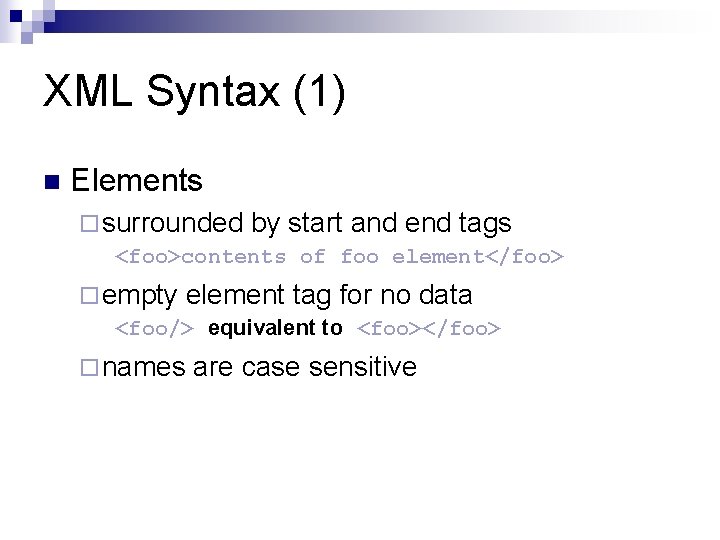
XML Syntax (1) n Elements ¨ surrounded by start and end tags <foo>contents of foo element</foo> ¨ empty element tag for no data <foo/> equivalent to <foo></foo> ¨ names are case sensitive
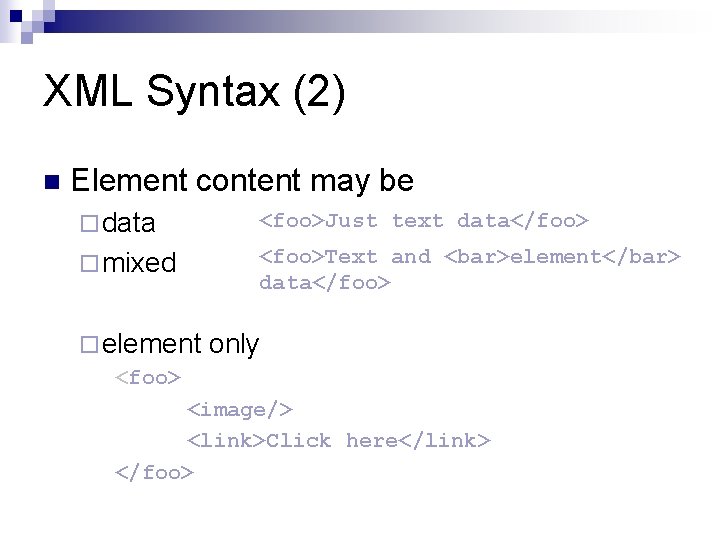
XML Syntax (2) n Element content may be ¨ data <foo>Just text data</foo> ¨ mixed <foo>Text and <bar>element</bar> data</foo> ¨ element only <foo> <image/> <link>Click here</link> </foo>
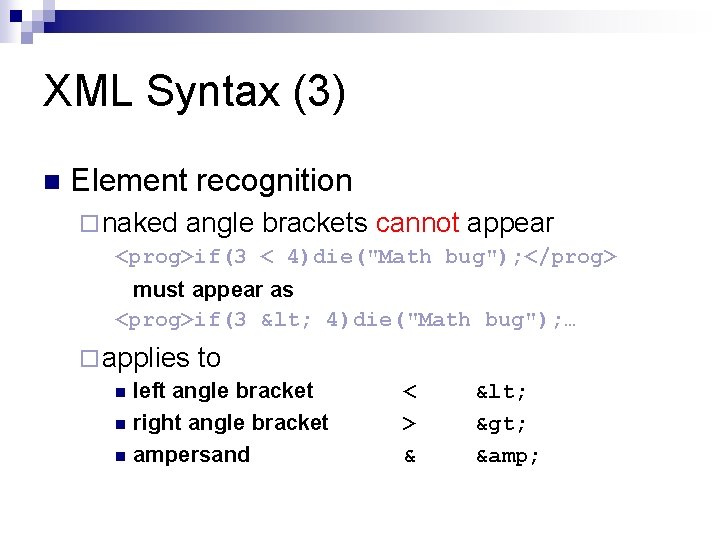
XML Syntax (3) n Element recognition ¨ naked angle brackets cannot appear <prog>if(3 < 4)die("Math bug"); </prog> must appear as <prog>if(3 < 4)die("Math bug"); … ¨ applies to n left angle bracket n right angle bracket n ampersand < > & < > &
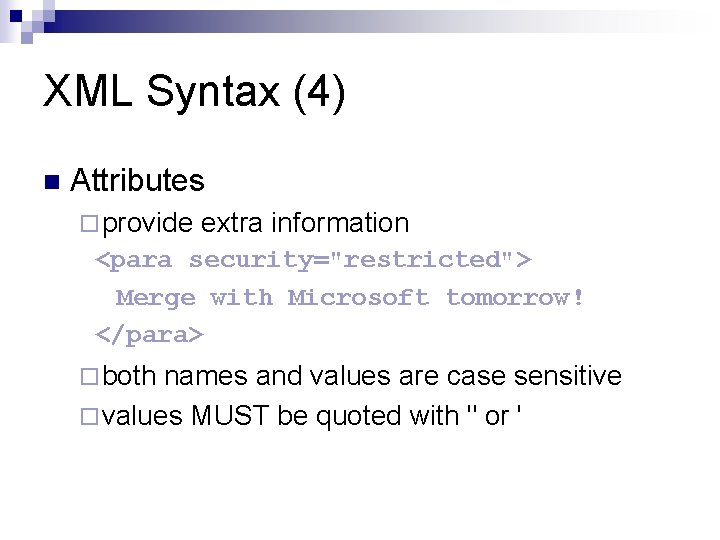
XML Syntax (4) n Attributes ¨ provide extra information <para security="restricted"> Merge with Microsoft tomorrow! </para> ¨ both names and values are case sensitive ¨ values MUST be quoted with " or '
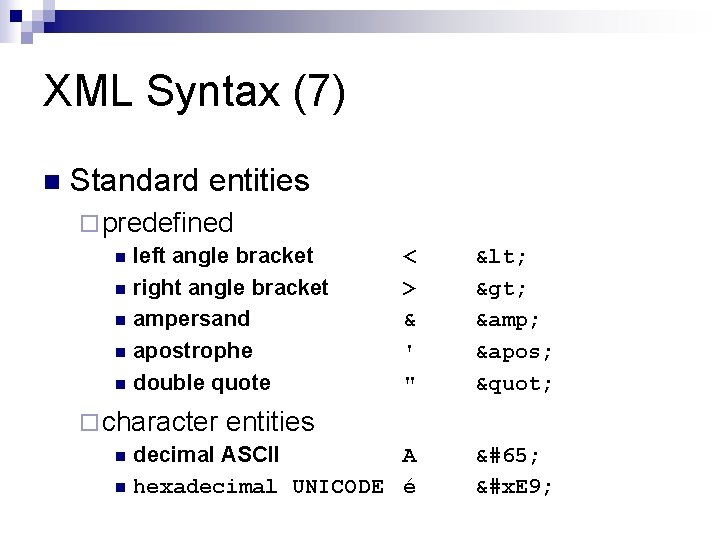
XML Syntax (7) n Standard entities ¨ predefined n left angle bracket n right angle bracket n ampersand n apostrophe n double quote < > & ' " < > & ' " ¨ character entities n decimal ASCII A n hexadecimal UNICODE é A &#x. E 9;
- Slides: 21