
HTML HYPER TEXT MARK UP LANGUAGE What is
- Slides: 13
HTML ( HYPER TEXT MARK UP LANGUAGE )
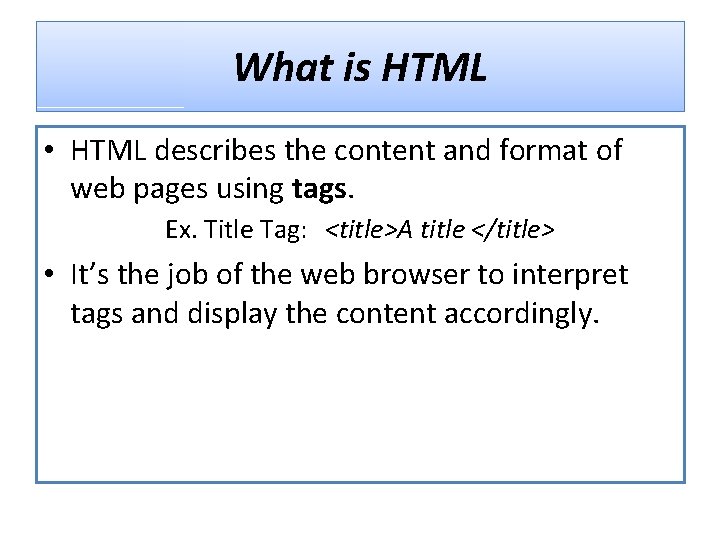
What is HTML • HTML describes the content and format of web pages using tags. Ex. Title Tag: <title>A title </title> • It’s the job of the web browser to interpret tags and display the content accordingly.
HTML Syntax • An HTML file contains both formatting tags and content. • Document content is what we see on the webpage. • Tags are the HTML codes that control the appearance of the document content.
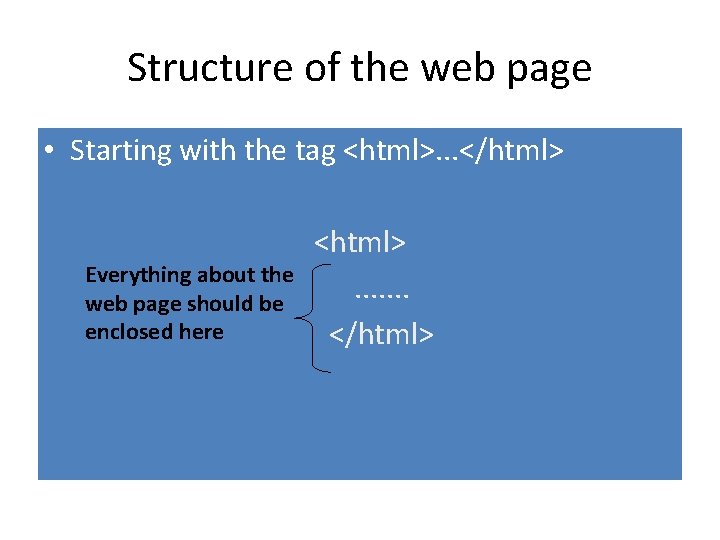
Structure of the web page • Starting with the tag <html>. . . </html> Everything about the web page should be enclosed here <html>. . . . </html>
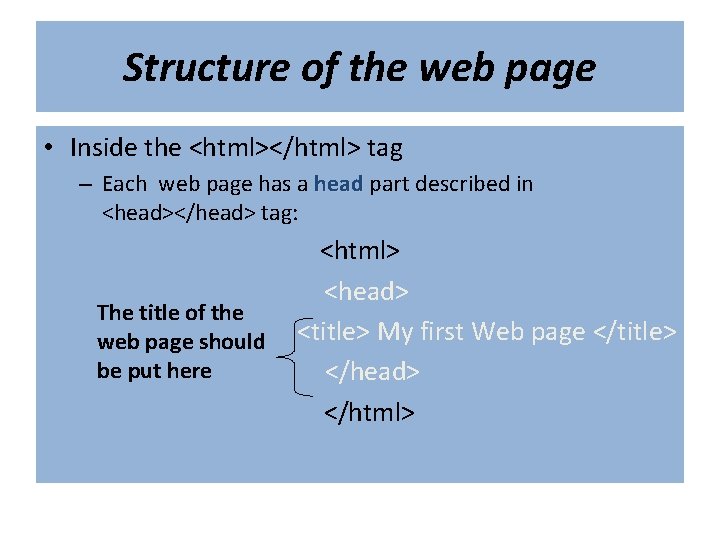
Structure of the web page • Inside the <html></html> tag – Each web page has a head part described in <head></head> tag: The title of the web page should be put here <html> <head> <title> My first Web page </title> </head> </html>
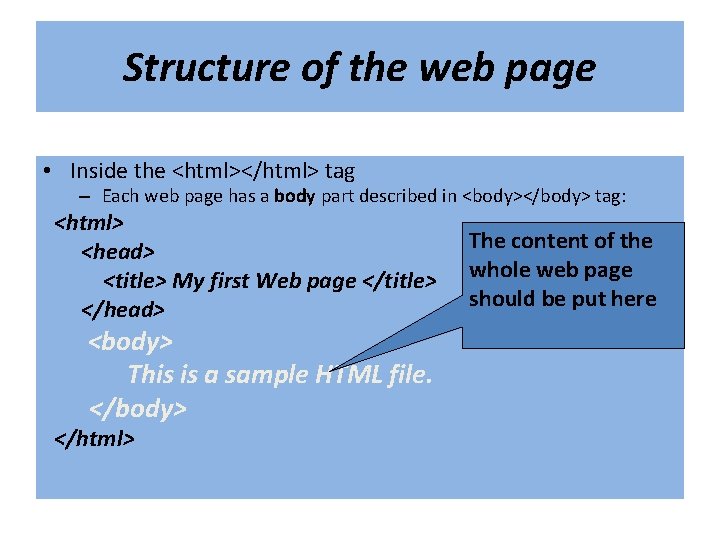
Structure of the web page • Inside the <html></html> tag – Each web page has a body part described in <body></body> tag: <html> <head> <title> My first Web page </title> </head> <body> This is a sample HTML file. </body> </html> The content of the whole web page should be put here
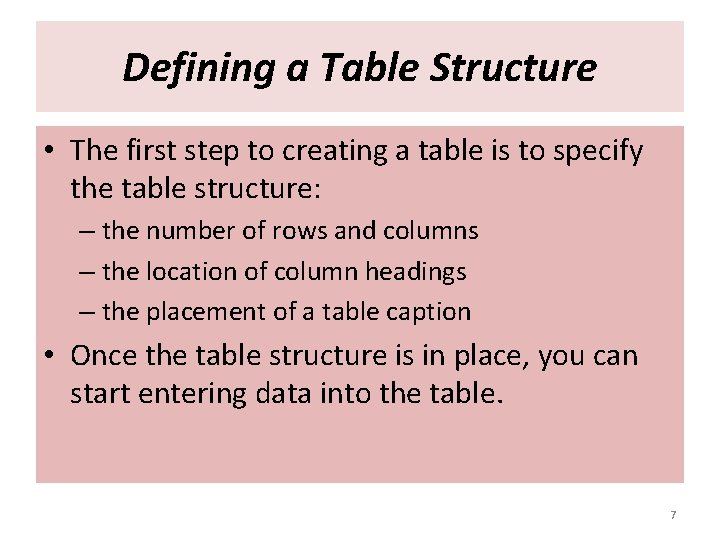
Defining a Table Structure • The first step to creating a table is to specify the table structure: – the number of rows and columns – the location of column headings – the placement of a table caption • Once the table structure is in place, you can start entering data into the table. 7
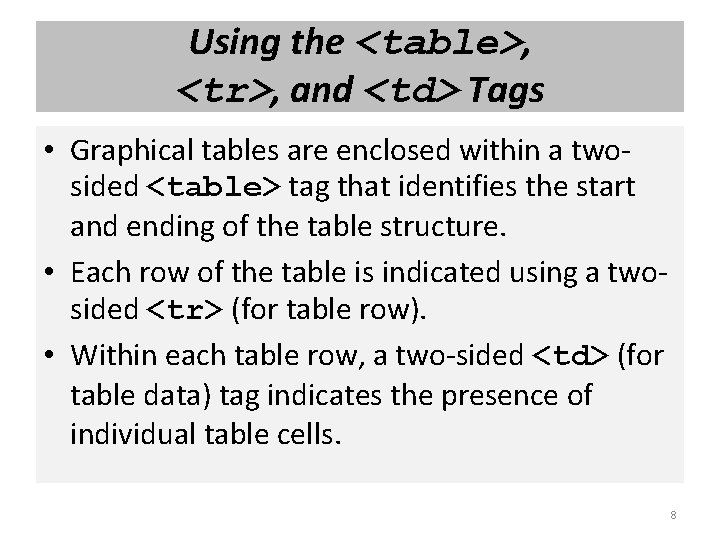
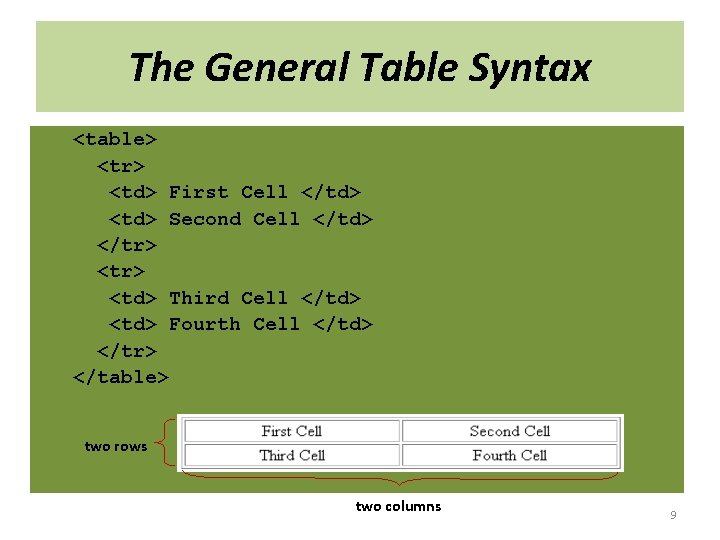
Using the <table>, <tr>, and <td> Tags • Graphical tables are enclosed within a twosided <table> tag that identifies the start and ending of the table structure. • Each row of the table is indicated using a twosided <tr> (for table row). • Within each table row, a two-sided <td> (for table data) tag indicates the presence of individual table cells. 8
The General Table Syntax <table> <tr> <td> First Cell </td> <td> Second Cell </td> </tr> <td> Third Cell </td> <td> Fourth Cell </td> </tr> </table> two rows two columns 9
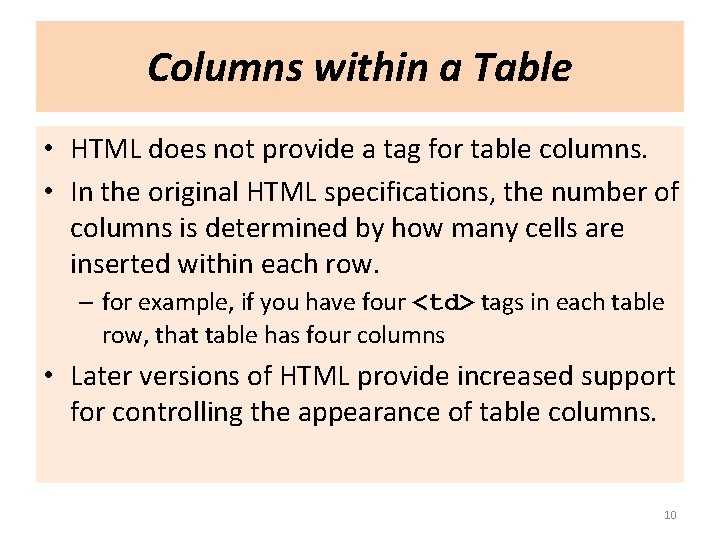
Columns within a Table • HTML does not provide a tag for table columns. • In the original HTML specifications, the number of columns is determined by how many cells are inserted within each row. – for example, if you have four <td> tags in each table row, that table has four columns • Later versions of HTML provide increased support for controlling the appearance of table columns. 10
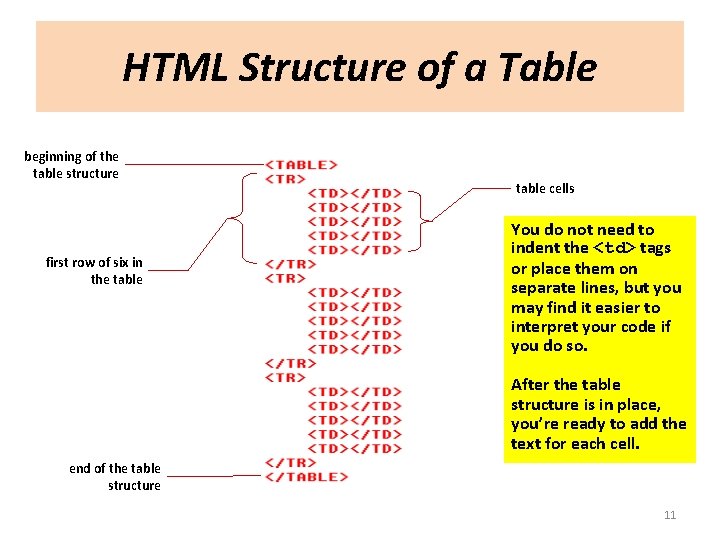
HTML Structure of a Table beginning of the table structure first row of six in the table cells You do not need to indent the <td> tags or place them on separate lines, but you may find it easier to interpret your code if you do so. After the table structure is in place, you’re ready to add the text for each cell. end of the table structure 11
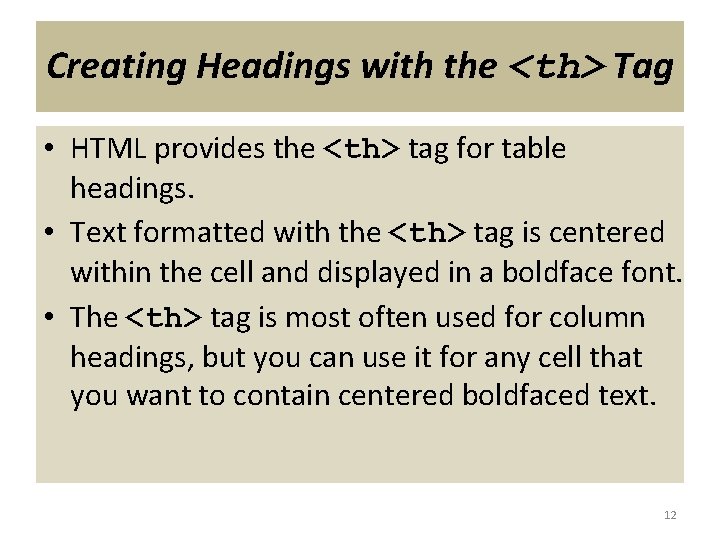
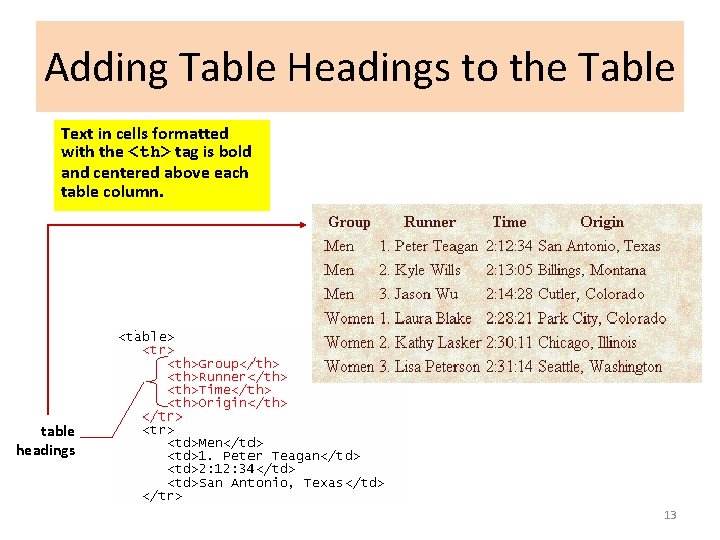
Creating Headings with the <th> Tag • HTML provides the <th> tag for table headings. • Text formatted with the <th> tag is centered within the cell and displayed in a boldface font. • The <th> tag is most often used for column headings, but you can use it for any cell that you want to contain centered boldfaced text. 12
Adding Table Headings to the Table Text in cells formatted with the <th> tag is bold and centered above each table column. table headings 13