
HTML Forms and PHP Form Attributes n n
HTML Forms and PHP
Form Attributes n n n Action attribute: tells the server which page (or script) will receive the data from the form. Example: <form action= “handle_form. php”> Action file should be located in the same directory as the HTML document (if not, specify path). Method attribute: tells the server how to send the information from the form to the handling script. Example: <form action=“handle_form. php” method=“post”>
Using Post or Get Methods n n Get method: sends all the gathered information as part of the URL. Post: sends the information invisibly where the user can not see the transmitted data (more secure than the get method)
Choosing a Method n When you need to decide which method to use keep in mind the following factors: n n n With the get method a limited amount of information can be passed. Get method is more risky when it comes to data security since any passwords in the form may be viewed publicly. A page generated by a form that used the Get method can be bookmarked while the one that used the post method can’t.
Receiving Data from a form in PHP n The PHP script will be triggered after the submit button is clicked. It will receive the information and process the data. (Later you will learn how to store the information in a database)
Displaying Errors n n You can enable this setting by using the ini_set function. Example: ini_set(‘display_errors’, 1); Number 1 represents the fact that the display_errors setting is on.

HTML Form <!DOCTYPE html PUBLIC "-//W 3 C//DTD XHTML 1. 0 Transitional//EN" "http: //www. w 3. org/TR/xhtml 1/DTD/xhtml 1 -transitional. dtd"> <html xmlns="http: //www. w 3. org/1999/xhtml"> <head> <meta http-equiv="content-type" content="text/html; charset=iso-8859 -1" /> <title>Feedback Form</title> </head> <body> Please complete this form to submit your feedback: < br /> <form action="handle_form. php " method="post"> Mr. <input type="radio" name="title" value="Mr. " /> Mrs. <input type="radio" name="title" value="Mrs. " /> Ms. <input type="radio" name="title" value="Ms. " /> Name: <input type="text" name="name" size="20" /> Email Address: <input type="text" name="email" size="20" />
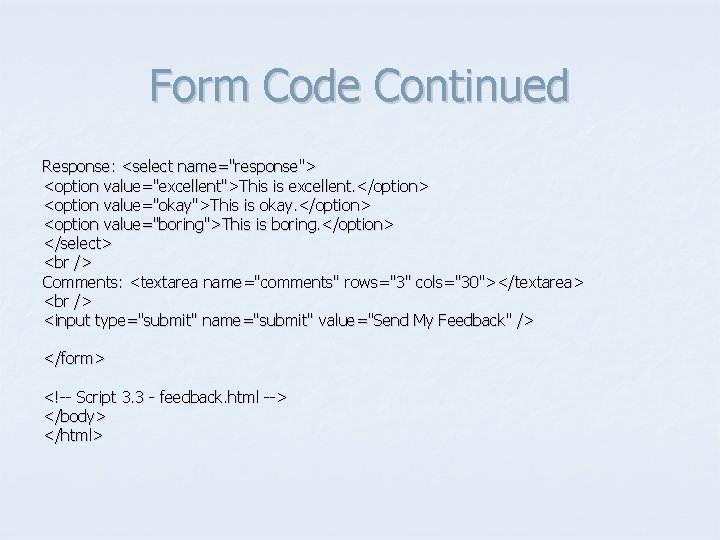
Form Code Continued Response: <select name="response"> <option value="excellent">This is excellent. </option> <option value="okay">This is okay. </option> <option value="boring">This is boring. </option> </select> Comments: <textarea name="comments" rows="3" cols="30"></textarea> <input type="submit" name="submit" value="Send My Feedback" /> </form> <!-- Script 3. 3 - feedback. html --> </body> </html>
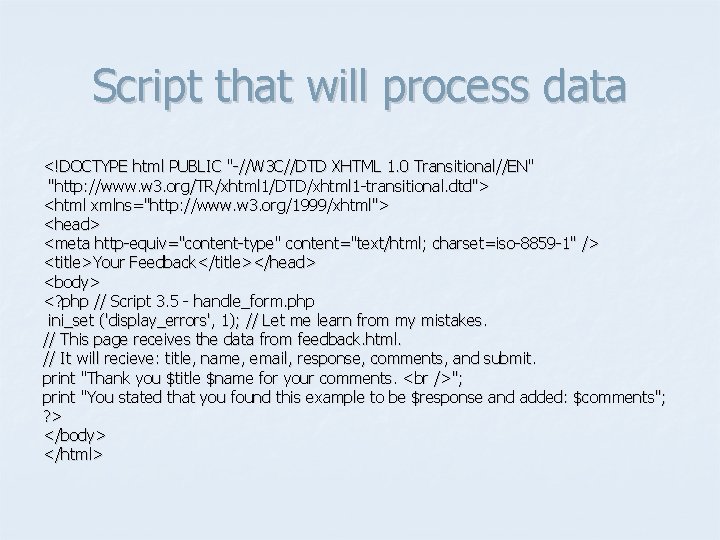
Script that will process data <!DOCTYPE html PUBLIC "-//W 3 C//DTD XHTML 1. 0 Transitional//EN" "http: //www. w 3. org/TR/xhtml 1/DTD/xhtml 1 -transitional. dtd"> <html xmlns="http: //www. w 3. org/1999/xhtml"> <head> <meta http-equiv="content-type" content="text/html; charset=iso-8859 -1" /> <title>Your Feedback</title></head> <body> <? php // Script 3. 5 - handle_form. php ini_set ('display_errors', 1); // Let me learn from my mistakes. // This page receives the data from feedback. html. // It will recieve: title, name, email, response, comments, and submit. print "Thank you $title $name for your comments. "; print "You stated that you found this example to be $response and added: $comments"; ? > </body> </html>
- Slides: 9