
HTML DHTML JAVASCRIPT XML Introduction to HTML What
![XML basics • <![CDATA[ ]]> - to define special sections of character data which](https://slidetodoc.com/presentation_image_h2/54933e74b4d339e4ee4a23baf9be1324/image-83.jpg "XML basics • <![CDATA[ ]]> - to define special sections of character data which")
- Slides: 107
HTML, DHTML, JAVASCRIPT, XML
Introduction to HTML
What is HTML? • Hyper Text Markup Language • A markup language designed for the creation of web pages and other information viewable in a browser • The basic language used to write web pages • File extension: . htm, . html
Contents • Getting Started. . • What is HTML? • How to create and View an HTML document? • Basic HTML Document Format • The HTML Basic tags
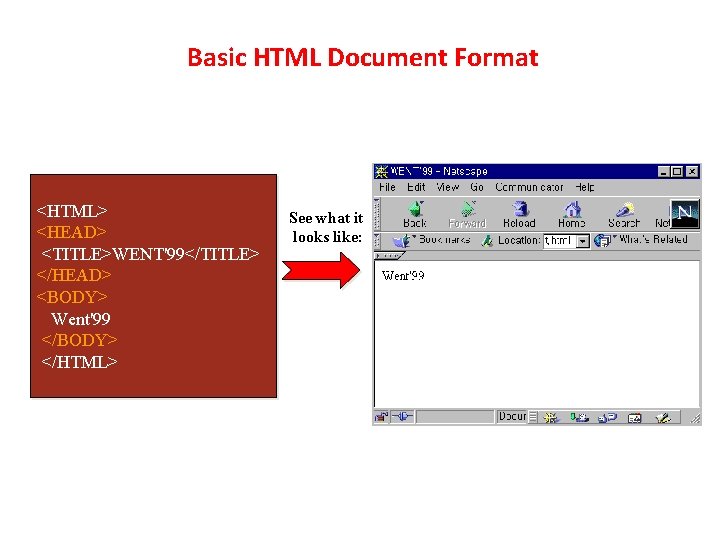
Basic HTML Document Format <HTML> <HEAD> <TITLE>WENT'99</TITLE> </HEAD> <BODY> Went'99 </BODY> </HTML> See what it looks like:
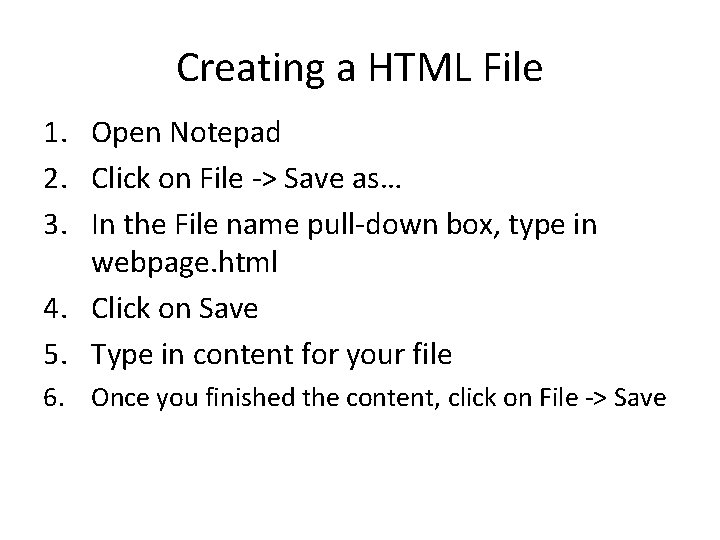
Creating a HTML File 1. Open Notepad 2. Click on File -> Save as… 3. In the File name pull-down box, type in webpage. html 4. Click on Save 5. Type in content for your file 6. Once you finished the content, click on File -> Save
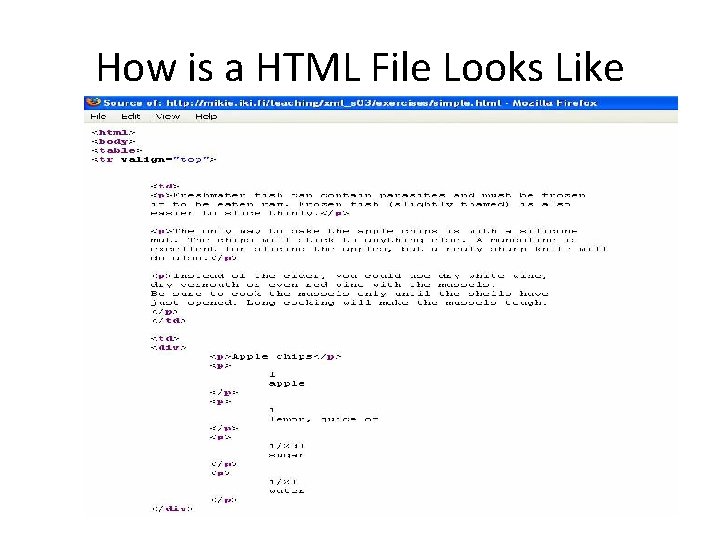
How is a HTML File Looks Like
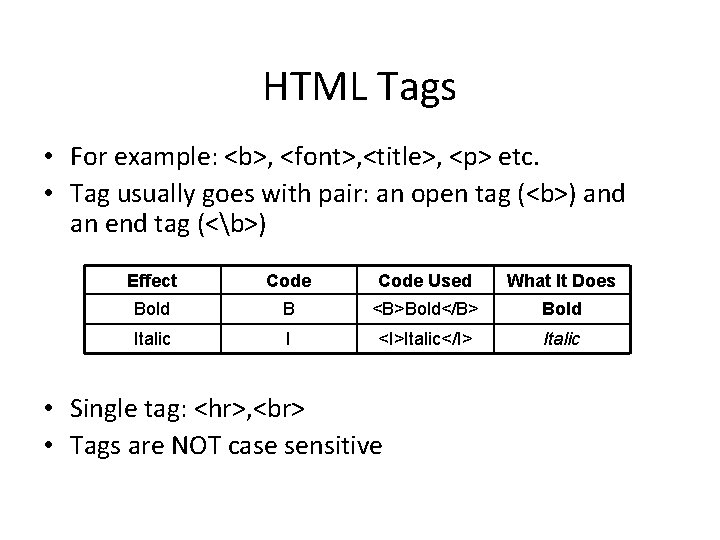
HTML Tags • For example: <b>, <font>, <title>, <p> etc. • Tag usually goes with pair: an open tag (<b>) and an end tag (<b>) Effect Code Used What It Does Bold B <B>Bold</B> Bold Italic I <I>Italic</I> Italic • Single tag: <hr>, • Tags are NOT case sensitive
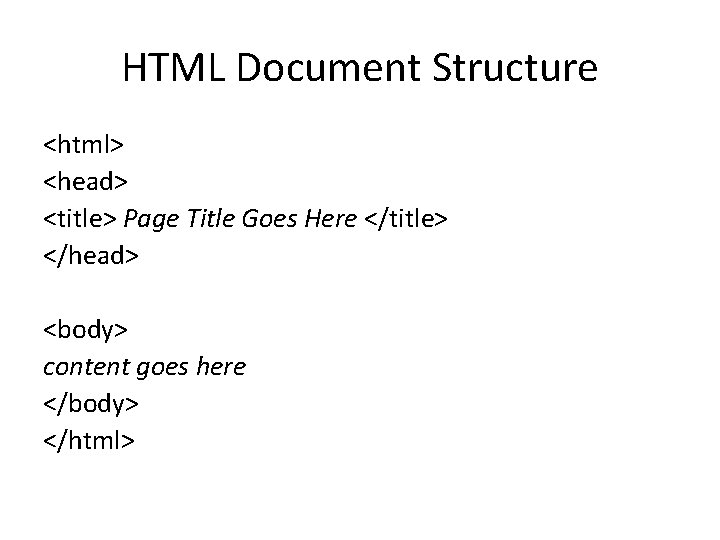
HTML Document Structure <html> <head> <title> Page Title Goes Here </title> </head> <body> content goes here </body> </html>
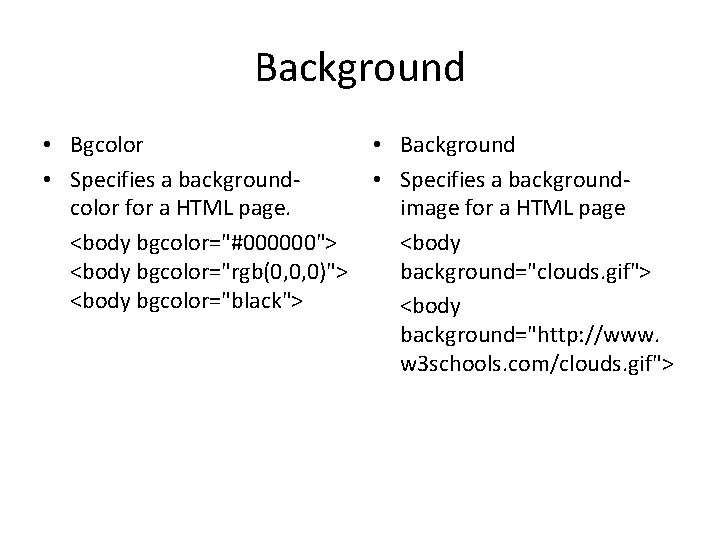
Background • Bgcolor • Specifies a backgroundcolor for a HTML page. <body bgcolor="#000000"> <body bgcolor="rgb(0, 0, 0)"> <body bgcolor="black"> • Background • Specifies a backgroundimage for a HTML page <body background="clouds. gif"> <body background="http: //www. w 3 schools. com/clouds. gif">
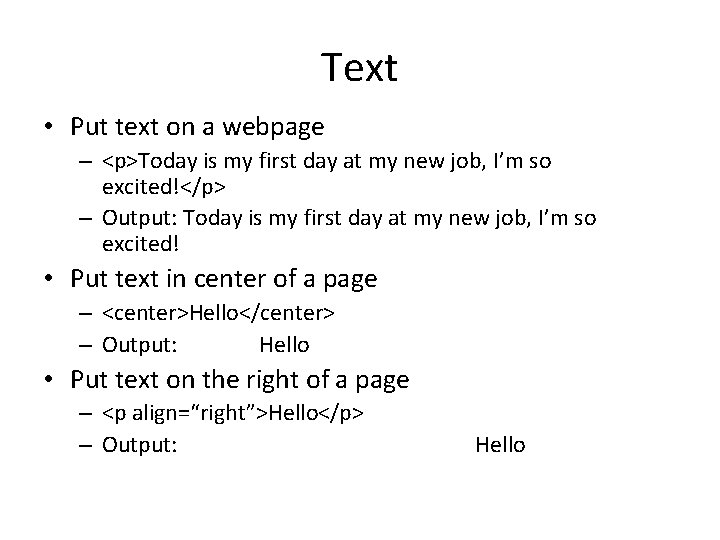
Text • Put text on a webpage – <p>Today is my first day at my new job, I’m so excited!</p> – Output: Today is my first day at my new job, I’m so excited! • Put text in center of a page – <center>Hello</center> – Output: Hello • Put text on the right of a page – <p align=“right”>Hello</p> – Output: Hello
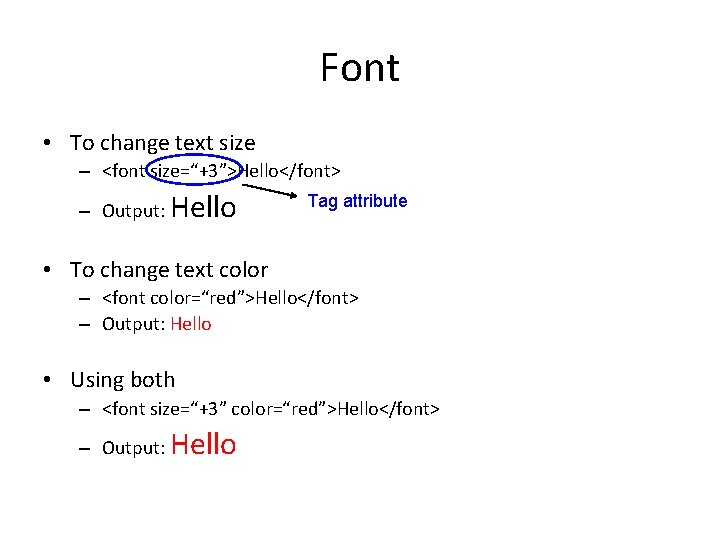
Font • To change text size – <font size=“+3”>Hello</font> – Output: Hello Tag attribute • To change text color – <font color=“red”>Hello</font> – Output: Hello • Using both – <font size=“+3” color=“red”>Hello</font> – Output: Hello
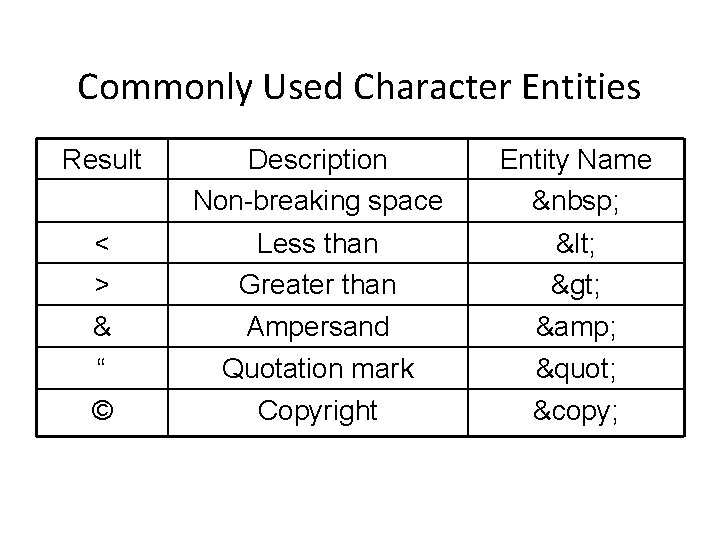
Commonly Used Character Entities Result Description Non-breaking space Entity Name < > & “ © Less than Greater than Ampersand Quotation mark Copyright < > & " ©
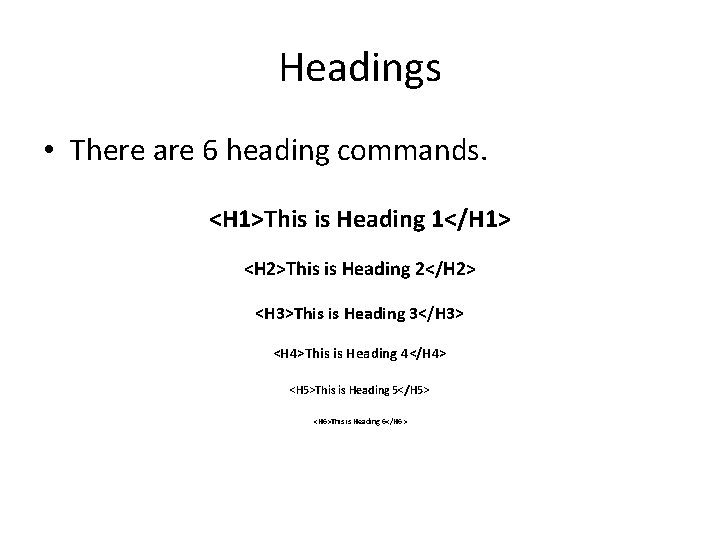
Headings • There are 6 heading commands. <H 1>This is Heading 1</H 1> <H 2>This is Heading 2</H 2> <H 3>This is Heading 3</H 3> <H 4>This is Heading 4</H 4> <H 5>This is Heading 5</H 5> <H 6>This is Heading 6</H 6>
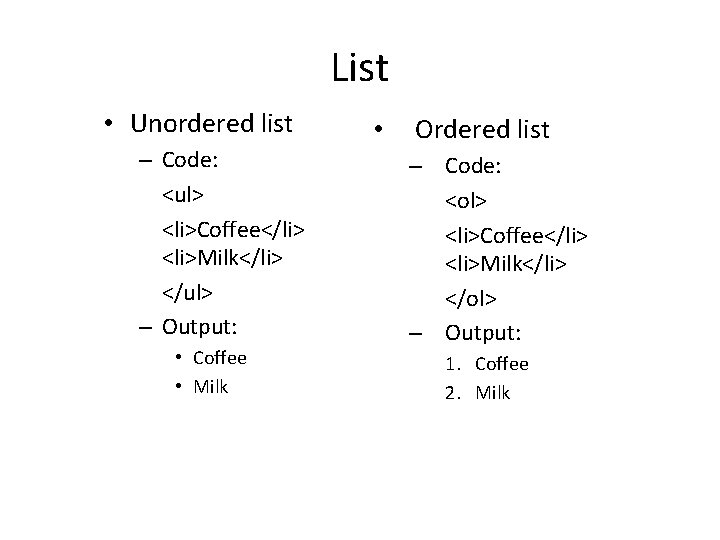
List • Unordered list – Code: <ul> <li>Coffee</li> <li>Milk</li> </ul> – Output: • Coffee • Milk • Ordered list – Code: <ol> <li>Coffee</li> <li>Milk</li> </ol> – Output: 1. Coffee 2. Milk
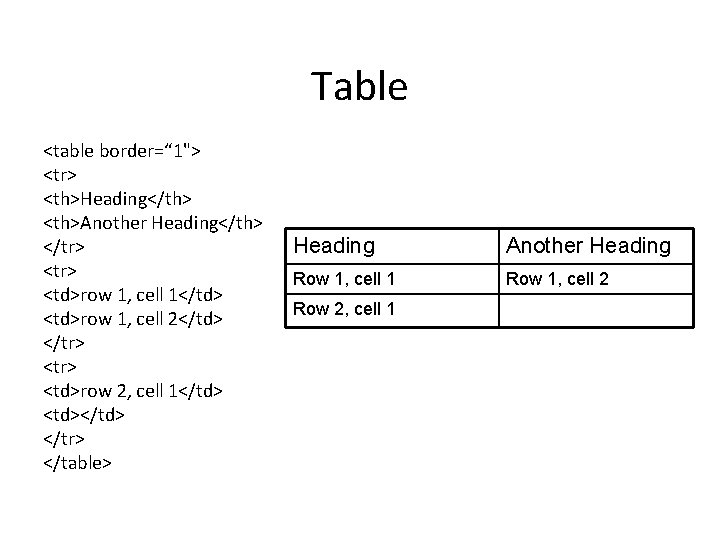
Table <table border=“ 1"> <tr> <th>Heading</th> <th>Another Heading</th> </tr> <td>row 1, cell 1</td> <td>row 1, cell 2</td> </tr> <td>row 2, cell 1</td> <td></td> </tr> </table> Heading Another Heading Row 1, cell 1 Row 1, cell 2 Row 2, cell 1
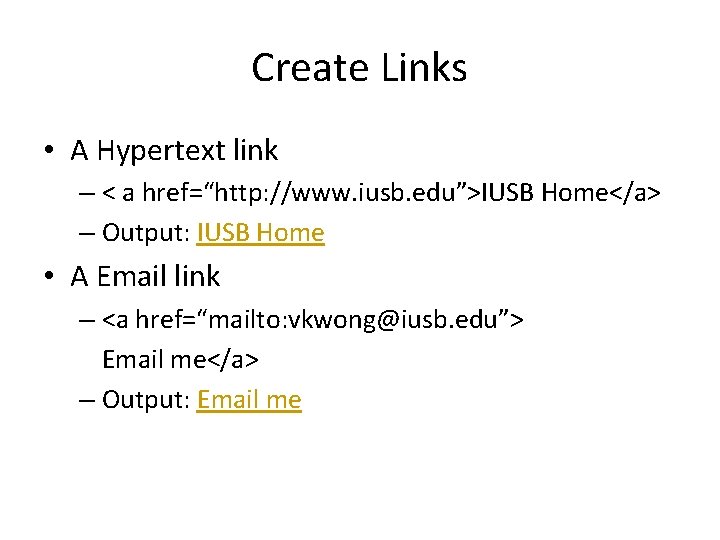
Create Links • A Hypertext link – < a href=“http: //www. iusb. edu”>IUSB Home</a> – Output: IUSB Home • A Email link – <a href=“mailto: vkwong@iusb. edu”> Email me</a> – Output: Email me
Image Formats • . gif – Graphics Interchange Format • . jpeg or. jpg – Joint Photographic Experts Group • . bmp – bitmap
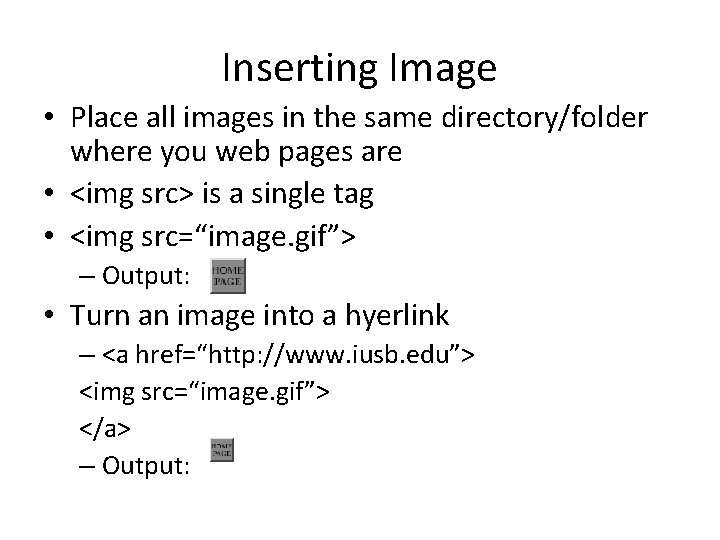
Inserting Image • Place all images in the same directory/folder where you web pages are • <img src> is a single tag • <img src=“image. gif”> – Output: • Turn an image into a hyerlink – <a href=“http: //www. iusb. edu”> <img src=“image. gif”> </a> – Output:
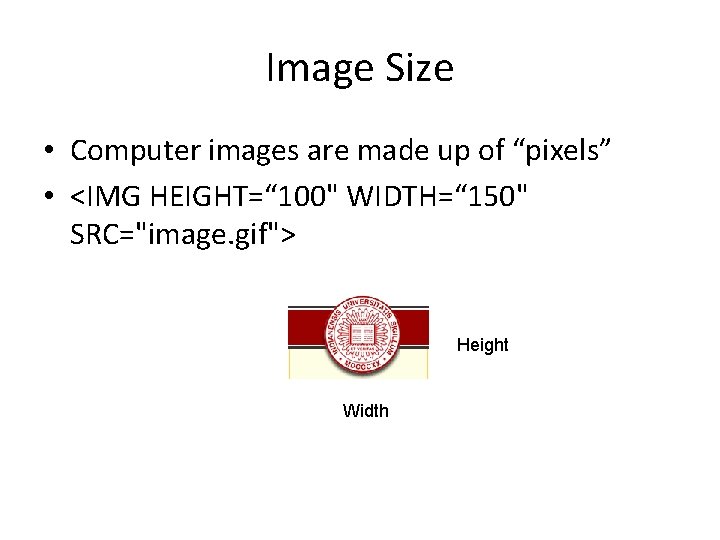
Image Size • Computer images are made up of “pixels” • <IMG HEIGHT=“ 100" WIDTH=“ 150" SRC="image. gif"> Height Width
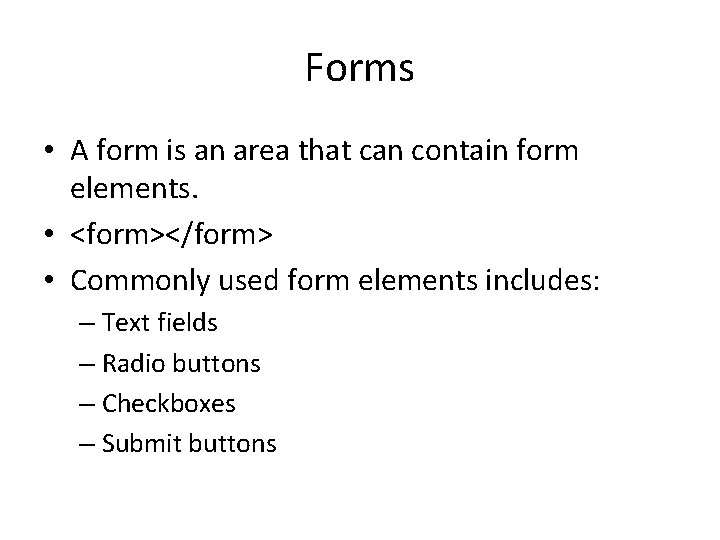
Forms • A form is an area that can contain form elements. • <form></form> • Commonly used form elements includes: – Text fields – Radio buttons – Checkboxes – Submit buttons
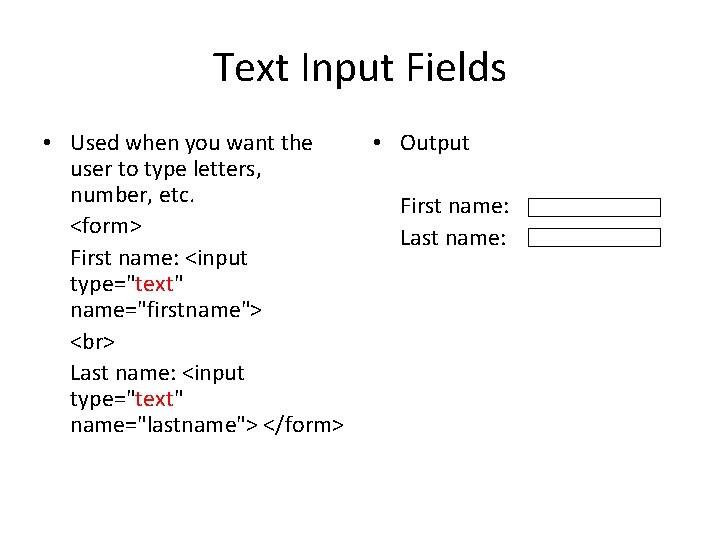
Text Input Fields • Used when you want the user to type letters, number, etc. <form> First name: <input type="text" name="firstname"> Last name: <input type="text" name="lastname"> </form> • Output First name: Last name:
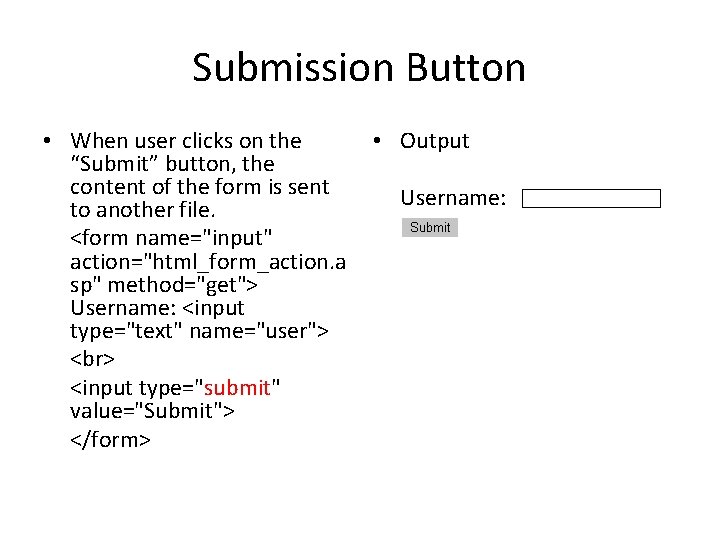
Submission Button • When user clicks on the “Submit” button, the content of the form is sent to another file. <form name="input" action="html_form_action. a sp" method="get"> Username: <input type="text" name="user"> <input type="submit" value="Submit"> </form> • Output Username:
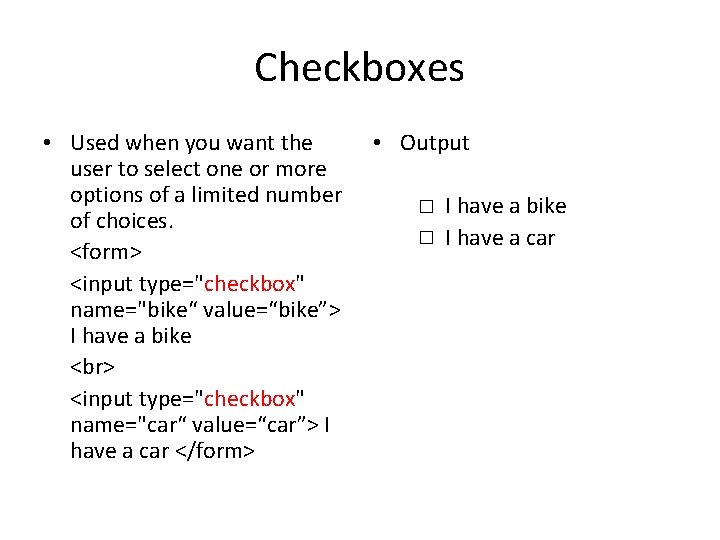
Checkboxes • Used when you want the user to select one or more options of a limited number of choices. <form> <input type="checkbox" name="bike“ value=“bike”> I have a bike <input type="checkbox" name="car“ value=“car”> I have a car </form> • Output I have a bike I have a car
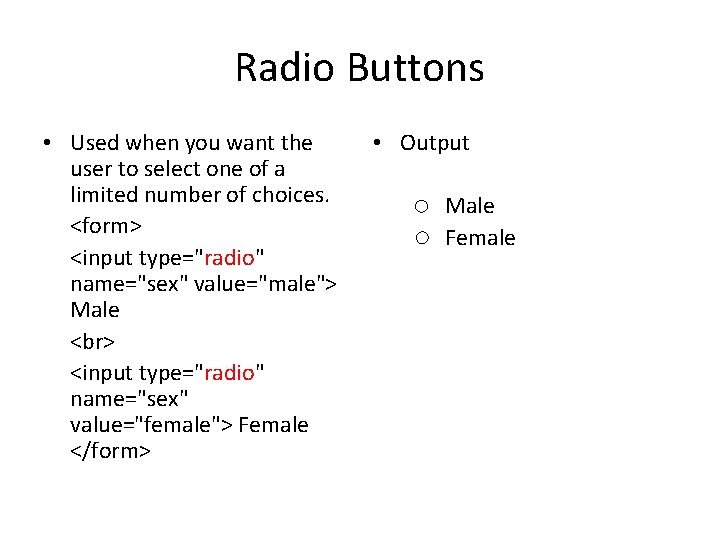
Radio Buttons • Used when you want the user to select one of a limited number of choices. <form> <input type="radio" name="sex" value="male"> Male <input type="radio" name="sex" value="female"> Female </form> • Output Male Female
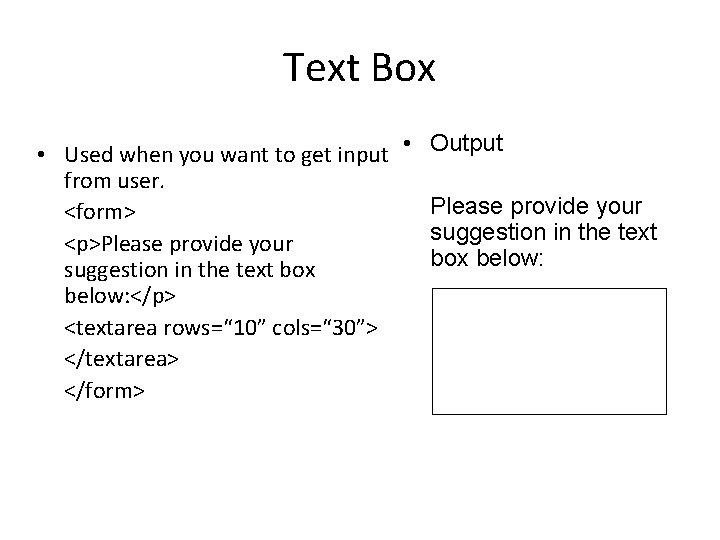
Text Box • Used when you want to get input • Output from user. Please provide your <form> suggestion in the text <p>Please provide your box below: suggestion in the text box below: </p> <textarea rows=“ 10” cols=“ 30”> </textarea> </form>
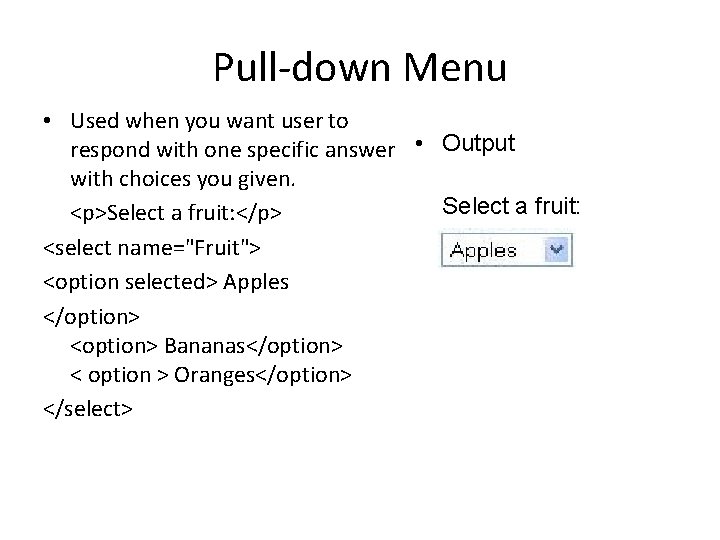
Pull-down Menu • Used when you want user to respond with one specific answer • Output with choices you given. Select a fruit: <p>Select a fruit: </p> <select name="Fruit"> <option selected> Apples </option> <option> Bananas</option> < option > Oranges</option> </select>
DHTML
What is DHTML • DHTML is only a term used to describe the different combinations of HTML, Java. Script, and CSS that can be used to create more dynamic web pages. • DHTML = HTML + CSS +JAVASCRIPT
Cascading Style Sheets
CSS Separate Style From Structure of a Web Page • Specify point size and font of text; • Set margins within a web page; • Create a distinctive style for individual web pages or sets of web pages; • Format style to one element of a web page or to a numerous pages; • Control color of different elements of a web page; • Etc.
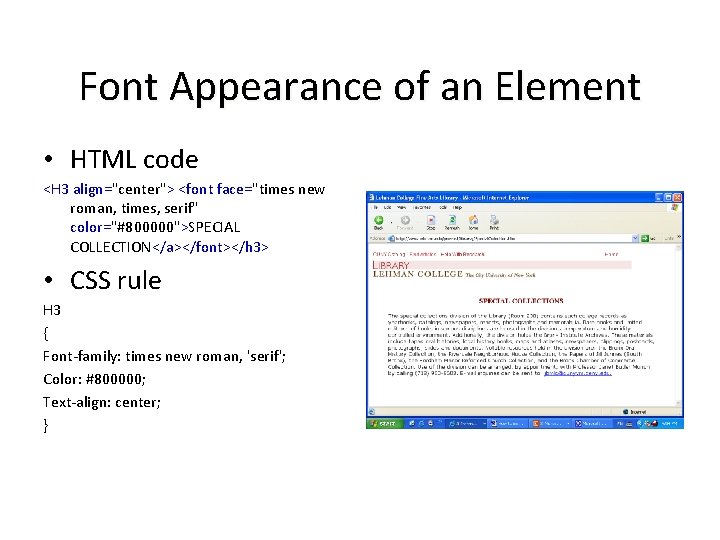
Font Appearance of an Element • HTML code <H 3 align="center"> <font face="times new roman, times, serif" color="#800000">SPECIAL COLLECTION</a></font></h 3> • CSS rule H 3 { Font-family: times new roman, 'serif'; Color: #800000; Text-align: center; }
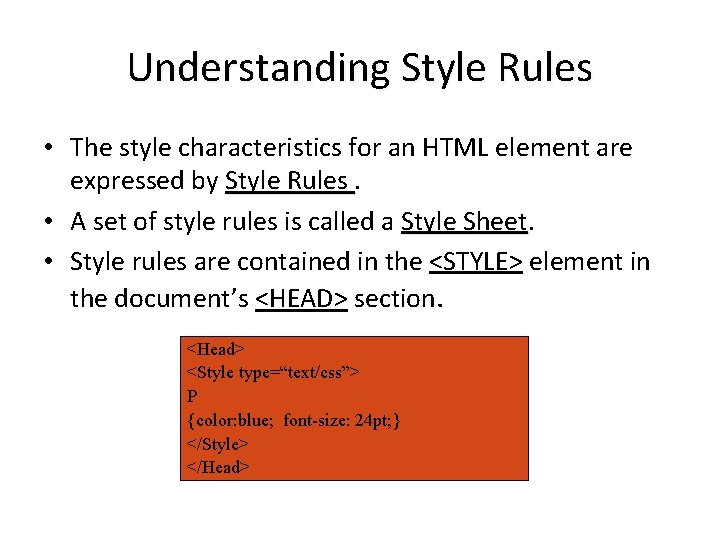
Understanding Style Rules • The style characteristics for an HTML element are expressed by Style Rules. • A set of style rules is called a Style Sheet • Style rules are contained in the <STYLE> element in the document’s <HEAD> section. <Head> <Style type=“text/css”> P {color: blue; font-size: 24 pt; } </Style> </Head>
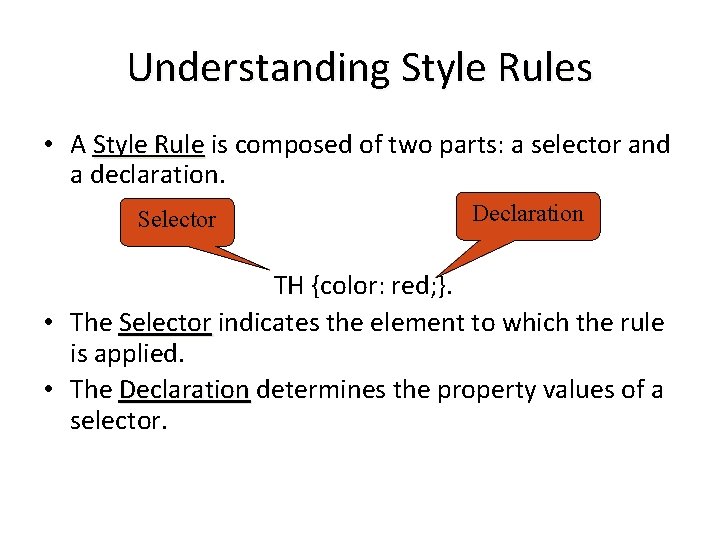
Understanding Style Rules • A Style Rule is composed of two parts: a selector and a declaration. Selector Declaration TH {color: red; }. • The Selector indicates the element to which the rule is applied. • The Declaration determines the property values of a selector.
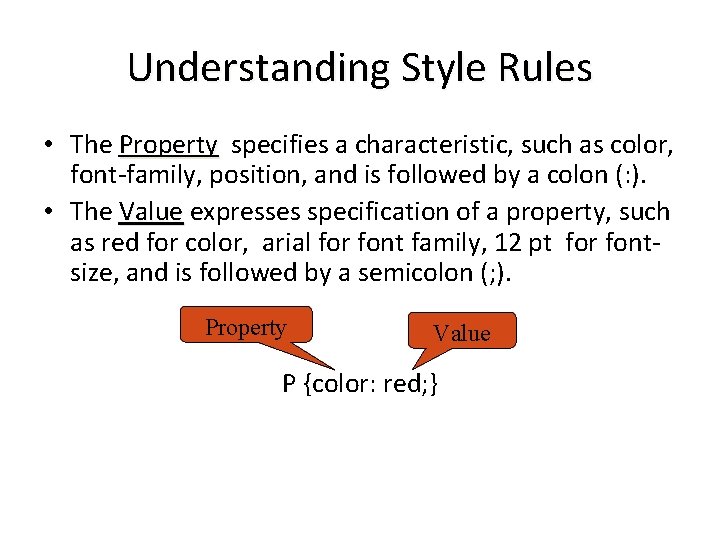
Understanding Style Rules • The Property specifies a characteristic, such as color, font-family, position, and is followed by a colon (: ). • The Value expresses specification of a property, such as red for color, arial for font family, 12 pt for fontsize, and is followed by a semicolon (; ). Property Value P {color: red; }
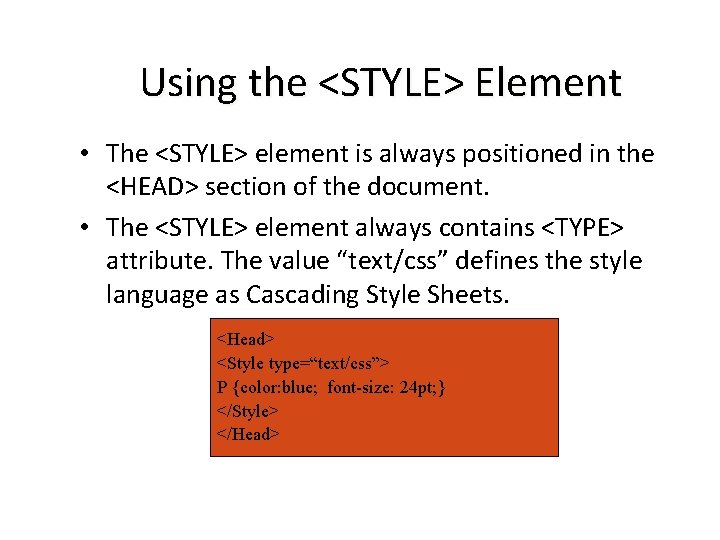
Using the <STYLE> Element • The <STYLE> element is always positioned in the <HEAD> section of the document. • The <STYLE> element always contains <TYPE> attribute. The value “text/css” defines the style language as Cascading Style Sheets. <Head> <Style type=“text/css”> P {color: blue; font-size: 24 pt; } </Style> </Head>
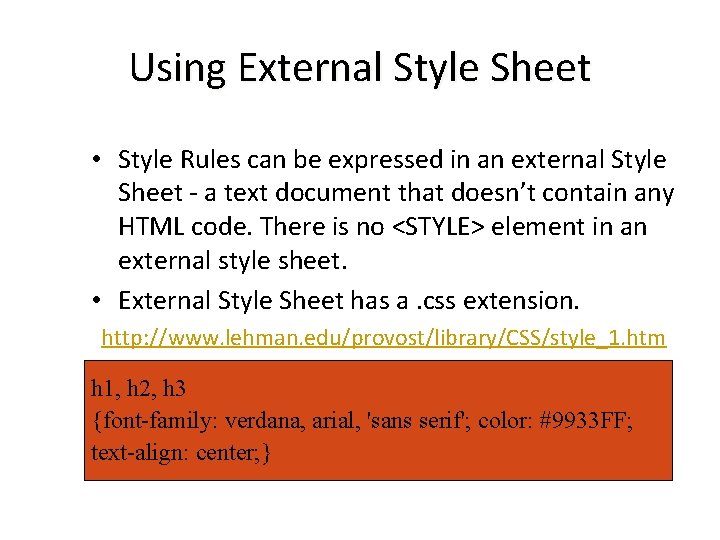
Using External Style Sheet • Style Rules can be expressed in an external Style Sheet - a text document that doesn’t contain any HTML code. There is no <STYLE> element in an external style sheet. • External Style Sheet has a. css extension. http: //www. lehman. edu/provost/library/CSS/style_1. htm h 1, h 2, h 3 {font-family: verdana, arial, 'sans serif'; color: #9933 FF; text-align: center; }
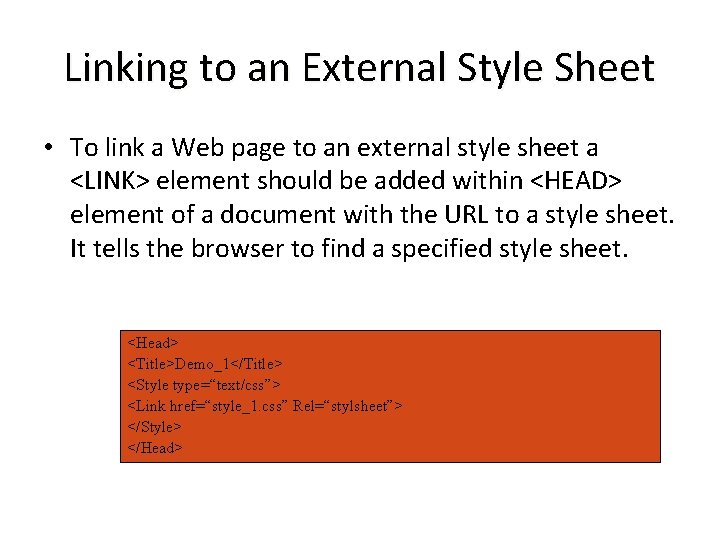
Linking to an External Style Sheet • To link a Web page to an external style sheet a <LINK> element should be added within <HEAD> element of a document with the URL to a style sheet. It tells the browser to find a specified style sheet. <Head> <Title>Demo_1</Title> <Style type=“text/css”> <Link href=“style_1. css” Rel=“stylsheet”> </Style> </Head>
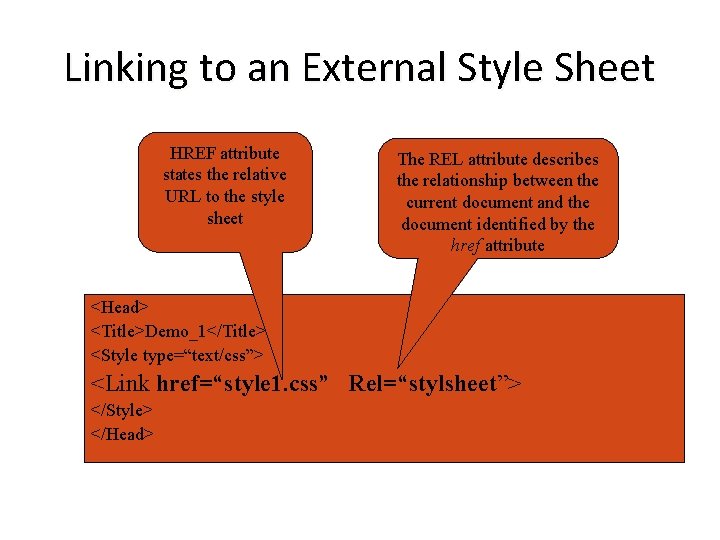
Linking to an External Style Sheet HREF attribute states the relative URL to the style sheet The REL attribute describes the relationship between the current document and the document identified by the href attribute <Head> <Title>Demo_1</Title> <Style type=“text/css”> <Link href=“style 1. css” Rel=“stylsheet”> </Style> </Head>
JAVASCRIPT
• Java. Script is used in millions of Web pages to add functionality, validate forms, detect browsers, and much more. • It is basically used for client side validation.
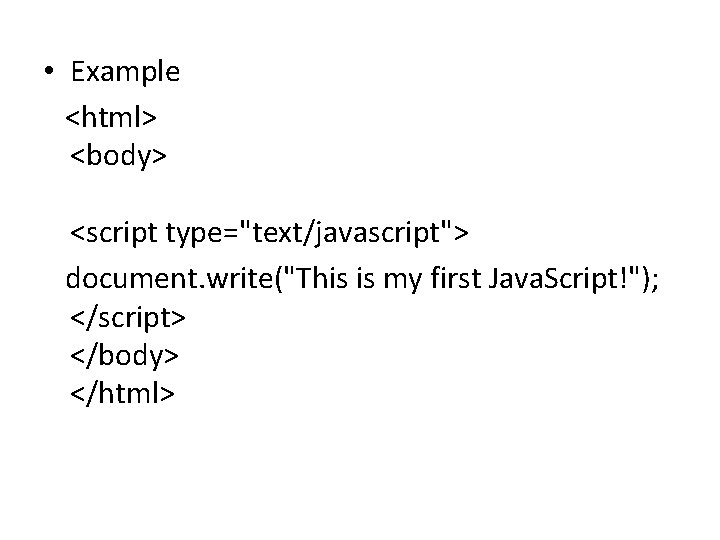
• Example <html> <body> <script type="text/javascript"> document. write("This is my first Java. Script!"); </script> </body> </html>
• Java. Script Introduction • Java. Script is the most popular scripting language on the internet, and works in all major browsers, such as Internet Explorer, Firefox, Chrome, Opera, and Safari. • What You Should Already Know • Before you continue you should have a basic understanding of the following:
• What is Java. Script? • Java. Script was designed to add interactivity to HTML pages • Java. Script is a scripting language • A scripting language is a lightweight programming language
• Java. Script is usually embedded directly into HTML pages • Java. Script is an interpreted language (means that scripts execute without preliminary compilation) • Everyone can use Java. Script without purchasing a license
What can a Java. Script do? • Java. Script gives HTML designers a programming tool. • Java. Script can put dynamic text into an HTML page. • Java. Script can react to events. • Java. Script can read and write HTML elements. • Java. Script can be used to validate data.
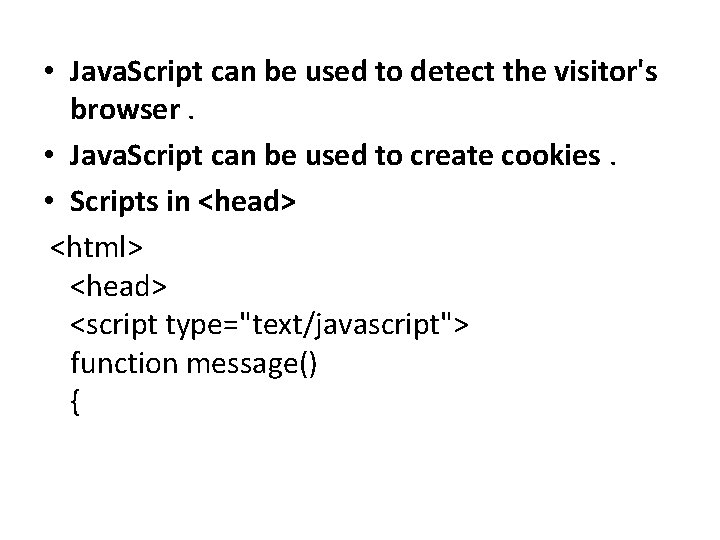
• Java. Script can be used to detect the visitor's browser. • Java. Script can be used to create cookies. • Scripts in <head> <html> <head> <script type="text/javascript"> function message() {
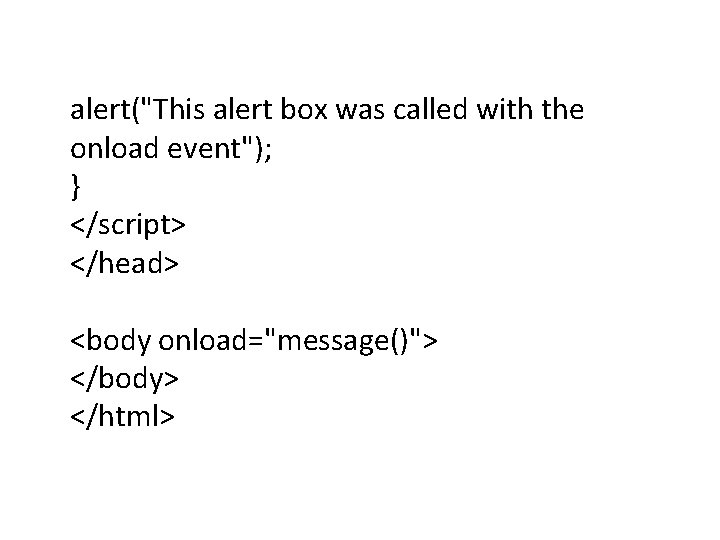
alert("This alert box was called with the onload event"); } </script> </head> <body onload="message()"> </body> </html>
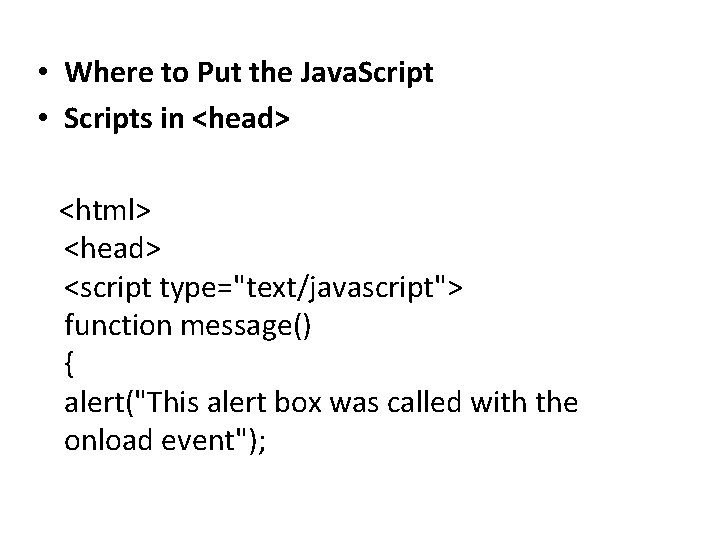
• Where to Put the Java. Script • Scripts in <head> <html> <head> <script type="text/javascript"> function message() { alert("This alert box was called with the onload event");
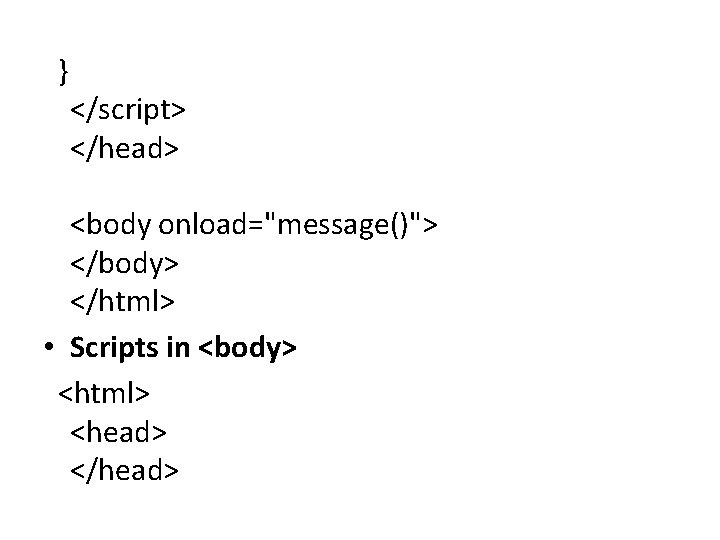
} </script> </head> <body onload="message()"> </body> </html> • Scripts in <body> <html> <head> </head>
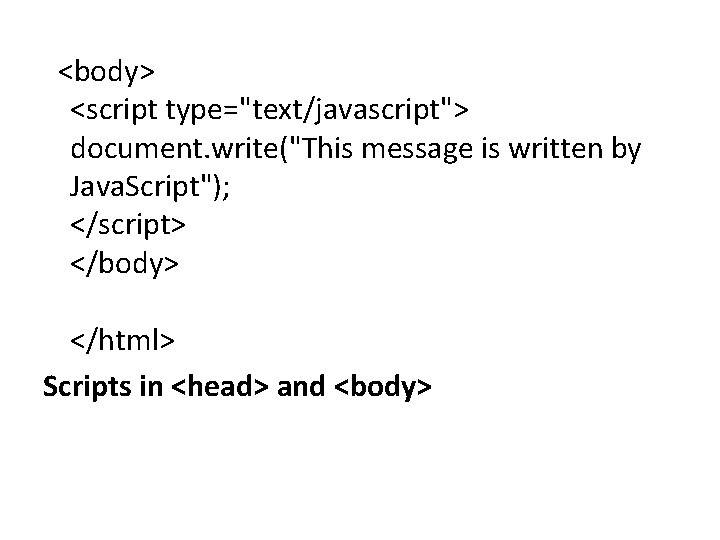
<body> <script type="text/javascript"> document. write("This message is written by Java. Script"); </script> </body> </html> Scripts in <head> and <body>
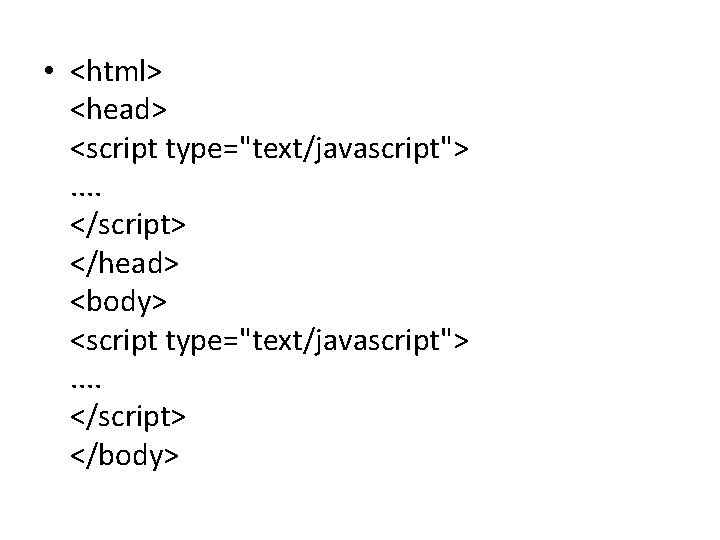
• <html> <head> <script type="text/javascript">. . </script> </head> <body> <script type="text/javascript">. . </script> </body>
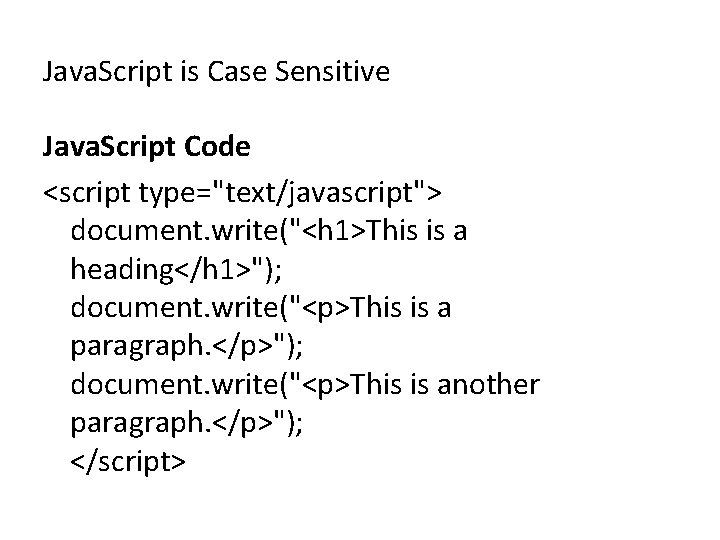
Java. Script is Case Sensitive Java. Script Code <script type="text/javascript"> document. write("<h 1>This is a heading</h 1>"); document. write("<p>This is a paragraph. </p>"); document. write("<p>This is another paragraph. </p>"); </script>
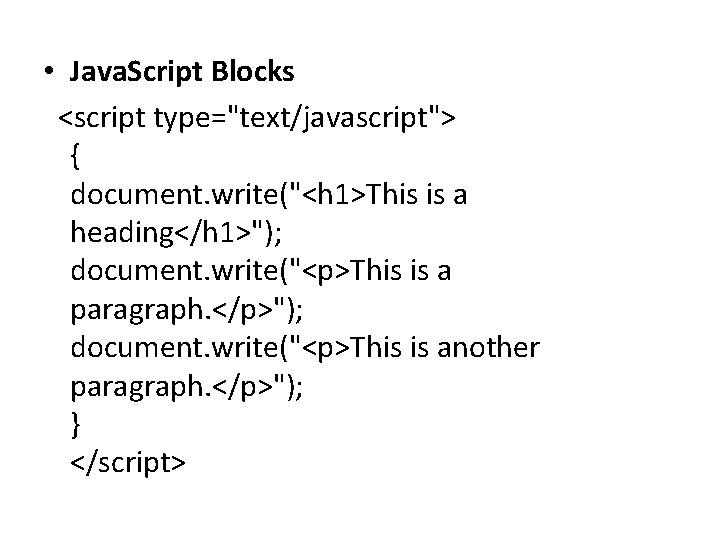
• Java. Script Blocks <script type="text/javascript"> { document. write("<h 1>This is a heading</h 1>"); document. write("<p>This is a paragraph. </p>"); document. write("<p>This is another paragraph. </p>"); } </script>
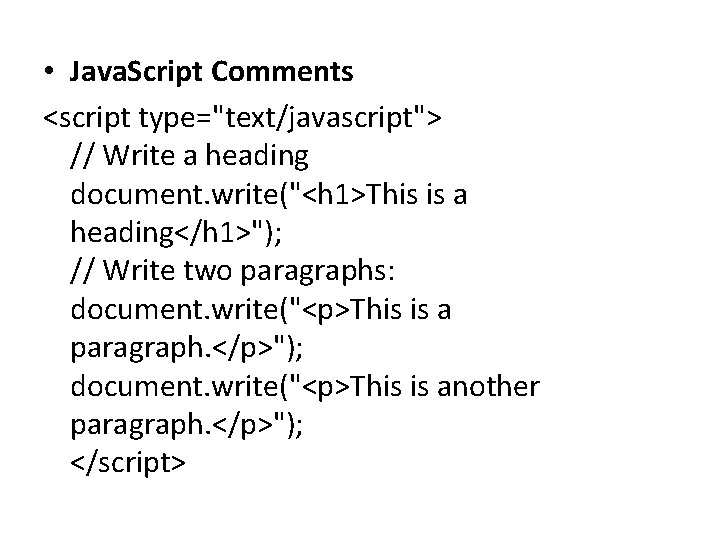
• Java. Script Comments <script type="text/javascript"> // Write a heading document. write("<h 1>This is a heading</h 1>"); // Write two paragraphs: document. write("<p>This is a paragraph. </p>"); document. write("<p>This is another paragraph. </p>"); </script>
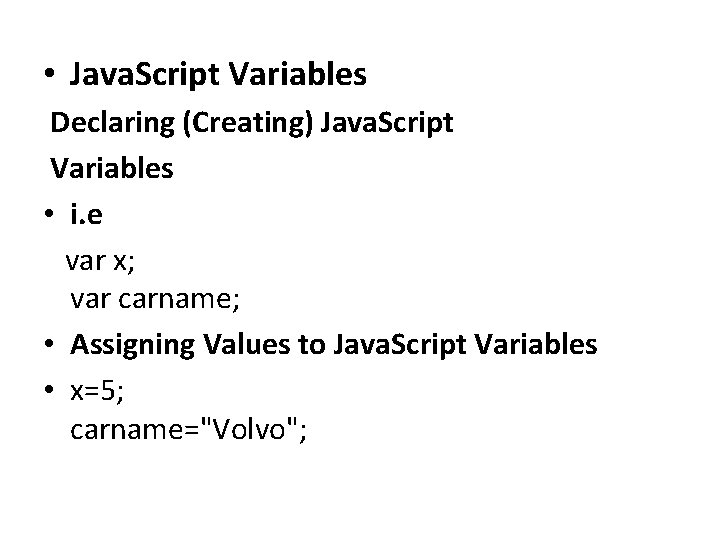
• Java. Script Variables Declaring (Creating) Java. Script Variables • i. e var x; var carname; • Assigning Values to Java. Script Variables • x=5; carname="Volvo";
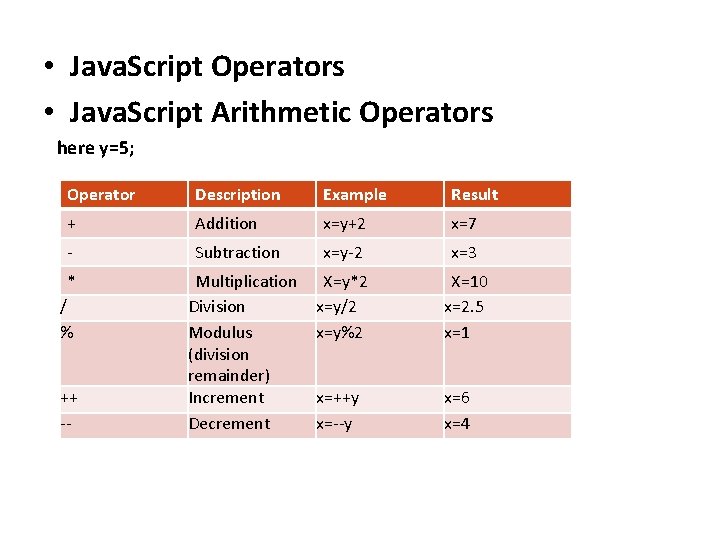
• Java. Script Operators • Java. Script Arithmetic Operators here y=5; Operator Description Example Result + Addition x=y+2 x=7 - Subtraction x=y-2 x=3 * Multiplication Division Modulus (division remainder) Increment Decrement X=y*2 x=y/2 x=y%2 X=10 x=2. 5 x=1 x=++y x=--y x=6 x=4 / % ++ --
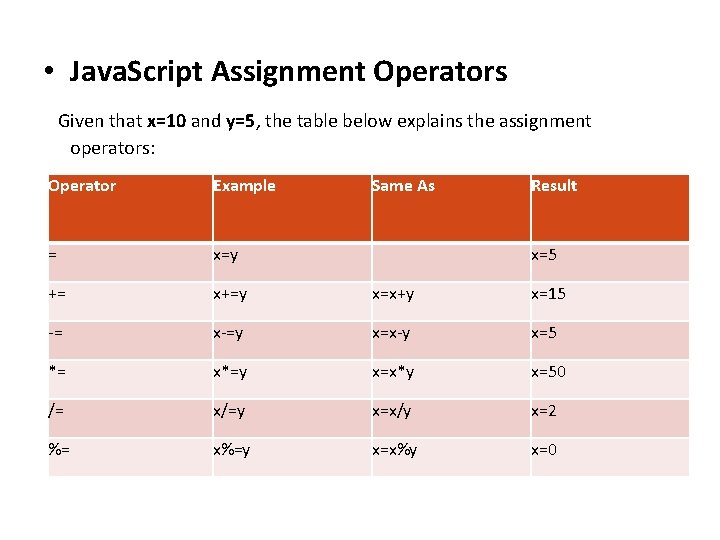
• Java. Script Assignment Operators Given that x=10 and y=5, the table below explains the assignment operators: Operator Example Same As Result = x=y += x+=y x=x+y x=15 -= x-=y x=x-y x=5 *= x*=y x=x*y x=50 /= x/=y x=x/y x=2 %= x%=y x=x%y x=0 x=5
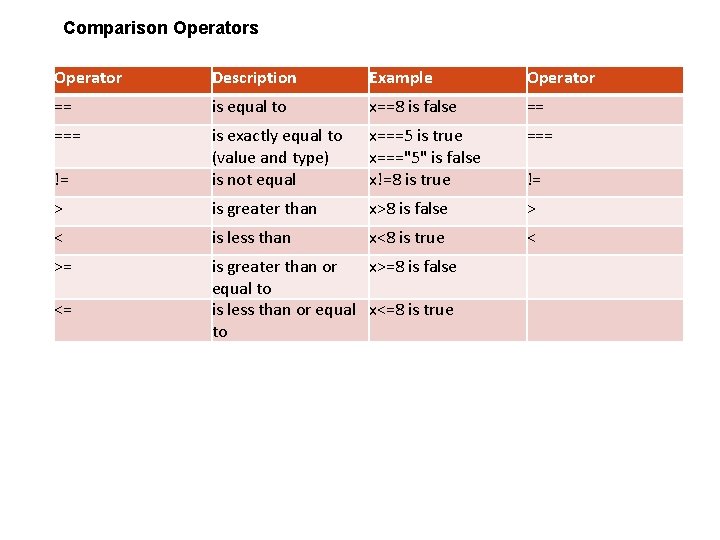
Comparison Operators Operator Description Example Operator == is equal to x==8 is false == === x===5 is true x==="5" is false x!=8 is true === != is exactly equal to (value and type) is not equal > is greater than x>8 is false > < is less than x<8 is true < >= is greater than or x>=8 is false equal to is less than or equal x<=8 is true to <= !=
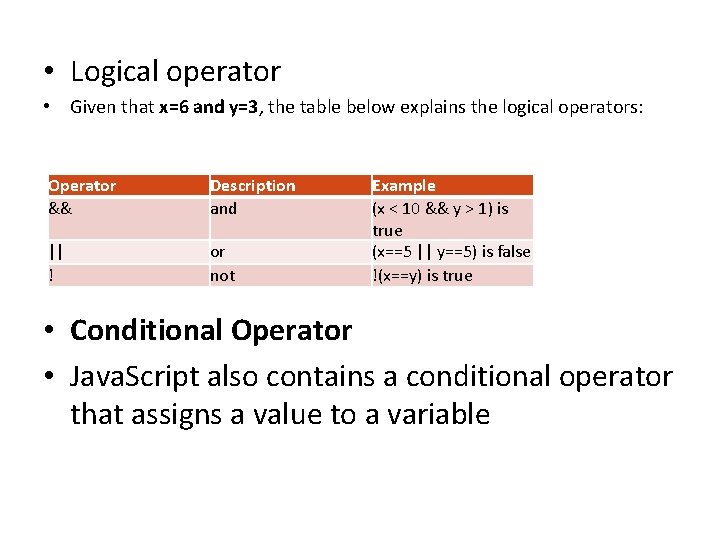
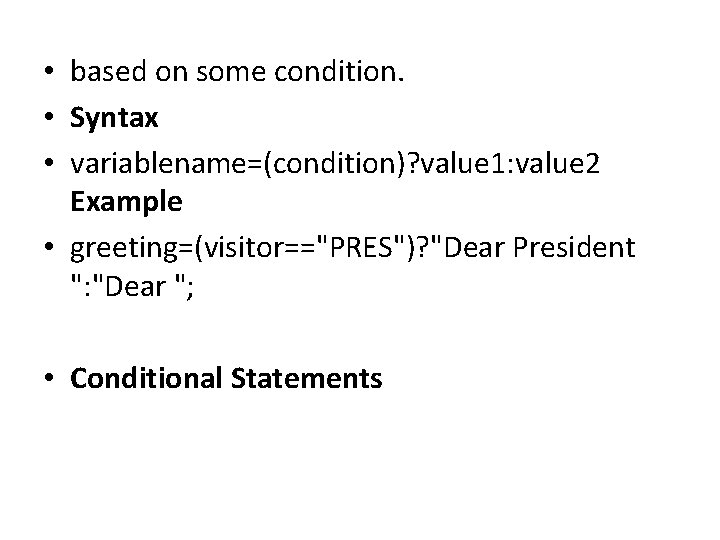
• Logical operator • Given that x=6 and y=3, the table below explains the logical operators: Operator && Description and || ! or not Example (x < 10 && y > 1) is true (x==5 || y==5) is false !(x==y) is true • Conditional Operator • Java. Script also contains a conditional operator that assigns a value to a variable
• based on some condition. • Syntax • variablename=(condition)? value 1: value 2 Example • greeting=(visitor=="PRES")? "Dear President ": "Dear "; • Conditional Statements
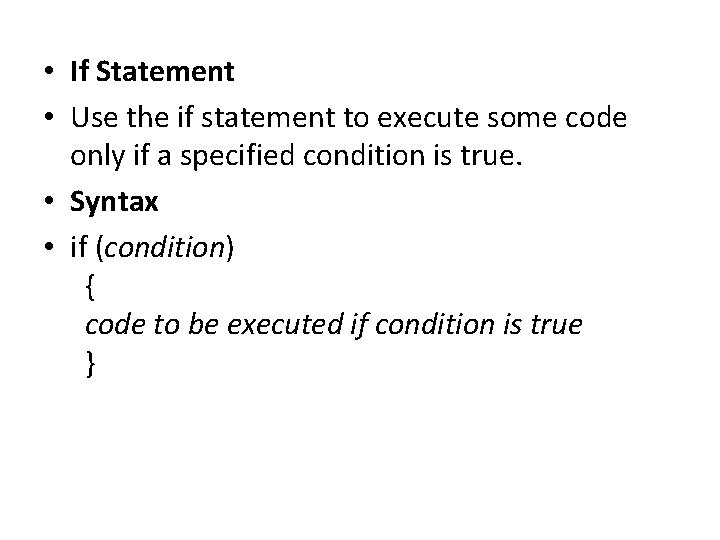
• If Statement • Use the if statement to execute some code only if a specified condition is true. • Syntax • if (condition) { code to be executed if condition is true }
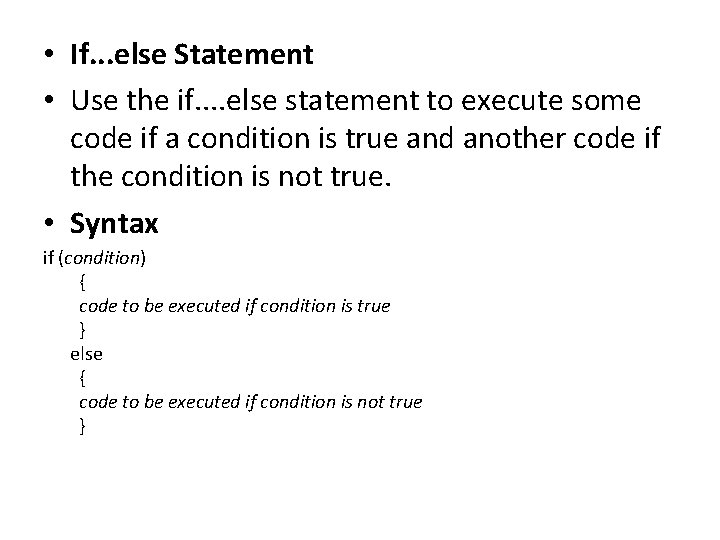
• If. . . else Statement • Use the if. . else statement to execute some code if a condition is true and another code if the condition is not true. • Syntax if (condition) { code to be executed if condition is true } else { code to be executed if condition is not true }
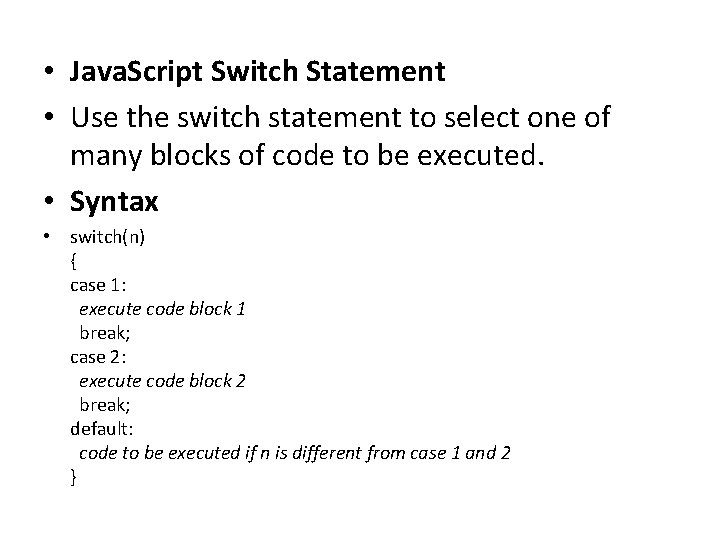
• Java. Script Switch Statement • Use the switch statement to select one of many blocks of code to be executed. • Syntax • switch(n) { case 1: execute code block 1 break; case 2: execute code block 2 break; default: code to be executed if n is different from case 1 and 2 }
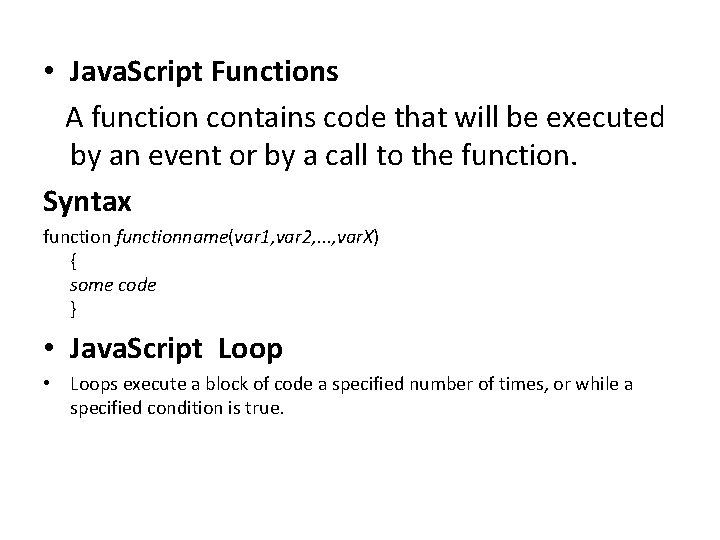
• Java. Script Functions A function contains code that will be executed by an event or by a call to the function. Syntax functionname(var 1, var 2, . . . , var. X) { some code } • Java. Script Loop • Loops execute a block of code a specified number of times, or while a specified condition is true.
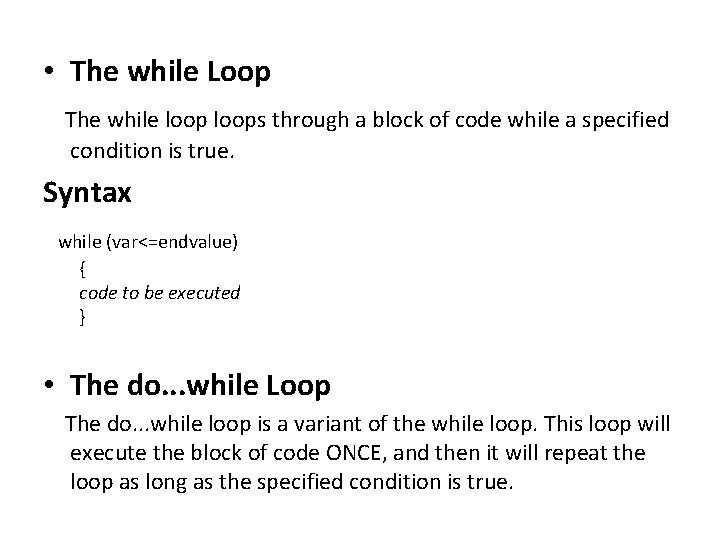
• The while Loop The while loops through a block of code while a specified condition is true. Syntax while (var<=endvalue) { code to be executed } • The do. . . while Loop The do. . . while loop is a variant of the while loop. This loop will execute the block of code ONCE, and then it will repeat the loop as long as the specified condition is true.
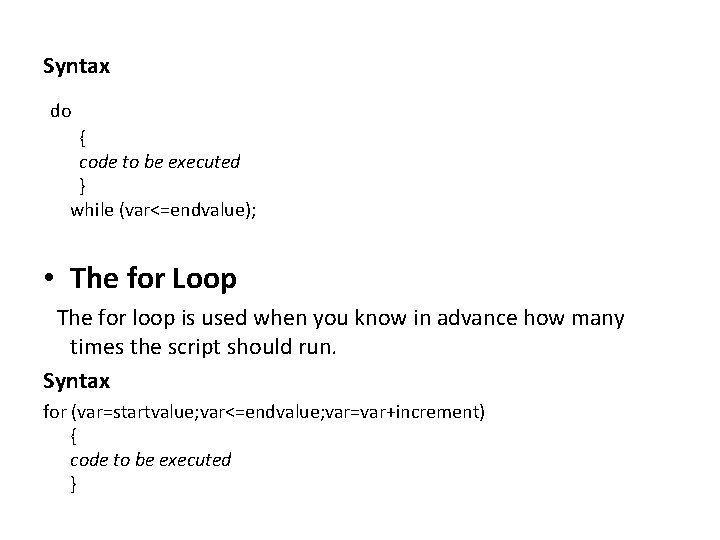
Syntax do { code to be executed } while (var<=endvalue); • The for Loop The for loop is used when you know in advance how many times the script should run. Syntax for (var=startvalue; var<=endvalue; var=var+increment) { code to be executed }
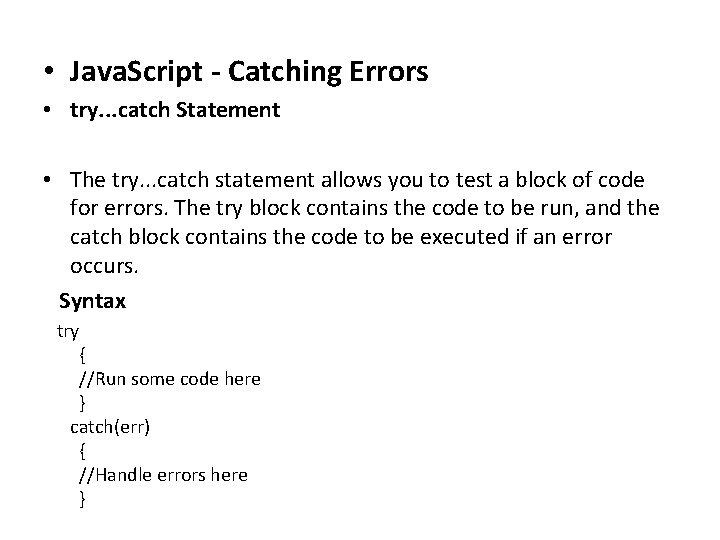
• Java. Script - Catching Errors • try. . . catch Statement • The try. . . catch statement allows you to test a block of code for errors. The try block contains the code to be run, and the catch block contains the code to be executed if an error occurs. Syntax try { //Run some code here } catch(err) { //Handle errors here }
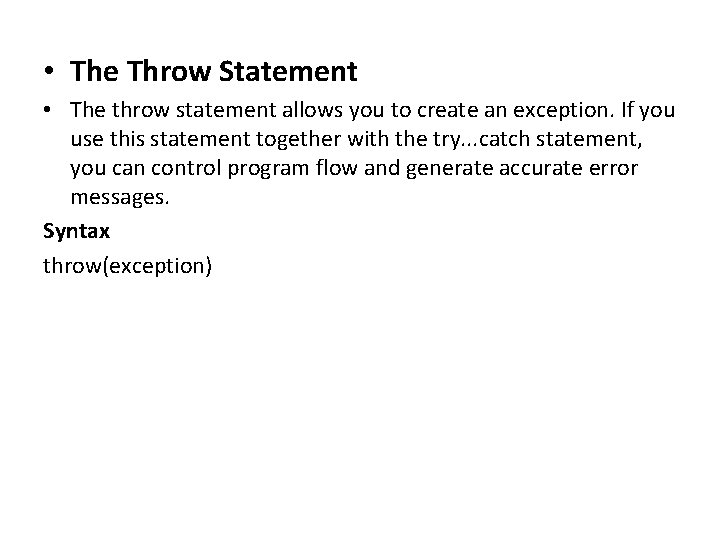
• The Throw Statement • The throw statement allows you to create an exception. If you use this statement together with the try. . . catch statement, you can control program flow and generate accurate error messages. Syntax throw(exception)
XML
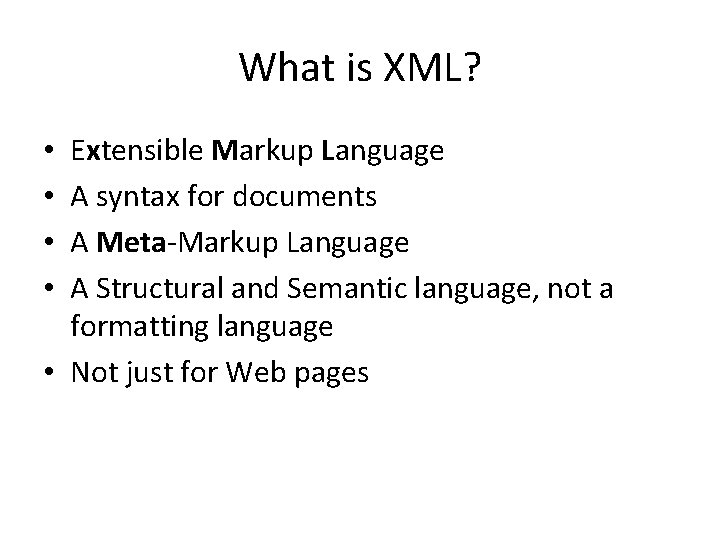
What is XML? Extensible Markup Language A syntax for documents A Meta-Markup Language A Structural and Semantic language, not a formatting language • Not just for Web pages • •
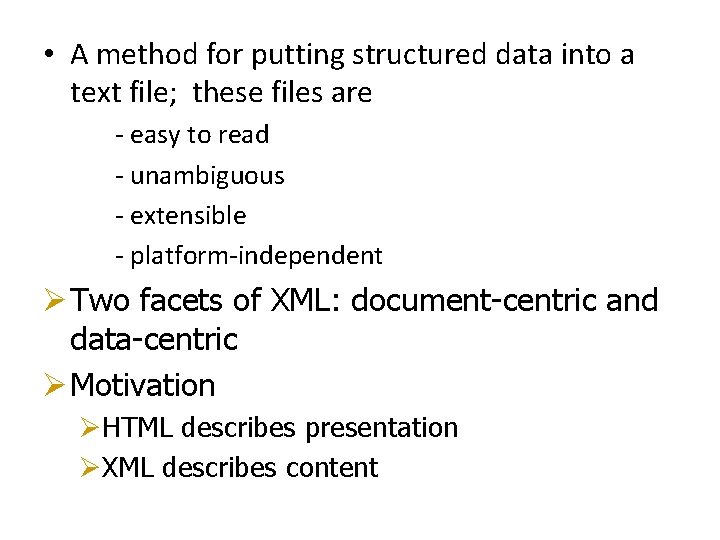
• A method for putting structured data into a text file; these files are - easy to read - unambiguous - extensible - platform-independent Ø Two facets of XML: document-centric and data-centric Ø Motivation ØHTML describes presentation ØXML describes content
Ø User defined tags to markup “content” Ø Text based format. Ø Ideal as “Data Interchange” format. Ø Key technology for “distributed” applications. Ø All major database products have been retrofitted with facilities to store and construct XML documents. Ø XML is closely related to object-oriented and so-called semi-structured data.
XML Facts • a simplified form of SGML (Standard Generalized Markup Language) • primarily created by Jon Bosak of Sun Microsystems • important because it removes two constraints which were holding back Web developments: 1. dependence on a single, inflexible document type (HTML); 2. the complexity of full SGML, whose syntax allows many powerful but hard-to-program options
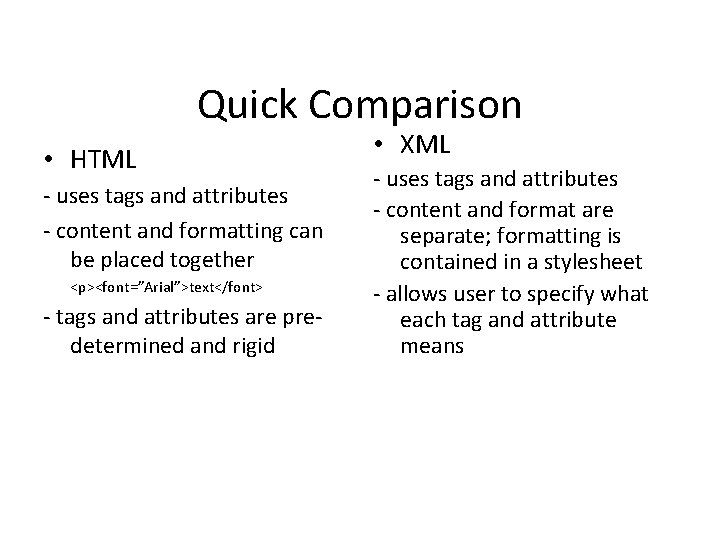
Quick Comparison • HTML - uses tags and attributes - content and formatting can be placed together <p><font=”Arial”>text</font> - tags and attributes are predetermined and rigid • XML - uses tags and attributes - content and format are separate; formatting is contained in a stylesheet - allows user to specify what each tag and attribute means
The pieces • there are 3 components for XML content: - the XML document - DTD (Document Type Declaration) - XSL (Extensible Stylesheet Language) • The DTD and XSL do not need to be present in all cases
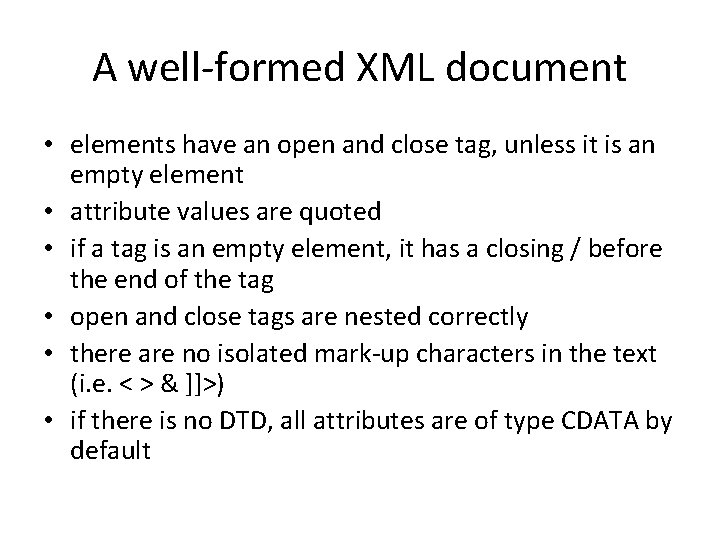
A well-formed XML document • elements have an open and close tag, unless it is an empty element • attribute values are quoted • if a tag is an empty element, it has a closing / before the end of the tag • open and close tags are nested correctly • there are no isolated mark-up characters in the text (i. e. < > & ]]>) • if there is no DTD, all attributes are of type CDATA by default
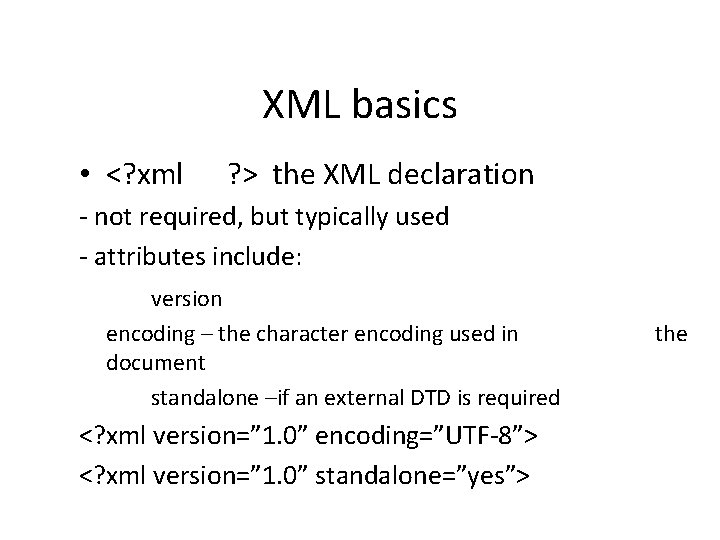
XML basics • <? xml ? > the XML declaration - not required, but typically used - attributes include: version encoding – the character encoding used in document standalone –if an external DTD is required <? xml version=” 1. 0” encoding=”UTF-8”> <? xml version=” 1. 0” standalone=”yes”> the
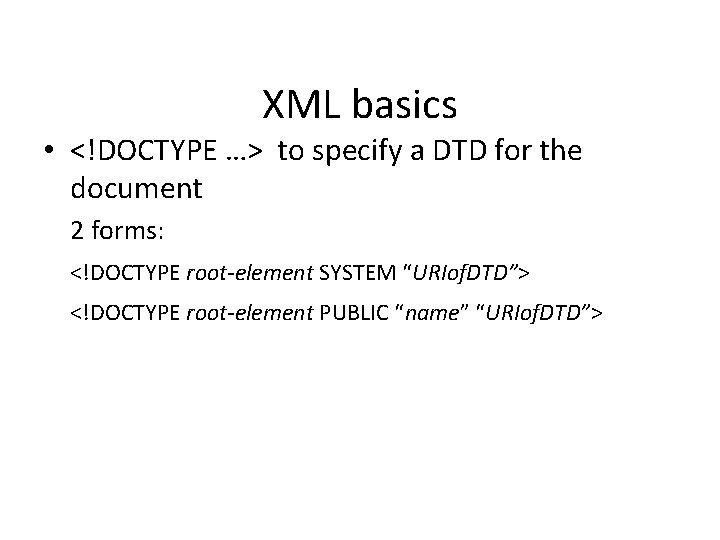
XML basics • <!DOCTYPE …> to specify a DTD for the document 2 forms: <!DOCTYPE root-element SYSTEM “URIof. DTD”> <!DOCTYPE root-element PUBLIC “name” “URIof. DTD”>
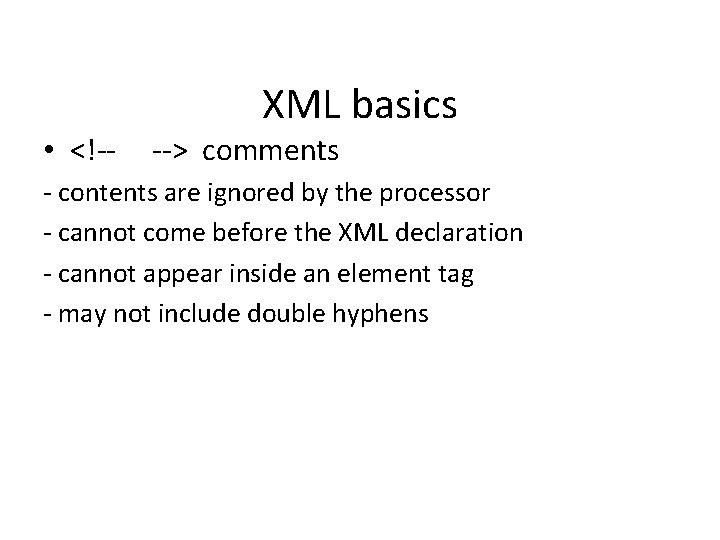
• <!-- XML basics --> comments - contents are ignored by the processor - cannot come before the XML declaration - cannot appear inside an element tag - may not include double hyphens
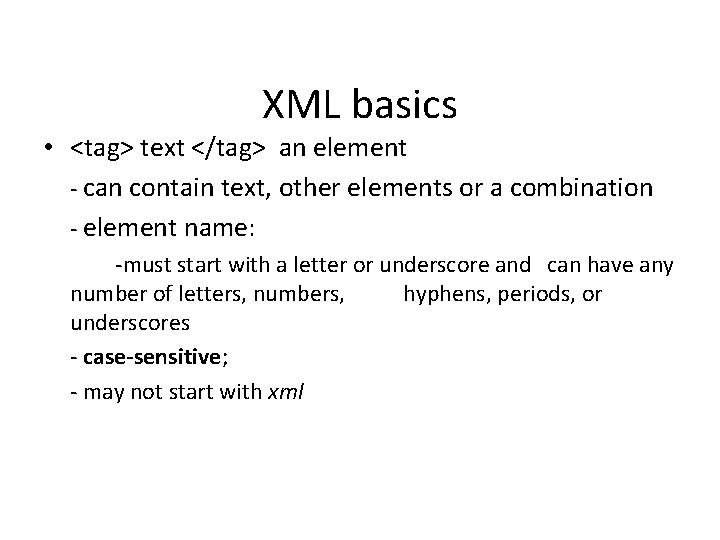
XML basics • <tag> text </tag> an element - can contain text, other elements or a combination - element name: -must start with a letter or underscore and can have any number of letters, numbers, hyphens, periods, or underscores - case-sensitive; - may not start with xml
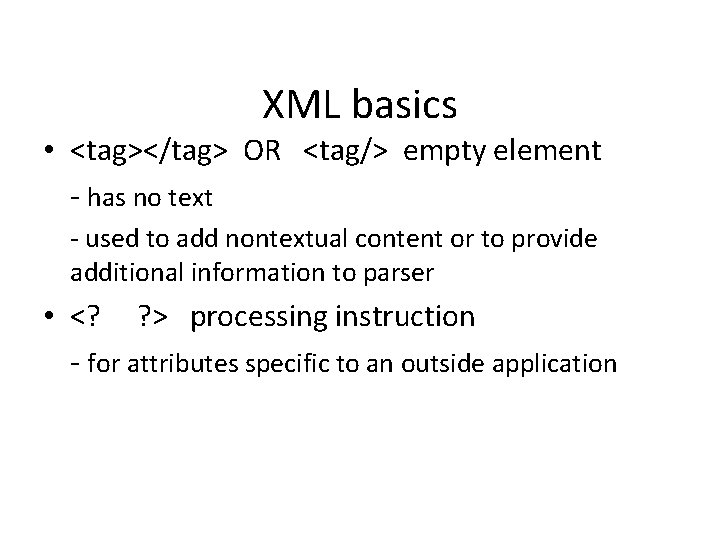
XML basics • <tag></tag> OR <tag/> empty element - has no text - used to add nontextual content or to provide additional information to parser • <? ? > processing instruction - for attributes specific to an outside application
XML basics • <![CDATA[ ]]> - to define special sections of character data which the processor does not interpret as markup - anything inside is treated as plain text
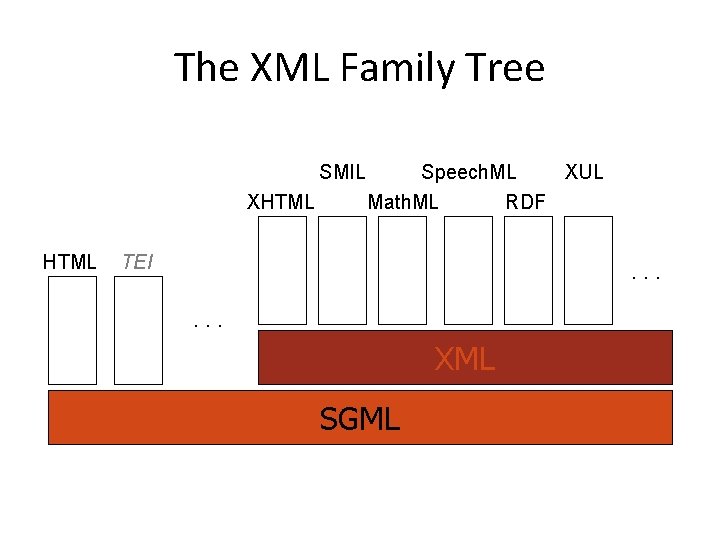
The XML Family Tree SMIL XHTML Speech. ML XUL Math. ML RDF TEI . . . XML SGML
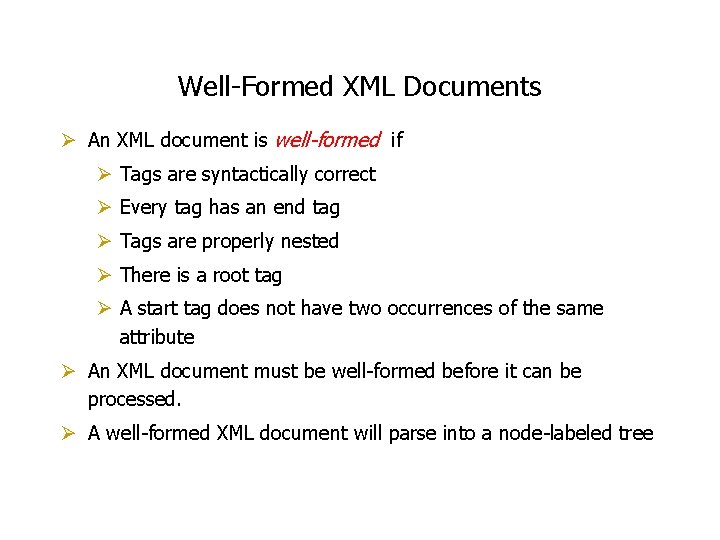
Well-Formed XML Documents Ø An XML document is well-formed if Ø Tags are syntactically correct Ø Every tag has an end tag Ø Tags are properly nested Ø There is a root tag Ø A start tag does not have two occurrences of the same attribute Ø An XML document must be well-formed before it can be processed. Ø A well-formed XML document will parse into a node-labeled tree
DTDs and Validity • A Document Type Definition describes the elements and attributes that may appear in a document • Validation compares a particular document against a DTD • Well-formedness is a prerequisite for validity
What is a DTD? • a list of the elements, tags, attributes, and entities contained in a document, and their relationship to each other • internal vs. external DTDs
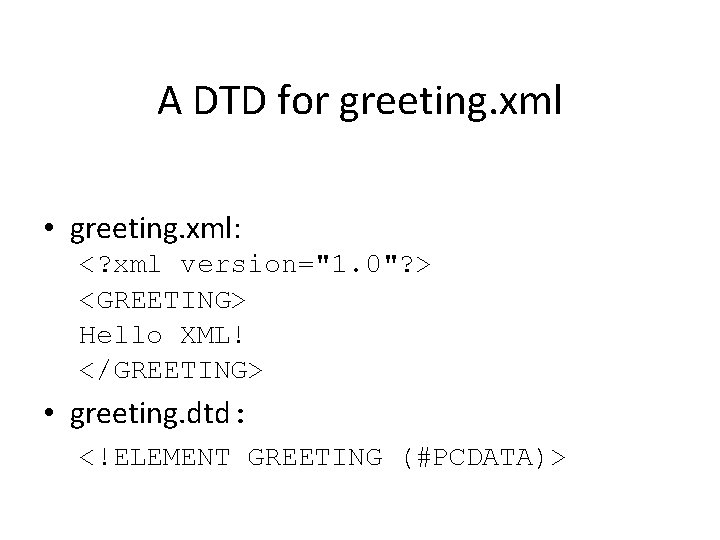
A DTD for greeting. xml • greeting. xml: <? xml version="1. 0"? > <GREETING> Hello XML! </GREETING> • greeting. dtd: <!ELEMENT GREETING (#PCDATA)>
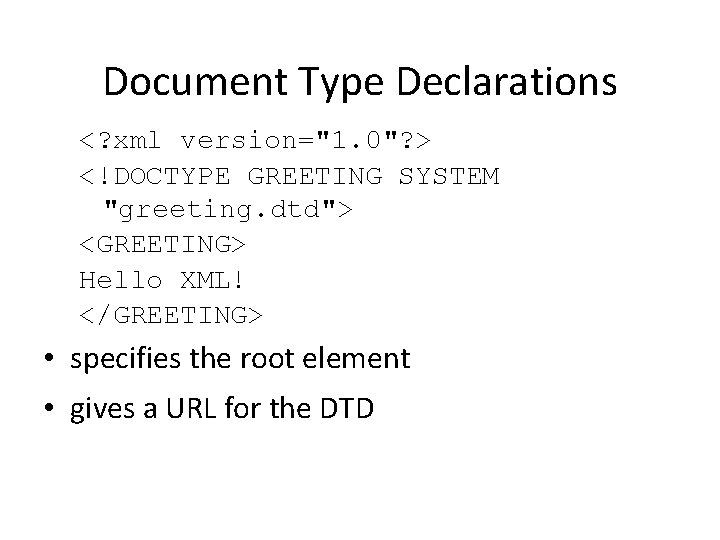
Document Type Declarations <? xml version="1. 0"? > <!DOCTYPE GREETING SYSTEM "greeting. dtd"> <GREETING> Hello XML! </GREETING> • specifies the root element • gives a URL for the DTD
Element Declarations • Each tag must be declared in a <!ELEMENT> declaration. • A <!ELEMENT> declaration gives the name and content model of the element • The content model uses a simple regular expression-like grammar to precisely specify what is and isn't allowed in an element
Content Specifications • • ANY #PCDATA Sequences Choices Mixed Content Modifiers Empty
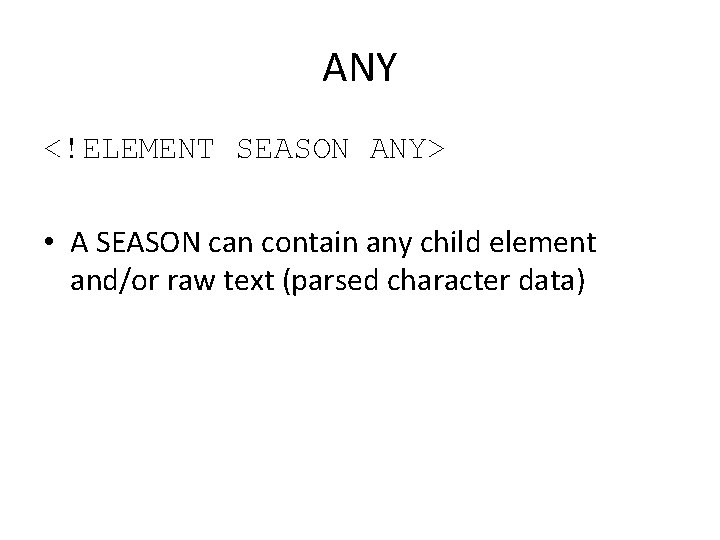
ANY <!ELEMENT SEASON ANY> • A SEASON can contain any child element and/or raw text (parsed character data)
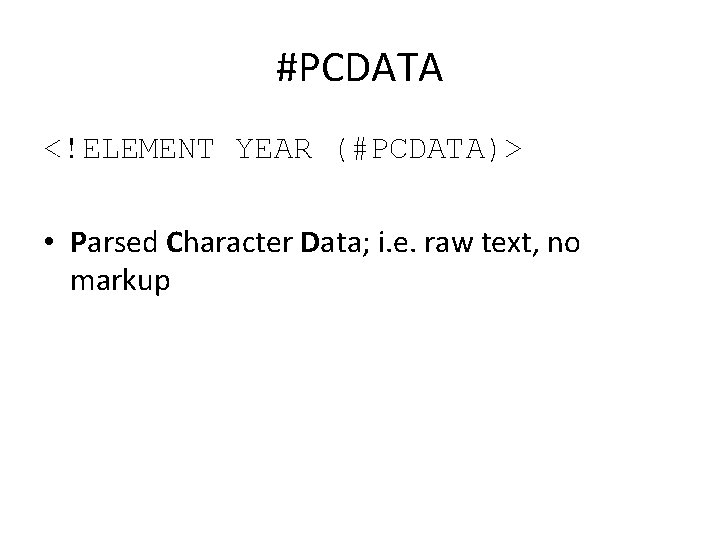
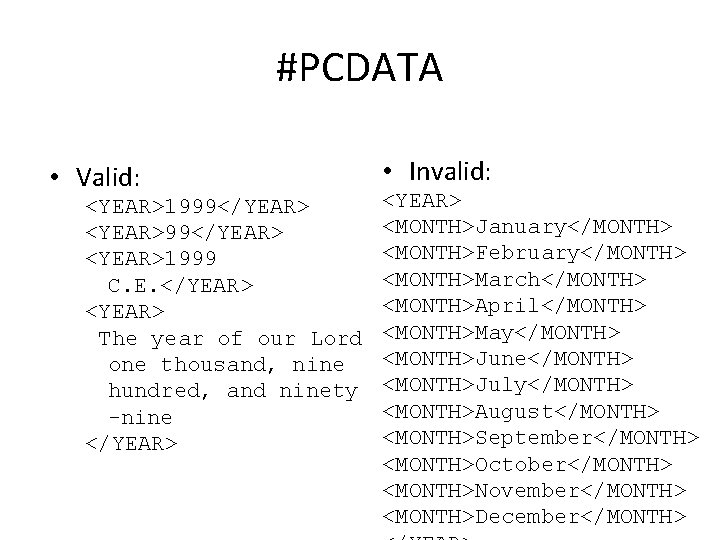
#PCDATA <!ELEMENT YEAR (#PCDATA)> • Parsed Character Data; i. e. raw text, no markup
#PCDATA • Valid: <YEAR>1999</YEAR> <YEAR>1999 C. E. </YEAR> <YEAR> The year of our Lord one thousand, nine hundred, and ninety -nine </YEAR> • Invalid: <YEAR> <MONTH>January</MONTH> <MONTH>February</MONTH> <MONTH>March</MONTH> <MONTH>April</MONTH> <MONTH>May</MONTH> <MONTH>June</MONTH> <MONTH>July</MONTH> <MONTH>August</MONTH> <MONTH>September</MONTH> <MONTH>October</MONTH> <MONTH>November</MONTH> <MONTH>December</MONTH>
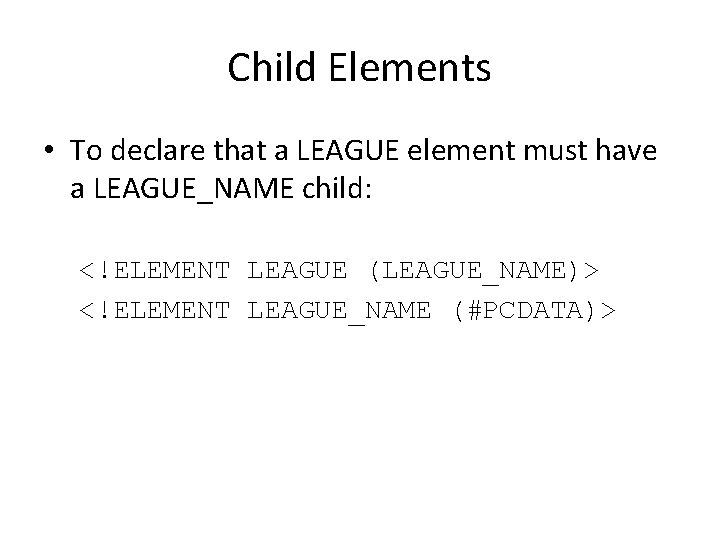
Child Elements • To declare that a LEAGUE element must have a LEAGUE_NAME child: <!ELEMENT LEAGUE (LEAGUE_NAME)> <!ELEMENT LEAGUE_NAME (#PCDATA)>
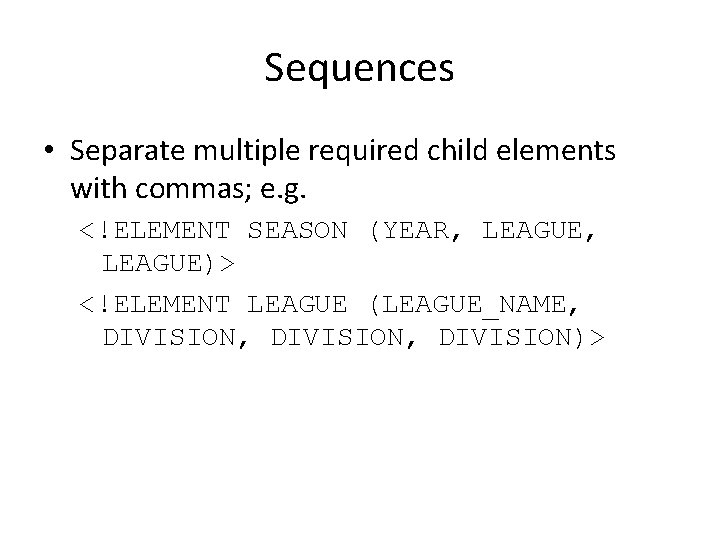
Sequences • Separate multiple required child elements with commas; e. g. <!ELEMENT SEASON (YEAR, LEAGUE)> <!ELEMENT LEAGUE (LEAGUE_NAME, DIVISION, DIVISION)>
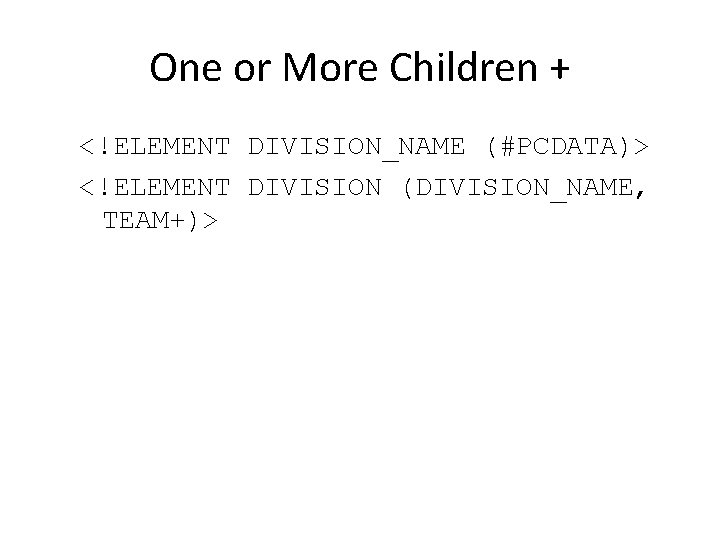
One or More Children + <!ELEMENT DIVISION_NAME (#PCDATA)> <!ELEMENT DIVISION (DIVISION_NAME, TEAM+)>
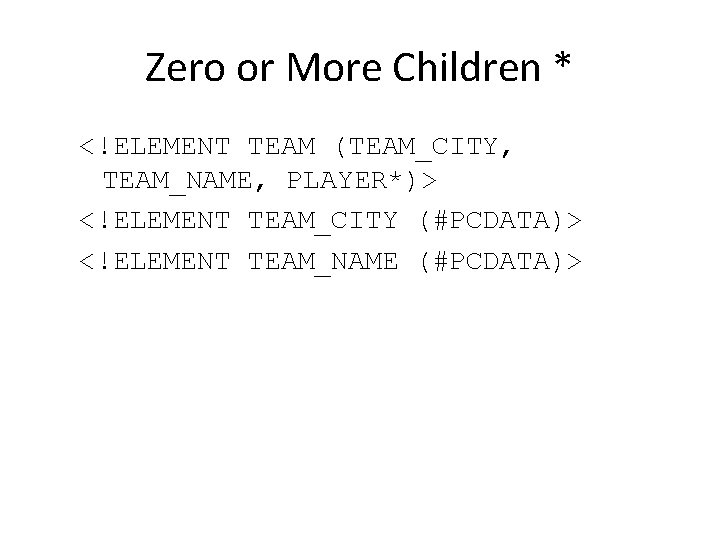
Zero or More Children * <!ELEMENT TEAM (TEAM_CITY, TEAM_NAME, PLAYER*)> <!ELEMENT TEAM_CITY (#PCDATA)> <!ELEMENT TEAM_NAME (#PCDATA)>
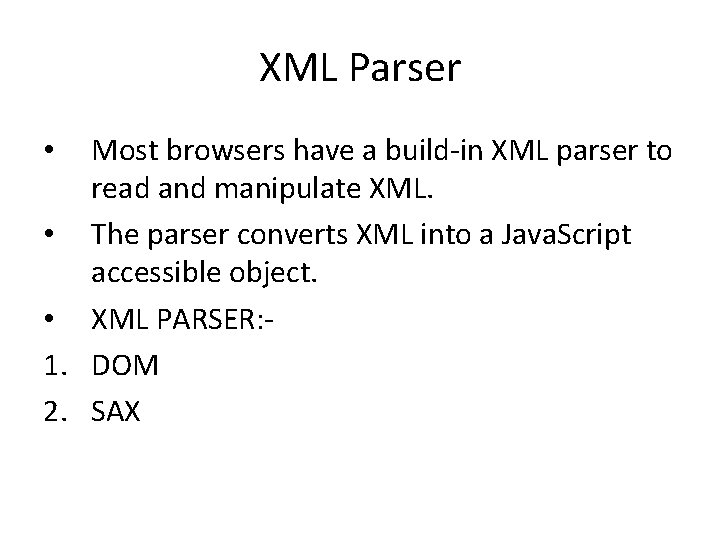
XML Parser Most browsers have a build-in XML parser to read and manipulate XML. • The parser converts XML into a Java. Script accessible object. • XML PARSER: 1. DOM 2. SAX •
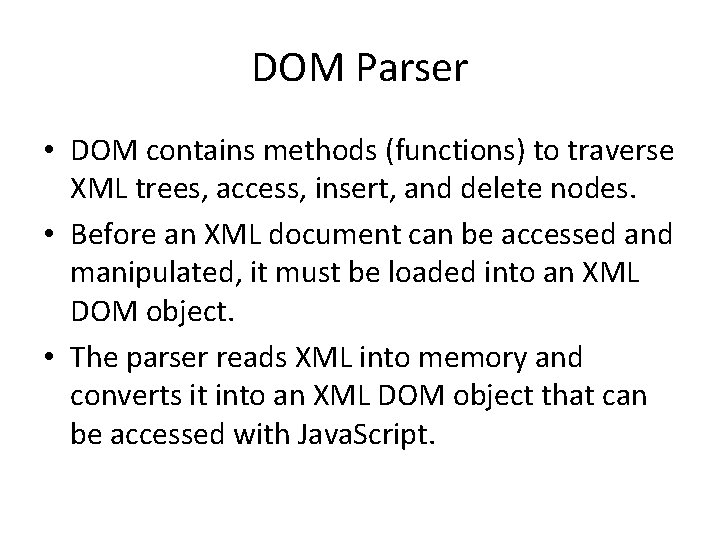
DOM Parser • DOM contains methods (functions) to traverse XML trees, access, insert, and delete nodes. • Before an XML document can be accessed and manipulated, it must be loaded into an XML DOM object. • The parser reads XML into memory and converts it into an XML DOM object that can be accessed with Java. Script.
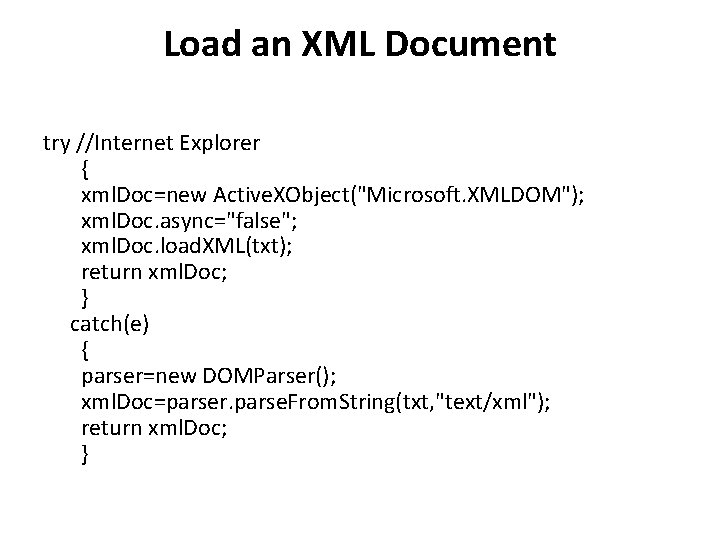
Load an XML Document try //Internet Explorer { xml. Doc=new Active. XObject("Microsoft. XMLDOM"); xml. Doc. async="false"; xml. Doc. load. XML(txt); return xml. Doc; } catch(e) { parser=new DOMParser(); xml. Doc=parser. parse. From. String(txt, "text/xml"); return xml. Doc; }
SAX Parser • SAX (Simple API for XML) is a serial access parser API for XML. • SAX provides a mechanism for reading data from an XML document.
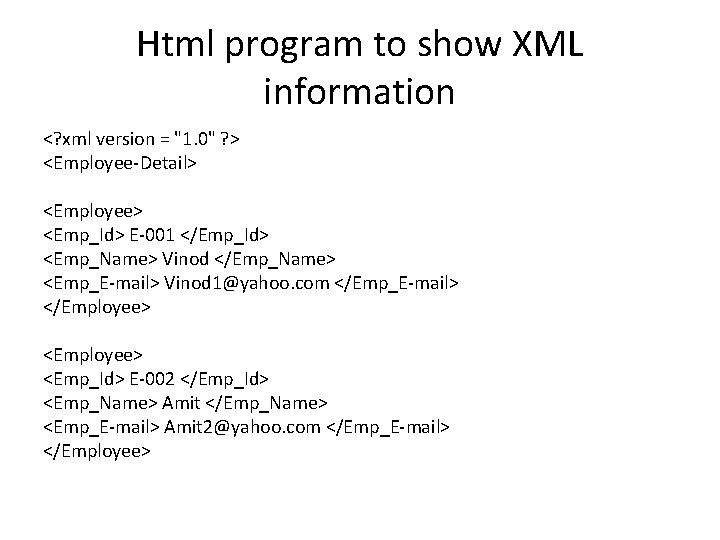
Html program to show XML information <? xml version = "1. 0" ? > <Employee-Detail> <Employee> <Emp_Id> E-001 </Emp_Id> <Emp_Name> Vinod </Emp_Name> <Emp_E-mail> Vinod 1@yahoo. com </Emp_E-mail> </Employee> <Emp_Id> E-002 </Emp_Id> <Emp_Name> Amit </Emp_Name> <Emp_E-mail> Amit 2@yahoo. com </Emp_E-mail> </Employee>
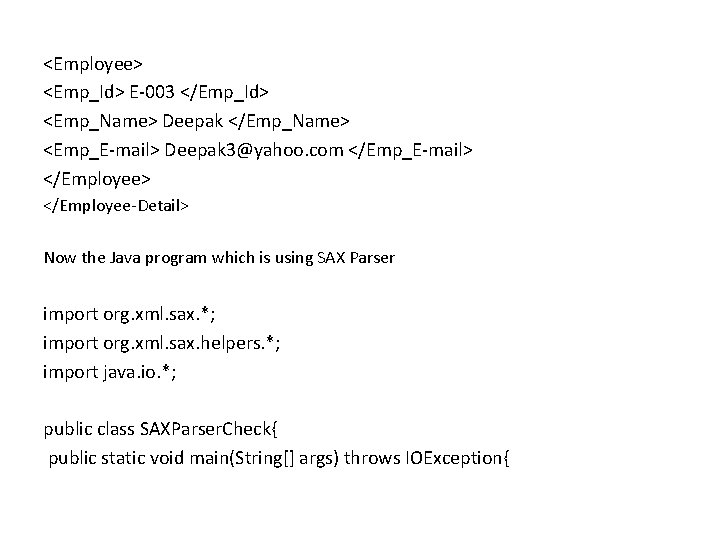
<Employee> <Emp_Id> E-003 </Emp_Id> <Emp_Name> Deepak </Emp_Name> <Emp_E-mail> Deepak 3@yahoo. com </Emp_E-mail> </Employee-Detail> Now the Java program which is using SAX Parser import org. xml. sax. *; import org. xml. sax. helpers. *; import java. io. *; public class SAXParser. Check{ public static void main(String[] args) throws IOException{
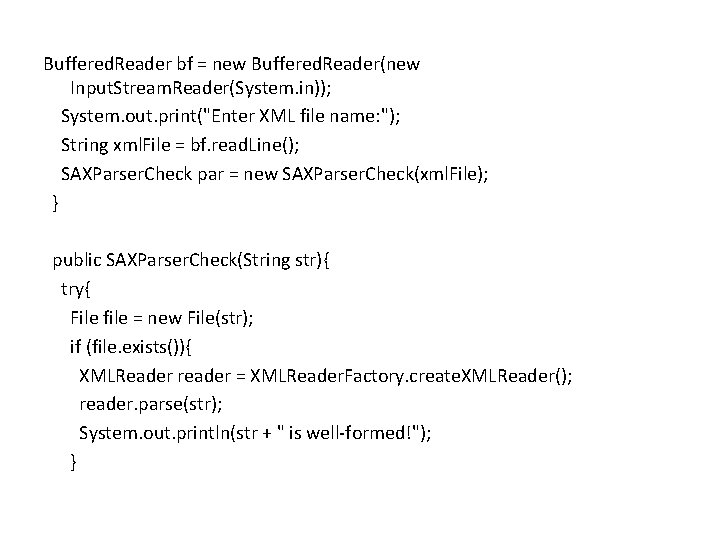
Buffered. Reader bf = new Buffered. Reader(new Input. Stream. Reader(System. in)); System. out. print("Enter XML file name: "); String xml. File = bf. read. Line(); SAXParser. Check par = new SAXParser. Check(xml. File); } public SAXParser. Check(String str){ try{ File file = new File(str); if (file. exists()){ XMLReader reader = XMLReader. Factory. create. XMLReader(); reader. parse(str); System. out. println(str + " is well-formed!"); }
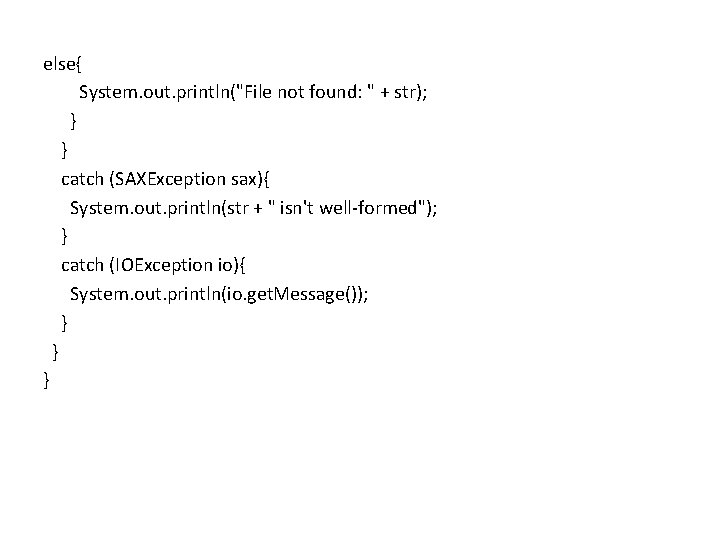
else{ System. out. println("File not found: " + str); } } catch (SAXException sax){ System. out. println(str + " isn't well-formed"); } catch (IOException io){ System. out. println(io. get. Message()); } } }
THANK YOU (End of Unit –II)