
HTML BOOT CAMP Chapter 3 Anatomy of an
HTML BOOT CAMP Chapter 3: Anatomy of an HTML Document Kirkwood Continuing Education © Copyright 2016, Fred Mc. Clurg All Rights Reserved
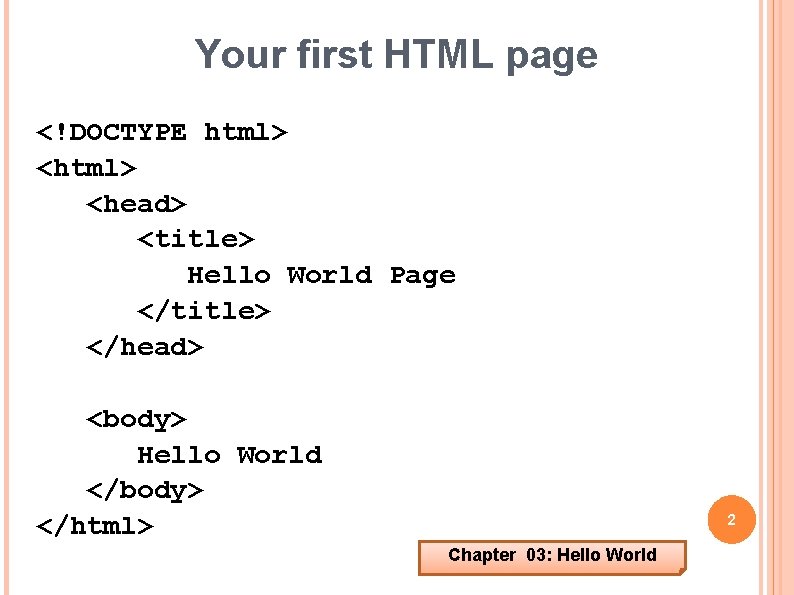
Your first HTML page <!DOCTYPE html> <head> <title> Hello World Page </title> </head> <body> Hello World </body> </html> 2 Chapter 03: Hello World
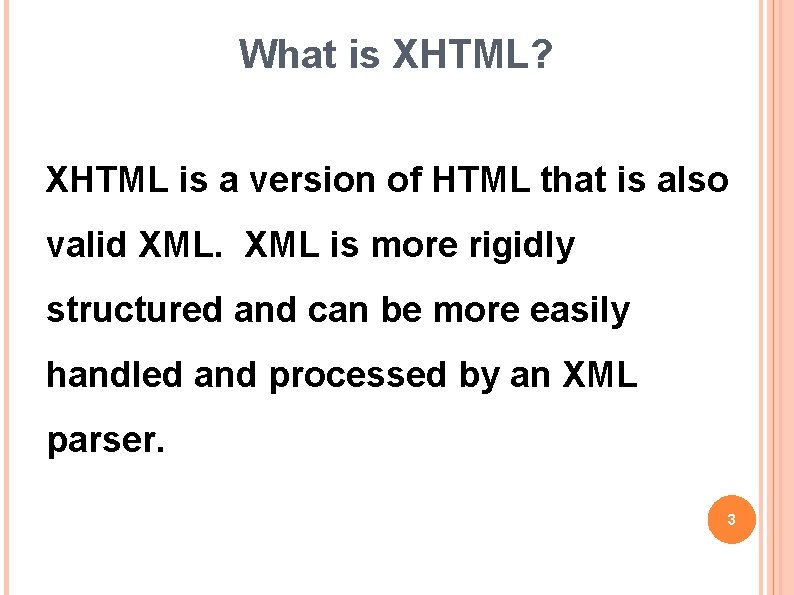
What is XHTML? XHTML is a version of HTML that is also valid XML is more rigidly structured and can be more easily handled and processed by an XML parser. 3
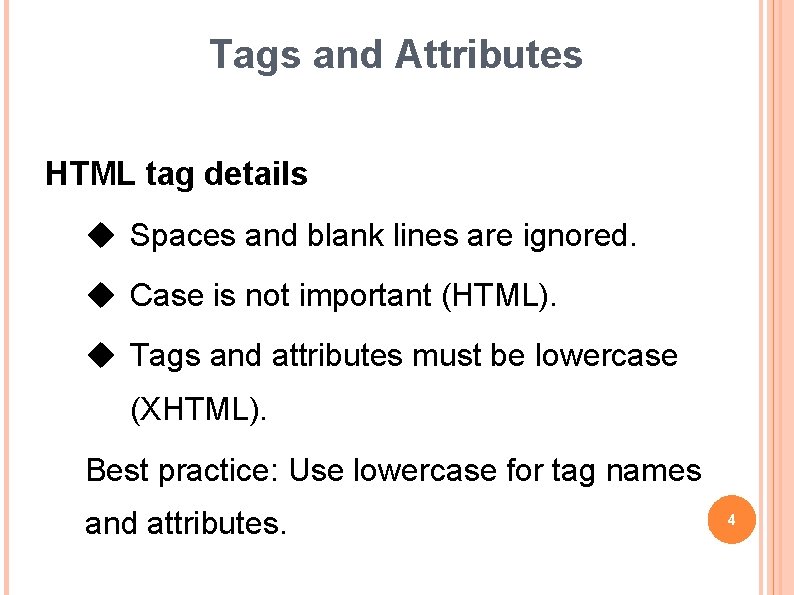
Tags and Attributes HTML tag details Spaces and blank lines are ignored. Case is not important (HTML). Tags and attributes must be lowercase (XHTML). Best practice: Use lowercase for tag names and attributes. 4
Local Attributes Local attributes are specific and often unique to one element type and few or none others. Example: <input readonly> 5
Global Attributes Global attributes are available to all element types. Example: <div style="color: gray; "> And that destination for which we should strive is one of a successful life not necessarily a life of success. -- Andy Andrews </div> 6
HTML Syntax Starting tag: <tag. Name> Ending tag: </tag. Name> Example: <strong> Bold Font </strong> <strong> More Bold Font </strong> 7
Void Elements HTML ending tags are encouraged. XHTML ending tags are required. <tag. Name /> Examples: <hr /> 8
Self Closing Tags (XHTML) More tags without ending tags: <img /> <input /> <link /> <meta /> 9
Omitting Ending Tags The browser often does not complain regarding missing ending tags. The HTML standard let’s you omit certain tags. Browsers make good “guesses” using the surrounding context and often do the right thing. (e. g. <p>, <li>) Best Practice: Don’t omit ending tags. Ending tags may improve browser compatibility. 10 Ending tags are required for HTML validation.
Redundant or Ignored Tags Redundant Tags: Tags whose effects cancel themselves. <p> Ignored Tags: Tags that are not recognized by the browser. <xyz> <abc> 11
Advice vs. Control Tags do not precisely control how the browser displays the document. They are merely suggestions. Best Practice: Concentrate on the content of the page not the appearance. 12
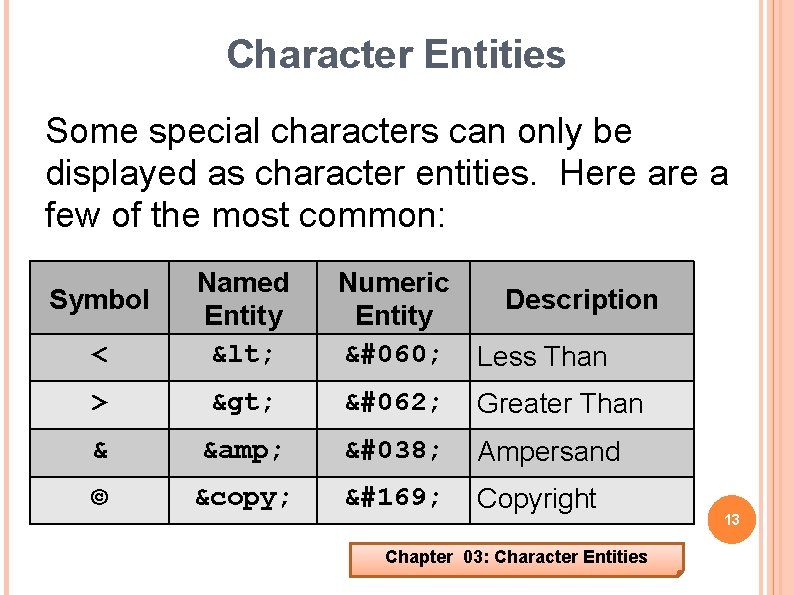
Character Entities Some special characters can only be displayed as character entities. Here a few of the most common: < Named Entity < > > > Greater Than & & & Ampersand © © © Copyright Symbol Numeric Description Entity < Less Than Chapter 03: Character Entities 13
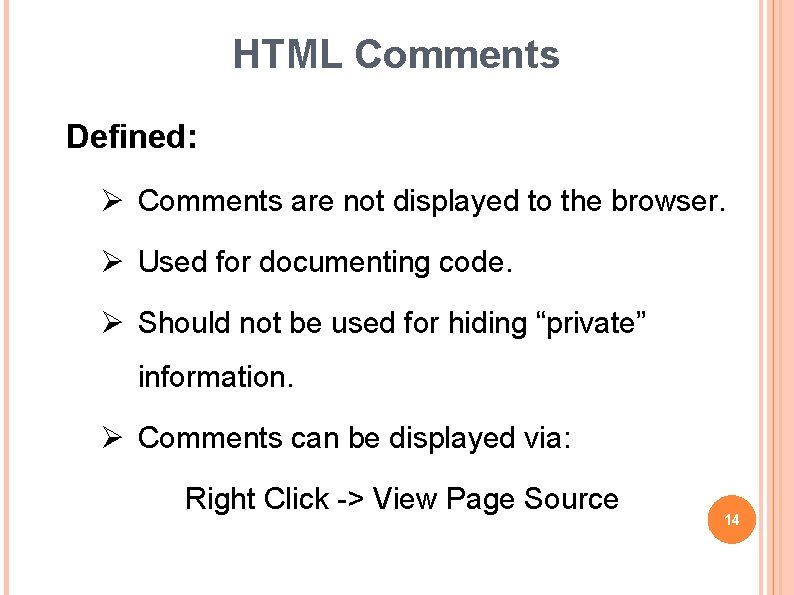
HTML Comments Defined: Ø Comments are not displayed to the browser. Ø Used for documenting code. Ø Should not be used for hiding “private” information. Ø Comments can be displayed via: Right Click -> View Page Source 14
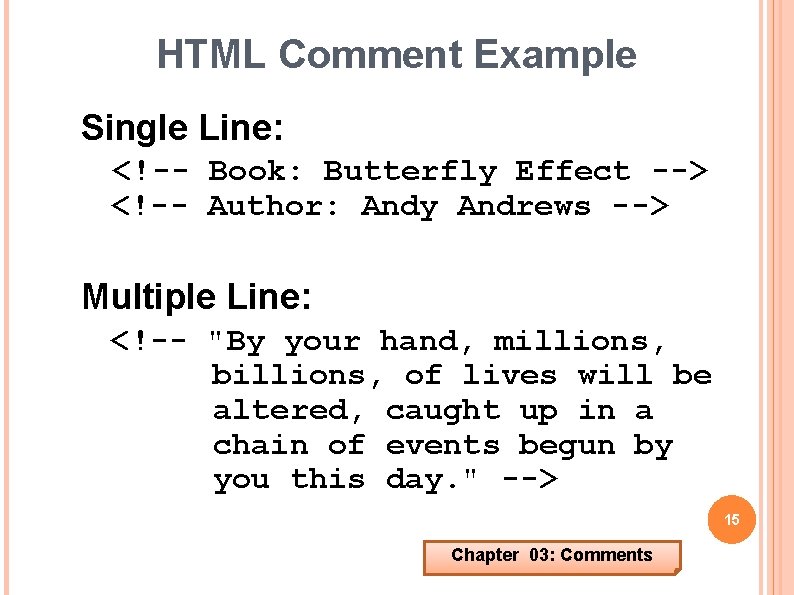
HTML Comment Example Single Line: <!-- Book: Butterfly Effect --> <!-- Author: Andy Andrews --> Multiple Line: <!-- "By your hand, millions, billions, of lives will be altered, caught up in a chain of events begun by you this day. " --> 15 Chapter 03: Comments
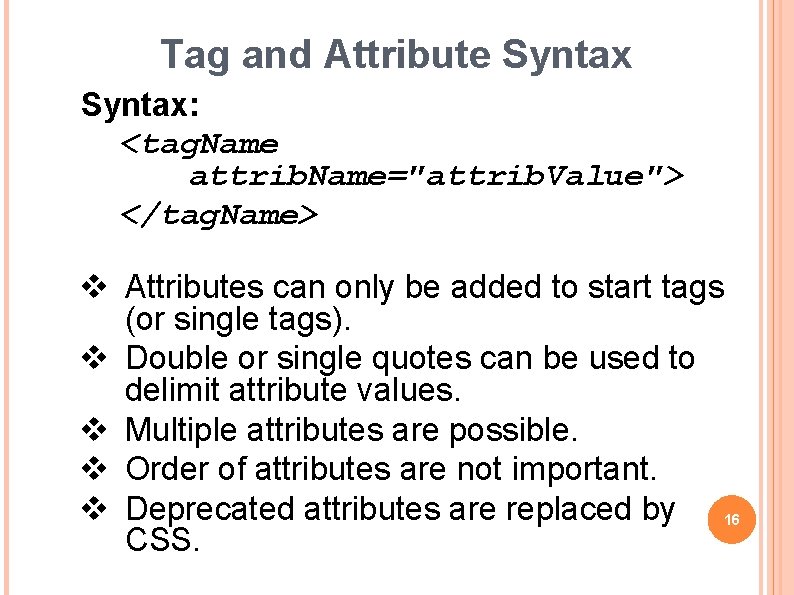
Tag and Attribute Syntax: <tag. Name attrib. Name="attrib. Value"> </tag. Name> v Attributes can only be added to start tags (or single tags). v Double or single quotes can be used to delimit attribute values. v Multiple attributes are possible. v Order of attributes are not important. v Deprecated attributes are replaced by 16 CSS.
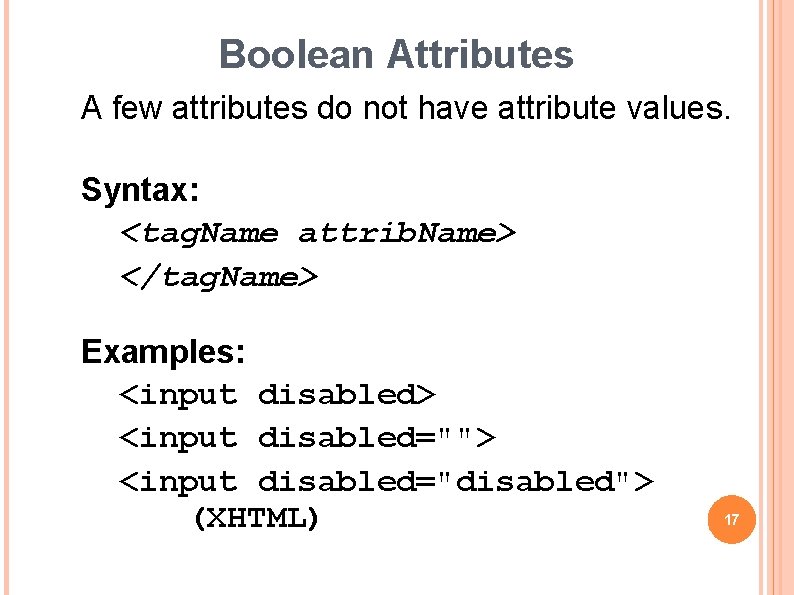
Boolean Attributes A few attributes do not have attribute values. Syntax: <tag. Name attrib. Name> </tag. Name> Examples: <input disabled> <input disabled=""> <input disabled="disabled"> (XHTML) 17
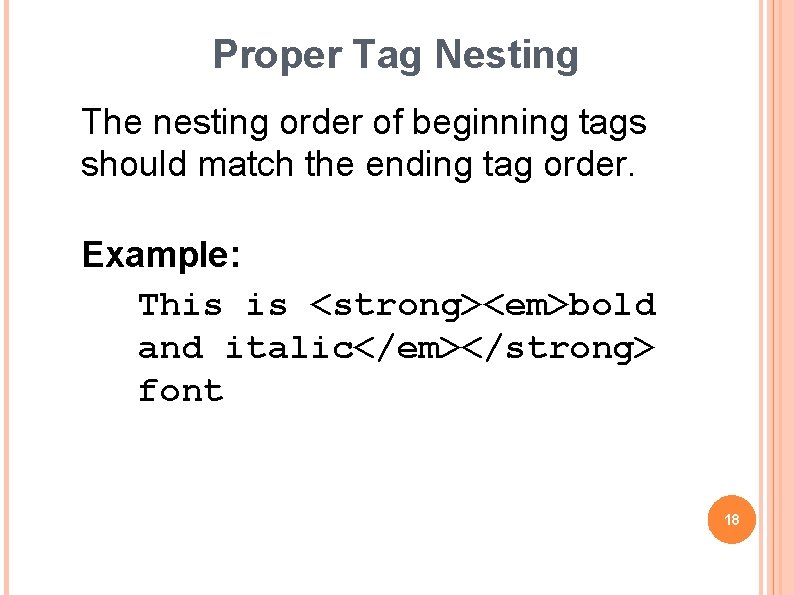
Proper Tag Nesting The nesting order of beginning tags should match the ending tag order. Example: This is <strong><em>bold and italic</em></strong> font 18
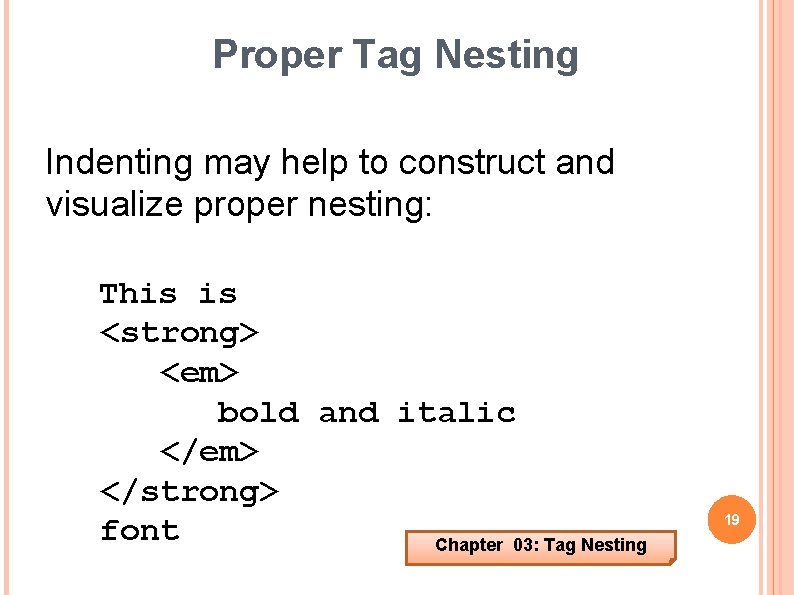
Proper Tag Nesting Indenting may help to construct and visualize proper nesting: This is <strong> <em> bold and italic </em> </strong> font Chapter 03: Tag Nesting 19
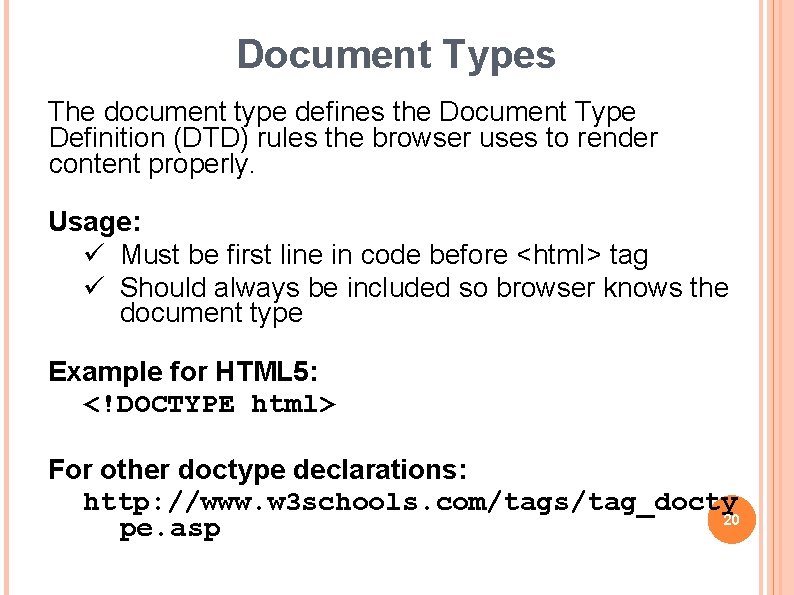
Document Types The document type defines the Document Type Definition (DTD) rules the browser uses to render content properly. Usage: ü Must be first line in code before <html> tag ü Should always be included so browser knows the document type Example for HTML 5: <!DOCTYPE html> For other doctype declarations: http: //www. w 3 schools. com/tags/tag_docty 20 pe. asp
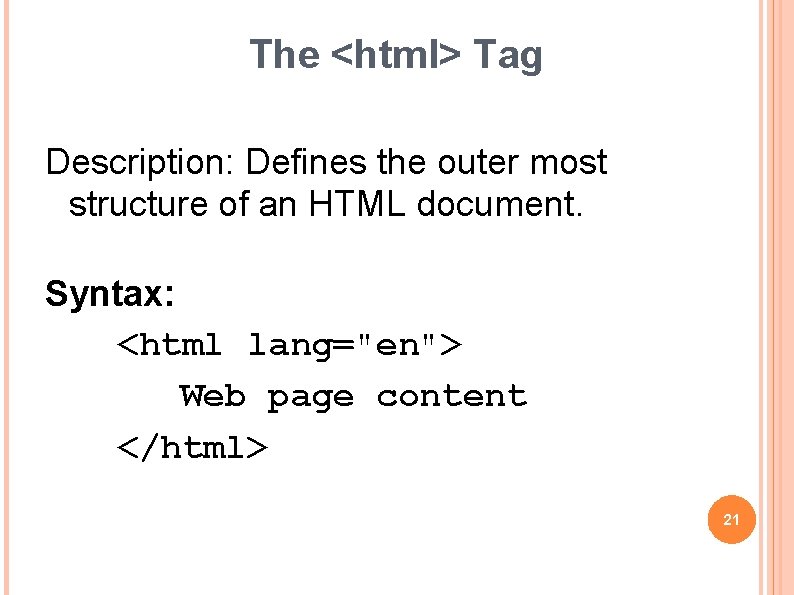
The <html> Tag Description: Defines the outer most structure of an HTML document. Syntax: <html lang="en"> Web page content </html> 21
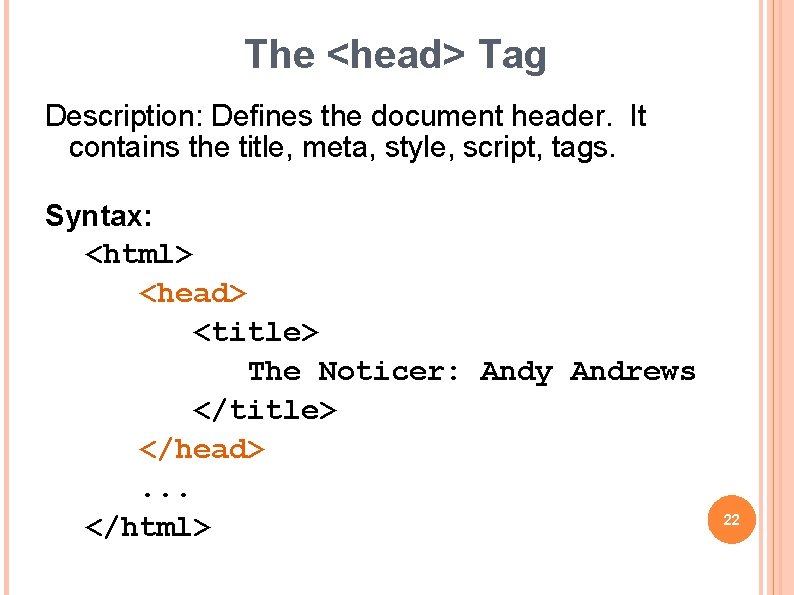
The <head> Tag Description: Defines the document header. It contains the title, meta, style, script, tags. Syntax: <html> <head> <title> The Noticer: Andy Andrews </title> </head>. . . </html> 22
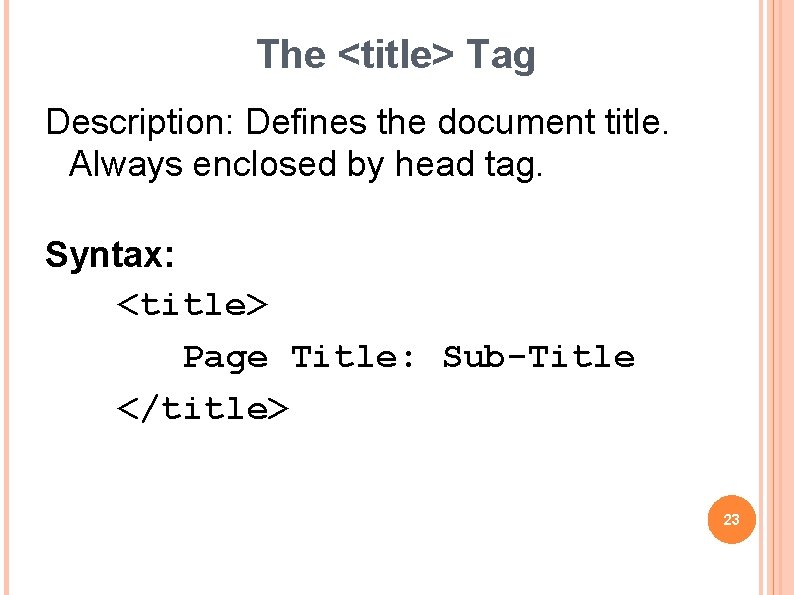
The <title> Tag Description: Defines the document title. Always enclosed by head tag. Syntax: <title> Page Title: Sub-Title </title> 23
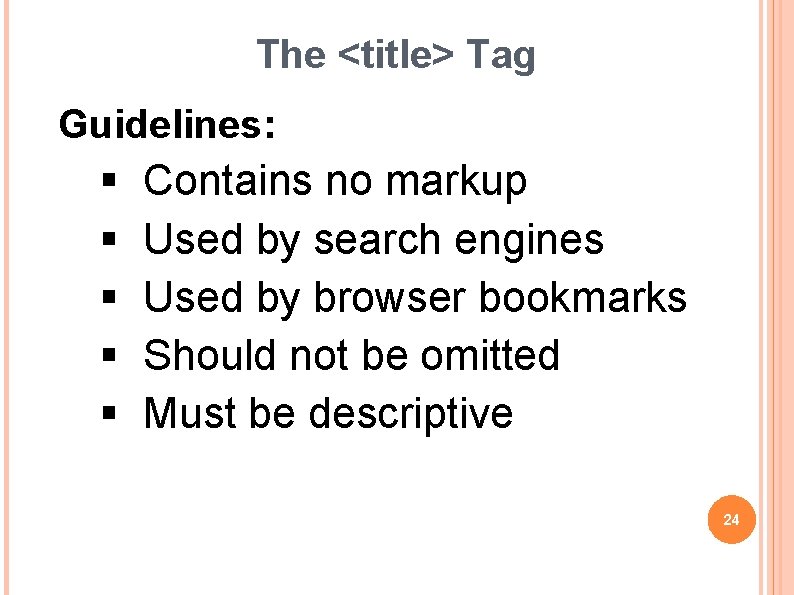
The <title> Tag Guidelines: § § § Contains no markup Used by search engines Used by browser bookmarks Should not be omitted Must be descriptive 24
The <title> Tag Avoid: v Home Page v Chapter 2 Better: v SURWP: Society for Under Represented Wealthy People v Chapter 2: Care and feeding of your sasquatch v HTML: Title Tag 25
Other <head> Tags Used to supply additional information regarding the document: <meta charset="UTF-8"> Defines a script that can be executed within the document: <script> Defines Cascading Style Sheet properties to control style characteristics: <style> 26
The <body> Tag Description: Defines the document content Syntax: <body> Page Content Here </body> 27
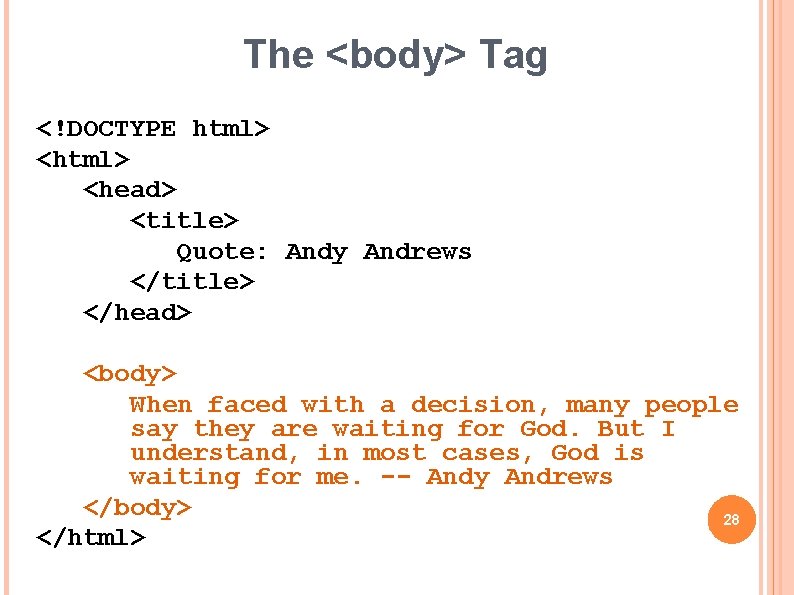
The <body> Tag <!DOCTYPE html> <head> <title> Quote: Andy Andrews </title> </head> <body> When faced with a decision, many people say they are waiting for God. But I understand, in most cases, God is waiting for me. -- Andy Andrews </body> 28 </html>
- Slides: 28