
HTML Basics III Tables and Containers Tables are
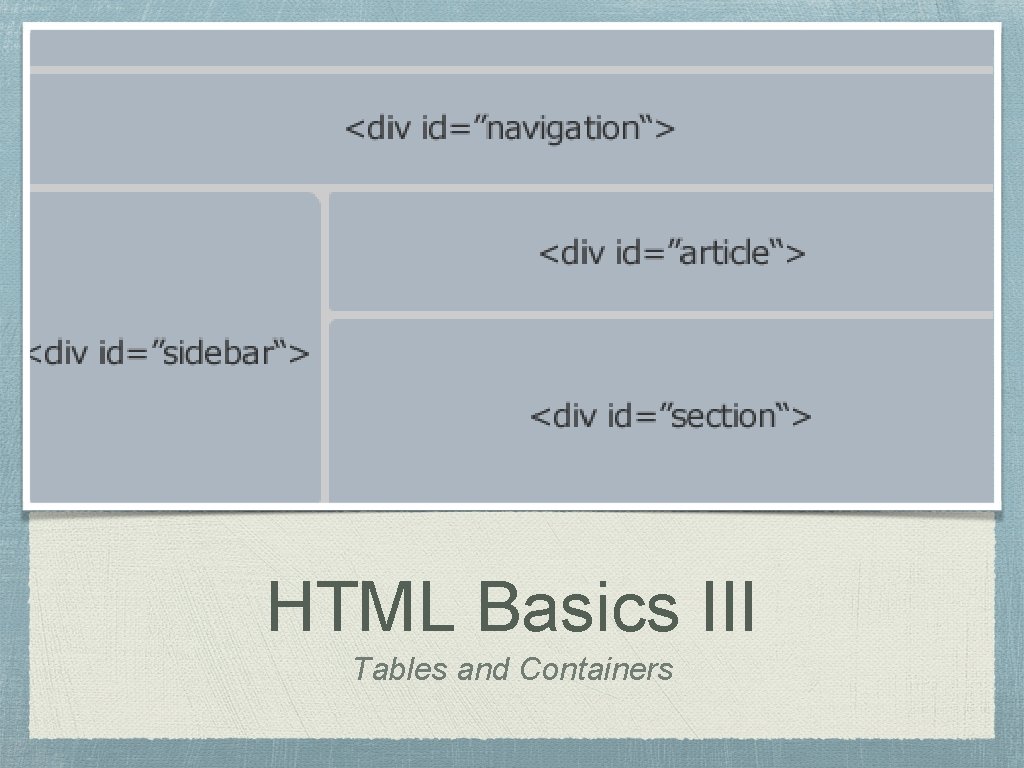
HTML Basics III Tables and Containers
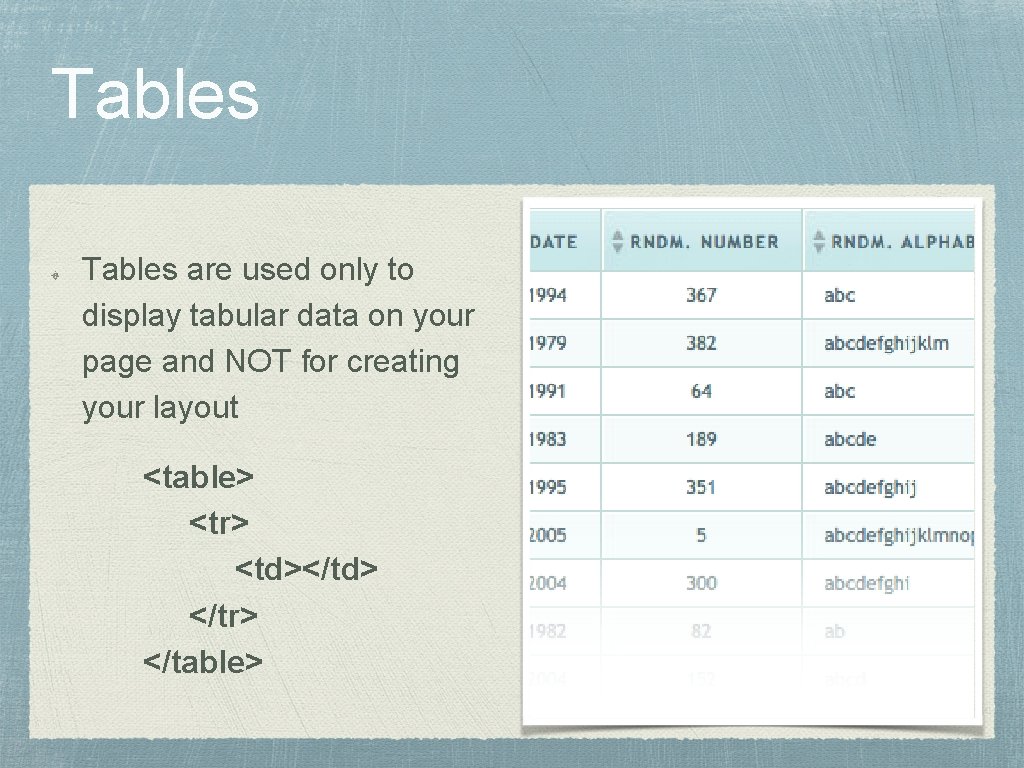
Tables are used only to display tabular data on your page and NOT for creating your layout <table> <tr> <td></td> </tr> </table>
Table Rows Tables will dynamically allocate the number of rows you need by the number <tr> tags there are within your <table> tag.
Table Data Depending on the number of <td> tags you have within your <tr> tags, determines the number of columns. Be sure to check that each row has the same number of table data cells so that you don’t have empty spaces within your table
Table Head Table head tags, <th>, are like table rows but will make your text bold within the table data cells Use these for table headers for your columns

Table Body For more complex tables, a <tbody> tag can be use to call out the body of the table. Using a <tbody> will allow you to apply specific styling to this area.
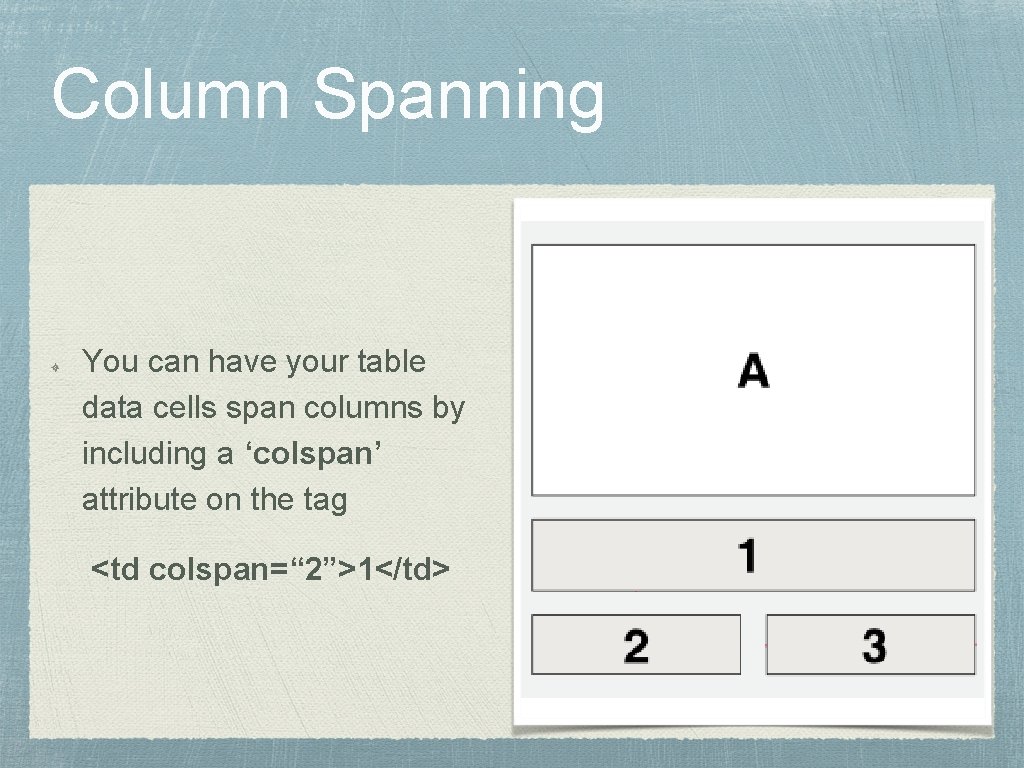
Column Spanning You can have your table data cells span columns by including a ‘colspan’ attribute on the tag <td colspan=“ 2”>1</td>

Row Spanning Row spanning is similar to column spanning. <td rowspan=“ 3”>4</td>
<div> element The <div> tag is used widely for laying out sections of your page. Block-level element - occupies height and 100% width of the page Can be linkable by wrapping it with an <a>
<span> element The <span> is used to provide a means to format unique items within a <div> Inline element - only occupies height and width of what it contains
Questions?
Homework Clickable Photo Page Codecademy
- Slides: 12