
HStore Introduction Andy Pavlo 01 November 2020 Terminology

H-Store Introduction Andy Pavlo 01 November 2020
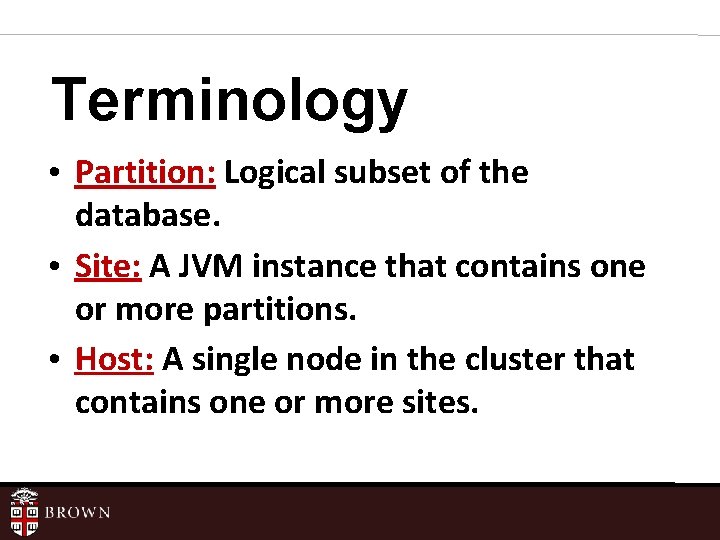
Terminology • Partition: Logical subset of the database. • Site: A JVM instance that contains one or more partitions. • Host: A single node in the cluster that contains one or more sites.
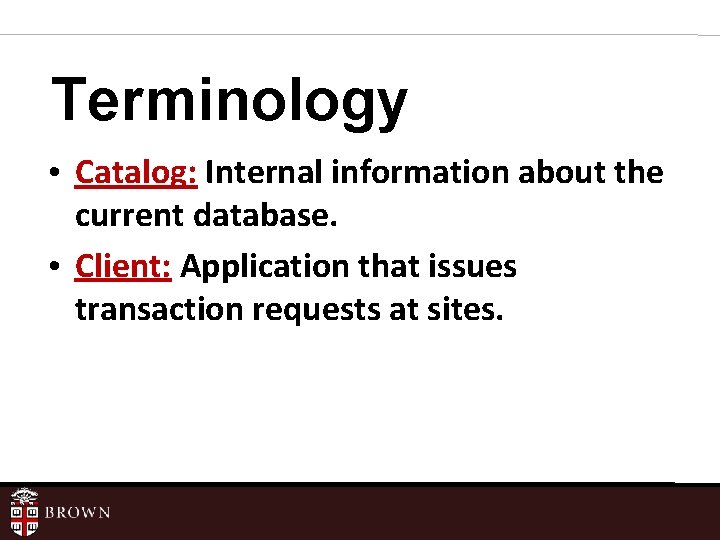
Terminology • Catalog: Internal information about the current database. • Client: Application that issues transaction requests at sites.
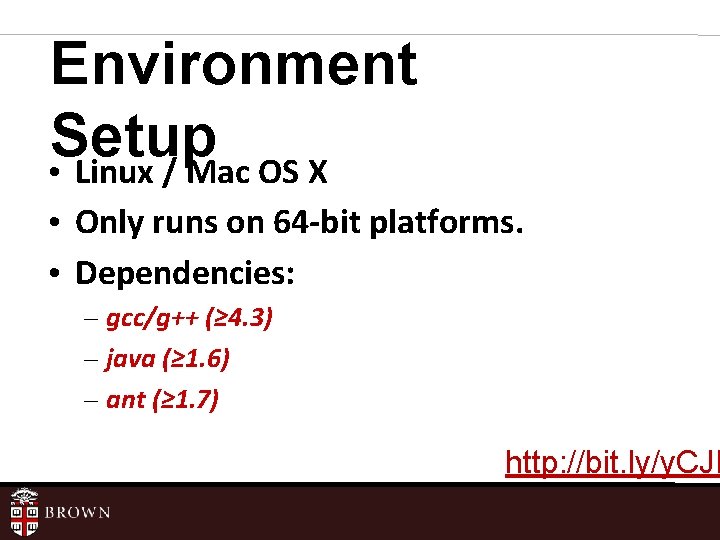
Environment Setup • Linux / Mac OS X • Only runs on 64 -bit platforms. • Dependencies: – gcc/g++ (≥ 4. 3) – java (≥ 1. 6) – ant (≥ 1. 7) http: //bit. ly/y. CJN
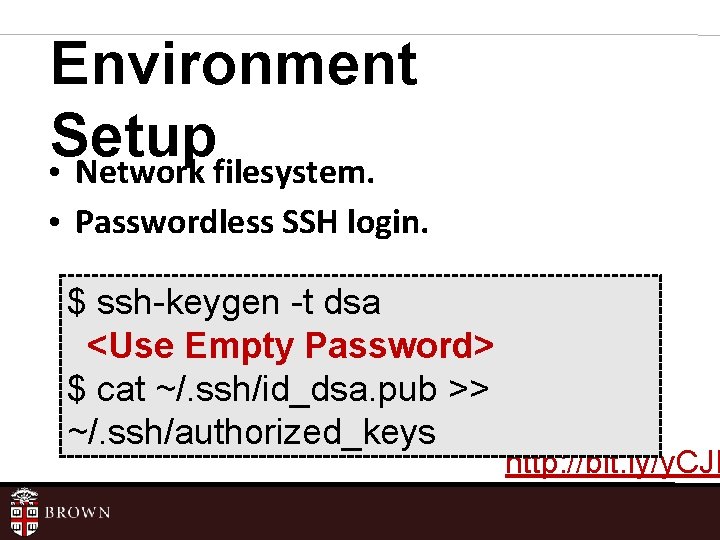
Environment Setup • Network filesystem. • Passwordless SSH login. $ ssh-keygen -t dsa <Use Empty Password> $ cat ~/. ssh/id_dsa. pub >> ~/. ssh/authorized_keys http: //bit. ly/y. CJN
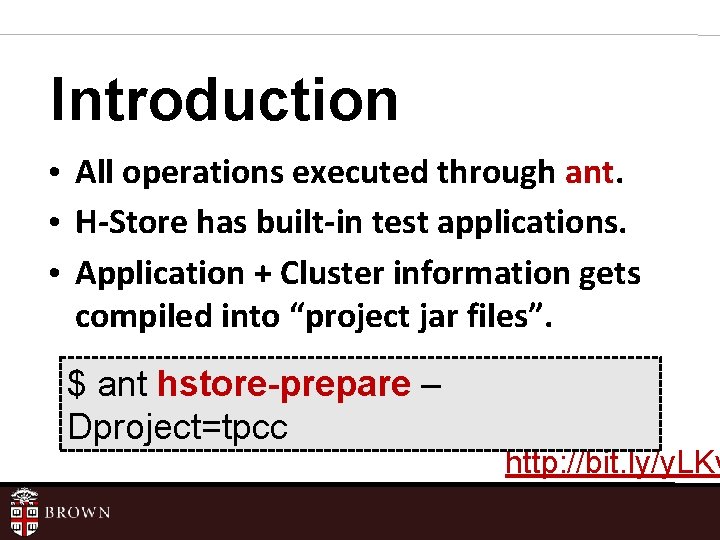
Introduction • All operations executed through ant. • H-Store has built-in test applications. • Application + Cluster information gets compiled into “project jar files”. $ ant hstore-prepare – Dproject=tpcc http: //bit. ly/y. LKv
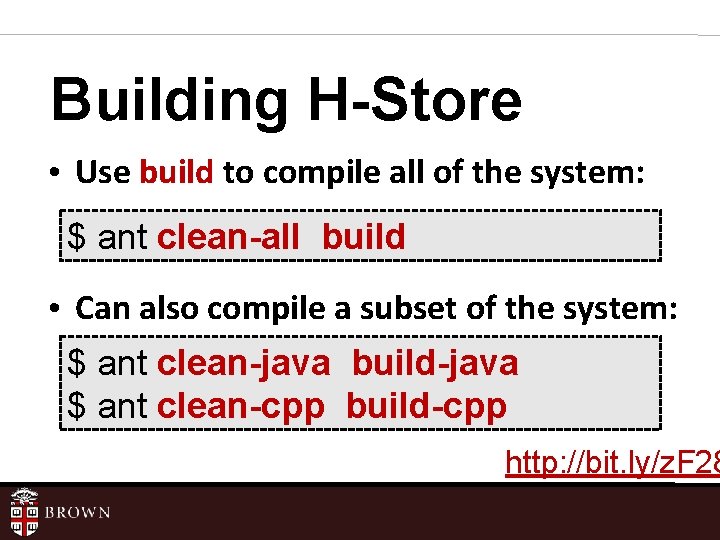
Building H-Store • Use build to compile all of the system: $ ant clean-all build • Can also compile a subset of the system: $ ant clean-java build-java $ ant clean-cpp build-cpp http: //bit. ly/z. F 28
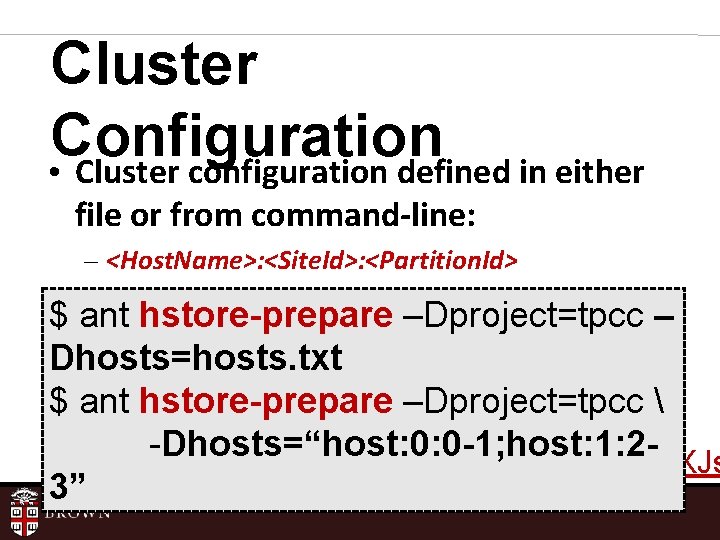
Cluster Configuration • Cluster configuration defined in either file or from command-line: – <Host. Name>: <Site. Id>: <Partition. Id> $ ant hstore-prepare –Dproject=tpcc – Dhosts=hosts. txt $ ant hstore-prepare –Dproject=tpcc -Dhosts=“host: 0: 0 -1; host: 1: 2 http: //bit. ly/y. XJs 3”
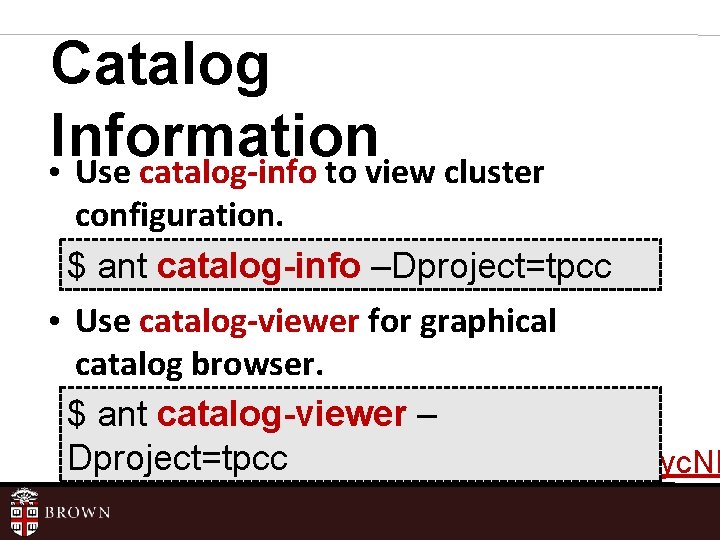
Catalog Information • Use catalog-info to view cluster configuration. $ ant catalog-info –Dproject=tpcc • Use catalog-viewer for graphical catalog browser. $ ant catalog-viewer – Dproject=tpcc http: //bit. ly/yc. NN
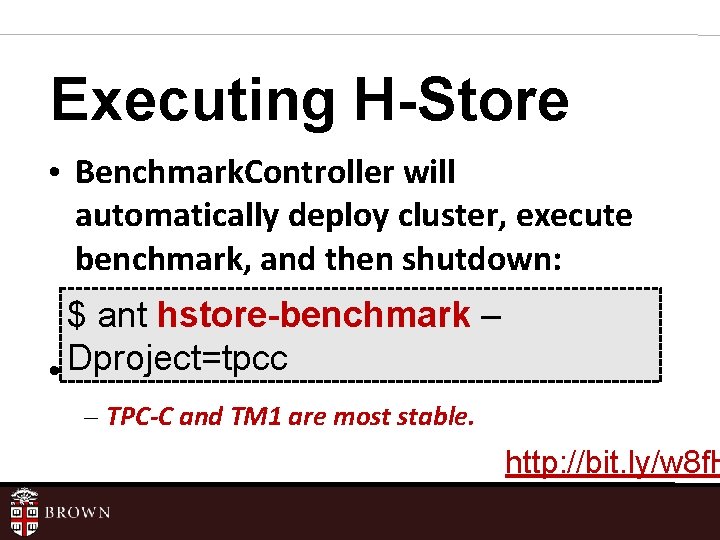
Executing H-Store • Benchmark. Controller will automatically deploy cluster, execute benchmark, and then shutdown: $ ant hstore-benchmark – • Dproject=tpcc Five built-in benchmarks – TPC-C and TM 1 are most stable. http: //bit. ly/w 8 f. H
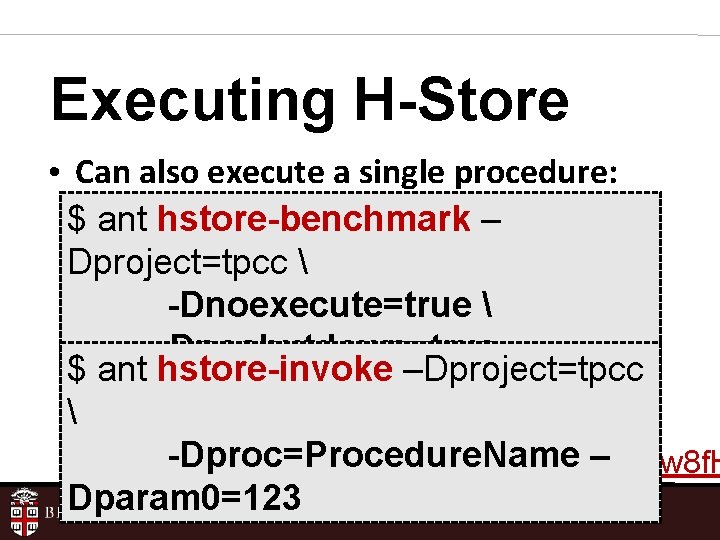
Executing H-Store • Can also execute a single procedure: $ ant hstore-benchmark – Dproject=tpcc -Dnoexecute=true -Dnoshutdown=true $ ant hstore-invoke –Dproject=tpcc -Dproc=Procedure. Name – http: //bit. ly/w 8 f. H Dparam 0=123
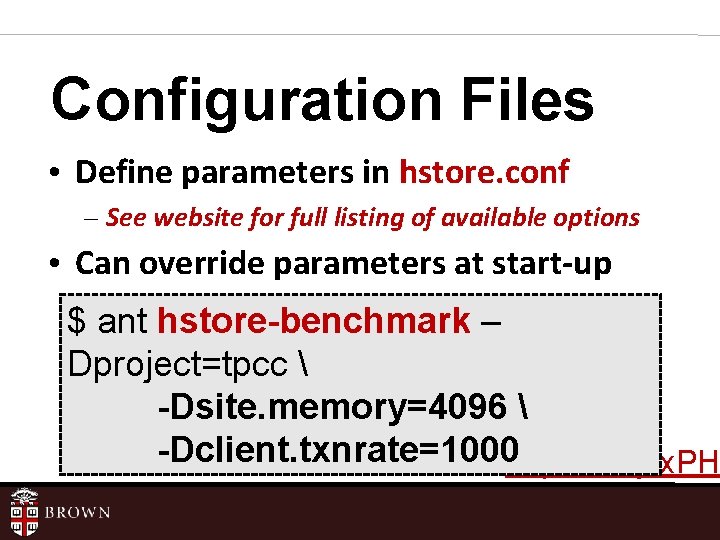
Configuration Files • Define parameters in hstore. conf – See website for full listing of available options • Can override parameters at start-up $ ant hstore-benchmark – Dproject=tpcc -Dsite. memory=4096 -Dclient. txnrate=1000 http: //bit. ly/x. PH
Log Files • Each site’s log files are written to separate files in obj/logs/sites • Can control log file verbosity by editing log 4 j. properties
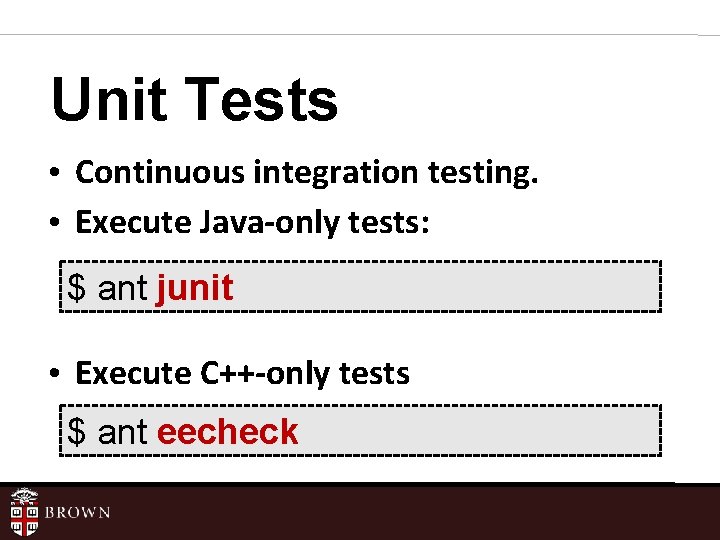
Unit Tests • Continuous integration testing. • Execute Java-only tests: $ ant junit • Execute C++-only tests $ ant eecheck
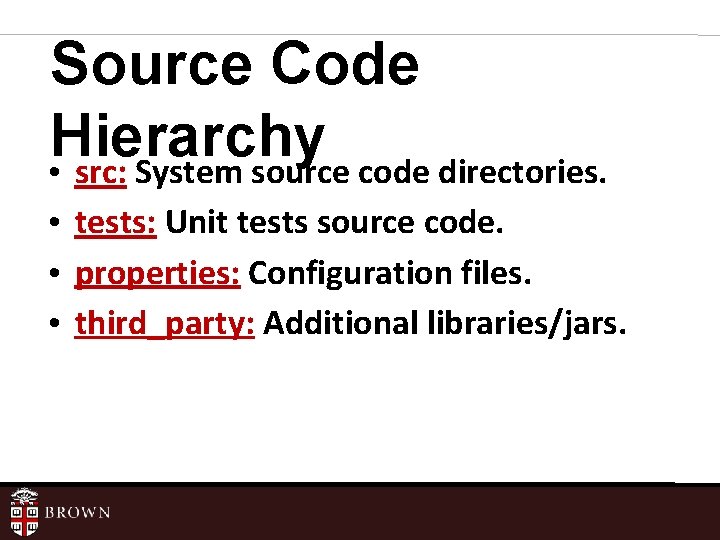
Source Code Hierarchy • src: System source code directories. • tests: Unit tests source code. • properties: Configuration files. • third_party: Additional libraries/jars.
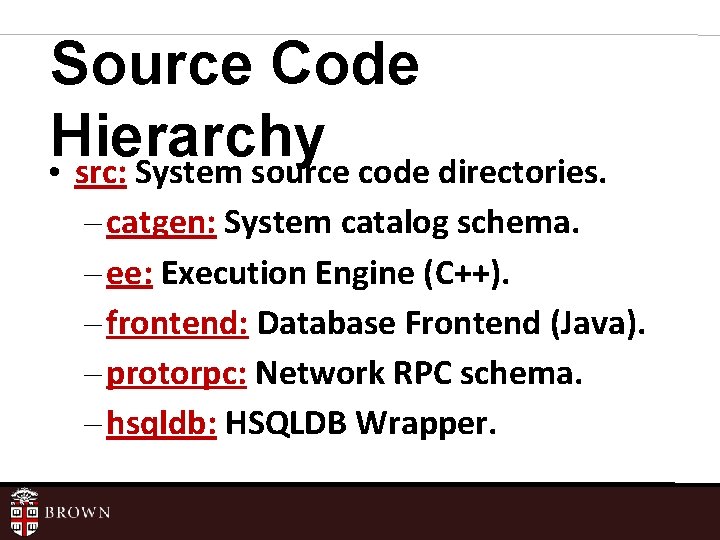
Source Code Hierarchy • src: System source code directories. – catgen: System catalog schema. – ee: Execution Engine (C++). – frontend: Database Frontend (Java). – protorpc: Network RPC schema. – hsqldb: HSQLDB Wrapper.
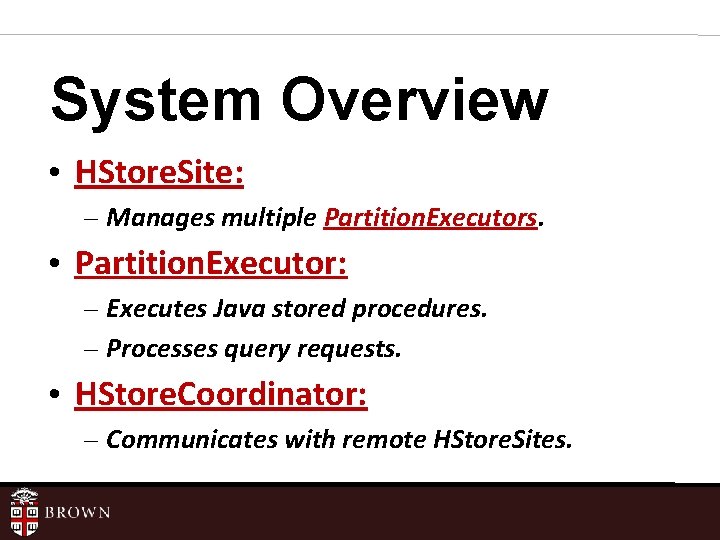
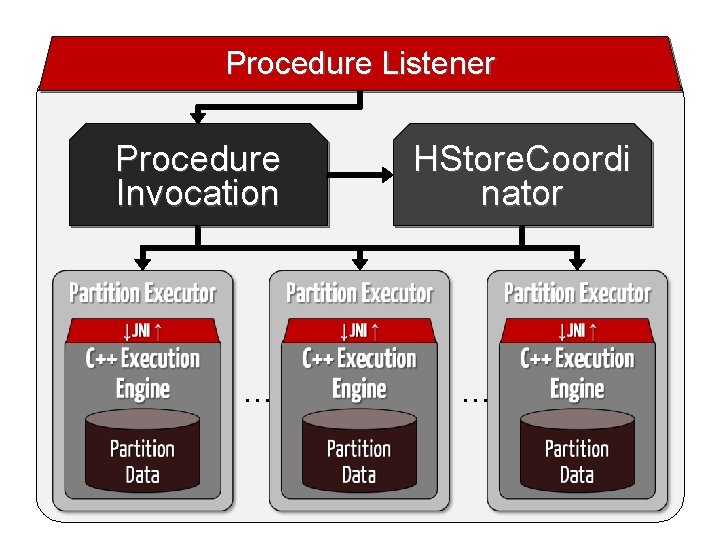
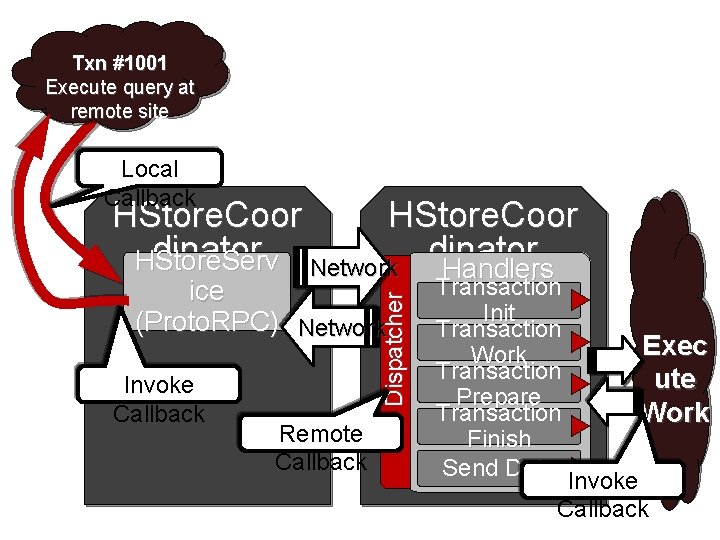
System Overview • HStore. Site: – Manages multiple Partition. Executors. • Partition. Executor: – Executes Java stored procedures. – Processes query requests. • HStore. Coordinator: – Communicates with remote HStore. Sites.
Procedure Listener Procedure Invocation … HStore. Coordi nator …
Txn #1001 Execute query at remote site Local Callback HStore. Coor dinator Network dinator HStore. Serv Handlers Invoke Callback Dispatcher ice (Proto. RPC) Network Remote Callback Transaction Init Transaction Exec Work Transaction ute Prepare Transaction Work Finish Send Data Invoke Callback
What’s Next? • Try running H-Store yourself. – Let me know if you need more space on department filesystem. • Setup H-Store in Eclipse. – http: //bit. ly/xpy. Lir
What’s Next? • Create a Github account. – Please use a profile picture so that it easier to know who you are. • Fork the H-Store project on Github – If in two-person group, create one fork and make other team member a “collaborator. ”
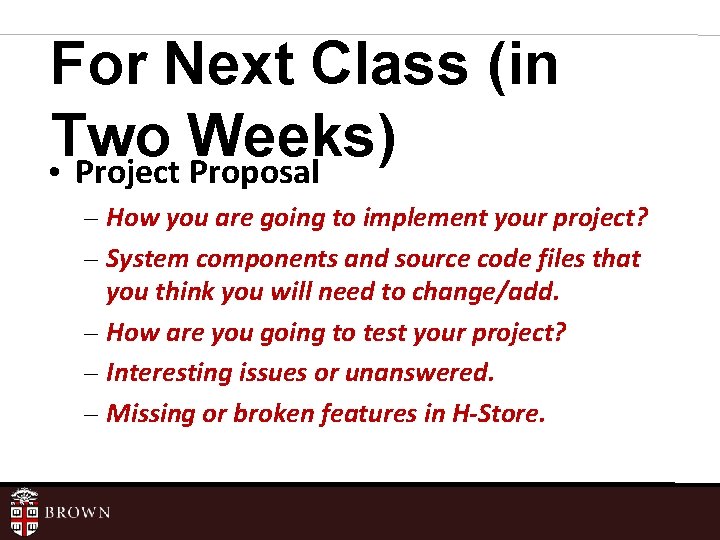
For Next Class (in Two Weeks) • Project Proposal – How you are going to implement your project? – System components and source code files that you think you will need to change/add. – How are you going to test your project? – Interesting issues or unanswered. – Missing or broken features in H-Store.
- Slides: 22