
HRU 2020 Overview of Ham Radio Logging programs
- Slides: 16
HRU 2020 Overview of Ham Radio Logging programs Tom Carrubba KA 2 D
INTRODUCTION …from ARRL The reasons for logging your amateur activity fall into three categories: legal, operational and personal. Legally, a log of your transmissions would be invaluable in proving your innocence in an interference complaint. Operationally, having a log of past contacts is a resource when filling out that DX QSL card that may have taken months to arrive. Personally, a log is like a personal radio history reminding you of the people and places you’ve talked to, the nets you participated in and contests you worked.
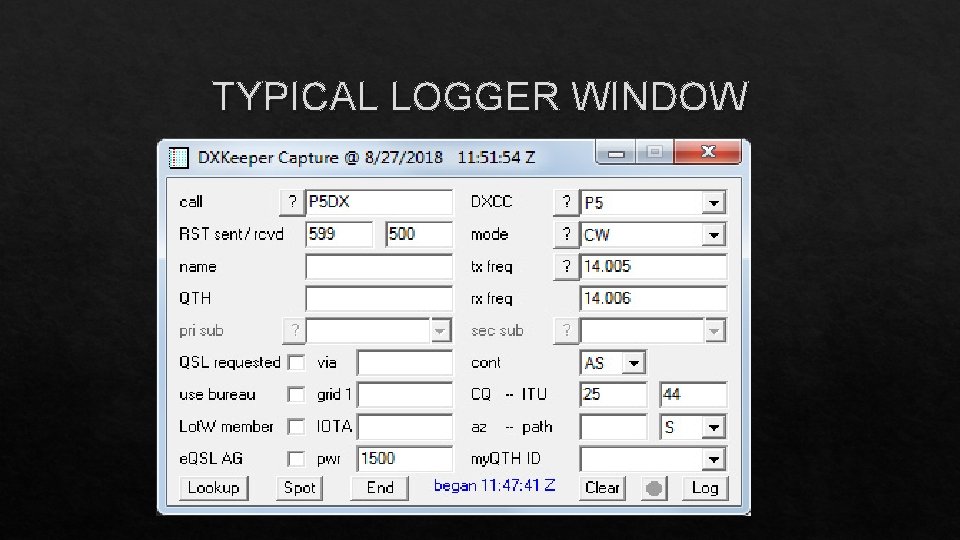
WHAT’s IN A LOG Information needed for your log. DATE, TIME in UTC, CALLSIGN, Frequency/BAND, MODE, Signal report. Optional notes: Power output, name of contact, QTH and rigs, antenna etc. . For DX contacts; QSL route, direct, Buro , QSL Manager or online QSL service. This is also good for Stateside (WAS), (VUCC) awards
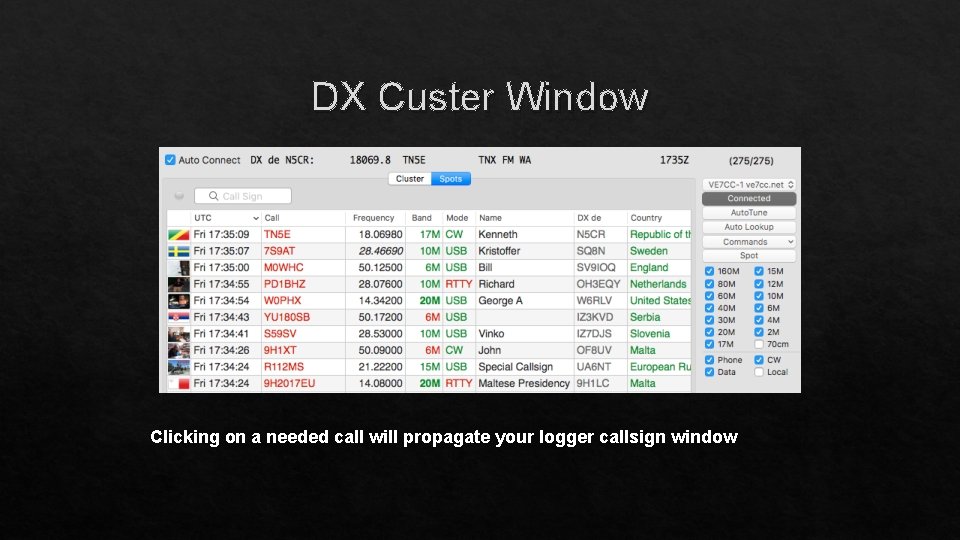
PAPER or COMPUTER Computer logging programs are widely available. There are many choices freeware or commercial in PC or MAC format. Computer logging programs are configurable and can keep track of a wide range of your logged information. Many include tools to control modern software controllable radios, antenna rotors and other station functions and devices. Computer logging programs will automatically log the date, time and when used with rig control track frequency/band, mode. No need to keep calendars and clocks. . When linked online you can connect to the worldwide spotting clusters. Your logging program will alert when a new DX is needed. It will also alert you to new band/mode. . With a click it will insert the needed call into your program. . And provide detailed information for that call, like beam heading, distance, sunrise/sunset.
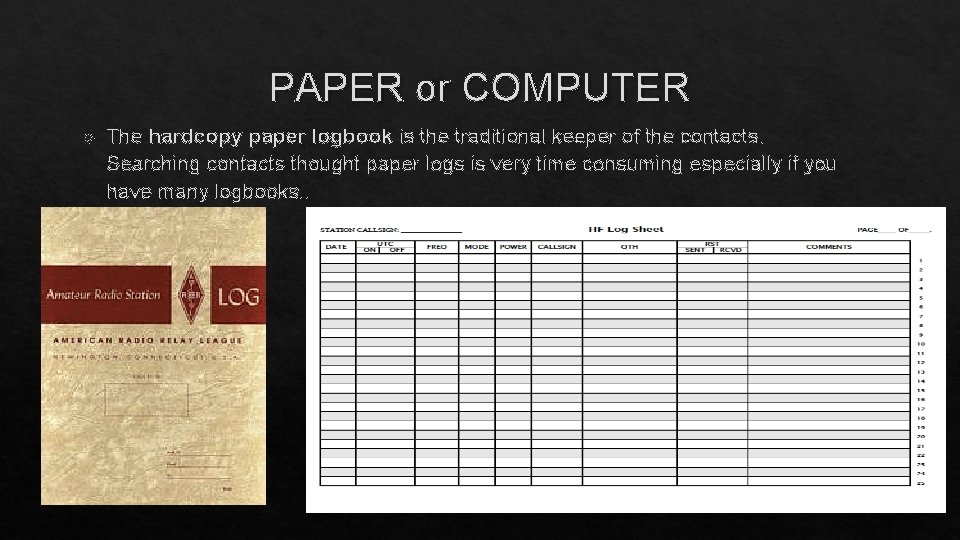
PAPER or COMPUTER The hardcopy paper logbook is the traditional keeper of the contacts. Searching contacts thought paper logs is very time consuming especially if you have many logbooks. .
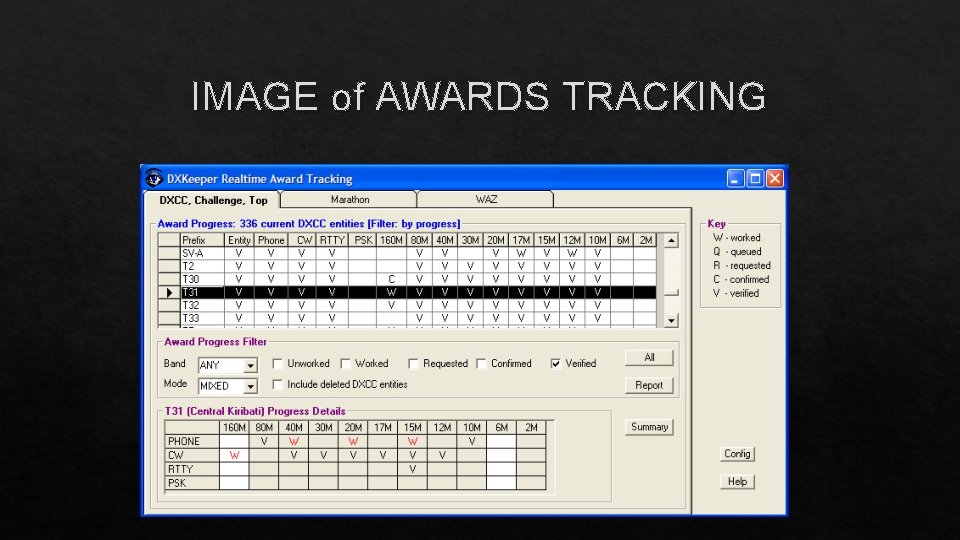
ADVANTAGE of COMPUTER LOGGING Computer logging programs will log the date, time and when used with rig control track frequency/band, mode. No need to keep calendars and clocks Ease of tracking QSLs sent and received; easy lookup Callsign lookup from CD or online like QRZ, HAMCALL, HAMQTH and other available services. Easy Tracking of awards; WAS, VUCC, DXCC, IOTA, Parks on the Air, US Counties and host of other awards available. Export/Import to Lo. TW, Clublog, e. QSL. and QRZ
POPULAR LOGGING PROGRAMS AC Log by N 3 FJP - Easy to use, well written contact logging program. DX 4 Win - Comprehensive logging software for Windows DXLab by AA 6 YQ - Integrated suite of programs for logging and station management Ham Radio Deluxe – Integrated suite of programs for logging and station management Listing of the many programs along with details, links and reviews; https: //www. eham. net/reviews/ see Ham Logging Software
LOGGER SETUP Every Logger Program needs to be setup with your personal information. NAME along with City and State CALLSIGN LOCATORS: *TIME ZONE, LAT/LONG, GRID SQUARE, CQ AND ITU ZONE. This info can be found on sites like QRZ or HAMCALL… * I suggest you set time zone to UTC (0 GMT offset, no daylight savings time) FOR RIG CONTROL: RADIO ID, RADIO BAUD RATE, COMPUTER COMPORT. *Radio info will be in the manual. Com. Port info will be displayed in your computer’s device manager. Each program will also have a list of preferences. . Bands, modes to name a few. .
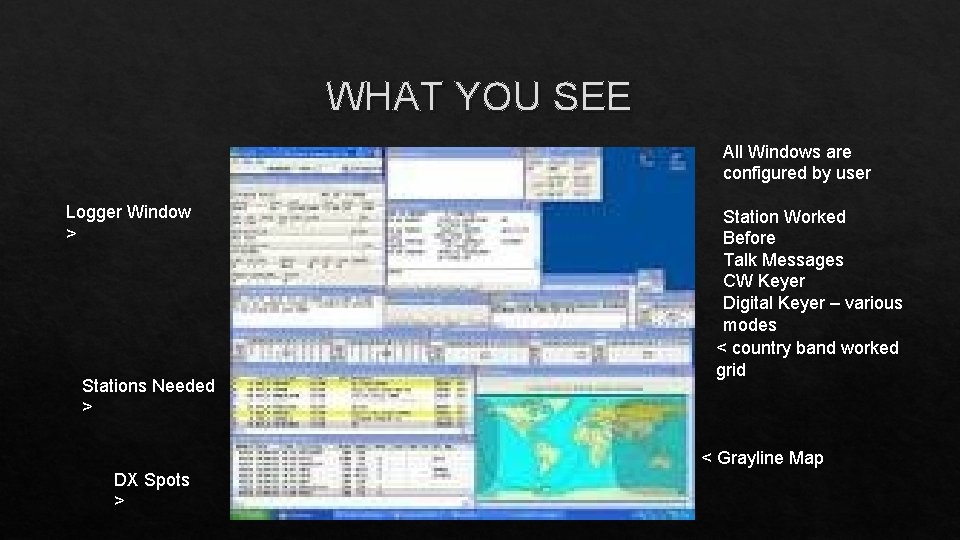
WHAT YOU SEE All Windows are configured by user Logger Window > Stations Needed > Station Worked Before Talk Messages CW Keyer Digital Keyer – various modes < country band worked grid < Grayline Map DX Spots >
IMAGE of AWARDS TRACKING
TYPICAL LOGGER WINDOW
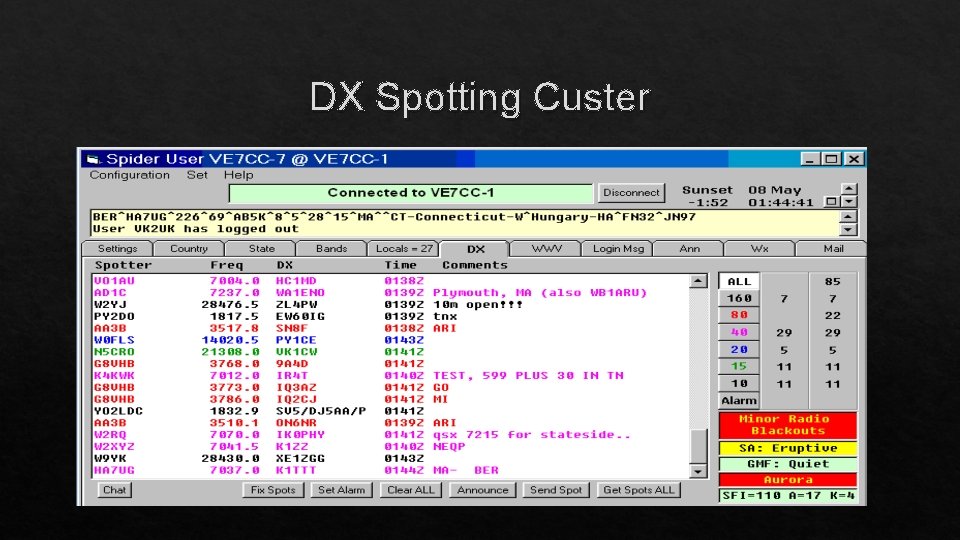
DX Spotting Custer
DX Custer Window Clicking on a needed call will propagate your logger callsign window
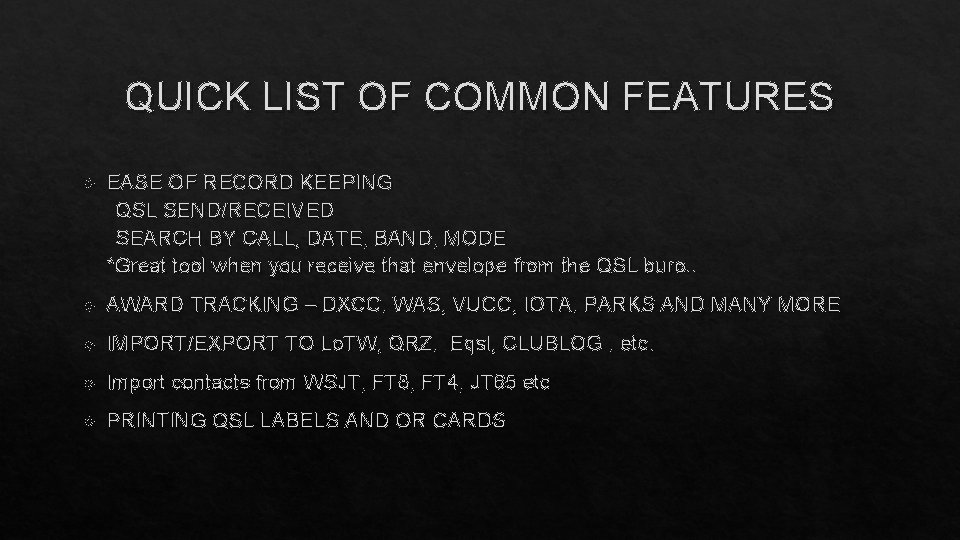
QUICK LIST OF COMMON FEATURES EASE OF RECORD KEEPING QSL SEND/RECEIVED SEARCH BY CALL, DATE, BAND, MODE *Great tool when you receive that envelope from the QSL buro. . AWARD TRACKING – DXCC, WAS, VUCC, IOTA, PARKS AND MANY MORE IMPORT/EXPORT TO Lo. TW, QRZ, Eqsl, CLUBLOG , etc. Import contacts from WSJT, FT 8, FT 4, JT 65 etc PRINTING QSL LABELS AND OR CARDS
CONCLUTION There are “daily “ logging programs and “contest” loggers. They are somewhat interchangeable. Meaning you could use the daily logger in a contest and the contest logger for daily logging… BUT The daily logger will not keep score, show dupes and create the proper reports for submission to contest sponsor. The contest logger will not track QSLs and Awards. My advice is to use them as intended. After a contest I import the contest log into my daily logger. . All of the computer loggers can import or export using the ADIF file format. (Amateur Data Interchange Format) ALWAYS REMENBER to BACKUP YOUR LOG
73 de Tom KA 2 D Hope you enjoyed this presentation. It was intended to give an overview of computer logging and its advantages. Like many of the windows type programs there are features that are basic. So… check out the program which fits your needs. Confused… ask a club member for a demo. . Good Luck 73 -Tom KA 2 D ka 2 d@arrl. net