
How to Write Documentation Training Materials Nikki Massaro

- Slides: 16
How to Write Documentation & Training Materials Nikki Massaro Kauffman
Overview Guiding Principles Documentation Style Guide Advice for Screen Captures Reviewing Your Work
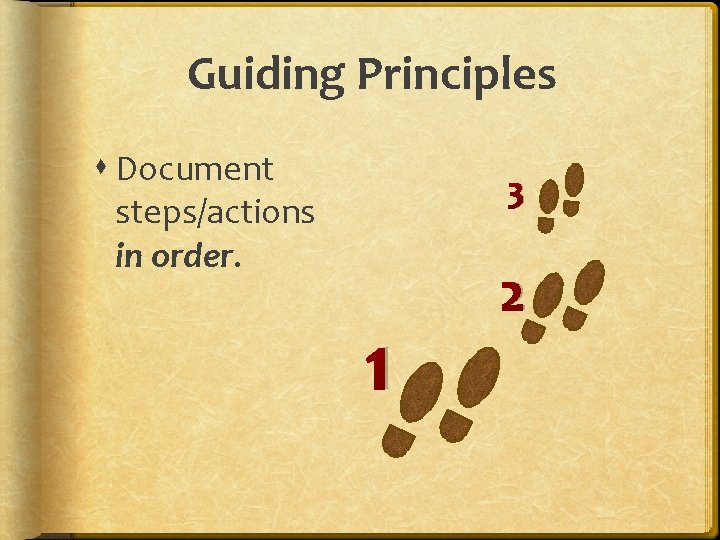
Guiding Principles Document steps/actions in order. 3 1 2
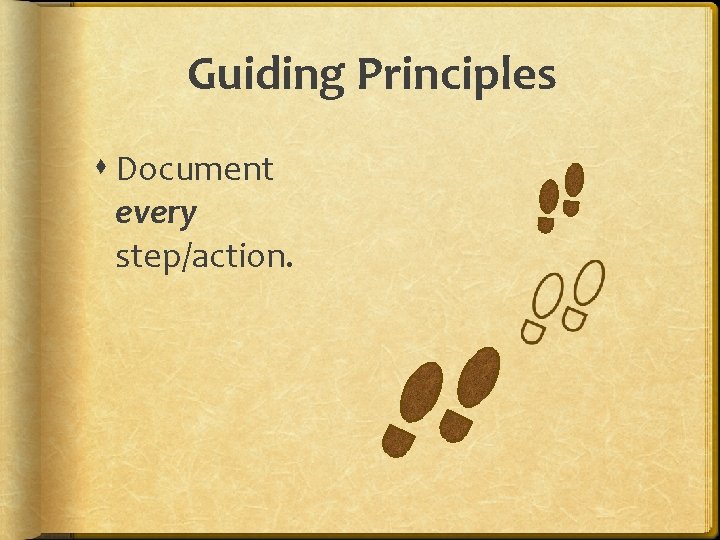
Guiding Principles Document every step/action.
Guiding Principles Answer the following with each step: § Where am I? § What should I do? § What will happen? ?
Guiding Principles Keep the steps short and simple. Use right arrows (→).
Guiding Principles Use the language that the application uses for its menus, tools, etc. , but avoid jargon. Jargon Monoxide
Guiding Principles Don’t assume your audience is reading sequentially from beginning to end. 3 1 2
Documentation Style Guide Keys Use bold font, as in V. Abbreviate with all capital letters and no period, as in CTRL or ALT. Use a plus sign (+) for keys held together, as in CTRL+ALT+DEL or CTRL+V.
Documentation Style Guide Any item user can select should appear in bold font. User Input Any text a user must type should be in a fixed-width font. Any text that varies based on the user's personal situation should be italicized, as in "abc 123" for "userid".
Documentation Style Guide Right arrows(→) can be used as shorthand for a complex series of steps, as in “File→Print. . . ” . c s i M New terms can appear in bold font the first time they are used. A reference to a word itself can be italicized to avoid the eye strain of too many quotation marks.
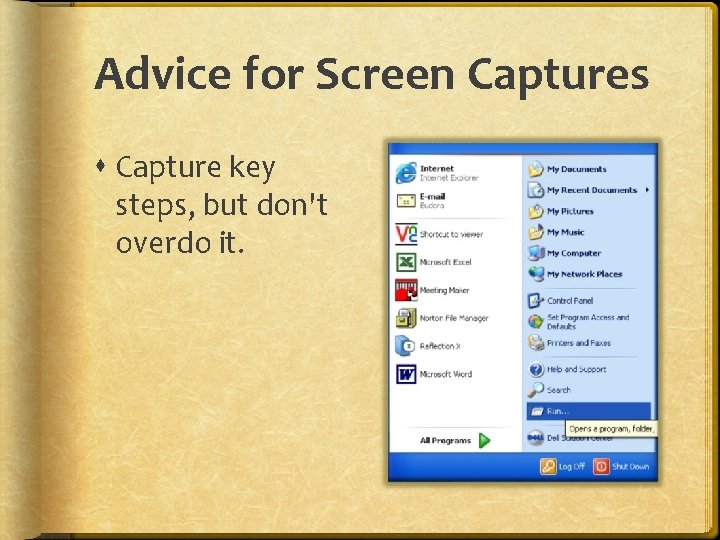
Advice for Screen Captures Capture key steps, but don't overdo it.
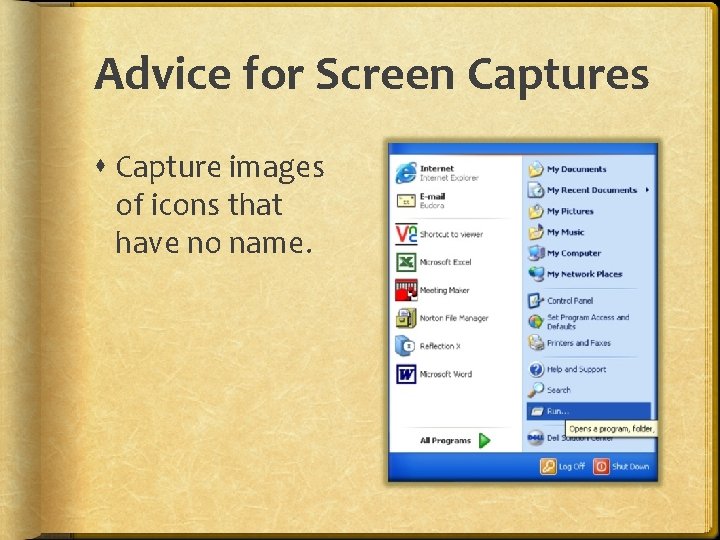
Advice for Screen Captures Capture images of icons that have no name.
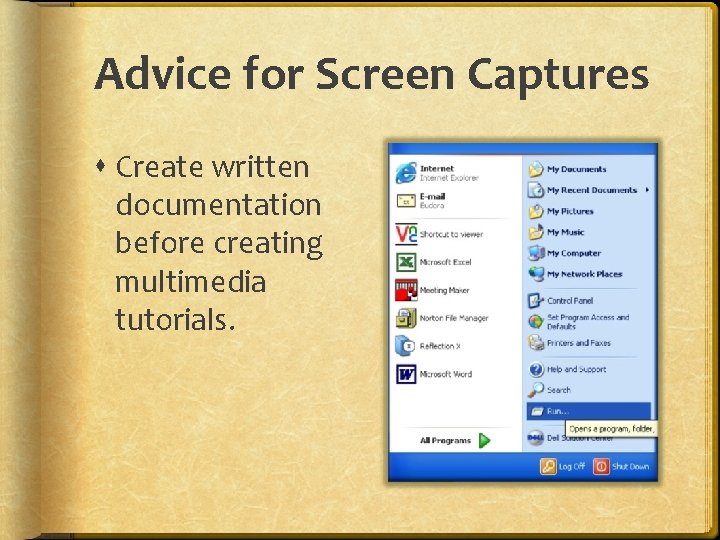
Advice for Screen Captures Create written documentation before creating multimedia tutorials.
Reviewing Your Work 1. Find a peer as a proofreader. 2. Find a technical expert for accuracy. 3. Find a user or two for simplicity.
Questions?