
HOW TO WRITE ALMA NORMALIZATION RULES Steve Mc

- Slides: 54
HOW TO WRITE ALMA NORMALIZATION RULES Steve Mc. Donald Tufts University
Goals of This Presentation • Define what normalization rules are, why they are important • Describe the basic syntax of normalization rules • Highlight some of the basic normalization actions • Explain how conditions can control the application of rules • Provide tips on writing good rules • Primary Goal: convince you that you can create and apply normalization rules
What Are Normalization Rules • Rules provide actions to add, remove, or modify MARC fields and subfields • Rules can be applied to a single MARC record or to an entire set of records • Changes can be restricted to records or fields which meet specific conditions • In essence, normalization rules are a very simplified programming language to edit MARC records
DEFINITION: Rules, Files, and Processes • Normalization rule: A set of actions and conditions to modify MARC records • Normalization rule file: A computer file containing normalization rules • Normalization process: An Alma job which can execute normalization rule files • Rules are stored in a file, and executed in a process
Why are Normalization Rules and Processes Important? How Can They Be Used?
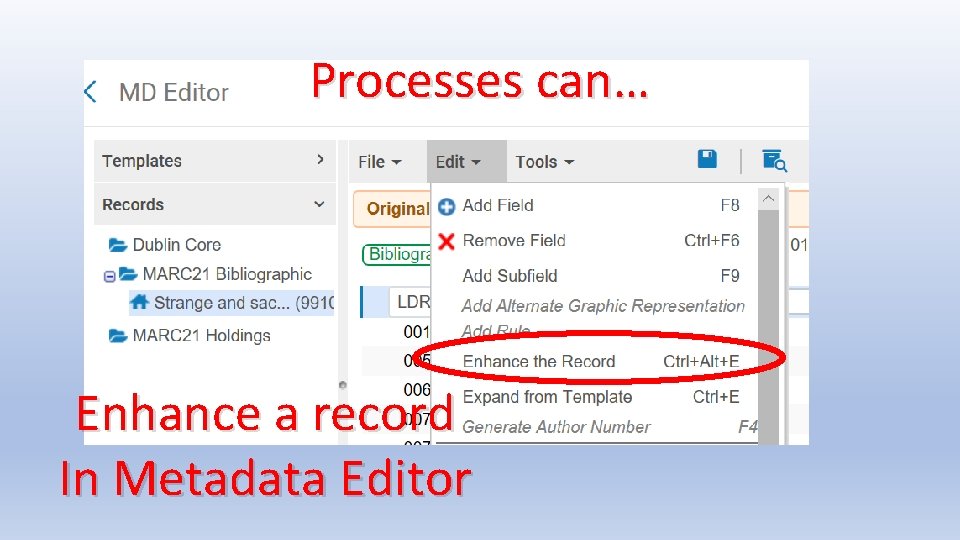
Processes can… Enhance a record In Metadata Editor
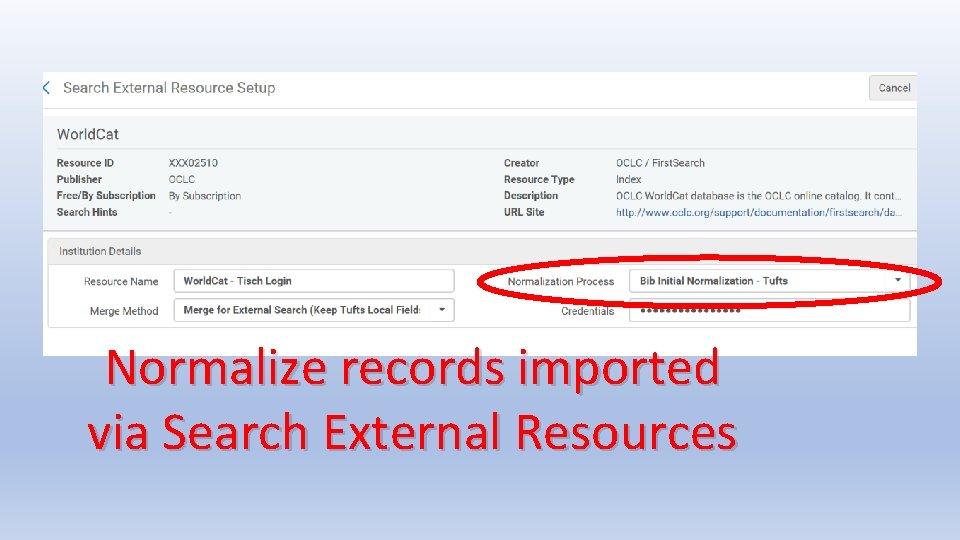
Normalize records imported via Search External Resources
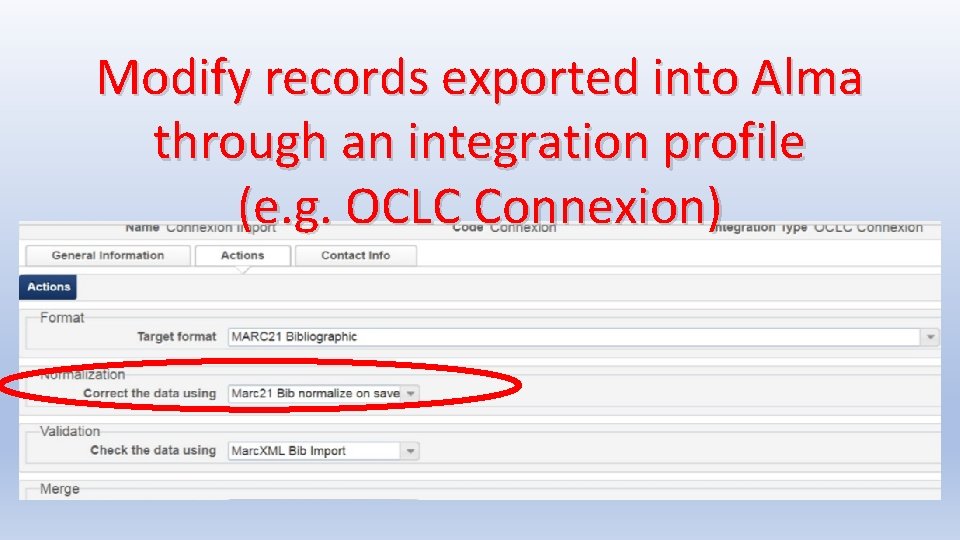
Modify records exported into Alma through an integration profile (e. g. OCLC Connexion)
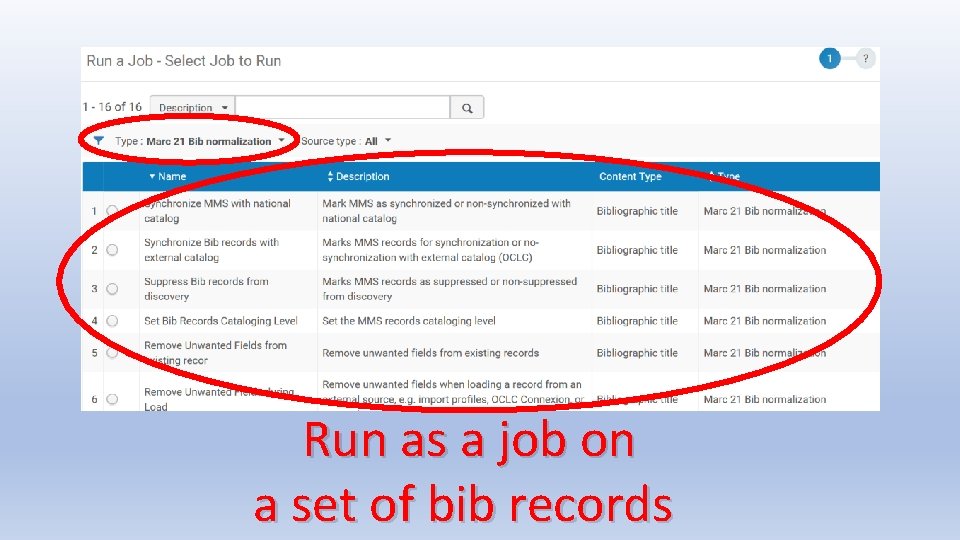
Run as a job on a set of bib records
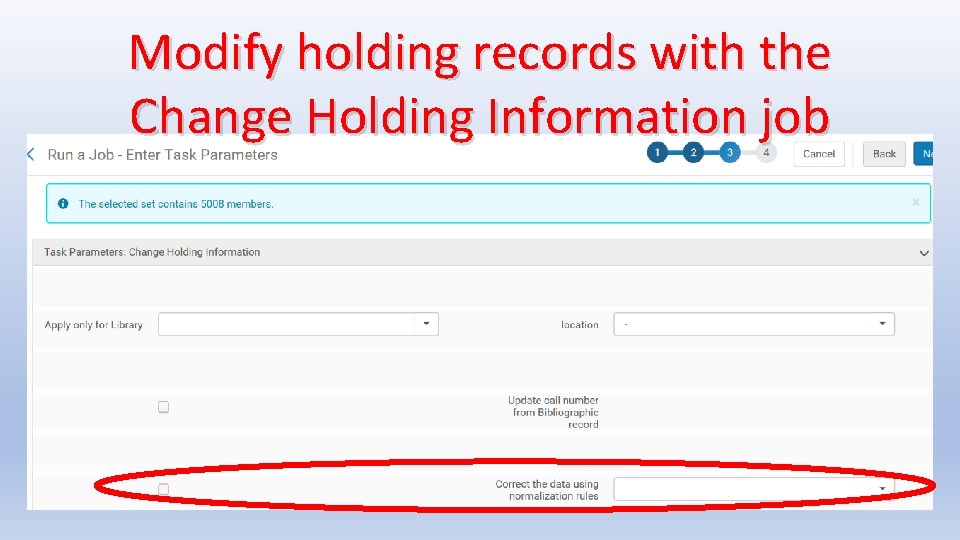
Modify holding records with the Change Holding Information job
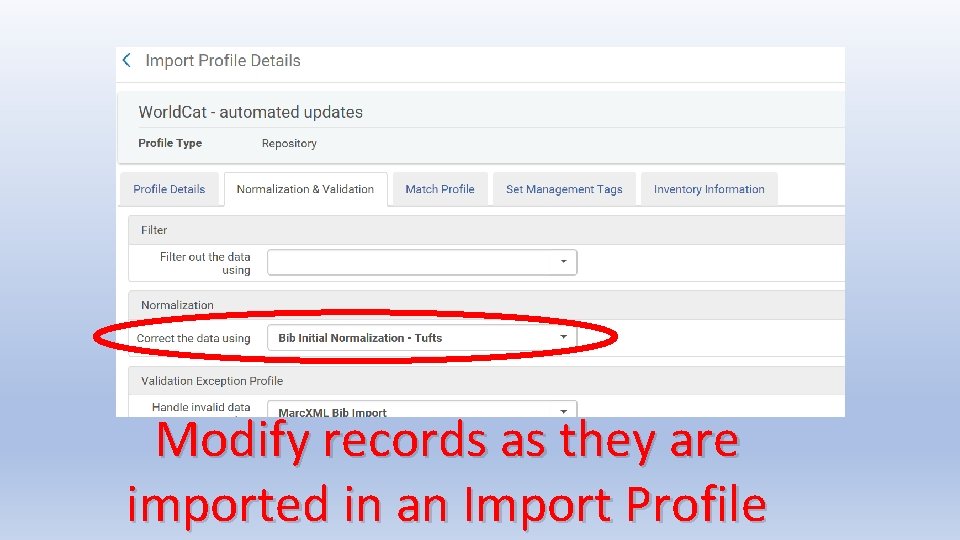
Modify records as they are imported in an Import Profile
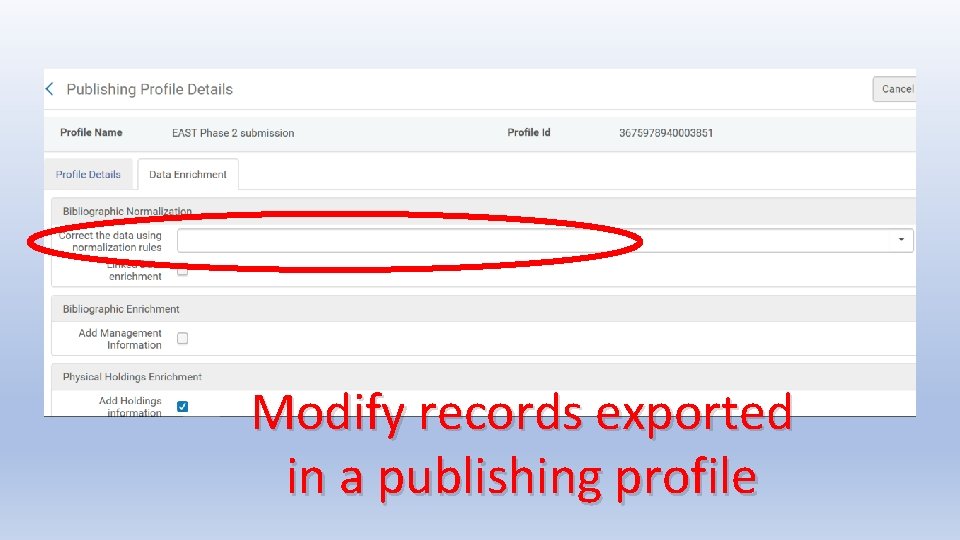
Modify records exported in a publishing profile
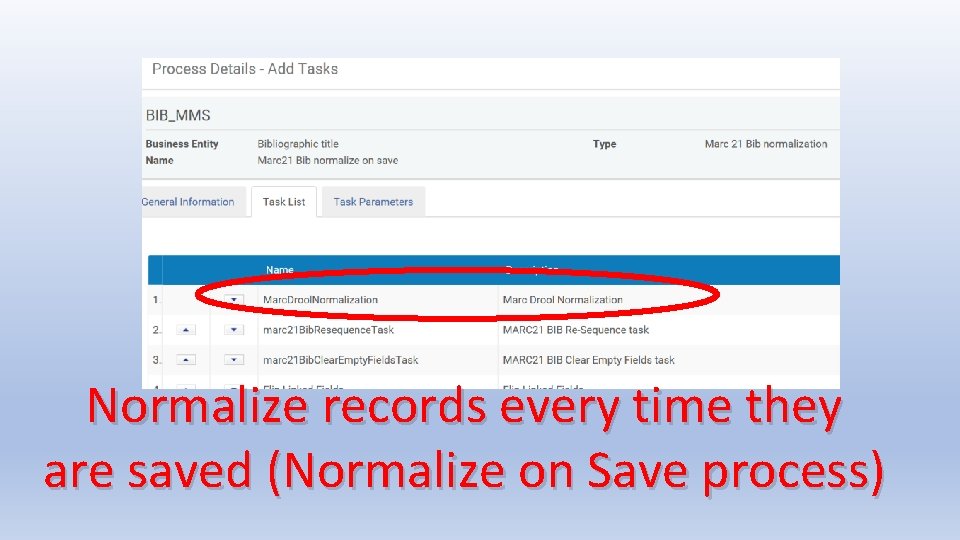
Normalize records every time they are saved (Normalize on Save process)
Normalization Processes • Processes are created in Metadata Configuration profiles (Configuration > Resources > Cataloging > Metadata Configuration) • Besides executing normalization rule files, processes can sort MARC fields, calculate brief level, change suppression, and other tasks • Instructions on creating processes are in the Alma documentation: Alma Online Help > Resource Management > Configuring Cataloging • Due to time limitations, this presentation will focus on writing normalization rules rather than creating processes
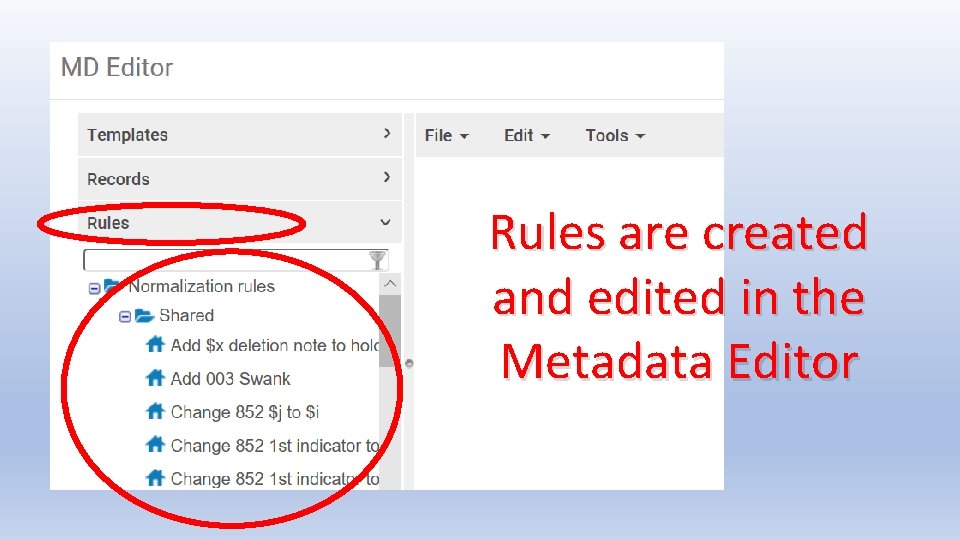
Rules are created and edited in the Metadata Editor
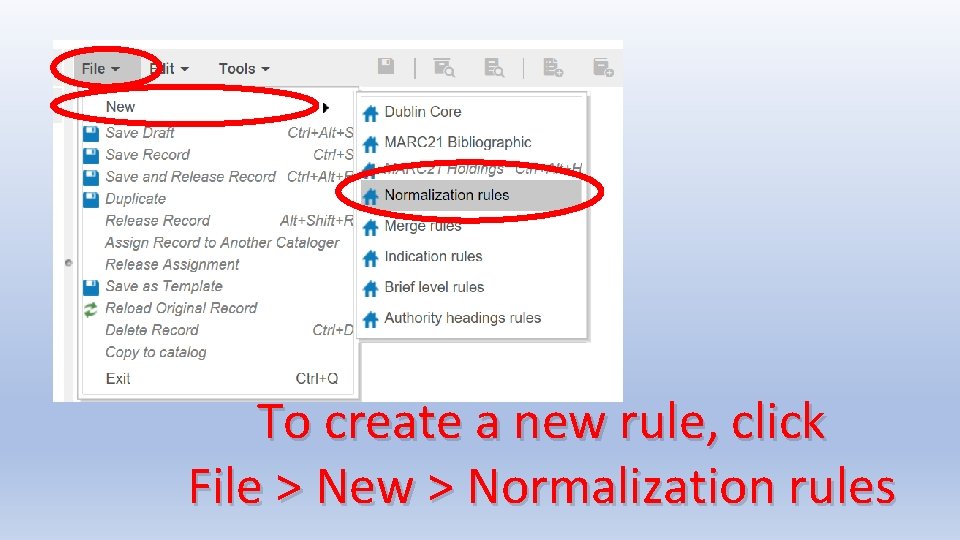
To create a new rule, click File > New > Normalization rules
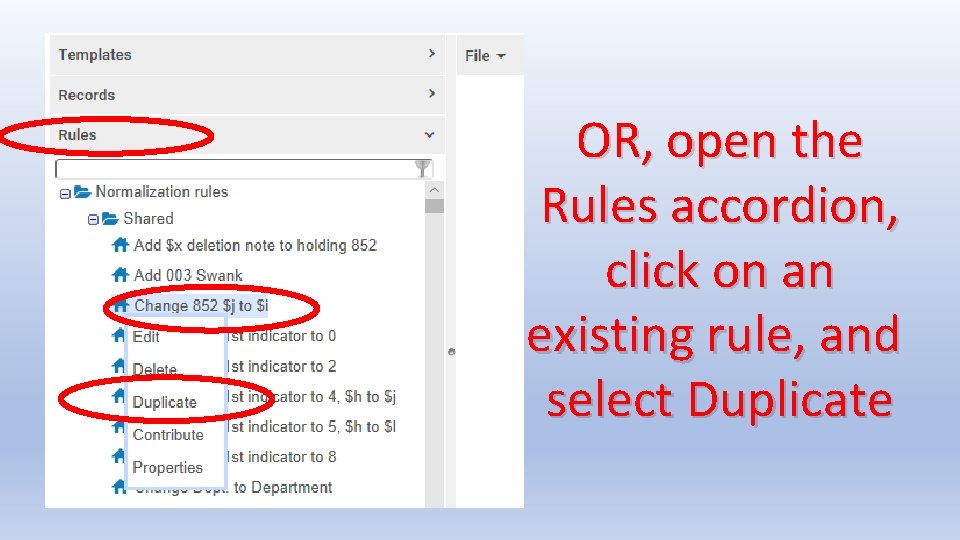
OR, open the Rules accordion, click on an existing rule, and select Duplicate
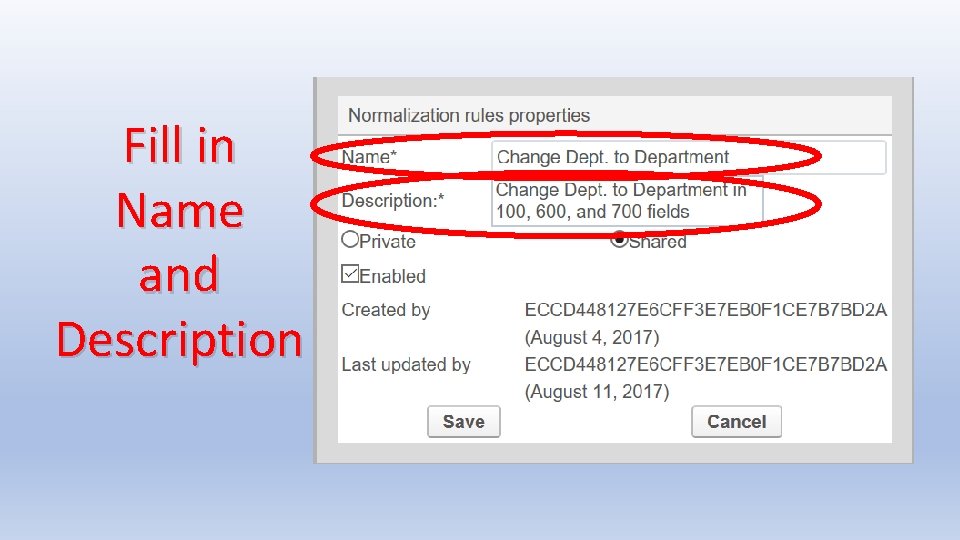
TIP: Duplicating is sometimes easier • File > New > Normalization rule produces a completely blank rule; you have to fill in everything • Duplicating helps by providing the general structure of normalization rules: the initial “rule” statement, “when”, “then”, and “end” • If you are lucky, you can duplicate a rule that already includes commands you intend to use • When duplicating, be sure to edit the Name and Description —you may not be able to change them later!
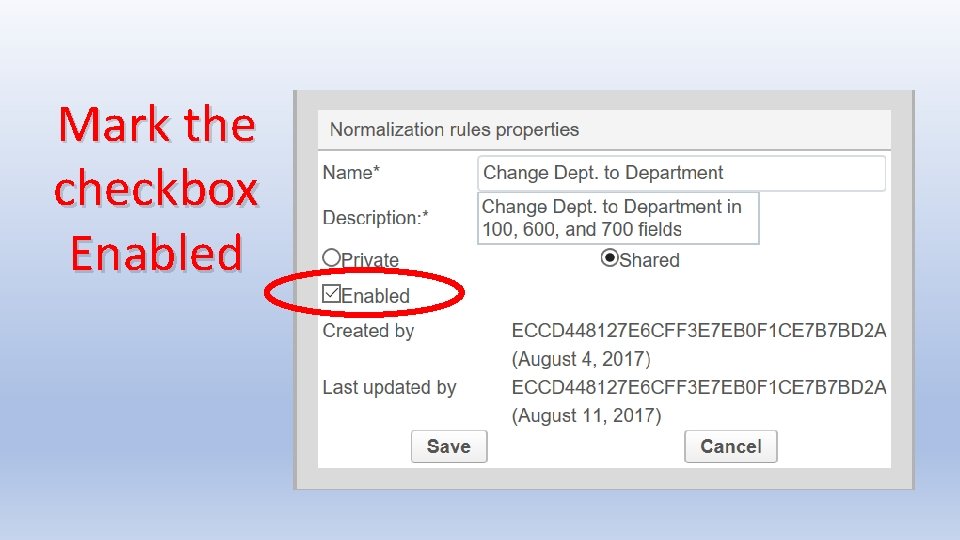
Fill in Name and Description
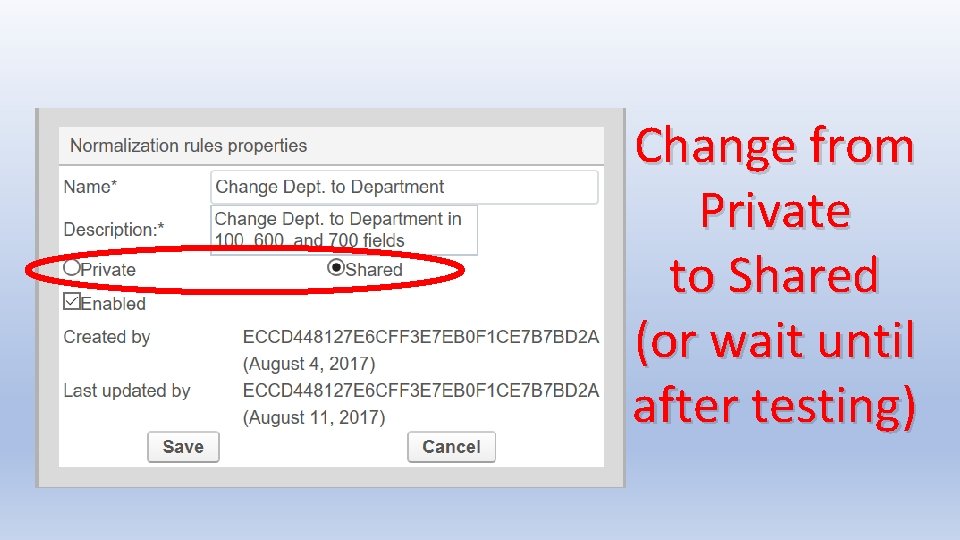
Change from Private to Shared (or wait until after testing)
Mark the checkbox Enabled
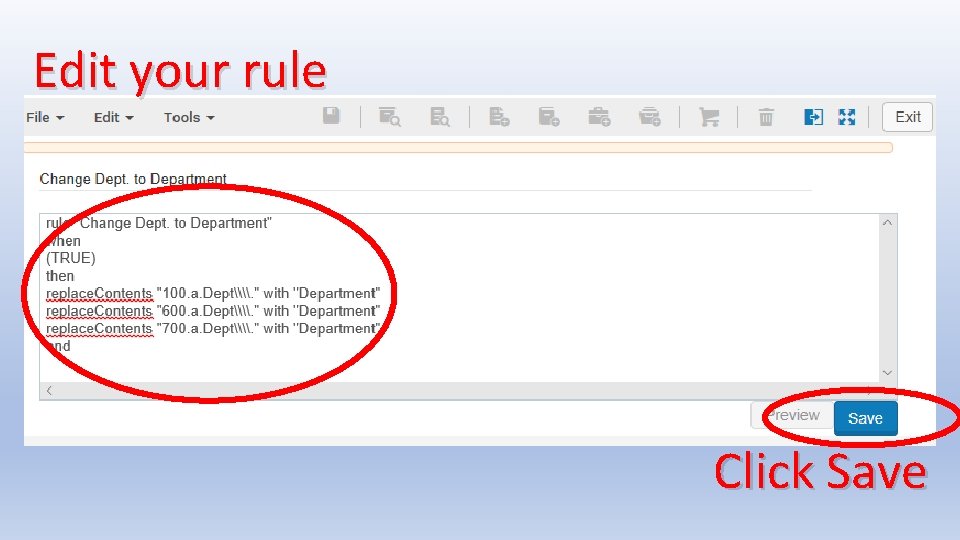
Edit your rule Click Save
Testing the Rule • Do not use a rule that has not been tested! • Sometimes actions don’t work quite the way you think • If several actions work on the same fields, executing them in the wrong order can yield wrong results • There a few bugs in Alma which can prevent some sets of actions from working the way you expect • If you use conditions, be sure to test all conditions you expect to see in your records
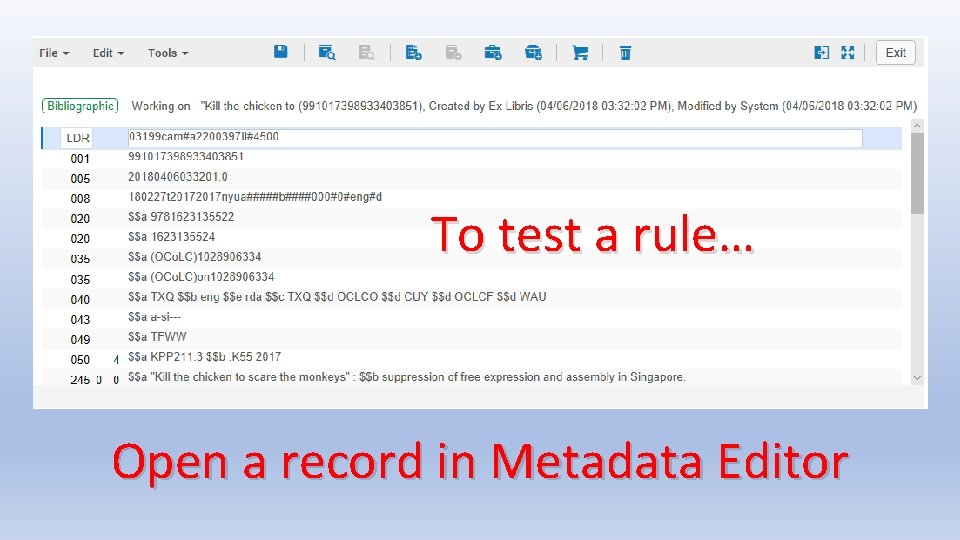
To test a rule… Open a record in Metadata Editor
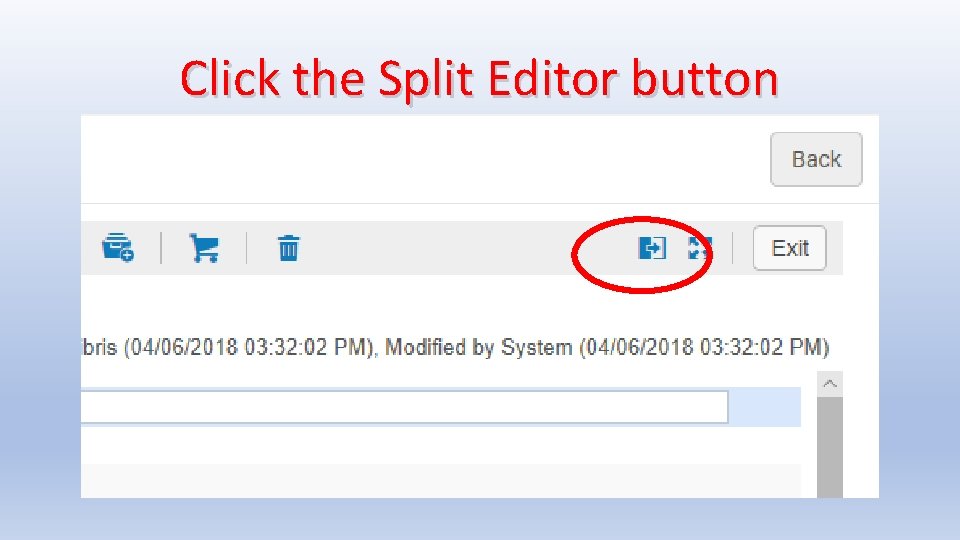
Click the Split Editor button
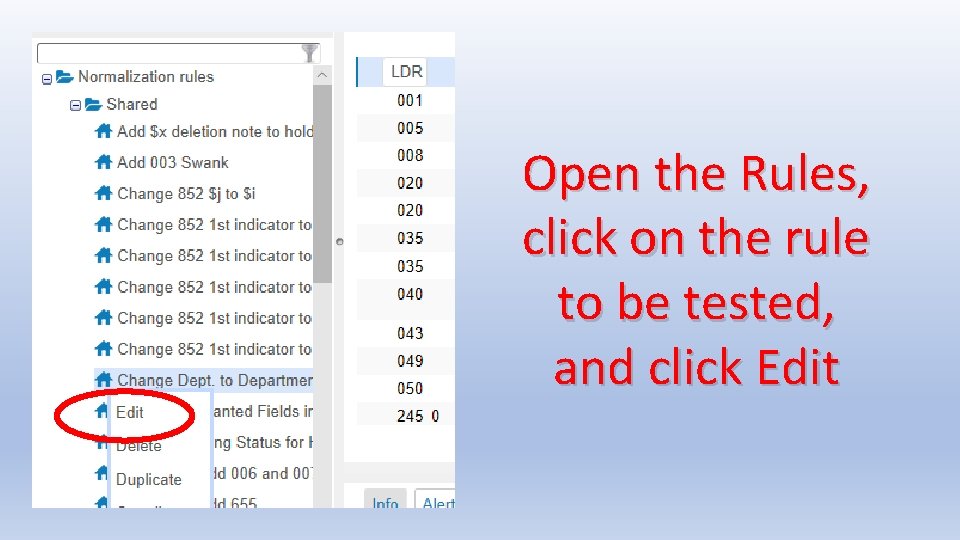
Open the Rules, click on the rule to be tested, and click Edit
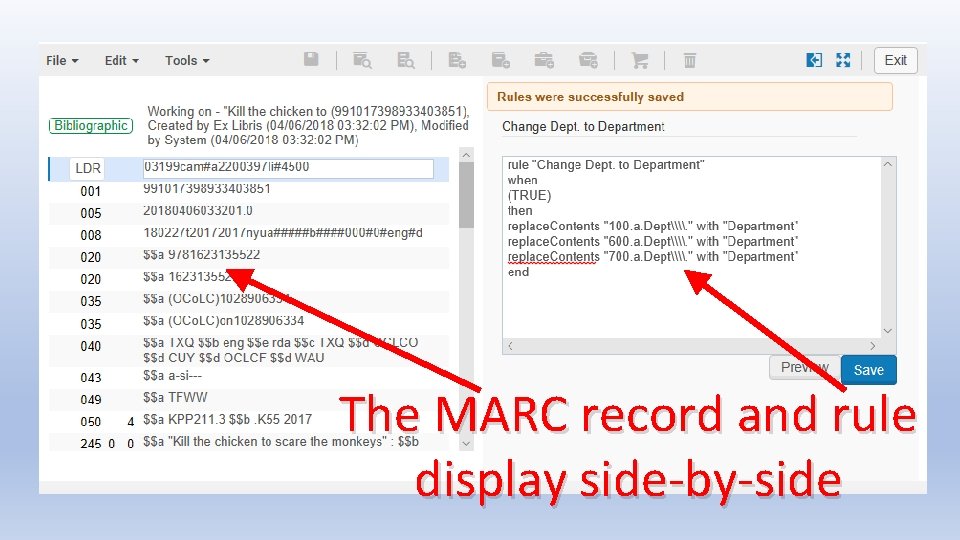
The MARC record and rule display side-by-side
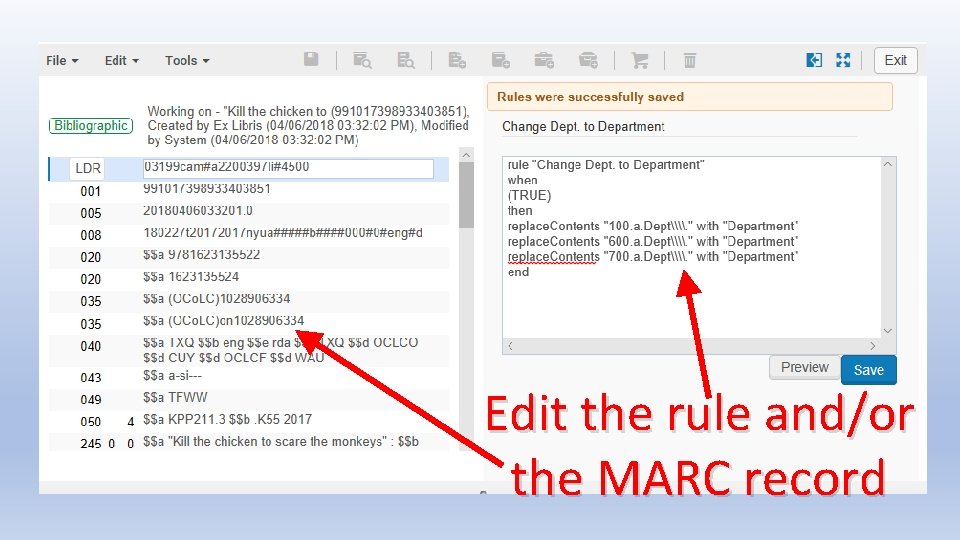
Edit the rule and/or the MARC record
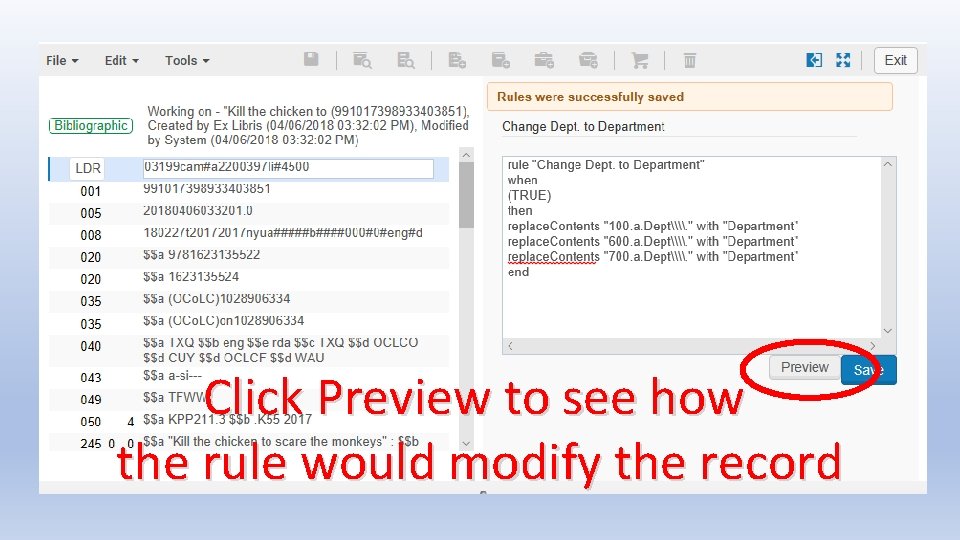
Click Preview to see how the rule would modify the record
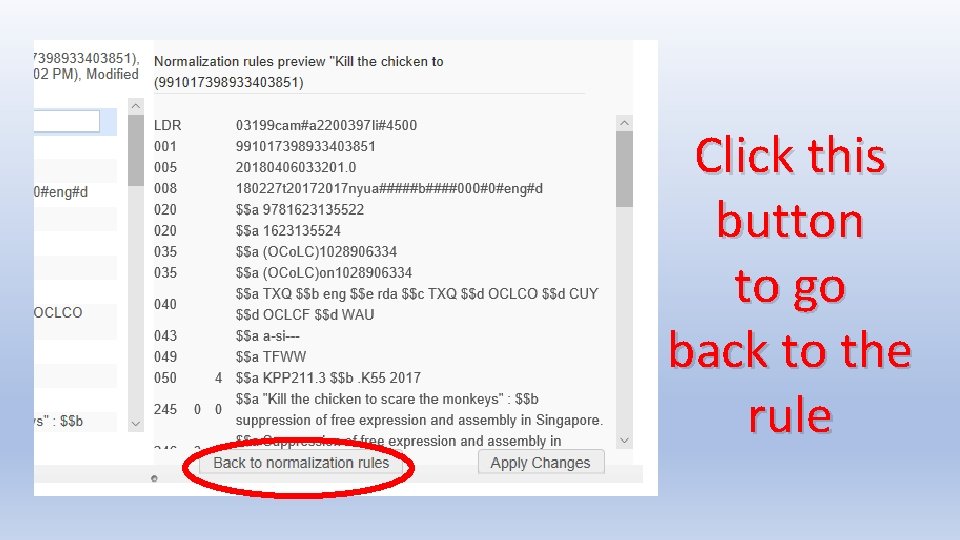
Click this button to go back to the rule
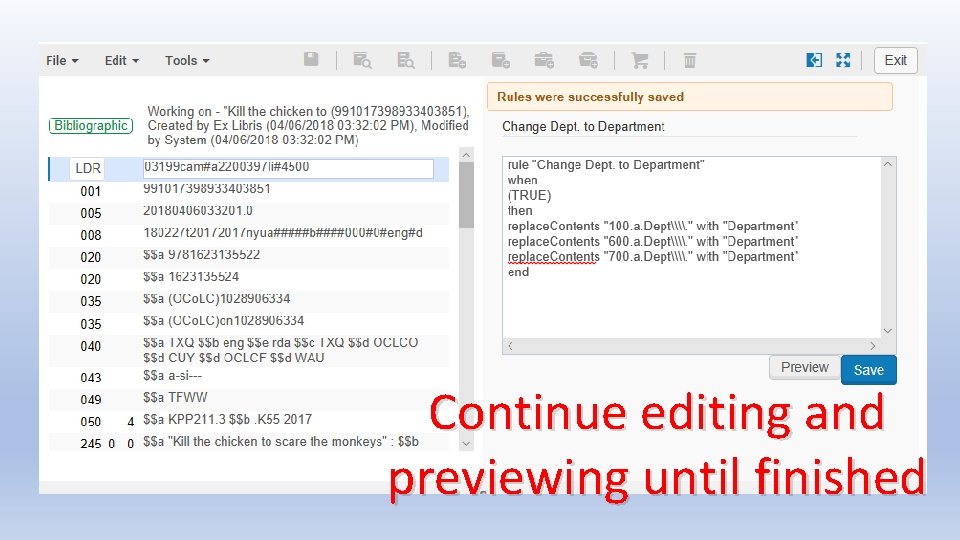
Continue editing and previewing until finished
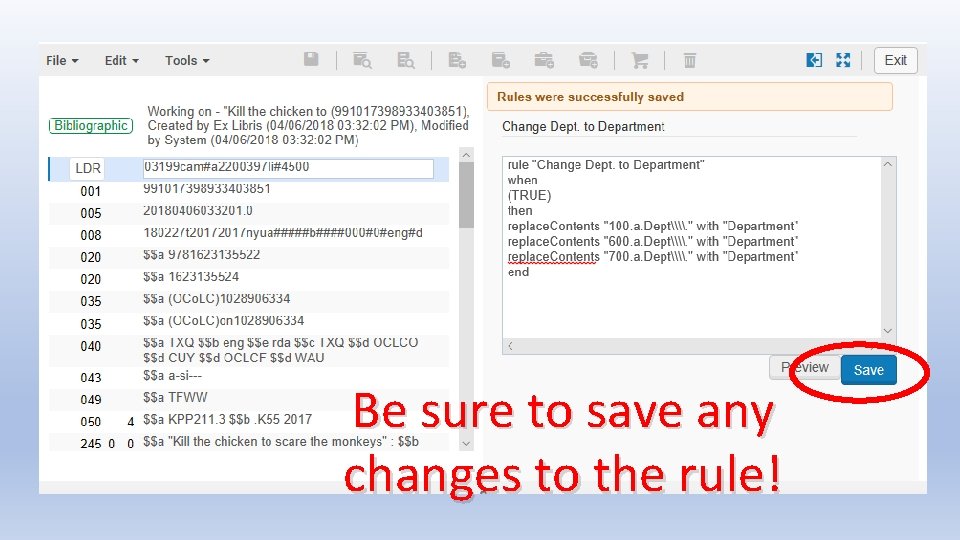
Be sure to save any changes to the rule!
TIP: Edit the MARC Record for Testing • It is unlikely that a single MARC record will contain all possible conditions that the rule is intended to handle • You can edit the MARC record several times, testing the rule in different ways each time • Try to test as many variations as you expect to see in the records which the rule will be applied to • Test both the TRUE and FALSE conditions of the rule • Be very careful not to accidentally save the MARC record with changes you don’t intend
TIP: Test in the Sandbox • If you have a sandbox, the sandbox provides a safe place to test normalization rules • Create or find records specifically designed to test all the conditions used in your rules file • After testing , copy-and-paste the rule into your production instance of Alma
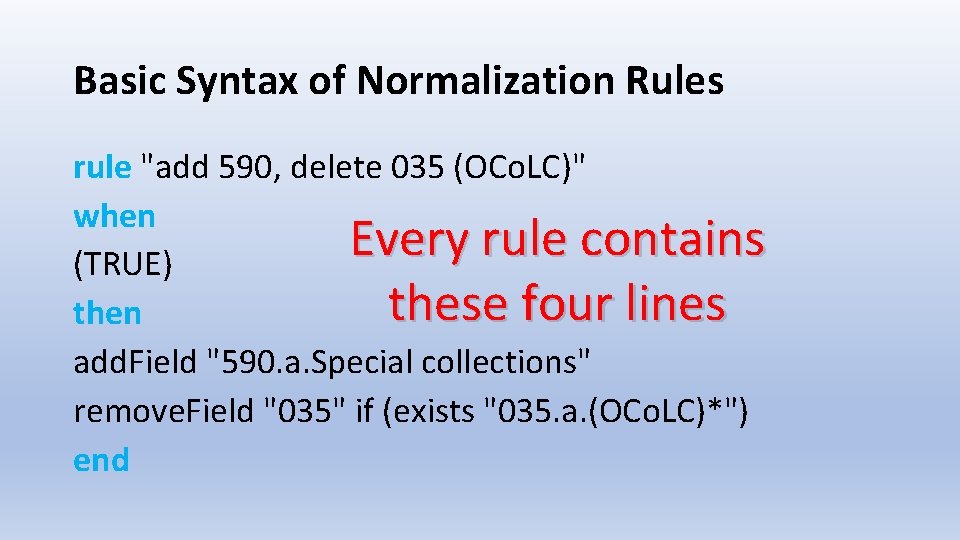
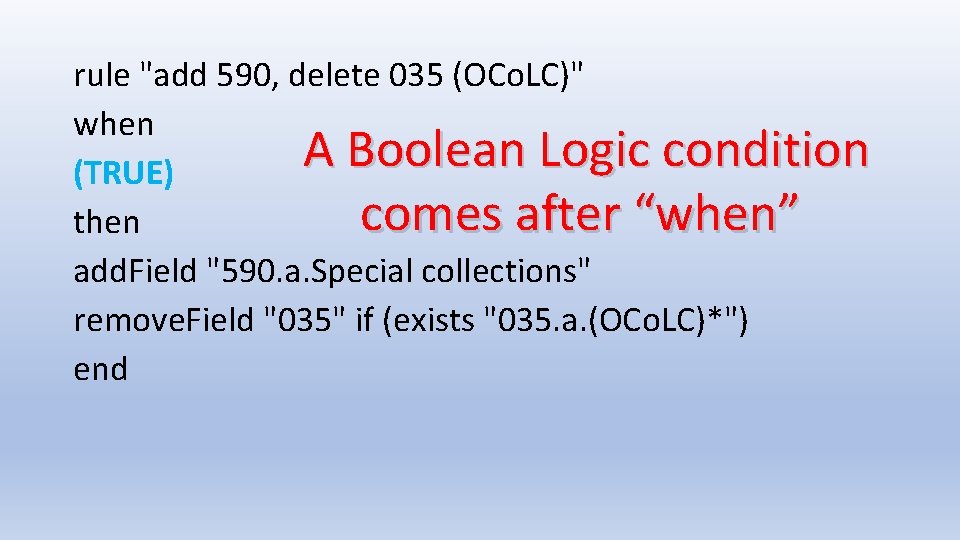
Basic Syntax of Normalization Rules rule "add 590, delete 035 (OCo. LC)" when Every rule contains (TRUE) these four lines then add. Field "590. a. Special collections" remove. Field "035" if (exists "035. a. (OCo. LC)*") end
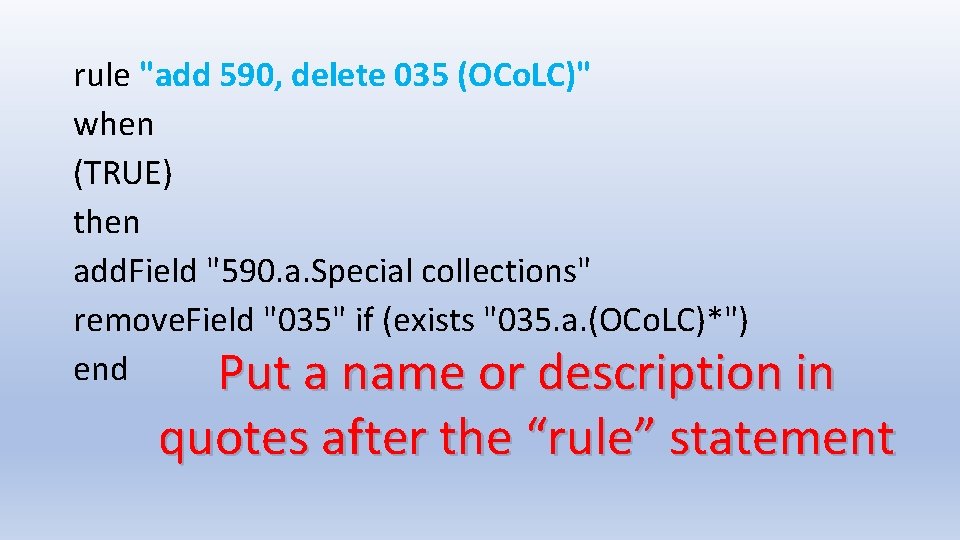
rule "add 590, delete 035 (OCo. LC)" when (TRUE) then add. Field "590. a. Special collections" remove. Field "035" if (exists "035. a. (OCo. LC)*") end Put a name or description in quotes after the “rule” statement
rule "add 590, delete 035 (OCo. LC)" when A Boolean Logic condition (TRUE) comes after “when” then add. Field "590. a. Special collections" remove. Field "035" if (exists "035. a. (OCo. LC)*") end
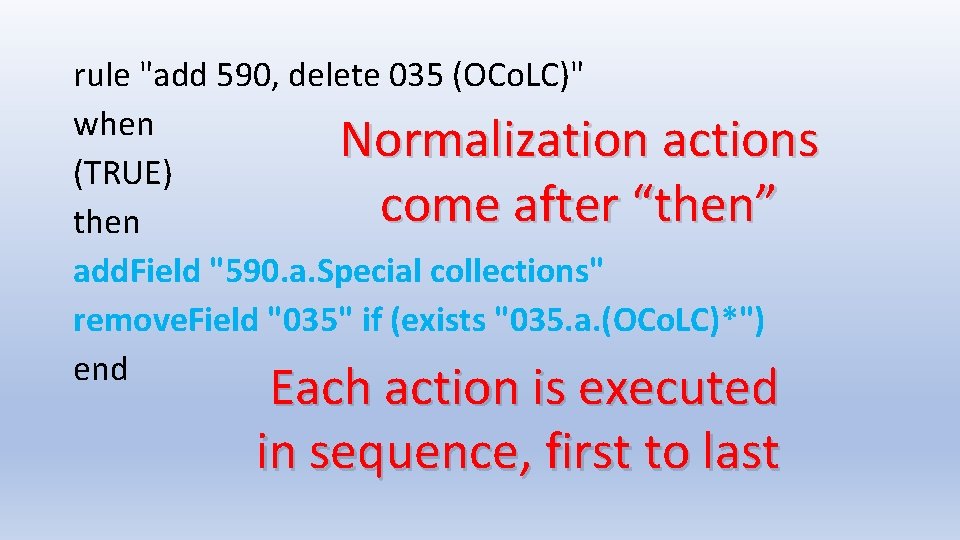
rule "add 590, delete 035 (OCo. LC)" when Normalization actions (TRUE) come after “then” then add. Field "590. a. Special collections" remove. Field "035" if (exists "035. a. (OCo. LC)*") end Each action is executed in sequence, first to last
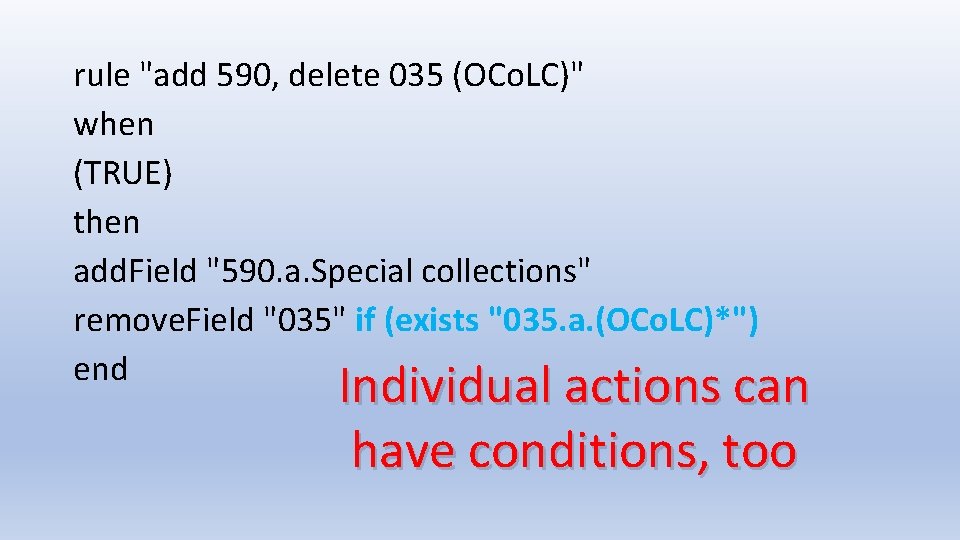
rule "add 590, delete 035 (OCo. LC)" when (TRUE) then add. Field "590. a. Special collections" remove. Field "035" if (exists "035. a. (OCo. LC)*") end Individual actions can have conditions, too
Writing Normalization Rules • Follow examples and documentation carefully • Main documentation is in Alma Online Help > Resource Management > Working with Normalization Rules • The documentation gives details about the syntax, conditions, and actions used in normalization rules • Follow the documented format of the actions exactly; e. g. if the documentation does not say you can add indicators in an action, then assume you cannot
TIP: Add White Space • Alma ignores all extra white space in normalization rules • Adding white space makes it easier to read and understand • Add blank lines between logical sections • Add initial spaces to indent lines • You cannot insert tabs in the Metadata Editor, but you can cut-and-paste tabs from a text editor • Add as much whitespace as you want, make it look good
TIP: Add Comments • A line that starts with # is ignored in normalization rules • This is called a comment by programmers • Comments can be used to document the purpose of the rule, explain why it is written a particular way, and to label different sections of the rule • Comments make code easier to understand—remember that someone else may need to edit the rules someday! • I encourage liberal use of comments
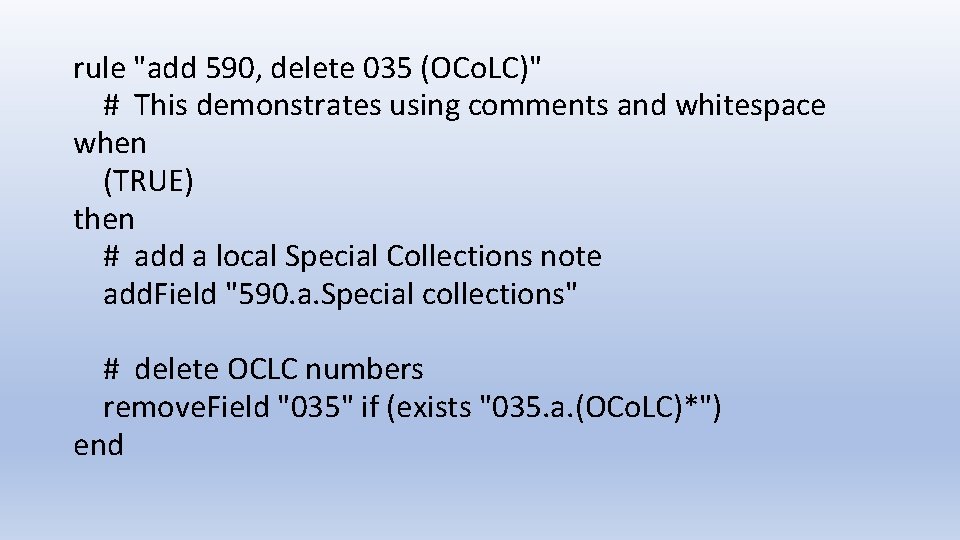
rule "add 590, delete 035 (OCo. LC)" # This demonstrates using comments and whitespace when (TRUE) then # add a local Special Collections note add. Field "590. a. Special collections" # delete OCLC numbers remove. Field "035" if (exists "035. a. (OCo. LC)*") end
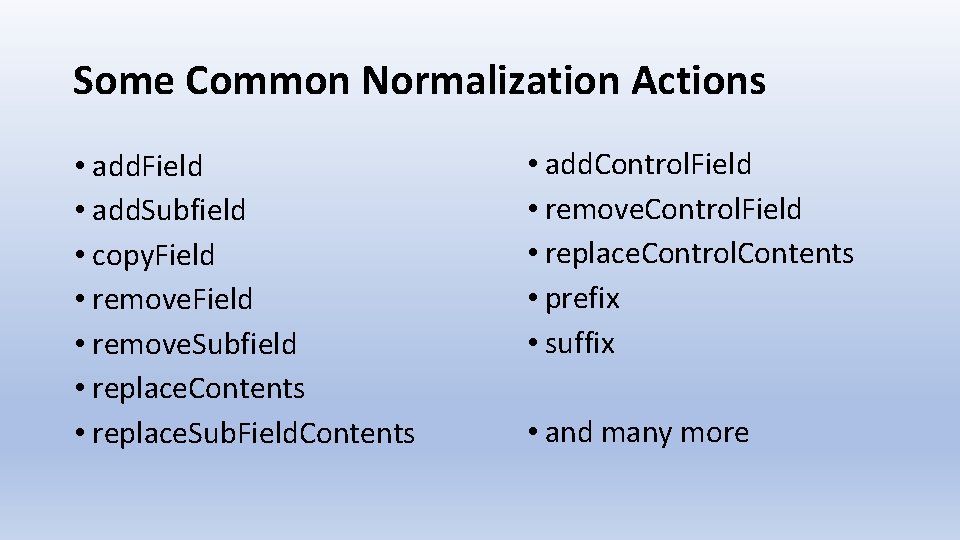
Some Common Normalization Actions • add. Field • add. Subfield • copy. Field • remove. Subfield • replace. Contents • replace. Sub. Field. Contents • add. Control. Field • remove. Control. Field • replace. Control. Contents • prefix • suffix • and many more
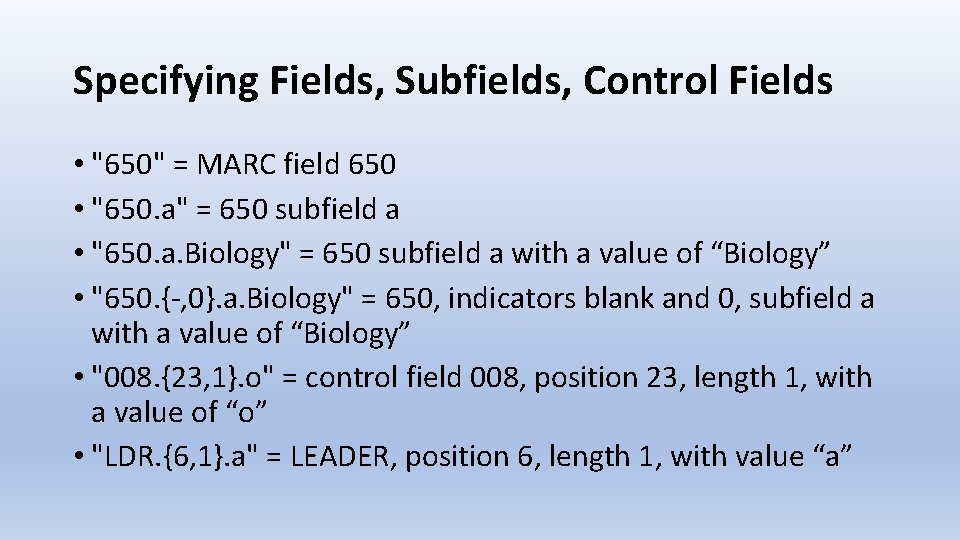
Specifying Fields, Subfields, Control Fields • "650" = MARC field 650 • "650. a" = 650 subfield a • "650. a. Biology" = 650 subfield a with a value of “Biology” • "650. {-, 0}. a. Biology" = 650, indicators blank and 0, subfield a with a value of “Biology” • "008. {23, 1}. o" = control field 008, position 23, length 1, with a value of “o” • "LDR. {6, 1}. a" = LEADER, position 6, length 1, with value “a”
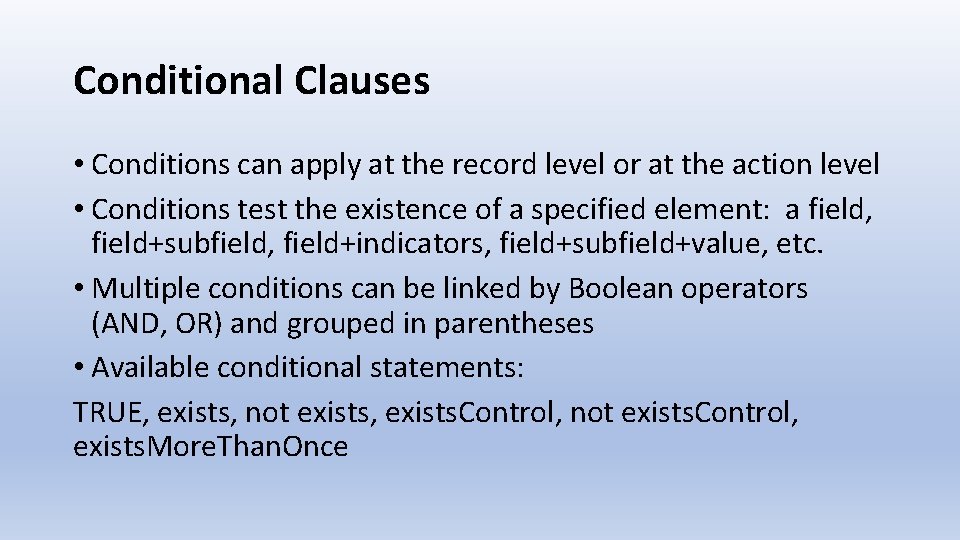
Conditional Clauses • Conditions can apply at the record level or at the action level • Conditions test the existence of a specified element: a field, field+subfield, field+indicators, field+subfield+value, etc. • Multiple conditions can be linked by Boolean operators (AND, OR) and grouped in parentheses • Available conditional statements: TRUE, exists, not exists, exists. Control, not exists. Control, exists. More. Than. Once
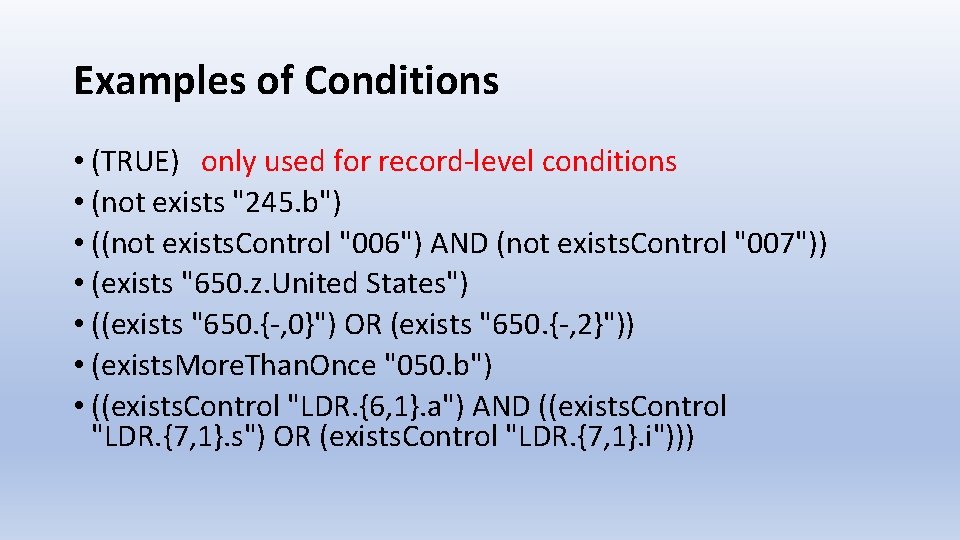
Examples of Conditions • (TRUE) only used for record-level conditions • (not exists "245. b") • ((not exists. Control "006") AND (not exists. Control "007")) • (exists "650. z. United States") • ((exists "650. {-, 0}") OR (exists "650. {-, 2}")) • (exists. More. Than. Once "050. b") • ((exists. Control "LDR. {6, 1}. a") AND ((exists. Control "LDR. {7, 1}. s") OR (exists. Control "LDR. {7, 1}. i")))
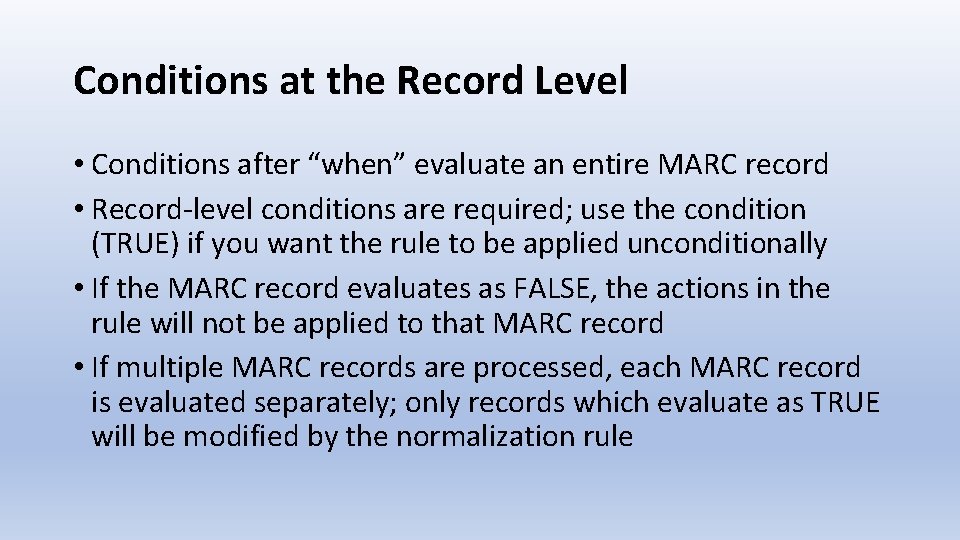
Conditions at the Record Level • Conditions after “when” evaluate an entire MARC record • Record-level conditions are required; use the condition (TRUE) if you want the rule to be applied unconditionally • If the MARC record evaluates as FALSE, the actions in the rule will not be applied to that MARC record • If multiple MARC records are processed, each MARC record is evaluated separately; only records which evaluate as TRUE will be modified by the normalization rule
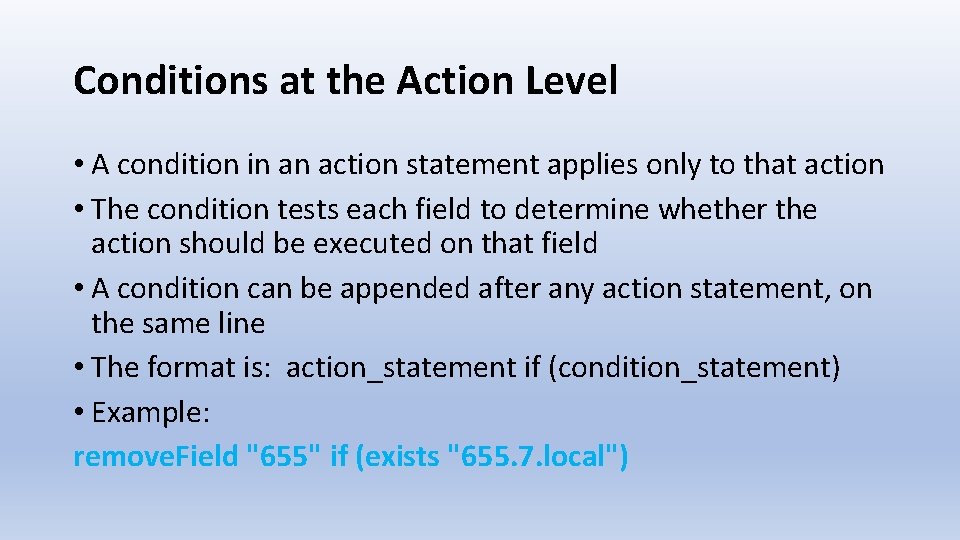
Conditions at the Action Level • A condition in an action statement applies only to that action • The condition tests each field to determine whether the action should be executed on that field • A condition can be appended after any action statement, on the same line • The format is: action_statement if (condition_statement) • Example: remove. Field "655" if (exists "655. 7. local")
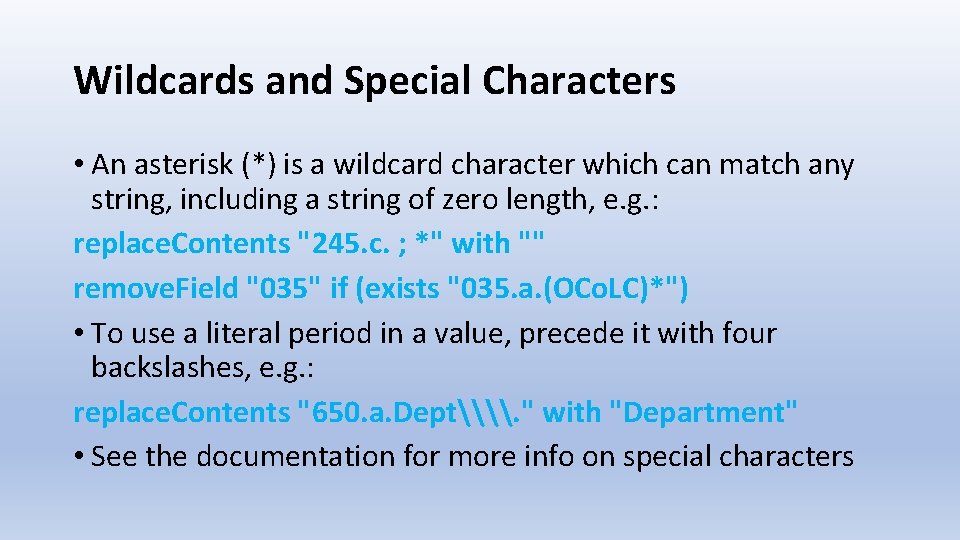
Wildcards and Special Characters • An asterisk (*) is a wildcard character which can match any string, including a string of zero length, e. g. : replace. Contents "245. c. ; *" with "" remove. Field "035" if (exists "035. a. (OCo. LC)*") • To use a literal period in a value, precede it with four backslashes, e. g. : replace. Contents "650. a. Dept\\. " with "Department" • See the documentation for more info on special characters
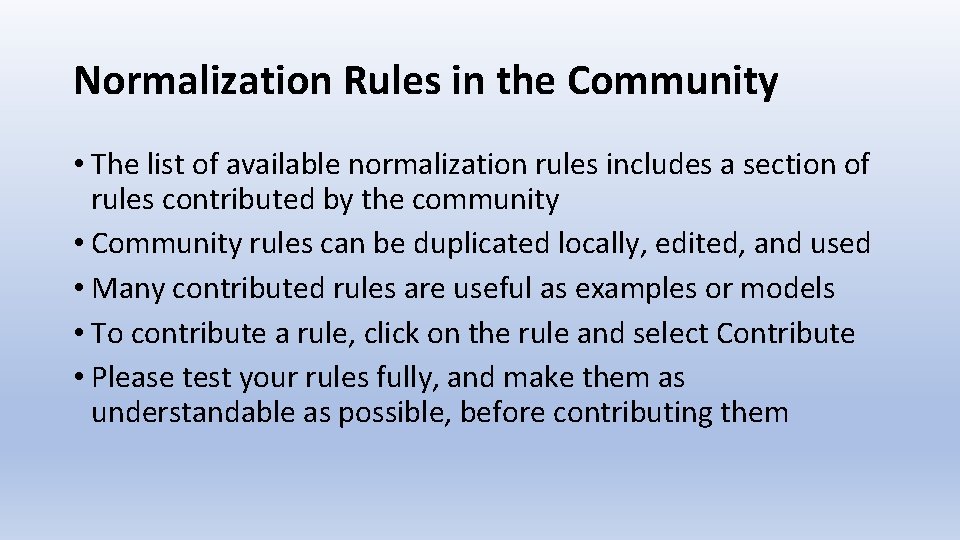
Normalization Rules in the Community • The list of available normalization rules includes a section of rules contributed by the community • Community rules can be duplicated locally, edited, and used • Many contributed rules are useful as examples or models • To contribute a rule, click on the rule and select Contribute • Please test your rules fully, and make them as understandable as possible, before contributing them
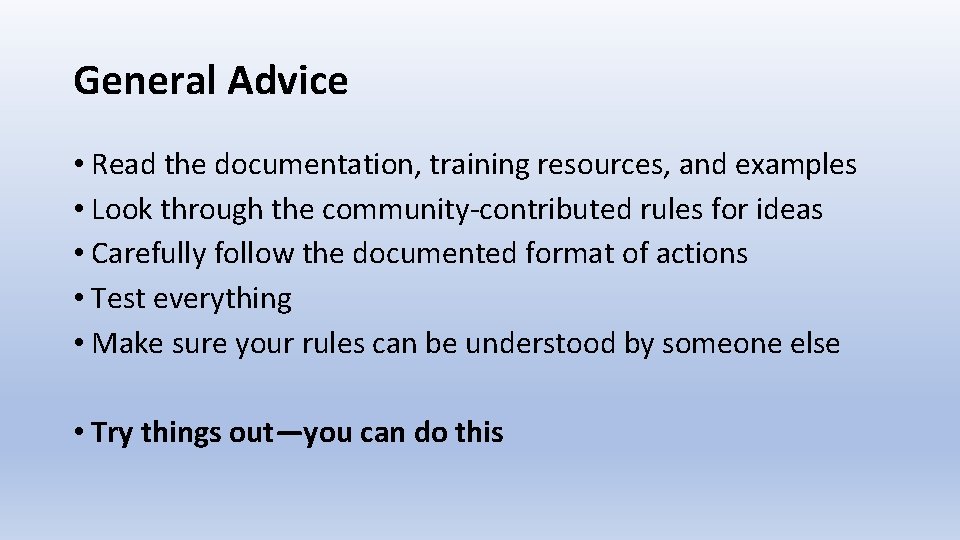
General Advice • Read the documentation, training resources, and examples • Look through the community-contributed rules for ideas • Carefully follow the documented format of actions • Test everything • Make sure your rules can be understood by someone else • Try things out—you can do this
Alma Knowledge Base Resources • Product Documentation > Alma Online Help > Resource Management > Working with Normalization rules • Product Documentation > Alma Online Help > Resource Management > Configuring Processes • Training > Extended Training > Normalization Rules in Alma • Training > Extended Training > Presentations and Documents – Rules
Thank you! You may contact me at: steve. mcdonald@tufts. edu